
Good lettering can give a plain headline a clear visual direction. A chrome finish suggests a retro poster, a pixel outline suits a game announcement, and a restrained glossy treatment can lift a simple graphic.
These free text effect generators and downloadable styles offer different routes to that result. Some produce a finished image in your browser, while others give you editable Photoshop files for more deliberate control over the final composition.
The important distinction is between a rendered image and an editable effect. Online text effects are convenient when you need a quick title for a thumbnail or invitation.
Free PSD text effects are more useful when the wording, layout, or background will change during a project. An ASL file serves another purpose: it stores layer-style settings that you can apply to your own text instead of starting with a complete template.
The selection below stays focused on lettering rather than general photo editing. It includes browser tools for pixel, neon, metallic, and decorative text, alongside downloadable Photoshop text styles for retro, glossy, seasonal, and metal finishes.
Free access does not always mean unrestricted commercial use, so each entry flags relevant conditions. Before committing to a client deliverable, check the source terms, the font license, and whether the free output has enough resolution for your intended size.
Quick picks at a glance
| # | Resource | License | Best for |
|---|---|---|---|
| 1 | Cool Text | Free generator; check selected font rights | Quick decorative headlines across many visual styles |
| 2 | Textcraft | Free generated images, including commercial use; Pro optional | Pixel lettering and transparent game-inspired title graphics |
| 3 | TextStudio | Free downloads require attribution; premium rights and formats vary | Comparing metallic and decorative lettering in browser |
| 4 | FlamingText | Free personal and academic use; commercial license required | Personal projects needing transparent decorative text graphics |
| 5 | Font Meme | Free generator; font-specific usage restrictions apply | Exploring type-led effects and themed lettering categories |
| 6 | Graphicsfuel | Free download; confirm terms before commercial use | Applying reusable party lettering styles in Photoshop |
| 7 | PSDDude | Free personal and commercial use with attribution; registration required | Editable Halloween lettering for seasonal graphics and invitations |
| 8 | PSDgraphics | Free for personal use | Personal lettering projects with bright glossy color finishes |
| 9 | Graphic Burger | Free personal and commercial use; no attribution; no standalone redistribution | Chrome retro titles with editable smart-object content |
| 10 | Free PSD Files | Free personal and commercial use; no resale or sublicensing | Reusable metallic finishes for existing Photoshop text layers |
Cool Text
Web app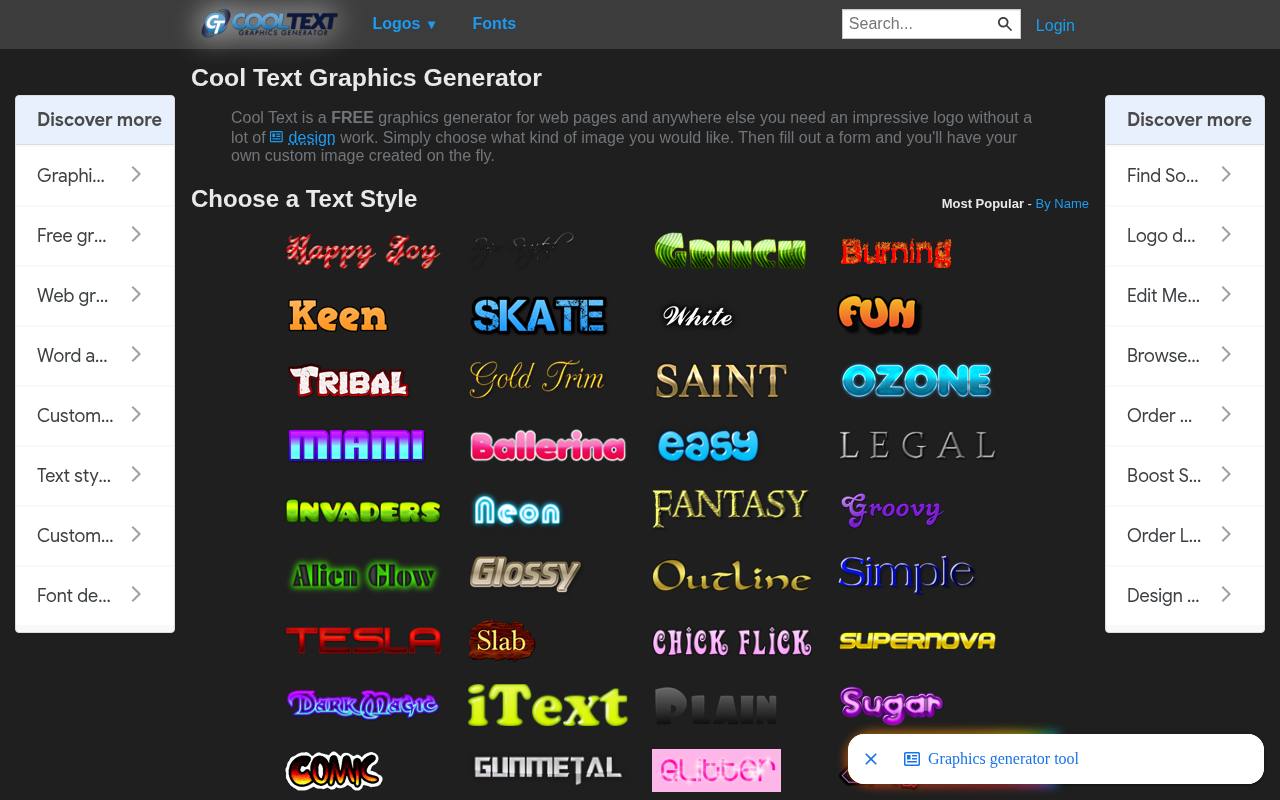
Cool Text starts with a visual style rather than a blank canvas. Its categories include chrome, gold, neon, outline, distressed, and animated treatments, making it easy to narrow a search by finish. Choose a sample and complete its form to generate your own wording.
This free graphics generator is useful for exploring several directions before building a layout around one. Treat the output as a finished graphic, not an editable Photoshop effect, and check the rights for any chosen font before using it in commercial branding. Style categories are its main browsing advantage.
- Type
- Web app
- Best for
- Quick decorative headlines across many visual styles
- License
- Free generator; check selected font rights
- Price
- 100% free
Textcraft
Web app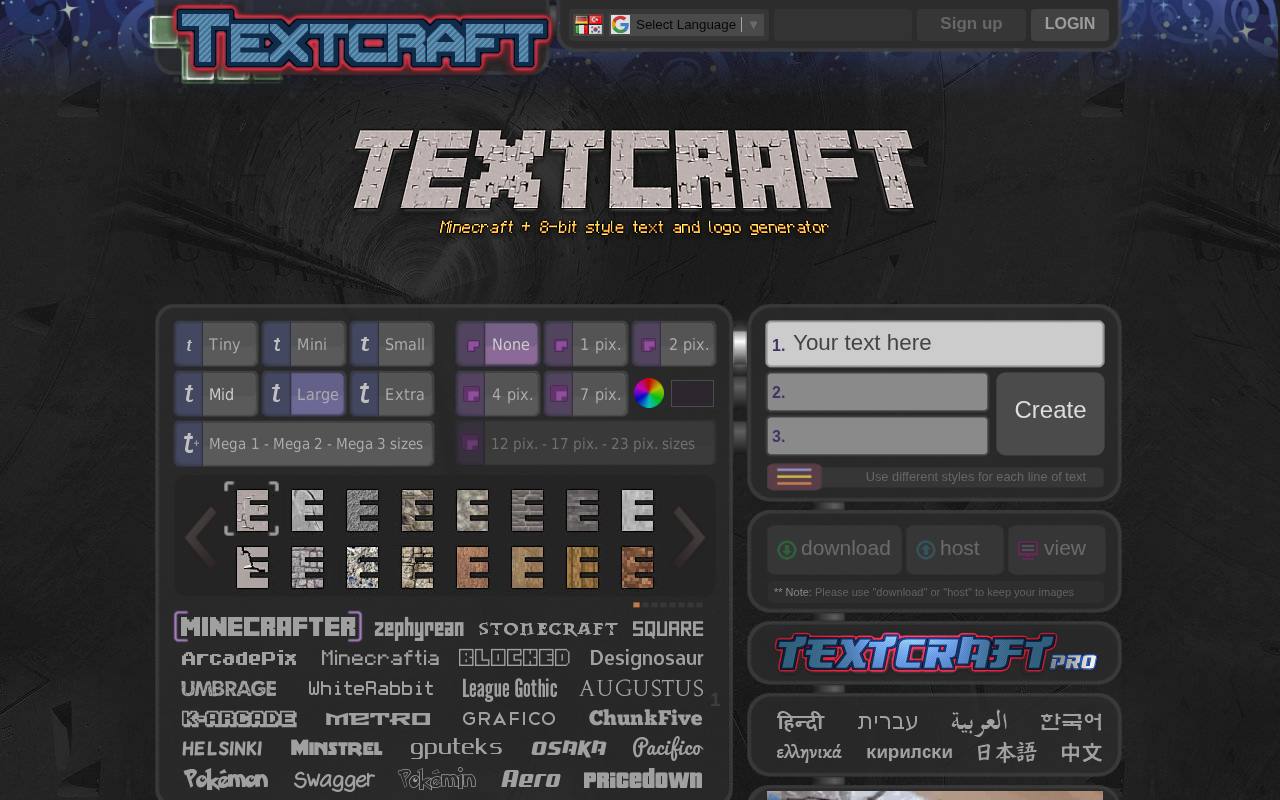
Textcraft concentrates on Minecraft-inspired and 8-bit text styles, with controls for borders, drop shadows, glow, and a perspective-style treatment. You can create up to three lines and give each a different appearance, which helps when a title needs a smaller subtitle.
Its transparent PNG output makes the result convenient to place over artwork. The standard edition is free, while Pro adds features such as extra-large font sizes. The FAQ permits commercial use of generated text, but that permission does not remove separate responsibilities around recognizable game names or branding.
- Type
- Web app
- Best for
- Pixel lettering and transparent game-inspired title graphics
- License
- Free generated images, including commercial use; Pro optional
- Price
- Free + Pro
TextStudio
Web app
TextStudio previews your wording in numerous finishes, including gold, neon, fire, and graffiti. Opening a result lets you adjust details such as fonts, colors, and shadows rather than accepting the first rendering. Its free text generator is particularly convenient for comparing several treatments of the same short phrase.
Free downloads require a link back to TextStudio; premium options cover additional formats, higher quality, and other features. Do not assume the advertised PSD export options belong to the free tier. Merchandise and print-on-demand uses have additional premium requirements described in its FAQ.
- Type
- Web app
- Best for
- Comparing metallic and decorative lettering in browser
- License
- Free downloads require attribution; premium rights and formats vary
- Price
- Free + Premium
FlamingText
Web app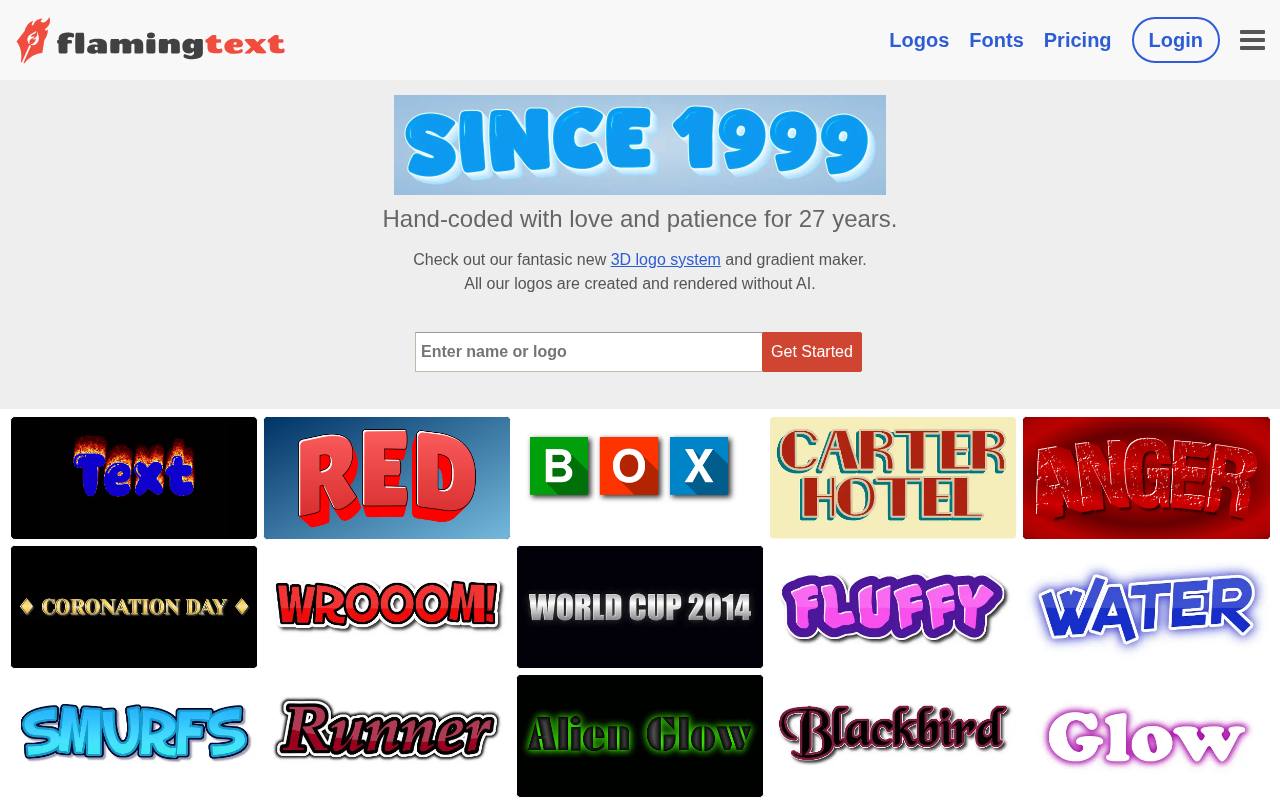
FlamingText turns a word or name into a styled graphic through a template-led browser workflow. Pick an appearance, replace the sample wording, and download the resulting image. The service explicitly supports transparent PNG text, which is helpful when the lettering needs to sit over a photograph or colored background.
Its free route is suitable for personal and academic projects, not unrestricted client work: the usage terms require a commercial license for commercial use. Choose it when the visual result matters more than receiving editable layers, and confirm the applicable license before publishing a business asset.
- Type
- Web app
- Best for
- Personal projects needing transparent decorative text graphics
- License
- Free personal and academic use; commercial license required
- Price
- Free + paid license
Font Meme
Web app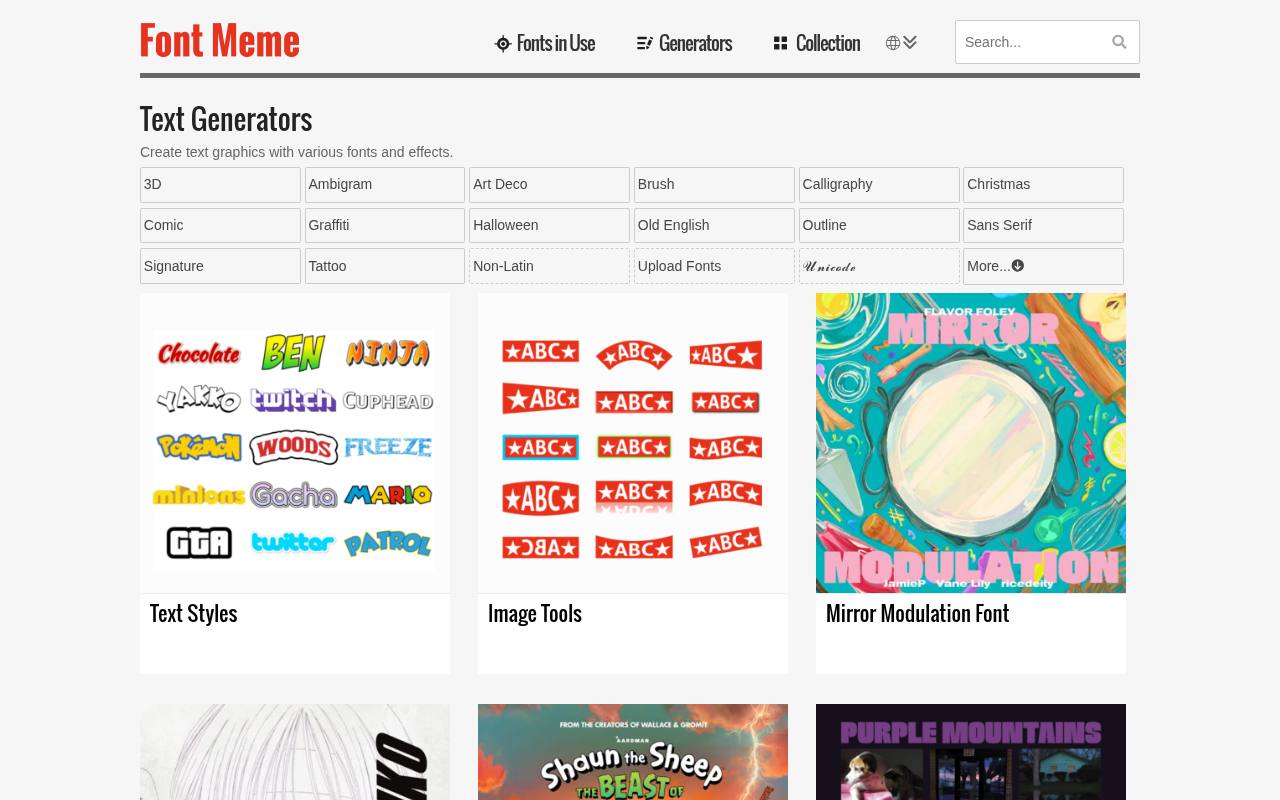
Font Meme organizes its text generators around lettering styles such as chalk, graffiti, outline, pixel, retro, and calligraphy. That makes it a useful starting point when the character of the typeface matters as much as the surface effect. Browse a category and use the available generator to create a text graphic.
The key caution is font-specific licensing: the site explains that fonts may be personal-use-only, demos, donationware, or commercially usable. A free text graphic should therefore not be treated as proof that the underlying font is cleared for every purpose.
- Type
- Web app
- Best for
- Exploring type-led effects and themed lettering categories
- License
- Free generator; font-specific usage restrictions apply
- Price
- Free
Graphicsfuel
PSD + ASL
Graphicsfuel’s party text-style download supplies both a Photoshop document and an ASL style file, giving you a sample composition and reusable effect settings. The resource is presented for party, game, movie, flyer, and poster lettering. Its instructions explain how to copy a layer style from the supplied text and paste it onto your own text layer.
They also recommend the Scale Effects command when resizing the treatment. This is a practical option for learning how a finish is assembled, but check the current download terms before assuming the free file includes commercial rights.
- Type
- PSD + ASL
- Best for
- Applying reusable party lettering styles in Photoshop
- License
- Free download; confirm terms before commercial use
- Price
- Free download
PSDDude
PSD text effects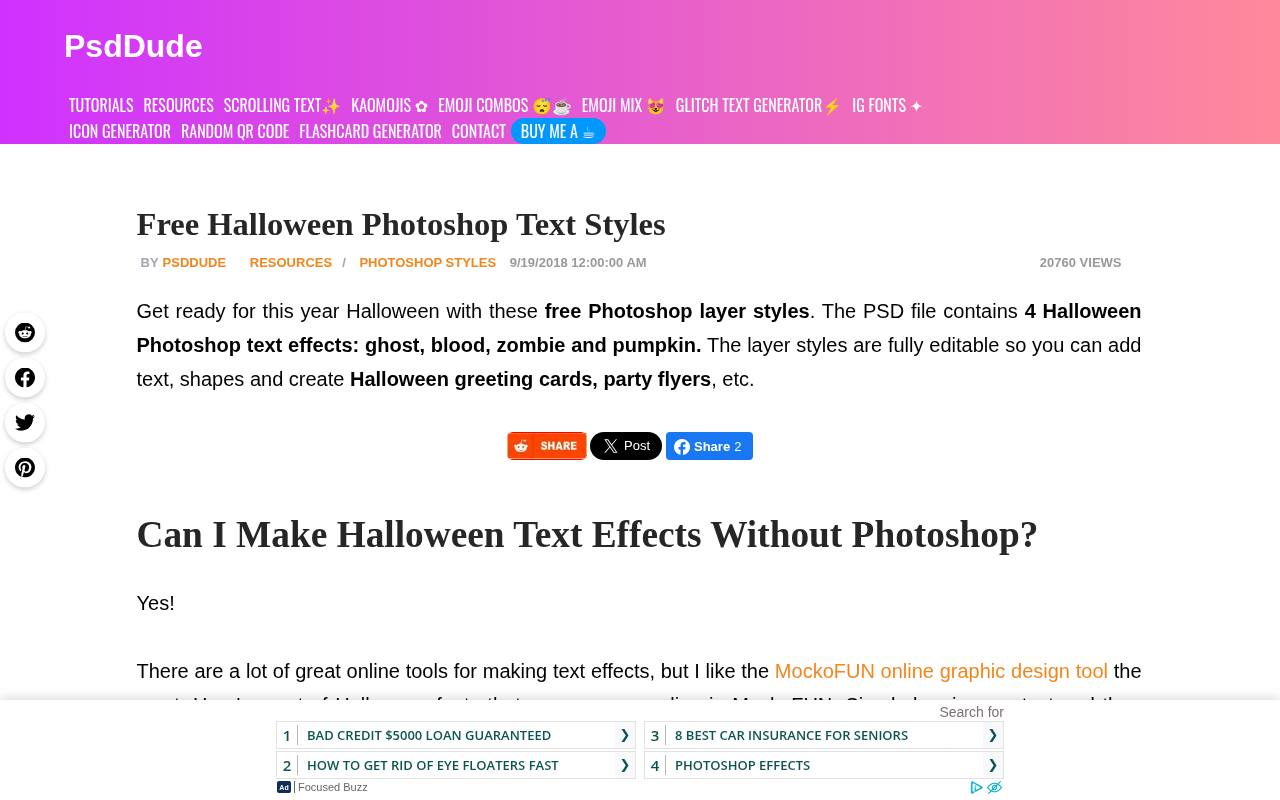
PSDDude offers four Halloween treatments in this download: ghost, blood, zombie, and pumpkin. The page describes editable colors, scalable layer styles, and support for changing the typeface. To replace the content, open the smart object thumbnail, add your text or artwork, then save and close it to update the effect.
This free Halloween PSD requires community registration to download. Its stated license allows personal and commercial projects with attribution and prohibits redistributing the file on other websites. It is a focused seasonal resource rather than a broad library of unrelated effects.
- Type
- PSD text effects
- Best for
- Editable Halloween lettering for seasonal graphics and invitations
- License
- Free personal and commercial use with attribution; registration required
- Price
- Free
PSDgraphics
PSD layer styles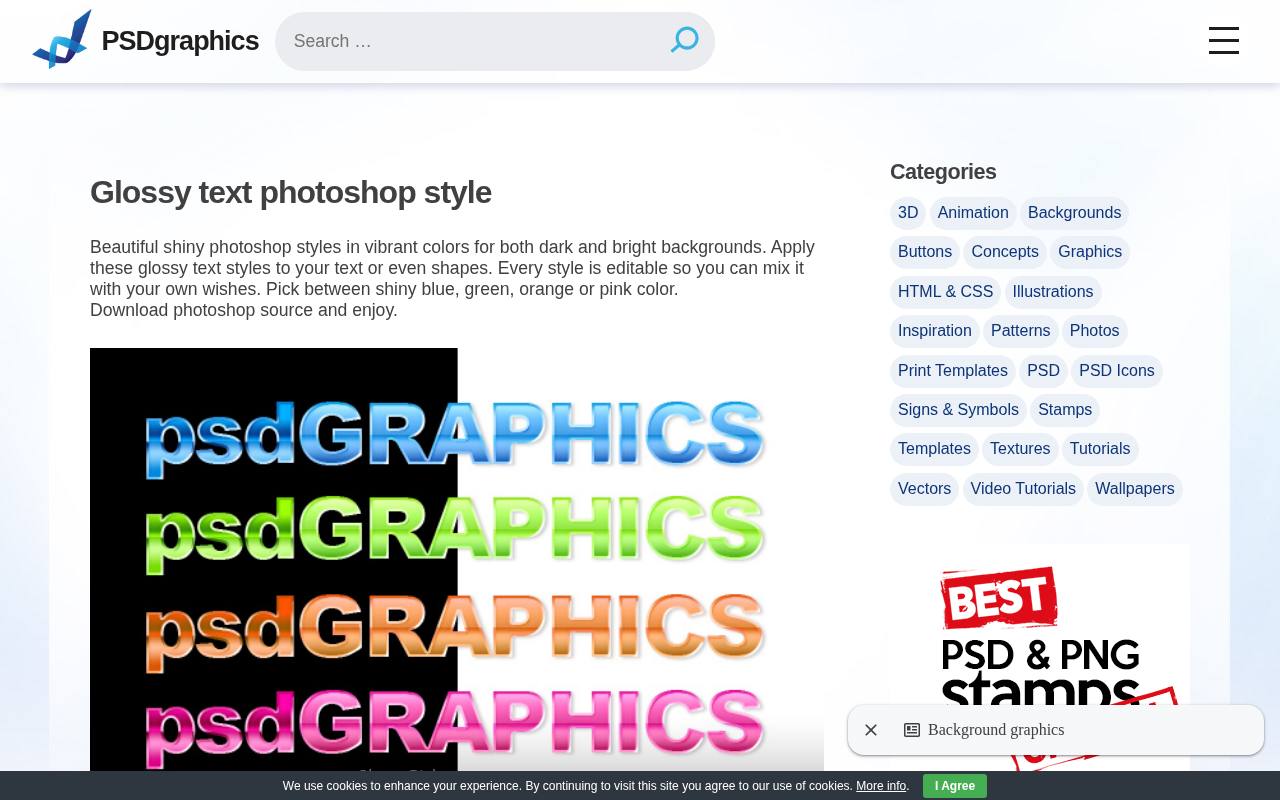
PSDgraphics provides a compact Photoshop source file with glossy treatments in blue, green, orange, and pink. The page says the styles can be applied to text or shapes and edited to suit your design. Its glossy text styles offer a straightforward way to study shiny highlights and colored surfaces without navigating a large template collection.
The listed document measures 575 by 377 pixels, so inspect the appearance carefully before adapting it to a larger composition. This particular resource is labeled free for personal use, making it a better fit for practice and personal graphics than uncleared commercial work.
- Type
- PSD layer styles
- Best for
- Personal lettering projects with bright glossy color finishes
- License
- Free for personal use
- Price
- Free
Graphic Burger
Layered PSD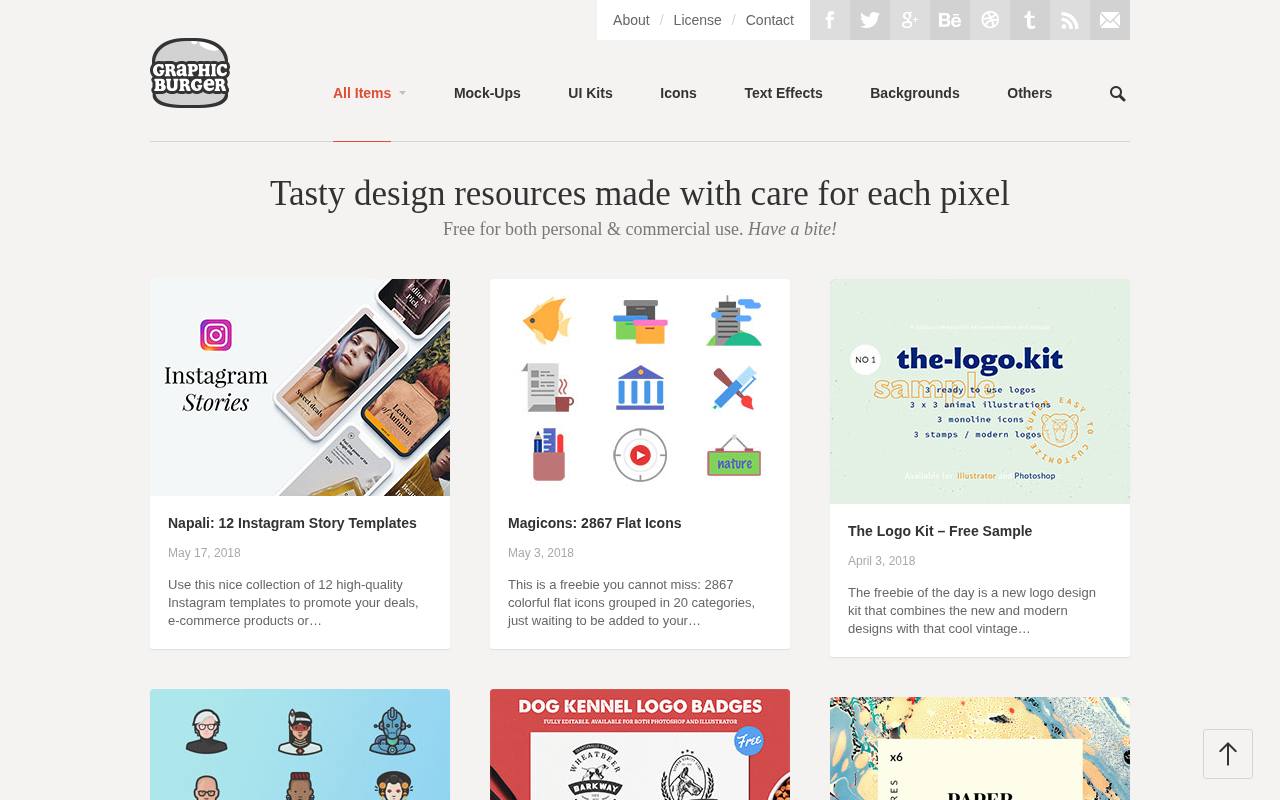
Graphic Burger’s retro typography effect creates an eighties-inspired chrome finish for text or vector shapes. The download is a layered PSD template with smart objects, and the page lists Photoshop CS3 as its minimum version. Edit the smart layer to replace the sample design while retaining the surrounding treatment.
Its commercial-use license permits personal and client projects without attribution, but does not permit reselling or redistributing the source file on its own. This makes it an approachable choice for a finished retro title when you want more editable structure than a browser-rendered image provides.
- Type
- Layered PSD
- Best for
- Chrome retro titles with editable smart-object content
- License
- Free personal and commercial use; no attribution; no standalone redistribution
- Price
- 100% free
Free PSD Files
ASL layer styles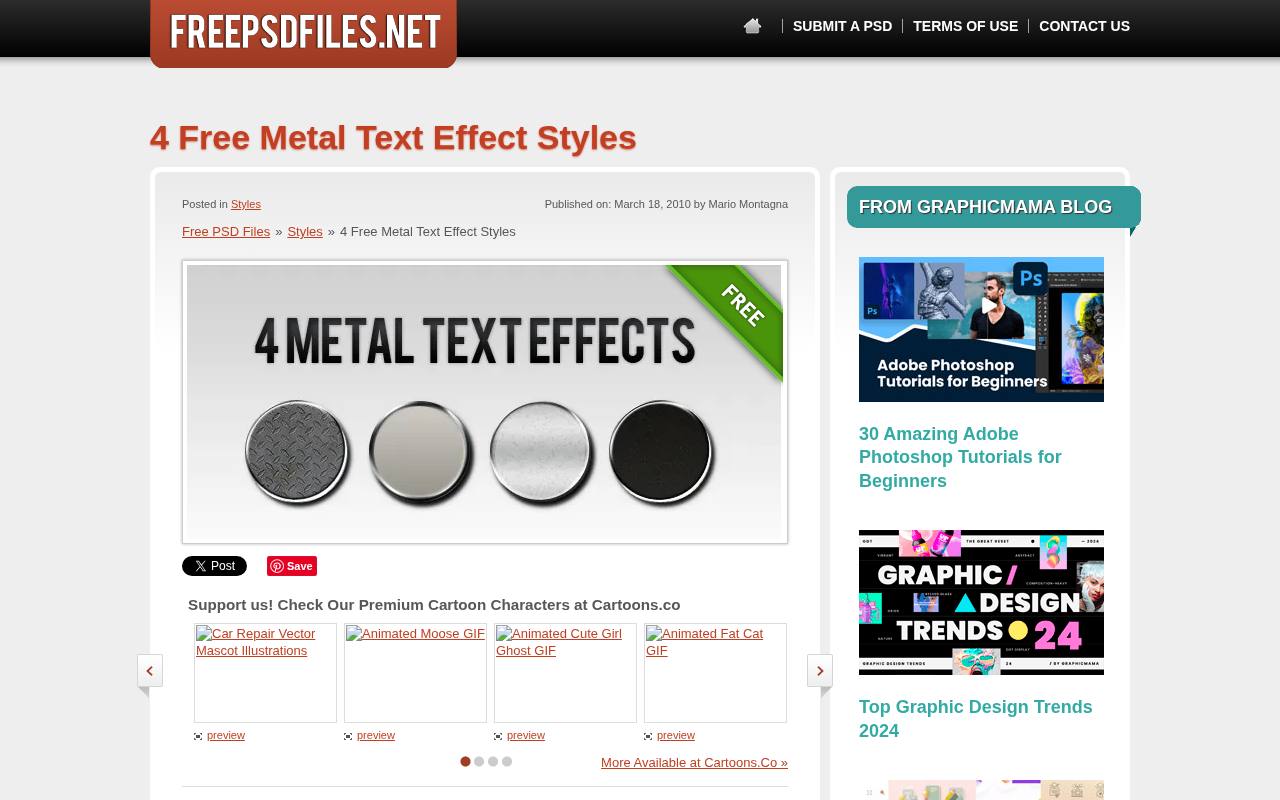
Free PSD Files supplies four metal text-effect styles as an ASL download, rather than a complete scene that you must rebuild around your wording. Load the styles into Photoshop and try them on an existing text layer to compare the metallic finishes.
The listed file size is 303 KB, making this a small addition to a working styles collection. The site’s terms allow personal and commercial projects and permit modifications, while prohibiting resale and sublicensing of the files. Keep your own editable composition separately, because the style library stores effect settings rather than your finished layout.
- Type
- ASL layer styles
- Best for
- Reusable metallic finishes for existing Photoshop text layers
- License
- Free personal and commercial use; no resale or sublicensing
- Price
- 100% free
Choose a generator or an editable download
Start with the deliverable. For a one-off social graphic, browser text generators can save time because you only need to enter wording and export a result.
For a campaign with changing headlines, an editable PSD usually offers a more flexible starting point. Choose an ASL library when you already have a composition and only want to add a surface treatment to existing text.
Understand PSD, ASL, and PNG files
A PSD text effect is a document that may contain smart objects, masks, background artwork, and several interacting layers. An ASL contains Photoshop layer-style presets, not an entire poster.
A PNG is a rendered image, potentially with transparency, but it does not preserve editable lettering. Keep the original editable file whenever revisions are likely, and export a separate delivery copy rather than flattening your only working document.
Check free licenses before publishing
Separate free download access from permission to use the result commercially. PSDDude requests attribution for its Halloween styles, PSDgraphics labels the selected glossy file for personal use, and FlamingText requires a commercial license for business use.
TextStudio also attaches conditions to free output. Save the relevant license text with your project so collaborators understand which permissions apply to that specific asset, rather than relying on a general assumption about the website.
Replace smart-object content carefully
For a smart-object text effect, duplicate the downloaded document before editing it. Open the content layer, replace the sample wording, and save that inner document so the main composition updates.
Avoid flattening or deleting supporting layers until you understand their role. If a replacement font changes the width dramatically, adjust size and spacing inside the smart object before stretching the finished effect, which can distort highlights and letter proportions.
Scale the effect as well as the lettering
With Photoshop layer styles, enlarging the letters may leave the bevel, stroke, or shadow looking too small in proportion. Use the relevant effect-scaling controls and inspect the result at its intended display size.
Small text often needs thinner outlines and simpler highlights than a large poster title. A treatment that looks attractive in a preview can become muddy once reduced to a mobile thumbnail.
Make decorative text readable
Reserve decorative text effects for short headlines and keep supporting information in a simpler typeface. Test the lettering against the actual background, especially when using transparent exports with bright glows or dark shadows.
On a website, do not replace essential body copy with an image. Provide appropriate alternative text for meaningful lettering graphics and retain accessible text wherever people need to search, select, or translate the wording.
Can these resources replace a font license?
No. A text effect license and a font license address different material. A downloadable PSD may contain editable text that depends on a font installed on your computer, while a generator may offer fonts with separate restrictions.
Check the typeface terms before distributing editable client files or using distinctive lettering commercially. Also avoid assuming that a familiar film or game-inspired style grants permission to reproduce protected names, logos, or branding.
Prepare a clean final export
Inspect transparent text exports on both light and dark backgrounds to catch unwanted edges, clipped glows, or a leftover background rectangle. For print, confirm the pixel dimensions at the intended physical size instead of relying only on a resolution label.
Keep a clear margin around shadows and bevels, and name the source and export files distinctly. A short final check can prevent a good effect from becoming a poor-quality delivered graphic.