
Film-inspired editing is more than faded blacks and warm highlights. A convincing analog palette can involve restrained greens, distinctive blues, softer tonal transitions, or the dense contrast associated with a projected print.
These free film emulation presets offer different starting points for that work, from familiar photographic stocks to camera simulations and cinema-print interpretations. Choose a look for its behavior on your photographs rather than its nostalgic name alone.
This selection concentrates on film-stock color treatments, not general preset marketplaces or decorative photo effects. You will find native darktable styles, RawTherapee-compatible HaldCLUT images, and downloadable LUT packs.
Some sources reproduce the aesthetic of a film negative; others approximate Fujifilm camera rendering or the response of a cinema print. Those are different creative goals, so the best download depends as much on your editing workflow as on your preferred colors.
Free does not mean interchangeable. A darktable style adjusts application modules, while a LUT maps incoming colors to new values and expects a particular color pipeline. Neither automatically adds authentic grain, optical softness, or halation.
Start with a well-balanced photograph, read each source’s instructions, and keep an untouched reference. With that foundation, analog photo looks become repeatable creative choices instead of unpredictable filters that work on only one image.
Quick picks at a glance
| # | Resource | License | Best for |
|---|---|---|---|
| 1 | RawTherapee Film Simulation Collection | Free download; consult archive notices for reuse terms | Exploring photographic stocks in a free RAW editor |
| 2 | t3mujinpack | Free; MIT license | Applying recognizable negative, slide, and monochrome film palettes |
| 3 | G’MIC Color Presets | Free downloads; contributor-specific terms may apply | Comparing film families before downloading individual color looks |
| 4 | Stuart Sowerby | Free downloads; redistribution rights not specified on page | Approximating Fujifilm camera simulations outside proprietary RAW software |
| 5 | jssfr.de | Free; CC0 1.0 | Fine-tuning Fujifilm-inspired rendering through editable darktable modules |
| 6 | Juan Melara | Free LUT download; consult included terms | Learning controlled cinema-print color rather than generic vintage fading |
| 7 | IWLTBAP | Free downloads; check bundled license for intended use | Trying expressive film-inspired palettes with clearly described influences |
| 8 | PictureFX Kodak Aerochrome | Free; CC0, commercial use allowed, no attribution required | Experimenting with bold Aerochrome-inspired false-color photo treatments |
| 9 | Demystify Colorgrading | Free product; no redistribution, repackaging, or resale | Exploring print-inspired looks in scene-referred color workflows |
| 10 | ColorReps | Free downloads; check site terms for project and redistribution rights | Previewing film-inspired looks on your own photographs |
RawTherapee Film Simulation Collection
HaldCLUT collection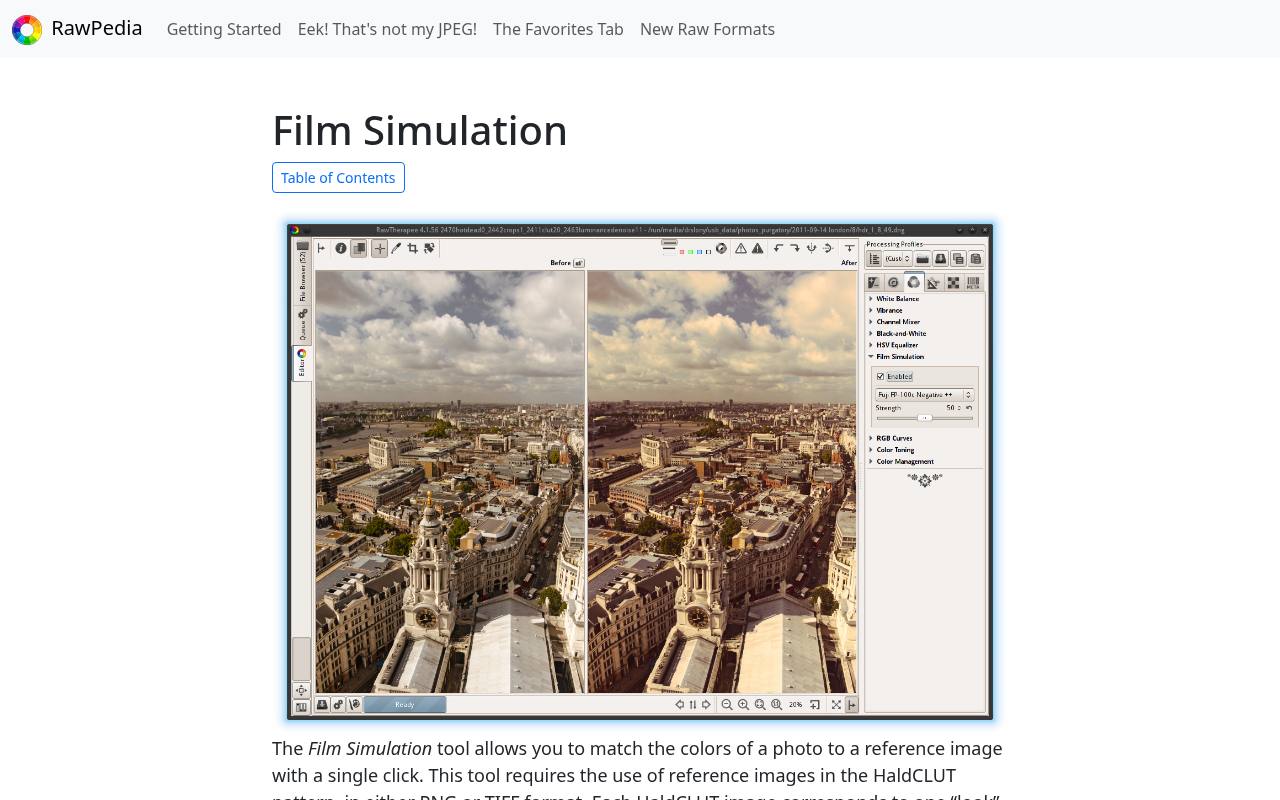
RawTherapee’s documentation links directly to its Film Simulation Collection, a substantial archive organized into color and black-and-white looks. The collection includes variations intended to suggest pushed, pulled, or aged film, with filename suffixes explained on the page.
Most supplied references are sRGB PNG HaldCLUTs, rather than installable Lightroom presets. Extract the archive and point RawTherapee’s HaldCLUT directory preference to that folder. The download is about 402 MB, so it makes more sense as a reusable local library than a quick single-look sample.
- Type
- HaldCLUT collection
- Best for
- Exploring photographic stocks in a free RAW editor
- License
- Free download; consult archive notices for reuse terms
- Price
- 100% free
t3mujinpack
darktable styles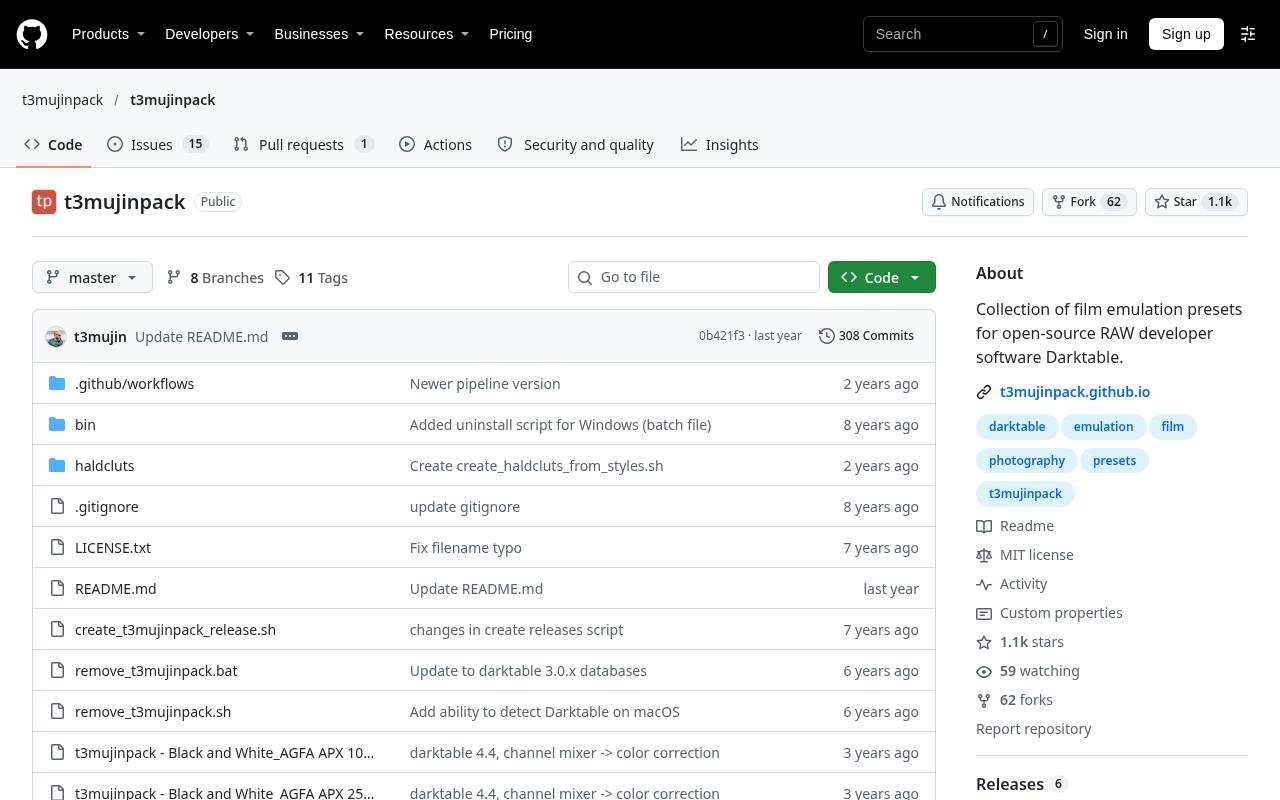
João Almeida’s t3mujinpack is a dedicated set of darktable film styles, with separate black-and-white, color-negative, and color-slide families. Its stock list includes Kodak Portra, Gold, and Ektar alongside Fujifilm Provia and Velvia and several Ilford options.
The project provides installation instructions through darktable’s lighttable Styles panel and publishes its files under the MIT license. Treat the styles as a stage in an edit, not a replacement for exposure and white-balance corrections. The repository explicitly recommends a relatively neutral starting image and further adjustments afterward.
- Type
- darktable styles
- Best for
- Applying recognizable negative, slide, and monochrome film palettes
- License
- Free; MIT license
- Price
- 100% free
G’MIC Color Presets
HaldCLUT and CUBE library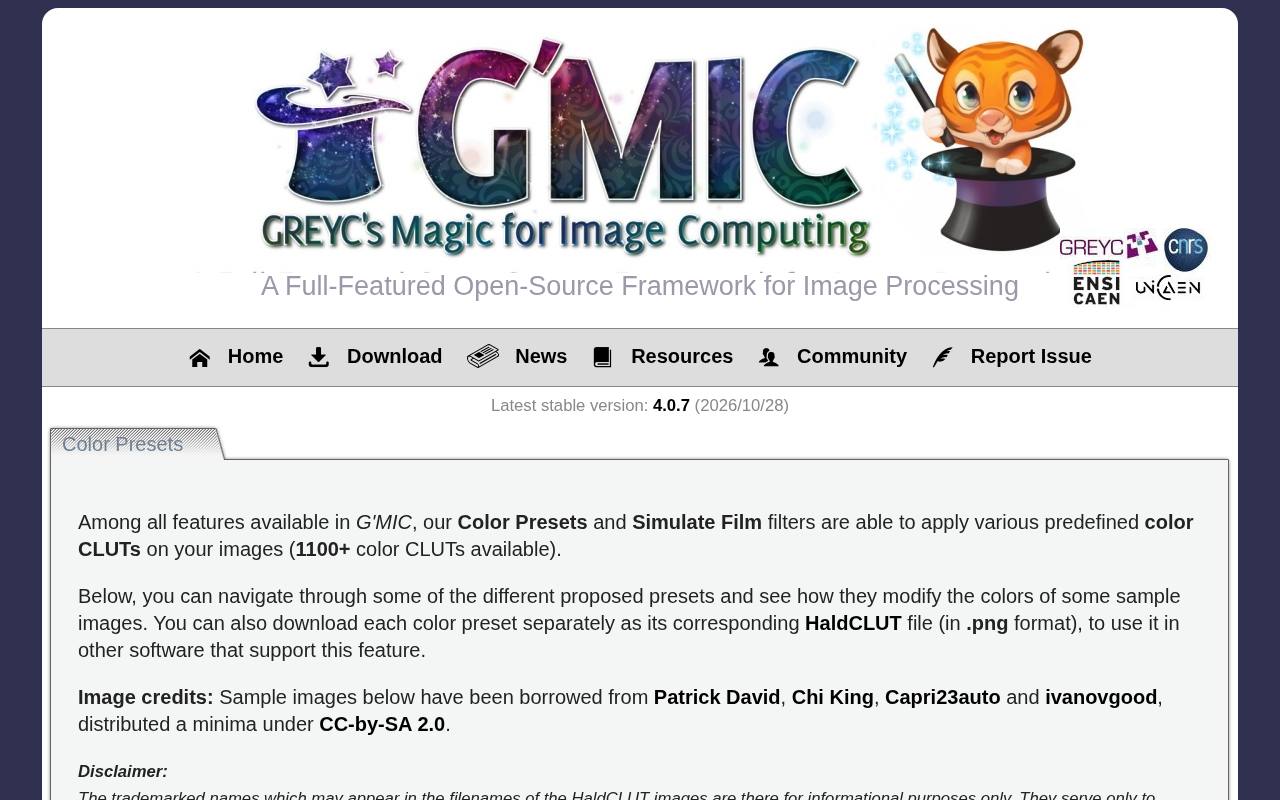
G’MIC’s browser-based catalog presents sample-image comparisons and lets you download individual color references. Its film emulation categories separate black-and-white, instant, negative, print, and slide treatments, with creator credits attached to the collections. This is useful when you want to compare related looks rather than install an entire preset marketplace.
Downloads include PNG HaldCLUT files and CUBE options, giving the catalog a role beyond the G’MIC plug-in itself. Pay attention to the credited contributor and any accompanying terms; a shared download page does not establish one universal asset license.
- Type
- HaldCLUT and CUBE library
- Best for
- Comparing film families before downloading individual color looks
- License
- Free downloads; contributor-specific terms may apply
- Price
- 100% free
Stuart Sowerby
HaldCLUT and 3DL profiles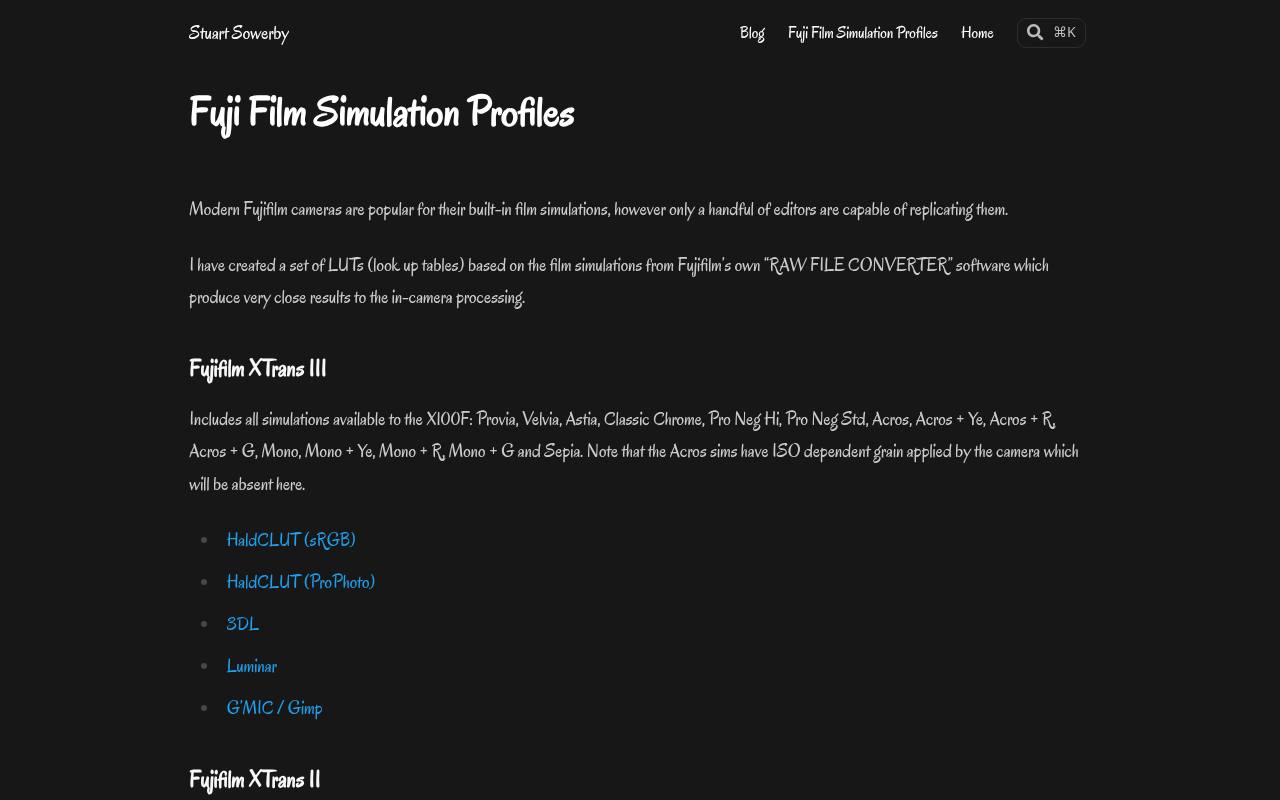
Stuart Sowerby builds these Fujifilm simulation profiles from Fujifilm’s RAW conversion software, targeting results close to the corresponding camera rendering. The page separates XTrans II and XTrans III collections and lists simulations such as Provia, Astia, Classic Chrome, and Acros.
Format choices include HaldCLUT and 3DL, with separate sRGB and ProPhoto HaldCLUT options for the XTrans III collection. Read the application-specific notes before installation: color space affects the result. Sowerby also explicitly notes that the camera’s ISO-dependent Acros grain is absent from these color profiles.
- Type
- HaldCLUT and 3DL profiles
- Best for
- Approximating Fujifilm camera simulations outside proprietary RAW software
- License
- Free downloads; redistribution rights not specified on page
- Price
- 100% free
jssfr.de
darktable styles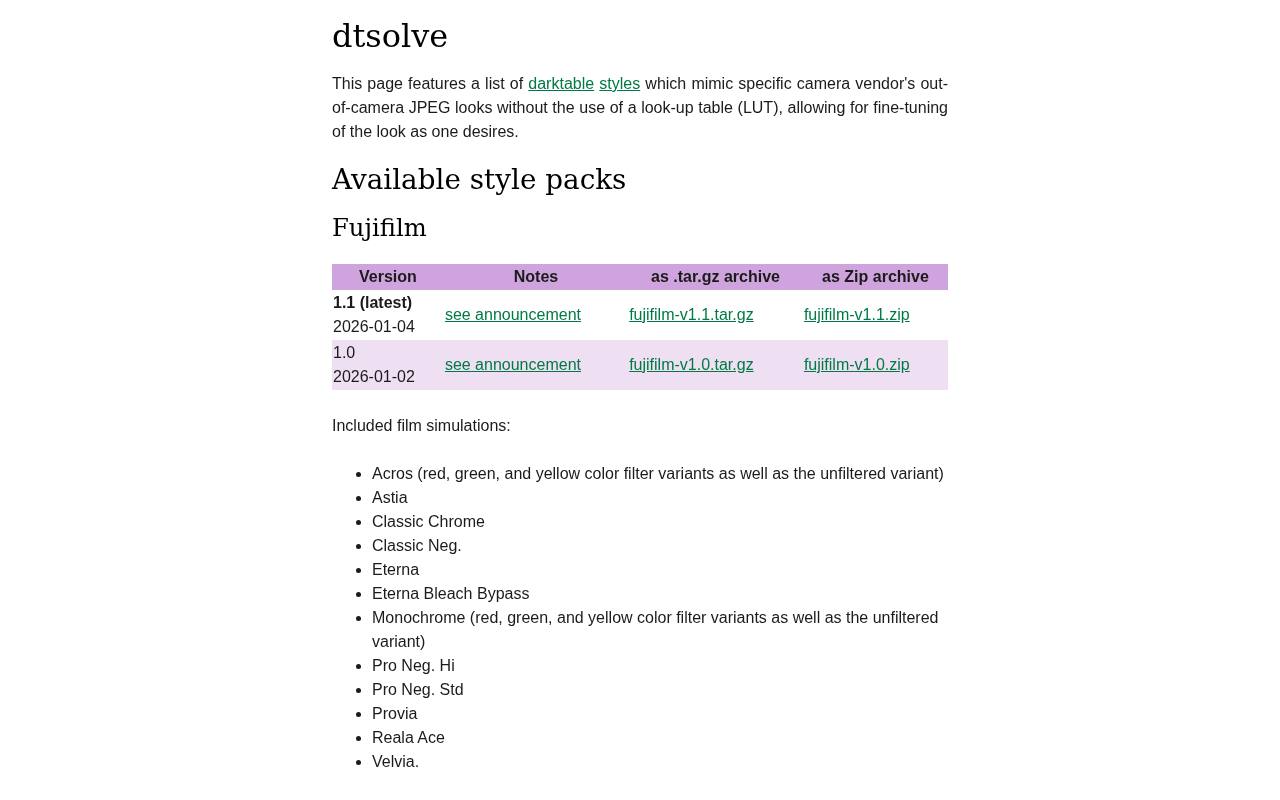
Jonas Schäfer’s dtsolve page offers Fujifilm-inspired darktable styles built without a lookup table. That distinction matters if you prefer adjusting the underlying modules instead of blending a fixed color transform. The downloadable archive includes looks named for Classic Chrome, Classic Neg., Eterna, Reala Ace, and several monochrome filter variants.
All style packs are released under CC0 terms, and the page explains how to extract and import the DTSTYLE files. Choose the latest package and check the linked release notes for compatibility information before applying it to an established editing library.
- Type
- darktable styles
- Best for
- Fine-tuning Fujifilm-inspired rendering through editable darktable modules
- License
- Free; CC0 1.0
- Price
- 100% free
Juan Melara
Film print LUT pack
Juan Melara’s article provides a free print film emulation LUT download below its discussion of newer paid products. The free pack focuses on Fujifilm 3510 and Kodak 2383 and 2393 print responses, with illustrated comparisons and an explanation of what print emulation actually represents.
These are log-input LUTs, not casual filters for an already finished sRGB JPEG. The page includes suggested starting values for converting video-gamma material, while warning that this is not identical to genuine log footage. Photographers should approach this pack as a color-managed experiment, not a one-click stock preset.
- Type
- Film print LUT pack
- Best for
- Learning controlled cinema-print color rather than generic vintage fading
- License
- Free LUT download; consult included terms
- Price
- 100% free
IWLTBAP
Creative LUT downloads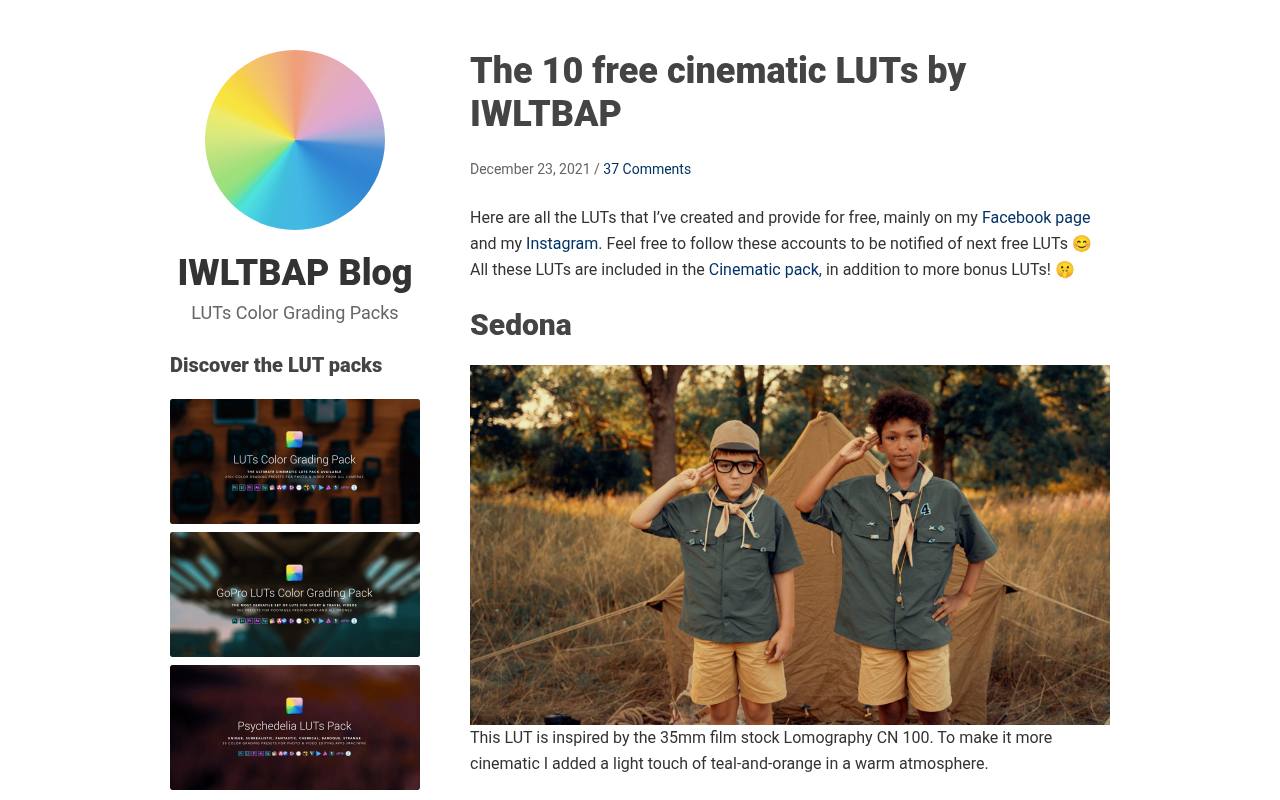
IWLTBAP’s free cinematic collection includes two especially relevant choices for analog-inspired photographs: Sedona and Aspen. Sedona draws on Lomography CN 100 with an added teal-and-orange treatment, while Aspen references vivid Kodak stocks, including Ektar 100 and Vision 2383. The page describes the intended atmosphere of each look and supplies separate ZIP downloads.
These are creative interpretations, rather than promises of measured film reproduction. Aspen also comes with a useful warning about strong contrast and possible banding in skies or gradients; lower its intensity when the source image cannot support the full treatment.
- Type
- Creative LUT downloads
- Best for
- Trying expressive film-inspired palettes with clearly described influences
- License
- Free downloads; check bundled license for intended use
- Price
- 100% free
PictureFX Kodak Aerochrome
Film emulation LUT
MarcR.’s PictureFX Kodak Aerochrome download takes this collection away from conventional portrait-film palettes and toward Aerochrome-inspired false color. Its Fresh LUTs listing identifies it as film emulation and provides a Download LUT control alongside its preview. The clearly displayed CC0 license allows commercial use without attribution, making the usage position easier to assess than on many giveaway pages.
Use this look for intentional color reinterpretation rather than neutral skin reproduction. A color LUT does not make an ordinary camera capture infrared information, so judge it as an aesthetic treatment, not a replacement for infrared photography.
- Type
- Film emulation LUT
- Best for
- Experimenting with bold Aerochrome-inspired false-color photo treatments
- License
- Free; CC0, commercial use allowed, no attribution required
- Price
- 100% free
Demystify Colorgrading
Film print LUT pack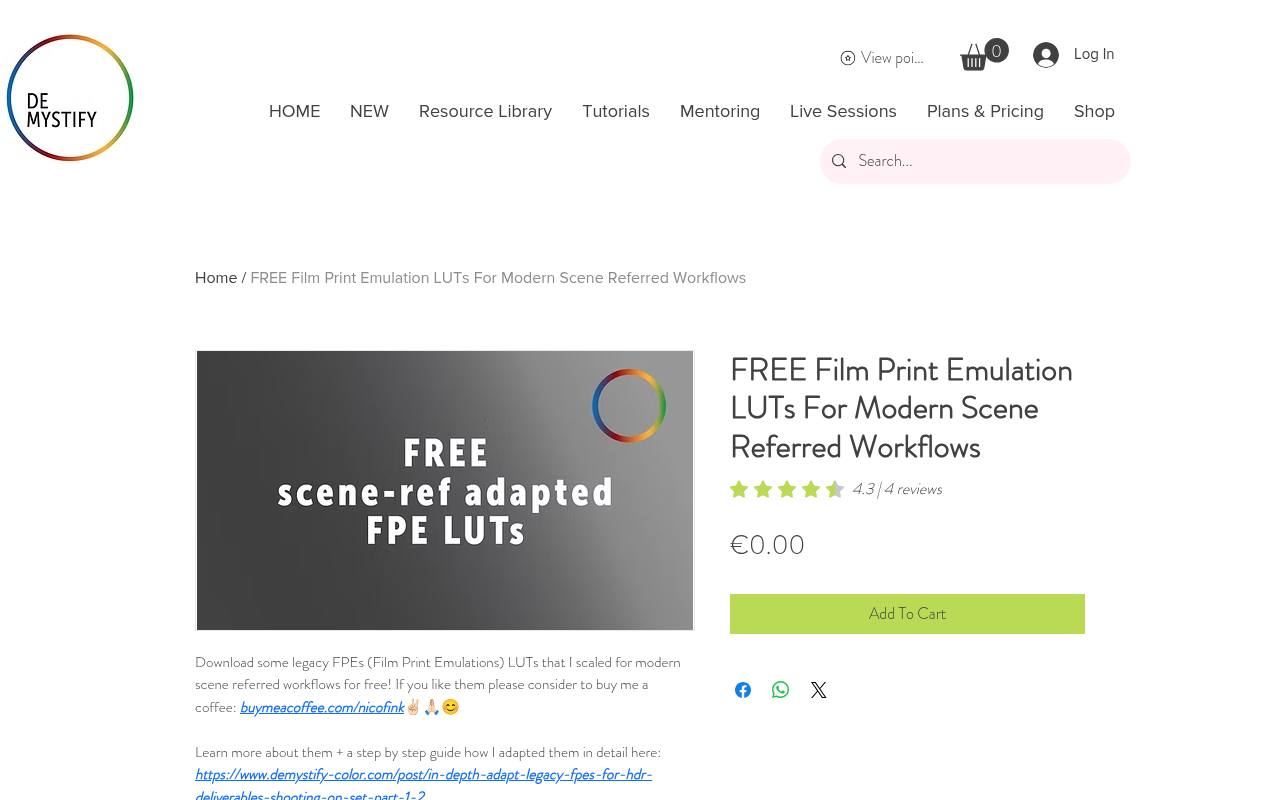
Demystify Colorgrading lists its Film Print Emulation LUTs for modern scene-referred workflows as a zero-price product. That workflow emphasis makes this a more specialized choice than a generic vintage preset: inspect the supplied instructions and input expectations before testing it on still photographs.
The store is explicit about no redistribution, including sharing, repackaging, or uploading bundled shop materials elsewhere. Link collaborators to the original product page instead of circulating the archive. Choose this source when you are comfortable managing your color pipeline and want to explore print-style rendering rather than surface texture.
- Type
- Film print LUT pack
- Best for
- Exploring print-inspired looks in scene-referred color workflows
- License
- Free product; no redistribution, repackaging, or resale
- Price
- 100% free
ColorReps
CUBE and XMP pack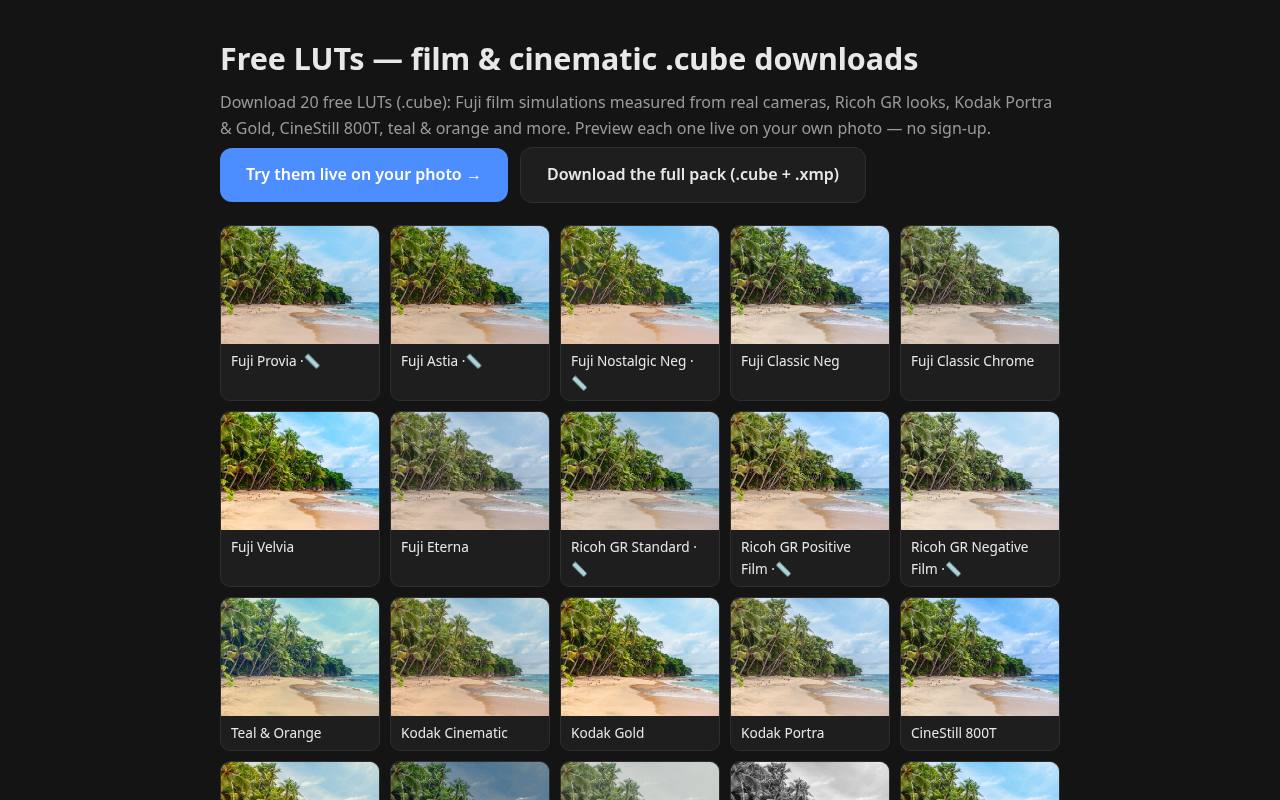
ColorReps offers a free film LUT pack with live previews on your own photograph and no sign-up required on the download page. Its selection mixes Fujifilm and Ricoh camera looks with Kodak Portra, Kodak Gold, CineStill 800T, and other creative treatments.
The site specifically marks which camera simulations were measured from RAW-to-JPEG pairs, rather than presenting every look as measured film data. The full-pack link advertises CUBE and XMP files, making format selection important. Use the personal-photo preview to compare skin, foliage, and highlights before adding another pack to your editing library.
- Type
- CUBE and XMP pack
- Best for
- Previewing film-inspired looks on your own photographs
- License
- Free downloads; check site terms for project and redistribution rights
- Price
- 100% free
Choose the film family before the file
Start with your subject and intended mood. Color-negative film looks are sensible first tests for portraits and everyday photography, while slide-inspired treatments often suit scenes that can carry stronger color.
Black-and-white simulations shift attention toward separation and tonal structure. Cinema-print LUTs answer a different question: how an image might respond to a print-like display rendering. Compare several sources on the same image rather than relying on unrelated promotional examples.
Match the format to your editor
A DTSTYLE file belongs in darktable’s Styles import workflow; it is not a universal preset. RawTherapee’s Film Simulation tool expects HaldCLUT images, commonly PNG files. CUBE and 3DL files require an editor or adjustment that supports those LUT formats.
XMP compatibility also depends on the application and preset contents. Before downloading a large archive, confirm that your editor accepts the supplied format without an additional conversion tool.
Check color space and transform order
The most important troubleshooting step is matching the expected input. A LUT designed for log footage, a wide-gamut working space, or sRGB will not necessarily behave correctly in another pipeline.
Follow the source’s instructions about placement relative to display transforms. If highlights become harsh or colors turn implausible, investigate a mismatch or doubled contrast curve before deciding the preset is poor. Stronger blending cannot repair an incorrect input assumption.
Build a repeatable analog editing workflow
Make basic exposure corrections and establish a sensible white balance before comparing film treatments, unless the source specifies otherwise. Save a snapshot or virtual copy, apply one look, then inspect the brightest and darkest areas.
Adjust intensity where your editor allows it and finish with local corrections. For a photo series, test the chosen look on daylight, shade, and artificial-light frames before syncing settings across every photograph.
Separate film color from film texture
A LUT maps colors; it cannot independently create realistic image-dependent grain, optical bloom, or halation around bright objects. Keep film color and texture as separate decisions.
Add grain only after the palette and contrast are settled, and judge its size at the intended output dimensions. Avoid stacking several strong film looks simply to make an image feel older: overlapping transforms can destroy subtle skin transitions and compress useful highlight detail.
Understand free download permissions
Distinguish permission to download from permission to redistribute. Free film presets may carry an open license, a commercial-use statement, or restrictions against sharing the original files. Preserve licenses and creator notices with your archive, especially when working in a team.
MIT and CC0 are different legal instruments, and a contributor-based library may contain mixed terms. When a page leaves commercial usage unclear, check the included documentation or ask the creator before client delivery.
Evaluate portraits and final exports carefully
For natural-looking skin tones, inspect several complexions and lighting conditions instead of trusting a single preview portrait. Saturated reds, mixed light, and deep shadows can expose problems that a landscape sample hides.
Export a small test in your delivery color space and review it at normal viewing size. If you publish images with text on top, check readability after grading; a stylish palette is not worth losing essential contrast or facial detail.
Which free option should you try first?
For RawTherapee film simulation, begin with its documented collection and learn how one HaldCLUT behaves. For editable darktable workflows, compare t3mujinpack’s stock-oriented styles with jssfr.de’s camera-simulation approach.
ColorReps offers an easy preview-first route, while Melara’s print LUTs reward more technical experimentation. Keep a shortlist of a few dependable looks rather than installing everything. Familiarity with a preset’s limitations usually produces more consistent photographs than a larger collection does.