
Adding motion to a product does not have to mean commissioning an entire animation project. Free Lottie animations can give an onboarding screen a welcoming scene, explain an unfamiliar feature, or add a brief celebration after a meaningful action.
The useful starting point is not a collection of moving buttons, but a library of downloadable illustrations and sequences that fit the story your app or website needs to tell.
Lottie stores animation instructions in a structured format, commonly delivered as JSON, that a compatible player renders at runtime. That makes Lottie animation libraries different from GIF directories, video collections, and general JavaScript animation packages.
Many files use scalable vector shapes, but some also contain raster images. Visual complexity, embedded assets, and the player you choose all affect the final result, so a small-looking preview is not a reliable performance benchmark.
The selections below emphasize animated illustrations for websites, product scenes, and reusable visual narratives rather than another roundup of animated interface icons. Some are broad community libraries; others offer a focused free pack or editable templates.
Free access does not mean identical permissions or unlimited exports. Start with the linked free collection, check the selected asset’s terms, and test one download in your actual app before building an entire screen around it.
Quick picks at a glance
| # | Resource | License | Best for |
|---|---|---|---|
| 1 | LottieFiles | Free public assets under Lottie Simple License; premium separate | Exploring varied illustration styles and storytelling concepts |
| 2 | IconScout | Free assets under applicable license; attribution requirements apply | Finding themed character packs for consistent product screens |
| 3 | DrawKit | Free pack under DrawKit License | Building a small coordinated set of illustrated moments |
| 4 | Pixeltrue | Free selection subject to Pixeltrue license; premium separate | Pairing animated hero artwork with supporting static illustrations |
| 5 | Creattie | Free selection with credit to Creattie; paid license separate | Selecting coordinated professional illustrations with clear subject matter |
| 6 | Drawer | Free pack; use subject to Drawer license | Adding playful food illustrations to focused product experiences |
| 7 | Lottielab | Free templates; account and plan terms apply | Customizing illustrated product stories before exporting animation files |
| 8 | Mosso | Free personal and commercial use; account download limits | Adapting complete illustrated environments to a brand palette |
| 9 | Illustricon | Free personal and commercial use; no attribution required | Exploring free JSON assets alongside related vector artwork |
| 10 | Lottieflow | Free downloads; Finsweet terms apply | Finding compact error messages and visual attention accents |
LottieFiles
Community library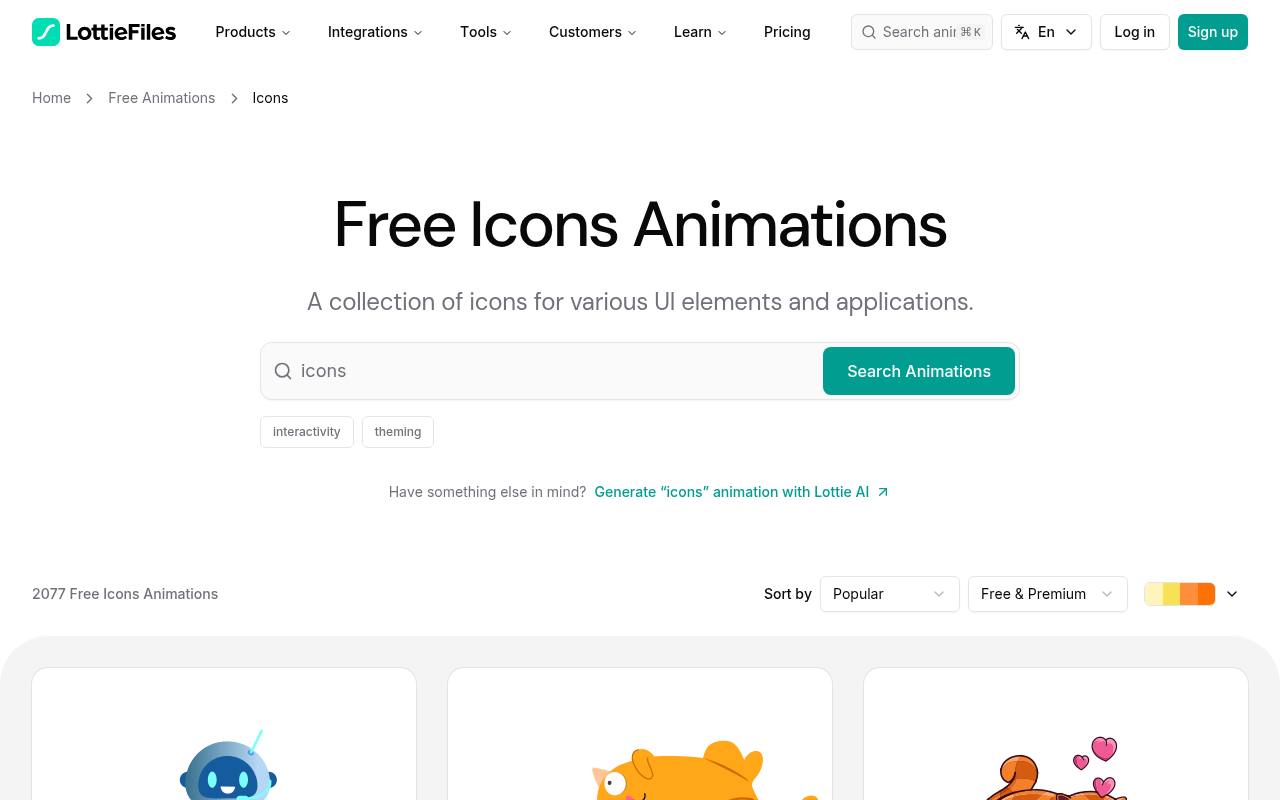
LottieFiles is a useful first stop when you need free Lottie animations across different subjects and illustration styles. Its featured free page surfaces community work rather than restricting you to one house aesthetic. Look beyond interface symbols for characters, business scenes, celebrations, and onboarding concepts.
Public animations covered by the Lottie Simple License permit personal and commercial use, but premium marketplace content has separate terms. Expect an account-based download workflow, and check current workspace, saving, and export limits before collecting a large shortlist for your project.
- Type
- Community library
- Best for
- Exploring varied illustration styles and storytelling concepts
- License
- Free public assets under Lottie Simple License; premium separate
- Price
- Free + Pro
IconScout
Animation marketplace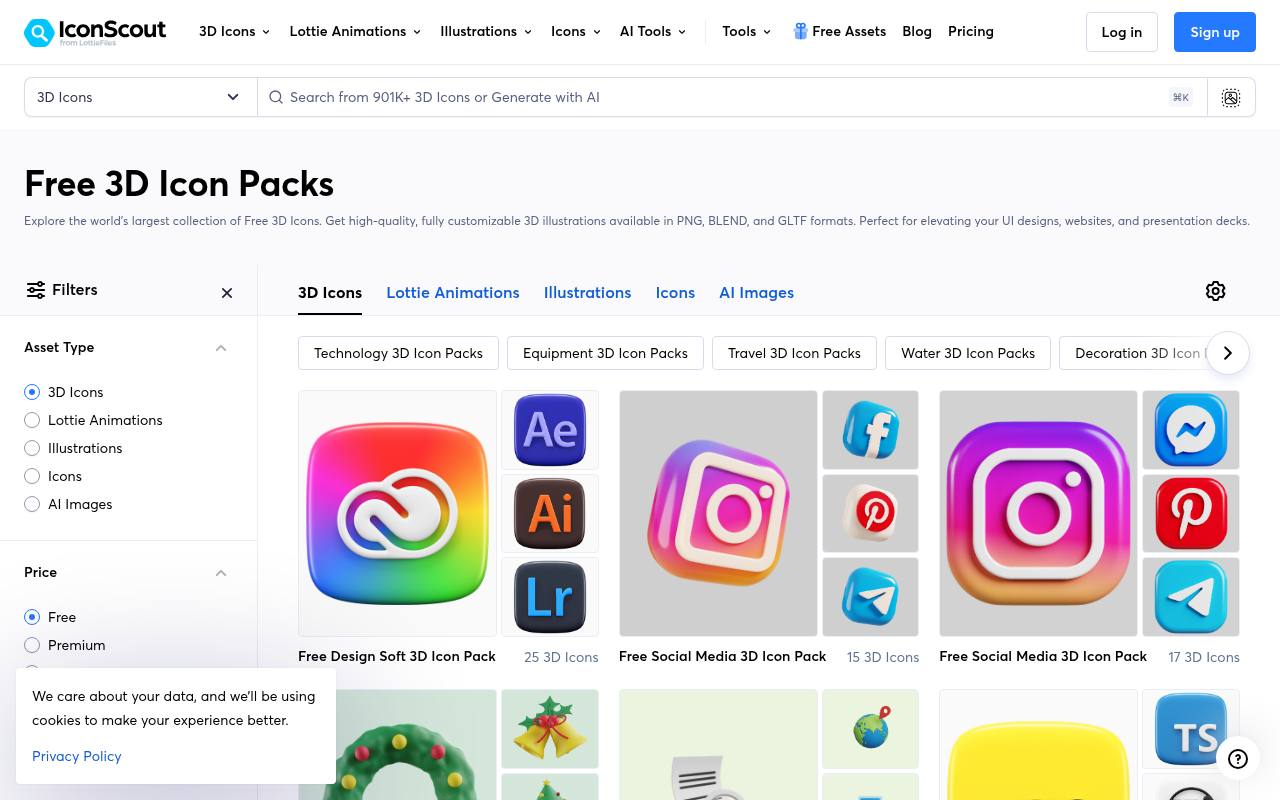
IconScout’s free animation packs are particularly useful when a project needs matching animated scenes, not isolated decorative files. The catalog includes subject filters such as business, people, technology, communication, and travel, with both individual and pack views.
Its Lottie offering lists JSON alongside GIF and MP4, so confirm you are downloading the runtime animation rather than a rendered preview. Stay within the free asset selection, review the applicable license and attribution instructions, and distinguish contributor-specific artwork from recognizable brands that may carry additional usage concerns.
- Type
- Animation marketplace
- Best for
- Finding themed character packs for consistent product screens
- License
- Free assets under applicable license; attribution requirements apply
- Price
- Free + Pro
DrawKit
Illustration pack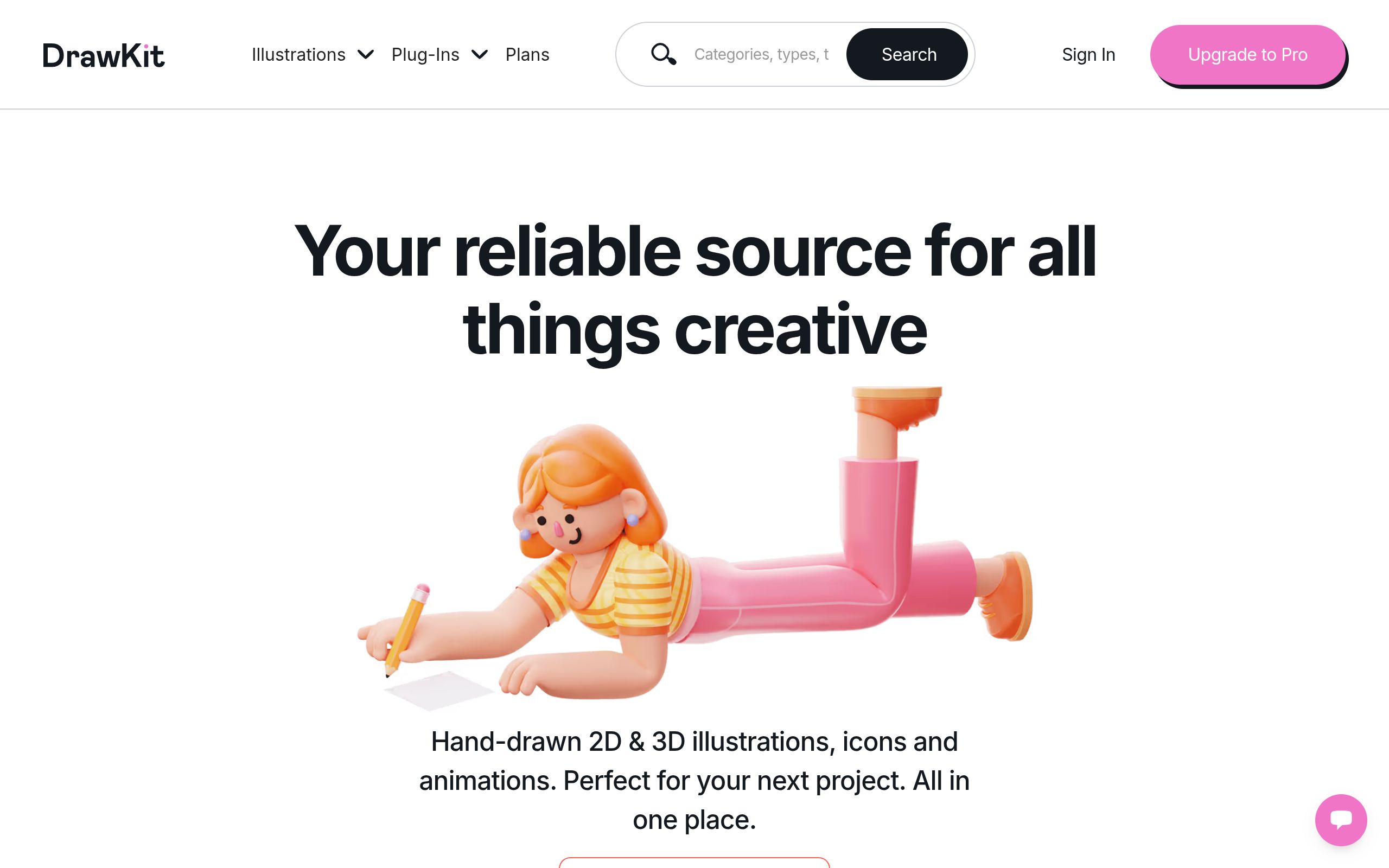
DrawKit’s Grape Animations is a focused alternative to searching through an open marketplace. The collection advertises ten free animations, supplied as After Effects files and Lottie-ready JSON, with clean illustrated characters and interface-related scenes. That shared art direction makes it a sensible starting point for several related product messages.
The pack uses the DrawKit License, so retain its terms with your downloaded files. The page has also displayed a notice about free-pack download problems; confirm delivery works before committing a client layout to these particular illustrations.
- Type
- Illustration pack
- Best for
- Building a small coordinated set of illustrated moments
- License
- Free pack under DrawKit License
- Price
- Free + Pro
Pixeltrue
Illustration library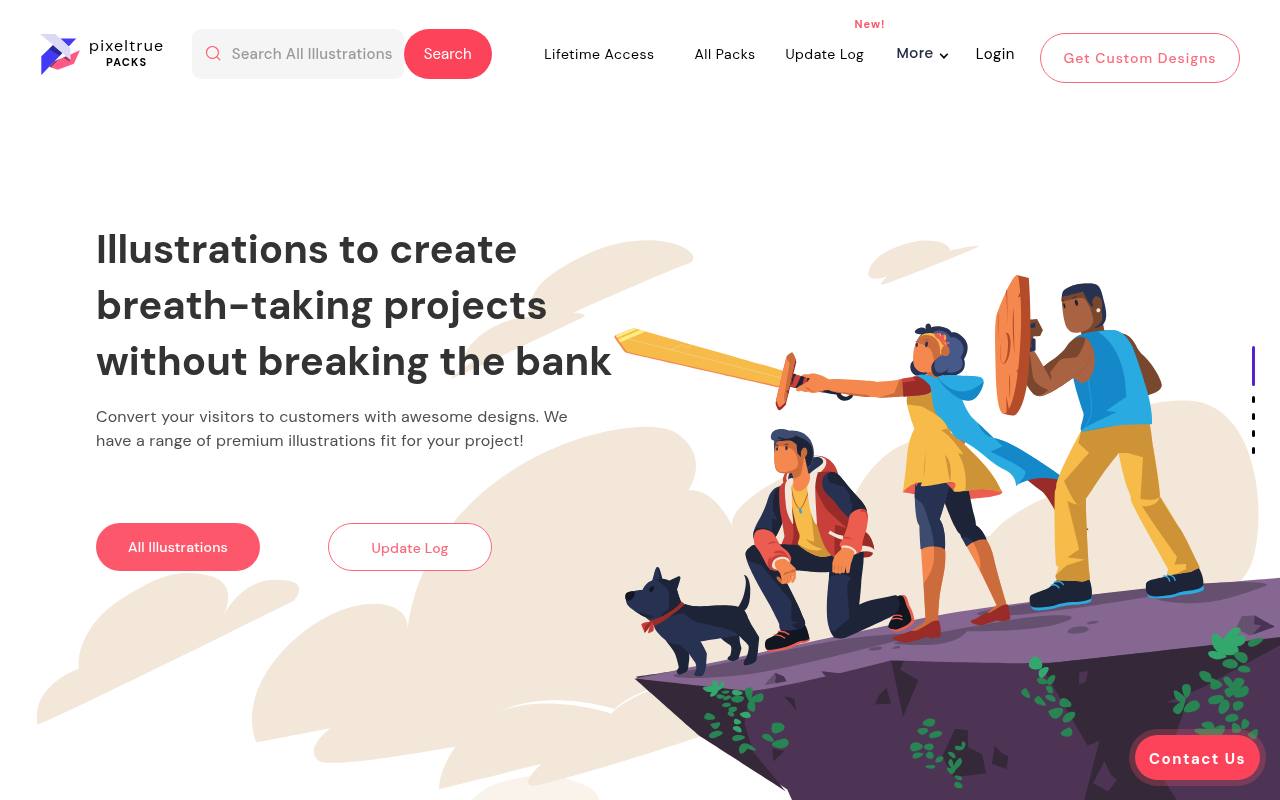
Pixeltrue combines a broader illustration catalog with free animated illustrations, making it useful when a landing page needs motion and companion static artwork. Browse the free material carefully rather than assuming every premium pack is included.
Animated downloads have been offered in JSON and GIF, which serve different purposes: choose JSON for a Lottie player and GIF for a rendered image workflow. Its illustration-led approach suits larger visual panels more naturally than tiny controls. Review the license attached to your chosen download and check that the expected animation format is actually included.
- Type
- Illustration library
- Best for
- Pairing animated hero artwork with supporting static illustrations
- License
- Free selection subject to Pixeltrue license; premium separate
- Price
- Free + Pro
Creattie
Curated animation library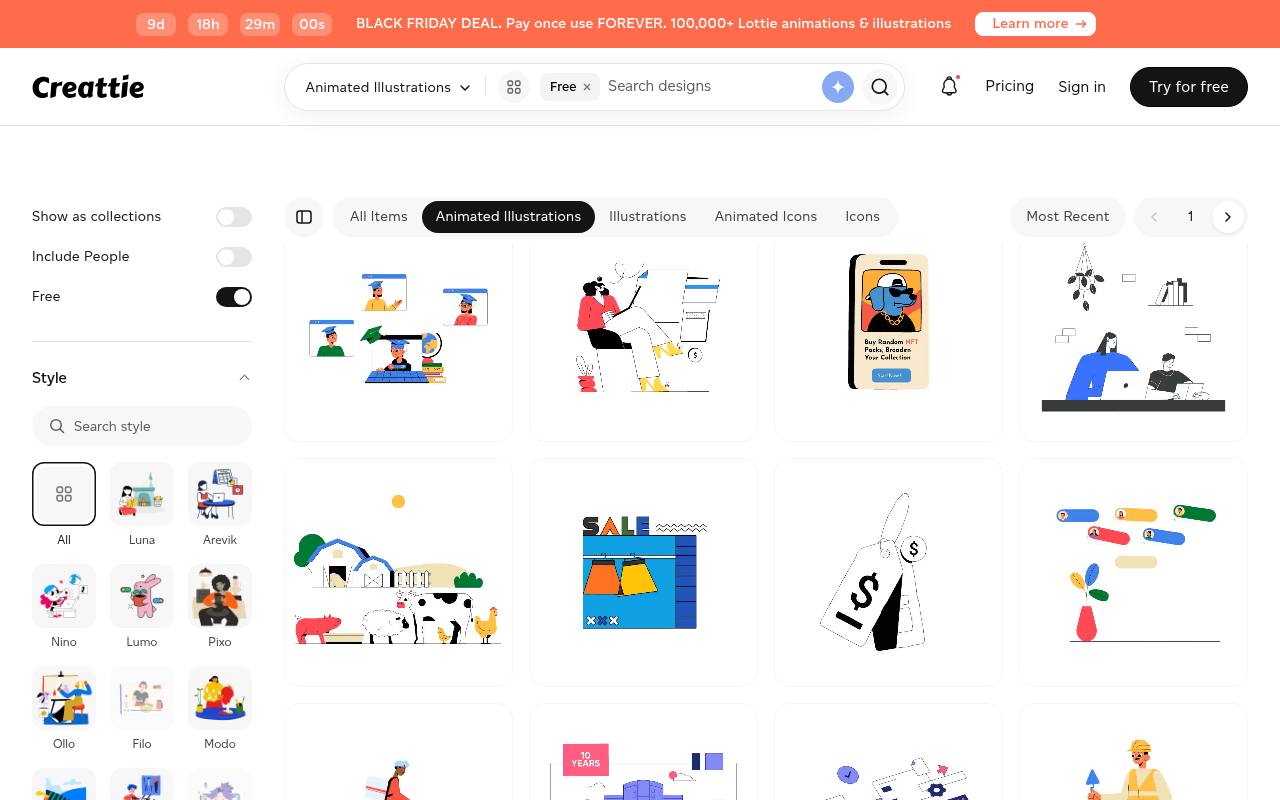
Creattie separates its free animated illustrations from the larger paid catalog, with a dedicated page advertising Lottie JSON, GIF, and MP4 downloads. The service emphasizes artist-made work in consistent styles, which helps when you want several scenes to feel related.
Free collection metadata specifies credit to Creattie; do not assume a paid plan’s attribution-free permissions automatically cover free downloads. Search by the subject your product needs to explain, then compare available free scenes within the same style before choosing an animation for an onboarding or marketing sequence.
- Type
- Curated animation library
- Best for
- Selecting coordinated professional illustrations with clear subject matter
- License
- Free selection with credit to Creattie; paid license separate
- Price
- Free + Pro
Drawer
Themed illustration pack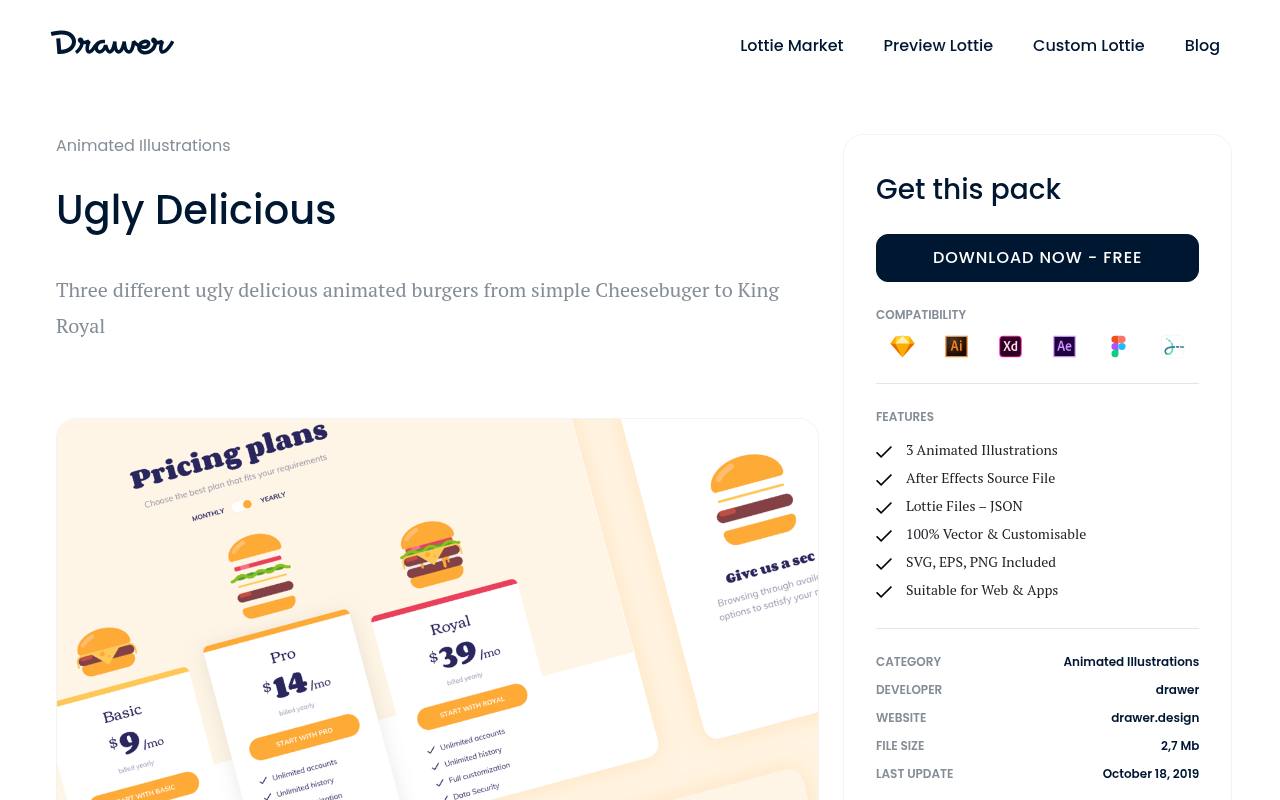
Drawer’s Ugly Delicious offers three animated burger illustrations, a deliberately narrow collection rather than a general-purpose motion marketplace. The free pack lists Lottie JSON, After Effects source files, and static vector and image formats, including SVG, EPS, and PNG.
It is a practical option for a restaurant concept, food-ordering introduction, or playful promotional section where the subject genuinely fits. The editable source artwork also provides a route for deeper visual adjustments. Follow Drawer’s license for the downloaded pack, and avoid treating the source-file bundle as permission to redistribute the assets independently.
- Type
- Themed illustration pack
- Best for
- Adding playful food illustrations to focused product experiences
- License
- Free pack; use subject to Drawer license
- Price
- Free + Paid
Lottielab
Editable template library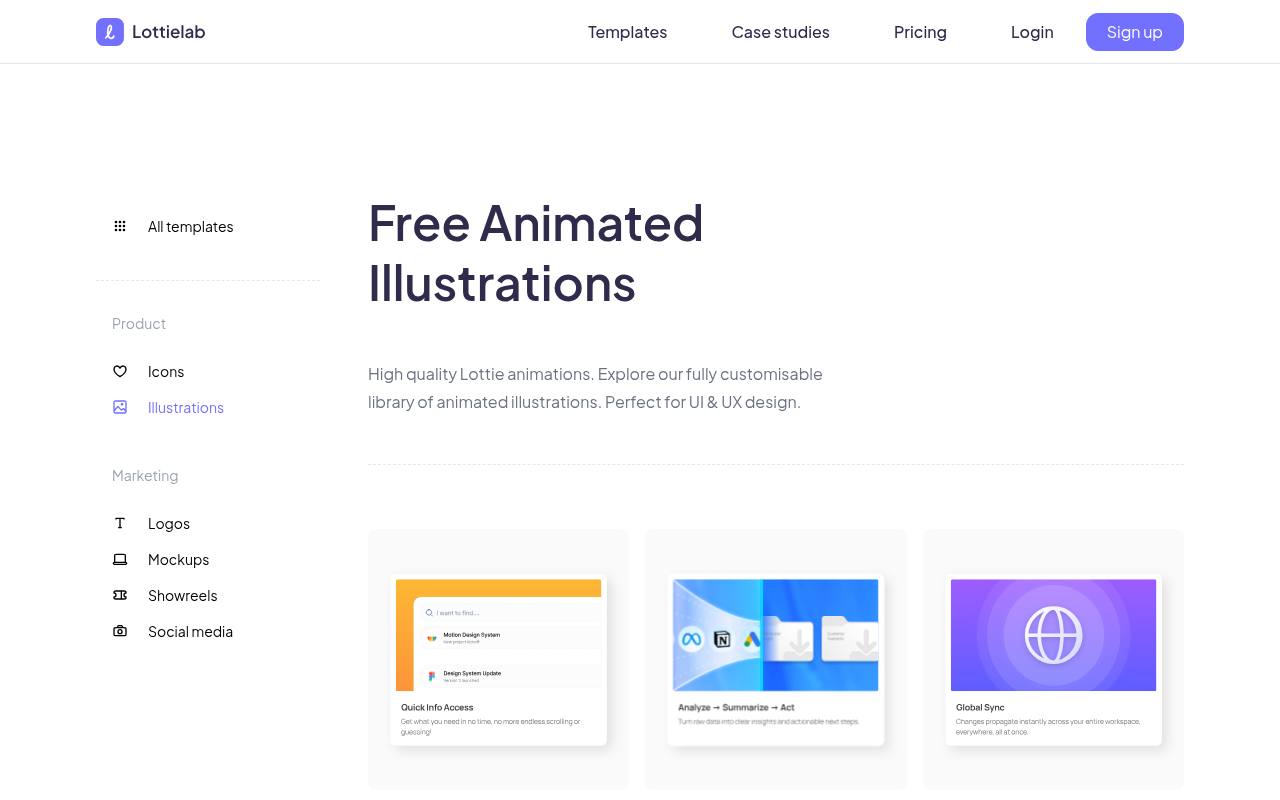
Lottielab’s free animated illustration templates lean toward product storytelling scenes rather than generic clip art. The collection includes Bento Blocks cards for analytics, status, and synchronization, Data animations for processes such as indexing, and Sketches covering onboarding completion and a 404 state.
These are useful starting points when you want to adapt a concept instead of simply dropping in a stock loop. Its editable Lottie templates connect the library to a browser-based creation workflow. Check account requirements, template terms, and your plan’s current export options before investing time in detailed customization.
- Type
- Editable template library
- Best for
- Customizing illustrated product stories before exporting animation files
- License
- Free templates; account and plan terms apply
- Price
- Free + Pro
Mosso
Editable scene library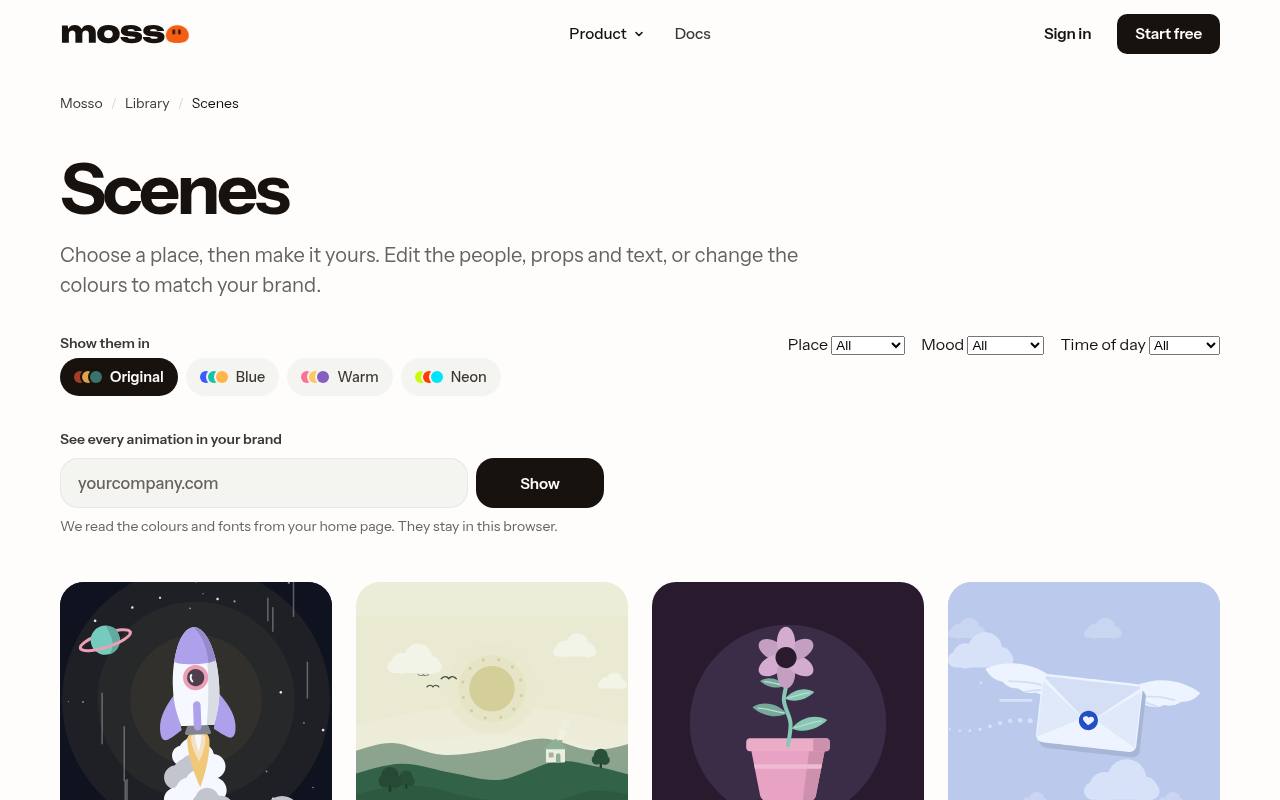
Mosso’s scene collection provides editable illustrated environments such as home offices, meeting rooms, classrooms, and delivery doorsteps, alongside simpler subjects like a rocket launch or growing plant. The page identifies durations and whether a scene loops, helping you judge how it might behave in a hero or onboarding panel.
Its FAQ permits personal and commercial work, including client projects, and describes free account downloads capped at fifty library animations per day. Open a scene to adjust available layers, timing, and colors, then verify the Lottie export in your intended player.
- Type
- Editable scene library
- Best for
- Adapting complete illustrated environments to a brand palette
- License
- Free personal and commercial use; account download limits
- Price
- Free tier
Illustricon
Mixed asset library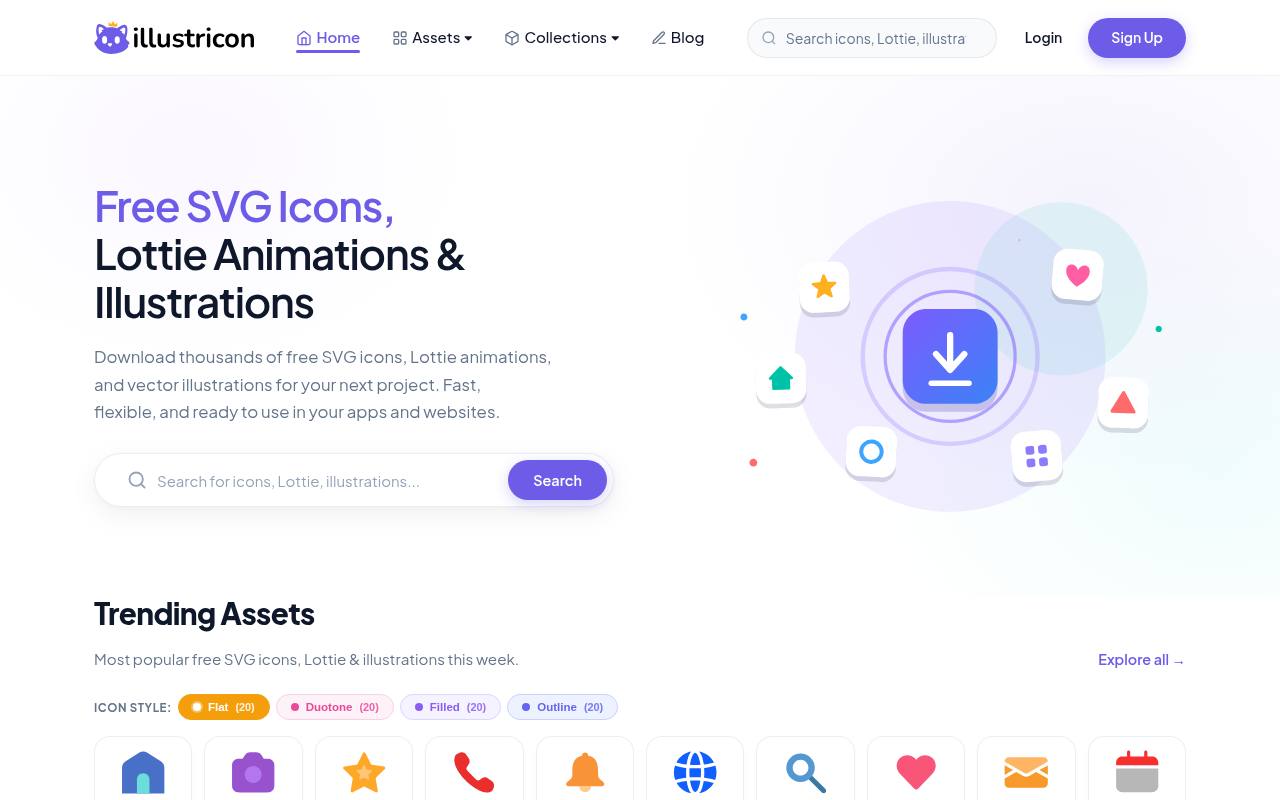
Illustricon brings Lottie JSON animations together with SVG assets and vector illustrations in one library. Its site states that downloads are free for personal and commercial projects without attribution, and describes both individual downloads and collection bundles.
For this particular workflow, prioritize illustrated animation assets rather than using the catalog to assemble another moving-icon set. The mixed asset collection can help you compare animated and static treatments before deciding whether motion adds anything. Inspect each selected file and its available formats, because a static illustration is not automatically an animated Lottie scene.
- Type
- Mixed asset library
- Best for
- Exploring free JSON assets alongside related vector artwork
- License
- Free personal and commercial use; no attribution required
- Price
- 100% free
Lottieflow
Webflow-oriented JSON collection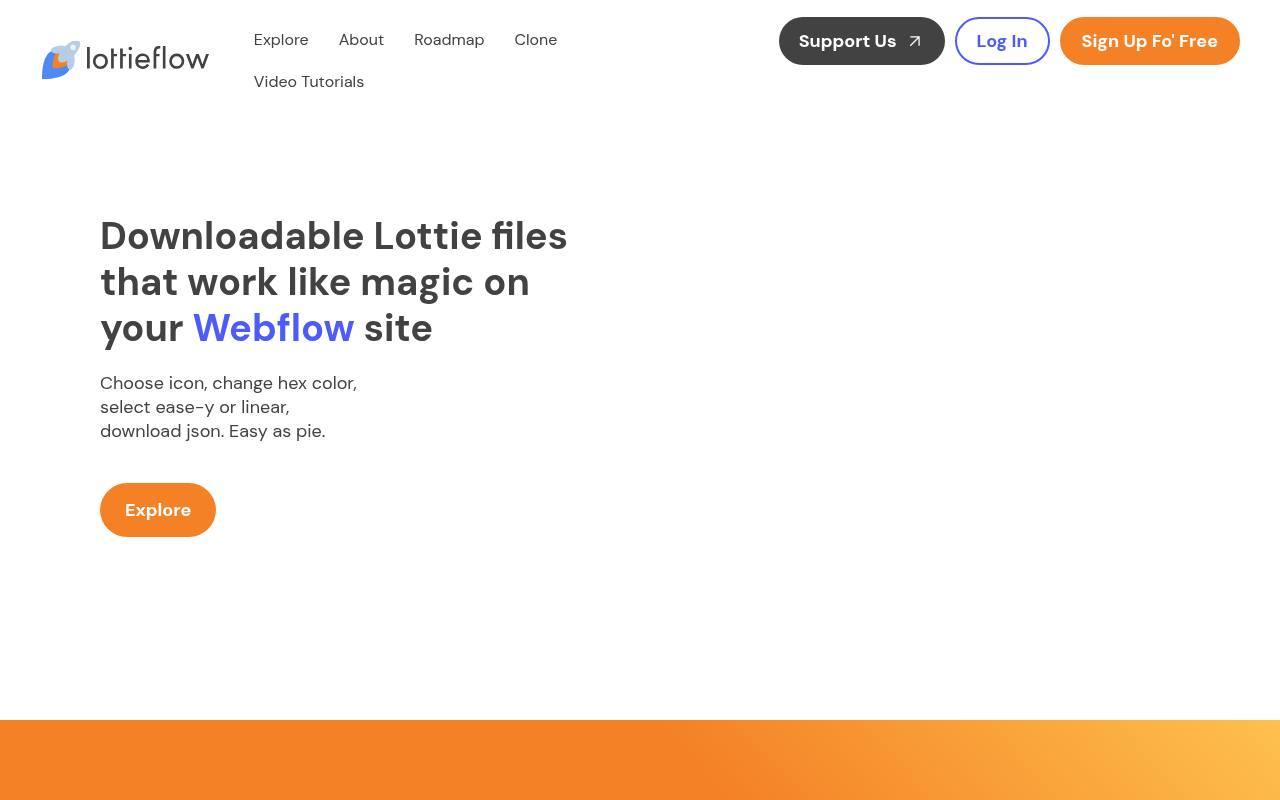
Finsweet’s Lottieflow is primarily an icon-oriented collection, but its 404 and countdown categories make it a useful supplemental stop for short, functional sequences outside a conventional icon set. The page also includes attention-grabbing and section-break categories.
Its workflow lets you choose an animation, change a hex color, select eased or linear timing, and download JSON. Designed with Webflow interactions in mind, these compact assets suit tightly scoped visual moments rather than elaborate character storytelling. Check the selected file’s terms and test playback wherever you intend to use it beyond Webflow.
- Type
- Webflow-oriented JSON collection
- Best for
- Finding compact error messages and visual attention accents
- License
- Free downloads; Finsweet terms apply
- Price
- 100% free
Choose a library around the message
Start with the job the animation needs to perform. A coordinated onboarding sequence benefits from matching illustration styles, while a single celebratory moment can come from a broader community catalog.
Choose the scene first and the motion second: an attractive loop that does not explain your product can make a screen feel less focused. For brand-sensitive work, compare line weight, character proportions, backgrounds, and movement pacing across every asset you plan to combine.
Understand what free actually includes
Separate download access and licensing in your evaluation. An asset can cost nothing yet require credit, an account, or compliance with redistribution restrictions. Free libraries may sit beside premium collections that use different licenses.
Save the source URL, creator name, license text, and download date with your project records. When handing work to a client, explain any required attribution and confirm whether their intended use falls within the asset’s permissions.
Choose JSON or dotLottie deliberately
A Lottie JSON file contains animation data, while a dotLottie file is a compressed container that can package animation resources. Your implementation must support the format you select; renaming an extension will not convert it.
GIF and MP4 previews are rendered media, not interchangeable runtime files. If a download includes external images, preserve their paths or package them correctly. Confirm the result on the same player and platform your visitors will actually use.
Test one scene before collecting a set
Build a small animation acceptance test before sourcing every screen. Check the background, crop, first frame, final frame, loop seam, and appearance at your intended display size. Then test the target web or mobile runtime, since supported effects and rendering details can differ.
A template that looks excellent inside its editor may still need adjustments after export. Catching that mismatch with one free asset is much cheaper than rebuilding an entire onboarding sequence.
Keep animation performance measurable
Do not equate vector artwork with automatic performance savings. Dense paths, masks, many layers, large image assets, and simultaneous loops can all increase runtime work. Measure transferred bytes and playback behavior on an ordinary mobile device, not only a desktop preview.
Load scenes when needed, pause offscreen playback, and avoid shipping an animation player solely for a tiny flourish if a static illustration would communicate the same message just as clearly.
Plan reduced-motion and static alternatives
Respect reduced motion preferences in your implementation rather than assuming the downloaded file handles accessibility. A still frame or companion illustration can preserve the message without continuous movement. Decorative scenes should not interrupt keyboard navigation or become the only way to understand a task.
If an animation communicates success, failure, or a required action, provide equivalent readable text. Essential information should remain available when playback stops, fails to load, or is intentionally disabled.
Make restrained changes for visual consistency
Use brand color adjustments selectively: recoloring every shape can destroy contrast or remove meaningful differences between objects. Compare the animation against both your light and dark surfaces, especially when the artwork contains pale fills or transparent backgrounds.
Keep a copy of the original download so you can reverse edits. Across several screens, align timing and illustration scale as carefully as color; visual consistency depends on the whole sequence, not merely a shared accent hue.
Can free animations work in commercial apps?
Often yes, but commercial use permissions depend on the selected asset’s license, not the Lottie format. Check credit requirements, restrictions on resale or redistribution, and any third-party logos or characters in the artwork.
A commercial-use license does not necessarily permit bundling raw files into a template marketplace product. When the intended use is unclear, ask the creator for written clarification or select another free asset with terms that explicitly fit your distribution model.