
A well-chosen template gives you a working animation system rather than a blank timeline. These sources offer free motion graphics templates for titles, logo reveals, slideshows, social promos, and other editable video projects.
The emphasis here is on files you can customize inside an editor, not standalone transition footage or animated website components. Some libraries are entirely free in the linked section; others place genuine free downloads alongside paid products, so the download label matters.
Start with your software, then look at the design. Free After Effects templates usually expose compositions and layers, while Premiere Pro templates may package a smaller set of controls into a MOGRT. DaVinci Resolve and Apple Motion have their own project and template systems.
These formats are not interchangeable, and a free file does not include a free license for the editing application. Check version requirements, required plugins, fonts, and installation instructions before choosing a favorite preview.
Licensing deserves the same attention as appearance. Free commercial use can mean permission to publish a finished video, not permission to pass the editable template to a client or upload it elsewhere. Attribution, account requirements, and restrictions on third-party work vary between sources.
The selections below distinguish free sections from premium catalogs and flag important limitations. Keep the download's license with your project, and treat music, photos, and fonts in demonstrations as separate assets unless explicitly included.
Quick picks at a glance
| # | Resource | License | Best for |
|---|---|---|---|
| 1 | Mixkit | Free under Mixkit Video Templates license; commercial use; no attribution | Quick logo reveals, titles, and editable slideshow projects |
| 2 | Motion Array | Free account; commercial use with exceptions; no attribution; no third-party template-completion service | Personal channel branding and testing editable AE projects |
| 3 | MotionElements | Royalty-free personal and commercial use; no resale or redistribution; account download quota | Apple Motion projects alongside Resolve and Adobe options |
| 4 | Adobe Stock | Free-labeled assets under applicable Adobe Stock license; commercial use subject to restrictions | Premiere Pro titles with packaged customization controls |
| 5 | Videezy | Standard files free with attribution, including commercial use; Pro files paid; check individual license | Editors comfortable adding credits for free project files |
| 6 | ProductionCrate | Free-account content under ProductionCrate limited license; check project and bundled asset terms | Tracking callouts and effects-oriented editable AE setups |
| 7 | PremiumBeat | Free personal and commercial projects; no resale or redistribution | Editable animated titles with accompanying After Effects source |
| 8 | Velosofy | Creator-specific licenses; check credit, commercial permission, and included media separately | Browsing creator-made intros with individual usage conditions |
| 9 | AEJuice | Free products permitted for personal and commercial use under AEJuice EULA; paid packs separate | Panel-based animated assets and beginner slideshow building blocks |
| 10 | Video Copilot | Tutorial projects usable commercially; no source redistribution; some included images excluded | Learning editable title construction from supplied AE projects |
Mixkit
Multi-editor templates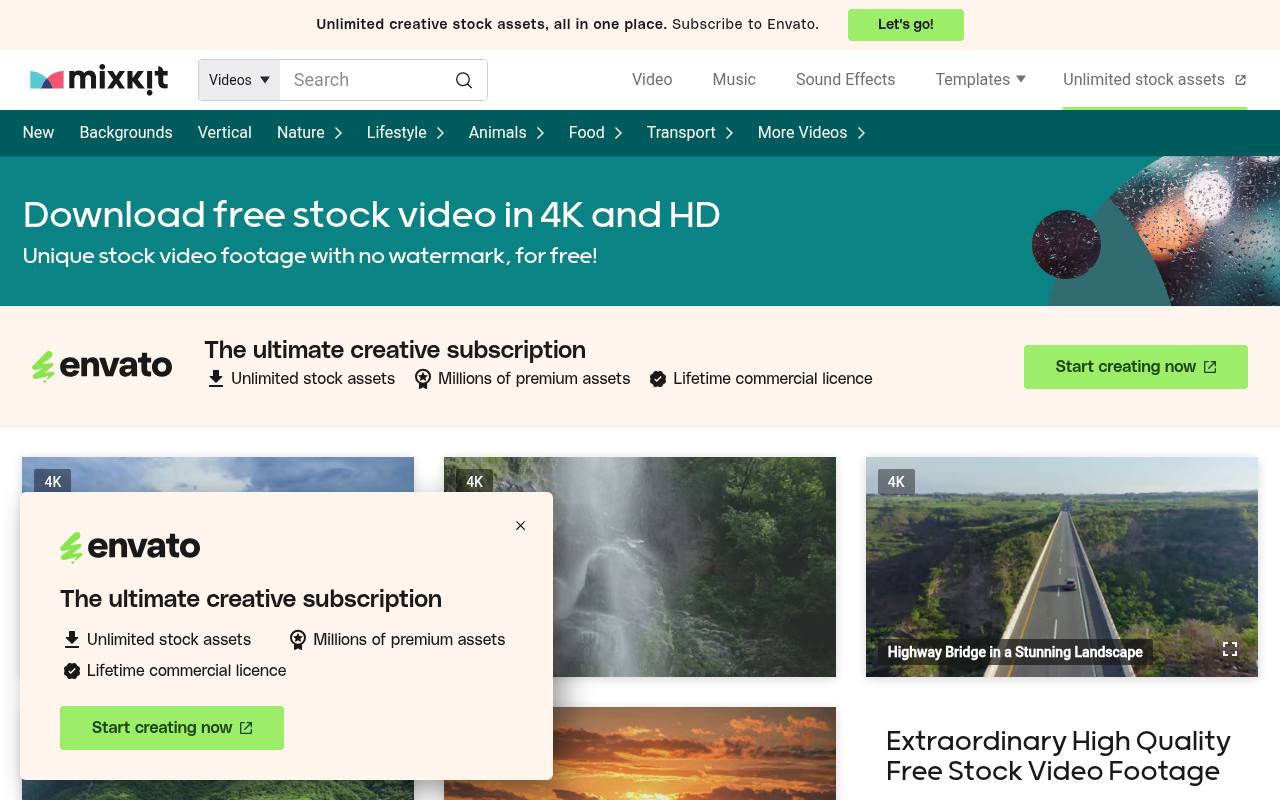
Mixkit's dedicated collection includes editable After Effects titles, logo reveals, slideshows, and social layouts. Its wider template navigation also covers Premiere Pro, DaVinci Resolve, and Final Cut Pro, making it a practical first stop when your team uses different editors.
No signup required and no attribution requirement keep downloading straightforward. Templates fall under the Mixkit Video Templates license, rather than an unrestricted public-domain grant. Use them in permitted finished projects, not as redistributed stock templates. Mixkit recommends the latest After Effects version, so older installations need particular care.
- Type
- Multi-editor templates
- Best for
- Quick logo reveals, titles, and editable slideshow projects
- License
- Free under Mixkit Video Templates license; commercial use; no attribution
- Price
- 100% free
Motion Array
After Effects projects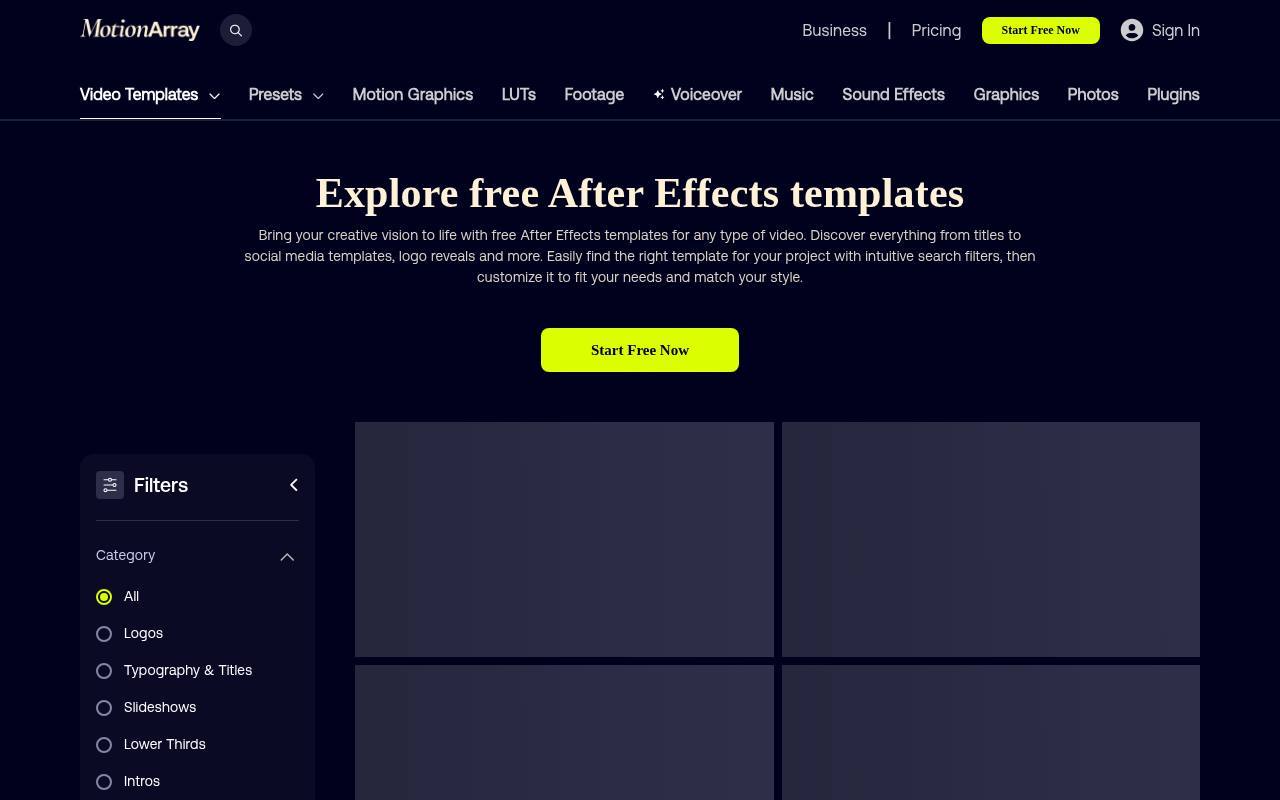
Motion Array separates its free After Effects templates from the subscription catalog, with options such as animated titles, parallax openers, logo reveals, and promotional edits. A free account is required; a paid subscription is not required for assets specifically offered as free.
Its commercial-use permission has an important exception: you cannot provide a service completing a free template for a third party. Redistribution is prohibited, and editorial-only labels still apply. That makes this collection more straightforward for your own channel or business than for ordinary client template-customization work.
- Type
- After Effects projects
- Best for
- Personal channel branding and testing editable AE projects
- License
- Free account; commercial use with exceptions; no attribution; no third-party template-completion service
- Price
- Free + Pro
MotionElements
Multi-editor templates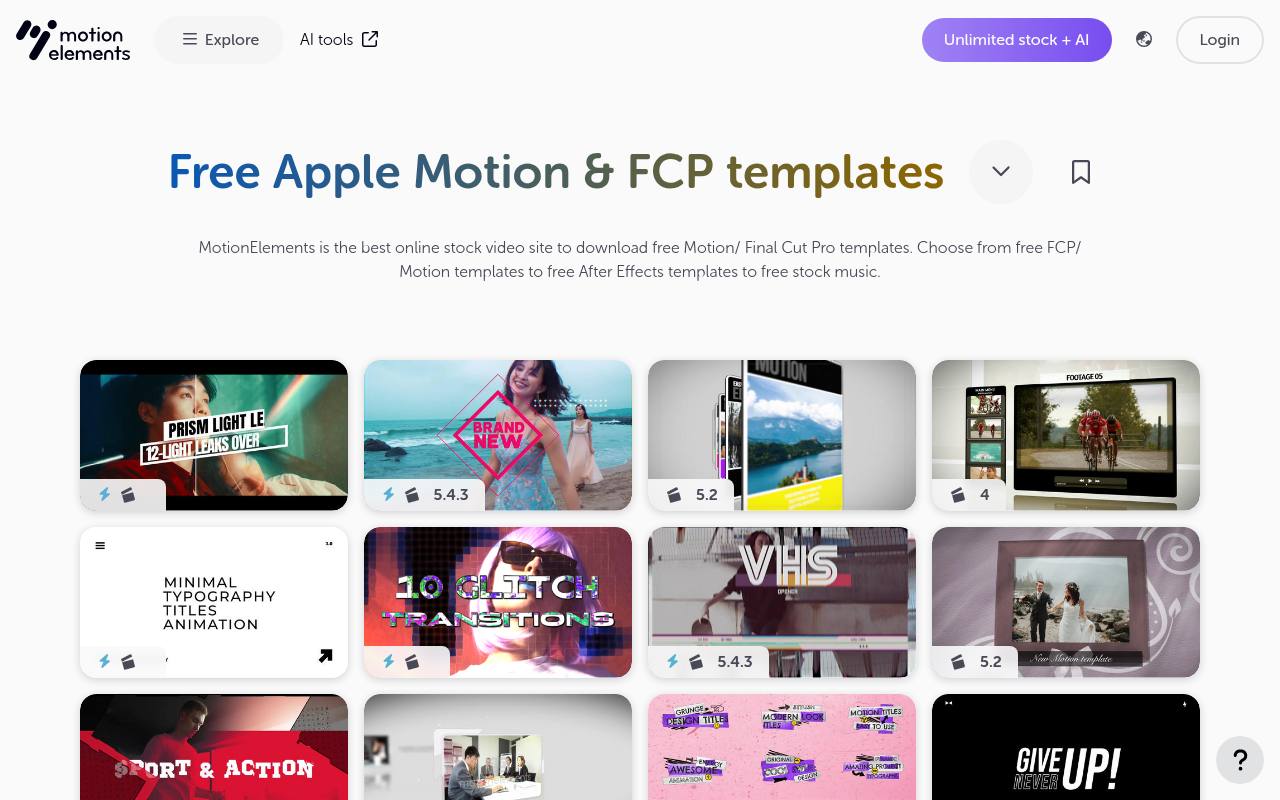
MotionElements has a dedicated free Apple Motion and Final Cut Pro section, plus separate free collections for After Effects and DaVinci Resolve. This is especially useful when you want editable title or promotional structures outside Adobe's ecosystem.
The standard free account provides five downloads weekly, so prioritize files that match your production requirements. Its royalty-free terms cover personal and commercial projects but prohibit reselling or redistributing the underlying content. Read the individual software field: Motion compatibility does not mean every control is available inside Final Cut Pro.
- Type
- Multi-editor templates
- Best for
- Apple Motion projects alongside Resolve and Adobe options
- License
- Royalty-free personal and commercial use; no resale or redistribution; account download quota
- Price
- Free tier
Adobe Stock
MOGRT templates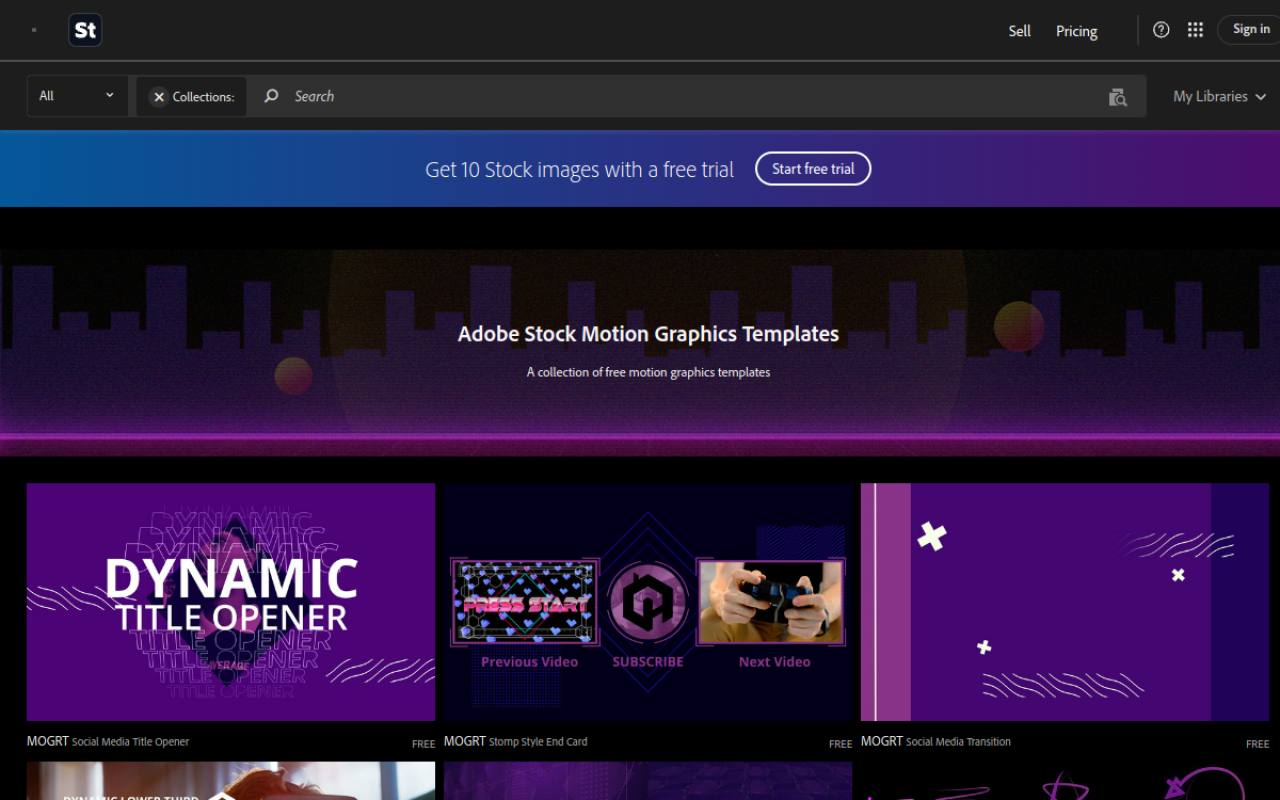
Adobe Stock maintains a collection of free MOGRT templates, including social titles, end cards, lower thirds, and graphic layouts. Look for the explicit FREE label and license the asset through your Adobe account; subscription advertisements around the collection do not make the free files a trial-only offer.
Adobe Stock licensing still governs use, including restrictions on distributing source assets or selling template-based stock. These are convenient for Premiere editors who want exposed text and style controls rather than an entire AE composition. Check each file's compatibility and included controls before downloading.
- Type
- MOGRT templates
- Best for
- Premiere Pro titles with packaged customization controls
- License
- Free-labeled assets under applicable Adobe Stock license; commercial use subject to restrictions
- Price
- Free + paid assets
Videezy
After Effects projects
Videezy lists After Effects projects for typography, intros, logo animation, and slideshows, but its template catalog mixes free and Pro content. Do not assume everything visible on the page costs nothing: inspect the file's download and license labels.
Standard content is available for personal and commercial use with required attribution; a paid license is the route to removing that credit requirement. Other license labels can carry different conditions. This source suits productions that can accommodate the specified credit, provided you verify that the chosen download is an editable project rather than preview footage.
- Type
- After Effects projects
- Best for
- Editors comfortable adding credits for free project files
- License
- Standard files free with attribution, including commercial use; Pro files paid; check individual license
- Price
- Free + Pro
ProductionCrate
After Effects projects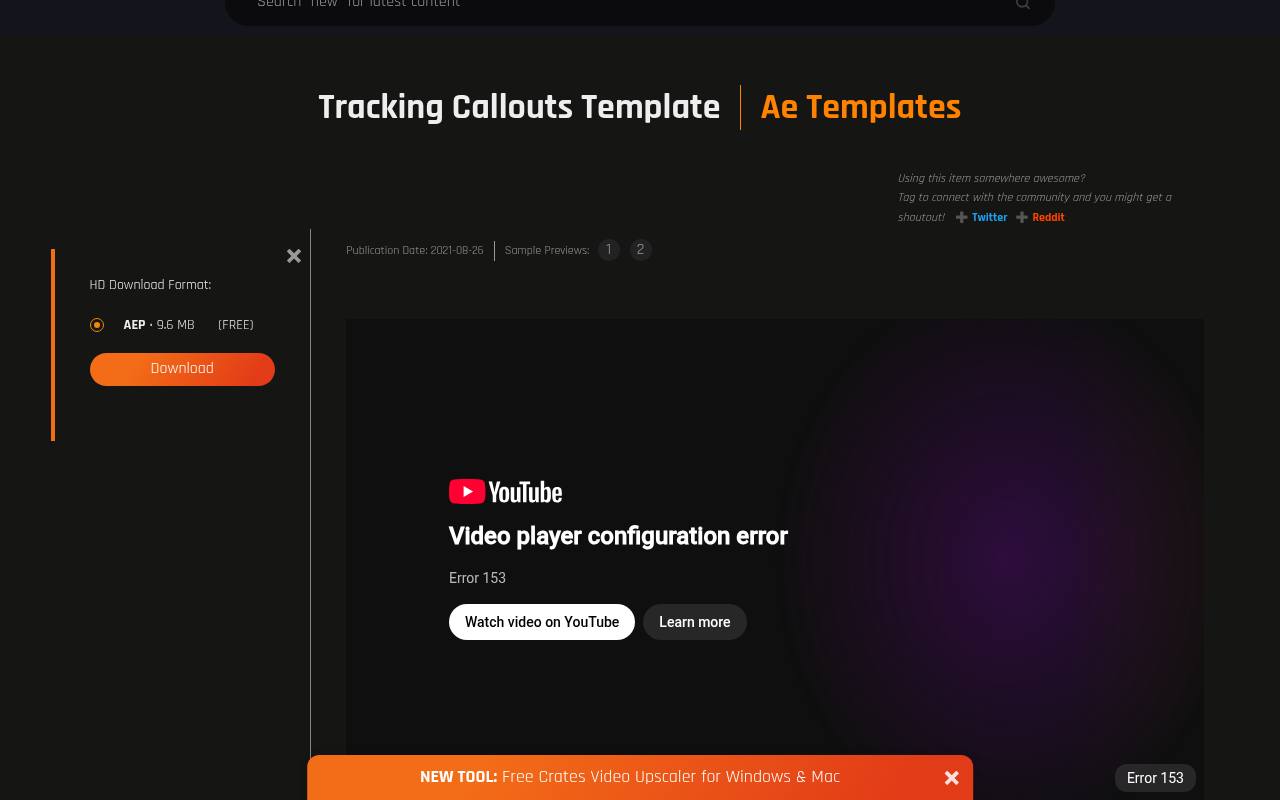
ProductionCrate's Tracking Callouts Template is explicitly listed as a free AEP download, offering a concrete starting point rather than a generic premium-library landing page. The broader AE section includes brand packages, text treatments, and effects-oriented projects. Free accounts have five daily downloads, and star-marked resources are reserved for Pro members.
Use the platform's limited license and review the chosen project's dependencies; a downloadable project should not be mistaken for permission to redistribute its files. This is a useful option when graphics need to accompany tracked objects or explanatory visual effects.
- Type
- After Effects projects
- Best for
- Tracking callouts and effects-oriented editable AE setups
- License
- Free-account content under ProductionCrate limited license; check project and bundled asset terms
- Price
- Free + Pro
PremiumBeat
Premiere Pro MOGRT pack
PremiumBeat's free Premiere Pro pack includes eight customizable animated titles alongside thirteen transitions, with the After Effects project included for deeper changes. Focus on the title components if you need reusable motion graphics rather than scene-change effects.
The article explicitly permits personal and commercial projects and prohibits reselling or redistributing the assets. Premiere's exposed controls handle routine adjustments, while the AE source provides a route to changes the packaged controls do not offer. Download from the article's free-pack button rather than following unrelated premium template promotions.
- Type
- Premiere Pro MOGRT pack
- Best for
- Editable animated titles with accompanying After Effects source
- License
- Free personal and commercial projects; no resale or redistribution
- Price
- 100% free
Velosofy
Community project templates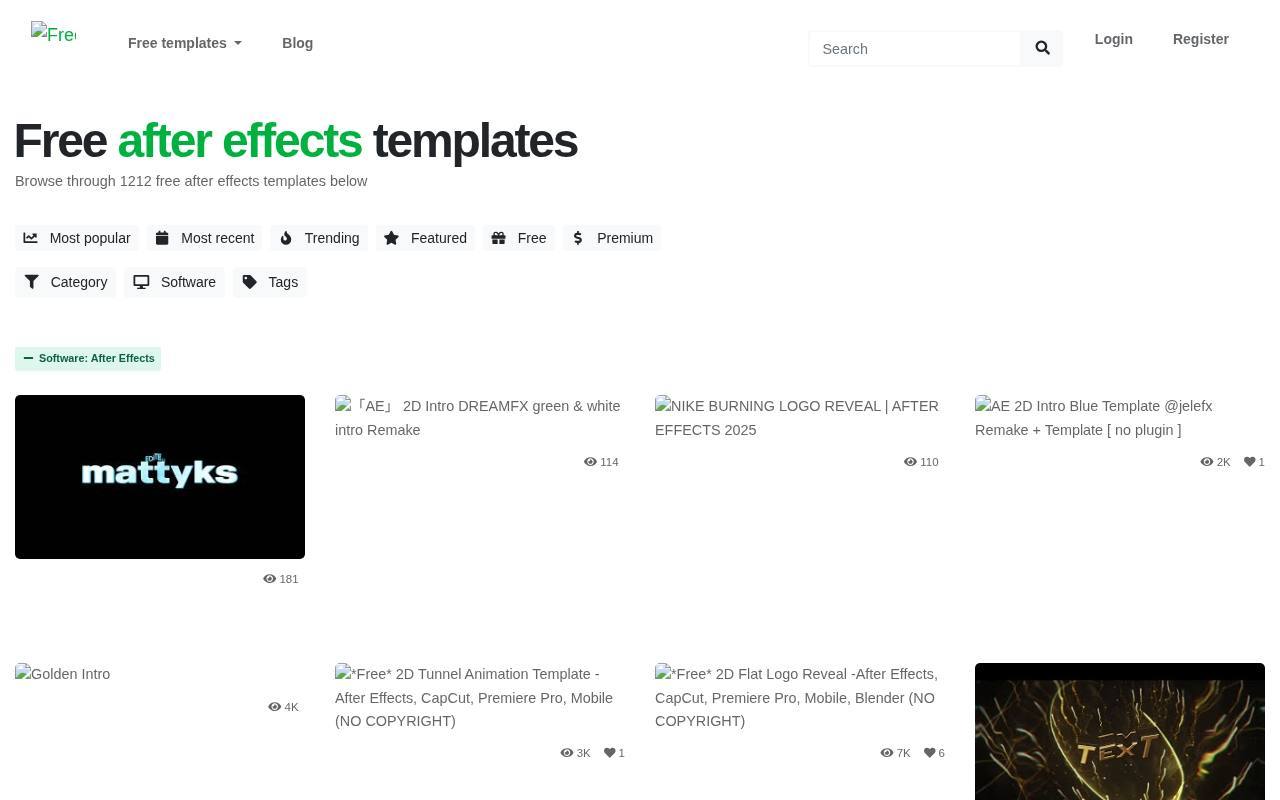
Velosofy collects creator-made intros, outros, visualizers, and other video templates, with an After Effects category for narrowing the software choice. Its appeal is the variety of community project files, not a single standardized visual system. The licensing distinction is equally important: creator-specific terms apply to contributor templates, including credit requests and any commercial restrictions.
Some listings lead to the creator's own download rather than a file hosted by Velosofy. Inspect the destination and accompanying documentation, and do not assume the preview's soundtrack or branded imagery is licensed for your finished video.
- Type
- Community project templates
- Best for
- Browsing creator-made intros with individual usage conditions
- License
- Creator-specific licenses; check credit, commercial permission, and included media separately
- Price
- Free
AEJuice
Pack Manager animation packs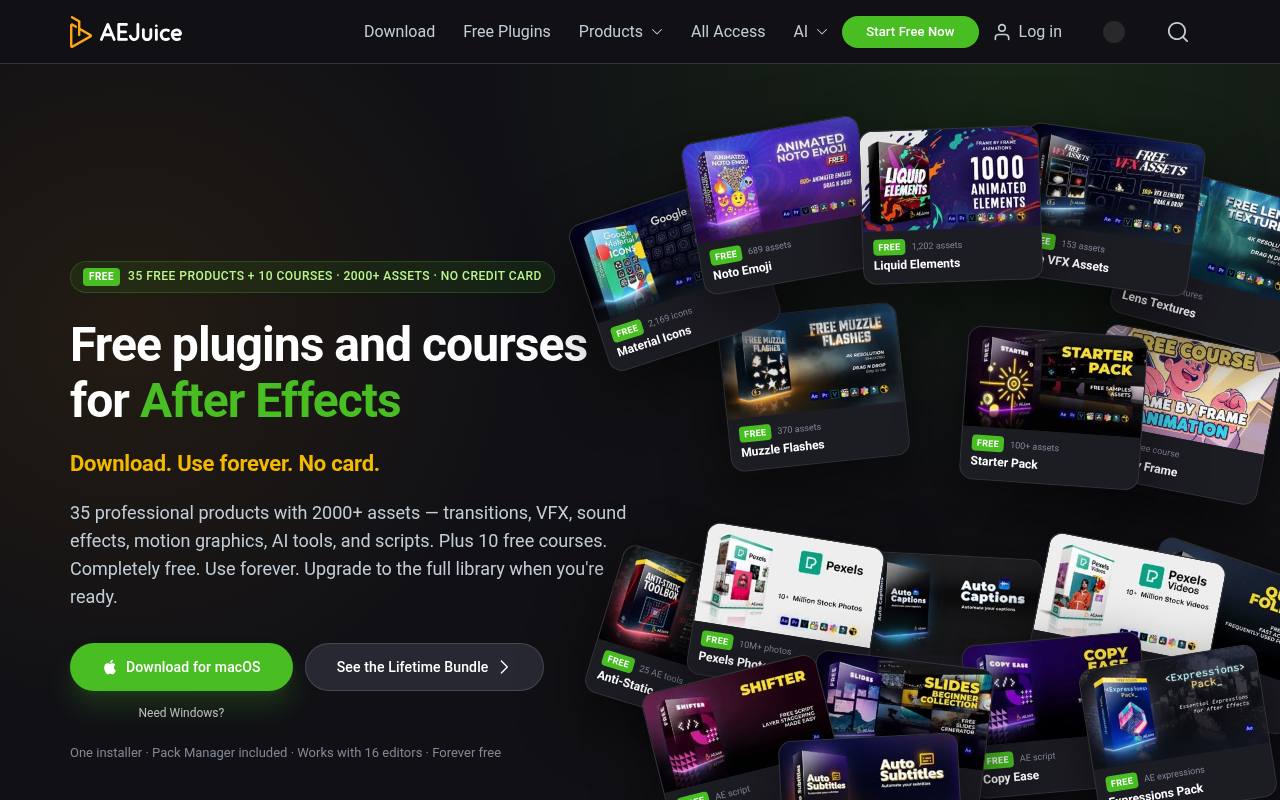
AEJuice's free library includes its Slides Beginner slideshow pack alongside a Starter Pack and other animation resources. This is a panel-based alternative to browsing individual AEP downloads: install Pack Manager, choose the free product, and bring its assets into the supported editor.
Commercial use is permitted for free products under the AEJuice EULA, while paid packages require their own license. Not every free listing is a template; some are scripts, sound effects, or courses. Focus on slideshow and motion-design packs, and check host compatibility for each product rather than assuming every pack supports every editor.
- Type
- Pack Manager animation packs
- Best for
- Panel-based animated assets and beginner slideshow building blocks
- License
- Free products permitted for personal and commercial use under AEJuice EULA; paid packs separate
- Price
- Free + paid packs
Video Copilot
After Effects tutorial projects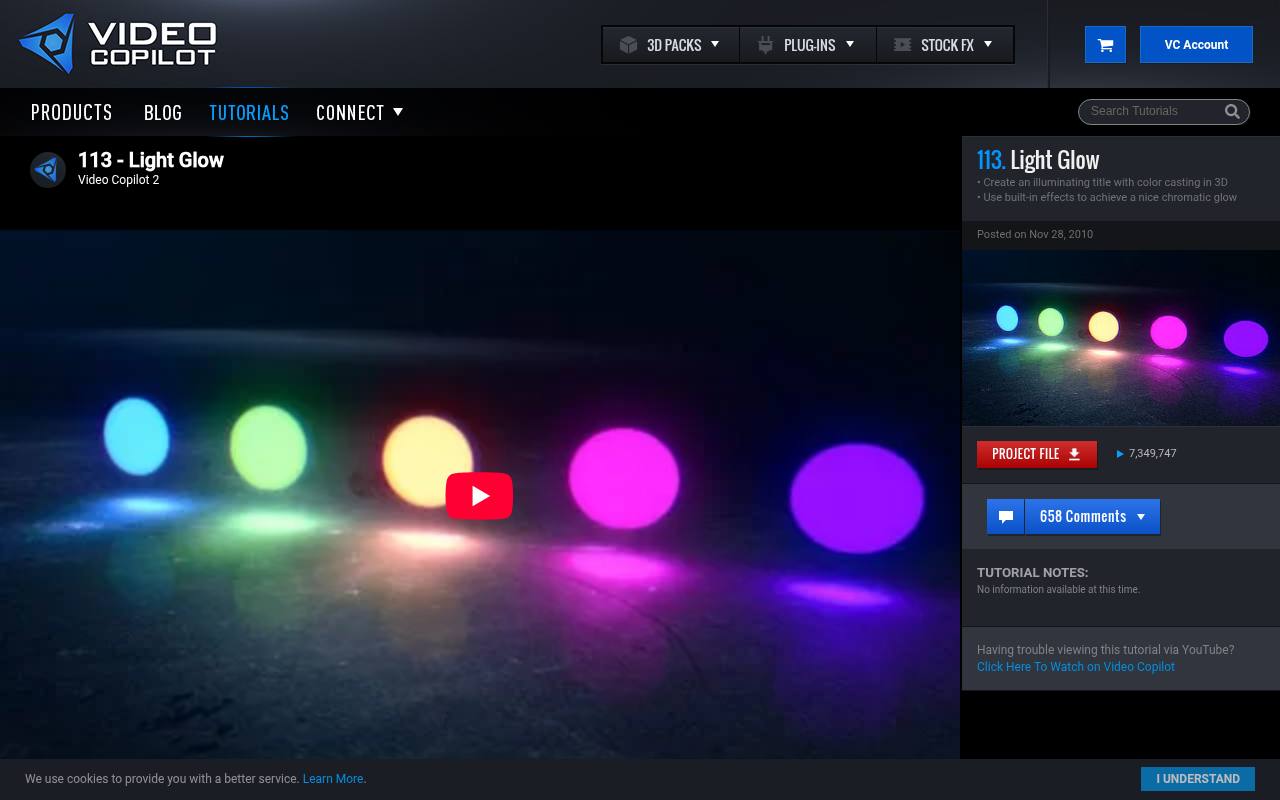
Video Copilot's Light Glow tutorial is a useful example of its downloadable tutorial-project approach, demonstrating an illuminated title with built-in effects. These files are learning-oriented starting points rather than a uniform catalog of plug-and-play social templates.
The support FAQ allows commercial project use of tutorial content but prohibits redistribution of the project files and footage; some images have separate copyright restrictions. Replace any assets you cannot clear. Older tutorials can also depend on changed effects or workflows, so open and test a project before promising that its original look will render unchanged.
- Type
- After Effects tutorial projects
- Best for
- Learning editable title construction from supplied AE projects
- License
- Tutorial projects usable commercially; no source redistribution; some included images excluded
- Price
- 100% free
Choose by editor before visual style
For Premiere Pro templates, begin with PremiumBeat's editable title pack or Adobe Stock's free MOGRT collection. For editable AE compositions, compare Mixkit, Motion Array, and ProductionCrate. MotionElements offers a dedicated route into Apple Motion and Final Cut Pro projects as well as Resolve. Let compatibility eliminate unsuitable files before you spend time comparing previews.
Understand the file you are downloading
An AEP project file generally exposes an After Effects composition structure. A MOGRT packages the properties its author chooses to publish, so a dramatic preview does not guarantee unrestricted editing.
Resolve projects, Fusion templates, and Motion files require their respective installation workflows. A rendered MOV preview is not an editable template, even when it looks identical on a download page.
Separate free downloads from free trials
Look for a persistent free download label, not a trial invitation or a promotional subscription banner. Mixed catalogs can display paid recommendations beside legitimate free files.
Confirm the final price before checkout, and record whether the download requires an account, installer, email signup, or weekly allowance. Avoid planning a production around an asset you have only watched, not successfully downloaded.
Check commercial rights and client delivery
Permission for commercial video projects does not automatically authorize every client workflow. Motion Array's free-asset restriction on third-party template completion is especially relevant here.
Elsewhere, finished-video use and handing over editable source files may have different conditions. For collaborative delivery, have the client obtain its own permitted copy when necessary rather than bundling downloaded stock into an unrestricted project archive.
Clear fonts, music, and demonstration media
A template license record should sit beside separate permissions for music, fonts, logos, and photographs. Preview tracks are often demonstrations, not part of the downloadable grant.
Substitute your own cleared media whenever inclusion is unclear. For attribution-based files, save the exact required credit and confirm where it must appear; a casual mention in internal notes is not a published credit.
Test dependencies before customizing
Make a short test render immediately after installation. Check missing fonts, absent plugins, broken footage links, expression errors, and output resolution before replacing every placeholder.
A no-plugin template can still require a newer application version or substantial memory. In Resolve, verify whether any effects require Studio rather than assuming that a free template guarantees a fully free rendering workflow.
Customize for readability, not just branding
Treat animated title readability as a production requirement. Replace sample text with the longest real name or headline, watch the animation at phone size, and check contrast over actual footage.
Keep key information away from platform interface areas. If text disappears before someone can reasonably read it, extend its hold rather than preserving the template's original timing at all costs.
Can you reuse a free template across projects?
Often yes, but reuse permission varies with the source license and any project-specific conditions. Keep the original archive, receipt or download confirmation, license text, and source URL in your asset records.
Recheck the terms when a new use differs materially, such as moving from your own channel to commissioned advertising. Never interpret repeat use as permission to resell the template itself.