
A well-timed entrance or a gentle button response can make a website feel more considered without turning every interaction into a performance. Free CSS animation libraries supply reusable motion patterns, so you can spend less time rebuilding keyframes and more time choosing effects that support the interface.
The strongest results usually come from restraint: one clear transition, a consistent rhythm, and content that remains usable when animation is switched off.
This collection focuses on CSS animation effects applied to ordinary page elements: headings, cards, buttons, images, and interface panels. These are stylesheets and CSS-centered toolkits rather than video assets, GIF collections, particle backgrounds, or JavaScript timeline engines.
Some include optional scripting integrations, but the motion itself is defined in CSS. You can start with ready-made classes or choose a more configurable system when your design needs coordinated movement across several elements.
Free does not always mean identical permissions. Most options below use MIT terms, while Animate.css licensing includes human-rights conditions and Hover.css distinguishes free personal or open-source use from paid commercial licensing.
Check the exact release you download before shipping client work. Alongside each source, you will find its practical strengths and setup considerations, helping you choose a small, appropriate tool rather than adding several overlapping libraries to the same page.
Quick picks at a glance
| # | Resource | License | Best for |
|---|---|---|---|
| 1 | Animate.css | Free under Hippocratic License 2.1; conditions apply | Ready-made entrances, exits, and attention effects |
| 2 | Hover.css | Free personal/open-source use; commercial licenses paid | Interactive links, buttons, borders, and image treatments |
| 3 | Magic.css | Free under MIT License; retain notices | Expressive reveals and theatrical interface accent moments |
| 4 | AnimXYZ | Free under MIT License; retain notices | Custom motion combinations and coordinated element groups |
| 5 | CSShake | Free under MIT License; retain notices | Small shake accents with adjustable movement intensity |
| 6 | Tuesday | Free under MIT License; retain notices | Subtler entrances and exits for everyday interfaces |
| 7 | Vivify | Free under MIT License; retain notices | Directional entrances with convenient delay and duration classes |
| 8 | WickedCSS | Free under MIT License; retain notices | Playful accents alongside simple fades and slides |
| 9 | Motion UI | Free under MIT License; retain notices | Sass-based transition systems with reusable motion patterns |
| 10 | Obnoxious.css | Free under MIT License; retain notices | Deliberately exaggerated motion for isolated playful experiments |
Animate.css
CSS library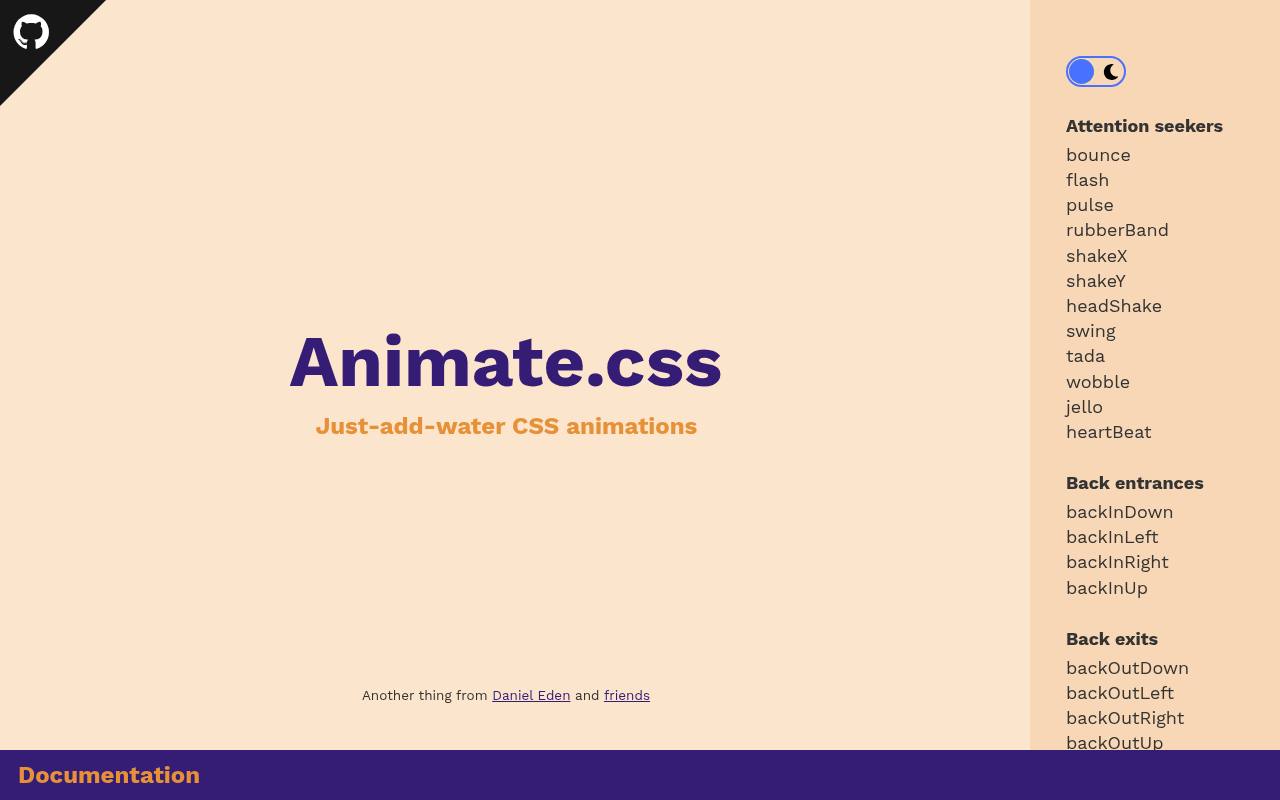
Animate.css organizes its examples into recognizable families, including fading entrances, bouncing exits, flips, zooms, and attention seekers. Its animation class system pairs the animate__animated base class with a named effect, while CSS custom properties let you adjust duration, delay, and repetition.
The documentation also covers custom builds and reduced-motion behavior. It is a useful first stop for ready-made CSS effects with clear naming. Current source licensing uses the Hippocratic License rather than a blanket MIT permission, so review its notice and human-rights requirements before distribution.
- Type
- CSS library
- Best for
- Ready-made entrances, exits, and attention effects
- License
- Free under Hippocratic License 2.1; conditions apply
- Price
- 100% free
Hover.css
CSS hover library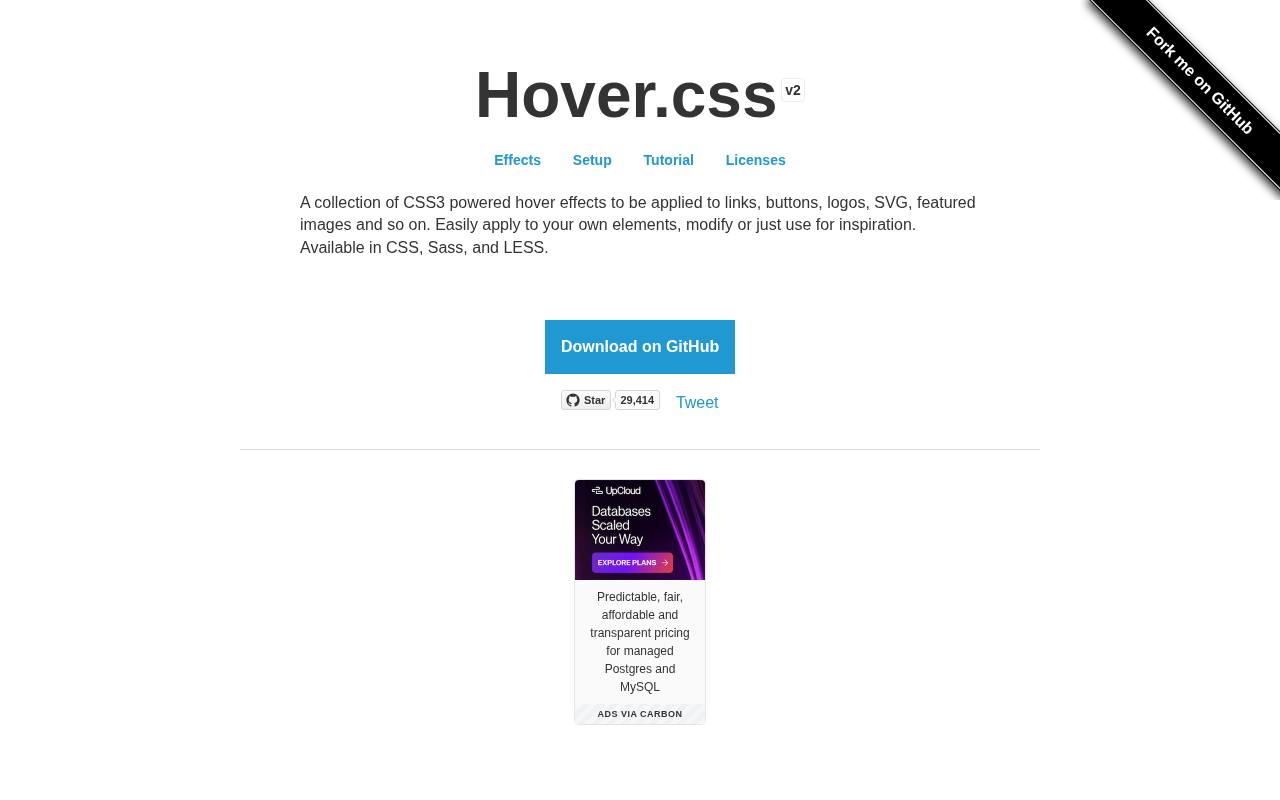
Hover.css concentrates on hover interaction effects rather than page-load choreography. Its preview page groups effects into 2D transitions, background transitions, icon treatments, borders, shadows, and other visual categories. You can work with CSS, Sass, or LESS, making it practical to adapt individual treatments to an existing button style.
Try restrained options such as an underline reveal before choosing a large wobble. Its free usage terms cover personal and open-source work; the project lists separate paid commercial licenses, so do not assume a client website qualifies for the free license.
- Type
- CSS hover library
- Best for
- Interactive links, buttons, borders, and image treatments
- License
- Free personal/open-source use; commercial licenses paid
- Price
- Free + paid licenses
Magic.css
CSS effects library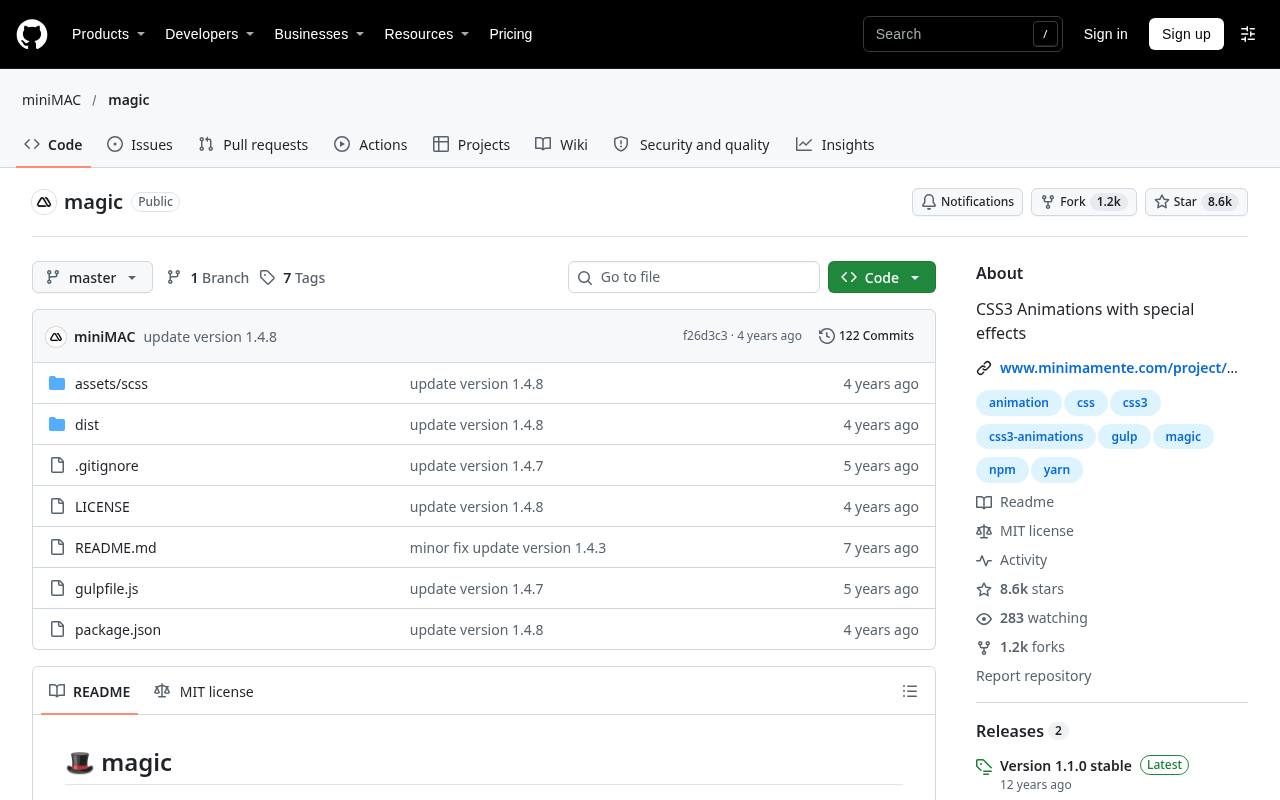
Magic.css leans toward expressive CSS transitions, with effect families such as magic, bling, perspective, tin, and boing. The repository documents adding the magictime class alongside a specific animation such as puffIn, then changing duration with standard CSS.
Both regular and minified stylesheets are available, and its SCSS build lets developers select which animation files to include. Choose it for distinctive reveal effects on promotional sections or playful interfaces, not as an instruction to animate every component. JavaScript examples demonstrate triggering classes; the animation definitions remain CSS.
- Type
- CSS effects library
- Best for
- Expressive reveals and theatrical interface accent moments
- License
- Free under MIT License; retain notices
- Price
- 100% free
AnimXYZ
Composable CSS toolkit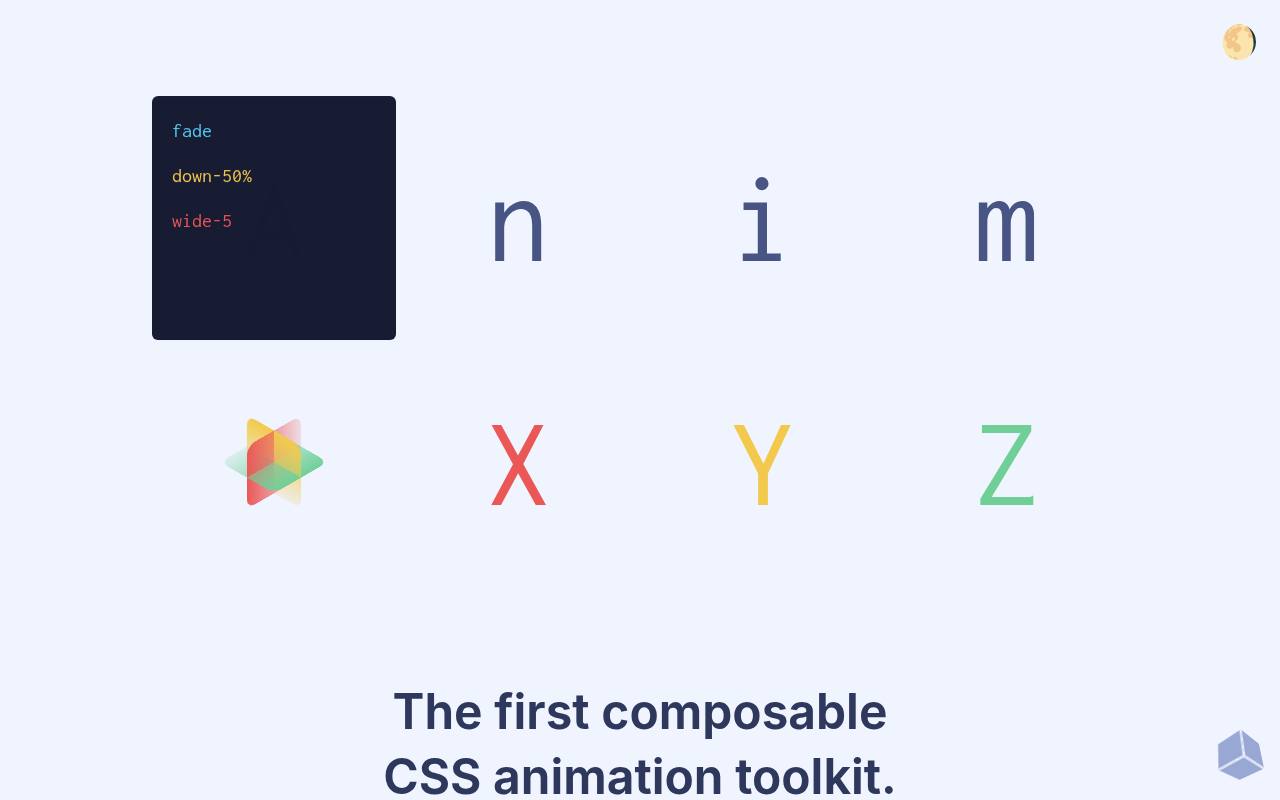
AnimXYZ takes a compositional approach instead of asking you to select one fixed animation name. An xyz attribute can combine utilities such as fade, small, and up, with CSS custom properties providing finer control over the resulting movement. Its examples cover translation, rotation, scale, timing, easing, and staggered groups.
The toolkit works with HTML and CSS and also offers Vue and React integrations. This makes it especially useful for coordinated interface motion when a single preset is too restrictive but writing separate keyframes for every variation would become repetitive.
- Type
- Composable CSS toolkit
- Best for
- Custom motion combinations and coordinated element groups
- License
- Free under MIT License; retain notices
- Price
- 100% free
CSShake
CSS shake library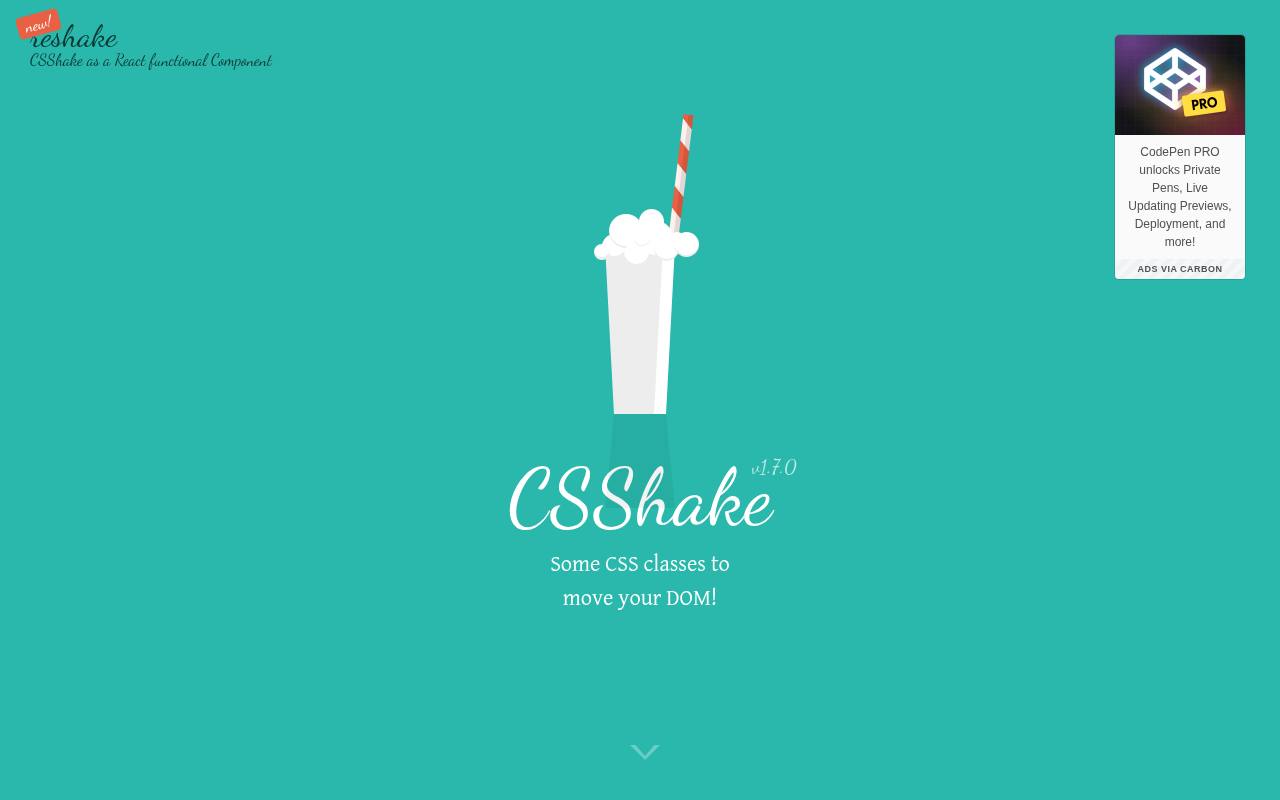
CSShake specializes in one motion family and gives it meaningful variation: little, slow, hard, horizontal, vertical, rotation, opacity, and more exaggerated shakes. Its separate animation downloads let you include an individual effect instead of the entire collection.
The documentation shows parent-triggered behavior, constant motion, freezing on hover, and a Sass mixin for custom movement ranges and duration. Use these targeted shake effects sparingly for a playful response or optional accent. Pair any error feedback with readable text, since movement alone should never communicate what went wrong.
- Type
- CSS shake library
- Best for
- Small shake accents with adjustable movement intensity
- License
- Free under MIT License; retain notices
- Price
- 100% free
Tuesday
CSS and LESS library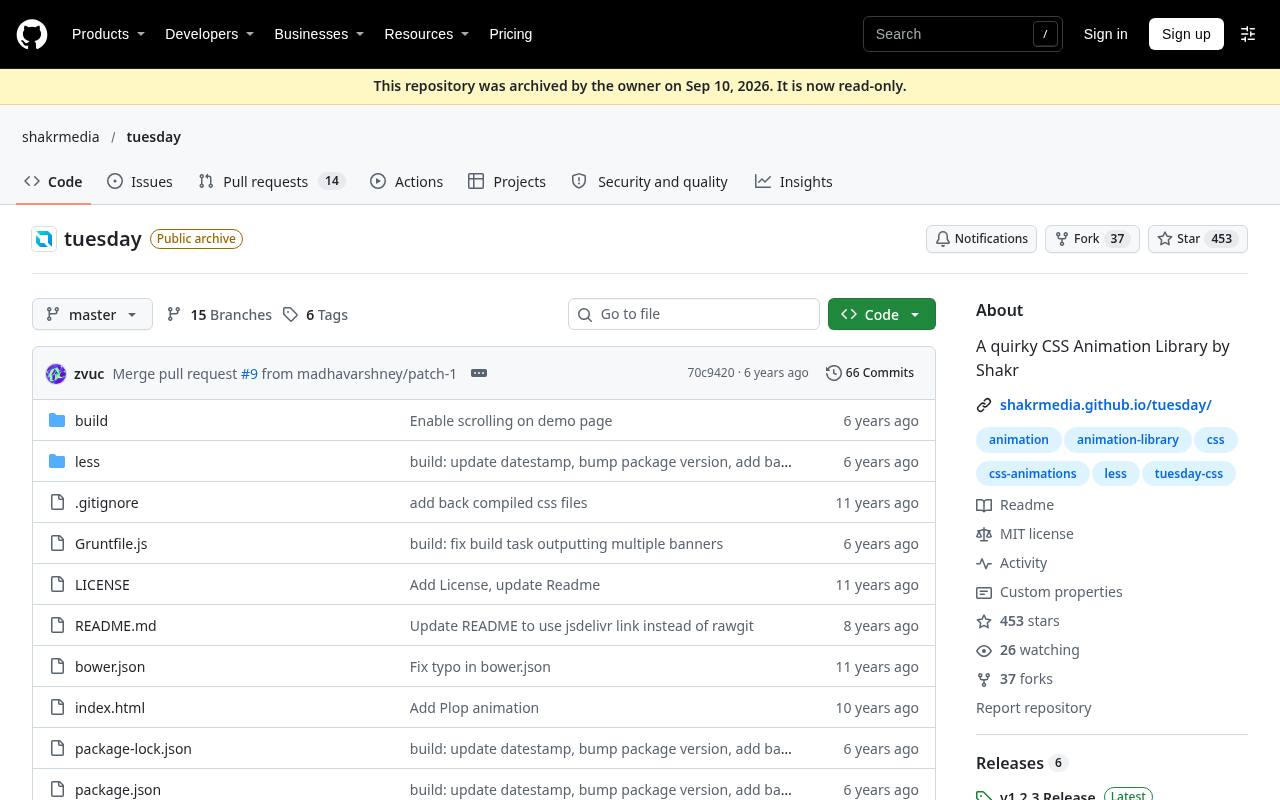
Tuesday was created to address animation presets whose travel distances or durations felt excessive in interface work. Its subtle motion presets include fades, expansions, stamps, swings, drops, and hinge flips. Effect names use a td prefix, reducing naming collisions with other collections, while setup combines an animated class with the selected effect.
You can link the compiled stylesheet or work with its LESS source and omit groups during a custom build. For compact interface transitions, it offers a calmer starting point than libraries designed mainly for dramatic presentation effects.
- Type
- CSS and LESS library
- Best for
- Subtler entrances and exits for everyday interfaces
- License
- Free under MIT License; retain notices
- Price
- 100% free
Vivify
CSS animation library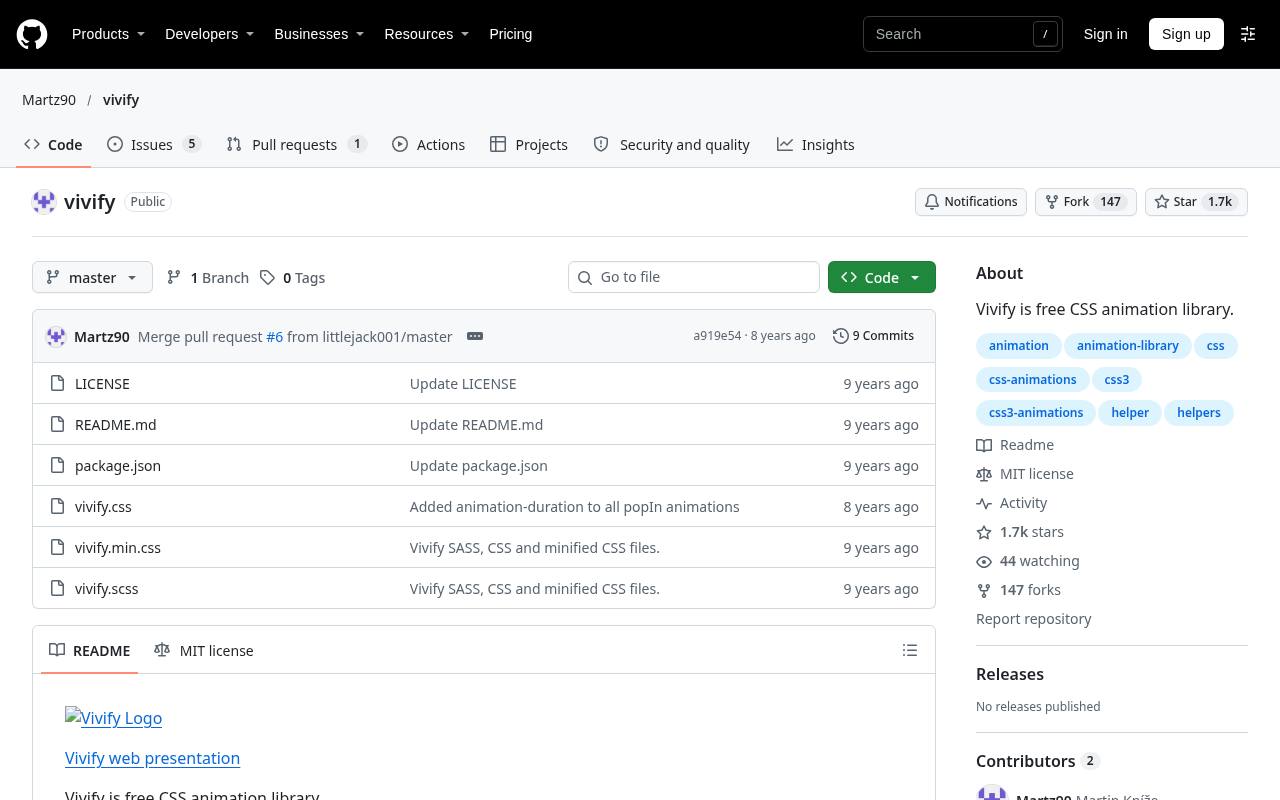
Vivify combines familiar fades and flips with drive, jump, pop, roll, and swoop animation families. Its repository lists the available class names and explains including vivify.min.css, then adding the vivify class and the desired effect.
A distinctive convenience is its timing utility classes, which provide documented delay and duration values without requiring a new rule for each element. An infinite class enables repeating animations when appropriate. Choose Vivify for directional element reveals where you want several visual styles and straightforward timing adjustments within the same stylesheet.
- Type
- CSS animation library
- Best for
- Directional entrances with convenient delay and duration classes
- License
- Free under MIT License; retain notices
- Price
- 100% free
WickedCSS
CSS animation library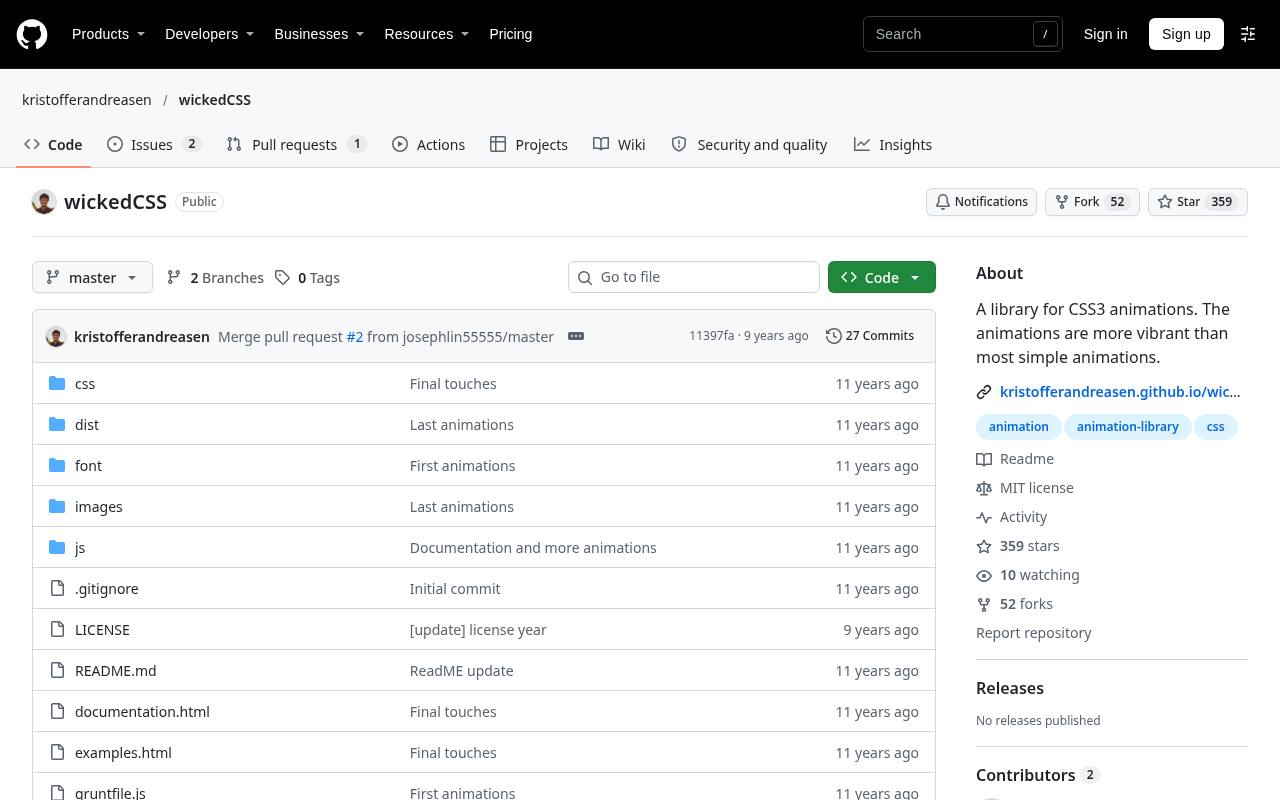
WickedCSS mixes conventional effects such as fadeIn, slideUp, and bounceIn with more playful choices including barrelRoll, wiggle, and sideToSide. The direct class setup is simple: link the stylesheet and place the chosen animation class on an element, including an image.
Regular and minified files are documented. Although its repository also discusses optional scroll-trigger integrations, the core collection is a standalone CSS stylesheet, not a scroll orchestration system. It suits experimental pages and isolated celebratory details, provided you test how its larger transforms interact with surrounding content.
- Type
- CSS animation library
- Best for
- Playful accents alongside simple fades and slides
- License
- Free under MIT License; retain notices
- Price
- 100% free
Motion UI
Sass animation toolkit
Motion UI is a Sass motion library used by Foundation for Sites but distributed as a standalone project. You can install the package and include its transition and animation mixins, or use the precompiled CSS files when a Sass pipeline is unnecessary.
Its installation instructions call for Autoprefixer with the Sass route. The repository also supplies an optional JavaScript helper for transitioning elements in and out. Consider this build-oriented animation toolkit when you want reusable motion styles integrated into a stylesheet workflow rather than a collection chosen solely through visual previews.
- Type
- Sass animation toolkit
- Best for
- Sass-based transition systems with reusable motion patterns
- License
- Free under MIT License; retain notices
- Price
- 100% free
Obnoxious.css
Experimental CSS effects
Obnoxious.css is the intentionally excessive outlier in this selection. Its README lists shakeit, intensifies, fontalicious, strobe, and twister, applied alongside an animated class after loading the stylesheet. That makes its small effect collection easy to inspect and experiment with, but not automatically suitable for a polished production interface.
Treat it as a source for playful motion experiments, preferably in controlled demos with an obvious stop mechanism. Avoid flashing effects and aggressive movement in general-purpose pages, and provide a static experience for visitors who prefer reduced motion.
- Type
- Experimental CSS effects
- Best for
- Deliberately exaggerated motion for isolated playful experiments
- License
- Free under MIT License; retain notices
- Price
- 100% free
Choose the interaction before the library
Start by naming the job: a hover response, a panel entrance, a short confirmation, or a coordinated group transition. Purposeful website animation makes that job clearer.
Hover.css addresses pointer interactions, Tuesday emphasizes restrained presets, and AnimXYZ offers composable control. If one custom transition solves the problem, a whole library may be unnecessary; free downloads still carry integration and maintenance costs.
Check permissions for the exact release
Keep a record of the source URL, release, and license text alongside your dependency notes. Free commercial use is not a safe assumption across this entire list.
MIT-licensed projects generally require retaining copyright and permission notices in copies or substantial portions. Hover.css publishes separate commercial terms, while Animate.css has additional license conditions that deserve review before approval for organizational projects.
Understand what you are downloading
These resources primarily deliver CSS animation files, sometimes with Sass or LESS sources and optional JavaScript helpers. They are not editable video timelines or exported image sequences.
A compiled stylesheet is usually the quickest trial route; source files are more useful when you need selective builds or deeper customization. For package installations, pin a version so future updates do not silently change behavior or licensing expectations.
Build a small motion vocabulary
Choose a limited set of entrances, exits, and feedback effects, then standardize their timing across components. Consistent animation timing matters more than demonstrating every available preset.
Prototype with real headings, long labels, and translated content rather than only demo squares. Keep important text readable while it moves, and avoid long delays that force visitors to wait before they can understand or operate the page.
Make reduced motion a requirement
Use the prefers-reduced-motion media query and verify the actual downloaded stylesheet rather than assuming every library handles it. Reduced motion support should remove nonessential travel, scaling, shaking, and repetition while preserving useful state changes.
A quiet opacity change or immediate update may be more appropriate. Test your operating system preference, keyboard navigation, and touch behavior; a hover-only treatment must not conceal essential information from other users.
Measure performance in the real layout
Favor transform and opacity when they achieve the desired result, but remember that smooth CSS animations still depend on page complexity and device capacity. Test on a modest phone with realistic images and content.
Watch for clipping, horizontal overflow, and interactions with existing transforms. Include only effects you use when the build supports it, and avoid leaving decorative loops active throughout a long page.
Keep motion separate from application state
A stylesheet describes movement; it does not necessarily decide when a component should appear or disappear. Animation trigger logic may require your framework or a small script.
When removing a panel after an exit effect, account for animation completion and reduced-motion behavior. Never make form submission, navigation, or access to content depend on a decorative animation finishing successfully.
Can you combine several free libraries?
Technically yes, but CSS class conflicts and overlapping animation names can make debugging harder. Generic names such as animated or fadeIn deserve particular attention.
Prefer one primary library, then isolate an additional effect only when it adds clear value. Check the combined license obligations and test repeated interactions, since simply adding a class that is already present will not necessarily restart its animation.