
A loading indicator has a small job with a noticeable effect: reassure people that their action registered while the interface waits for a result. The best free loading spinner animations fit the surrounding design without competing with it.
A restrained ring might suit a checkout button, while three moving dots can feel more natural beside a chat response. Choose the animation around the waiting state, not simply around the most elaborate preview.
This collection focuses on CSS loaders, SVG spinners, and tools that help you configure them. These are practical interface resources rather than general animation libraries, stock GIF catalogs, or motion graphics templates.
Some provide copyable HTML and CSS; others offer downloadable vector files or framework components. That distinction matters because an attractive preview is only useful when its output fits your application, publishing system, and maintenance workflow without unnecessary conversion work.
All ten sources offer a free starting point, but their delivery methods and permissions differ. Open-source packages commonly require keeping copyright and license notices with distributed code, while an online generator may publish separate usage terms.
Before shipping, inspect the exact resource you select, adjust its dimensions and contrast, and test the finished loading state with reduced motion enabled. A good spinner communicates activity; it should never become a substitute for clear status text or error handling.
Quick picks at a glance
| # | Resource | License | Best for |
|---|---|---|---|
| 1 | CSS Loaders | Free snippets; check source terms | Exploring varied single-element loading indicator designs |
| 2 | 10015 CSS Loader Generator | Free tool; site terms apply | Customizing loader appearance without manually editing CSS |
| 3 | SpinKit | MIT; retain copyright and license notices | Adding familiar geometric spinners with readable source |
| 4 | Epic Spinners | MIT; retain copyright and license notices | Using distinctive spinner shapes in Vue interfaces |
| 5 | Loaders.css | MIT; retain copyright and license notices | Selecting CSS effects from a source-first library |
| 6 | Three Dots | MIT; retain copyright and license notices | Creating compact dot-based loading and typing states |
| 7 | spin.js | MIT; retain copyright and license notices | Configuring classic radial activity indicators in detail |
| 8 | React Spinners | MIT; retain copyright and license notices | Connecting configurable loaders to React application states |
| 9 | Whirl | MIT; retain copyright and license notices | Importing individual loader styles into existing builds |
| 10 | SVG Spinners | MIT; retain copyright and license notices | Choosing compact vector loaders with implementation alternatives |
CSS Loaders
CSS snippets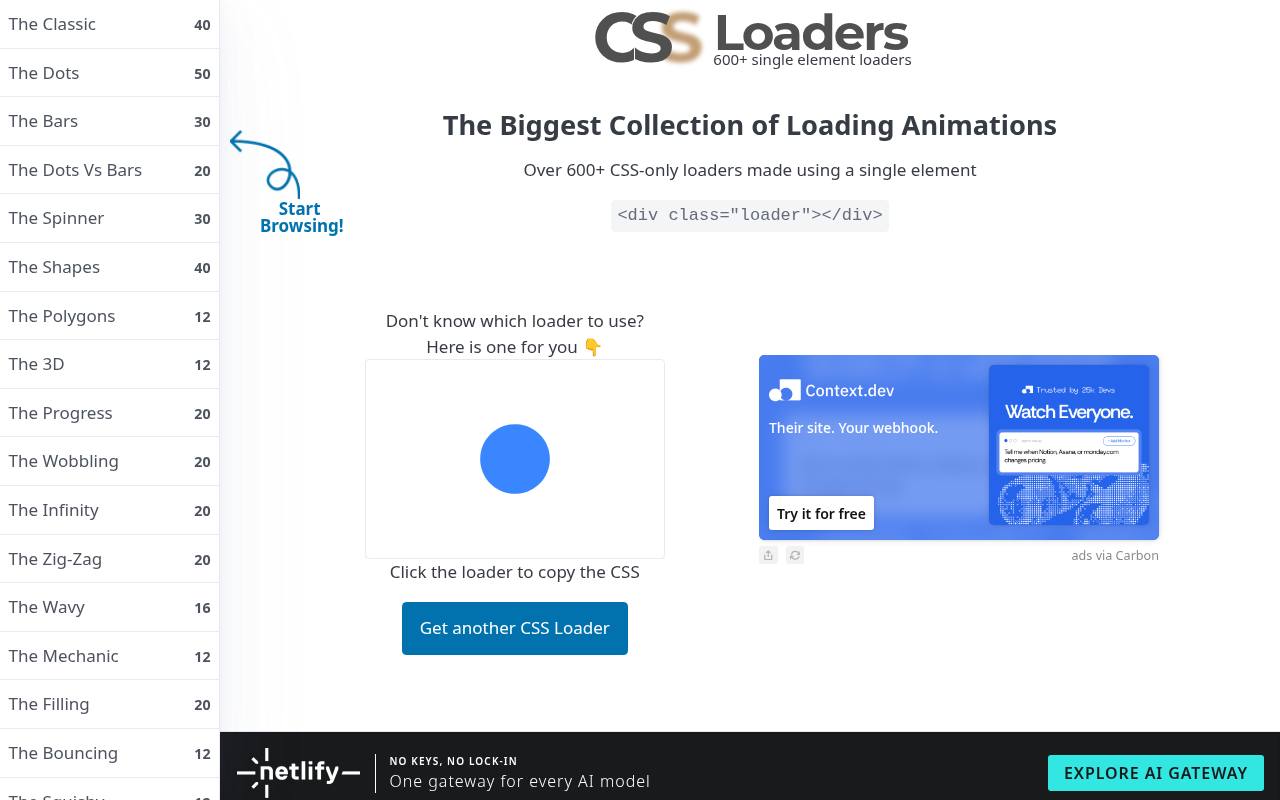
Temani Afif’s CSS Loaders is built around single-element loaders, making it useful when you want an expressive loading state without a stack of decorative markup. The site presents a large collection of CSS-only designs, and its homepage lets you click the displayed animation to copy its CSS or request another example.
Treat it as a copy-and-adapt collection, not a framework dependency. Some effects use more advanced CSS techniques, so test your chosen snippet in your supported browsers. Review the source’s usage terms before distributing copied code.
- Type
- CSS snippets
- Best for
- Exploring varied single-element loading indicator designs
- License
- Free snippets; check source terms
- Price
- 100% free
10015 CSS Loader Generator
Web generator
The 10015 CSS Loader Generator separates its collection into recognizable groups including spinners, progress loaders, dots, bars, shapes, and pulses. Each design offers customize and code controls, so you can choose an animation before adjusting its appearance.
The tool documents controls for color, size, and speed, with pure CSS output rather than a JavaScript animation dependency. This makes it convenient for designers preparing a developer handoff or developers trying several visual options quickly. It is a free online tool; review the site terms for your intended reuse.
- Type
- Web generator
- Best for
- Customizing loader appearance without manually editing CSS
- License
- Free tool; site terms apply
- Price
- 100% free
SpinKit
CSS collection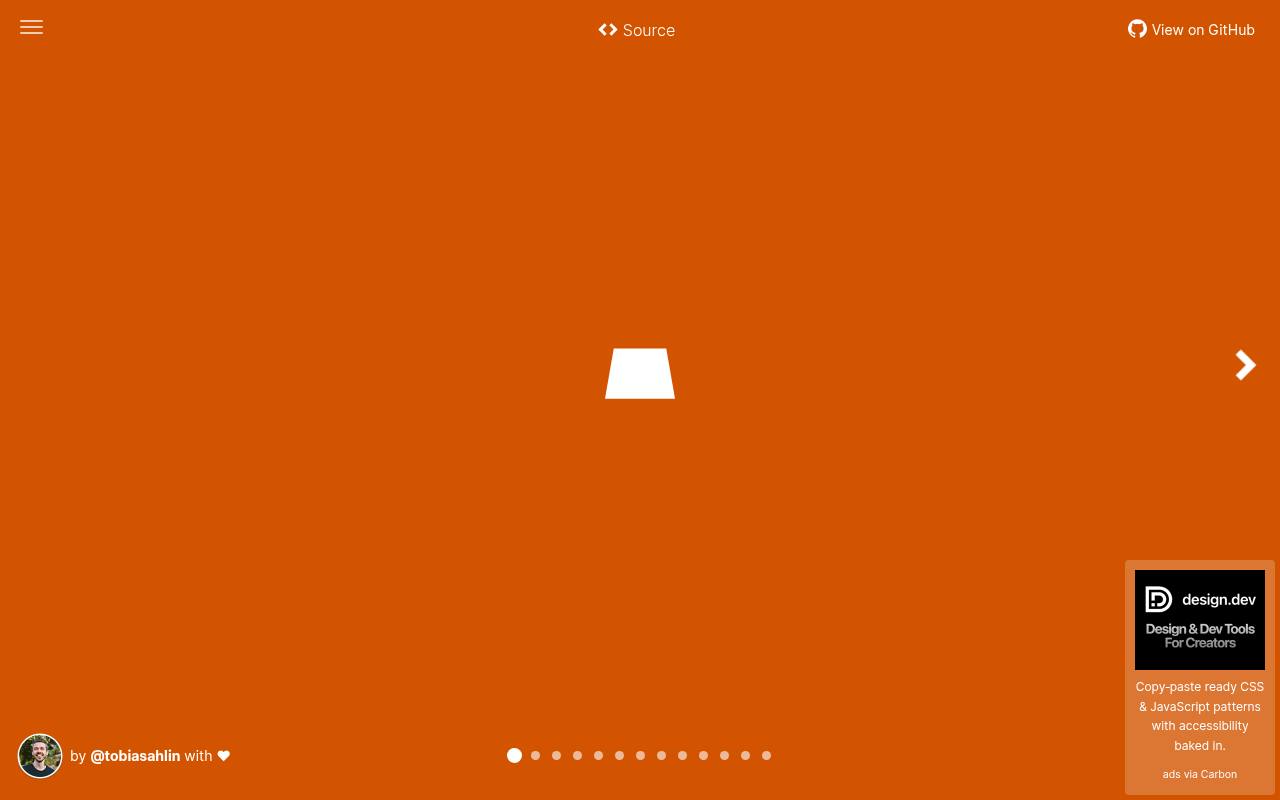
SpinKit by Tobias Ahlin keeps its presentation focused on recognizable geometric motion rather than elaborate illustrations. The demo exposes HTML and CSS source for effects such as chasing dots, bouncing shapes, and rotating forms, making individual examples easy to study.
Its underlying project uses the MIT license, allowing commercial adaptation while requiring preservation of the relevant notices. Choose this free collection when you want understandable keyframes that a teammate can maintain later. Copy only the selected effect, and replace generic demo class names if they conflict with your existing stylesheet.
- Type
- CSS collection
- Best for
- Adding familiar geometric spinners with readable source
- License
- MIT; retain copyright and license notices
- Price
- 100% free
Epic Spinners
CSS and Vue components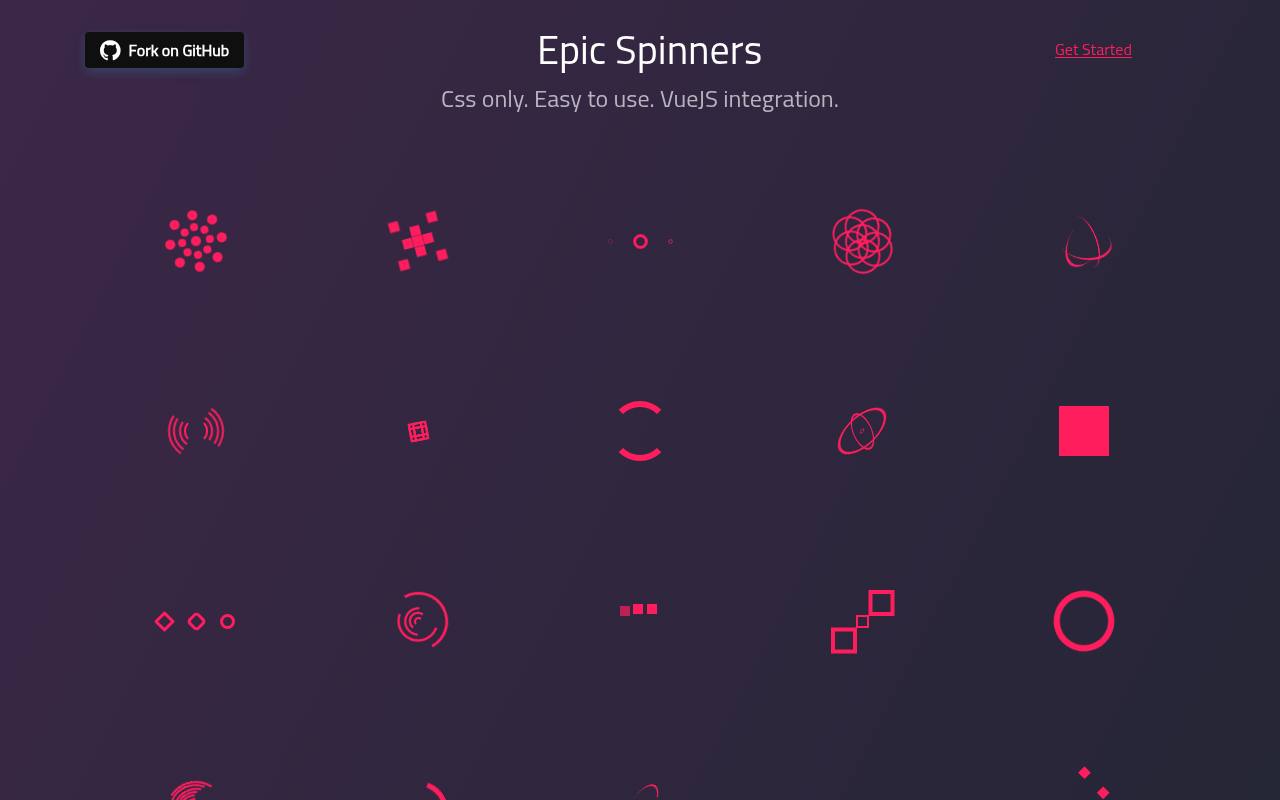
Epic Spinners combines a gallery of CSS animations with Vue component integration. The project includes designs named Atom, Radar, Fingerprint, Orbit, and Hollow Dots, alongside other geometric variations. You can use the HTML and CSS snippets without Vue, or install the package and configure supported properties such as size, color, and animation duration.
Its documented MIT licensing makes it a free option for product interfaces with the usual notice requirements. Pay attention to the selected component’s property names: dot-based and pixel-based designs can expose more specific sizing controls.
- Type
- CSS and Vue components
- Best for
- Using distinctive spinner shapes in Vue interfaces
- License
- MIT; retain copyright and license notices
- Price
- 100% free
Loaders.css
CSS and Sass library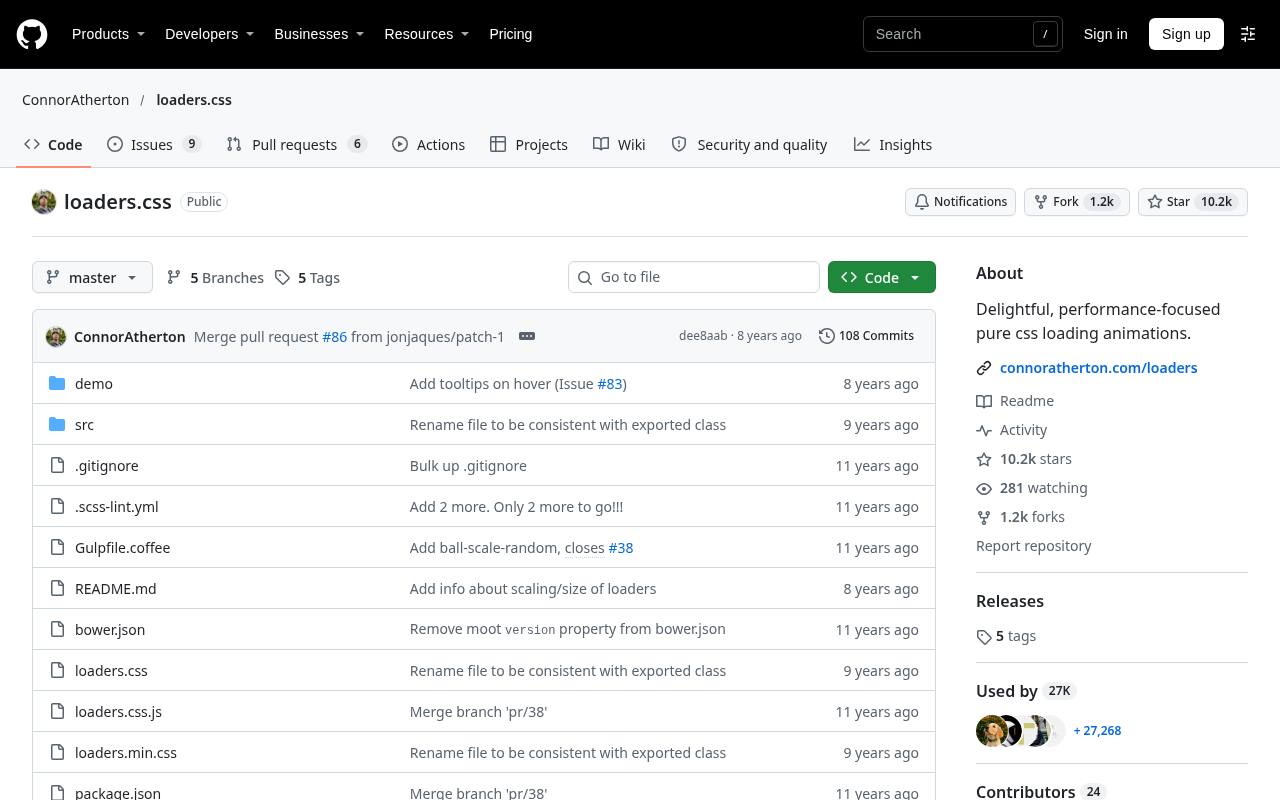
Connor Atherton’s Loaders.css takes a performance-focused CSS approach and provides its code through a public repository. The project documents installation, styling, and the markup needed for its animations, with Sass sources available for teams that want to adjust the build.
It also explains resizing through a scale transform. The MIT-licensed library is free to adapt, but do not treat its historical browser support table as a substitute for current testing. This is a practical choice when you prefer inspecting implementation files over relying on a visual export tool.
- Type
- CSS and Sass library
- Best for
- Selecting CSS effects from a source-first library
- License
- MIT; retain copyright and license notices
- Price
- 100% free
Three Dots
CSS and Sass collection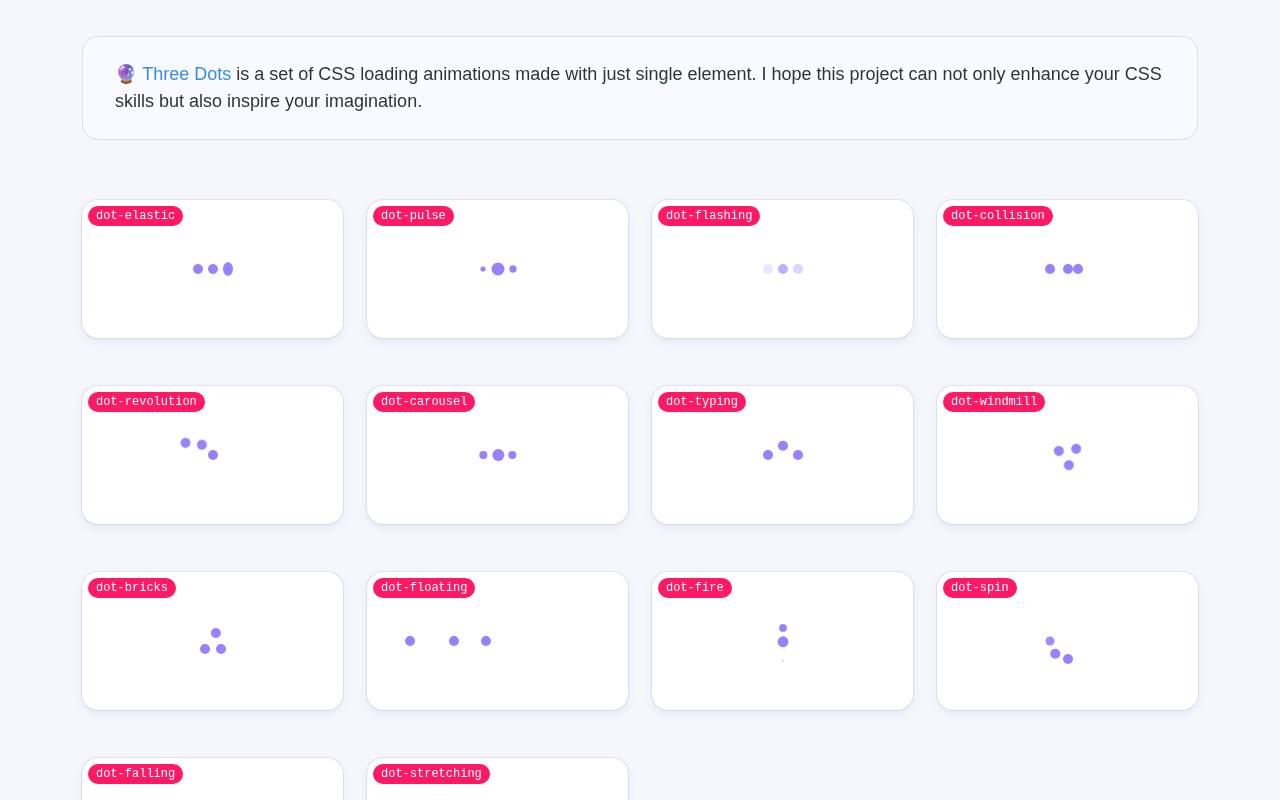
Three Dots concentrates on dot loading animations constructed from a single HTML element. Its documented class options include dot-elastic, dot-pulse, dot-flashing, dot-typing, and dot-carousel, giving you several rhythms within a consistent visual vocabulary. The project supports npm installation and Sass customization variables for dimensions, colors, and spacing.
That makes it particularly useful when chat panels, buttons, and compact cards need related loading states. The code is free under MIT terms. Check experimental examples carefully, since the demo explicitly notes that some animations require special conditions.
- Type
- CSS and Sass collection
- Best for
- Creating compact dot-based loading and typing states
- License
- MIT; retain copyright and license notices
- Price
- 100% free
spin.js
JavaScript spinner generator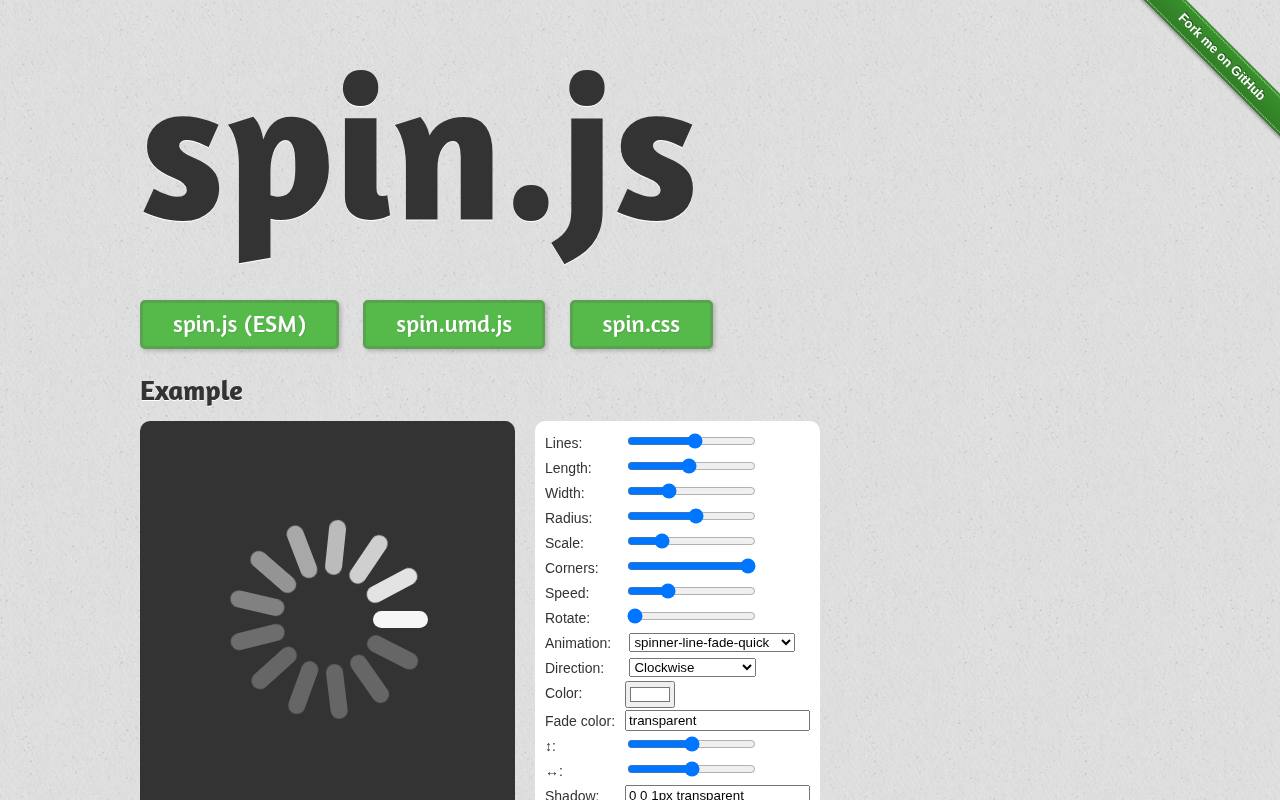
spin.js offers a live spinner configurator with controls for line count, length, width, radius, rotation, color, and speed. Unlike a static snippet gallery, its library dynamically creates the indicator and provides methods to start and stop it. The documentation covers module installation, CSS animation presets, positioning, and TypeScript definitions.
This dependency-free spinner library is available under MIT terms. Use the preview to establish a restrained style, then install or host the required files yourself: the documentation specifically warns against linking directly to the files served on its demonstration website.
- Type
- JavaScript spinner generator
- Best for
- Configuring classic radial activity indicators in detail
- License
- MIT; retain copyright and license notices
- Price
- 100% free
React Spinners
React component library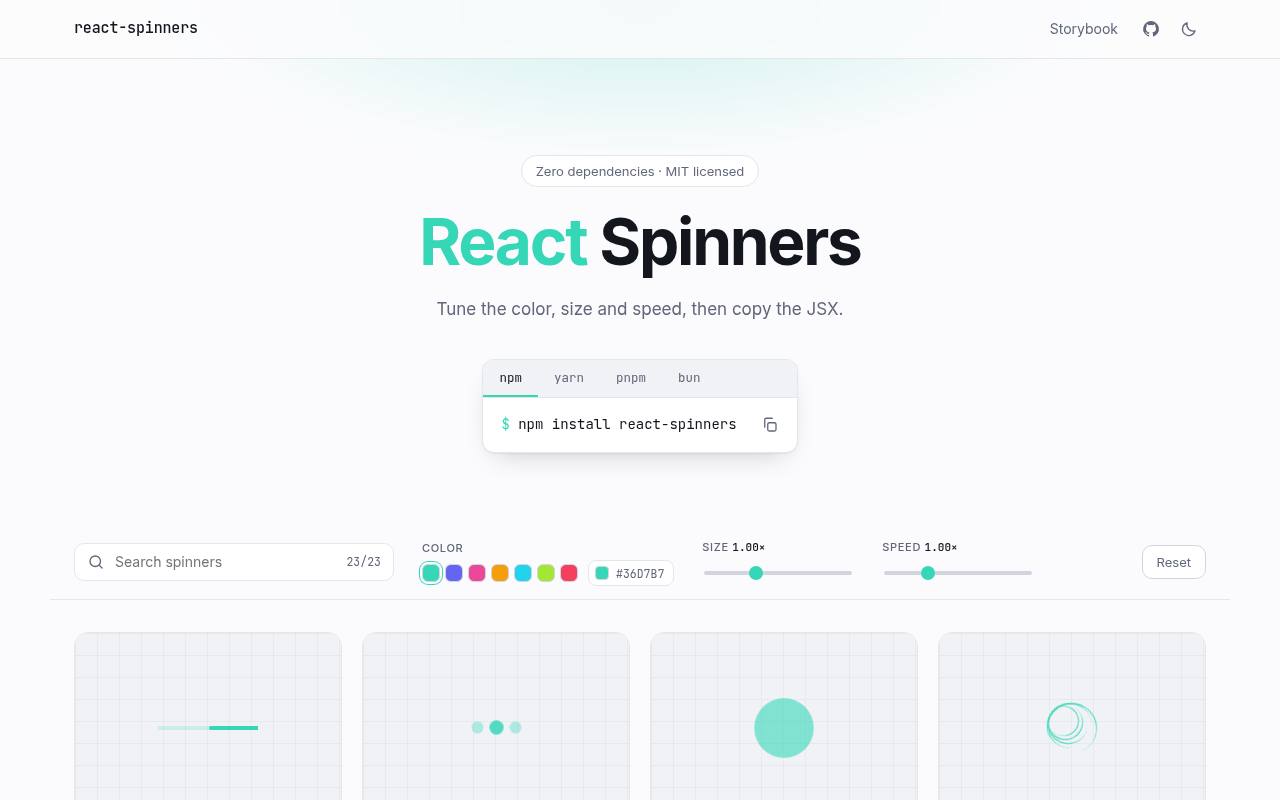
React Spinners presents named components such as BarLoader, ClipLoader, BeatLoader, and RingLoader in a dedicated demo. You can tune color, size, and speed and copy JSX, which makes the transition from visual selection to a React interface straightforward.
The site identifies the package as zero-dependency and MIT licensed, with installation through react-spinners. It is more appropriate for a React codebase than for a plain HTML landing page. Keep the component’s visibility connected to the actual request lifecycle, and check each loader’s supported properties before standardizing your application wrapper.
- Type
- React component library
- Best for
- Connecting configurable loaders to React application states
- License
- MIT; retain copyright and license notices
- Price
- 100% free
Whirl
CSS and Sass collection
Whirl approaches loading indicators as a collection of individual CSS animations rather than one stylesheet you should automatically ship in full. Its repository explains that most applications only need one or two loaders, and provides CSS and Sass through the @jh3y/whirl package or downloadable source.
The project is free under MIT, with room to adapt the effects to your own visual system. Follow its warning about potentially conflicting class and animation names when bundling. The gallery requires JavaScript, while the underlying loader styles can be integrated into your own frontend workflow.
- Type
- CSS and Sass collection
- Best for
- Importing individual loader styles into existing builds
- License
- MIT; retain copyright and license notices
- Price
- 100% free
SVG Spinners
Animated SVG collection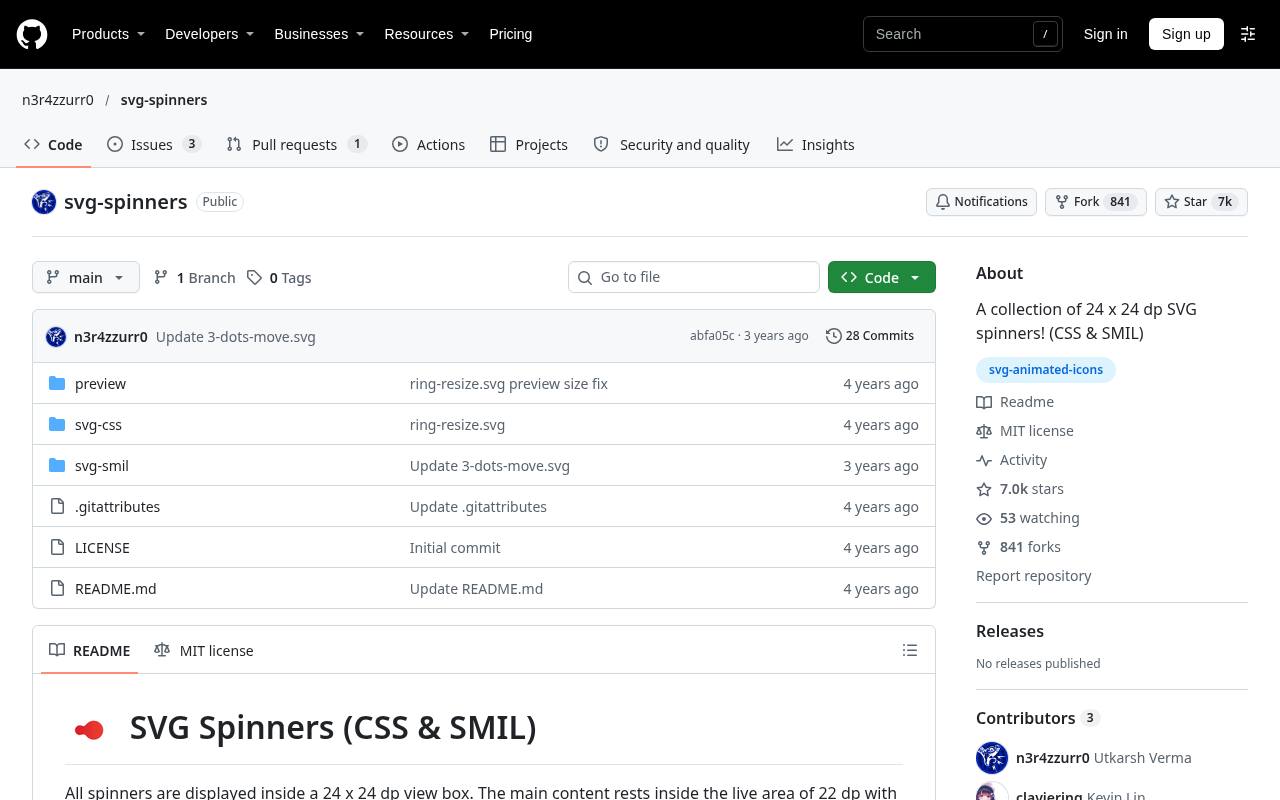
SVG Spinners collects 24-by-24 vector loaders and organizes previews into rings, dots, bars, blocks, pulses, and other designs. Its repository compares CSS and SMIL variants with file sizes, giving you a concrete way to inspect alternatives before selecting an asset.
Both approaches animate SVG, but their implementation details differ, so test the exact file in its intended embedding context. The collection carries an MIT license and includes a link to a React adaptation. Start here when you need resolution-independent spinner artwork rather than a full library of interface animation behavior.
- Type
- Animated SVG collection
- Best for
- Choosing compact vector loaders with implementation alternatives
- License
- MIT; retain copyright and license notices
- Price
- 100% free
Choose the format that fits your interface
For a simple website, copyable CSS loaders often create the shortest path from preview to production. SVG files are useful when you want a reusable vector asset, while React or Vue components fit applications already using those frameworks.
Avoid introducing a framework solely to display one spinner. Match the resource to the codebase you have, not the demo you happen to like.
Use generators to establish consistent settings
A CSS loader generator helps you compare colors, dimensions, and timing before touching production styles. Once you settle on a design, record those choices as reusable tokens or component properties.
Preview the result inside the real button or panel rather than on an empty canvas. A loader that looks balanced at gallery size can become crowded or visually noisy in a compact control.
Understand what free licensing permits
Many resources here use the MIT license, which permits modification and commercial use subject to its conditions. Keep the required copyright and permission notices with distributed copies or substantial portions of the code.
A visible credit beside the spinner is not normally the requirement. For generator output or snippets without a clear license statement, read the applicable source terms instead of assuming that free access means unrestricted redistribution.
Make loading states accessible
Treat the moving shape as decoration when nearby text already explains what is happening. Provide a meaningful accessible status message such as “Uploading attachment,” and avoid repeated announcements on every animation cycle.
Respect reduced motion preferences by offering a static indicator or calmer alternative. Check contrast against the actual background, and never rely exclusively on a changing color or animation to communicate whether an operation succeeded or failed.
Keep performance proportional to the task
Prefer small targeted imports and remove animations when they are no longer needed. Pure CSS is not automatically inexpensive: blurred shadows, large painted regions, and multiple simultaneous effects can still consume resources.
Test with realistic content on a slower device, especially if several cards can load at once. Compare the complete implementation cost, including markup, styles, scripts, and dependencies, rather than judging efficiency from the spinner file alone.
Distinguish activity from measurable progress
An indeterminate loading spinner means work is happening without a reliable completion estimate. If your upload or export exposes genuine progress, a determinate bar and percentage may communicate more clearly.
Do not make a repeating animation look like a trustworthy countdown. For longer waits, add plain-language context, preserve relevant controls when possible, and offer cancellation or recovery where the operation supports it.
Prevent stuck and flickering indicators
Connect loading state cleanup to success, failure, cancellation, and component disposal, not just to the happy path. Test a slow response, a rejected request, and rapid repeated clicks.
Reserve enough layout space to avoid shifting button labels or surrounding content. For very fast operations, consider a short display delay so the spinner does not flash unnecessarily, while still acknowledging the user’s action promptly.
Can animated SVG replace a CSS spinner?
Yes, but animated SVG embedding deserves a real implementation test. Inline markup and an image element do not expose exactly the same styling controls, and external page CSS cannot simply reach inside an SVG loaded as an image.
Check color customization, scaling, motion behavior, and content security requirements in context. Choose SVG when its portability helps your workflow; keep CSS when direct styling control makes maintenance simpler.