
Good web motion explains what changed, connects related elements, and makes interactions easier to follow. Free JavaScript animation libraries let you build that behavior directly into a website instead of exporting a fixed video or downloading a ready-made effect.
A button can react to a click, a diagram can respond to new data, and a sequence can pause when the interface needs attention. The useful distinction is control, not simply movement.
This selection focuses on programmable web animation: timelines, numeric interpolation, spring physics, vector effects, and interface transitions. You will find broad engines such as GSAP and Anime.js alongside smaller tools that solve narrower problems.
These are not collections of GIFs, CSS entrance classes, background generators, or dedicated scrolling utilities. Each option supplies free code you can integrate into a project, although licensing conditions and optional paid extras differ between publishers.
Start by identifying what actually changes in your interface. A carefully timed illustration needs different controls from an interruptible drawer or a list that reorders after filtering.
The best animation library is the one that fits your rendering environment and lets your team maintain the result. Use the official links below to inspect installation instructions and examples, then test one representative interaction before committing to a larger motion system.
Quick picks at a glance
| # | Resource | License | Best for |
|---|---|---|---|
| 1 | GSAP | Free under GSAP Standard License; restrictions apply | Coordinating complex timelines across several animated elements |
| 2 | Anime.js | MIT; retain copyright and license notice | Building precise SVG and interface animation sequences |
| 3 | Motion | MIT core; paid extras have separate terms | Adding springs and transitions to application interfaces |
| 4 | Popmotion | MIT; retain copyright and license notice | Writing custom physics and value interpolation behavior |
| 5 | mo.js | MIT; retain copyright and license notice | Creating expressive vector bursts and shape effects |
| 6 | tween.js | MIT; retain copyright and license notice | Animating object values inside an existing render loop |
| 7 | TweenJS | MIT; retain copyright and license notice | Sequencing object changes in CreateJS canvas projects |
| 8 | react-spring | MIT; retain copyright and license notice | Making React interactions feel continuous and interruptible |
| 9 | AutoAnimate | MIT; retain copyright and license notice | Smoothing additions removals and reordered list items |
| 10 | Shifty | MIT; retain copyright and license notice | Building custom animation tools with asynchronous sequencing |
GSAP
JavaScript animation engine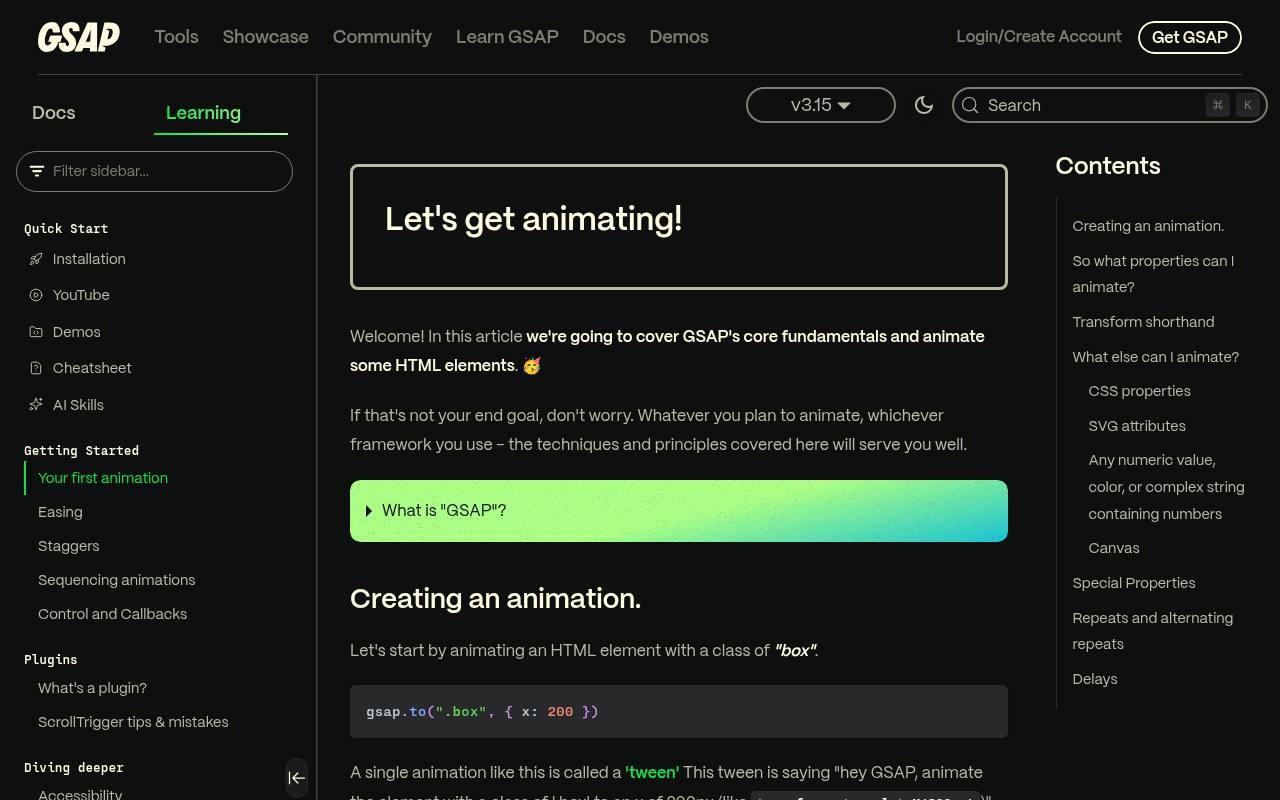
GSAP gives you timeline sequencing and detailed playback control for animations involving HTML, SVG, and JavaScript object properties. Its getting-started resources introduce tweens, easing, and timelines, making it a strong choice when several visual events must stay synchronized.
The library and formerly paid plugins are now free, including commercial use under the GSAP Standard License. That is a custom software license, not MIT: review its restrictions before embedding GSAP in a competing animation-authoring product. Choose it for deliberate choreography rather than installing a separate utility for every effect.
- Type
- JavaScript animation engine
- Best for
- Coordinating complex timelines across several animated elements
- License
- Free under GSAP Standard License; restrictions apply
- Price
- 100% free
Anime.js
JavaScript animation engine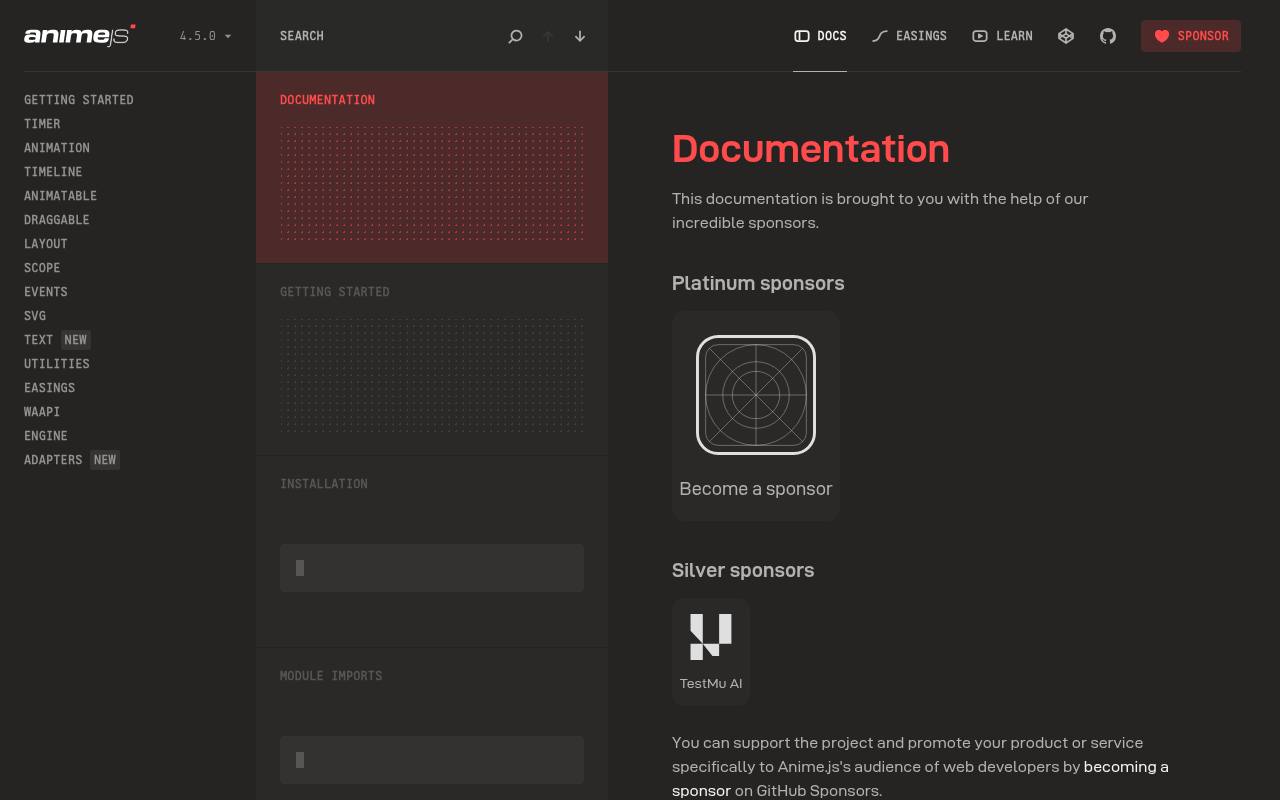
Anime.js combines animation timelines with tools for SVG, easing, staggering, and animating JavaScript values. The documentation separates concepts such as Animation, Timeline, Scope, SVG, and WAAPI, so you can explore the parts relevant to your project without treating every demo as a template.
Its MIT license permits free commercial use with the required notices retained. For SVG animation projects, it offers more direct creative control than a fixed exported clip. Match examples to your installed major release, because older snippets may use different imports and APIs.
- Type
- JavaScript animation engine
- Best for
- Building precise SVG and interface animation sequences
- License
- MIT; retain copyright and license notice
- Price
- 100% free
Motion
JavaScript and framework animation library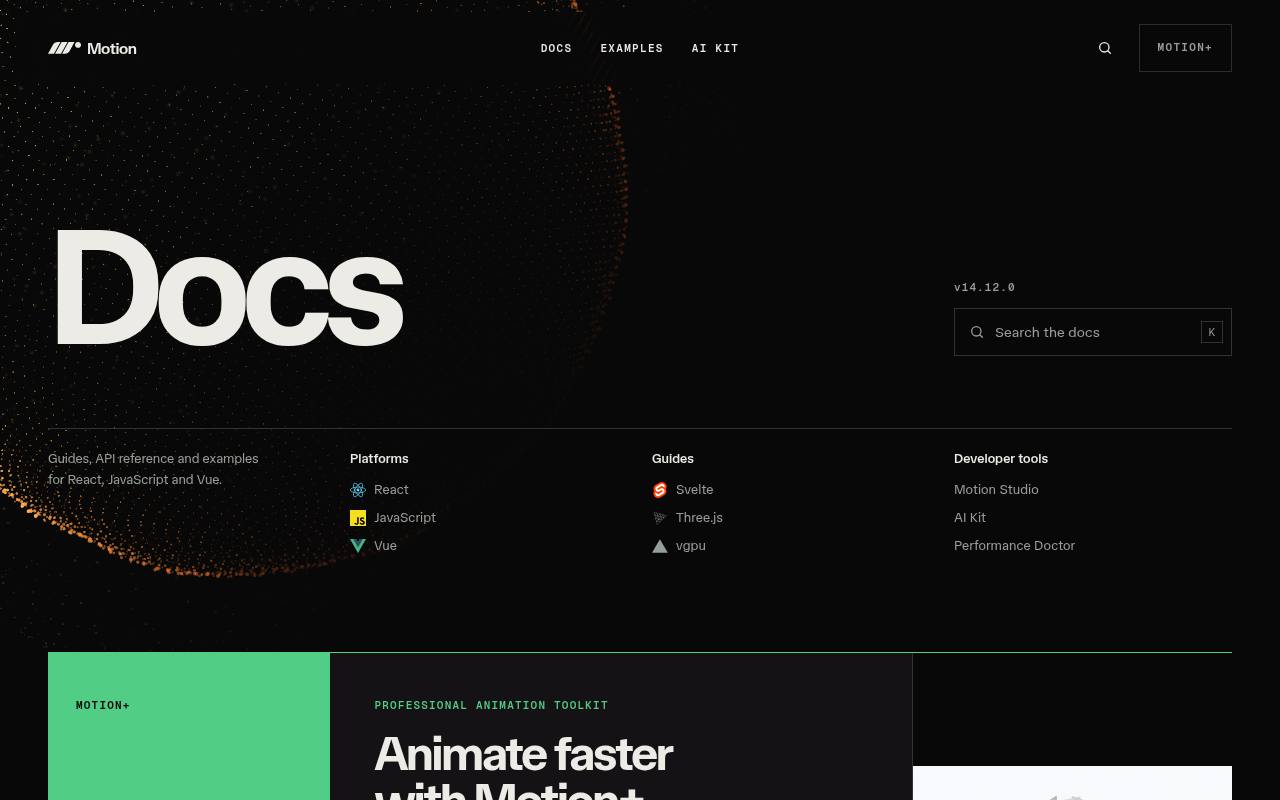
Motion provides JavaScript animation APIs alongside dedicated documentation for React and Vue. Its free core supports practical interface work, from animated values and staggered sequences to spring-driven interactions; framework integrations also address layout and element presence. The documentation clearly separates these platforms, helping you avoid mixing incompatible examples.
Motion's core is MIT licensed, while optional paid extras and developer tools are separate offerings. Start with the free package that matches your stack, and check whether a showcased component or workflow belongs to a paid product before planning around it.
- Type
- JavaScript and framework animation library
- Best for
- Adding springs and transitions to application interfaces
- License
- MIT core; paid extras have separate terms
- Price
- Free + Pro
Popmotion
Low-level animation library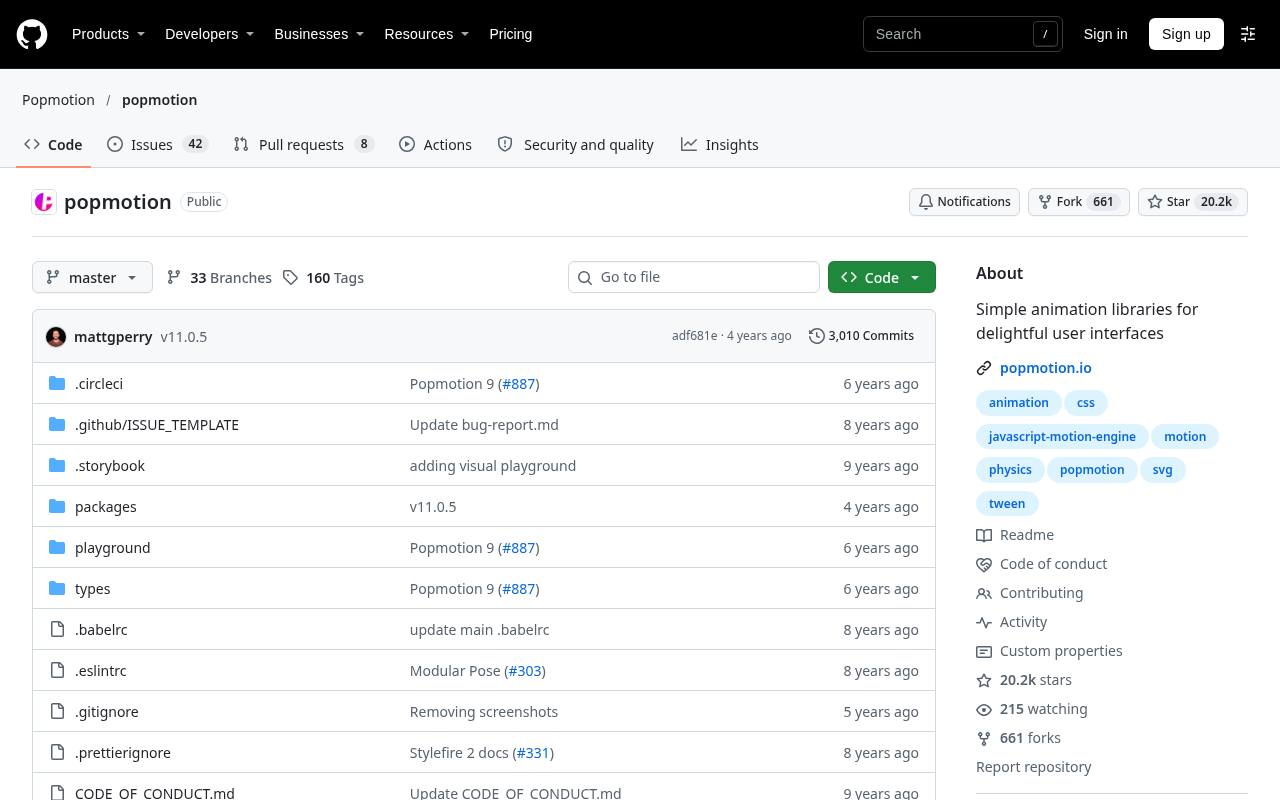
Popmotion is useful when you want low-level animation primitives rather than a collection of ready-styled components. Its package exposes animation and value-processing utilities, including spring and decay behavior, that can feed your own rendering code. The official repository provides an accessible source reference when the older documentation website is unavailable.
This free MIT-licensed option suits developers comfortable connecting animated numeric values to DOM styles or another renderer. Check the package exports and repository activity before adopting it; a smaller foundational library requires more integration work than a framework-focused interface toolkit.
- Type
- Low-level animation library
- Best for
- Writing custom physics and value interpolation behavior
- License
- MIT; retain copyright and license notice
- Price
- 100% free
mo.js
Motion graphics library
mo.js concentrates on procedural motion graphics, with documentation organized around Shape, ShapeSwirl, Burst, and related APIs. It is a natural candidate for a short celebratory flourish, an animated accent, or a custom illustrated interaction rather than a complete application transition system.
The official site also links tutorials and supporting tools for exploring its motion model. Released under MIT, the free library can be used commercially with its notices preserved. Keep decorative interaction effects secondary to the underlying action, especially when several clicks could otherwise trigger overlapping bursts.
- Type
- Motion graphics library
- Best for
- Creating expressive vector bursts and shape effects
- License
- MIT; retain copyright and license notice
- Price
- 100% free
tween.js
JavaScript and TypeScript tweening engine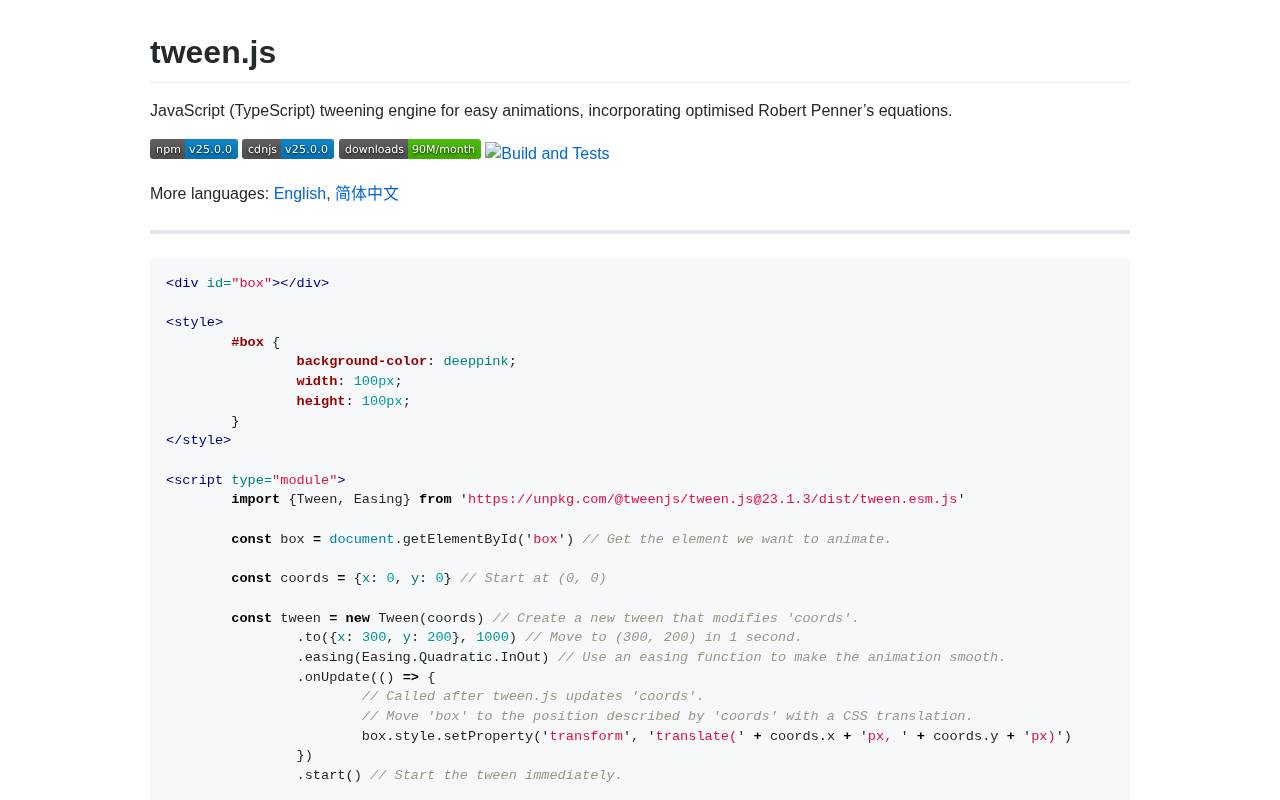
tween.js deliberately focuses on object property tweening. It changes values over time but leaves rendering to your code, making it useful when an application already owns its animation loop. The official examples cover chaining, repeat behavior, relative values, and interpolation.
It does not automatically append CSS units or interpolate colors, so it is not a drop-in style-animation layer. Its manual update model lets you synchronize tweens with a canvas or other renderer. The MIT license keeps the library free for commercial projects while requiring preservation of the license notice.
- Type
- JavaScript and TypeScript tweening engine
- Best for
- Animating object values inside an existing render loop
- License
- MIT; retain copyright and license notice
- Price
- 100% free
TweenJS
CreateJS tweening library
TweenJS belongs to the CreateJS ecosystem and is a different project from tween.js. It uses chainable tween commands to combine property changes, waits, and callbacks, with a Timeline class for controlling multiple tweens together. Although developed to integrate with EaselJS, it is not restricted to that renderer.
The project is MIT licensed and free for commercial use; its documentation says visible credit is appreciated rather than required. Consider this CreateJS animation option particularly for an existing canvas application, and verify the documented API against the release you install.
- Type
- CreateJS tweening library
- Best for
- Sequencing object changes in CreateJS canvas projects
- License
- MIT; retain copyright and license notice
- Price
- 100% free
react-spring
React spring animation library
react-spring centers animation on spring physics rather than requiring every interaction to follow a fixed duration and curve. Its web package provides hooks such as useSpring and animated elements that connect changing values to the rendered interface.
The official site also identifies separate targets for other rendering environments, so choose the web package for ordinary browser UI. This free MIT-licensed library is especially relevant for React interface motion that may change direction mid-interaction. Expect to tune physical behavior and component lifecycles instead of simply copying a predefined entrance animation.
- Type
- React spring animation library
- Best for
- Making React interactions feel continuous and interruptible
- License
- MIT; retain copyright and license notice
- Price
- 100% free
AutoAnimate
Automatic layout animation utility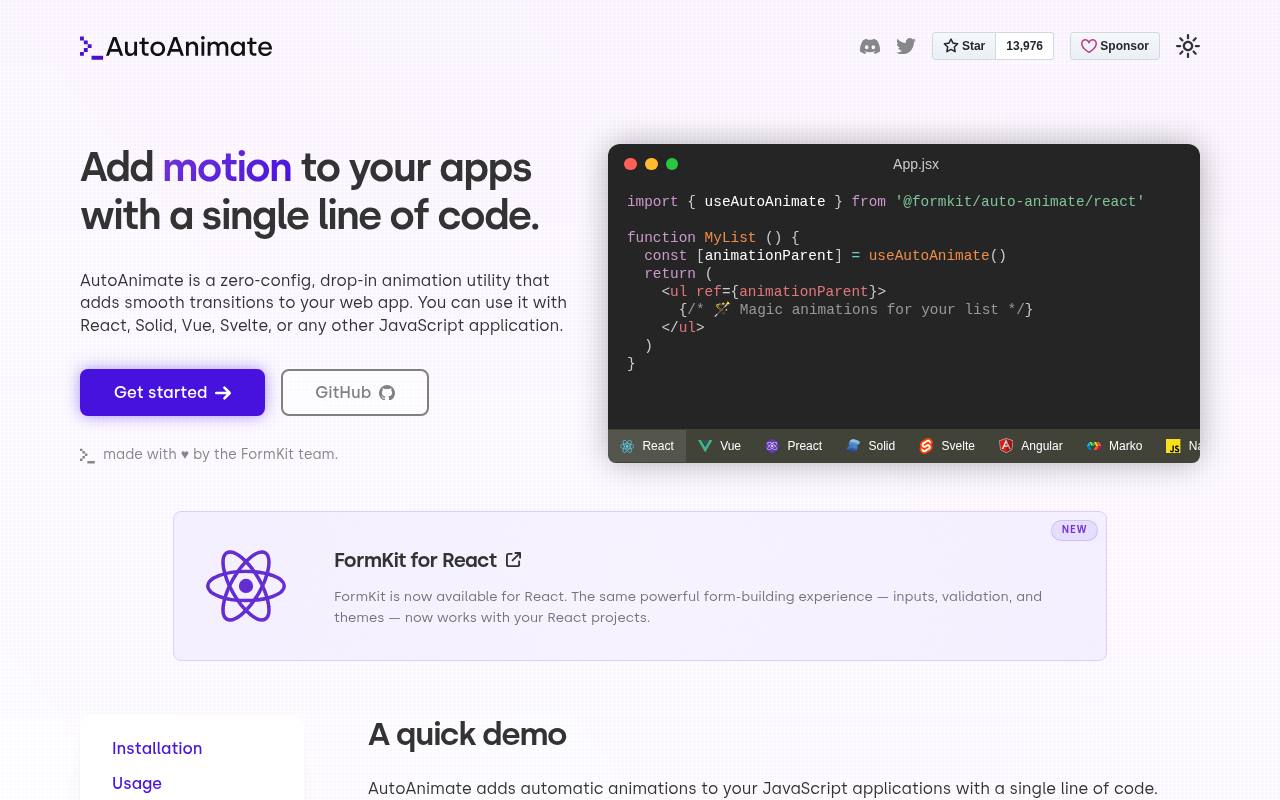
AutoAnimate attaches to a parent element and animates immediate children when they are added, removed, or moved. That automatic layout motion makes it useful for filtered lists and expandable interfaces without authoring individual transition sequences. The documentation includes plain JavaScript usage plus framework integrations, and explains limitations involving some flexbox layouts.
It also respects reduced motion preferences by disabling animation when requested. The utility is free under MIT. Use it for structural DOM changes rather than expecting it to replace every hover effect, illustration timeline, or custom physics interaction.
- Type
- Automatic layout animation utility
- Best for
- Smoothing additions removals and reordered list items
- License
- MIT; retain copyright and license notice
- Price
- 100% free
Shifty
TypeScript tweening engine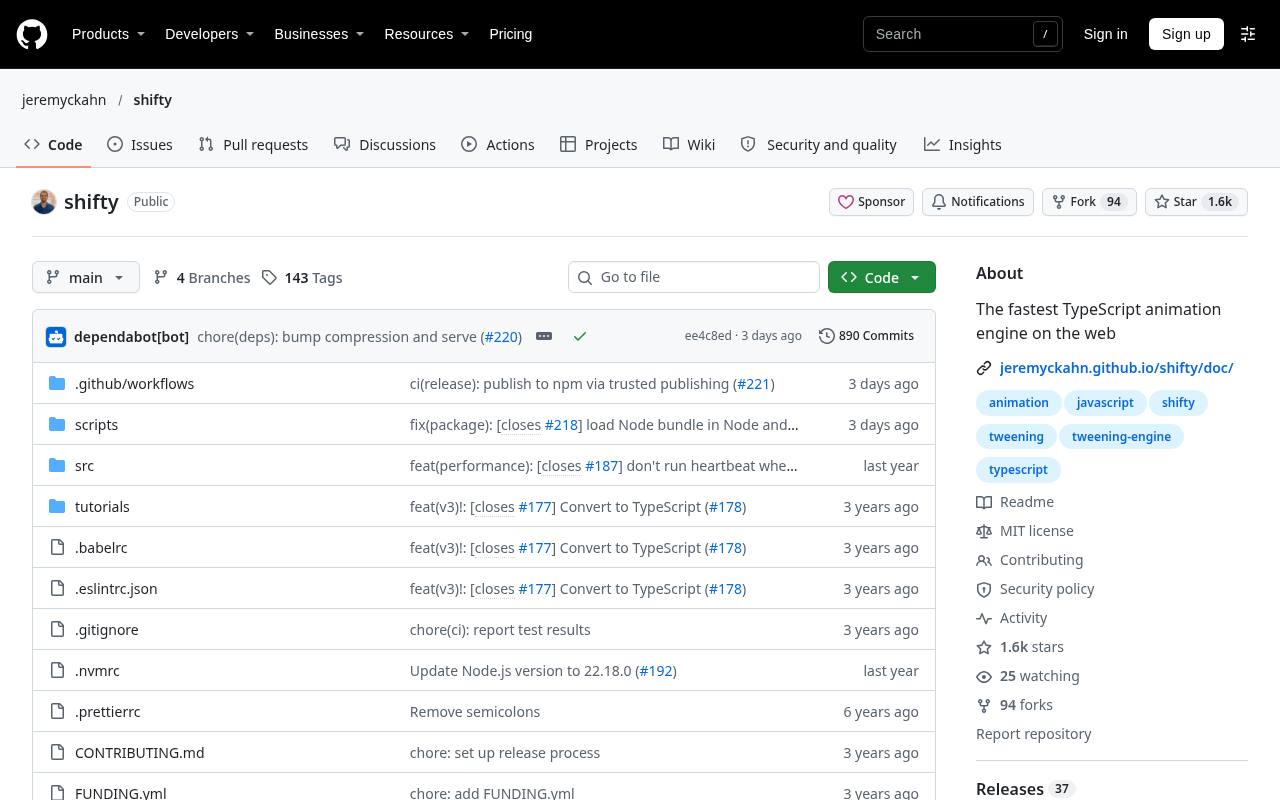
Shifty supplies a compact foundation for custom tweening workflows, with playback controls, lifecycle hooks, and Promise support for async/await sequencing. Its repository demonstrates interpolating values and applying them through a render callback, keeping the engine separate from the final visual output.
That separation is helpful when building your own interface abstraction rather than adopting a full component animation system. The free MIT-licensed project supports asynchronous animation code, but your application still decides how values affect styles or graphics. Read the installation and environment notes before selecting a distribution format.
- Type
- TypeScript tweening engine
- Best for
- Building custom animation tools with asynchronous sequencing
- License
- MIT; retain copyright and license notice
- Price
- 100% free
Choose between choreography and responsive motion
Use timeline animation engines when order and synchronization are the main challenge: an illustration unfolds, a label appears, and a final state settles into place. GSAP and Anime.js fit that discussion.
For interactions interrupted by fresh input, compare spring-oriented options such as Motion and react-spring. AutoAnimate addresses another problem entirely: making structural changes understandable without designing a custom sequence for each update.
Understand what free licensing covers
Most selections use the MIT software license, which allows commercial use but requires retaining the copyright and license notice in distributed copies or substantial portions. That does not normally mean displaying a credit badge in the interface.
GSAP has its own terms, and Motion's paid products are separate from its free core. Record the license for the exact dependency release you ship rather than assuming every animation tool has identical permissions.
Install the right package and example
These resources deliver JavaScript source packages, not downloadable video clips or GIF collections. Start from the official installation instructions, pin dependencies through your package manager, and keep a lockfile.
Match the example's framework, package name, and major release to your application. This matters especially when similarly named tools coexist: tween.js and CreateJS TweenJS have distinct APIs, while a React-specific example will not automatically work in a plain JavaScript page.
Keep one owner for each animated property
Avoid letting two engines write the same transform at the same time. Give each component a clear animation owner, and define how it stops or resets when the user navigates away.
Clean up timers, subscriptions, and active sequences on unmount. If a drag interaction and an entrance effect must coexist, use separate wrapper elements or a single coordinated value model instead of relying on whichever library updates last.
Design a reduced-motion alternative
Treat accessible web animation as part of the component specification. Respect prefers-reduced-motion, reduce large spatial movement, and preserve important feedback through text or immediate state changes. AutoAnimate includes automatic handling, but that does not cover unrelated effects elsewhere in the application.
Never require someone to watch a flourish before accessing a control, and ensure animated removal does not leave keyboard focus stranded on an element that no longer exists.
Measure performance in realistic conditions
A small package does not guarantee smooth browser animation. Prefer transforms and opacity when they suit the design, and inspect layout work when animating dimensions or moving many elements.
Test on a slower phone with real content, not just a sparse desktop demo. Pause unnecessary repeating motion, avoid repeated layout reads mixed with writes, and profile the complete interaction before replacing a library that may not be the bottleneck.
Can you skip a library for simple effects?
Yes. A hover fade or a short state transition may need only CSS, while the browser's Web Animations API can handle straightforward scripted playback. Add a free library when its sequencing, physics, interpolation, or framework integration removes meaningful complexity.
Build a small comparison using one real component, including cancellation and reduced-motion behavior. The best outcome is maintainable motion that communicates clearly, not the largest collection of effects in your dependency list.