
A fresh desktop does not need a video background or an expensive customization package. Free wallpaper changer apps can rotate your own photographs, fetch a daily landscape, or coordinate still images across several displays.
The useful distinction is between choosing pictures and managing them: some apps supply a curated feed, while others organize folders you already own. Start with the source of your images, then decide how much scheduling control you actually need.
This selection focuses on daily wallpaper apps and still-image rotation for Windows and Linux. It deliberately leaves out dedicated animated and live wallpaper tools such as Lively, Plash, and Komorebi.
A brief transition between photographs is different from a continuously moving scene; the goal here is a desktop that changes occasionally, then stays still while you work. Platform coverage matters, so check the operating system or desktop environment listed with each recommendation before downloading.
The ten options below range from a straightforward automatic wallpaper changer to specialized tools for mixed-resolution monitors and configurable Linux desktops. Each has a genuinely free way to use its core functionality, although optional donations, paid theme collections, and third-party image restrictions may still apply.
Free software does not automatically mean freely reusable photography. Keep the original image source in mind, particularly if your desktop appears in commercial recordings, client presentations, or published screenshots.
Quick picks at a glance
| # | Resource | License | Best for |
|---|---|---|---|
| 1 | Variety | Free; GPL-3.0 software; image terms vary | Combining local folders with several online wallpaper sources |
| 2 | Bing Wallpaper | Free proprietary app; Microsoft terms; image rights reserved | Receiving a curated new photograph every day |
| 3 | John's Background Switcher | Free Windows app; optional support license; image terms vary | Mixing personal photos, online feeds, and photo collages |
| 4 | Superpaper | Free; MIT software license | Aligning slideshows across monitors with different physical dimensions |
| 5 | WinDynamicDesktop | Free open-source app; theme image rights vary | Changing still-image scenes to match time of day |
| 6 | Damask | Free; GPL-3.0-or-later software; source image terms vary | Fetching automatic wallpapers through a focused graphical interface |
| 7 | HydraPaper | Free; GPL-3.0 software license | Organizing local wallpapers and manually randomizing your selection |
| 8 | wpaperd | Free; GPL-3.0 software license | Configuring timed local slideshows on supported Wayland compositors |
| 9 | Bing Wallpaper GNOME Extension | Free open-source extension; Bing images restricted to wallpaper use | Bringing Bing daily images to a GNOME desktop |
| 10 | WallpaperDownloader | Free; GPL-3.0-or-later software; image terms vary | Downloading and rotating wallpapers through a graphical manager |
Variety
Linux desktop app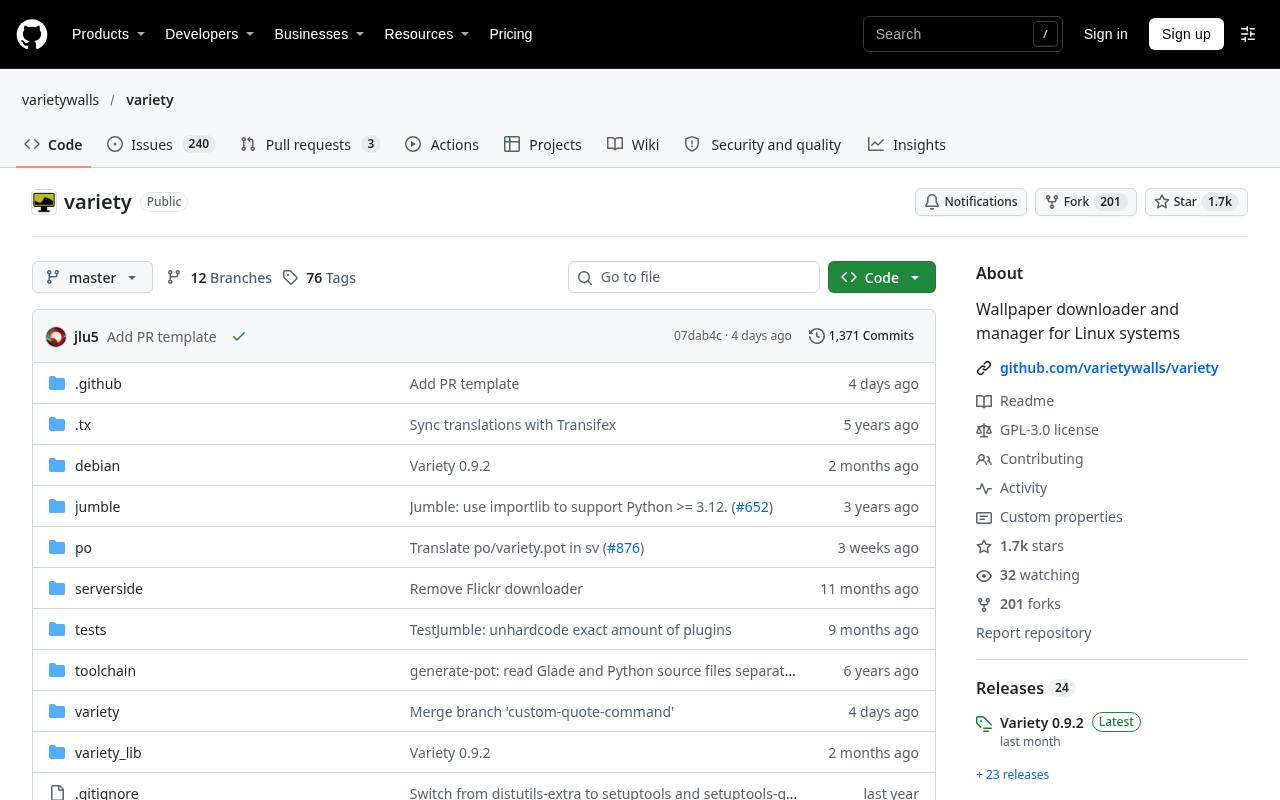
Variety combines local image rotation with downloads from sources including Wallhaven, Unsplash, Bing, and Reddit. You can choose a regular switching interval, sort worthwhile pictures from unwanted ones, and optionally add quotations or a digital clock. Tray controls provide pausing and resuming where the desktop supports them.
The project is explicitly in maintenance mode, so expect limited issue triage rather than rapid feature development. Installation through your Linux distribution is a practical starting point; online providers and desktop integration should still be checked on your particular setup.
- Type
- Linux desktop app
- Best for
- Combining local folders with several online wallpaper sources
- License
- Free; GPL-3.0 software; image terms vary
- Price
- 100% free
Bing Wallpaper
Windows desktop app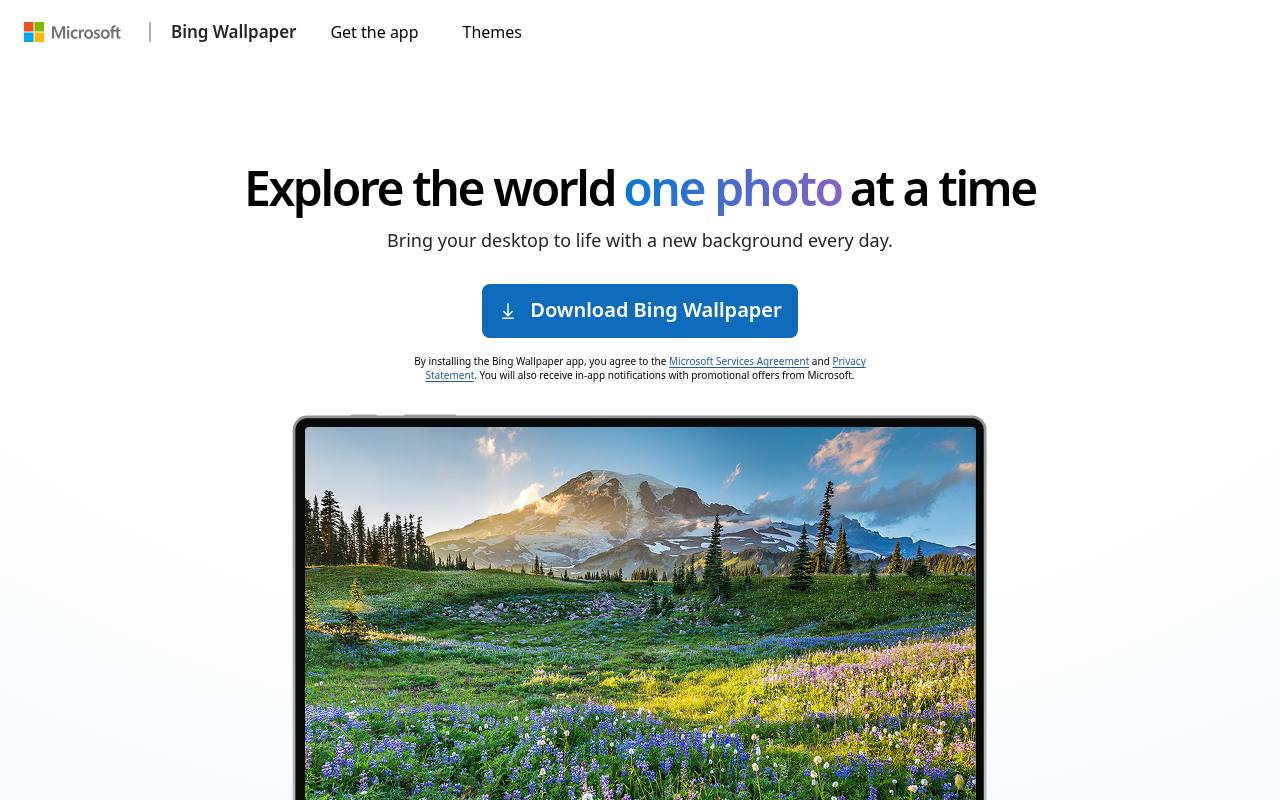
Microsoft's Bing Wallpaper is a simple choice for daily desktop photography rather than managing a personal collection. It brings images featured on the Bing homepage to Windows and lets you browse pictures and learn where they were taken.
Its appeal is the low-maintenance editorial selection: you do not need to assemble folders or search by keyword. Review the installation prompts and privacy terms carefully; Microsoft discloses promotional in-app notifications, and its installation instructions mention an optional browser-extension prompt. The photographs are not a general-purpose free stock library.
- Type
- Windows desktop app
- Best for
- Receiving a curated new photograph every day
- License
- Free proprietary app; Microsoft terms; image rights reserved
- Price
- 100% free
John's Background Switcher
Windows desktop app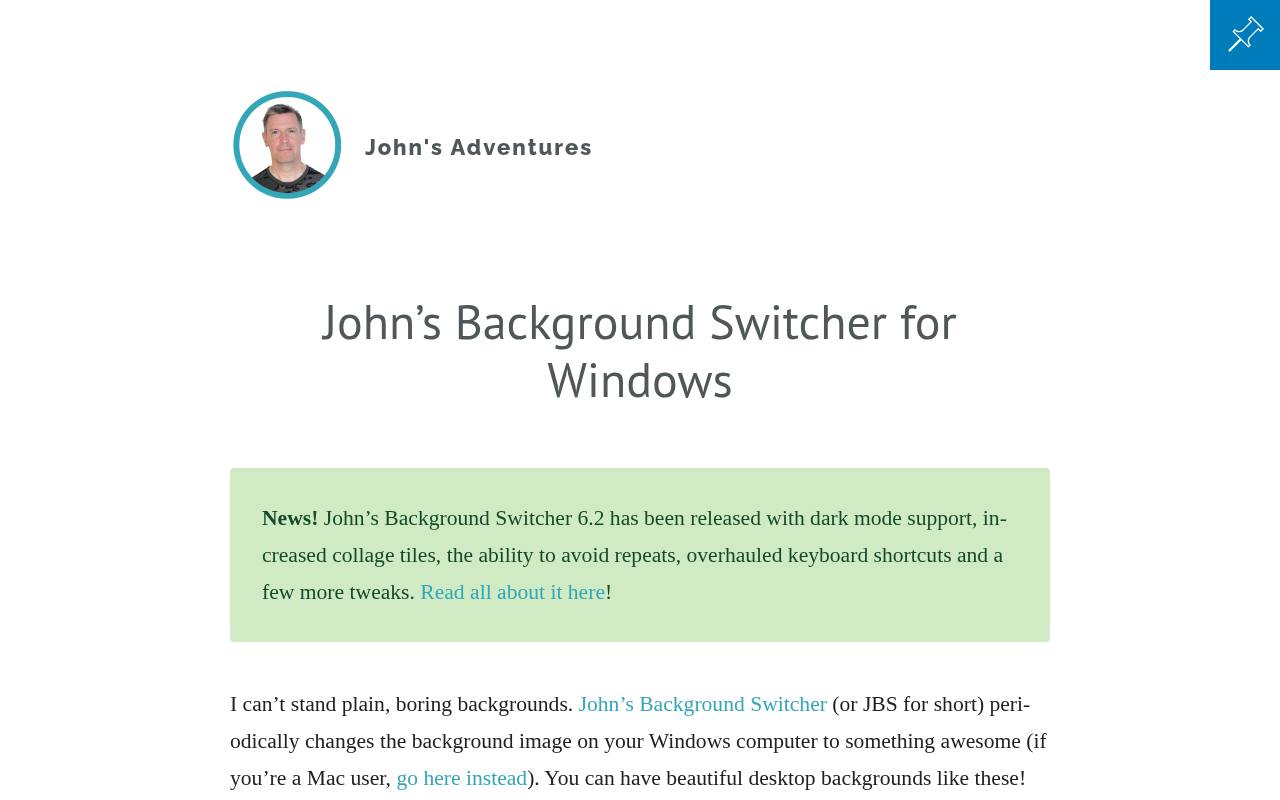
John's Background Switcher offers scheduled photo changes from individual files, local folders, and online services such as Flickr, Unsplash, Pexels, and Pixabay. It can also pull pictures from Media RSS feeds and supported cloud accounts. Beyond single photographs, its distinctive strength is desktop photo collages, including snapshot-style arrangements.
Choose both the interval and presentation rather than accepting one fixed daily feed. The Windows edition is completely free, with an optional license purchase to support development; do not assume the separately offered Mac edition follows the same pricing.
- Type
- Windows desktop app
- Best for
- Mixing personal photos, online feeds, and photo collages
- License
- Free Windows app; optional support license; image terms vary
- Price
- 100% free
Superpaper
Windows and Linux app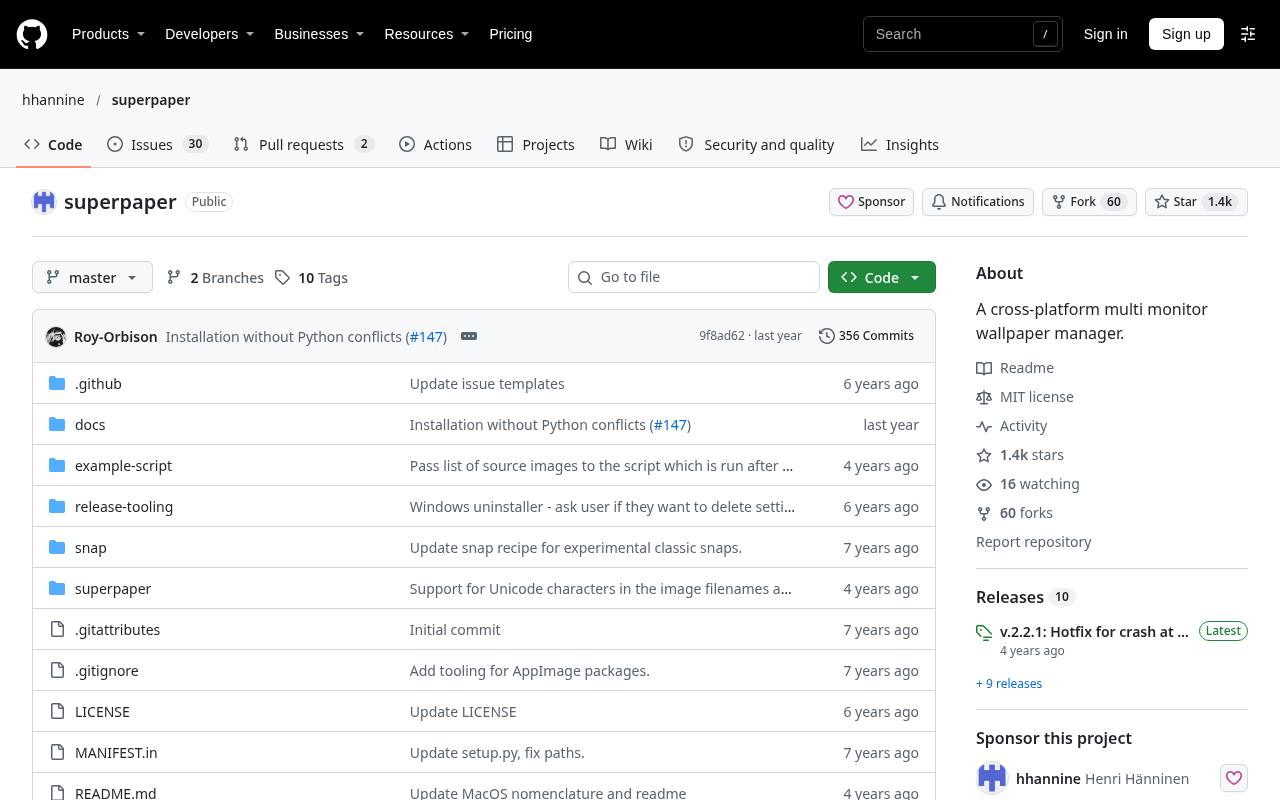
Superpaper specializes in multi-monitor wallpaper alignment, with pixel-density, bezel, and perspective corrections that ordinary slideshows often lack. You can span one picture across displays, assign different pictures, or group monitors into separate spans. Its local folder slideshow supports configurable ordering, with tray controls and Windows or Linux hotkeys for convenient changes.
Folder selection does not include subfolders, an important detail when organizing a large library. The project also describes partial macOS support, but flags testing and packaging limitations; Windows and Linux are the clearer starting points.
- Type
- Windows and Linux app
- Best for
- Aligning slideshows across monitors with different physical dimensions
- License
- Free; MIT software license
- Price
- 100% free
WinDynamicDesktop
Windows desktop app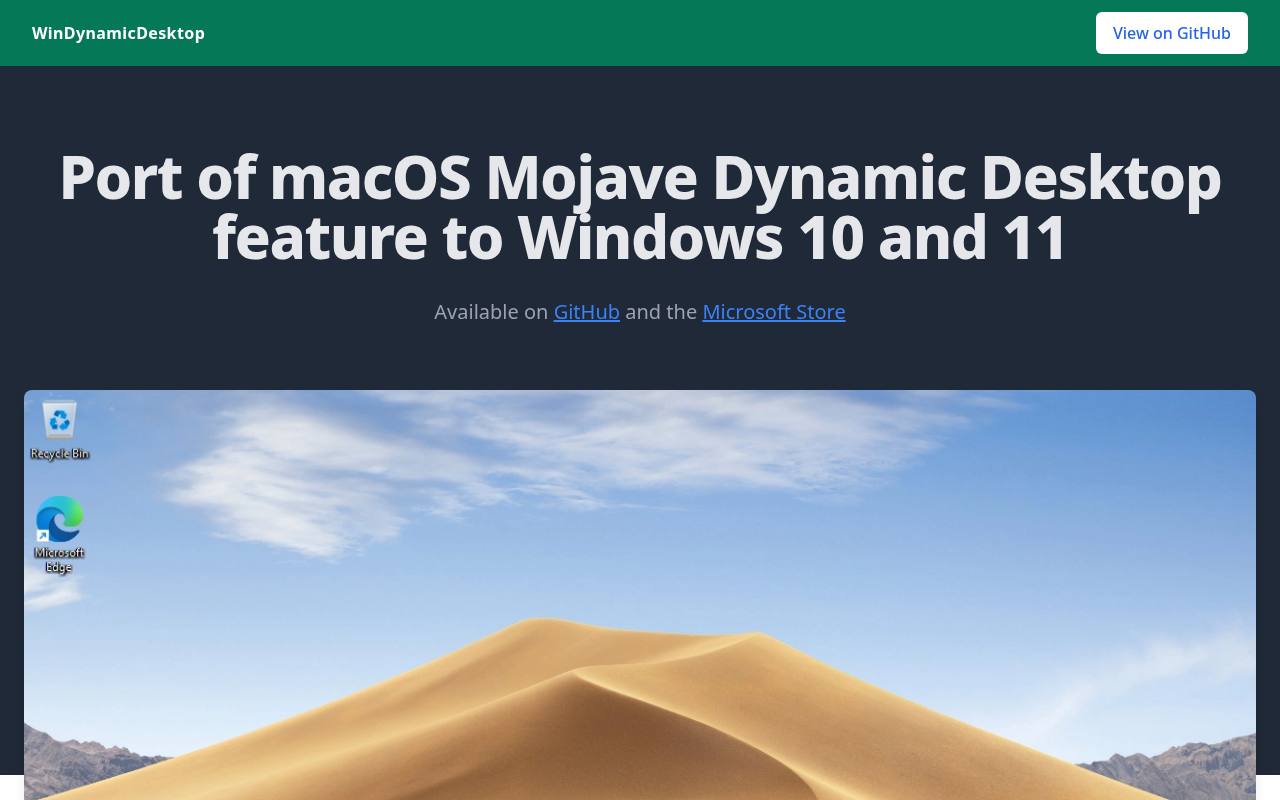
WinDynamicDesktop changes time-of-day wallpapers by cycling through still images on a daily schedule. Despite its name, the core concept is not a continuously animated video: a scene changes as the day progresses. You can select bundled themes, find additional collections, or create your own, while optional PowerShell scripts extend its behavior.
The linked theme directory separates free theme downloads from paid offerings. Image ownership remains separate from the app, and the project specifically notes that Apple's imagery belongs to Apple. Separate images for multiple virtual desktops are not supported.
- Type
- Windows desktop app
- Best for
- Changing still-image scenes to match time of day
- License
- Free open-source app; theme image rights vary
- Price
- 100% free
Damask
Linux Flatpak app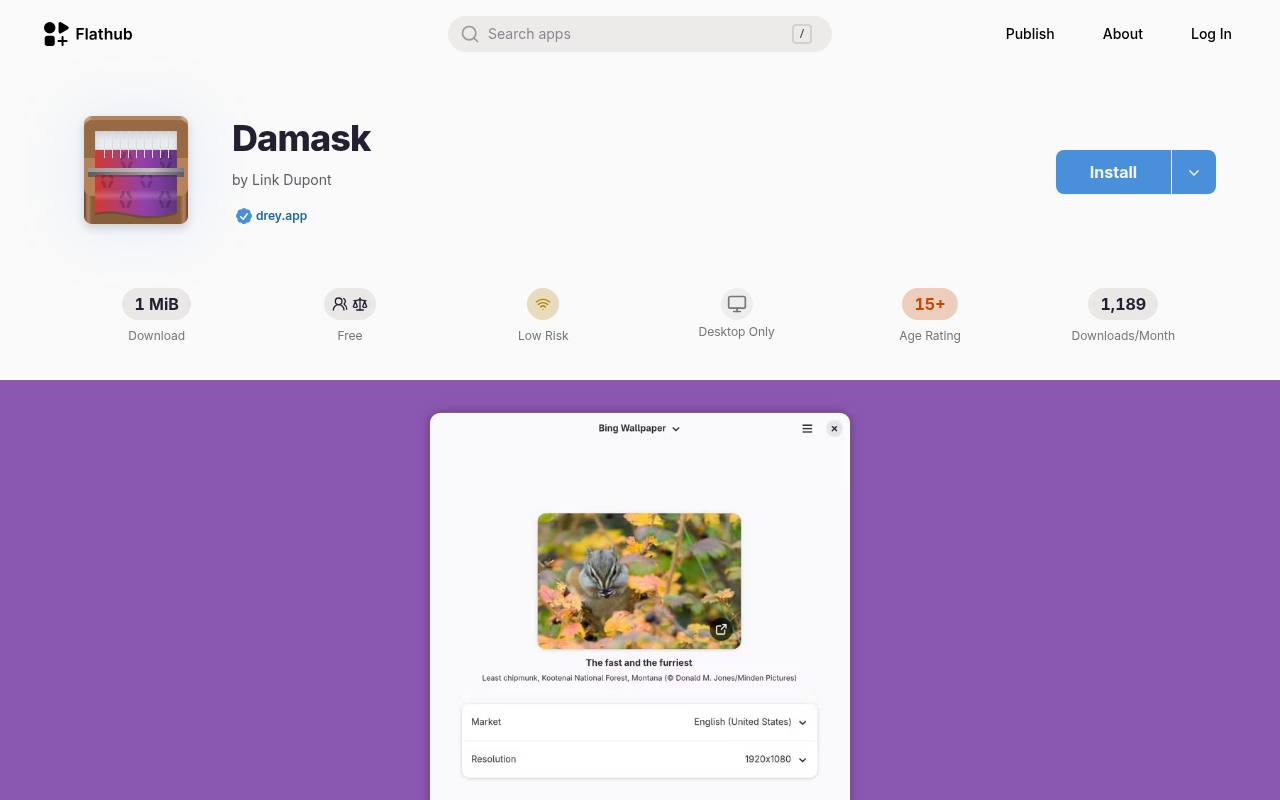
Damask is a focused automatic wallpaper app available as a verified listing on Flathub. Its listed sources include Wallhaven, Bing's image of the day, NASA Astronomy Picture of the Day, Google Earth View, and Microsoft Spotlight. That selection makes it useful when you want online discovery rather than a personal folder slideshow.
The Flatpak installation route is convenient on supported Linux distributions, although desktop integration still deserves a quick test. Choose an appropriate provider and review its image terms; the app's free software license does not replace the underlying photographs' conditions.
- Type
- Linux Flatpak app
- Best for
- Fetching automatic wallpapers through a focused graphical interface
- License
- Free; GPL-3.0-or-later software; source image terms vary
- Price
- 100% free
HydraPaper
Linux desktop app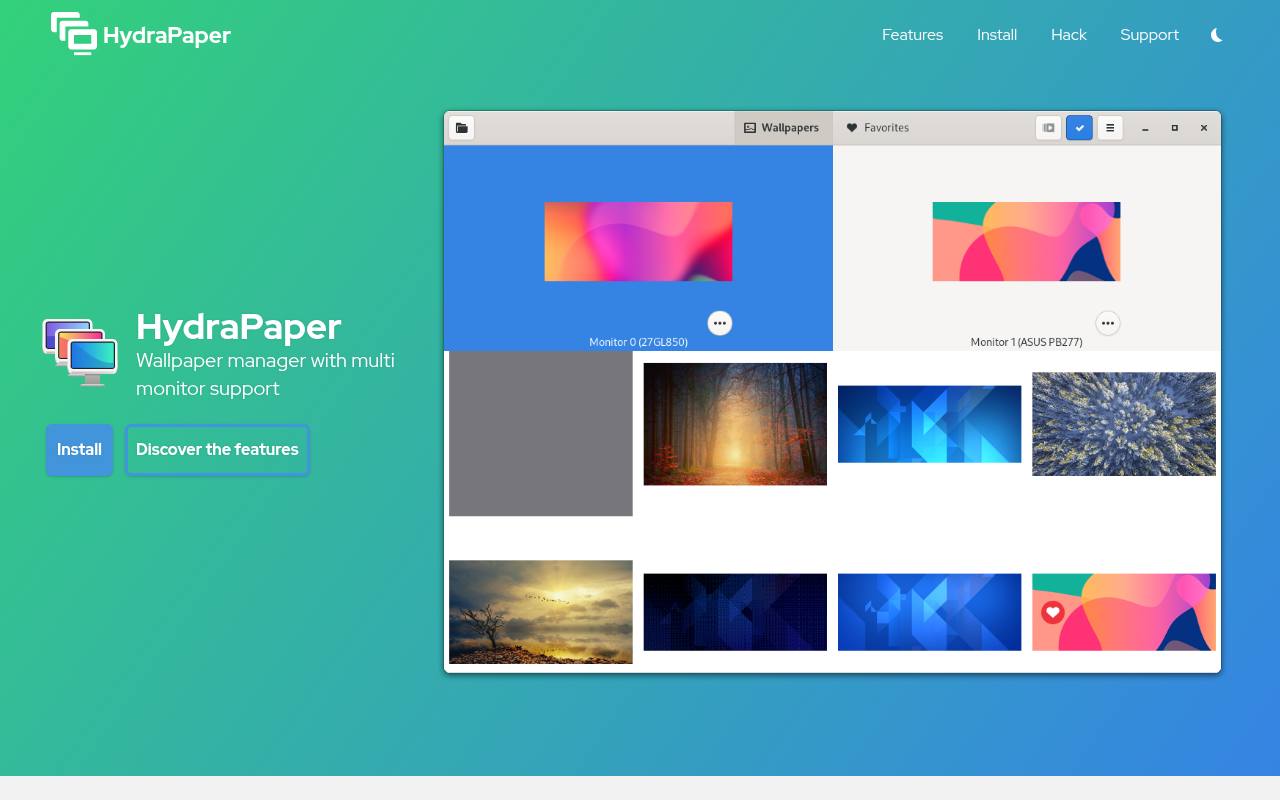
HydraPaper takes a folder-based wallpaper collection approach: add directories, enable or disable them, and mark favorite pictures for quick access. It offers zoomed, centered, and fitted presentation, including black or blurred backgrounds around an image.
Its random selection can be triggered from the application launcher, making it useful for quick changes without an online feed. The command-line interface exposes much of the graphical functionality for custom scripts. Treat it primarily as a manager and randomizer; unattended daily scheduling is something to arrange separately rather than assume is built in.
- Type
- Linux desktop app
- Best for
- Organizing local wallpapers and manually randomizing your selection
- License
- Free; GPL-3.0 software license
- Price
- 100% free
wpaperd
Wayland wallpaper daemon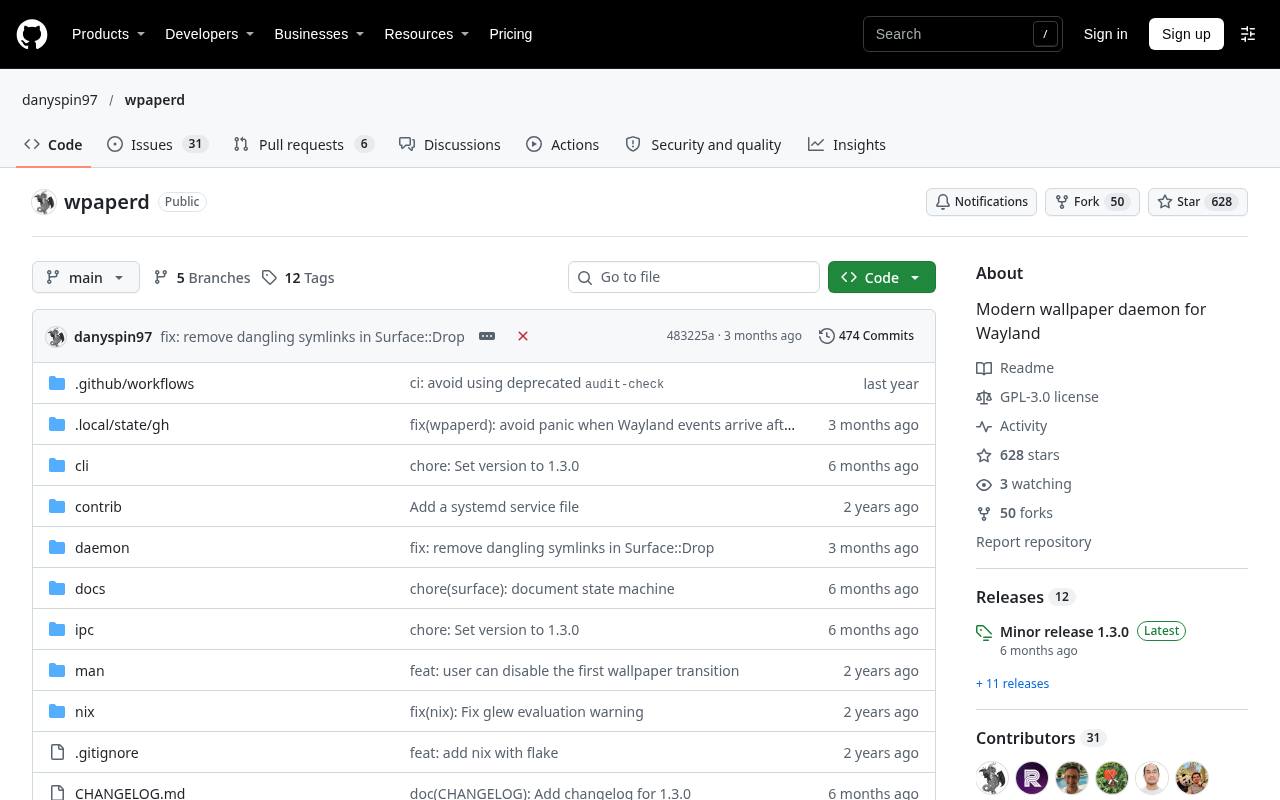
wpaperd suits people comfortable with a TOML configuration file rather than a conventional settings window. Set directories, durations, sorting methods, and per-display preferences, then use its command-line controls to advance, pause, or resume the slideshow. It renders still images with optional hardware-accelerated transitions, not a continuous video background.
Its Wayland compatibility requirements are crucial: the project says it does not work on GNOME and currently does not support Hyprland. Check your compositor before installing, and use it for predictable local rotation rather than expecting a built-in daily photography feed.
- Type
- Wayland wallpaper daemon
- Best for
- Configuring timed local slideshows on supported Wayland compositors
- License
- Free; GPL-3.0 software license
- Price
- 100% free
Bing Wallpaper GNOME Extension
GNOME Shell extension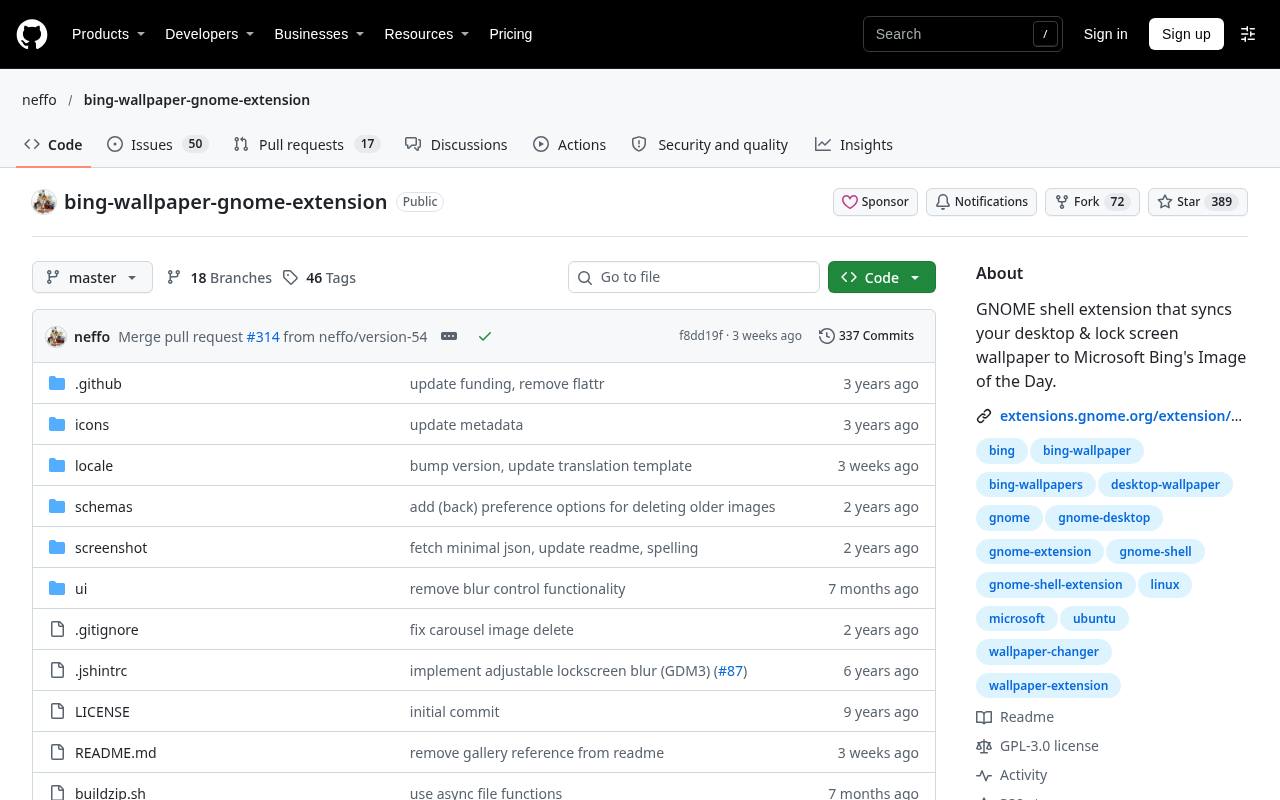
This unofficial extension brings Bing daily wallpapers to GNOME, with options for both desktop and lock-screen backgrounds. It can retain downloaded pictures, shuffle stored images at adjustable intervals, and limit random choices to favorites. Preview controls and previous-day navigation provide more browsing flexibility than a single daily replacement.
Its image retention settings let you keep a curated collection or remove older downloads. Check the supported GNOME Shell version before installation. The project is not affiliated with Microsoft and explicitly distinguishes its software from the copyrighted images, which it describes as licensed only for wallpaper use.
- Type
- GNOME Shell extension
- Best for
- Bringing Bing daily images to a GNOME desktop
- License
- Free open-source extension; Bing images restricted to wallpaper use
- Price
- 100% free
WallpaperDownloader
Linux Snap app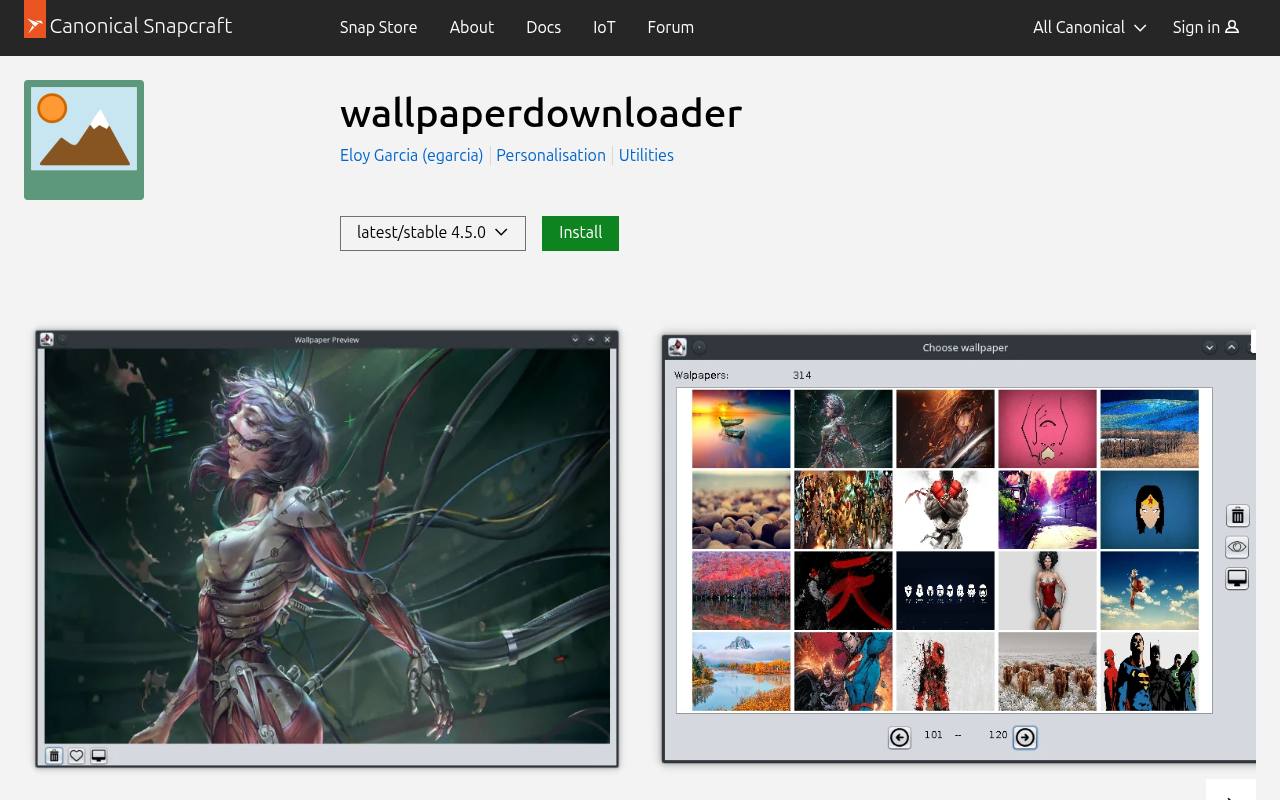
WallpaperDownloader brings wallpaper downloading and changing into a graphical application rather than making you save every image by hand. The project is Java-based and combines collecting pictures from online sources with managing and automatically changing backgrounds. For Linux users, the publisher's Snap Store listing provides a clear packaged installation option, including the package's license and release channels.
Use the stable channel unless you specifically want to test development changes. Check the application's available providers and your desktop integration before building a routine around it, since external image services can change independently of the software.
- Type
- Linux Snap app
- Best for
- Downloading and rotating wallpapers through a graphical manager
- License
- Free; GPL-3.0-or-later software; image terms vary
- Price
- 100% free
Choose between discovery and a personal collection
Start with image source preferences, not the longest feature list. Bing Wallpaper and the GNOME extension suit a daily editorial photograph, while Superpaper and HydraPaper are better matched to pictures you already have. Variety offers a bridge between local files and online discovery.
If you travel without reliable internet, prepare a local folder in advance instead of depending entirely on a remote feed. A small collection of consistently good images often works better than thousands of unfiltered downloads.
Check your platform before installing
Operating system compatibility is only the first check. On Linux, GNOME Shell extensions, Flatpak apps, and Wayland daemons interact with different parts of the desktop. wpaperd is not a GNOME solution, while the Bing extension specifically targets GNOME.
Windows users should also read current requirements on the publisher page rather than trusting an old download mirror. Install one candidate first and confirm that it still changes the background after signing out, restarting, and reconnecting an external display.
Keep software licenses separate from photo rights
A free wallpaper app gives you access to software, not automatic ownership of every image it displays. GPL and MIT terms govern the relevant code; photographers and image providers set the conditions for their pictures.
Personal desktop display, redistribution in a wallpaper pack, and use in commercial artwork are different activities. Preserve source links when saving favorites, and check the original license before republishing. If attribution is required for your intended use, keep the credit with the image rather than assuming the app handles it.
Prepare images for your screen layout
For sharp desktop wallpapers, match both resolution and aspect ratio to the intended display. A large portrait photo may still crop awkwardly on an ultrawide monitor. JPEG is a practical choice for photographs, while PNG can preserve crisp illustrated edges; verify support before adding less common formats.
Keep originals separate from cropped copies. With several screens, decide whether you want one continuous panorama or independent compositions before spending time on bezel correction and alignment settings.
Set a calm switching schedule
An automatic wallpaper schedule should improve the workspace without becoming another interruption. Try daily changes for online scenery or a longer interval for a local collection, then adjust after ordinary work sessions.
Avoid running two changers at once: competing background updates can look like random failures. If rotation stops after a restart, inspect startup settings and permissions before reinstalling. On a managed work computer, organizational policies may prevent background changes regardless of what an app offers.
Protect readability and reduce unnecessary activity
Desktop icon readability matters more than how impressive a photograph looks on its own. Favor quieter areas behind shortcuts, avoid harsh contrast behind labels, and keep a stable background during presentations if switching distracts you.
For laptops or metered connections, download a modest collection and reduce unnecessary refreshes. Still-image rotation is not the same workload as continuous animation, but downloads, image decoding, and transition effects still deserve attention if battery life or system responsiveness is a concern.
Can these apps change the lock screen too?
Lock screen support is separate from desktop wallpaper support, so check it explicitly rather than inferring it from automatic rotation. The GNOME Bing extension advertises both, while other tools may depend on platform settings or additional configuration.
For a straightforward first choice, use Bing Wallpaper on Windows or Damask on a compatible Linux desktop for online discovery. Choose Superpaper for difficult monitor layouts, and HydraPaper when quick local collection management matters more than unattended scheduling.