
A moving background can be a quiet ocean loop, an interactive web animation, or a pattern that responds when you swipe your phone. The best free live wallpaper apps give you control over that movement without requiring a subscription.
This selection focuses on software that actually displays animated or interactive backgrounds, rather than utilities that simply replace one still photograph with another on a schedule. Choose the app first, then find or create suitable media.
Platform compatibility matters more than the size of a wallpaper collection. Windows applications use different desktop integration methods from Mac utilities, while Linux options depend heavily on your desktop environment and display server.
On mobile, these recommendations cover Android live wallpapers, not iPhone wallpaper workarounds. There is no universal installer across all these systems, and a project supporting Wayland does not necessarily support every Wayland desktop. The individual notes below explain the important distinctions.
Every recommendation is available free, with source code accessible through its official project links. Some provide straightforward downloads; others suit people comfortable installing extensions or compiling software. These open source wallpaper apps also differ in maturity, so older projects deserve extra compatibility testing.
Start with one short local animation, leave startup integration disabled during your trial, and check battery drain before making it permanent. Software licensing and the rights to the artwork remain separate considerations.
Quick picks at a glance
| # | Resource | License | Best for |
|---|---|---|---|
| 1 | Lively Wallpaper | Free; GPL-3.0 | Flexible animated backgrounds with sensible playback controls |
| 2 | Plash | Free; open-source app | Animated websites and custom web backgrounds on Mac |
| 3 | Komorebi | Free; GPL-3.0 | Creating custom video and webpage wallpaper setups |
| 4 | Hidamari | Free; GPL-3.0 | Linux video backgrounds with accessible playback options |
| 5 | Hanabi | Free; GPL-3.0 | Video wallpaper integrated specifically with GNOME Shell |
| 6 | mpvpaper | Free; GPL-3.0 | Scriptable video backgrounds for wlroots based desktops |
| 7 | AutoWall | Free; GPL-3.0 | Portable video and GIF wallpapers on Windows |
| 8 | Doodle | Free; GPL-3.0 | Subtle parallax motion instead of continuous animation |
| 9 | Shader Editor | Free; MIT | Writing interactive GLSL wallpapers directly on Android |
| 10 | Video Live Wallpaper | Free; Apache-2.0 | Looping personal videos and GIFs without network access |
Lively Wallpaper
Windows desktop app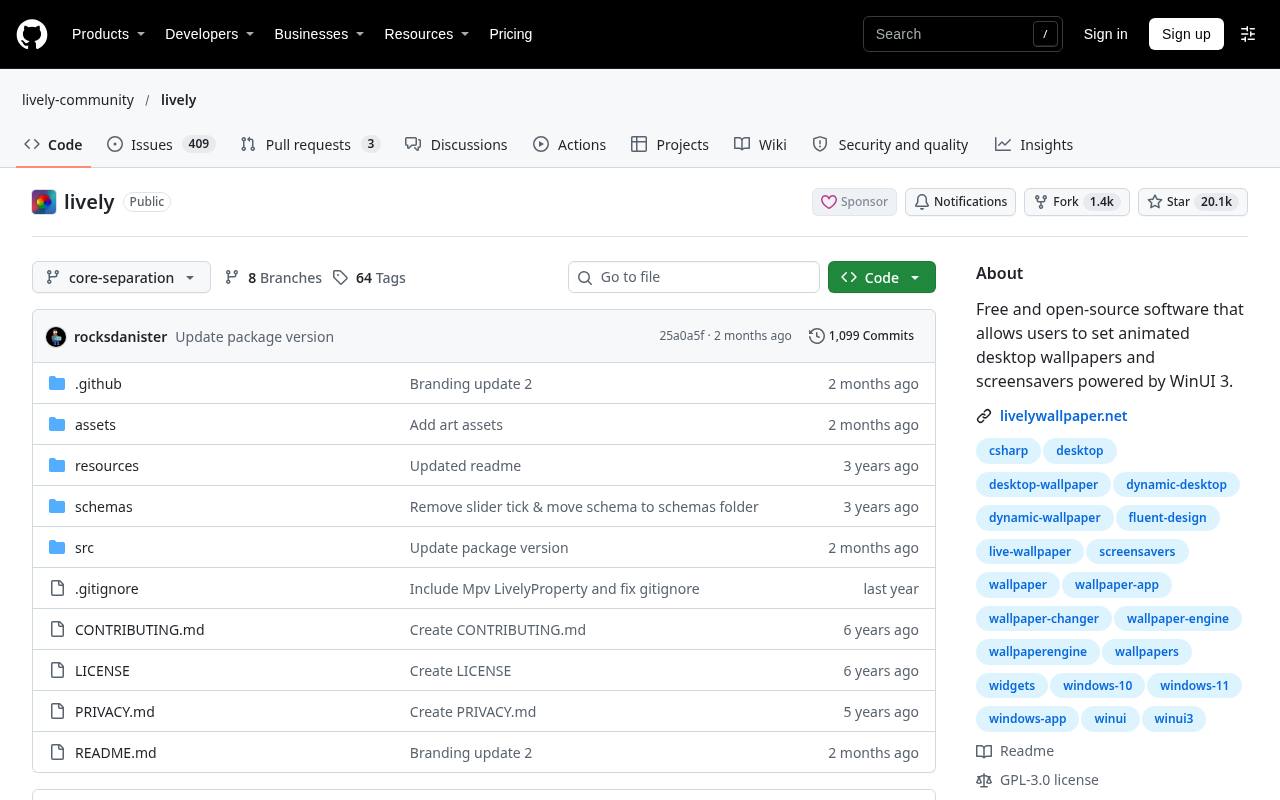
Lively Wallpaper is a strong starting point for free Windows wallpapers because it combines video and GIF playback with interactive webpages and application-based backgrounds. Its official repository links to the Microsoft Store and standalone installer, and the project explicitly says features are not locked behind a paywall.
Playback pause rules can suspend animation during fullscreen applications, on battery power, or during remote desktop sessions. Developers can also explore its wallpaper API for audio and hardware information. Choose a simple video first; more elaborate web or game-based wallpapers have different performance demands.
- Type
- Windows desktop app
- Best for
- Flexible animated backgrounds with sensible playback controls
- License
- Free; GPL-3.0
- Price
- 100% free
Plash
macOS desktop app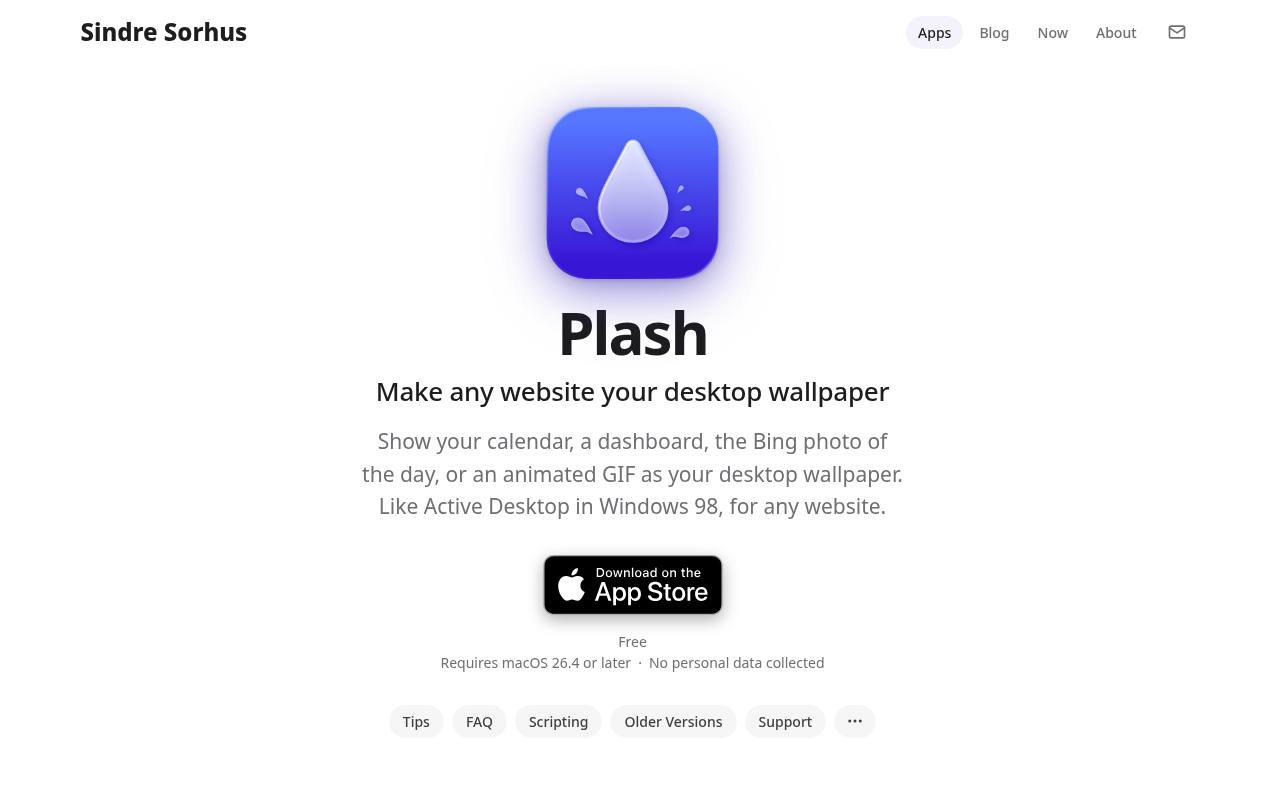
Plash turns a remote or local website into your Mac desktop background, making it useful for animated web wallpapers rather than just conventional video loops. The official page specifically includes animated GIFs among its use cases.
You can add custom CSS and JavaScript, adjust opacity, switch between saved websites, and enable Browsing Mode when you want to interact with the page. Audio is muted by default, and automatic deactivation on battery is available. Check the current macOS requirement before downloading; the developer also links older releases for earlier systems.
- Type
- macOS desktop app
- Best for
- Animated websites and custom web backgrounds on Mac
- License
- Free; open-source app
- Price
- 100% free
Komorebi
Linux desktop app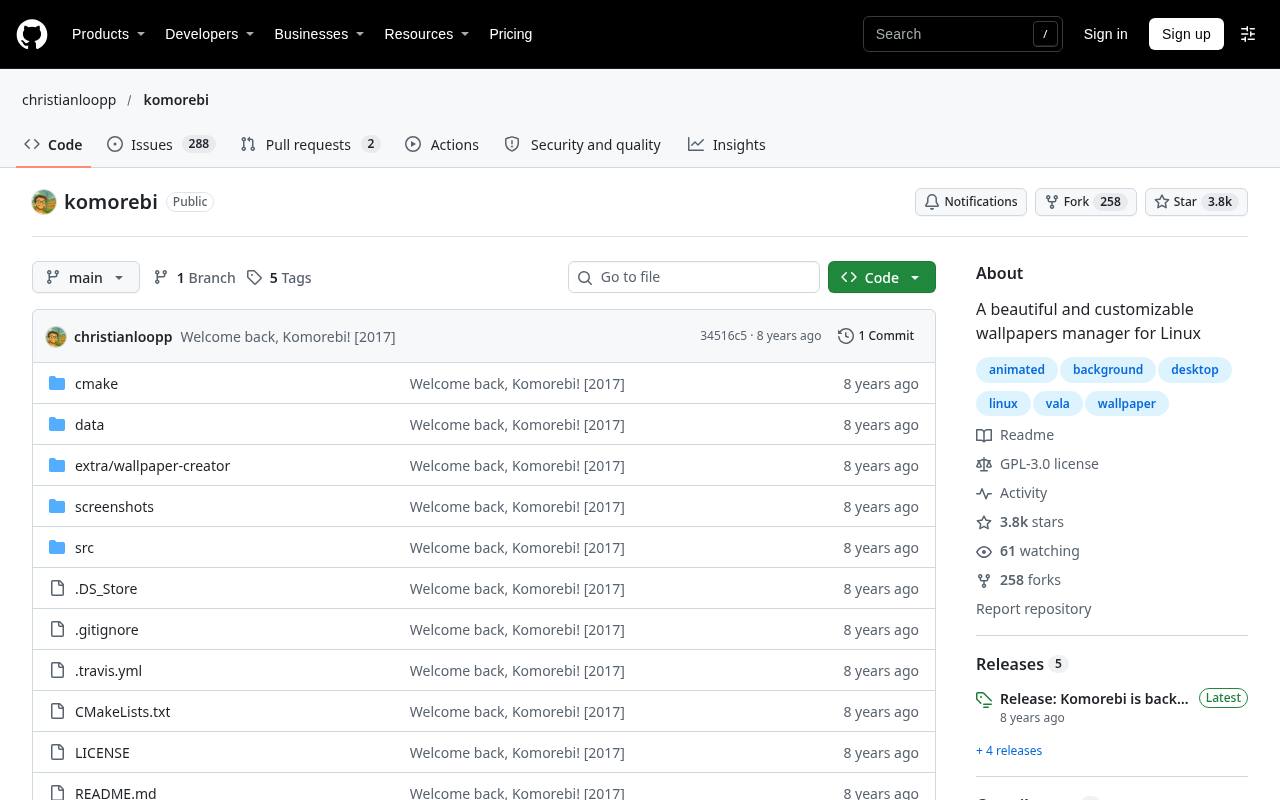
Komorebi provides a graphical wallpaper manager and a separate Wallpaper Creator for building backgrounds from images, videos, or webpages. Its desktop context menu exposes wallpaper and desktop preferences, giving it a more visual workflow than terminal-based Linux tools.
For animated Linux backgrounds, the video and webpage options are the relevant features; image-only use is not the reason to choose it here. Treat this as an older project with compatibility caveats: its documentation references aging dependencies and infrequent updates. Review installation requirements carefully instead of assuming universal support for modern Linux desktops.
- Type
- Linux desktop app
- Best for
- Creating custom video and webpage wallpaper setups
- License
- Free; GPL-3.0
- Price
- 100% free
Hidamari
Linux desktop app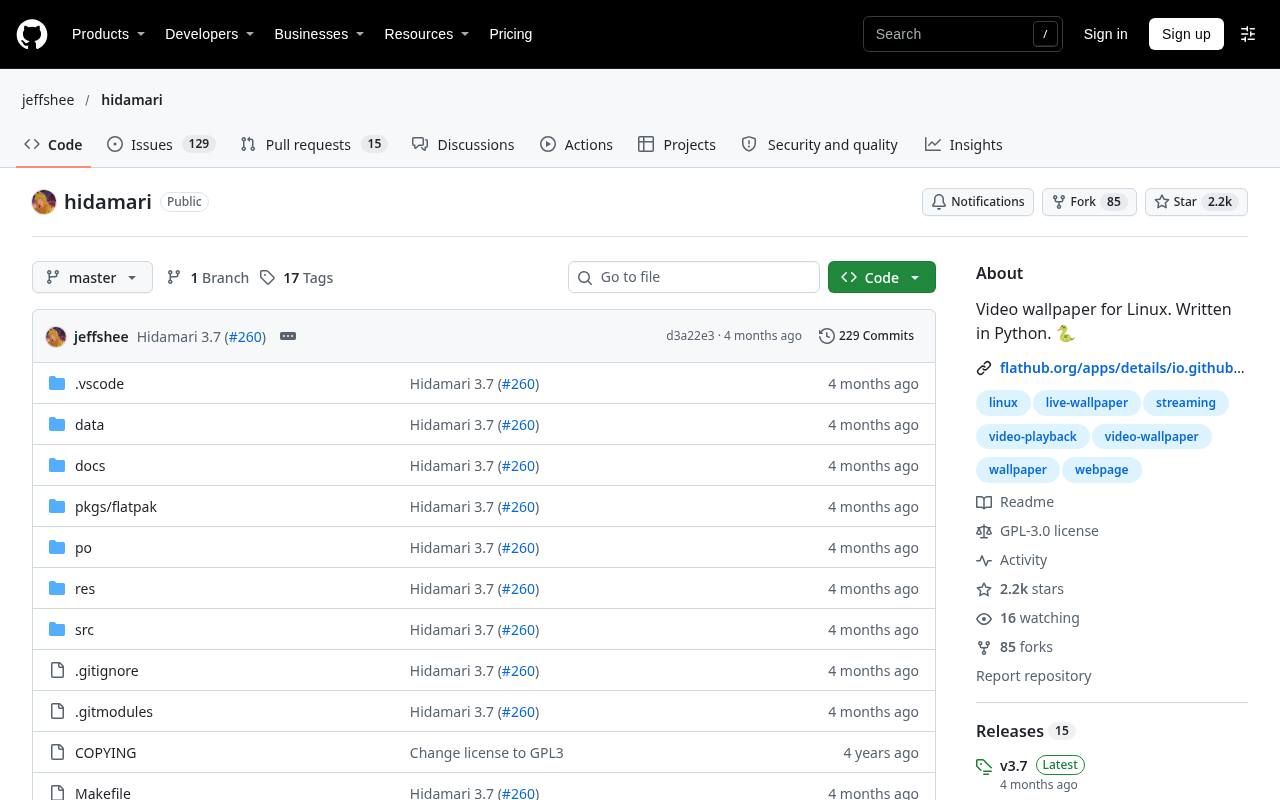
Hidamari offers Linux video wallpaper through a graphical application with an official Flathub installation link. Its documented features include multi-monitor support, login autostart, volume control, streaming URLs, and webpages as backgrounds. GNOME Wayland support is listed, but some capabilities have narrower coverage: automatic pausing for maximized or fullscreen windows is documented as X11-only.
The project also flags a hardware-decoding limitation with NVIDIA and Wayland. These distinctions make its feature notes worth reading before installation. Local video is a sensible first test before adding network streams or interactive web content.
- Type
- Linux desktop app
- Best for
- Linux video backgrounds with accessible playback options
- License
- Free; GPL-3.0
- Price
- 100% free
Hanabi
GNOME Shell extension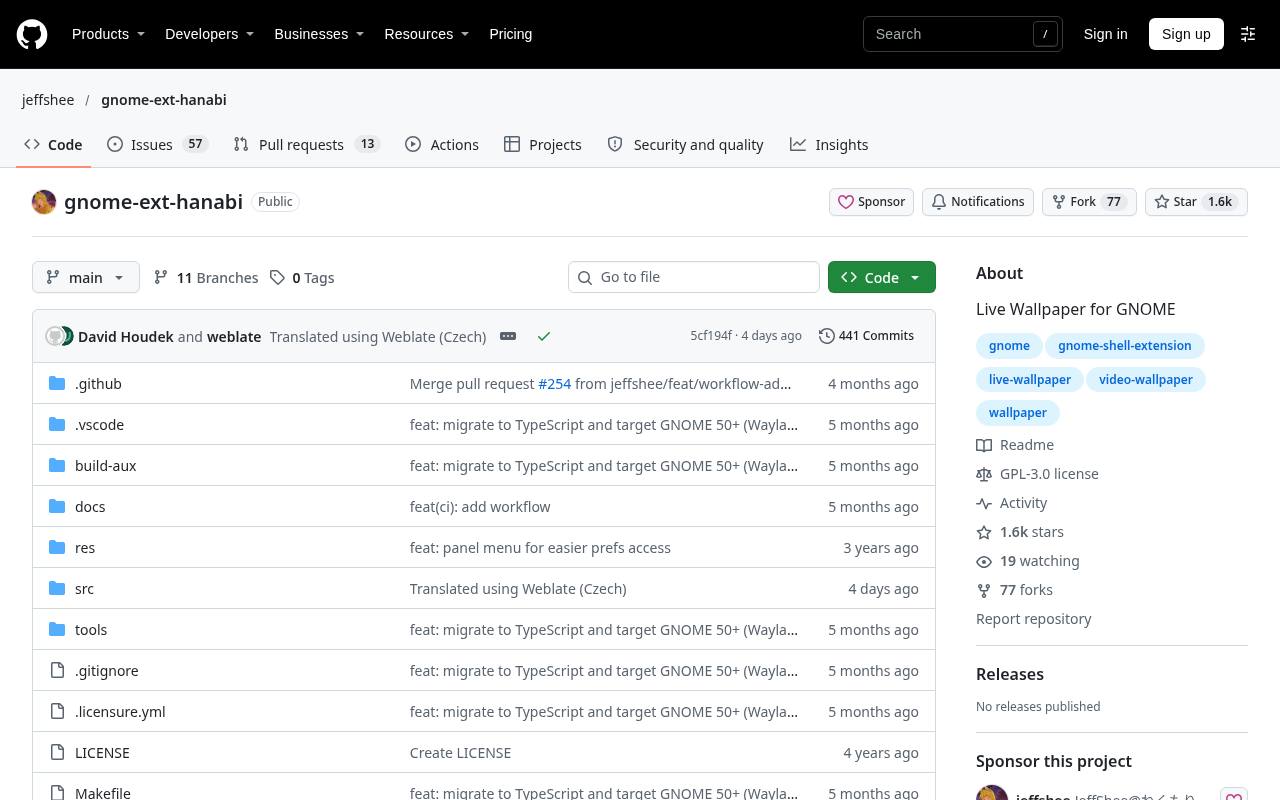
Hanabi approaches GNOME live wallpaper as a Shell extension rather than a general-purpose desktop manager. After installation and enabling the extension, you select a video in its preferences.
The repository provides a version compatibility table and separate branches, which are essential reading: the current main branch targets newer GNOME releases on Wayland, while the JavaScript maintenance branch covers an earlier compatibility range. Its documentation also explains GTK media backend requirements and optional Clapper integration. This is best for users willing to match their Shell version and troubleshoot distribution-specific multimedia dependencies.
- Type
- GNOME Shell extension
- Best for
- Video wallpaper integrated specifically with GNOME Shell
- License
- Free; GPL-3.0
- Price
- 100% free
mpvpaper
Wayland command-line app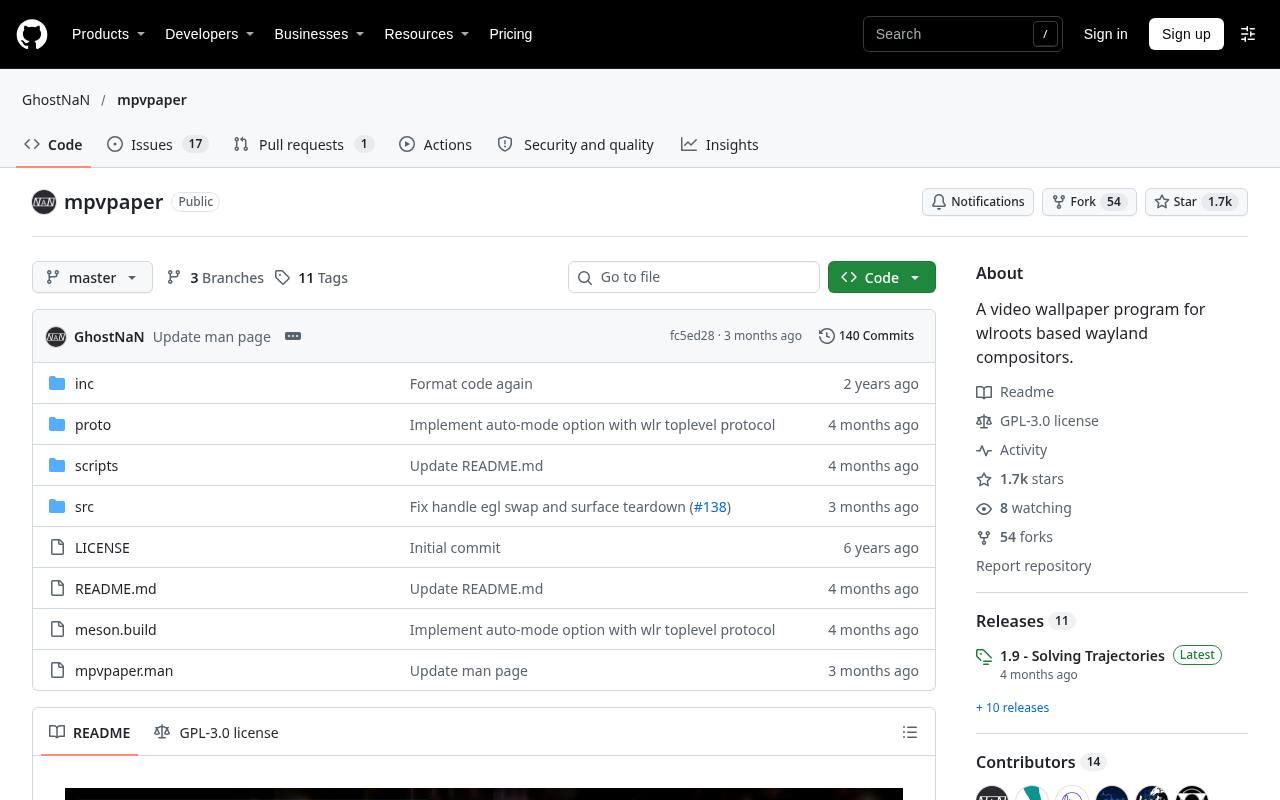
mpvpaper plays video as wallpaper on wlroots based compositors, such as Sway, using mpv. This is a focused command-line tool, not a universal GNOME or KDE wallpaper application. Its examples show targeting a named display or all outputs, forwarding mpv options, and controlling playback through an IPC socket.
That makes scriptable video backgrounds its main attraction: looping, audio settings, and automation can fit into an existing desktop configuration. Expect to install the required dependencies and potentially build the program. Users seeking a graphical media library should choose another option.
- Type
- Wayland command-line app
- Best for
- Scriptable video backgrounds for wlroots based desktops
- License
- Free; GPL-3.0
- Price
- 100% free
AutoWall
Windows portable app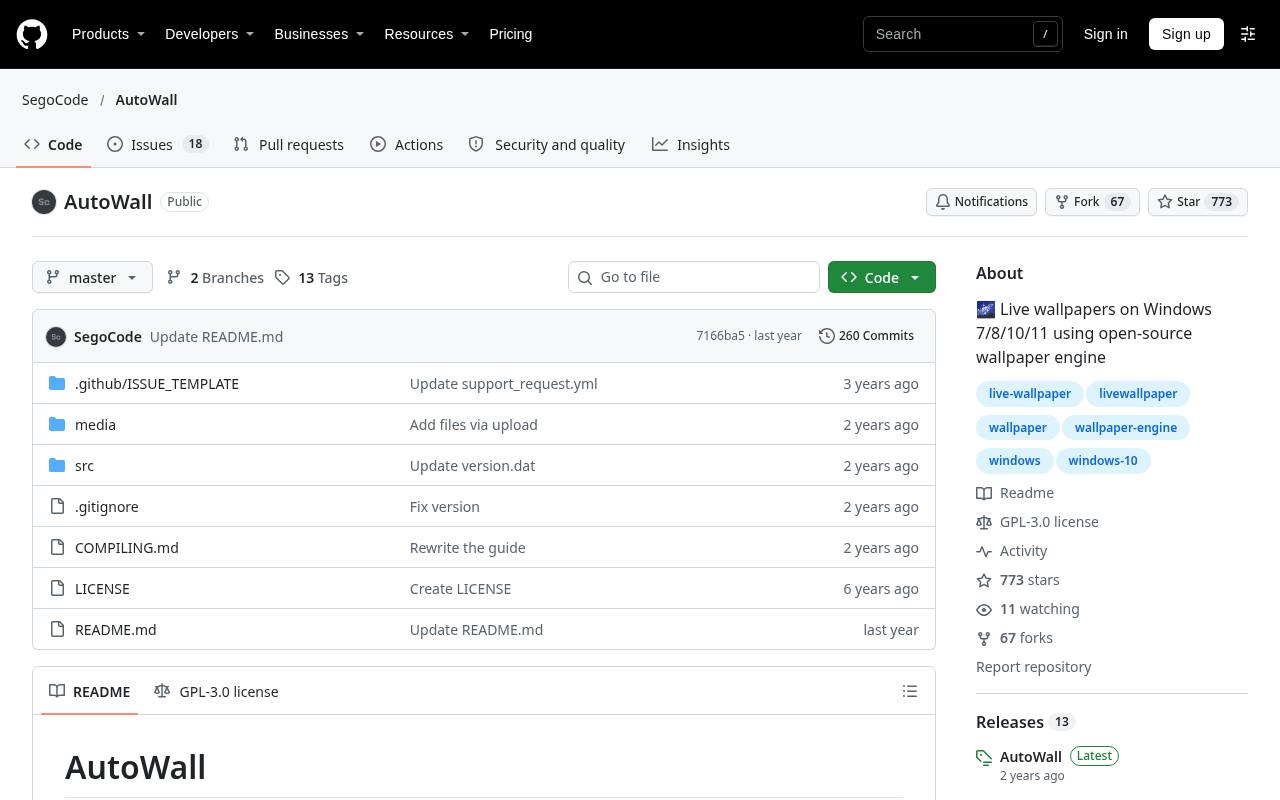
AutoWall wraps weebp and mpv in a portable interface for turning videos, GIFs, and webpages into Windows live backgrounds. Its repository documents browsing for local media, startup integration, a reset button, and automatic stopping when wallpaper is not visible. Advanced users can edit the mpv configuration for playback behavior.
However, multi-screen support is explicitly experimental and may lack features available in single-screen mode. The developer also says testing is limited to Windows 10, so do not assume identical behavior on other releases. Try it manually before enabling automatic launch.
- Type
- Windows portable app
- Best for
- Portable video and GIF wallpapers on Windows
- License
- Free; GPL-3.0
- Price
- 100% free
Doodle
Android live wallpaper app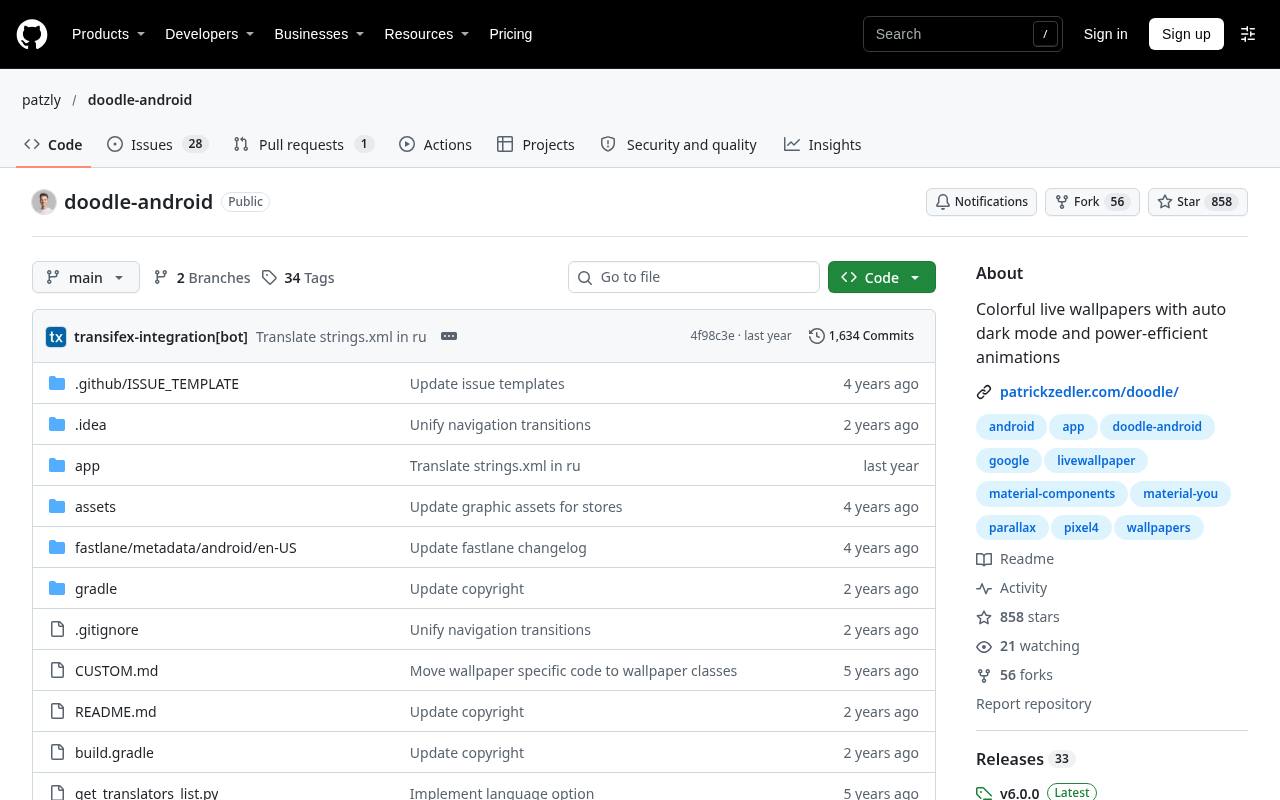
Doodle takes a quieter approach to Android animated backgrounds, using colorful designs with parallax on page swipes or device tilts and optional zoom effects. Its source describes a rewrite of Pixel-inspired wallpaper collections rather than a video-player front end.
Power-efficient motion is central to the design, with permanent animation made optional and no battery-heavy 3D engine. The project lists automatic dark mode, customization options, and no ads or analytics. This is the right kind of live wallpaper when you want responsive movement without keeping a dramatic video scene running behind your icons.
- Type
- Android live wallpaper app
- Best for
- Subtle parallax motion instead of continuous animation
- License
- Free; GPL-3.0
- Price
- 100% free
Shader Editor
Android shader app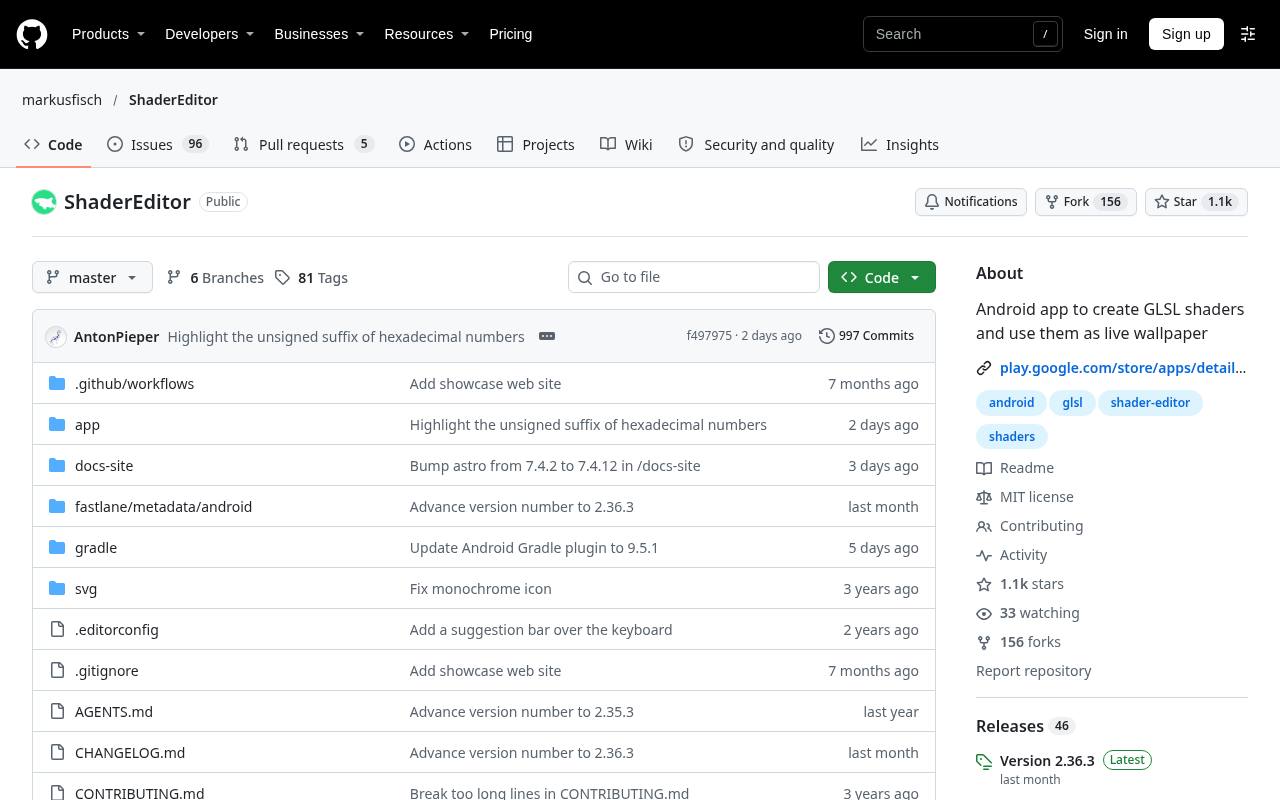
Shader Editor lets you create and edit GLSL shaders on an Android phone or tablet, then use them as live shader wallpapers. Its editor includes syntax and error highlighting alongside a live preview, making it a practical creative tool rather than only a wallpaper browser.
Available inputs include touch, wallpaper offset, battery level, and various device sensors. Adjustable render resolutions help balance visual detail against workload, and the project lists low-battery rendering shutdown. Coding knowledge is useful here; imported shader code and textures should also be checked for their own reuse permissions.
- Type
- Android shader app
- Best for
- Writing interactive GLSL wallpapers directly on Android
- License
- Free; MIT
- Price
- 100% free
Video Live Wallpaper
Android live wallpaper app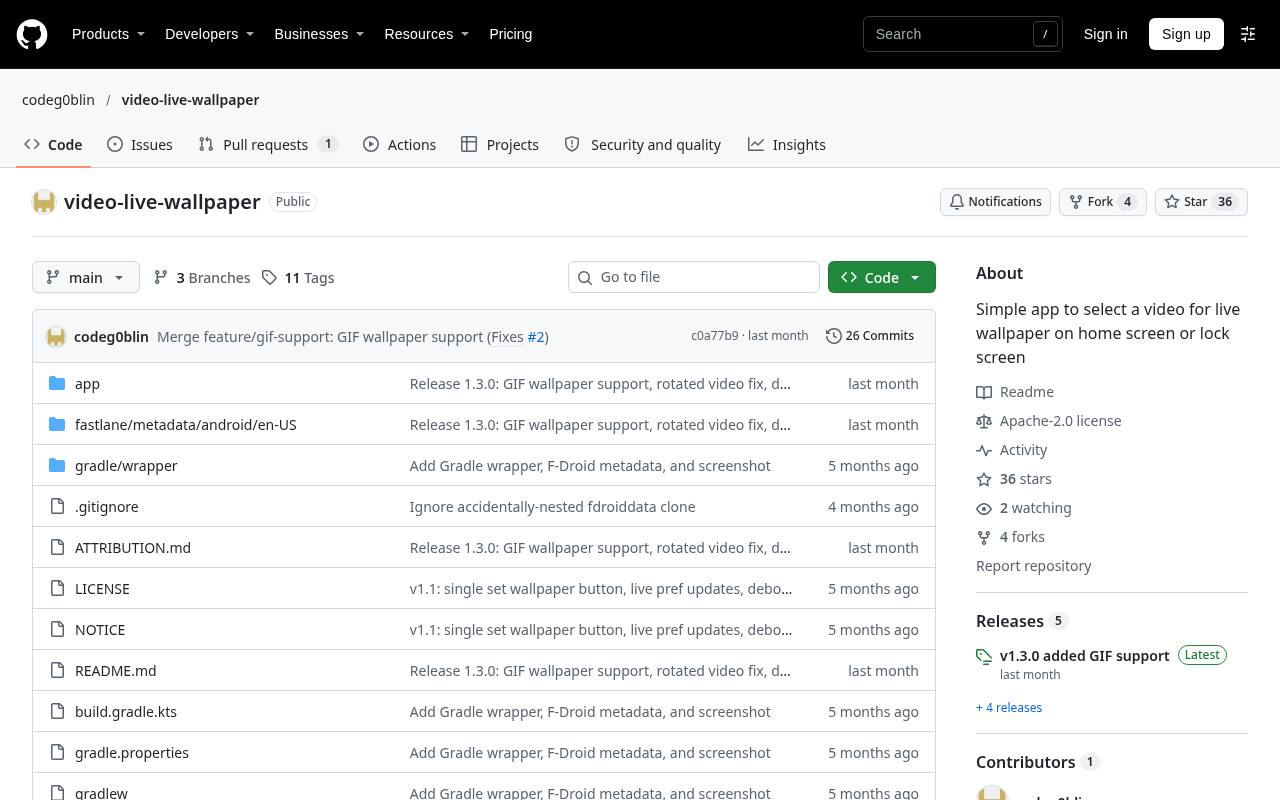
Video Live Wallpaper is a small Android app for choosing a local video or animated GIF and applying it through the system live wallpaper picker. Its Fill and Fit controls let you crop to cover the screen or preserve the entire frame, while playback speed can be adjusted before applying the result.
The repository links GitHub APK releases and F-Droid. Offline wallpaper playback is a clear privacy benefit: the app declares no ads, analytics, or network access. GIF transparency appears black, and large GIFs have documented limitations, so short video loops are often more practical.
- Type
- Android live wallpaper app
- Best for
- Looping personal videos and GIFs without network access
- License
- Free; Apache-2.0
- Price
- 100% free
Choose by operating system first
For a straightforward Windows starting point, compare Lively with AutoWall; for Mac web animation, consider Plash. On Linux, distinguish a GNOME extension from a tool intended for wlroots compositors.
Desktop compatibility checks should include your display server, desktop version, graphics driver, and monitor arrangement. Android users should decide between importing personal clips, choosing subtle parallax, and creating procedural effects before installing several overlapping apps.
Understand what free software licensing covers
A free application does not make every video, character, song, or shader you load into it free to redistribute. Software and artwork licenses are separate. Personal desktop display and publishing a wallpaper pack are different activities, and commercial redistribution may introduce additional obligations.
GPL, MIT, and Apache licenses also have different requirements when you distribute software or modifications. Keep creator credits and original license files with assets you plan to share.
Prepare the right media format
Use the formats the individual player documents rather than assuming every app accepts the same archive or scene package. A conventional local video loop is usually easier to move between players than a background built for a specific runtime.
Match the clip to your screen shape before importing it: widescreen footage cropped onto a portrait phone can lose its subject. With GIFs, check transparency behavior, file size restrictions, and whether a video alternative looks smoother.
Test performance before enabling startup
Let the wallpaper run during ordinary browsing, a video call, and a fullscreen application before adding it to login startup. Check GPU load, fan noise, memory use, and battery behavior.
Hardware video decoding can help, but driver and backend support determine whether it actually works. Reduce resolution or frame rate if needed, disable unnecessary audio, and verify pause rules on your own setup instead of assuming every platform implements them equally.
Keep motion comfortable and readable
Slow water, gentle gradients, and restrained particles generally compete less with desktop icons than rapid camera movement. For comfortable animated backgrounds, avoid flashes, strong contrast changes, and busy detail behind text.
Leave a still wallpaper ready for focused work or motion-sensitive users. On a phone, check readability with both light and dark widgets, and preview movement while swiping between pages rather than judging only the initial wallpaper preview.
Use trustworthy downloads and sensible permissions
Download installers, APKs, and source packages from the linked official projects and their stated distribution channels. Safer wallpaper installation also means reviewing what you load after installing the player: a live webpage can contact external servers, and an application-based wallpaper is executable software.
Prefer local media when you do not need online features. For older Linux projects, review commands and dependency requirements carefully rather than adding outdated repositories without understanding their effects.
Can these apps replace every paid wallpaper setup?
They can deliver excellent free animated wallpapers, but compatibility depends on the content, not just whether both products display motion. A proprietary scene package may require its original runtime; a standalone video is much easier to reuse.
None of these recommendations requires purchasing Wallpaper Engine. Static daily-photo changers are intentionally excluded because scheduled image replacement is different from live animation. Start small, verify the result on your hardware, and keep only the app that fits your workflow.