
A good video call background does more than conceal an untidy room. It helps keep attention on your face, sets an appropriate tone, and makes a temporary workspace feel more consistent.
These free Zoom backgrounds and free Teams backgrounds come from official organizations, cultural institutions, and recognizable publishers rather than anonymous image reposts. The selection focuses on pictures that work behind a speaker, not general desktop wallpaper collections or animated wallpaper software.
You will find furnished rooms for routine meetings, library interiors for reading groups, underwater photographs for informal conversations, and fictional locations for social calls. Most are ordinary downloadable images that you can upload to either meeting app, subject to your device and organization settings.
Start with the meeting background style that suits your audience, then check the source’s permission before using the same picture in marketing, a public broadcast, or a recorded commercial presentation.
Free downloading is not the same as an unrestricted image license. Some publishers explicitly offer pictures as virtual meeting backgrounds while retaining copyright; others release selected material under open terms. Each entry below separates those situations where possible and flags important limits.
Follow the linked collection to obtain the original file, keep a note of its terms, and preview the result on camera before the meeting begins. A quiet composition usually matters more than a spectacular scene.
Quick picks at a glance
| # | Resource | License | Best for |
|---|---|---|---|
| 1 | Zoom | Free linked collections; each publisher’s terms apply | Browsing meeting backgrounds by subject and publisher |
| 2 | IKEA | Free backgrounds offered for video calls; no general reuse license stated | Making everyday calls feel calm and furnished |
| 3 | Star Wars | Free official video-call downloads; copyright retained, not an open license | Adding recognizable locations to informal team gatherings |
| 4 | Marvel | Free video-call backgrounds subject to linked Disney terms; copyright retained | Bringing superhero settings to casual video chats |
| 5 | Studio Ghibli | Free personal meeting and remote-class use; no commercial promotion or redistribution | Using animated film scenery for personal meetings |
| 6 | Smithsonian Open Access | CC0 for designated Open Access assets; check item rights and other restrictions | Choosing historical artwork with open copyright permissions |
| 7 | The New York Public Library | Free images offered for backgrounds; no blanket public-domain license for this set | Setting a bookish tone for discussion groups |
| 8 | Monterey Bay Aquarium | Free wallpaper and Zoom use offered; copyright retained, not an open stock license | Finding underwater images with relaxing blue tones |
| 9 | NASA Virtual Backgrounds | Free NASA media subject to NASA usage rules; third-party credits and insignia restrictions apply | Taking science discussions beyond an ordinary office |
| 10 | BBC Sport | Free official Zoom-background downloads; BBC copyright and site terms apply | Hosting football chats with recognizable Scottish settings |
Zoom
Background directory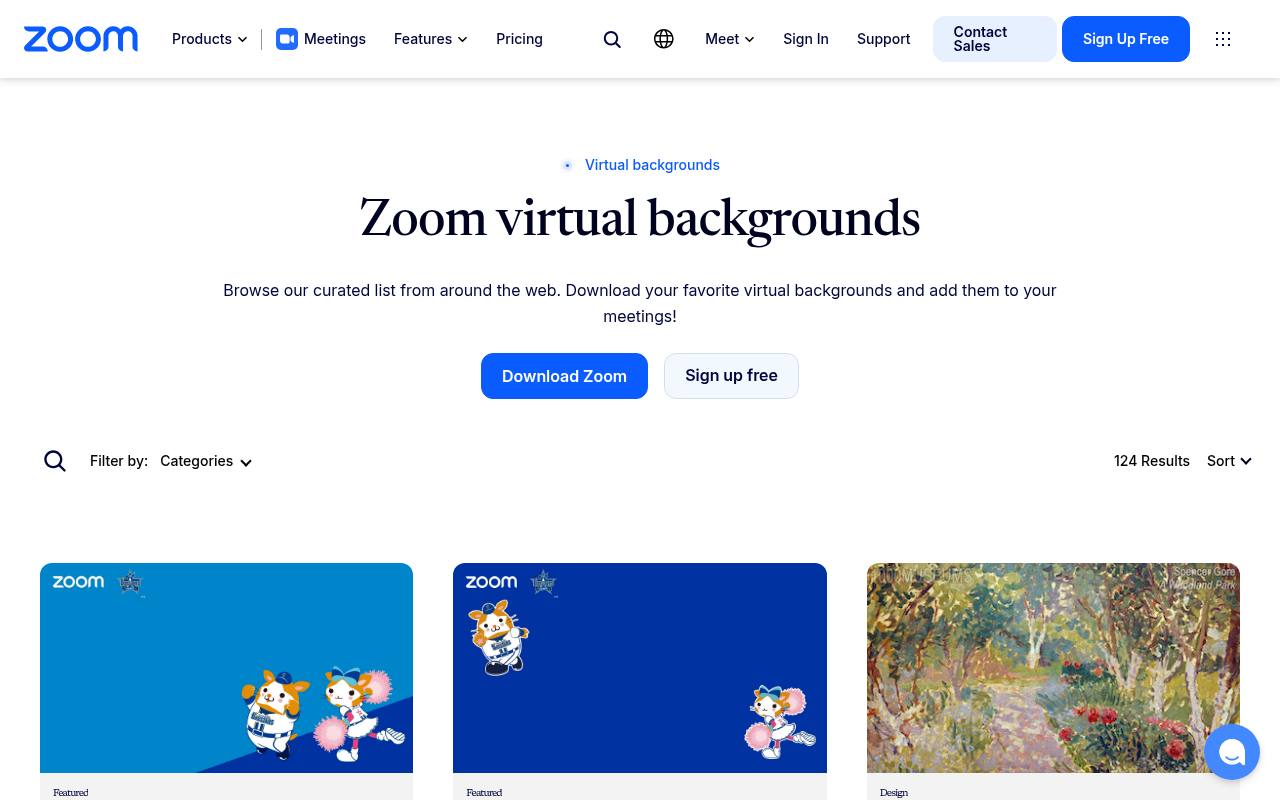
Zoom’s own directory is a convenient starting point when you have not settled on a visual style. Its category filters cover subjects including home, education, entertainment, sports, and travel, with links out to participating publishers. That makes it a discovery service rather than one uniformly licensed image pack: check the destination’s download conditions.
The page also explains background upload settings and recommends landscape JPG or PNG images. Its optional AI generation feature is separate from the free linked collections, so you do not need a paid generation entitlement simply to browse for downloadable pictures.
- Type
- Background directory
- Best for
- Browsing meeting backgrounds by subject and publisher
- License
- Free linked collections; each publisher’s terms apply
- Price
- 100% free
IKEA
Interior image collection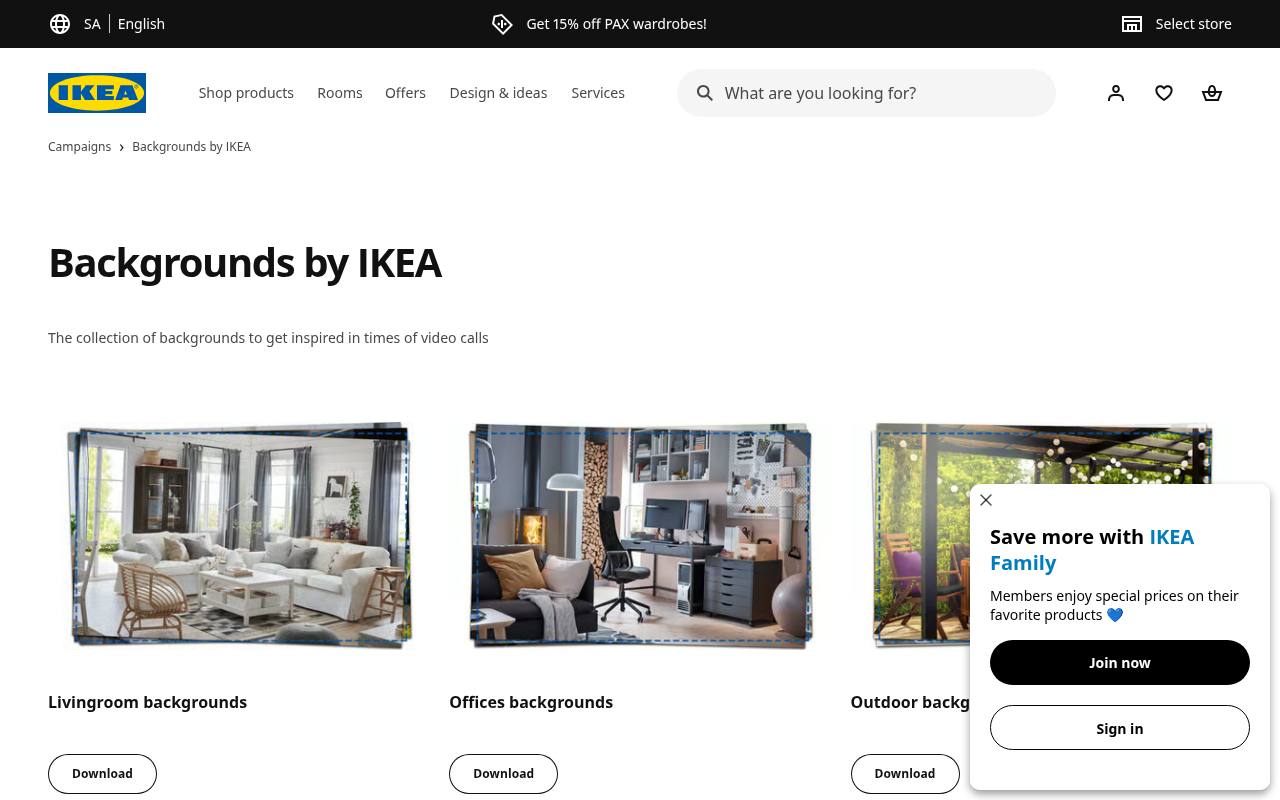
IKEA’s Backgrounds by IKEA page groups its downloads into living room backgrounds, office scenes, and outdoor settings. These recognizable furnished environments are useful when you want an interior rather than a fantasy location behind your chair.
The page expressly provides instructions for Zoom and Microsoft Teams, although its older Teams folder paths should not replace your current app’s upload controls. Treat the downloads as video call assets, not an open stock library for advertising or resale. Preview furniture edges behind your shoulders: a busy shelf can compete with your outline even in an otherwise restrained room.
- Type
- Interior image collection
- Best for
- Making everyday calls feel calm and furnished
- License
- Free backgrounds offered for video calls; no general reuse license stated
- Price
- 100% free
Star Wars
Film background collection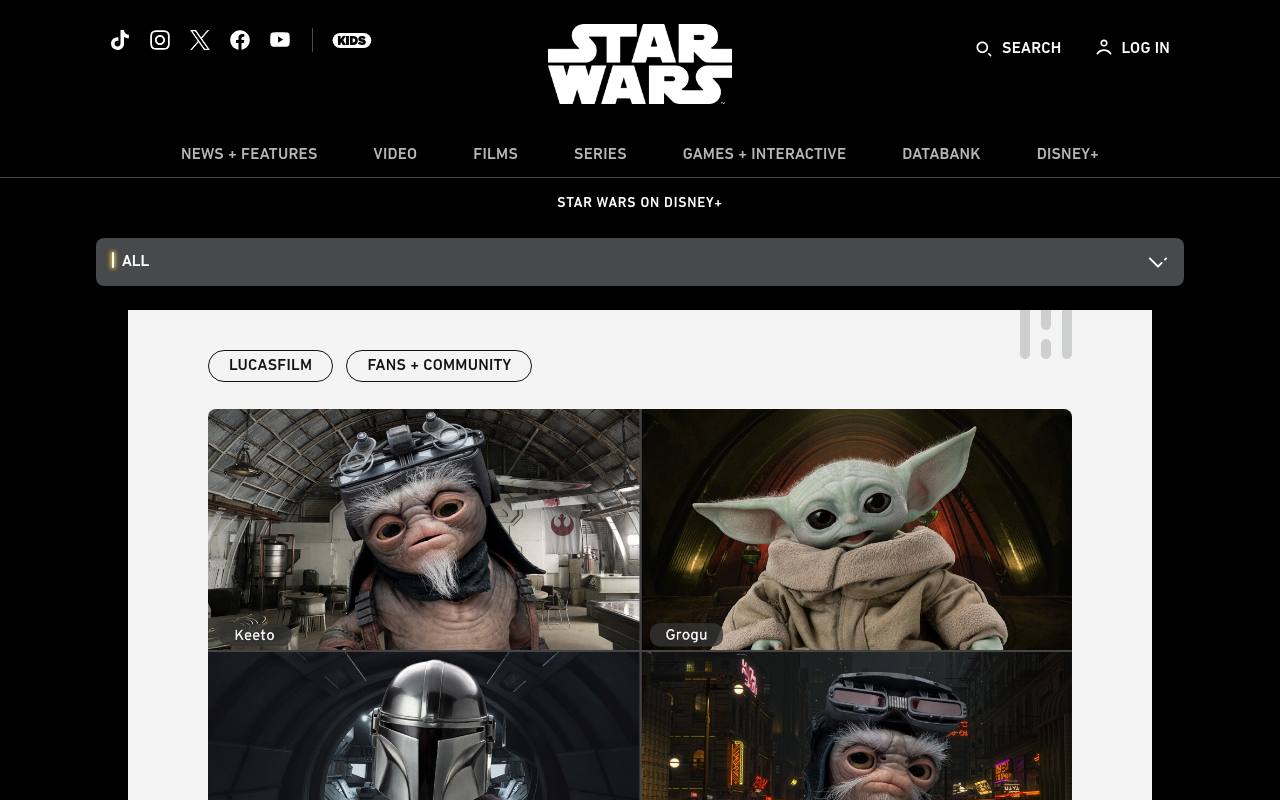
The official Star Wars collection lets you choose familiar environments such as Hoth, the Millennium Falcon, the Death Star control room, and numerous other locations. Its full resolution downloads are accessed by opening a picture and saving the larger image, rather than capturing the page thumbnail.
The article specifically invites video calls with friends, family, and colleagues. That invitation does not make the artwork public domain or grant merchandising rights. Use these fictional meeting locations for an appropriate audience, and select a quieter landscape if a cockpit or detailed control panel makes your camera tile feel crowded.
- Type
- Film background collection
- Best for
- Adding recognizable locations to informal team gatherings
- License
- Free official video-call downloads; copyright retained, not an open license
- Price
- 100% free
Marvel
Film and comic backgrounds
Marvel’s official article combines cinematic settings with illustrated locations from the comics, offering a different visual character from ordinary office photographs. The page describes right click downloads: save the chosen image and then insert it into your conferencing program.
It also explicitly links the terms that govern downloading, so do not assume unrestricted commercial reuse merely because no payment is requested. These superhero scene backgrounds make sense for fan gatherings or relaxed team socials. For a client meeting, consider whether recognizable franchise artwork supports the conversation or distracts from the message you need to deliver.
- Type
- Film and comic backgrounds
- Best for
- Bringing superhero settings to casual video chats
- License
- Free video-call backgrounds subject to linked Disney terms; copyright retained
- Price
- 100% free
Studio Ghibli
Illustrated background collection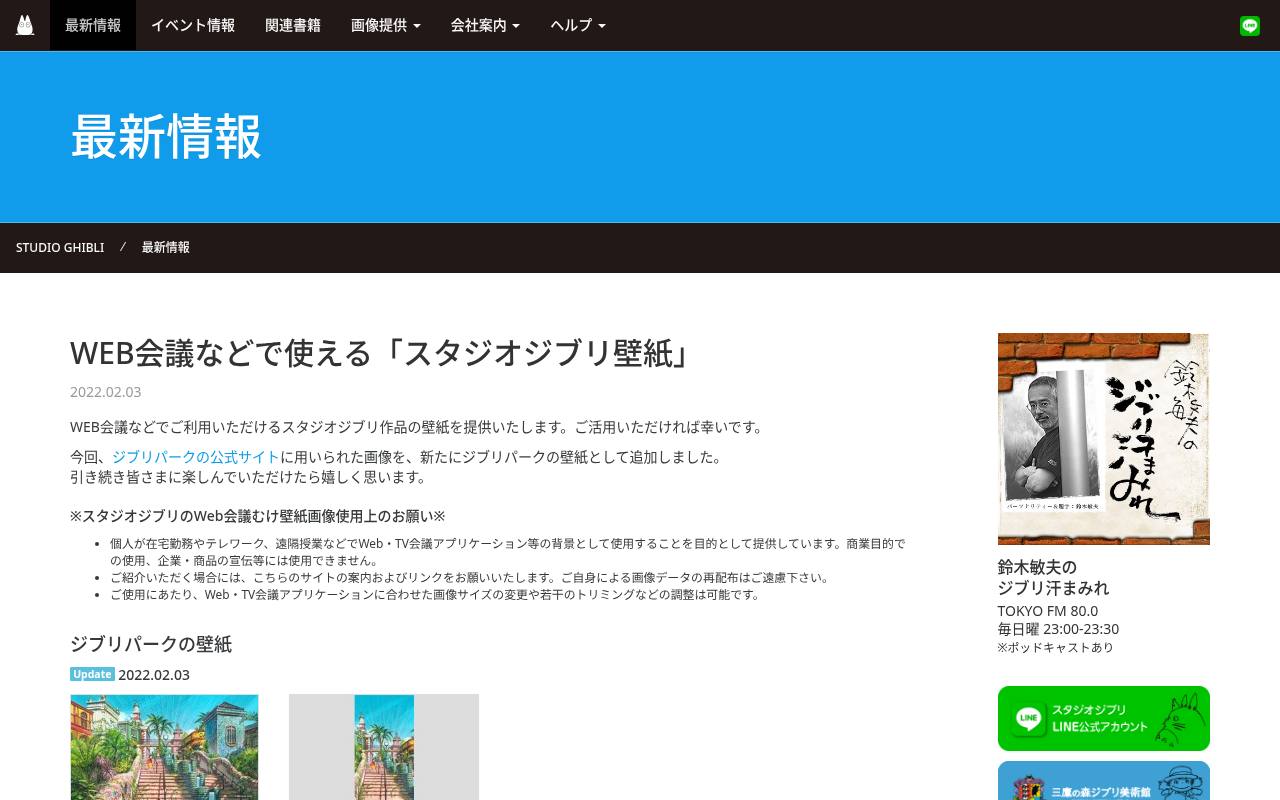
Studio Ghibli publishes a dedicated Japanese-language page for web-conference wallpapers, including film settings and Ghibli Park imagery. Unlike a vague free-download label, its specific usage conditions explain that individuals may use these pictures for remote work, telework, and distance-learning backgrounds.
Commercial purposes and company or product promotion are excluded, and users should link to the page instead of redistributing the image files. Resizing and slight cropping to fit conferencing apps are allowed. These illustrated video backgrounds are therefore a thoughtful personal choice, but not artwork to incorporate into a company’s branded background pack.
- Type
- Illustrated background collection
- Best for
- Using animated film scenery for personal meetings
- License
- Free personal meeting and remote-class use; no commercial promotion or redistribution
- Price
- 100% free
Smithsonian Open Access
Museum image collection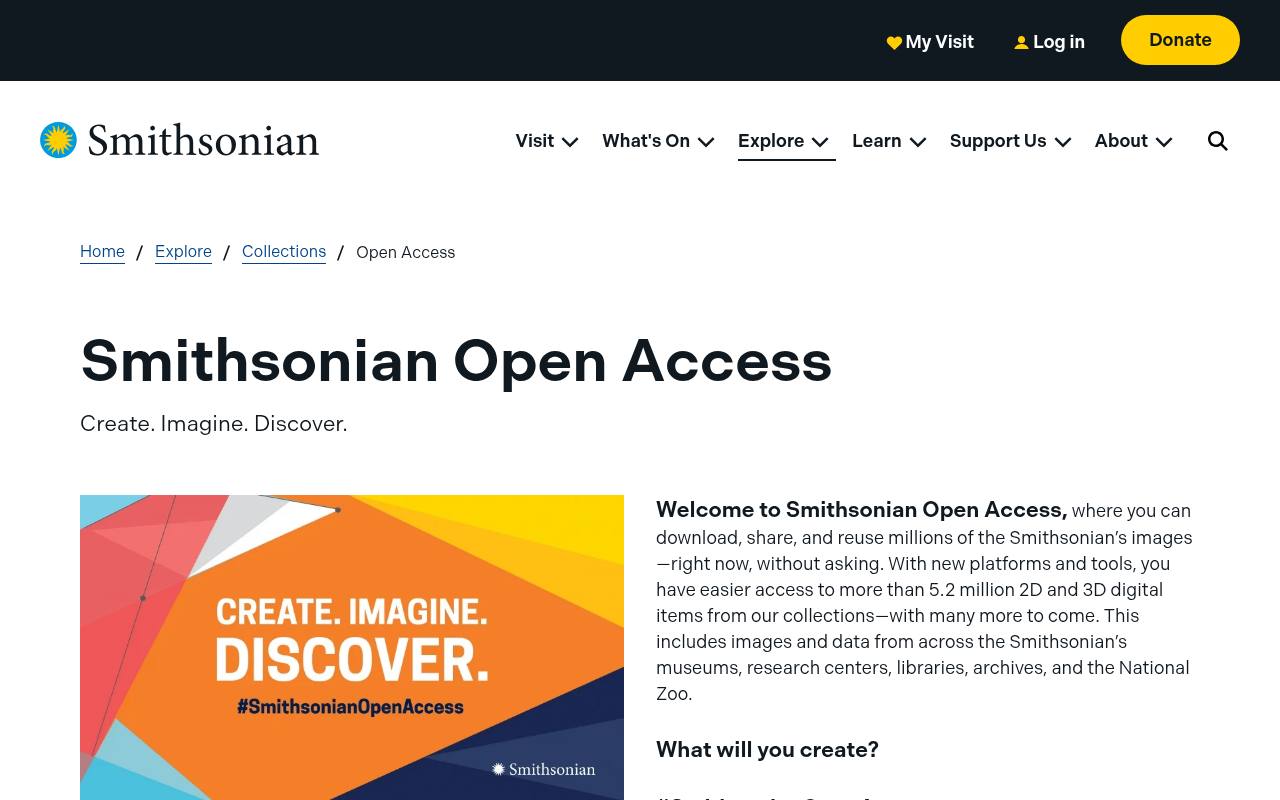
The Smithsonian’s Digital Backgrounds collection brings paintings, decorative designs, interiors, and other collection material into a meeting-friendly browsing context. You can explore museum artwork backgrounds rather than relying exclusively on modern room photography. The collection identifies its images as Open Access, but check the individual record and look for the CC0 designation before reusing an asset beyond a call.
Under the Smithsonian’s CC0 copyright terms, designated content can be used without a copyright fee or mandatory attribution; privacy, publicity, trademark, and other rights may still matter. Save the item record alongside your download for a clear provenance trail.
- Type
- Museum image collection
- Best for
- Choosing historical artwork with open copyright permissions
- License
- CC0 for designated Open Access assets; check item rights and other restrictions
- Price
- 100% free
The New York Public Library
Library background collection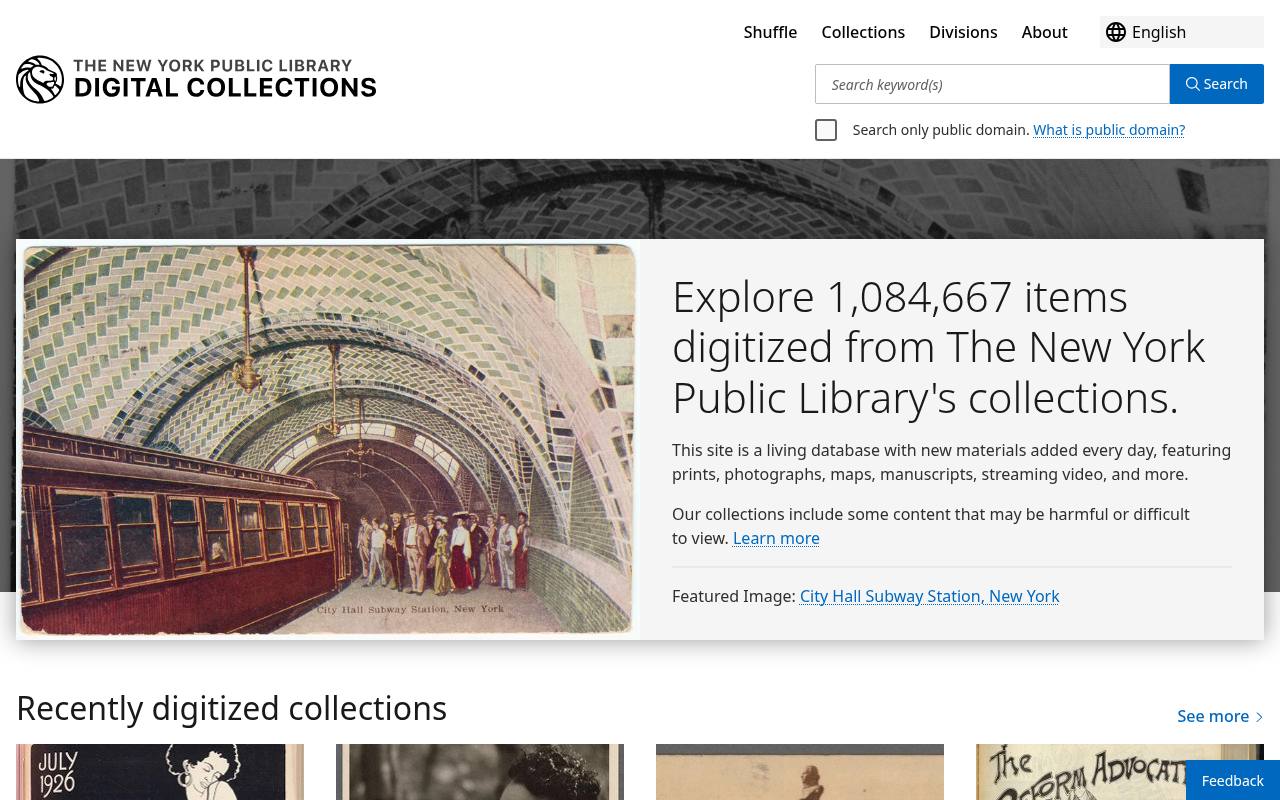
The New York Public Library’s dedicated post links directly to images of the Rose Main Reading Room, library shelves, the Schwarzman Building, its famous lions, and other library-themed subjects. Those library interior backgrounds are particularly fitting for book clubs, study sessions, and literary events.
Each “click for image” link is a better download starting point than the small inline preview. Although the institution also maintains public-domain collections, this particular post should not be treated as a blanket public-domain declaration. Its background use invitation is narrower than a general stock-photo license, especially for logo-bearing designs or promotional reuse.
- Type
- Library background collection
- Best for
- Setting a bookish tone for discussion groups
- License
- Free images offered for backgrounds; no blanket public-domain license for this set
- Price
- 100% free
Monterey Bay Aquarium
Ocean photography collection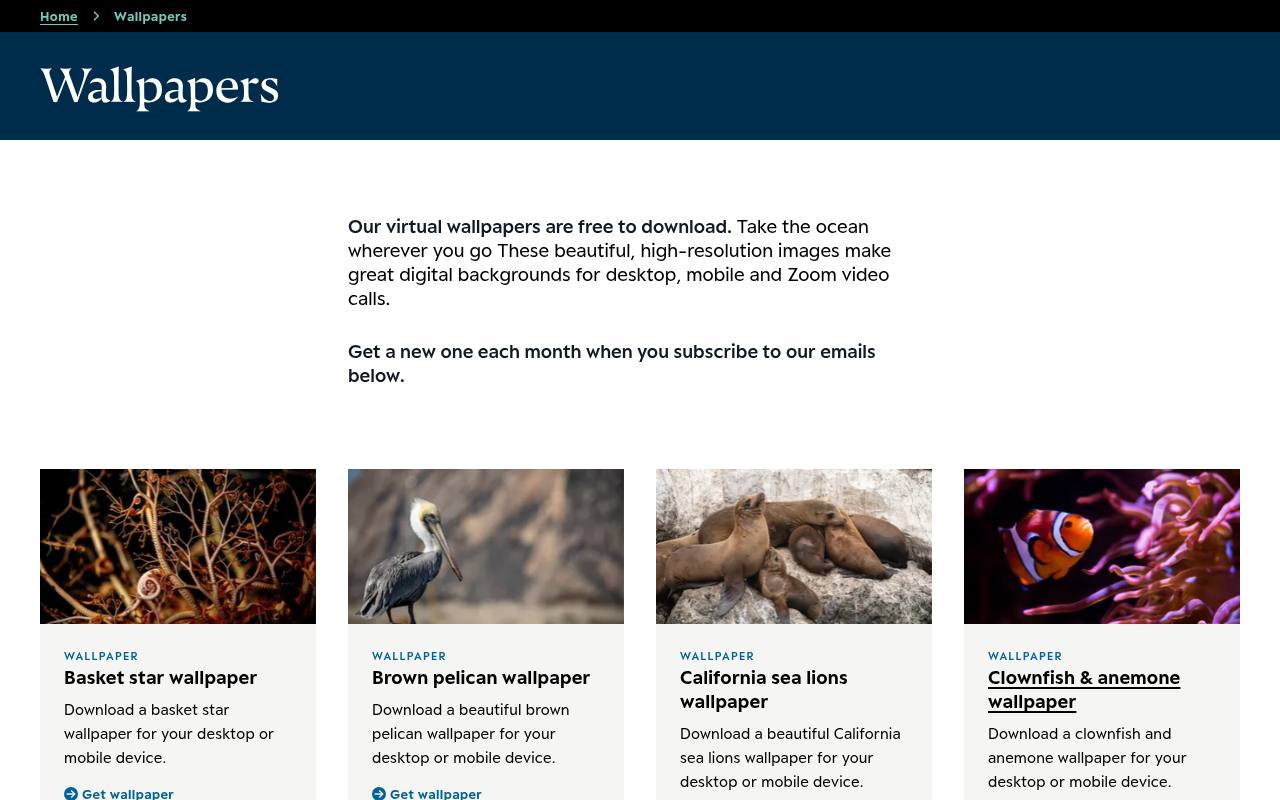
Monterey Bay Aquarium explicitly offers its wallpapers as free downloads suitable for desktop, mobile, and Zoom calls. The collection includes ocean photography backgrounds featuring kelp forests, jellyfish, sea lions, octopuses, and other marine subjects, with individual pages for the pictured animals or habitats.
Choose a landscape download when available rather than forcing a tall phone crop into a meeting frame. The offer supports background use; it does not by itself grant unrestricted stock-image rights. For blue meeting backdrops, look for open water or gently textured scenes that leave enough visual space around your face.
- Type
- Ocean photography collection
- Best for
- Finding underwater images with relaxing blue tones
- License
- Free wallpaper and Zoom use offered; copyright retained, not an open stock license
- Price
- 100% free
NASA Virtual Backgrounds
Official background directory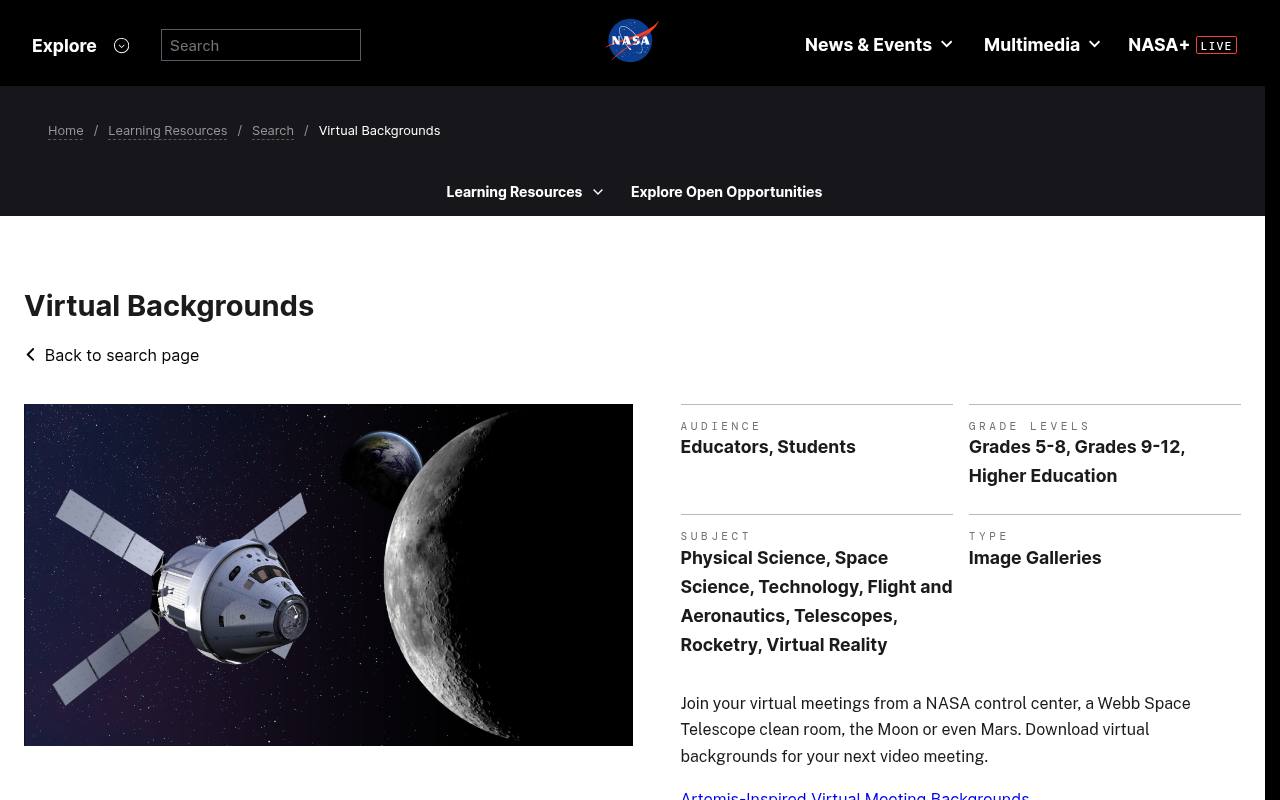
NASA’s education resource page collects links to official virtual backgrounds spanning control centers, telescope facilities, lunar scenes, Mars, aeronautics, and related missions. It is useful when you want a science-specific backdrop without searching a general space image archive. Follow a themed link to reach its actual download choices and read the accompanying credit.
NASA media is generally available under the agency’s media usage rules, but third-party material and protected identifiers require care. These science meeting images should never imply NASA endorses your business; retain source credits when the intended use calls for them.
- Type
- Official background directory
- Best for
- Taking science discussions beyond an ordinary office
- License
- Free NASA media subject to NASA usage rules; third-party credits and insignia restrictions apply
- Price
- 100% free
BBC Sport
Sports background collection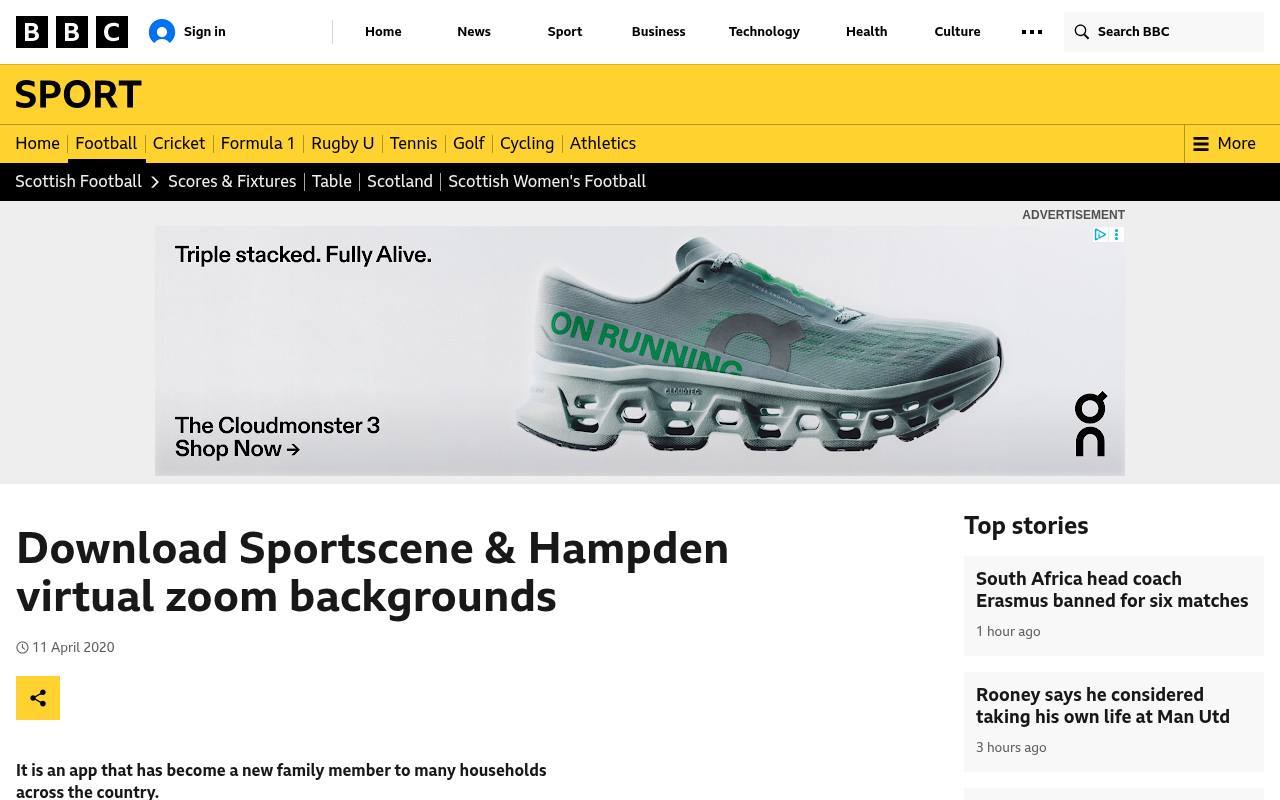
BBC Sport offers a small, focused alternative to broad wallpaper catalogs: backgrounds based on the Sportscene studio and Hampden terraces. The article includes direct download links beneath its pictures and explains how to bring the images into Zoom.
These settings suit Scottish football conversations, supporter meetups, or a themed social break more naturally than a formal interview. The pictures are supplied for virtual-background use, not released under an open content license. Pick a sports video backdrop with enough clear space behind your head, and avoid presenting a broadcaster’s set as evidence of an actual affiliation.
- Type
- Sports background collection
- Best for
- Hosting football chats with recognizable Scottish settings
- License
- Free official Zoom-background downloads; BBC copyright and site terms apply
- Price
- 100% free
Choose for the conversation, not the thumbnail
For routine work, begin with professional meeting backgrounds that have restrained colors, believable perspective, and no large text behind your head. IKEA is a sensible first stop for interiors; NYPL suits educational conversations.
Franchise and sports collections fit social situations better. Test the image with your usual clothing, because a blue shirt against a blue scene can weaken visual separation.
Understand what free permission covers
An official publisher’s invitation to use a picture on calls is useful permission, but it is not automatically a commercial image license. Ghibli states explicit limits on promotion and redistribution.
Smithsonian assets marked CC0 offer broader copyright freedom, subject to other rights. Read the linked terms before adding a background to an advertisement, selling a template, or distributing a company-wide download bundle.
Download a usable landscape file
Start with a landscape JPG or PNG and preserve the original file. A 16:9 image at 1920 × 1080 is a practical working canvas for many calls, although exact app requirements differ.
Open the full-size download rather than saving a thumbnail. If the scene needs cropping, keep important details away from the center where your head and shoulders will appear, and confirm that alterations are permitted.
Upload separately in Zoom and Teams
In Zoom, look for the background controls within Video and Effects, then add your saved image. In Teams, open the background or effects controls before joining and use the option to add an image.
Names vary by client version. Importing a file into one app does not automatically install it in the other, and an employer’s administration settings may disable custom backgrounds altogether.
Improve the camera edge first
Soft light in front of you and a relatively plain physical wall often improve background edge quality more than downloading a larger picture. Avoid a bright window behind your chair, check hair and headphone edges, and move slowly during your preview.
If your outline flickers, try a less detailed image or the app’s blur option instead. Background replacement cannot compensate fully for poor exposure or unsupported hardware.
Check mirroring and accessible composition
A mirrored self-preview does not necessarily mean other participants see reversed lettering. Verify with another participant before flipping an image. Prefer low distraction backgrounds without dense patterns, intense contrast, or text that competes with captions.
Static scenes also avoid the attention and processing demands of moving backgrounds. Your audience should be able to follow your expression and presentation without repeatedly noticing the room behind you.
Can the same picture work in both apps?
Usually, an ordinary supported image can serve as both a Zoom and a Teams backdrop. However, cross platform backgrounds still need separate previews because cropping and framing can differ.
Save a small local folder with a neutral work option and a more expressive social option, plus each source URL. Before recording or publicly streaming a meeting, recheck permissions rather than assuming private-call use covers every later publication.