
A wallpaper that looks crisp on one screen can become blurry or awkwardly cropped across two. Finding free ultrawide wallpapers starts with the shape of your desktop, not simply a large download button.
A panoramic photograph, purpose-made illustration, or carefully cropped original can work beautifully, provided its pixel dimensions and composition suit your display. The sources below combine dedicated wide-format collections with licensed photography you can adapt yourself, rather than relying on anonymous reposts.
There is an important difference between dual monitor wallpapers and ordinary landscape images. Two matching 1920 × 1080 monitors create a 3840 × 1080 canvas; two 2560 × 1440 displays need 5120 × 1440.
A single 3440 × 1440 ultrawide is a different shape again. Some collections supply ready-made files for those layouts, while others require a crop. Each recommendation explains where that extra preparation is likely to be necessary.
Free does not mean unrestricted. Many photographers welcome personal desktop use but prohibit resale, public redistribution, or commercial projects without permission. Other libraries allow broader reuse under their own terms or Creative Commons permissions.
This selection makes those differences visible so you can choose confidently. Start with the ready-sized collections if convenience matters most, or explore the photo libraries when you want a more individual composition and are comfortable checking dimensions before downloading.
Quick picks at a glance
| # | Resource | License | Best for |
|---|---|---|---|
| 1 | HDRshooter | Free personal use; link back when sharing; commercial permission required | Matching two QHD screens with panoramic photographs |
| 2 | Rickety | Creator permits any purpose without attribution | Older dual-screen setups using two 1920-by-1200 displays |
| 3 | Miguel Recio | Free personal device backgrounds; no redistribution or commercial use | High-resolution ultrawide artwork without an email gate |
| 4 | Cosmic Throttle | Free personal use; collection includes license in each ZIP | Ready-cropped night photography for a single ultrawide |
| 5 | Amigos3D | Free personal use; no redistribution; commercial permission required | Browsing multiple ultrawide resolutions in one collection |
| 6 | ClipCraft AI | Free personal backgrounds; no attribution; resale and redistribution restricted | Illustrated ultrawide scenes with clearly labeled downloads |
| 7 | Library of Congress Panoramic Photographs | Free downloads; rights vary by item; check Rights and Access | Historic cityscapes with item-level rights documentation |
| 8 | The Met Open Access | CC0 for images marked Open Access; check each record | Panoramic artwork with an explicit open-access designation |
| 9 | Art Institute of Chicago | CC0 for designated public-domain images; check item status | Adapting public-domain panoramic artwork into desktop crops |
| 10 | Yale Center for British Art | Open-access images where designated; check individual rights statements | Finding historic landscape compositions for wide desktop layouts |
HDRshooter
Photography collection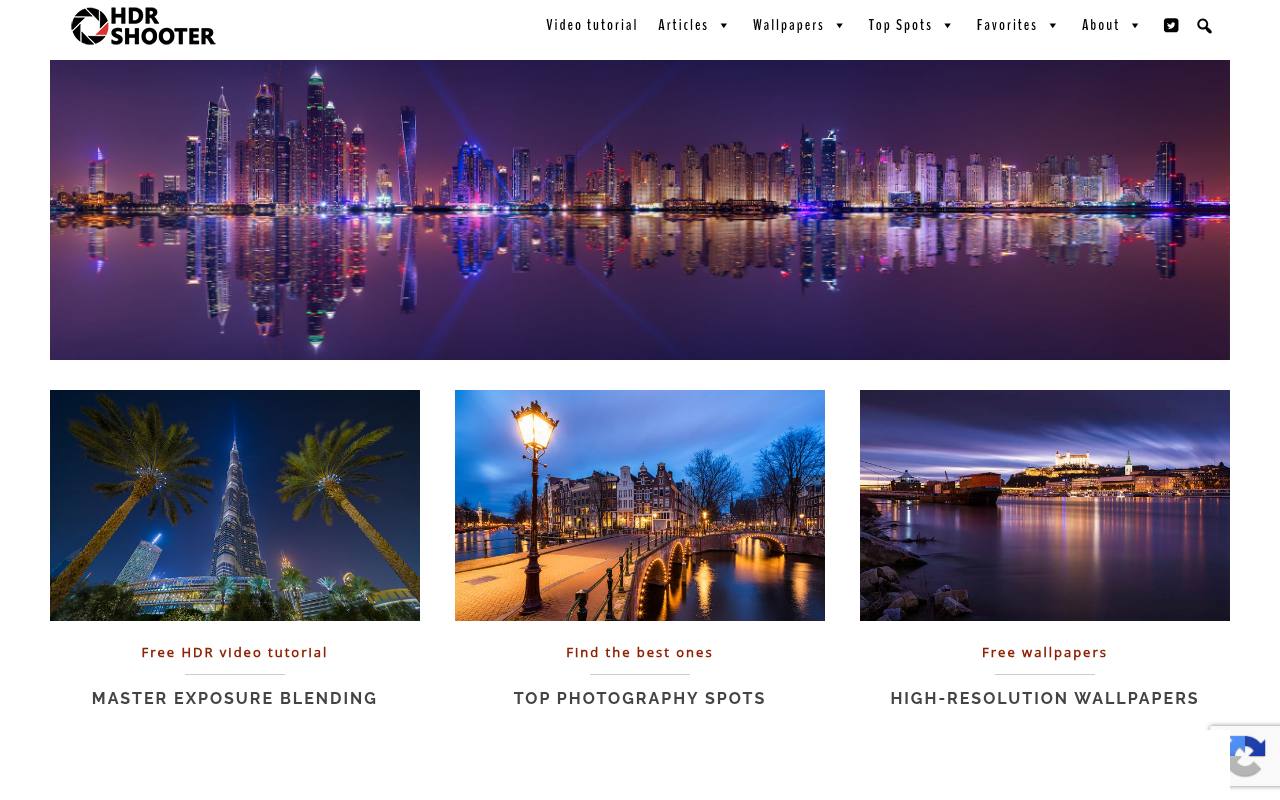
Miroslav Petrasko’s HDRshooter has a dedicated super ultrawide collection rather than merely tagging regular photos as wide. The page supplies 5120 × 1440 images for 32:9 screens and explicitly notes their suitability for two 2560 × 1440 monitors. Selected photographs also have 7680 × 2160 downloads.
This makes it a practical first stop for dual QHD desktops that need a continuous scene. Personal use is free; sharing requires a link back, and commercial use needs permission. Follow the resolution links beneath the pictures instead of saving a thumbnail.
- Type
- Photography collection
- Best for
- Matching two QHD screens with panoramic photographs
- License
- Free personal use; link back when sharing; commercial permission required
- Price
- 100% free
Rickety
Photography collection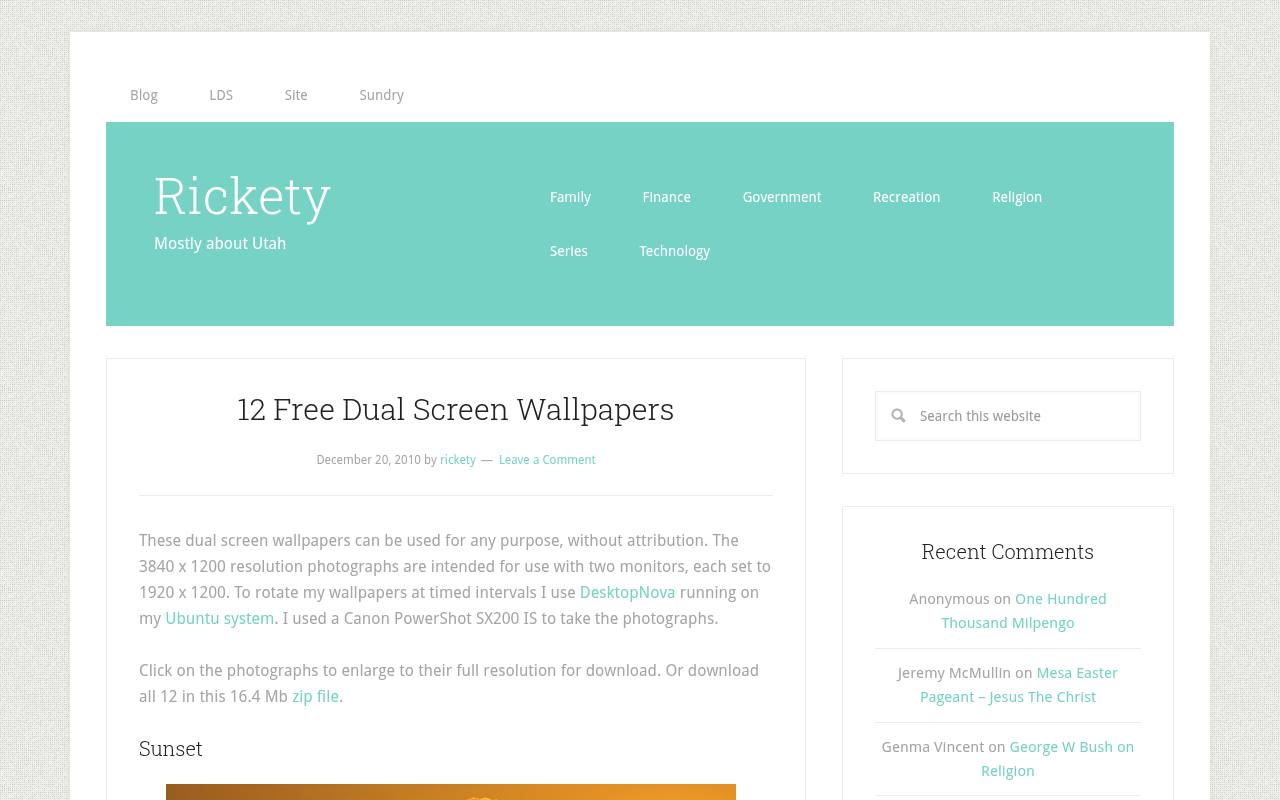
Rickety offers a compact, clearly explained set of dual-screen photographs taken by the site’s author. The twelve images measure 3840 × 1200, matching two 1920 × 1200 monitors rather than the more common 1080p pairing. Subjects include Rocky Mountain scenery, a Great Salt Lake beach, a balloon, and a battleship.
Individual pictures open at full resolution, and the page also links a ZIP containing the collection. Its unusually straightforward permission allows use without attribution for any purpose. These are useful native-size choices for older hardware, not substitutes for higher-resolution super-ultrawide files.
- Type
- Photography collection
- Best for
- Older dual-screen setups using two 1920-by-1200 displays
- License
- Creator permits any purpose without attribution
- Price
- 100% free
Miguel Recio
Designer wallpaper collection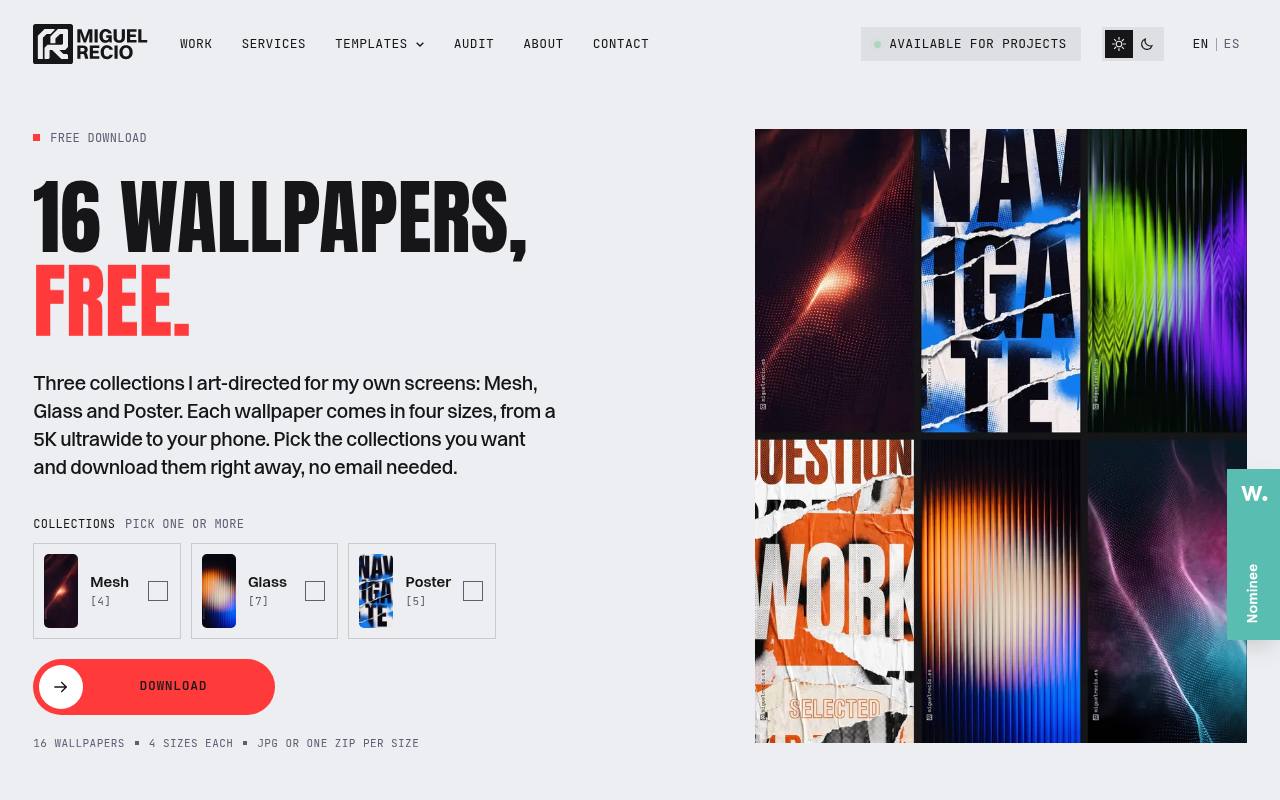
Miguel Recio’s collection presents three art-directed families: Mesh, Glass, and Poster. Its 5120 × 2160 ultrawide option suits 5K2K displays and can be cropped for smaller wide monitors. You can select collections and download immediately without providing an email address, using individual JPG files or ZIP bundles by size.
Glowing dot structures, refracted light, and torn-poster treatments give the groups distinct personalities. The stated terms allow personal device backgrounds, not resale, sharing the files elsewhere, or commercial projects. It is particularly convenient when you want coordinated artwork with a clearly labeled wide-format export.
- Type
- Designer wallpaper collection
- Best for
- High-resolution ultrawide artwork without an email gate
- License
- Free personal device backgrounds; no redistribution or commercial use
- Price
- 100% free
Cosmic Throttle
Photographic wallpaper pack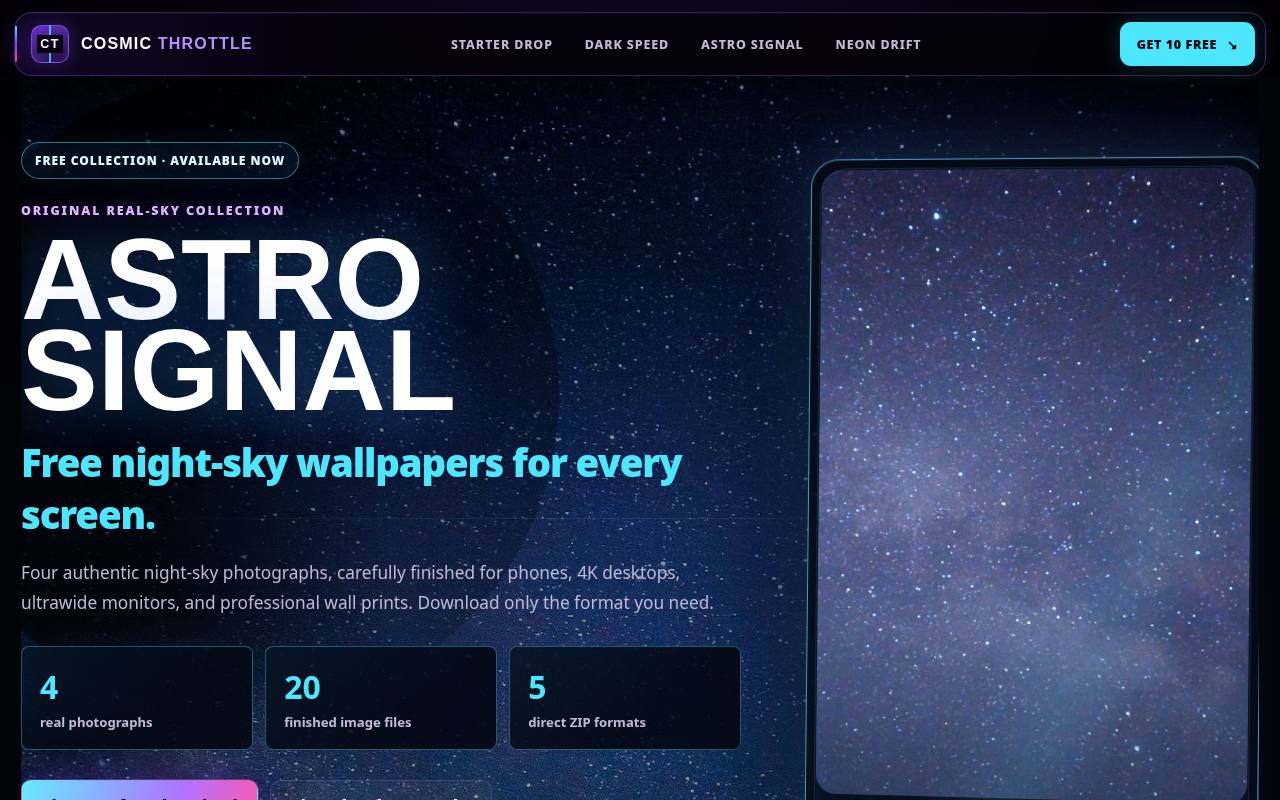
Cosmic Throttle’s Astro Signal is a small original photographic collection with an explicitly labeled 3440 × 1440 download. Its four night-sky photographs arrive together in a dedicated ultrawide ZIP, so you do not need to separate desktop-sized files from phone versions.
The page describes non-generative photographic finishing and includes a license and file manifest with each package. Downloads require neither payment nor an account or email address. Treat the free personal-use permission as a desktop allowance, not a stock-image license. Choose this pack for a straightforward 21:9 setup rather than a full-width dual-QHD canvas.
- Type
- Photographic wallpaper pack
- Best for
- Ready-cropped night photography for a single ultrawide
- License
- Free personal use; collection includes license in each ZIP
- Price
- 100% free
Amigos3D
Wallpaper gallery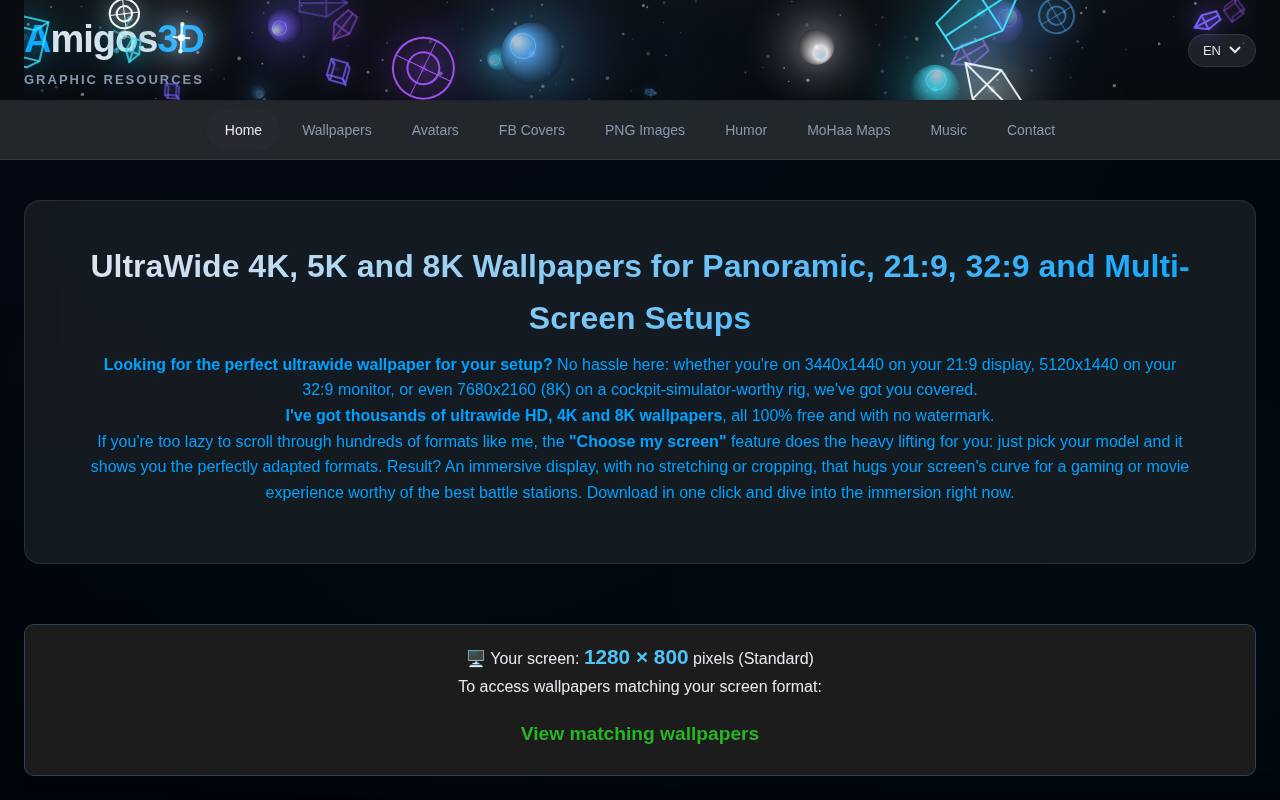
Amigos3D maintains a dedicated page for panoramic and ultrawide screens, covering formats including 3440 × 1440, 3840 × 1080, and 5120 × 1440. Its screen-selection feature helps narrow the available formats to your display, making the gallery more practical than a generic landscape search.
The site describes a mix of original creations, AI-assisted work, and material incorporating externally licensed sources, so inspect individual selections if production method matters. Its image usage license permits free personal downloads but forbids resale and redistribution; commercial use requires prior permission. Do not treat the gallery as an unrestricted stock library.
- Type
- Wallpaper gallery
- Best for
- Browsing multiple ultrawide resolutions in one collection
- License
- Free personal use; no redistribution; commercial permission required
- Price
- 100% free
ClipCraft AI
AI wallpaper collection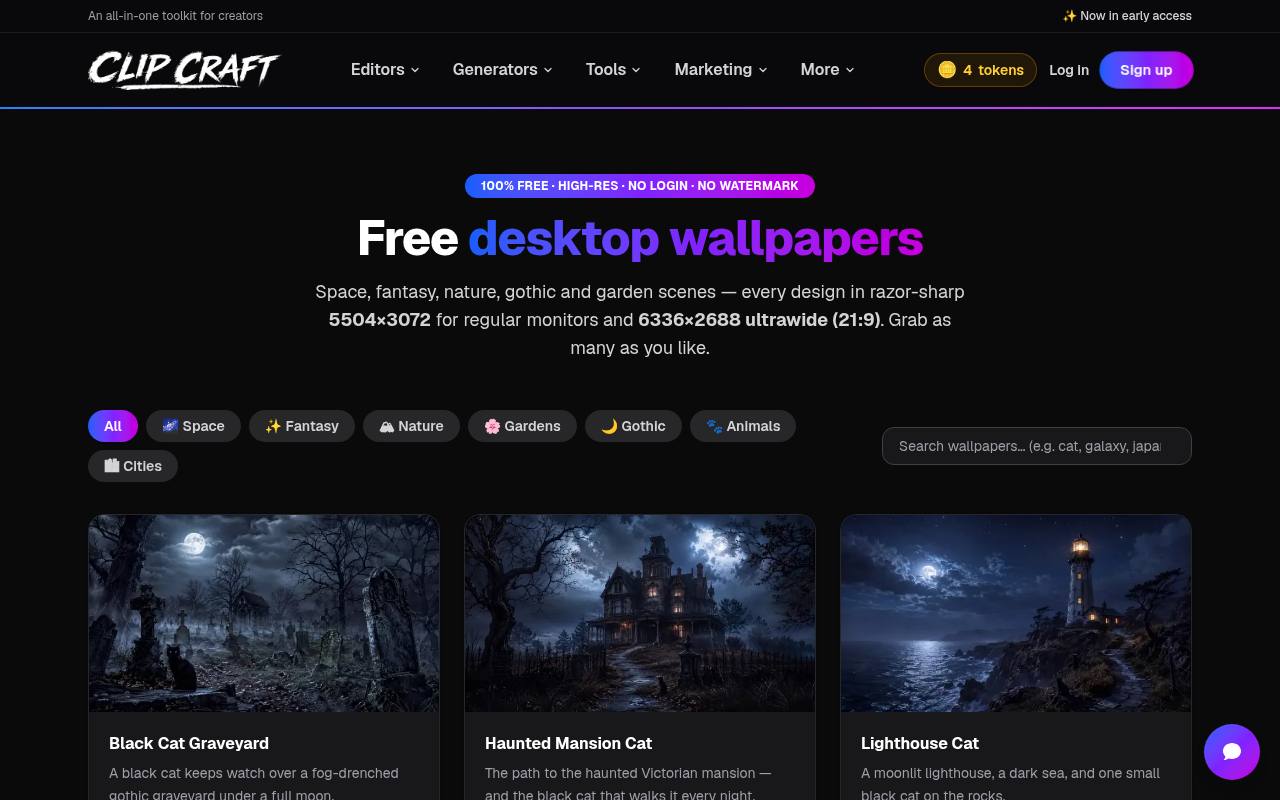
ClipCraft AI provides a visibly labeled 21:9 ultrawide option at 6336 × 2688 for many of its fantasy, animal, garden, and atmospheric scenes. The gallery separates those links from regular desktop downloads, reducing the chance of accidentally saving the wrong shape. Not every entry supplies both formats, so check the individual buttons.
This is a source for AI imagery rather than documentary photography, with no login or watermark advertised. Its personal-use wallpaper terms allow backgrounds at home or in the office without attribution, while limiting resale and redistribution. Download the ultrawide file before making any local fit adjustments.
- Type
- AI wallpaper collection
- Best for
- Illustrated ultrawide scenes with clearly labeled downloads
- License
- Free personal backgrounds; no attribution; resale and redistribution restricted
- Price
- 100% free
Library of Congress Panoramic Photographs
Historical photo archive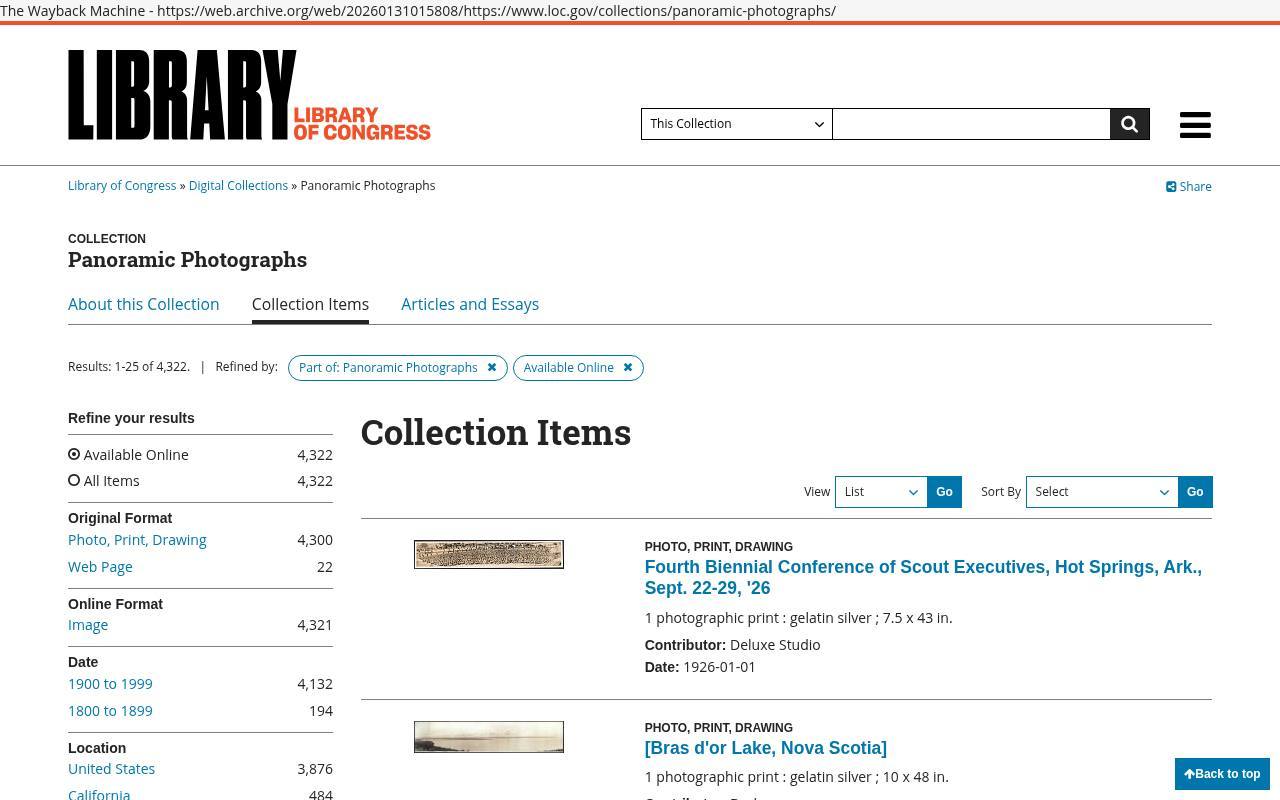
The Library of Congress offers a distinctive alternative to contemporary wallpaper galleries through its Panoramic Photographs collection. Historic cities, group portraits, and broad landscape views can create unusual wide desktop compositions. Inspect each item’s available download sizes and choose a sufficiently detailed file before cropping; not every historic panorama has the same proportions or technical quality.
Consult the collection’s Rights and Access statement and individual item notes rather than assuming every scan has identical permissions. Free access to a scan is not a blanket copyright clearance, especially if you later publish or redistribute your edited background.
- Type
- Historical photo archive
- Best for
- Historic cityscapes with item-level rights documentation
- License
- Free downloads; rights vary by item; check Rights and Access
- Price
- 100% free
The Met Open Access
Museum image collection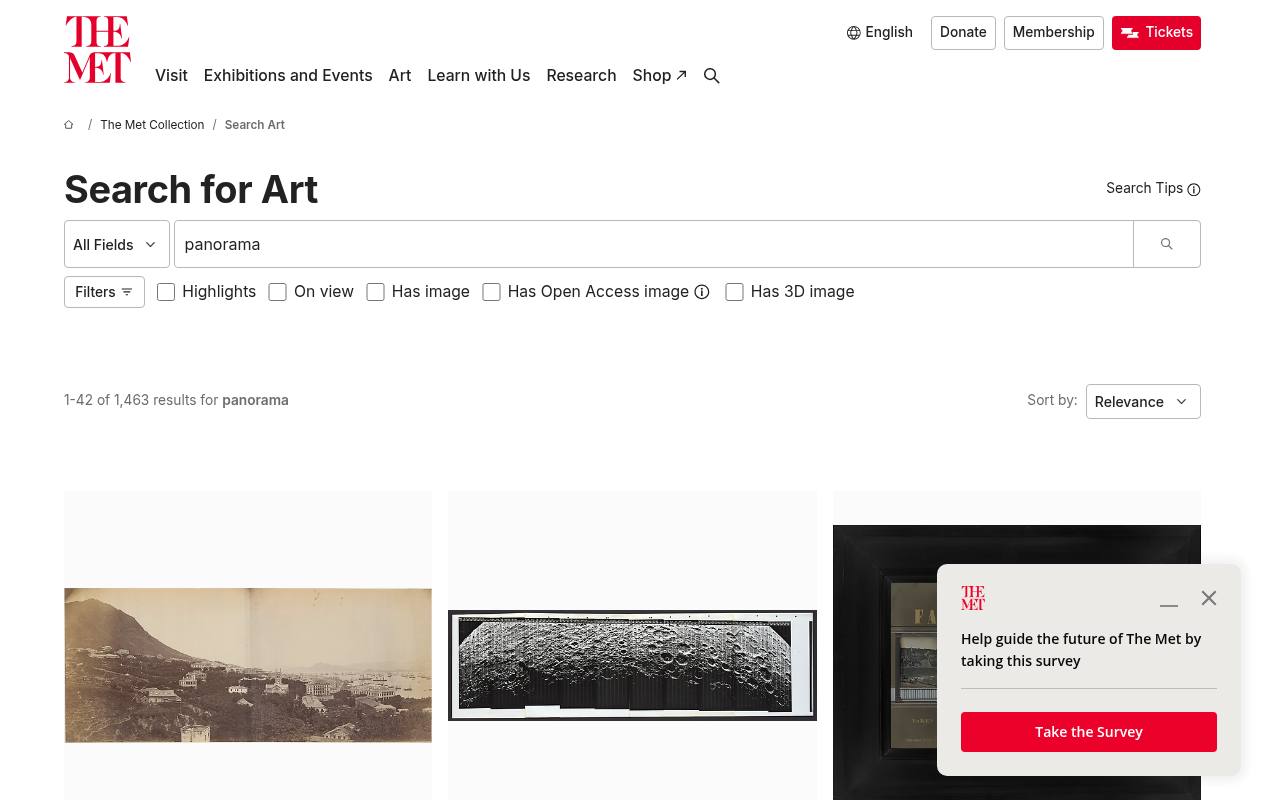
The Met’s collection search offers a different approach to panoramic desktop artwork: historic paintings, prints, and related objects rather than contemporary wallpaper designs. Search for panorama, then inspect the artwork record and download options. Only use images carrying the museum’s Open Access designation when relying on its CC0 image permission; not every collection image has that status.
The originals may need careful cropping, and some results will be unsuitable for a wide desktop. Choose a horizontal composition with sufficient pixels and preserve a source note so you can revisit the artwork later.
- Type
- Museum image collection
- Best for
- Panoramic artwork with an explicit open-access designation
- License
- CC0 for images marked Open Access; check each record
- Price
- 100% free
Art Institute of Chicago
Museum image collection
The Art Institute of Chicago’s online collection provides public-domain artwork downloads that can become distinctive panoramic backgrounds. Begin with a panorama search, but assess the actual proportions instead of trusting the title alone. Look for the public-domain designation on the item page before downloading an image under the museum’s CC0 open-access terms.
A horizontal painting or print can work across screens, although cropping is your responsibility and some objects have restricted images. Keep important figures away from the bezel and retain the original download before exporting a monitor-specific version.
- Type
- Museum image collection
- Best for
- Adapting public-domain panoramic artwork into desktop crops
- License
- CC0 for designated public-domain images; check item status
- Price
- 100% free
Yale Center for British Art
Museum collection database
The Yale Center for British Art’s collections database is worth exploring for historic landscape compositions that suit a wide canvas. Search for panoramic views or landscapes, open an individual record, and inspect its image availability and dimensions. This is a research collection, not a monitor-size catalog, so expect to make your own crop.
Its open-access image policy applies to eligible material; check the rights statement attached to the work instead of assuming every result is unrestricted. Choose downloadable public-domain imagery and keep the object record with your original file for later reference.
- Type
- Museum collection database
- Best for
- Finding historic landscape compositions for wide desktop layouts
- License
- Open-access images where designated; check individual rights statements
- Price
- 100% free
Choose dimensions before choosing a picture
For matching side-by-side monitors, add the horizontal pixel counts and keep the shared height. Two 1080p screens need 3840 × 1080; two QHD screens need 5120 × 1440; two UHD screens need 7680 × 2160.
For one ultrawide, use its actual native dimensions. Ignore vague labels such as HD or 8K until you have checked both numbers. A large file in the wrong shape can still lose most of its subject when cropped.
Compare ready-sized collections with photo libraries
Start with HDRshooter for 32:9 panoramic photographs, Miguel Recio for high-resolution designed artwork, or Cosmic Throttle for an explicitly sized 3440 × 1440 pack. Rickety is better matched to older dual 1920 × 1200 arrangements.
General photo libraries give you more freedom of subject but require dimension checks and manual cropping. Choosing by format first saves time, particularly when you need the same scene to remain coherent across two separate panels.
Keep the bezel out of the composition
The best dual monitor wallpaper often has an unimportant center: open water, sky, texture, or a repeating architectural rhythm. Faces, small buildings, and lettering are more vulnerable to a seam. Preview the image at its final aspect ratio before exporting.
On a single ultrawide you can place the focal point centrally, but on two displays it is often better slightly left or right. Never stretch an image just to fill the canvas.
Separate desktop permission from publishing rights
A free wallpaper download does not automatically permit an upload to your portfolio, a wallpaper bundle, or a client campaign. Follow personal-use restrictions on creator sites, retain source links, and read the current terms before publishing a screenshot that prominently reproduces artwork.
For broader reuse, compare each institution’s item-level rights statement. Museum open-access policies apply to designated images rather than every object in their collections. Downloading an image and receiving permission to redistribute it are separate questions.
Download originals and export sensible files
Use the original image download rather than saving a browser thumbnail. JPEG is generally practical for photographic panoramas, while PNG can preserve sharp edges in graphics at a potentially larger file size.
Keep the untouched original and export a separate wallpaper crop so future edits do not repeatedly recompress the same JPEG. A consistent sRGB export is a sensible starting point. Enlarging a small image cannot recreate the fine detail of a genuinely larger source.
Apply the image to the correct layout
On Windows, choose a picture under Personalization, Background, and use Span across displays when you want one continuous scene. Check the monitor arrangement in display settings if the halves appear reversed.
On macOS, prepare separate left and right crops and assign each to its display when necessary; do not assume a spanning control exists. Mixed resolutions, scaling settings, and monitor heights can complicate alignment, so test the result with windows minimized before calling it finished.
Make the desktop comfortable and keep source records
A detailed panorama can look impressive while making icons difficult to read. Prefer quiet areas behind icons, moderate contrast, and colors that suit your room. Wallpaper changes do not correct brightness or calibration mismatches between monitors.
Save a short note with the creator, source URL, download dimensions, and license alongside each original. That small habit makes it easier to recover the image, find another size, or check whether a later public use is permitted.