
Finding free music for YouTube is easy; finding a track you can confidently publish takes a little more care. A download button does not tell you whether advertising, monetization, client work, or reposting to another platform is allowed.
These sources offer genuine free routes, but their permissions differ. Start with the intended use, then choose the soundtrack, rather than building an edit around music you cannot license.
The phrase no copyright music is usually marketing shorthand, not a legal status. Most tracks below remain copyrighted, with permission granted through Creative Commons or a source-specific license.
Royalty-free means you do not pay ongoing royalties under that agreement; it does not automatically mean free of charge, free of attribution, or immune from automated claims. Treat the individual track page and its terms as the authority.
For a repeatable social video workflow, save the audio file, track URL, license text, and required credit together. Put credits in the published description when requested, including on each platform where the video appears.
Several composers deliberately use Content ID to detect missing attribution, while others advertise claim-free use. Neither approach eliminates mistaken third-party matches, so allow time for a private upload check before a deadline.
Quick picks at a glance
| # | Resource | License | Best for |
|---|---|---|---|
| 1 | YouTube Audio Library | YouTube Audio Library terms; some tracks require attribution | Monetized YouTube uploads with straightforward license filters |
| 2 | Bensound | Free video license; single-use attribution required; scope restrictions | Video creators comfortable managing per-upload credit codes |
| 3 | Scott Buckley | CC BY 4.0; credit required in YouTube description | Emotional documentary scores and cinematic storytelling beds |
| 4 | Free To Use | Free video use with attribution; usage-policy restrictions apply | Frequent social uploads using consistent description credits |
| 5 | Silverman Sound | Creative Commons free license with attribution; commercial use allowed | Commercial videos needing a named composer contact |
| 6 | Audionautix | CC BY 4.0; attribution required; incorporate into another work | Simple mood searches for credited commercial videos |
| 7 | StreamBeats | Free creator license; no attribution required; license conditions apply | Streamers wanting background tracks without mandatory credits |
| 8 | TeknoAXE | CC BY 4.0; attribution required | Electronic gaming edits and energetic retro sequences |
| 9 | Free Stock Music | Track-specific; choose CC BY or CC0 for compatible video use | Comparing artists with visible track-level license choices |
| 10 | Incompetech | CC BY option requires attribution; paid no-credit licenses available | Familiar instrumental beds with explicit credit information |
YouTube Audio Library
Studio music library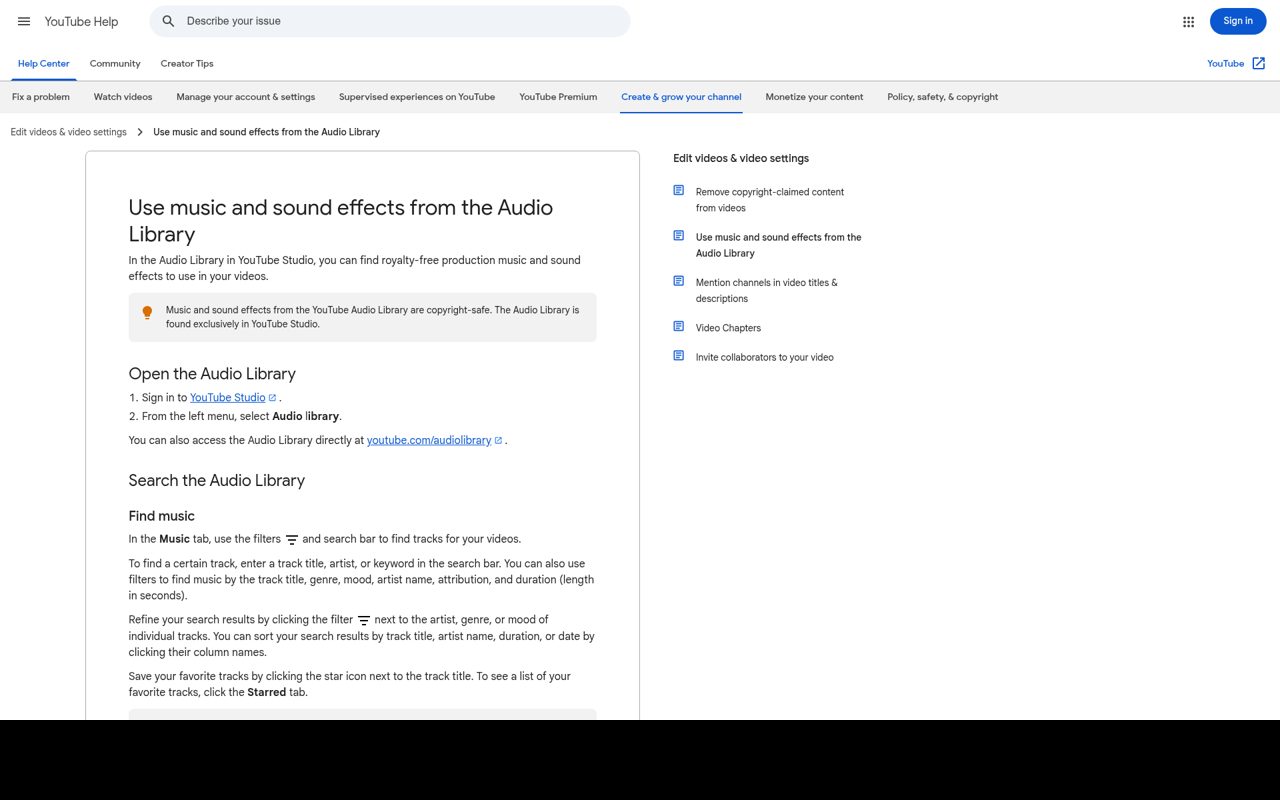
YouTube Audio Library lives inside YouTube Studio and provides free production music alongside sound effects. Filter the library by attributes such as genre, mood, duration, and attribution requirements, then download a suitable track. Some entries use Creative Commons and require the supplied credit; others use the standard Audio Library license without attribution.
YouTube states that downloaded Audio Library music will not be claimed by rights holders through its Content ID system. For social reposts, read the applicable license rather than treating YouTube's platform-specific assurances as a universal guarantee.
- Type
- Studio music library
- Best for
- Monetized YouTube uploads with straightforward license filters
- License
- YouTube Audio Library terms; some tracks require attribution
- Price
- 100% free
Bensound
Filtered background music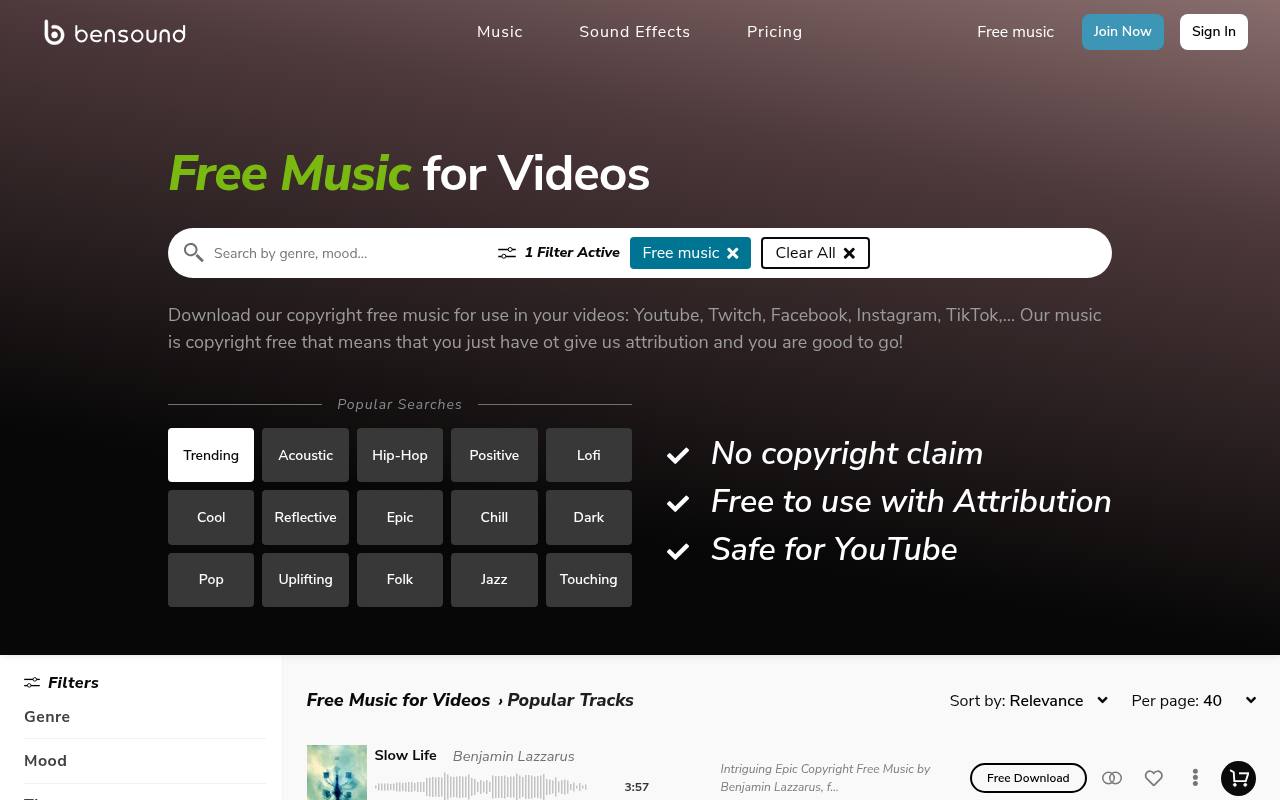
Bensound separates its free music selection from its wider paid catalog, with genre and mood filters that make background-track browsing practical. The important detail is its generated attribution: the complete download credit is valid for one video only.
Download again to obtain fresh attribution when using the same track in another upload. Bensound's copyright-notice page explains how this text helps avoid or clear claims. Do not substitute a casual artist mention, and check the free license's permitted video uses before extending a project into advertising, client delivery, or audio-only distribution.
- Type
- Filtered background music
- Best for
- Video creators comfortable managing per-upload credit codes
- License
- Free video license; single-use attribution required; scope restrictions
- Price
- Free + paid licenses
Scott Buckley
Cinematic composer library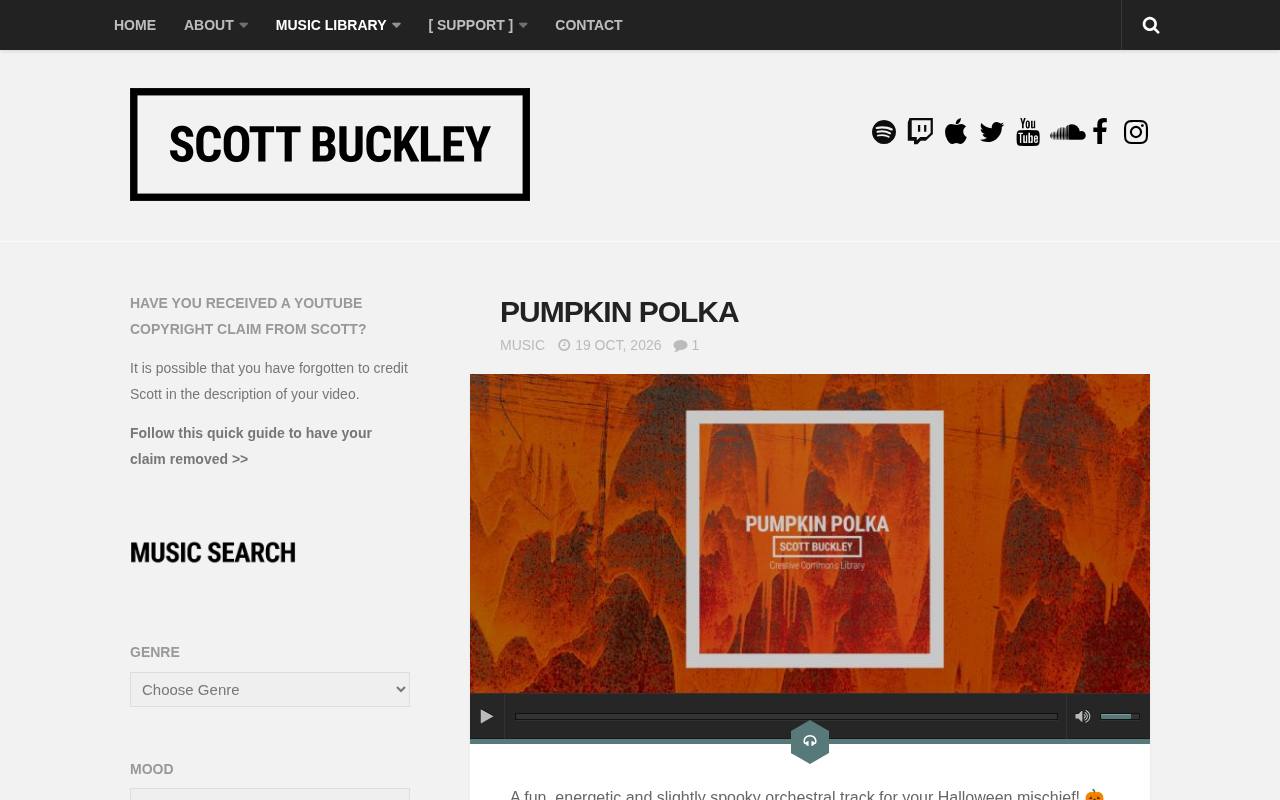
Scott Buckley's library is especially useful for cinematic background music, including orchestral writing, restrained piano, ambient textures, and larger emotional builds. Original library music is released under CC BY 4.0, allowing commercial use with proper attribution.
On YouTube, put the credit in the video description, not only in an end card: his Smart Content ID system checks for attribution and may claim videos that omit it. The site provides a claim-release process. Keep remixes outside this assumption, since Buckley explicitly distinguishes them from the original Creative Commons library.
- Type
- Cinematic composer library
- Best for
- Emotional documentary scores and cinematic storytelling beds
- License
- CC BY 4.0; credit required in YouTube description
- Price
- Free + paid licensing
Free To Use
Creator music catalog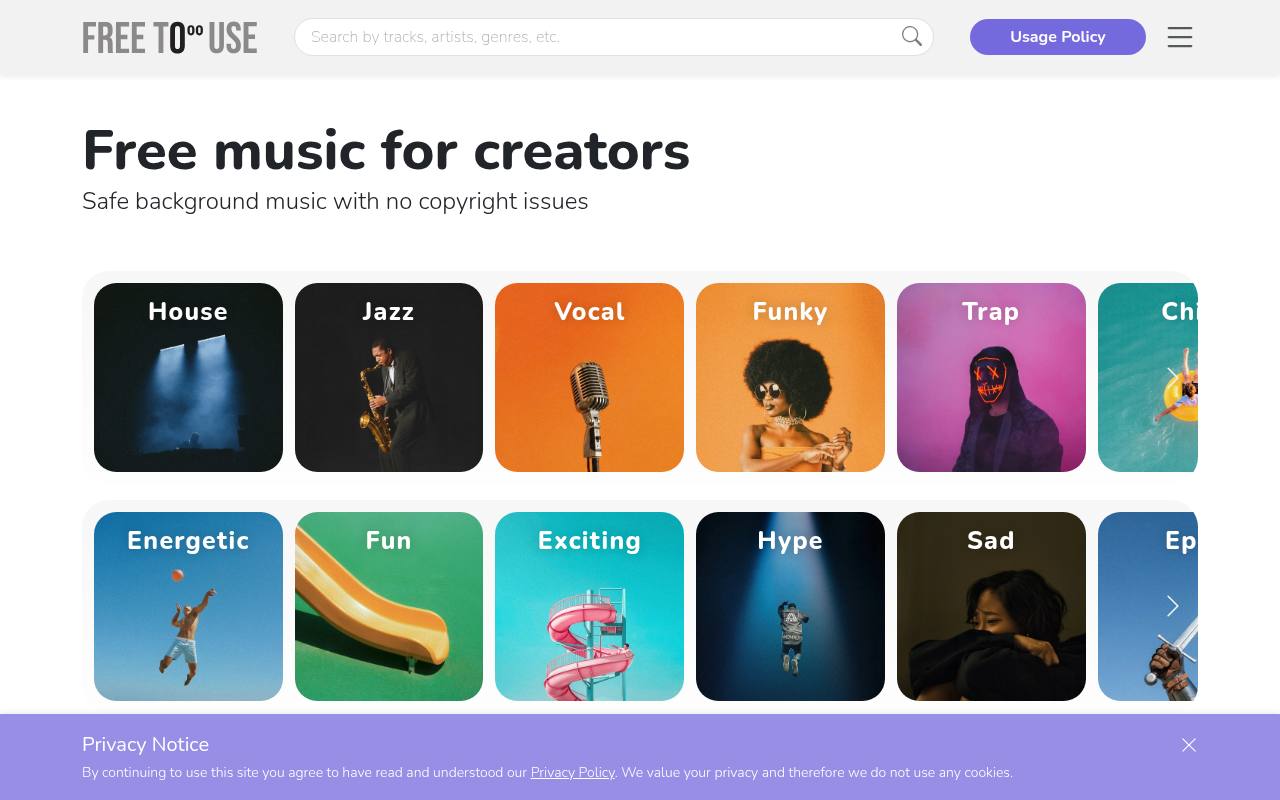
Free To Use offers free background tracks without requiring a paid subscription for its credited video-use route. Its FAQ specifies the artist, track title, and a link to freetouse.com/music in your description; each download supplies an example you can copy.
This is copyrighted music licensed for use, not public-domain material. Paid subscriptions add benefits including YouTube channel whitelisting and use without track-by-track attribution. Read the usage policy for the precise project scope, and keep the free download's credit intact instead of assuming the brand name alone clears a potential match.
- Type
- Creator music catalog
- Best for
- Frequent social uploads using consistent description credits
- License
- Free video use with attribution; usage-policy restrictions apply
- Price
- Free + paid plans
Silverman Sound
Composer music downloads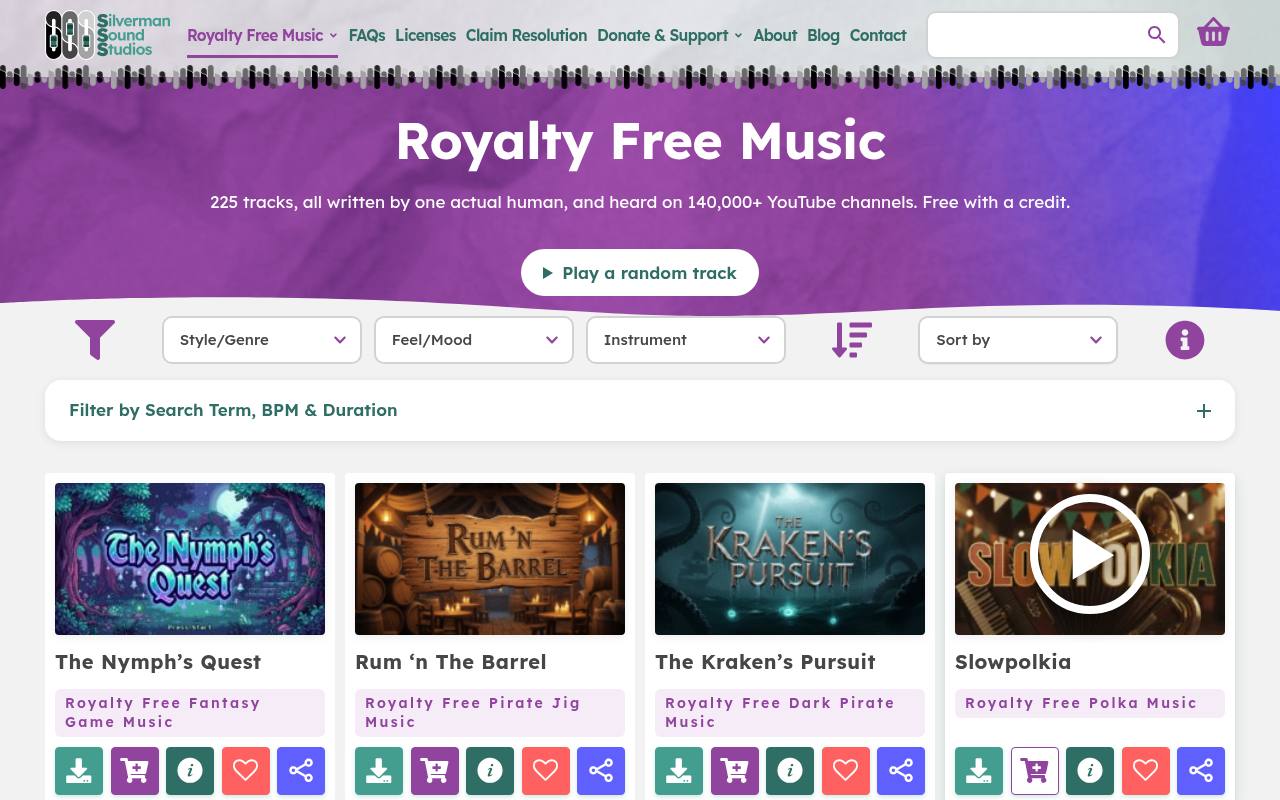
Silverman Sound is Shane Ivers' music library, with free MP3 downloads under its credited Creative Commons option and separate paid licensing. Its license page permits commercial creative projects, including videos, social posts, and advertising, while the paid route removes the credit requirement and adds WAV delivery.
YouTube credits belong in the description. The site's claim-resolution page identifies genuine claims and provides a release form after you add the correct attribution. That direct composer connection makes it appealing when you want a clear contact rather than an anonymous repost channel.
- Type
- Composer music downloads
- Best for
- Commercial videos needing a named composer contact
- License
- Creative Commons free license with attribution; commercial use allowed
- Price
- Free + paid licenses
Audionautix
Mood-searchable music library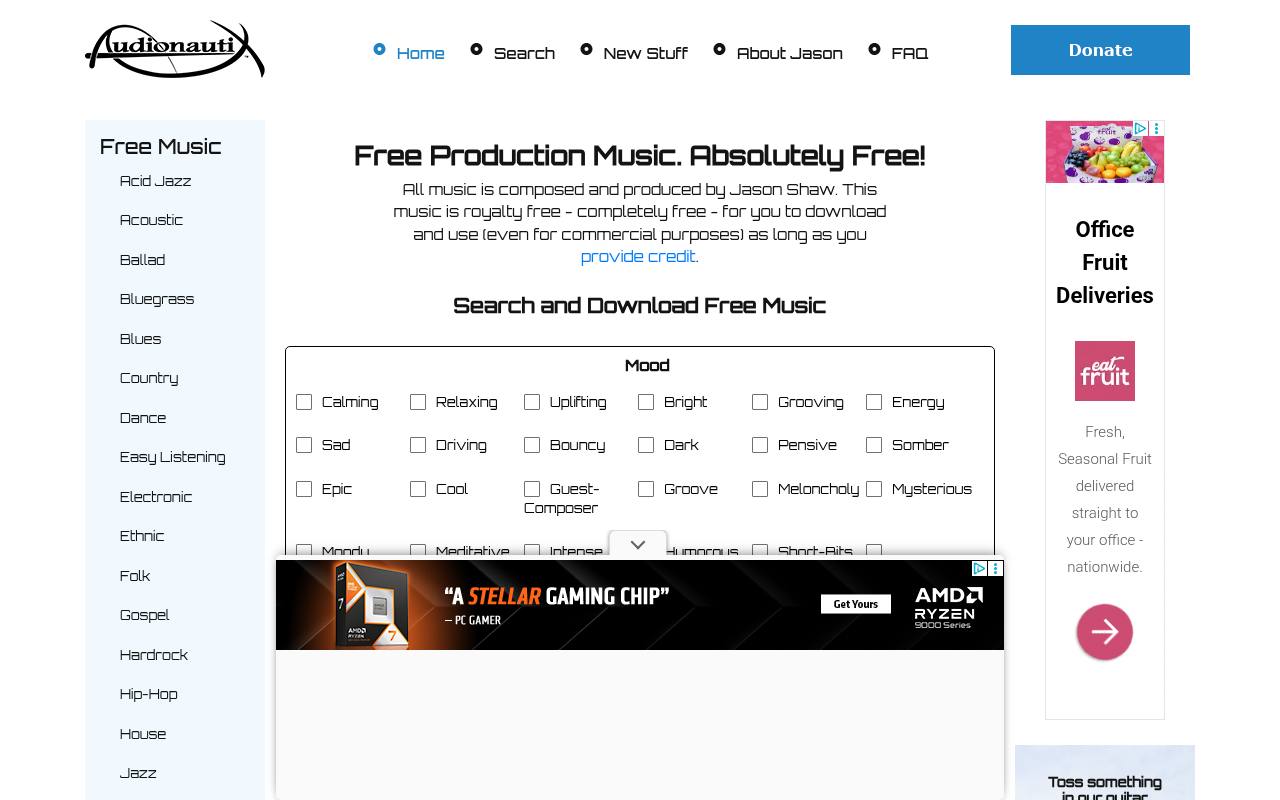
Audionautix hosts music composed and produced by Jason Shaw, making the authorship behind this free music library unusually clear. Search by mood, genre, and tempo to find a supporting bed rather than browsing unrelated streaming releases.
The site licenses its music under CC BY 4.0 and explicitly allows commercial use with appropriate credit, provided the music forms part of another created work. Preserve the artist and license information with your edit. Its homepage does not provide a blanket Content ID immunity promise, so retain evidence and test important uploads before scheduling publication.
- Type
- Mood-searchable music library
- Best for
- Simple mood searches for credited commercial videos
- License
- CC BY 4.0; attribution required; incorporate into another work
- Price
- 100% free
StreamBeats
Creator music downloads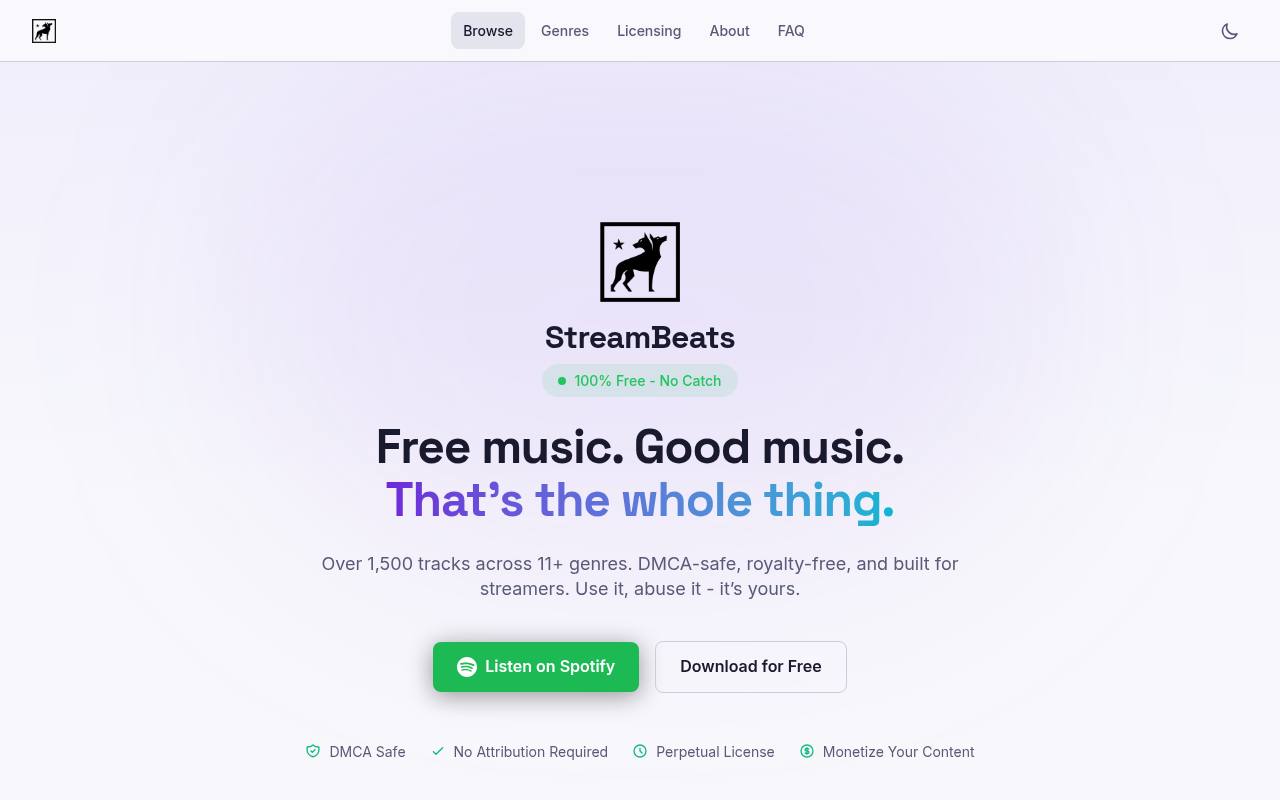
StreamBeats presents its catalog around DMCA-safe creator music, with free downloads and genre-based listening options suitable for streams and recorded videos. The site advertises a perpetual license, monetization permission, and no attribution requirement. That makes it convenient when repeated livestream descriptions would otherwise become difficult to manage.
Download from the official source and retain the creator license rather than relying on a playlist label alone. Permission to use music behind content does not make you its owner or authorize repackaging the recordings as your own music catalog; check the complete license for distribution boundaries.
- Type
- Creator music downloads
- Best for
- Streamers wanting background tracks without mandatory credits
- License
- Free creator license; no attribution required; license conditions apply
- Price
- 100% free
TeknoAXE
Genre-based composer archive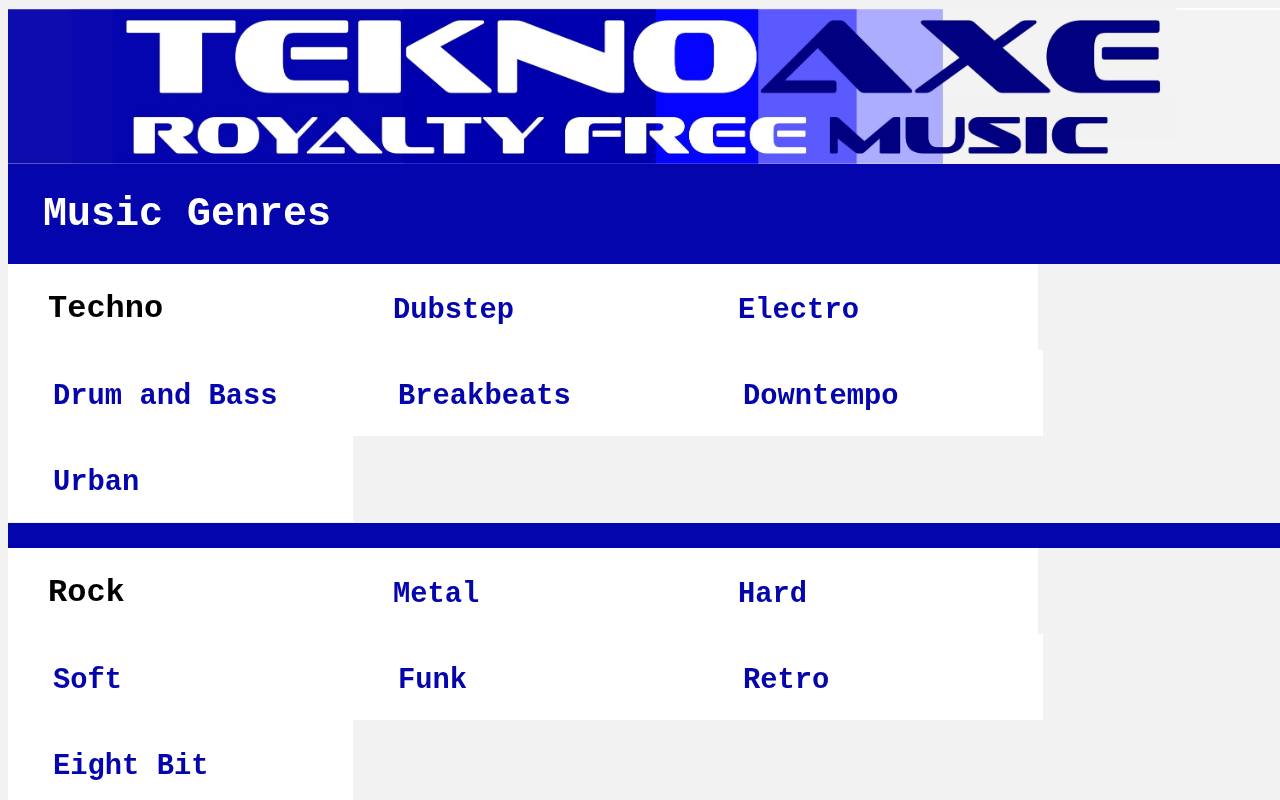
TeknoAXE organizes music into distinctive genre collections, including techno, dubstep, drum and bass, retro, eight-bit, orchestral, and suspense. Track pages show Creative Commons Attribution 4.0 licensing and offer MP3 downloads, giving creators a source page they can preserve alongside their credit.
The composer's official channel explicitly permits monetized and non-monetized videos and films. Even with that creator-friendly position, maintain license evidence in case an unrelated claimant misidentifies the recording. This archive is particularly useful when a gaming montage needs an electronic personality rather than a neutral corporate backing track.
- Type
- Genre-based composer archive
- Best for
- Electronic gaming edits and energetic retro sequences
- License
- CC BY 4.0; attribution required
- Price
- 100% free
Free Stock Music
Multi-artist music directory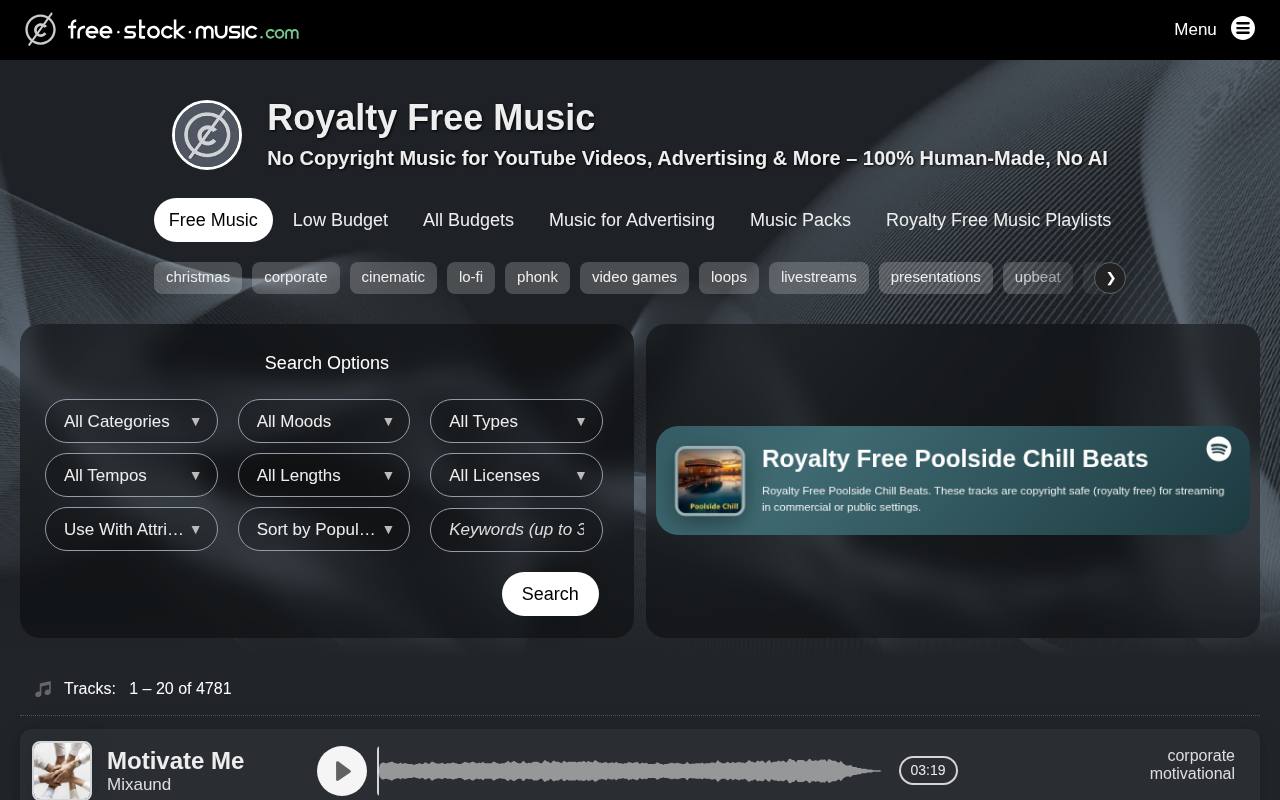
Free Stock Music brings together multiple artists and exposes license filters alongside categories, moods, and track information. Its free-with-credit route is useful, but the catalog is not covered by one blanket permission: filters include CC BY, CC0, noncommercial, NoDerivatives, and other arrangements.
For monetized videos, select a compatible license and avoid ND recordings, since synchronizing music with video creates an adaptation. Copy the individual attribution and follow the artist's claim instructions where provided. Use the directory to discover music, then make the final rights decision on the exact recording's page.
- Type
- Multi-artist music directory
- Best for
- Comparing artists with visible track-level license choices
- License
- Track-specific; choose CC BY or CC0 for compatible video use
- Price
- Free + paid licenses
Incompetech
Searchable composer catalog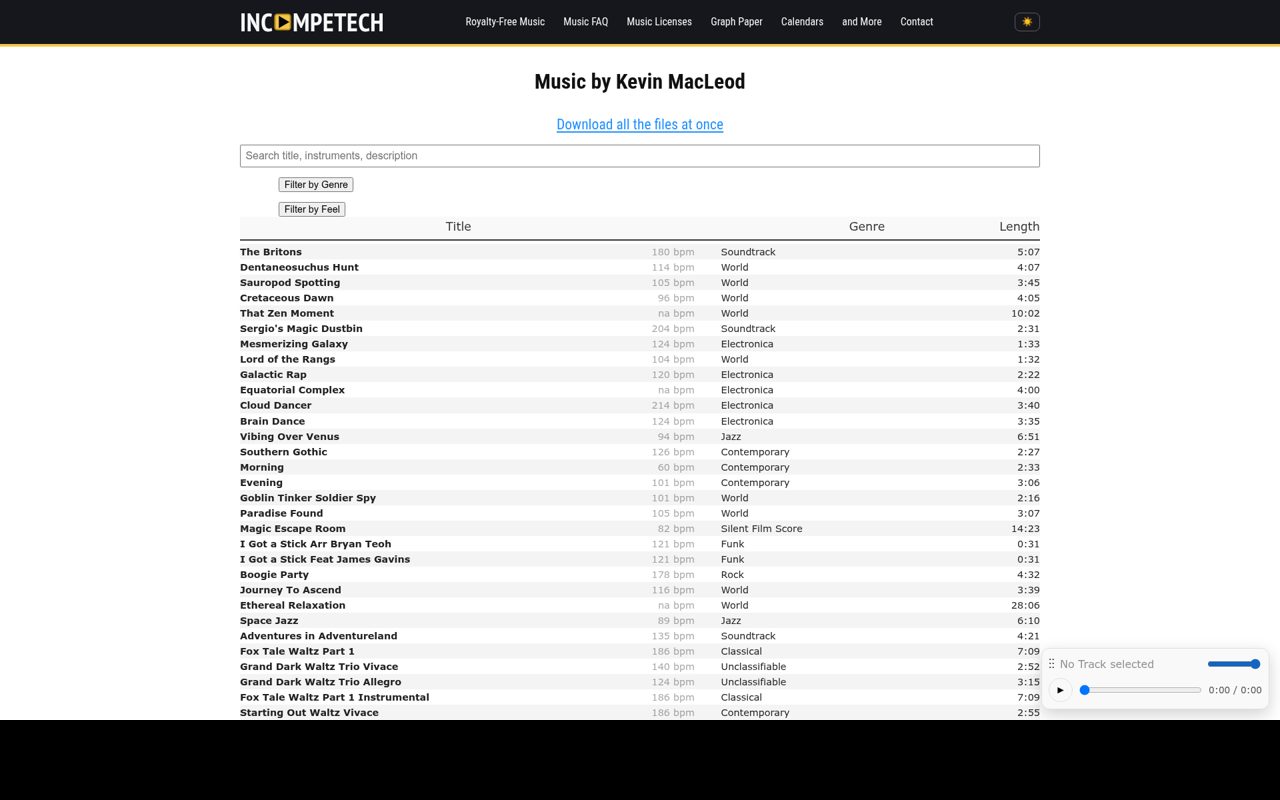
Incompetech is Kevin MacLeod's established instrumental catalog, offering free credited licensing alongside a paid alternative for projects that cannot supply attribution. Its music search helps narrow a selection by musical character rather than relying on a single mixed playlist.
Open the chosen recording's information and copy its specific credit and Creative Commons details; older downloads should not replace the current track documentation. For YouTube, retain that source record and investigate any automated claim against the actual claimant and license. The free route licenses use of the composition and recording, not ownership of the soundtrack.
- Type
- Searchable composer catalog
- Best for
- Familiar instrumental beds with explicit credit information
- License
- CC BY option requires attribution; paid no-credit licenses available
- Price
- Free + paid licenses
What does free royalty-free music actually mean?
A royalty-free license removes recurring usage royalties within its stated scope. It can still require attribution, restrict advertising, or prohibit standalone distribution. Copyright-free is different: a genuinely public-domain recording carries no copyright restrictions, although other rights can still matter. Do not infer either status from a YouTube video title or a download filename.
Use a project rights checklist before auditioning tracks: monetized channel, client ownership, paid promotion, platforms, and territory. A license covering personal social videos may not cover a sponsored campaign.
Where the published terms do not clearly answer your use case, contact the rights holder or choose another track with explicit permission rather than stretching ambiguous wording.
Keep attribution attached to every upload
Build a credit template containing the title, composer, source link, license name, and license link when required. Include change notices where the license calls for them. Copy the source's supplied wording when available, especially Bensound's single-use text. A credit hidden in a project folder does not satisfy a public attribution requirement.
For cross-platform publishing, check whether each destination supports a suitable caption or description. Reels, Shorts, client websites, and embedded players can expose different fields. If a placement cannot carry the required attribution, choose a genuinely no-credit license for that placement; purchasing more editing software will not solve a soundtrack licensing mismatch.
Understand Content ID before publication
A Content ID claim is an automated rights-management event, not automatically a copyright strike. Depending on the claimant's policy, it can affect monetization or availability. Some free libraries deliberately use matching to identify missing credits, so properly licensed music can still need administrative follow-up. Read the provider's own release process before starting a generic dispute.
Schedule a private upload test while there is still time to react, then inspect YouTube's copyright checks. This reduces surprises but cannot guarantee that a claim will never appear later.
Keep a copy of all correspondence and never assert that you own the track; explain the permission you actually hold and supply the requested supporting evidence.
Choose music that leaves room for speech
For narration, prioritize simple instrumental arrangements with limited movement in the vocal frequency range. A beautiful lead melody can distract from a product explanation. Listen to a short voiceover passage over the track before committing, and compare the busiest section as well as the quiet introduction; many cinematic tracks become much denser halfway through.
Use volume automation to lower the bed under important words and restore energy in pauses. Avoid solving every conflict by turning the entire mix louder. Listen on headphones and a small speaker, check that transitions do not mask consonants, and preserve a clean ending instead of abruptly chopping a sustained chord at the final frame.
Archive the permission with the edit
Create a soundtrack evidence folder containing the original download, source URL, license snapshot, required credit, and download date. Add the finished video's URL after publication. For client projects, deliver a short rights note that names the soundtrack and any attribution obligations, without transferring raw music files unless the license permits that handoff.
Keep versioned audio exports so replacing a disputed cue does not require rebuilding dialogue and effects. Separate stems for speech, music, and effects make corrections much faster. If a campaign expands from an organic upload to paid advertising, revisit the license before reusing the existing master, even when the visuals remain completely unchanged.