
The best free audio editing software depends on what you actually need to finish. Trimming an interview, arranging a band recording, and programming a beat are different jobs.
A lightweight waveform editor may finish a spoken-word repair faster than a full studio, while a sequencer gives electronic musicians instruments and arrangement tools that a simple editor lacks. Choose the workflow first rather than chasing the longest feature list.
This selection combines desktop audio editors, complete digital audio workstations, a cloud studio, and a browser sequencer. Some are open-source projects; others are proprietary applications with free editions.
Those categories describe software access, not automatic ownership of every loop or third-party instrument you might load. Check bundled-content terms separately, especially when planning commercial releases or distributing project files to collaborators outside your own studio.
Before installing free music software, confirm operating-system support, audio-interface drivers, and the formats your collaborators use. Download from the developer rather than an unofficial installer mirror.
Cakewalk deserves particular attention: the supported free route is now Cakewalk Sonar's Free tier, not an old Cakewalk by BandLab installer. Start with one short project, verify saving and export, and only then migrate an important session.
Quick picks at a glance
| # | Resource | License | Best for |
|---|---|---|---|
| 1 | Audacity | Open-source software; GPL; third-party content has separate rights | Recording narration and cleaning up spoken audio |
| 2 | Tenacity | GPL-licensed open-source software | Local waveform editing with an open-source focus |
| 3 | LMMS | GPL-licensed open-source software; asset licenses separate | Programming electronic melodies and pattern-based drum arrangements |
| 4 | BandLab | Proprietary free service; Membership extras and content terms apply | Collaborating on song ideas without desktop installation |
| 5 | Cakewalk Sonar | Proprietary Free tier; account activation required; premium extras | Detailed Windows recording sessions and MIDI production |
| 6 | Ocenaudio | Freeware; proprietary application | Fast file repairs with immediate effects preview |
| 7 | GarageBand | Free Apple software; bundled-content license restrictions apply | Mac songwriting with instruments and performance recording |
| 8 | Waveform Free | Proprietary free edition; optional paid products separate | Recording and arranging songs in a desktop DAW |
| 9 | BeepBox | Free browser tool; MIT-licensed source; original songs remain yours | Sketching chiptune melodies and sharing compact ideas |
| 10 | Hydrogen | GPL-licensed open-source software; drum-kit terms separate | Programming dedicated drum patterns for larger arrangements |
Audacity
Multitrack audio editor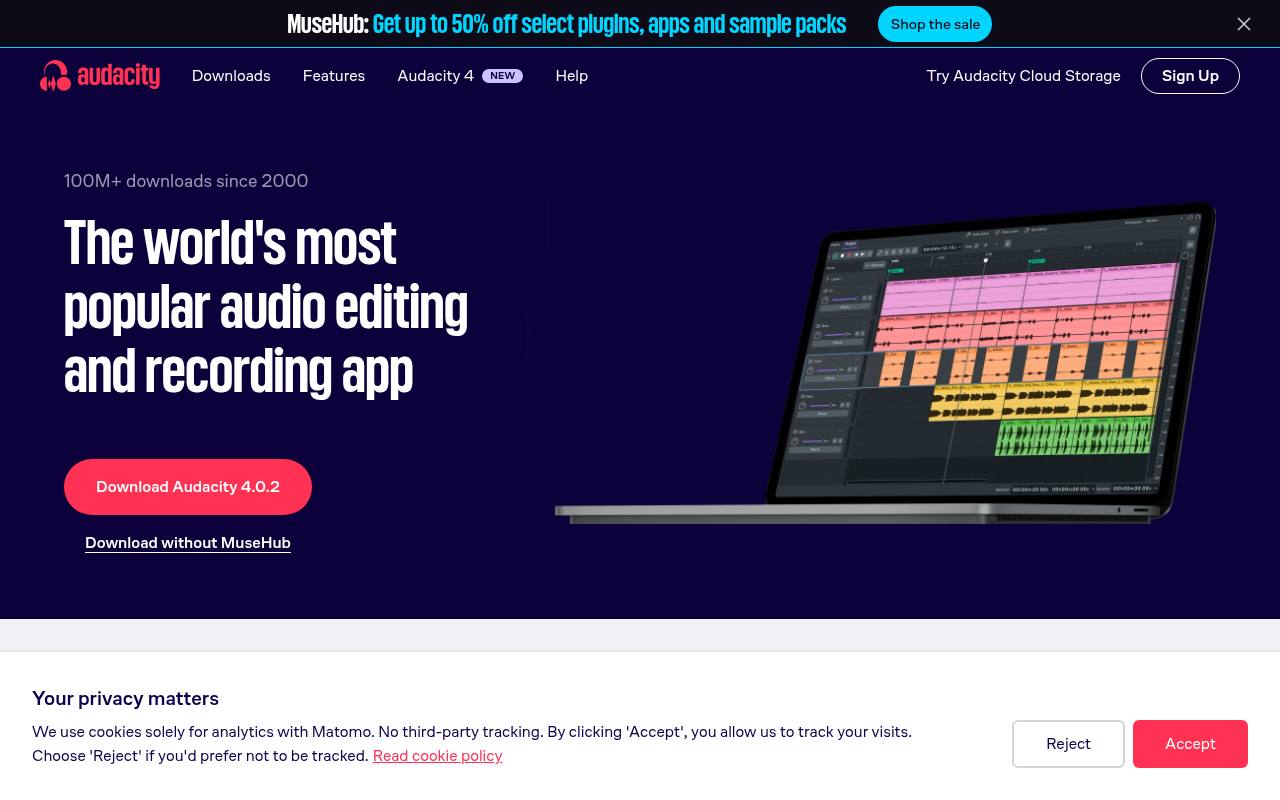
Audacity combines multitrack audio editing with recording, waveform manipulation, and an extensive effects workflow. It runs on Windows, macOS, and Linux, making it a practical shared recommendation for teams with mixed computers. Cut interviews, adjust levels, remove unwanted sections, and export delivery files without committing to a subscription.
Its strengths are recording and editing existing audio rather than composing through a complete MIDI studio. Keep the editable project file as well as exported audio, and check the developer's current download options if you prefer local work over optional connected services.
- Type
- Multitrack audio editor
- Best for
- Recording narration and cleaning up spoken audio
- License
- Open-source software; GPL; third-party content has separate rights
- Price
- 100% free
Tenacity
Multitrack audio editor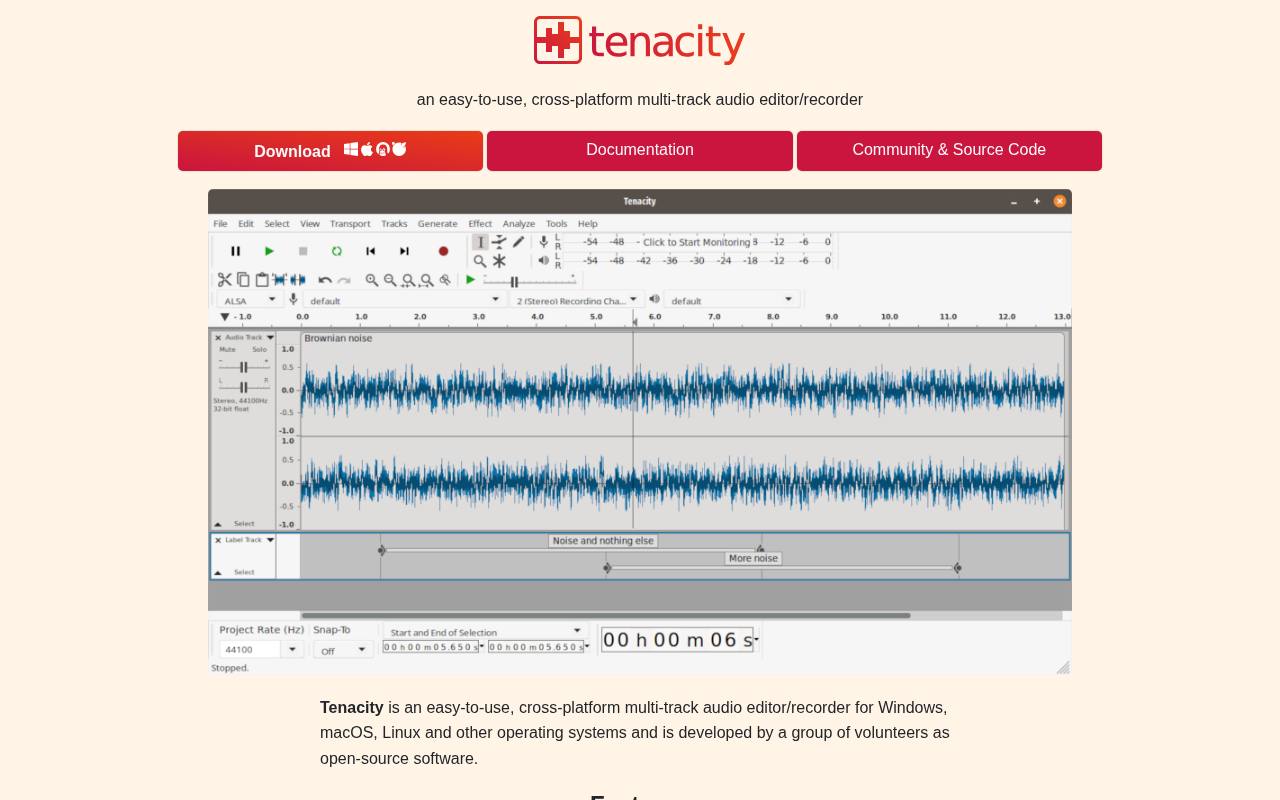
Tenacity is an open-source audio editor descended from the Audacity codebase, with multitrack recording and editing at its center. The official project describes recording real or virtual audio devices, importing and exporting supported formats, and editing through familiar waveform tools.
It is worth considering when you want a community-driven alternative for local editing rather than a browser service. Check the official download instructions for your operating system, since packaging differs between platforms. For production work, test your interface and export settings on a brief recording before relying on it for a long session.
- Type
- Multitrack audio editor
- Best for
- Local waveform editing with an open-source focus
- License
- GPL-licensed open-source software
- Price
- 100% free
LMMS
Music sequencer and synthesizers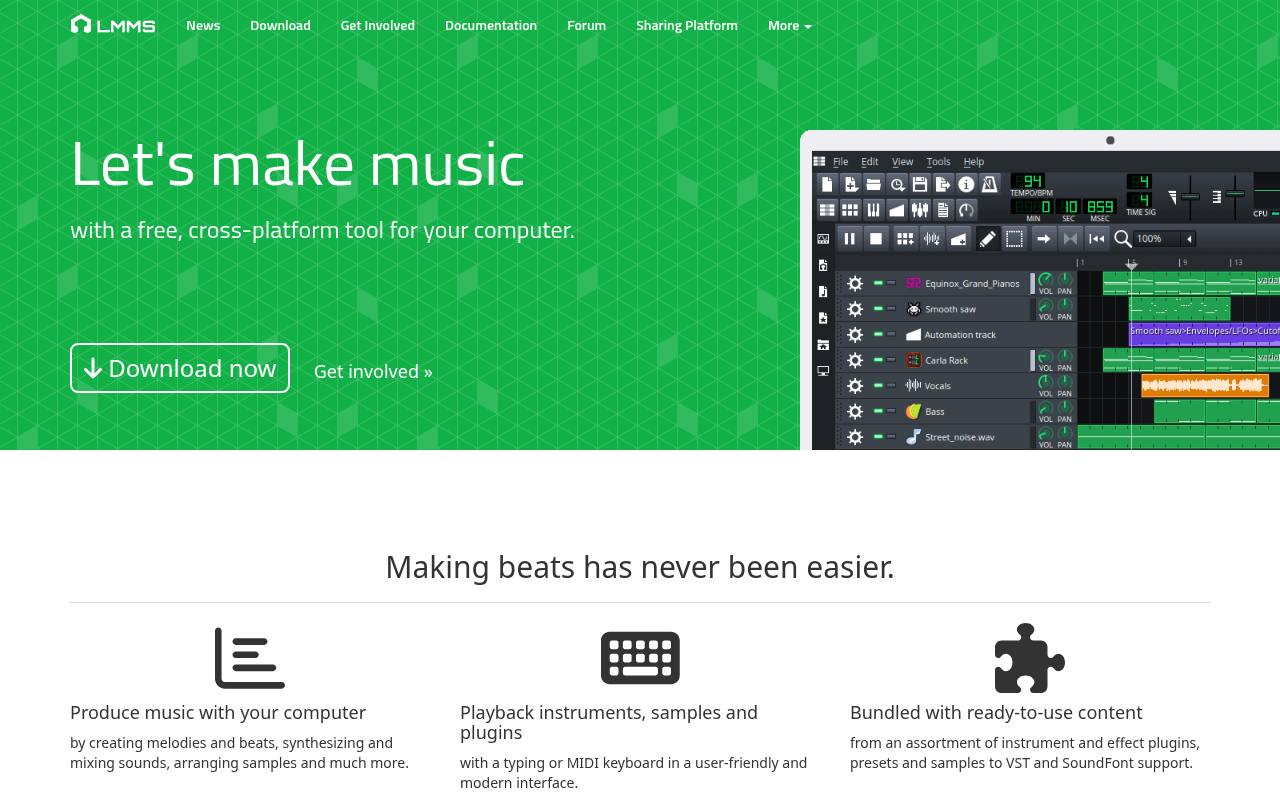
LMMS focuses on making music from patterns, with a song editor, piano roll, beat-oriented sequencing, instruments, and effects. It is particularly useful for arranging electronic sketches without purchasing a commercial workstation. The project supports Windows, macOS, and Linux, although plugin compatibility is platform-dependent.
Treat it primarily as a composition environment rather than a substitute for recording a live band: direct audio recording is not its central workflow. Begin with its built-in synthesizers, then add external instruments only after confirming their format and compatibility with your particular installation.
- Type
- Music sequencer and synthesizers
- Best for
- Programming electronic melodies and pattern-based drum arrangements
- License
- GPL-licensed open-source software; asset licenses separate
- Price
- 100% free
BandLab
Browser and mobile studio
BandLab brings a cloud music studio to browsers and mobile devices, with recording, editing, virtual instruments, and collaboration built around a user account. It suits songwriters who want to exchange ideas without asking everyone to install the same desktop workstation.
The free route remains distinct from optional Membership features, so do not assume every promoted tool is included. Check available storage, project limits, and feature labels inside your account before organizing a large collaboration. Export local audio backups of valuable sessions rather than treating any cloud service as your only archive.
- Type
- Browser and mobile studio
- Best for
- Collaborating on song ideas without desktop installation
- License
- Proprietary free service; Membership extras and content terms apply
- Price
- Free + Membership
Cakewalk Sonar
Windows digital audio workstation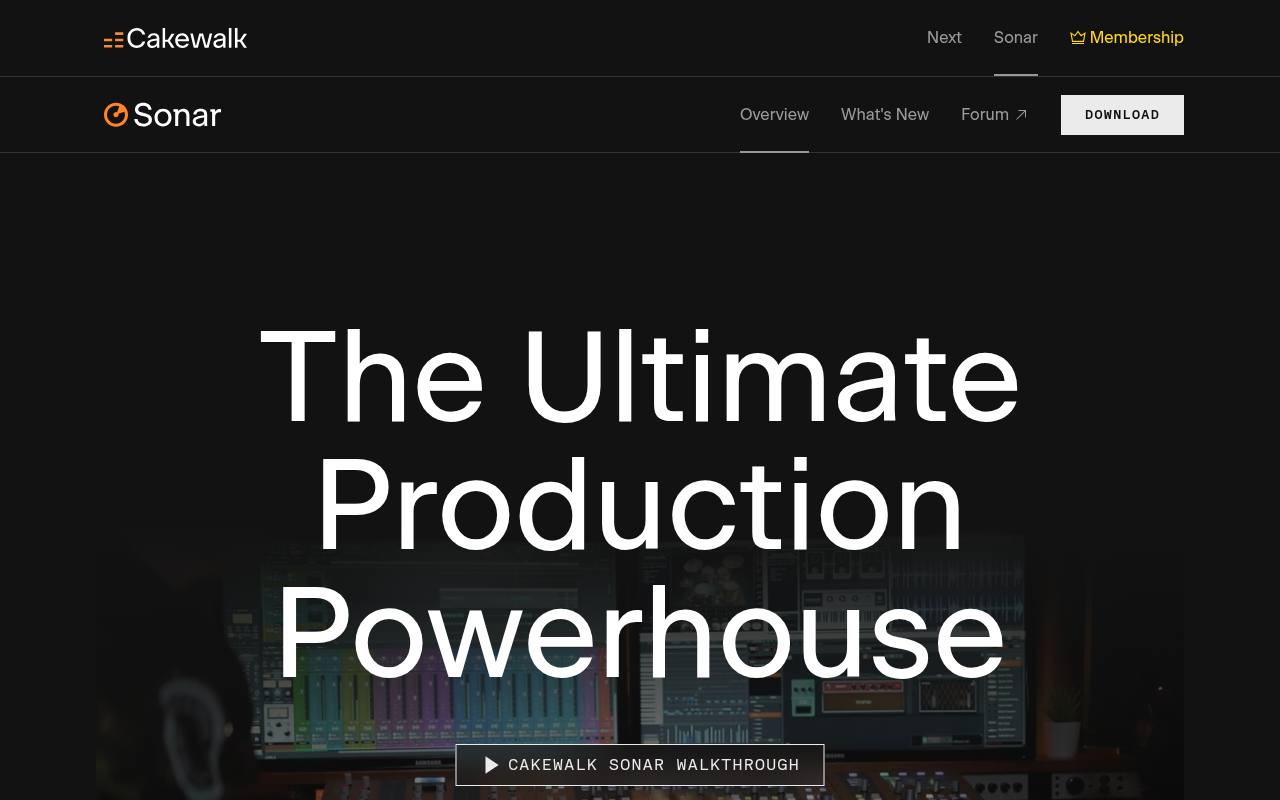
Cakewalk Sonar now has a genuine Free tier for its Windows production environment, including core recording, editing, mixing, saving, and exporting. Its official comparison lists unlimited audio and MIDI tracks, with some advanced capabilities reserved for Membership.
This is the supported replacement for Cakewalk by BandLab, whose activation has ended; avoid recommending that retired edition to new users. Install through the official Cakewalk route and activate with a BandLab account. Compare the current free-versus-membership table before depending on a premium feature, especially when moving older projects into the newer application.
- Type
- Windows digital audio workstation
- Best for
- Detailed Windows recording sessions and MIDI production
- License
- Proprietary Free tier; account activation required; premium extras
- Price
- Free + Membership
Ocenaudio
Waveform editor and analyzer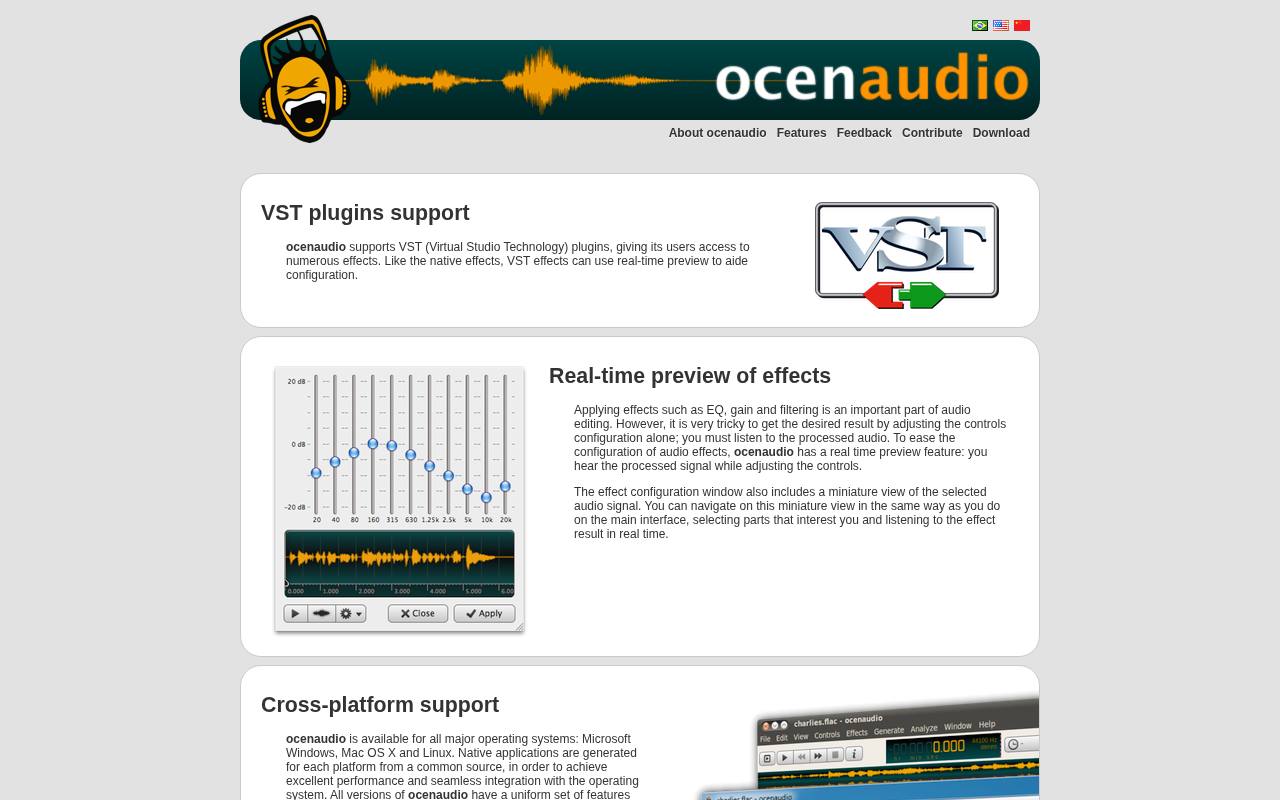
Ocenaudio emphasizes focused waveform editing rather than a large multitrack production console. Its documented features include real-time effects preview, VST support, and multi-selection, which lets you process separated passages without repeating the same operation manually. A spectrogram adds another way to inspect audio beyond the amplitude waveform.
Windows, macOS, and Linux versions share a consistent interface. Use it for individual recordings, samples, and quick repairs where a full song arrangement would add unnecessary complexity. Save an untouched original before applying destructive edits to material you may need to revisit later.
- Type
- Waveform editor and analyzer
- Best for
- Fast file repairs with immediate effects preview
- License
- Freeware; proprietary application
- Price
- 100% free
GarageBand
Mac recording and music studio
GarageBand offers free music production for compatible Apple hardware, combining audio recording, software instruments, loops, and a visual arrangement workflow. The Mac edition is a convenient starting point for guitarists, keyboard players, and songwriters who want more structure than a waveform editor.
Apple's instrument and loop ecosystem makes initial sketches approachable, but the software is not available as a native Windows or Linux application. Distinguish finished musical productions from redistributing the bundled sound library itself, and confirm current system requirements before assuming an older Mac can install the latest release.
- Type
- Mac recording and music studio
- Best for
- Mac songwriting with instruments and performance recording
- License
- Free Apple software; bundled-content license restrictions apply
- Price
- Free for supported Apple devices
Waveform Free
Cross-platform digital audio workstation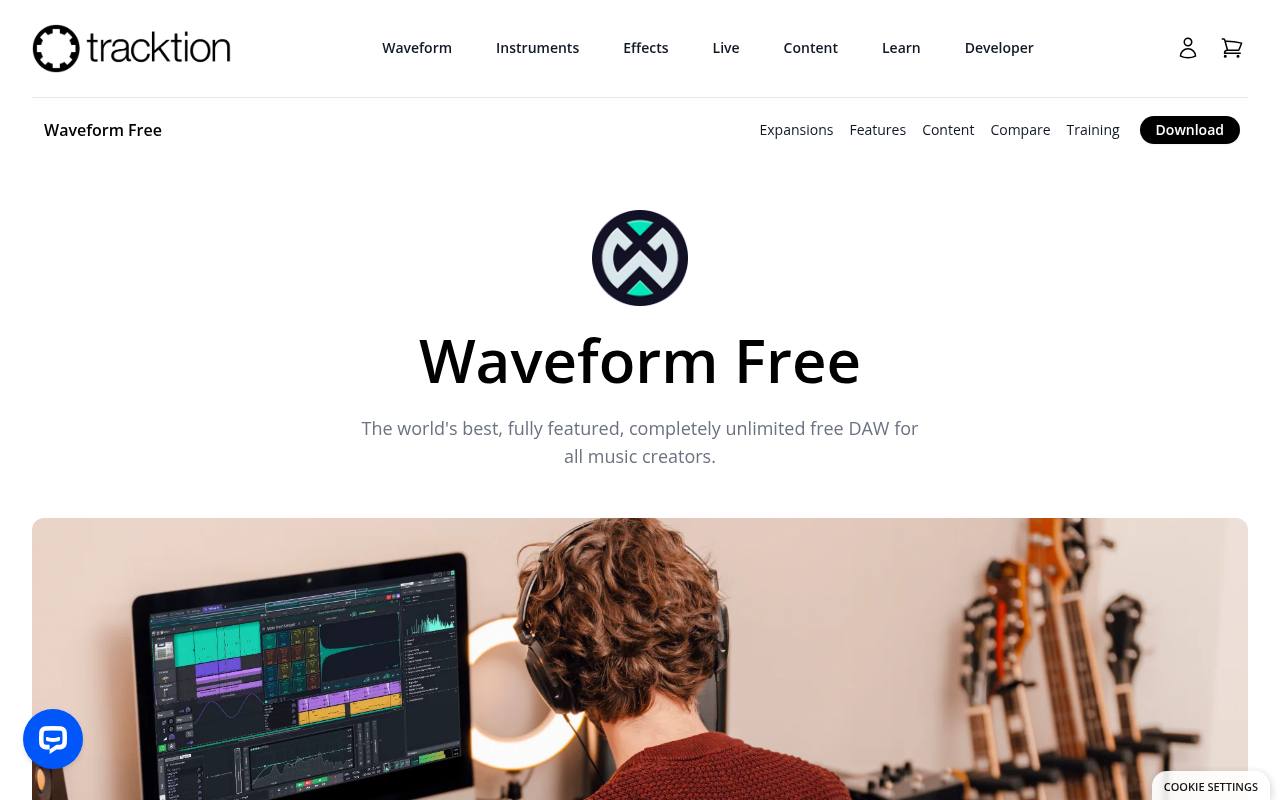
Waveform Free is Tracktion's free desktop workstation, intended for actual music production rather than a short trial session. Its product page presents audio and MIDI work with a workflow centered on a single-screen arrangement and support for adding compatible plugins.
It is an appealing bridge between a beginner editor and a larger studio setup. Read the Free edition's feature list instead of assuming every Waveform Pro demonstration applies. Confirm your operating-system package and plugin compatibility, then export a test song before investing time in a complex template or collaborative recording project.
- Type
- Cross-platform digital audio workstation
- Best for
- Recording and arranging songs in a desktop DAW
- License
- Proprietary free edition; optional paid products separate
- Price
- Free + paid upgrades
BeepBox
Browser music sequencer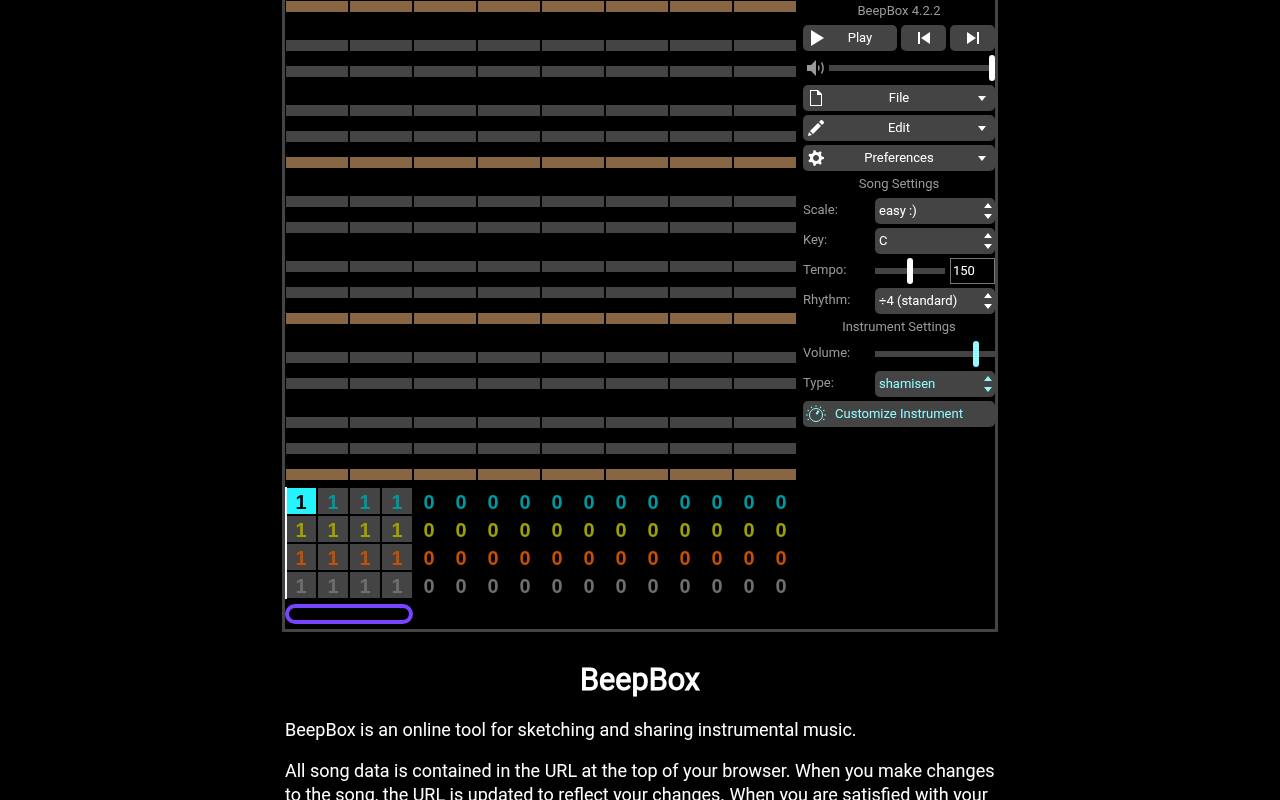
BeepBox is a browser-based music sequencer with a grid interface for notes, patterns, instruments, and song structure. It excels at quick melodic experiments and game-inspired sketches rather than microphone recording or detailed audio restoration.
Song data can be represented in the page URL, making it unusually easy to share an editable idea without exchanging a large project folder. The project explains that original songs belong to their creators. Save a separate copy of your song link and use the available export options instead of relying solely on an open browser tab.
- Type
- Browser music sequencer
- Best for
- Sketching chiptune melodies and sharing compact ideas
- License
- Free browser tool; MIT-licensed source; original songs remain yours
- Price
- 100% free
Hydrogen
Pattern-based drum machine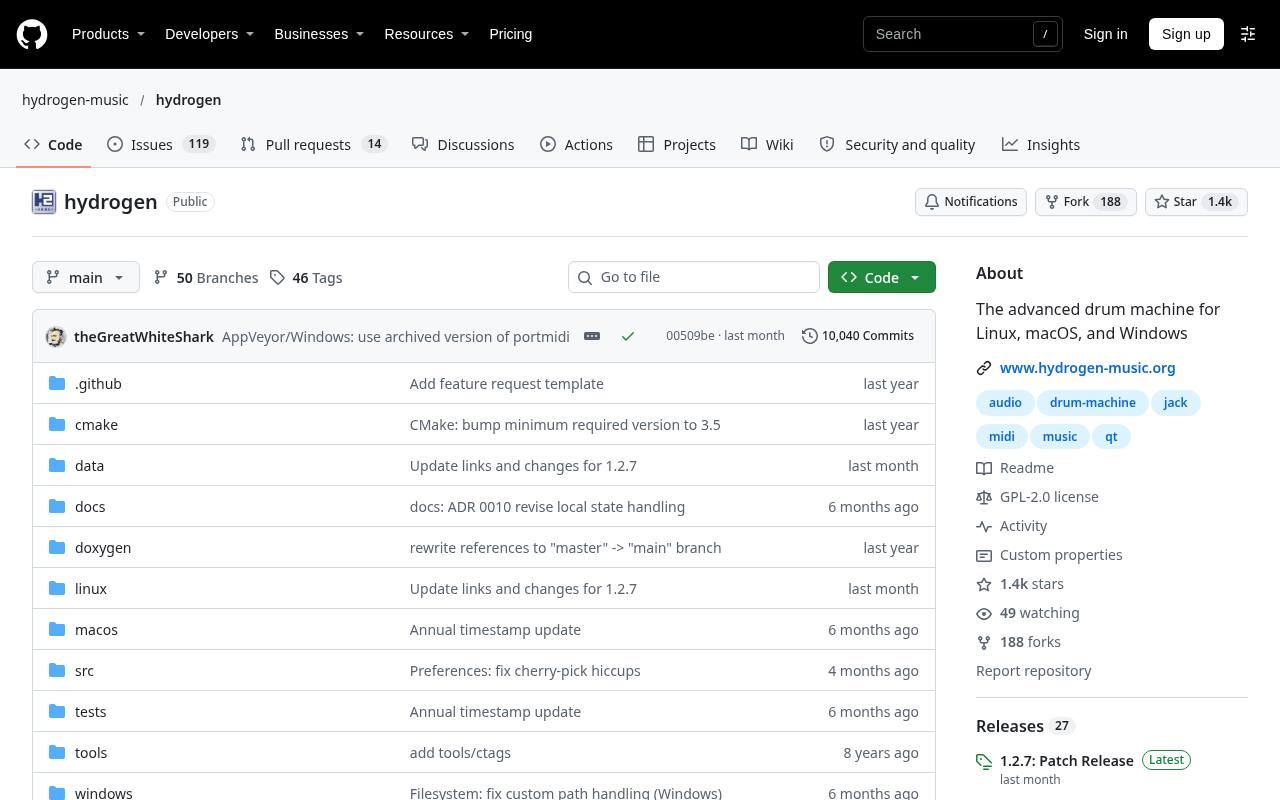
Hydrogen specializes in drum programming, with pattern-based sequencing and a song arrangement workflow rather than a general-purpose audio editing interface. Its drum-machine focus makes it useful for building rhythmic ideas before taking them into another production application.
The official project distributes an open-source desktop program and documents installation choices for supported systems. Explore velocity and timing variation to move beyond rigid repeated hits. Check the license of any downloaded drum kit separately from the application's GPL license, especially if you plan to redistribute a project containing the underlying samples.
- Type
- Pattern-based drum machine
- Best for
- Programming dedicated drum patterns for larger arrangements
- License
- GPL-licensed open-source software; drum-kit terms separate
- Price
- 100% free
Choose an editor or a complete studio
A waveform editor is ideal for trimming, repairing, and exporting recordings. Audacity, Tenacity, and Ocenaudio suit this kind of work, although their multitrack capabilities differ. If your project starts with an interview rather than a chord progression, prioritize selection tools, fades, monitoring, and export reliability over the number of synthesizers included.
A digital audio workstation adds arrangement, routing, instrument sequencing, and a mixing environment for larger productions. Cakewalk Sonar, Waveform Free, and GarageBand are stronger candidates for complete songs. LMMS, Hydrogen, and BeepBox approach composition differently again. Decide whether you need to record performers, program notes, or simply edit files before comparing screenshots.
Test the complete recording chain
Make a short test recording with the microphone, interface, headphones, and driver configuration you intend to use. Check that the correct input is selected and that the recorded signal does not clip. A free application cannot repair every problem introduced by poor microphone placement, electrical interference, or an overloaded analog input stage.
For low-latency monitoring, use the driver's recommended settings and consider your interface's direct-monitoring option. Smaller buffers can reduce delay but increase CPU pressure and glitches. Test while playing the actual instruments and effects in your session; an empty project tells you little about how reliably the computer will handle a finished arrangement.
Keep project files and exports separate
The native project file preserves arrangement decisions, edits, automation, and references to media. A WAV or MP3 export is a rendered result, not a complete substitute. Before moving a project, collect its audio assets where the application supports that operation, and verify that it reopens correctly without depending on a forgotten downloads folder.
Create uncompressed working exports for mixing and archival tasks, then make smaller delivery versions when needed. Confirm sample rate, channel layout, and bit depth with the person receiving the audio. Renaming a file extension does not convert its format, and repeatedly converting lossy audio introduces avoidable damage that no new workstation can undo.
Understand software licenses and sound licenses
An open-source software license governs the application code, not every recording you produce. Recording your own voice in a GPL application does not automatically place that voice recording under GPL. Conversely, downloading a free editor does not clear a copyrighted backing track, commercial plugin, or third-party loop you later import into a project.
For bundled production sounds, read the relevant content agreement. Many allow samples inside musical productions but prohibit distributing the raw collection. Collaborators should obtain their own copies where required. Track the origin of external kits and instruments as carefully as paid purchases so that a commercial release does not inherit an undocumented sound-library dependency.
Manage plugins without breaking sessions
Start with built-in effects and instruments until your basic recording and export workflow is stable. Third-party plugins introduce format, architecture, operating-system, and licensing dependencies. A plugin that works in one host is not guaranteed to load in another, and a tutorial made on a different platform can omit important compatibility details.
When sharing sessions, supply rendered instrument stems as a fallback alongside the editable project. Include a short note listing tempo, sample rate, and essential plugins. This allows a collaborator to keep working even when they cannot install the same instrument, while preserving your original MIDI and automation for later revisions on your own machine.
Which free tool should beginners install first?
For spoken-word beginners, start with a short recording in Audacity or Ocenaudio and learn clean cuts, fades, level adjustment, and export. For songwriters, try the workstation compatible with your computer and hardware. Browser-first musicians can test BandLab or BeepBox quickly, but should still learn how to save and export their work independently.
Keep the first project small: one minute of narration, a basic drum arrangement, or a verse and chorus. Finish it all the way through to a file you can play outside the application. Completing that cycle reveals practical limits faster than comparing feature lists, and gives you a dependable foundation before installing additional tools.