
Mockups turn a flat design into something clients can imagine in the real world: a website on a laptop, a logo on a coffee cup, a label on a bottle. Free mockups let you present work professionally without a photo shoot.
We reviewed the best places to download free PSD mockups and free Figma mockups, plus online tools that generate device mockups in the browser. For each source you will find the license, what it is best at and a direct link to download free from the creator.
Use these free mockup sites for portfolios, client presentations, social posts and product launches.
Quick picks at a glance
| # | Resource | License | Best for |
|---|---|---|---|
| 1 | Mockups Design | Free for commercial use | Branding and packaging |
| 2 | Unblast | Free (third-party files vary) | Device and print mockups |
| 3 | MockupsJar | Free plan license | Browser-based device mockups |
| 4 | Mockup World | Varies per mockup | Huge variety |
| 5 | Ls.graphics Free | Free license | Modern device scenes |
| 6 | Shots | Shots terms | Social-ready screenshots |
| 7 | Mockuuups Studio (Free) | Free plan license | Fast drag-and-drop mockups |
| 8 | Pixeden Free Mockups | Pixeden free license | Apparel and stationery |
| 9 | Graphic Burger | Free for commercial use | Classic print mockups |
| 10 | Figma Community Mockups | Varies (often CC BY 4.0) | Figma-only workflows |
Mockups Design
PSD mockups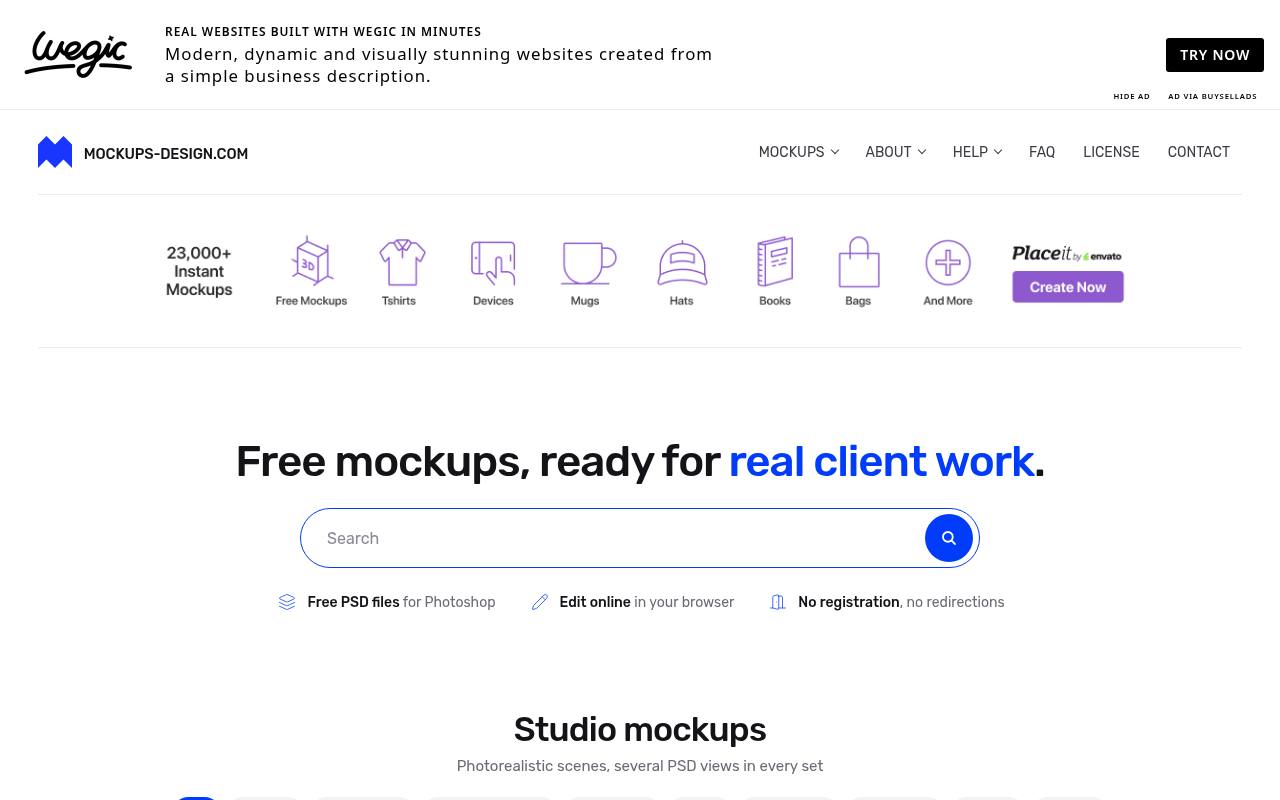
Mockups Design supplies free PSD files for Photoshop alongside a browser-based editing option, with no registration or download redirections. Its catalog covers flyers, brochures, business cards, books, stationery, packaging, posters, apparel, and devices.
Print-focused navigation gets unusually specific: flyer choices include A4, A5, A6, DL, Letter, and Legal, while business cards can be browsed by dimensions and rounded corners. The commercial-use license permits client work and use across websites, print, television, and portfolios with no attribution required. Reselling the mockup files is not permitted.
- Type
- PSD mockups
- Best for
- Branding and packaging
- License
- Free for commercial use
- Price
- 100% free
Unblast
PSD & Figma mockups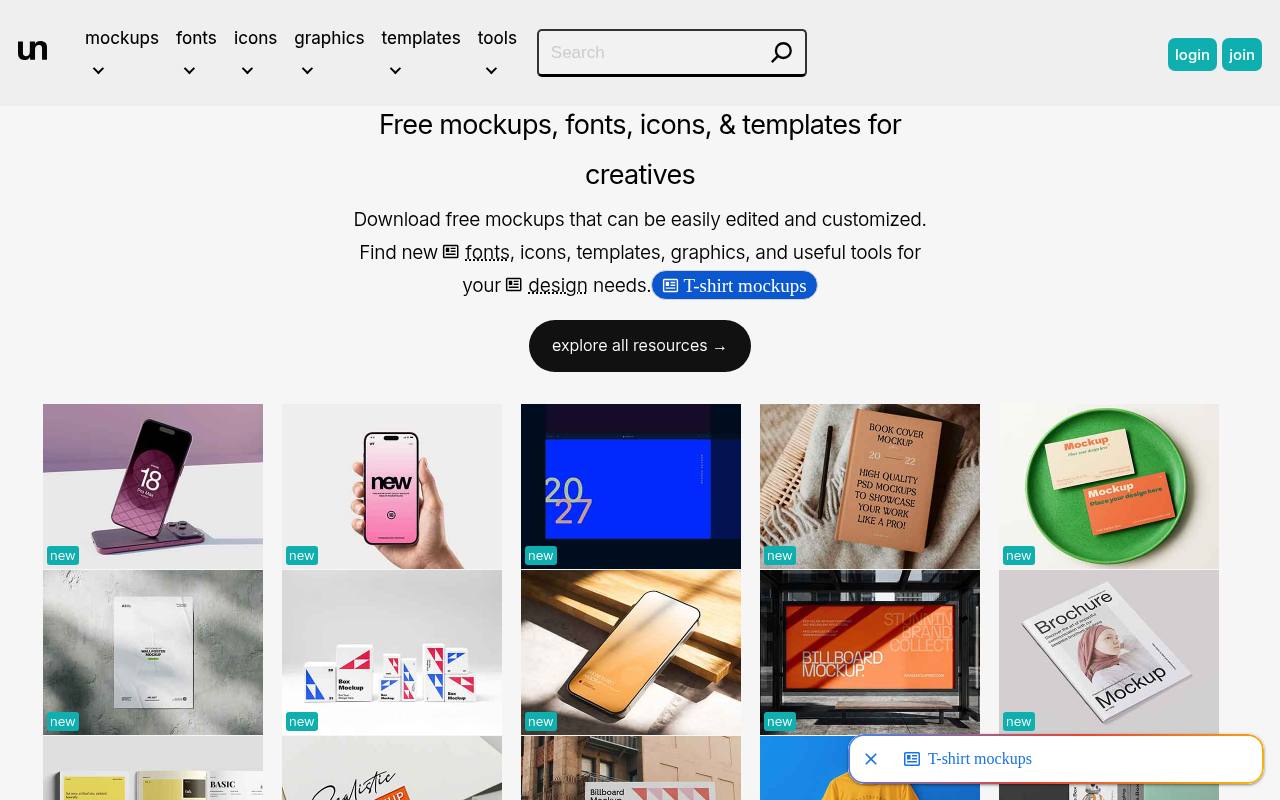
Across Unblast, free mockups sit beside fonts, icons, templates, graphics, and design tools rather than forming a standalone device library. Its mockup feed includes hardcover books, business cards on trays, wall posters, box sets, website presentations, and handheld phones. PSD resources appear alongside the PSD and Figma offerings identified in this listing.
The important licensing distinction is authorship: Unblast-created resources are free for personal and commercial use, while third-party assets retain the licenses specified by their creators. Unblast also prohibits hosting its downloadable files elsewhere without permission; shared downloads must point back to the individual resource page.
- Type
- PSD & Figma mockups
- Best for
- Device and print mockups
- License
- Free (third-party files vary)
- Price
- Free
MockupsJar
Online mockup generator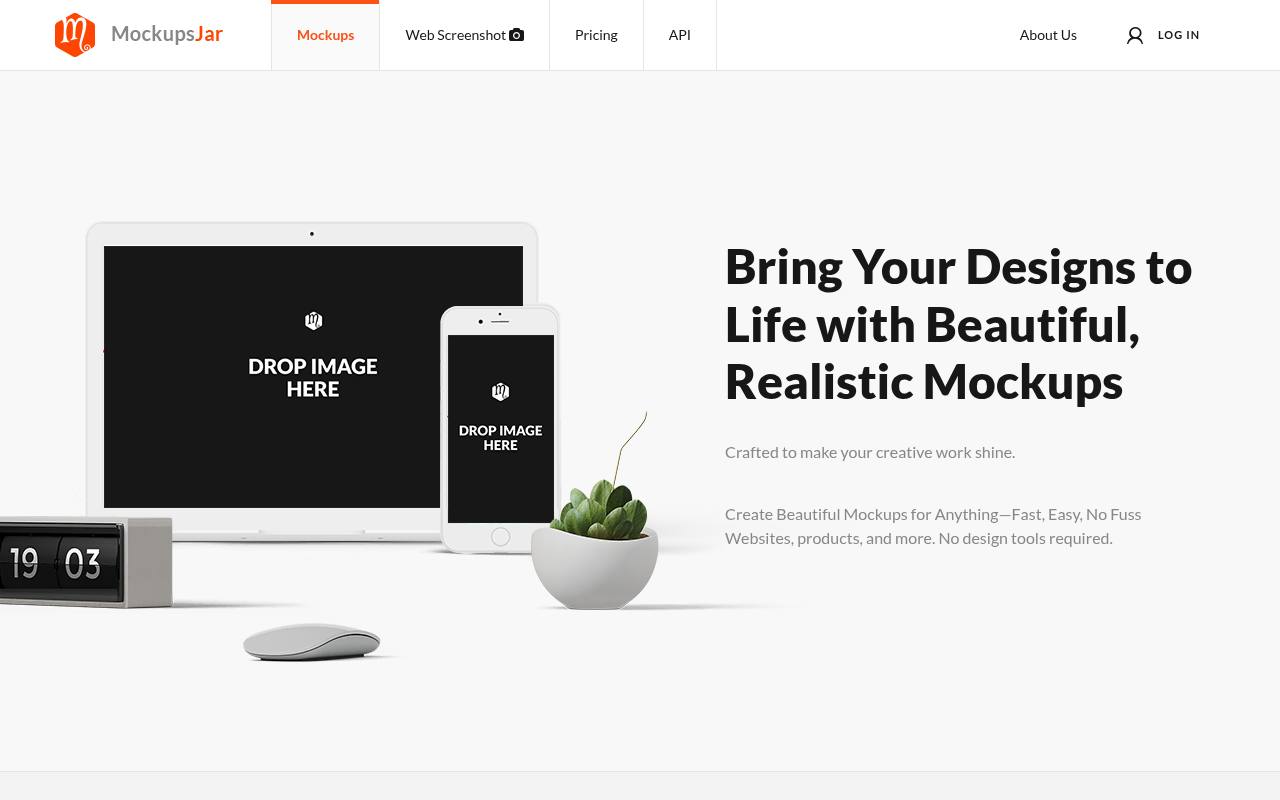
With 945+ ready-made mockups, MockupsJar extends beyond device screens to packaging, hanging frames, posters, paper bags, cups, and bottles. The browser service also offers a full-page website screenshot tool, an AI Image Generator, and Mockup Mixer for generating product scenes.
Its free plan needs no credit card and includes unlimited classic-mockup downloads, although high-resolution generation is limited. Signing in or creating an account unlocks those downloads. The pricing page lists PNG, JPG, and PDF support, plus a separate mockup generator API with documentation and an NPM package for automated workflows.
- Type
- Online mockup generator
- Best for
- Browser-based device mockups
- License
- Free plan license
- Price
- Free + Pro
Mockup World
Curated PSD mockups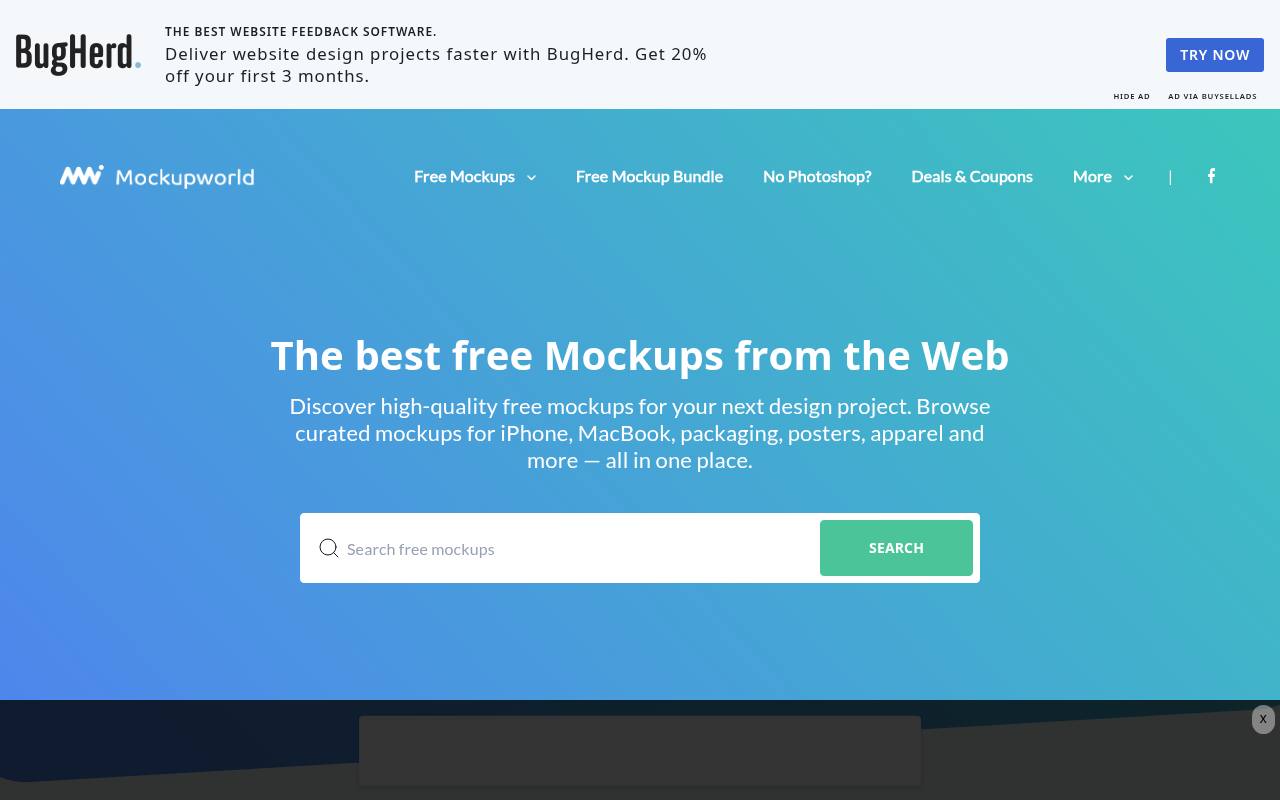
Rather than producing one uniform collection, Mockup World curates free mockups from the web and organizes them by the object being presented. Its navigation includes Print & Paper, Packaging, Fashion & Apparel, Signs & Billboards, Food & Beverages, Cosmetics, Vehicles, and Books, plus separate iPhone, MacBook, iPad, iMac, Android, and Apple Watch categories.
There is also an Online Mockup Generators section for browser-based alternatives. Search and illustrated listing cards help locate scenes across this broad directory. Most resources target a PSD workflow, while licenses vary by mockup because downloads come from different creators.
- Type
- Curated PSD mockups
- Best for
- Huge variety
- License
- Varies per mockup
- Price
- Free
Ls.graphics Free
PSD, Sketch & Figma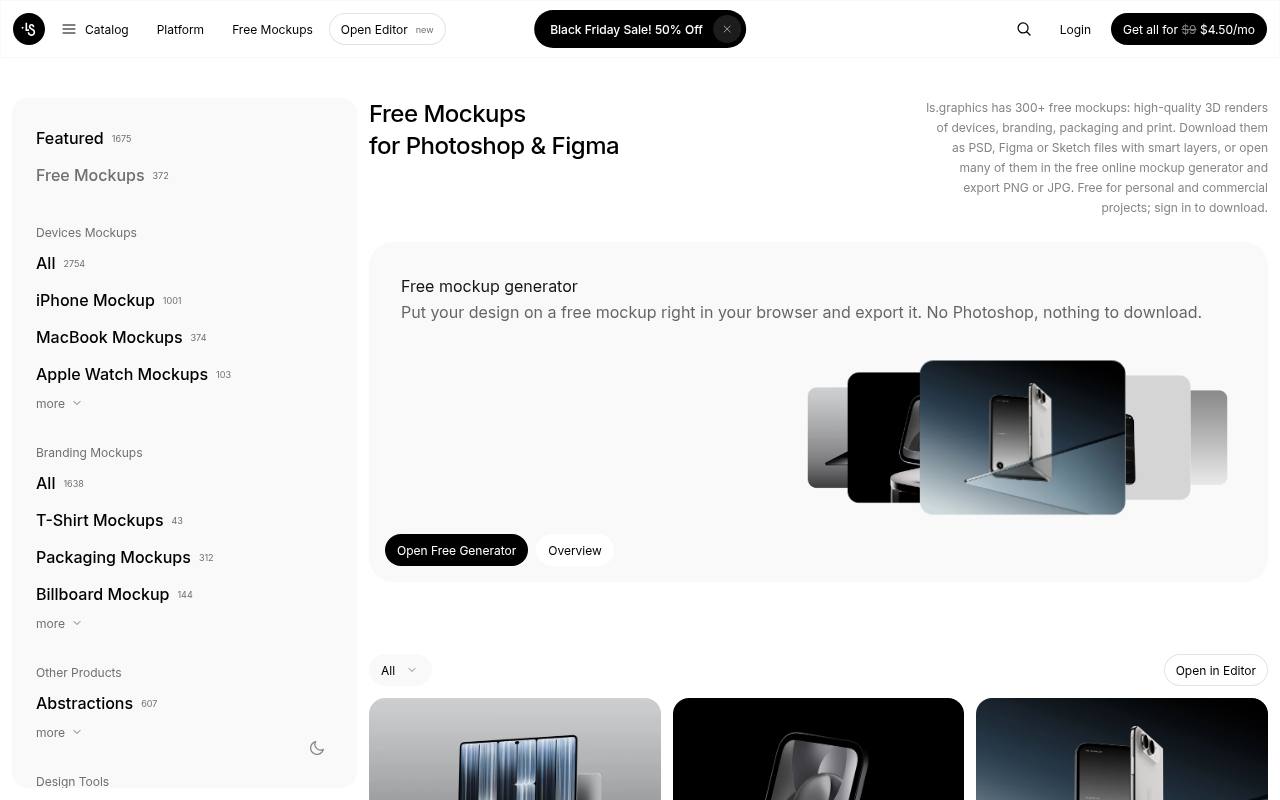
The free section at ls.graphics advertises 300+ mockups spanning device renders, branding, packaging, and print. Downloads are supplied as PSD, Figma, or Sketch files with smart layers, and many scenes also open in the free online mockup generator for PNG or JPG export.
The wider navigation separates device families from branding objects such as T-shirts, business cards, greeting cards, and billboards, and a Figma mockup plugin is available. Sign-in is required to download. Personal and commercial projects, including client work, are permitted; redistributing or reselling the source products is prohibited, and premium resources remain separate.
- Type
- PSD, Sketch & Figma
- Best for
- Modern device scenes
- License
- Free license
- Price
- Free + premium
Shots
Online mockup generator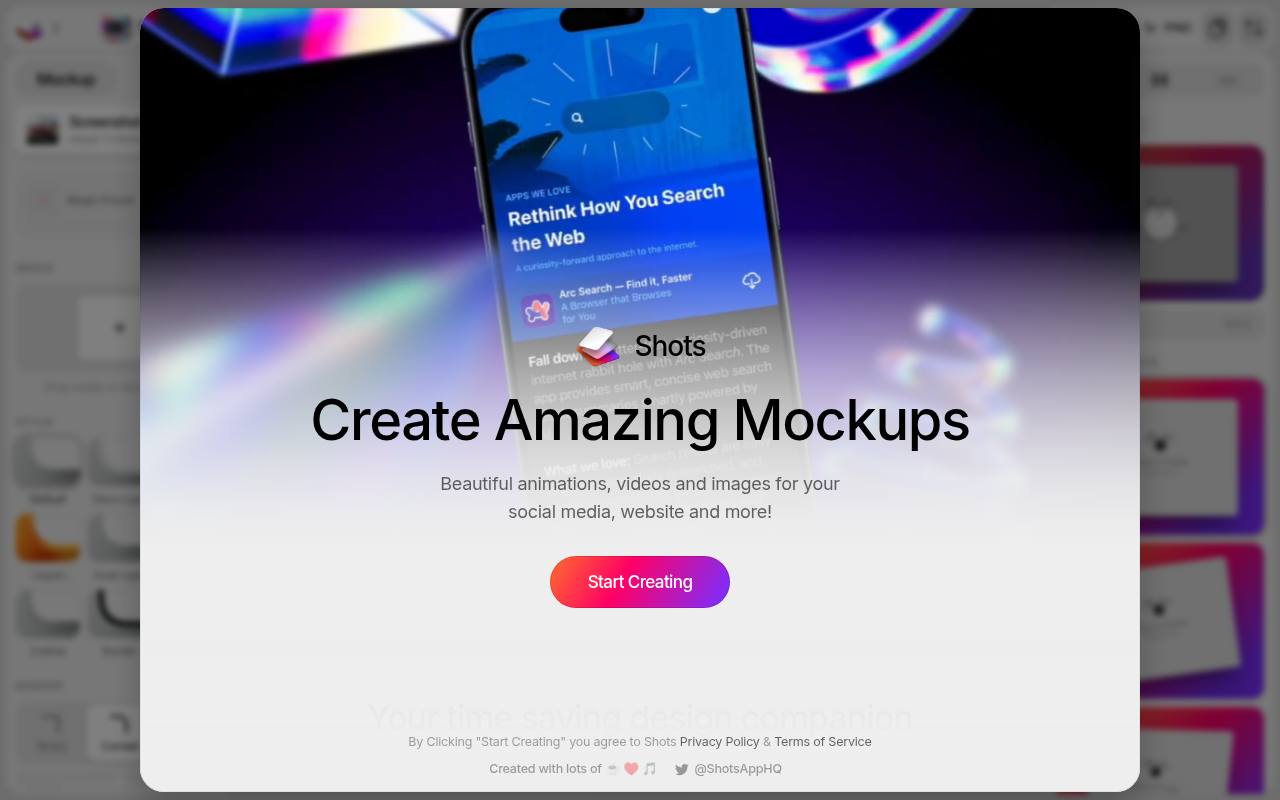
Built around presenting screenshots, Shots combines browser-based mockups with backgrounds and export controls for polished product images. Its live showcase includes iPhone presentations, website mockups, and animations, with a growing selection of free scenes available in one click.
The editor workflow moves from creating a composition to sharing and exporting it, and social media frame presets provide ready-sized canvases for different destinations. The export interface shows PNG output and a scale selector. Shots offers free and Pro access under its own terms, so the free mockup collection sits within a broader presentation tool rather than a downloadable PSD archive.
- Type
- Online mockup generator
- Best for
- Social-ready screenshots
- License
- Shots terms
- Price
- Free + Pro
Mockuuups Studio (Free)
Mockup app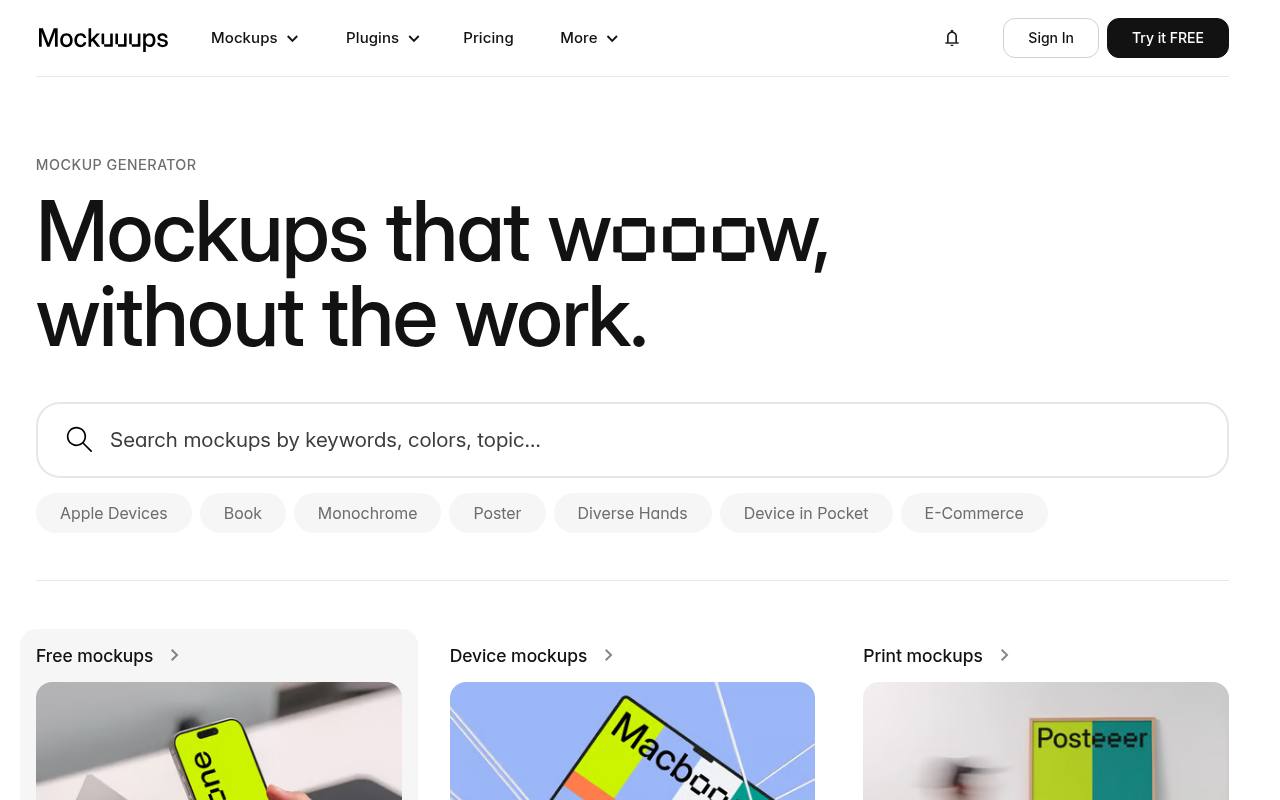
Drag-and-drop presentation is the focus of Mockuuups Studio, available through a desktop app, a Figma plugin, and an Adobe Express add-on. Its collections distinguish free mockups from device and print scenes, with examples including phones held in hands, floating laptops, watches, and desktop computers.
The Figma plugin places designs directly into mockup scenes without moving to a separate PSD workflow. A free selection accompanies paid access, rather than making the entire catalog free. The product also emphasizes licensing coverage as part of its service, and the free-plan license applies to the resources available on that tier.
- Type
- Mockup app
- Best for
- Fast drag-and-drop mockups
- License
- Free plan license
- Price
- Free plan + paid
Pixeden Free Mockups
PSD mockups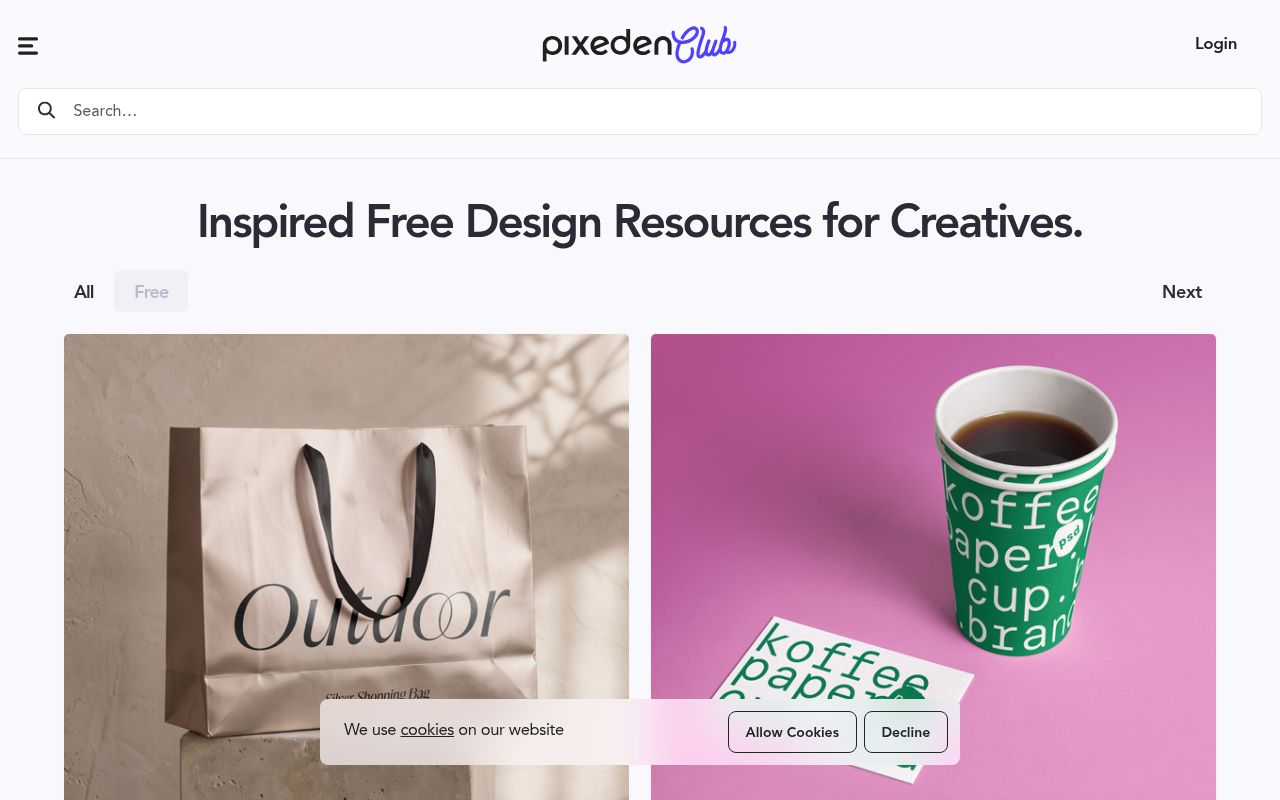
Pixeden mixes free design downloads with a premium membership, currently advertised from $9 per month. Its homepage groups resources into mockups, graphics, icons, vectors, and print materials, and showcases PSD scenes such as a MacBook Pro arranged on a folding chair.
The mockup offering includes apparel and stationery presentations as well as technology scenes, with editable Photoshop files at the center of the workflow. Free resources use Pixeden’s free license rather than granting access to every premium file. Its Free section lists every no-cost download on paginated pages, newest first, so you can browse just the free files.
- Type
- PSD mockups
- Best for
- Apparel and stationery
- License
- Pixeden free license
- Price
- Free + premium
Graphic Burger
PSD mockups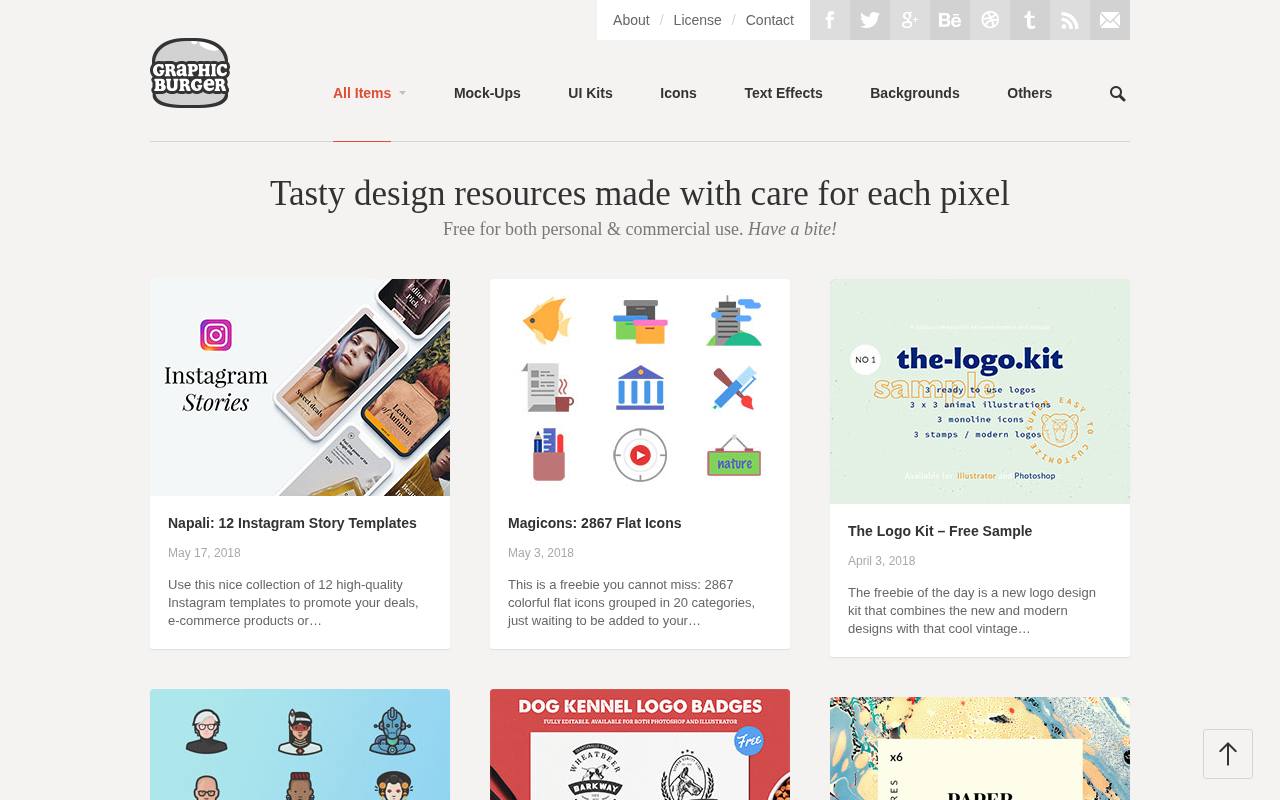
Graphic Burger’s archive pairs PSD mockups with a broader collection of free design assets, all introduced as available for personal and commercial use. Mockup examples include a women’s V-neck T-shirt presentation, while nearby downloads include paper-marbling textures, Instagram Story templates, logo-kit samples, and avatar icons.
The homepage also features Magicons, a pack of 2,867 colorful flat icons grouped into 20 categories. Illustrated posts carry individual titles, publication dates, and download or engagement counters, making this feel like a browsable resource blog rather than a live mockup generator or subscription-based editing application.
- Type
- PSD mockups
- Best for
- Classic print mockups
- License
- Free for commercial use
- Price
- Free
Figma Community Mockups
Figma mockups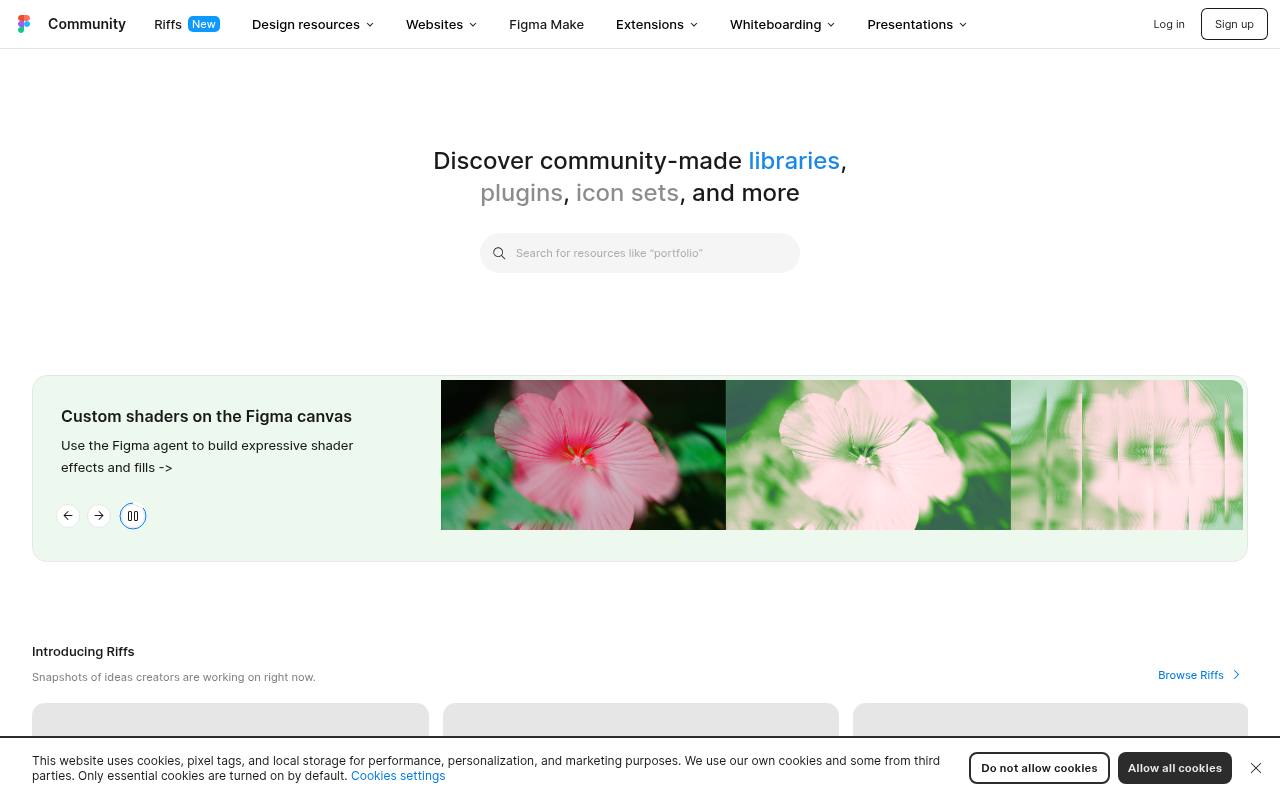
Within Figma Community, mockup resources belong to a much wider marketplace of community-made libraries, plugins, icon sets, and design files. This makes the collection useful for keeping presentation work inside Figma instead of beginning with Photoshop PSDs.
The link opens Figma’s Community discovery page, which includes creator profiles, resource previews, and a feed of work in progress called Riffs. Free resources are part of the offering, but licenses vary by creator rather than following one blanket mockup license. Login and sign-up entry points are provided for accessing Figma’s community workflow.
- Type
- Figma mockups
- Best for
- Figma-only workflows
- License
- Varies (often CC BY 4.0)
- Price
- Free
Tips for realistic mockups
Match the mockup to your audience: device mockups for app and web work, packaging and print mockups for branding projects. Use high-resolution designs inside smart objects so text stays crisp, and keep lighting consistent across your portfolio.
Always check licenses — most free mockups allow commercial presentation use, but some forbid reselling the mockup itself.
Frequently asked questions
Do I need Photoshop for free mockups? Not always. Figma mockups, Shots and Mockuuups Studio work without Photoshop.
Can I use free mockups in client work? Yes for the sites above, as long as you follow each creator's license.
Choose a scene that answers a client question
Before browsing free mockups, decide what the image needs to prove. You might need to show how a label wraps around a container, how a website reads on a small screen or how a visual identity extends across stationery.
Write that purpose down and use it to reject scenes that distract from the decision. An elaborate setting is not automatically more persuasive than a simple one, particularly when the client needs to inspect a logo, compare layouts or understand the hierarchy of a design.
Use the catalogue strengths as a starting point rather than a guarantee that every scene will fit. Mockups Design and Pixeden Free Mockups are relevant places to explore for packaging or stationery, while Graphic Burger offers classic print presentation options.
Compare viewing angle, visible surface area and background detail before downloading. A suitable free scene should leave enough space for the feature under discussion, so the client can evaluate your work without having to mentally remove distracting props or guess at details hidden by perspective.
Prepare artwork for the surface rather than the preview
Start with a clean source design at appropriate dimensions and check what part of it will be visible in the chosen scene. For free device mockups, use a screenshot that represents a plausible screen state and matches the intended display shape.
Avoid stretching the interface to fill a frame, because distorted text and controls undermine credibility. Remove private information, internal notes and unfinished placeholders before uploading or embedding anything, especially if the resulting mockup will become part of a public portfolio or launch announcement.
For printed surfaces, distinguish a persuasive visual preview from production artwork. A mockup may help explain placement and overall appearance, but it does not prove that trimming, folds, materials or colour reproduction will work in manufacture.
Keep the flat design available for detailed review and make any important assumptions explicit. Free branding mockups are most effective when they support the design conversation honestly, showing a proposed application without implying that a physical sample has already been produced, inspected and approved by everyone involved.
Keep editable masters when working with layered files
When using free PSD mockups, inspect the layer structure before inserting your artwork. Identify the intended smart object or replacement area, read any included instructions and preserve the original file as a reference.
Make your edits in a separate working copy so you can recover if a layer is accidentally flattened or a reusable effect is changed. Mockups Design describes smart-object-based files, but you should still examine each download individually rather than assuming every resource from every source follows the same editing process.
After replacing the artwork, inspect edges, folds, reflections and shadows at a useful viewing size. Look for anything that makes the design appear to float above the surface or disappear into excessive texture. Adjust only what you understand, and keep your presentation faithful to the intended material.
Unblast and Mockup World can help you discover suitable resources, but the original creator's instructions remain important, especially when a curated listing sends you elsewhere to obtain the actual file and its accompanying documentation.
Balance browser convenience with control over the output
For a quick screenshot presentation, compare the editing experience of Shots and MockupsJar using the same source image. Check the crop, framing and export result rather than judging only the preview inside the tool.
Mockuuups Studio (Free) is another option to assess when you want a drag-and-drop workflow with a selected set of scenes. Confirm the current free offering before you begin, since the article identifies different free and paid arrangements rather than promising unrestricted access to every scene or output option.
If your design already lives in Figma, free Figma mockups can reduce the need to move artwork between editing environments. Figma Community Mockups and Ls.graphics Free are relevant sources to inspect, but check the format and editability of the particular file.
Try replacing a screen and exporting a sample before building an entire presentation around it. Convenience is useful only if the final image remains sharp, accurately framed and easy for another member of your team to update without rebuilding the composition from scratch.
Present alternatives without letting the scene bias the decision
When showing competing design directions, hold the mockup conditions steady wherever possible. Use the same scene, framing and output dimensions so the audience compares the artwork rather than reacting to different environments.
A warm lifestyle photograph can make one option feel friendlier, while a stark close-up can make another seem more premium, even when those impressions come from the scene rather than the design. Free resources give you plenty of presentation choices, but consistency makes those choices more useful during a structured client review.
Pair the contextual image with a clear flat view when fine detail matters. Small text, precise alignment and subtle colour differences can be difficult to judge through perspective, texture or reflections. Label concepts plainly and explain which questions you want answered at the review.
This approach keeps free mockups in their proper role as communication aids, rather than letting a dramatic render substitute for evaluating the underlying work. It also helps clients provide specific feedback instead of approving an atmosphere while overlooking unresolved design details.
Record permissions and export for the final destination
Read each source's licence page and any file-specific notes before using a mockup in a client presentation, advertisement or portfolio. For curated resources, follow through to the original creator rather than relying only on the collection's summary.
Figma Community Mockups and Mockup World include resources with varying terms, so record the exact source of the file you choose. Check whether attribution is required and whether your intended delivery involves only a finished image or sharing the editable mockup itself, since those are different uses to investigate.
Export for the place the image will actually appear, then inspect that exported file rather than only the editable canvas. A detailed portfolio image, a slide and a small social post can require different crops and levels of detail.
Keep essential artwork away from areas likely to be cropped, and provide useful descriptive text wherever the image is published. Store the editable master, original source reference and permission notes together so future revisions remain straightforward and you can confidently explain the provenance of the free resource used in the final presentation.