
A raw screenshot proves that your interface exists, but it rarely explains why someone should care. Free device mockup generators add context through phone frames, browser windows, spacing, and controlled backgrounds. They are useful for product announcements, portfolio thumbnails, documentation covers, and early client presentations.
The strongest result is not necessarily the most elaborate: a readable screen inside a simple frame often communicates more clearly than a dramatic perspective that makes every label too small to read.
This selection separates screenshot beautifiers from fuller device-presentation tools. BrowserFrame concentrates on browser chrome, MockUPhone wraps screens in device shells, and Previewed offers a broader editor with a clearly limited free export plan.
Other options combine backgrounds, text, and multiple visual elements. Start by deciding whether the image needs to explain an interaction, establish a device context, or simply make a product update look consistent with the rest of your brand.
Free access does not mean that every export or template is included. Some tools provide watermark-free downloads, while others reserve higher resolution, certain formats, or commercial licensing for paid access.
Previewed requires particular attention to its attribution-based Lite licence, and Pika labels its free exports with its own watermark. The entries below describe those distinctions where the source makes them explicit, helping you choose a workable free option before building an entire campaign around it.
Quick picks at a glance
| # | Resource | License | Best for |
|---|---|---|---|
| 1 | Shots | Free tools; service terms apply | Fast branded product screenshots and social launch images |
| 2 | Screenshot.Rocks | Free editor; respect rights in uploaded images | Private browser and iPhone screenshot presentations |
| 3 | Pika | Free exports carry Pika watermark | Unlimited watermarked screenshot exports without an account |
| 4 | MockUPhone | Free generator; source terms apply | Straightforward phone frames for existing mobile screens |
| 5 | BrowserFrame | Free framing tool; uploaded-content rights remain yours | Clean web interface screenshots with browser context |
| 6 | Previewed | Lite: CC Attribution; commercial licence on paid plans | Attribution-based two-dimensional app presentation exports |
| 7 | Device Shots | Free generator; verify third-party asset rights | Layered device compositions without sign-up or uploads |
| 8 | Shotsnapp | Free access available; check selected export terms | Template-led presentations with photographic background options |
| 9 | SnapMock | Commercial use allowed; no attribution required | Watermark-free device images with explicit commercial permission |
| 10 | Ls.graphics Free | Personal and commercial use; no source redistribution | Rendered device scenes with downloadable source alternatives |
Shots
Browser mockup editor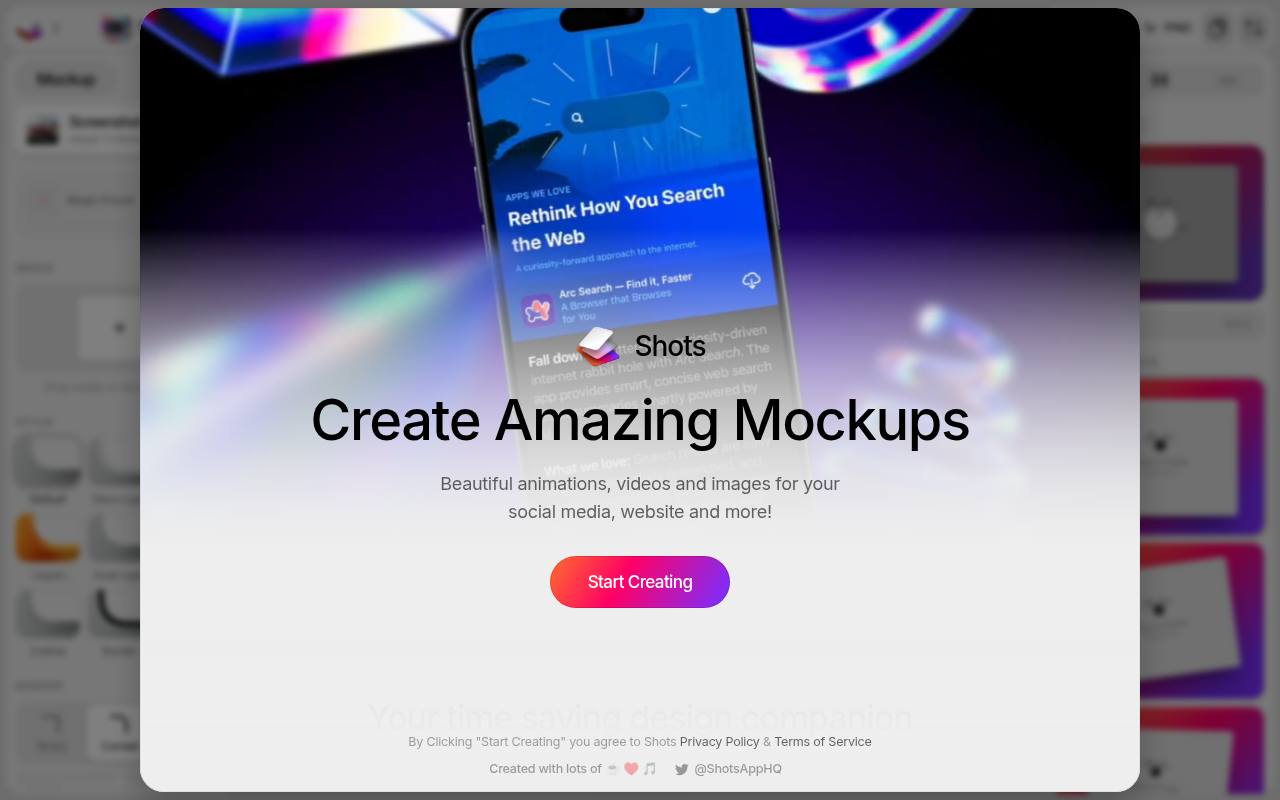
Shots combines device mockups with a visual editor built around the media you drop into it. Its public interface includes mockup styles, shadows, gradients, image backgrounds, layout presets, and a PNG export control. The site explicitly promotes free mockups, including iPhone options, alongside its wider animation and video features.
Use the free mockup tools for static product announcements first, rather than assuming every motion feature is included. Its distinctive Magic backgrounds use the supplied media as a starting point, which can help a screenshot and its surrounding canvas feel visually connected.
- Type
- Browser mockup editor
- Best for
- Fast branded product screenshots and social launch images
- License
- Free tools; service terms apply
- Price
- Free tools + paid options
Screenshot.Rocks
Browser screenshot editor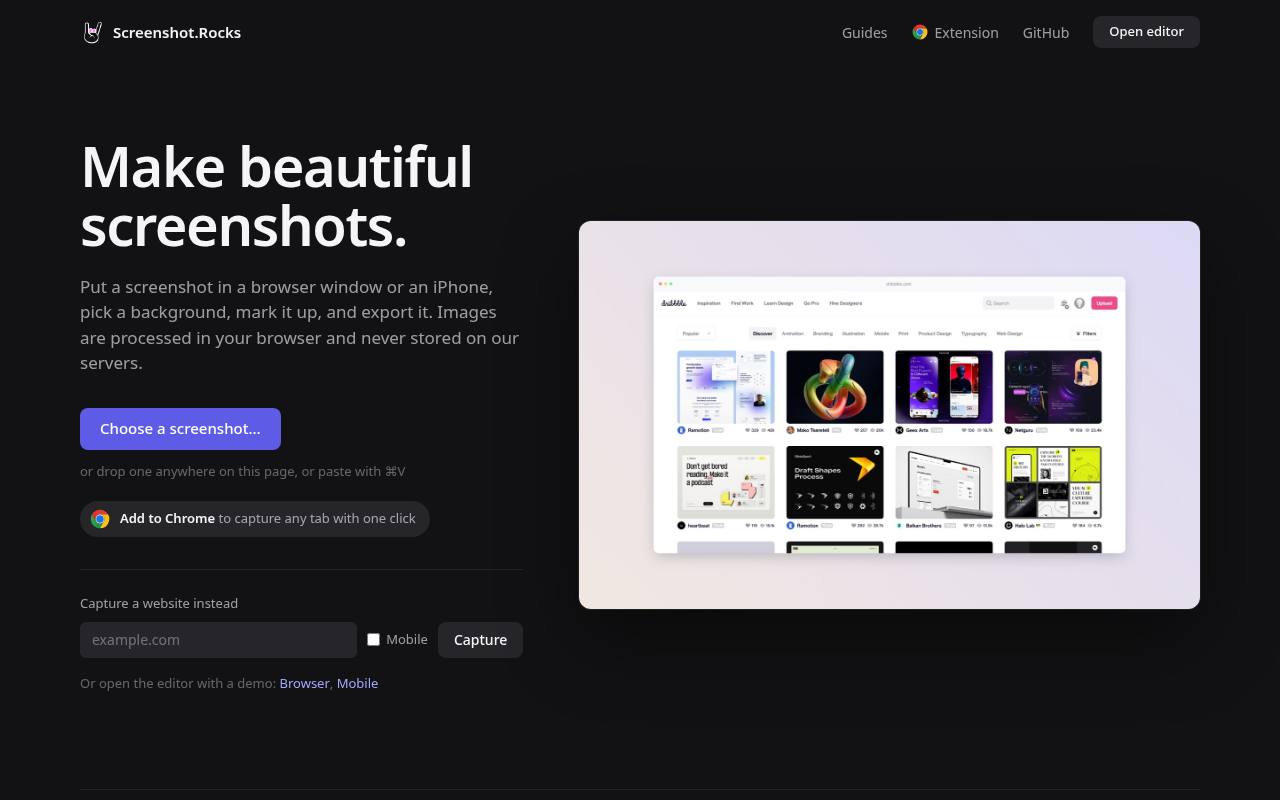
Screenshot.Rocks offers a focused way to turn an existing image into a finished presentation. The site describes browser and iPhone frames, background choices, markup, and export rather than a downloadable PSD collection. It also states that images are processed in the browser and never stored on its servers, an important distinction when preparing unreleased product screens.
Choose this locally processed editor when a simple framed screenshot is enough and you do not want to move sensitive interface images through an external image-storage workflow. Remove confidential content before importing, even when processing remains local.
- Type
- Browser screenshot editor
- Best for
- Private browser and iPhone screenshot presentations
- License
- Free editor; respect rights in uploaded images
- Price
- 100% free
Pika
Screenshot beautifier and mockup editor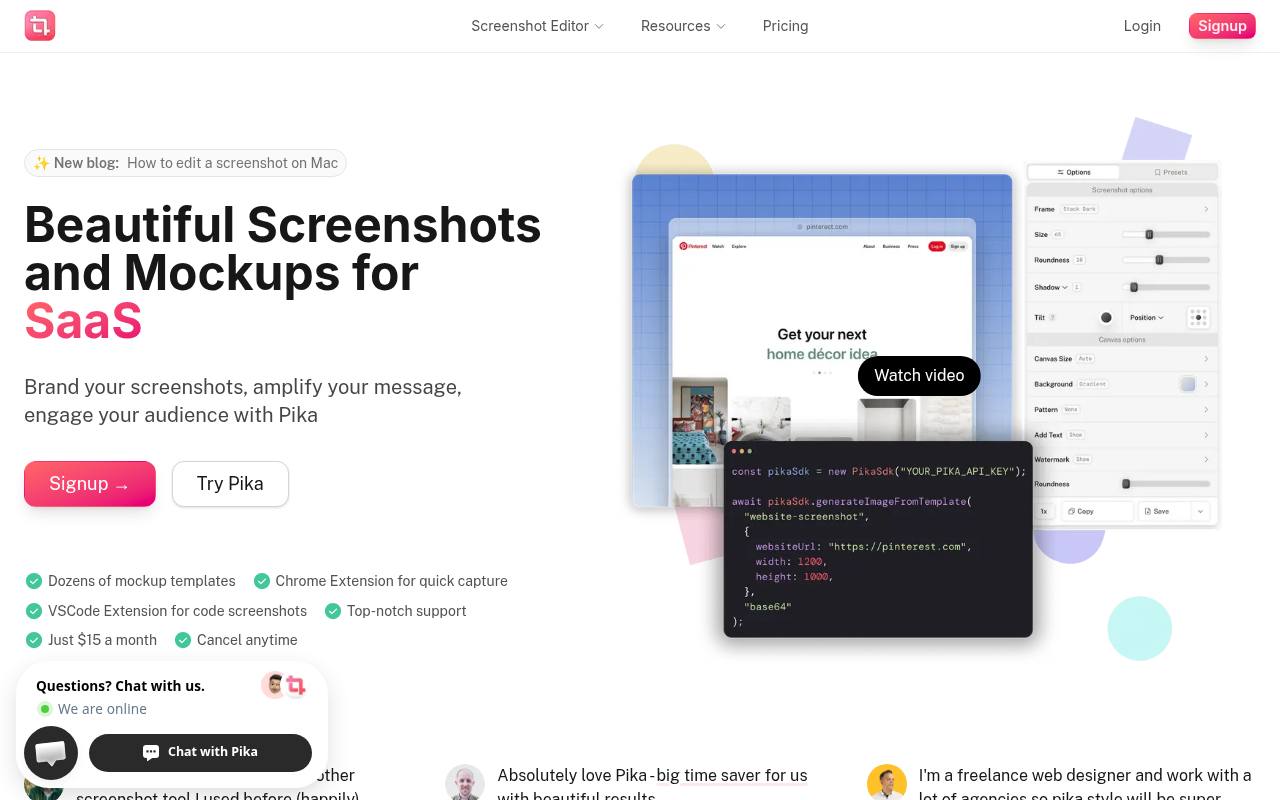
Pika clearly documents its free offer: you can work without an account and export unlimited images, but the results include a small Pika watermark. The editor places screenshots on gradients, colors, or image backgrounds and offers browser or device frames, padding, roundness, and shadow controls.
Its FAQ separates paid additions such as custom canvas sizes, saved presets, and extra export formats from that base experience. For quick screenshot styling, this makes the trade-off easy to understand: the free tool is usable, but branded client deliverables may require a different watermark-free source.
- Type
- Screenshot beautifier and mockup editor
- Best for
- Unlimited watermarked screenshot exports without an account
- License
- Free exports carry Pika watermark
- Price
- Free + Pro
MockUPhone
Device frame generator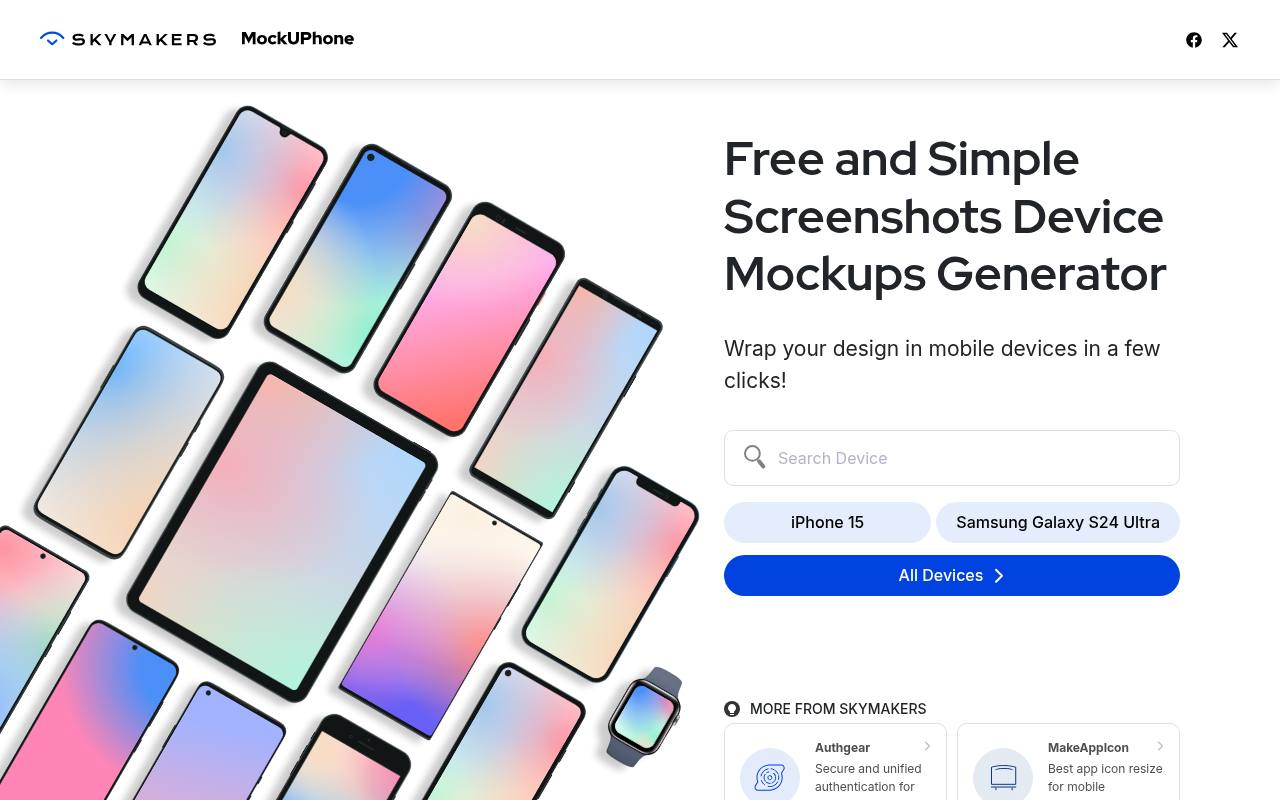
MockUPhone takes a deliberately narrow approach to mobile device mockups. Its homepage presents a free screenshot-wrapping workflow and a device selector, with iPhone and Samsung Galaxy examples visible before you begin. That makes it a useful starting point when you need recognizable hardware around a screen rather than a full marketing composition.
Prepare the image at the correct aspect ratio before uploading so important interface controls survive the crop. Treat the output as a device-framed asset that you can place into a larger slide or layout, not as a substitute for designing that surrounding presentation.
- Type
- Device frame generator
- Best for
- Straightforward phone frames for existing mobile screens
- License
- Free generator; source terms apply
- Price
- 100% free
BrowserFrame
Browser frame generator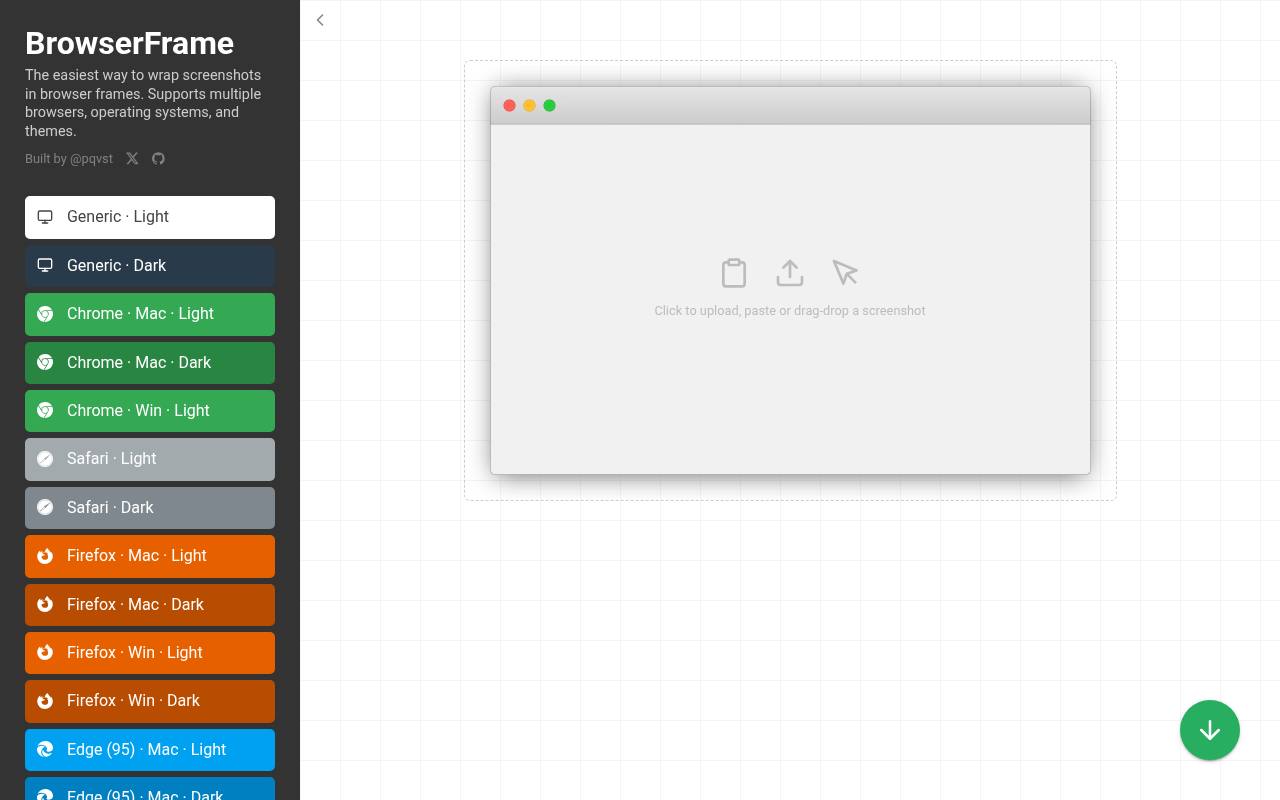
BrowserFrame specializes in the small piece of presentation that many website screenshots lack: recognizable browser chrome. Its public page describes support for multiple browsers, operating systems, and themes, and exposes padding and export controls around the uploaded image.
This is a more restrained choice than a photorealistic laptop scene when the audience needs to inspect navigation, a dashboard, or a web editor. Use browser frame styling consistently across a case study so readers can compare screens without being distracted by changing hardware angles. Keep the actual interface large enough to remain readable after publication.
- Type
- Browser frame generator
- Best for
- Clean web interface screenshots with browser context
- License
- Free framing tool; uploaded-content rights remain yours
- Price
- 100% free
Previewed
Online device scene editor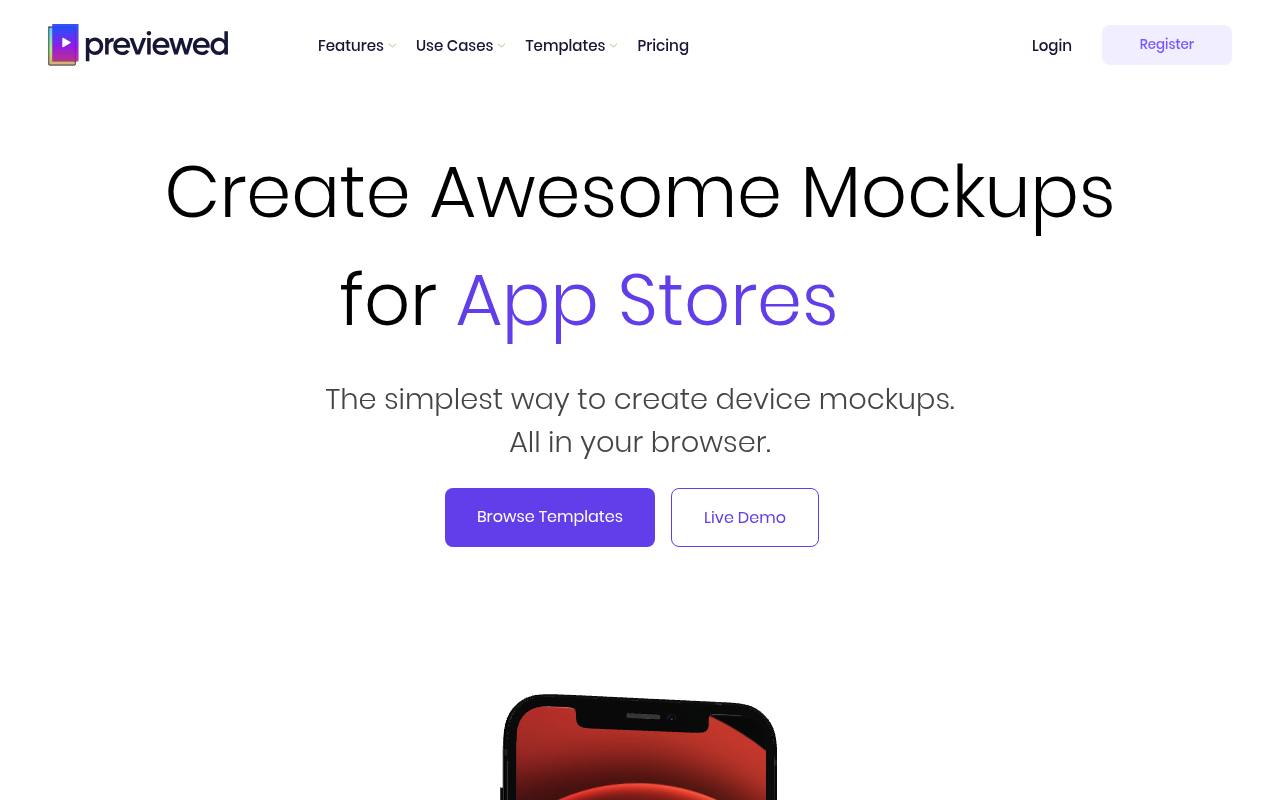
Previewed publishes a concrete free Lite plan with unlimited two-dimensional exports at 720p and a CC Attribution licence. Its wider product includes device scenes, editable text, positioning, colors, transparency, and three-dimensional presentations, but those broader capabilities should not be confused with free export entitlements.
The pricing section places 3D and video exports in paid packages and separately identifies commercial licensing there. Choose Lite for attributed 2D mockups when its terms fit your project, and check the full licence before using a free render in advertising or another commercial deliverable.
- Type
- Online device scene editor
- Best for
- Attribution-based two-dimensional app presentation exports
- License
- Lite: CC Attribution; commercial licence on paid plans
- Price
- Free Lite + paid plans
Device Shots
Layer-based device mockup editor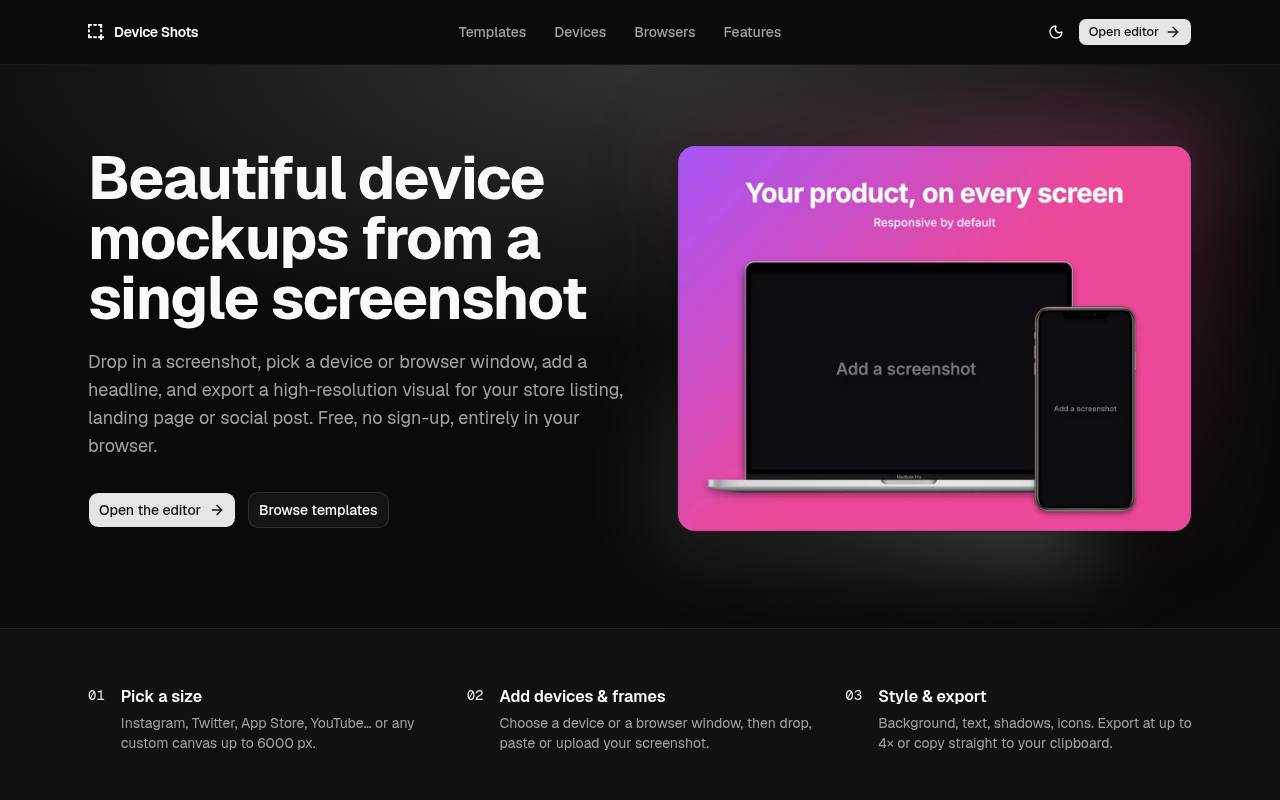
Device Shots advertises no account or watermark and says that screenshots remain in the browser. Unlike a single-frame wrapper, its editor supports layers, text, shapes, icons, rotation, duplication, and multiple device or browser frames. The homepage also documents transparent backgrounds and exports including PNG, JPG, WebP, and SVG.
Its template examples span website heroes, social posts, and store screenshots, making multi-element compositions a central strength. Check the actual device model before choosing a frame: a polished render of older hardware may be less appropriate for a launch than a simpler current-looking browser window.
- Type
- Layer-based device mockup editor
- Best for
- Layered device compositions without sign-up or uploads
- License
- Free generator; verify third-party asset rights
- Price
- 100% free
Shotsnapp
Online device presentation tool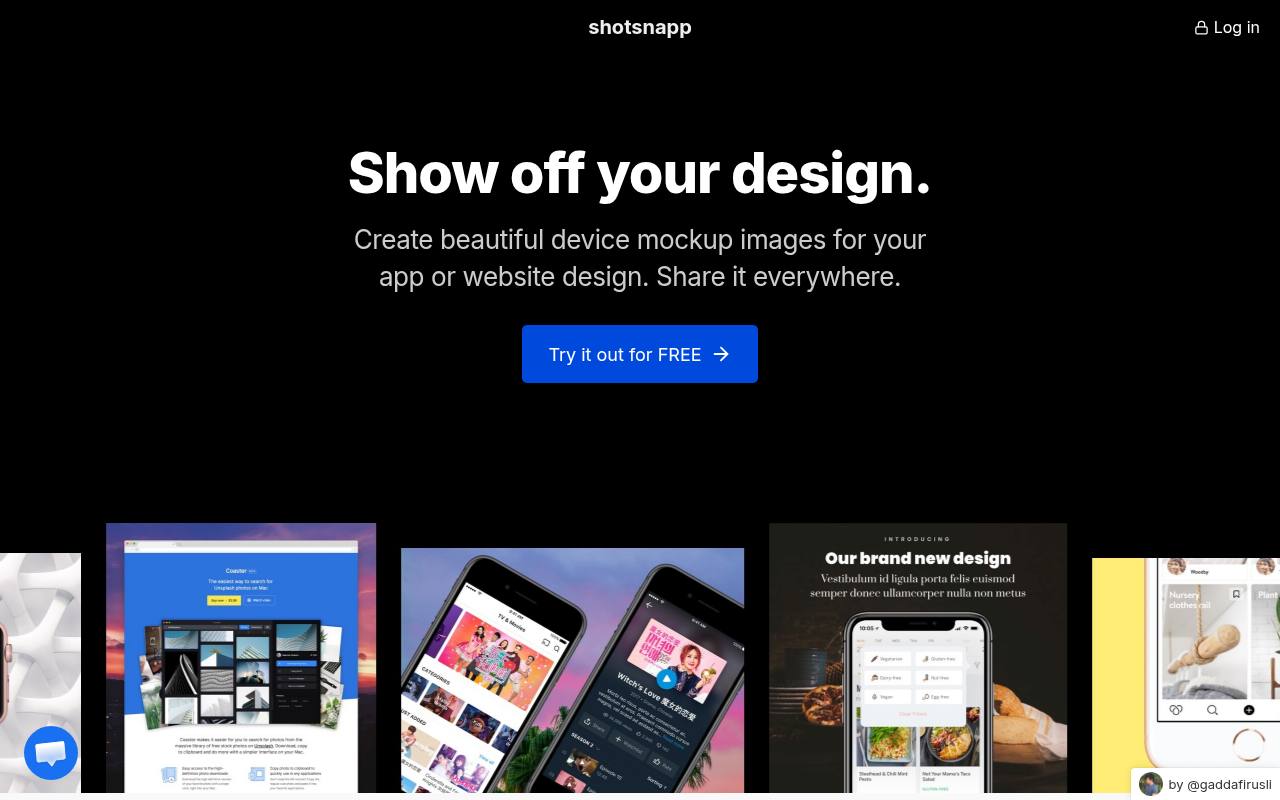
Shotsnapp presents a free starting workflow in which you choose a device, add a screenshot, adjust its appearance, and download a mockup image. The product page highlights phones, tablets, laptops, and watches, along with fonts, prepared templates, and Unsplash photography.
Those background choices make it useful when a plain gradient feels too clinical for a portfolio or promotional post. Begin with a basic free composition and check the chosen template and download controls before committing to a large batch. A quiet photograph with sufficient negative space usually supports interface content better than a busy lifestyle background.
- Type
- Online device presentation tool
- Best for
- Template-led presentations with photographic background options
- License
- Free access available; check selected export terms
- Price
- Free + paid options
SnapMock
Browser screenshot mockup generator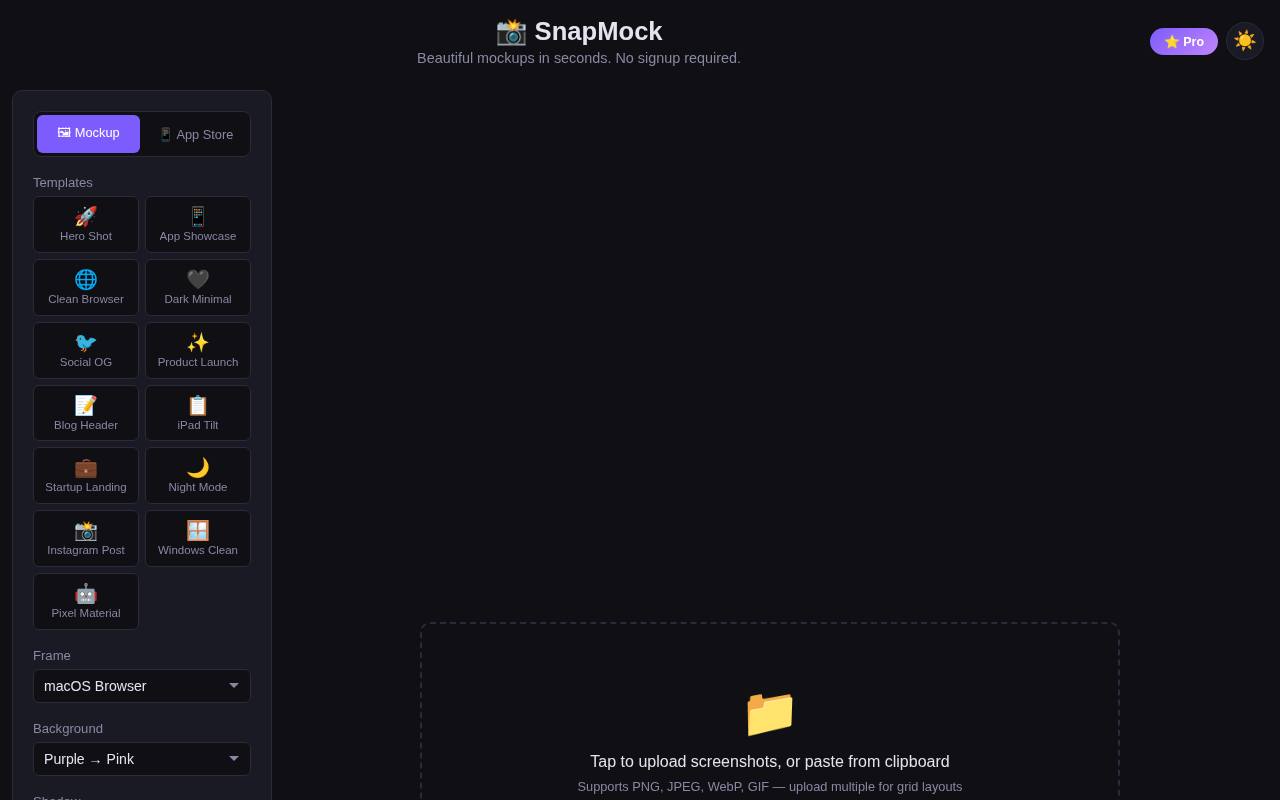
SnapMock explicitly permits commercial use without attribution and advertises no sign-up, watermark, or usage limit. Its page lists iPhone, MacBook, iPad, and browser frames, along with background, shadow, padding, perspective, and canvas adjustments. Uploaded images are processed locally rather than sent to a server.
PNG and JPEG exports, including higher-density output, make it suitable for product marketing screenshots that need to move directly into a website or social post. The dedicated store-screenshot mode is useful for composition, although you should still compare the finished dimensions with the current requirements of your target app store.
- Type
- Browser screenshot mockup generator
- Best for
- Watermark-free device images with explicit commercial permission
- License
- Commercial use allowed; no attribution required
- Price
- 100% free
Ls.graphics Free
Downloadable mockups and online editor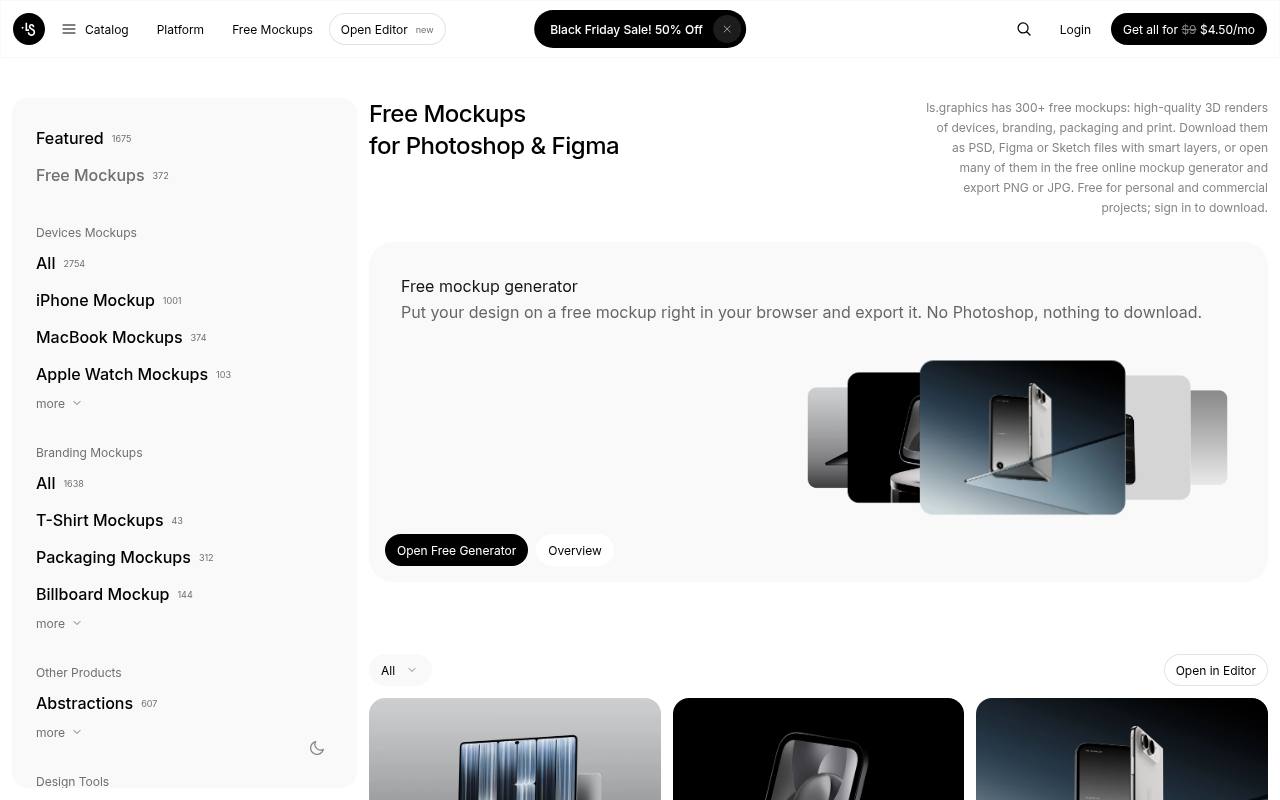
Ls.graphics Free connects a curated free mockup collection with downloadable source files and, for selected scenes, browser editing. The page explains that free items can be used for personal and commercial projects, while source-file resale and redistribution are prohibited. Sign-in is required to download or open an editor.
Device mockups appear alongside other branding resources, so select an appropriate screen scene and use the Edit Online filter when avoiding desktop software. Available source formats vary by item; confirm whether your chosen scene includes PSD, Figma, or Sketch rather than expecting every format in every download.
- Type
- Downloadable mockups and online editor
- Best for
- Rendered device scenes with downloadable source alternatives
- License
- Personal and commercial use; no source redistribution
- Price
- Free collection + paid catalog
Choose a frame that explains the product
Match the presentation context to the task. A browser window makes a dashboard understandable immediately, while a phone frame helps viewers judge mobile proportions. Avoid decorative hardware when the purpose is detailed interface feedback.
If stakeholders need to inspect text or spacing, provide an unframed screenshot beside the polished marketing version so the visual treatment does not obscure the evidence.
Test the free export before designing a set
Create a small export test using a nonconfidential screenshot before spending time on backgrounds and captions. Inspect the downloaded image for watermarks, resolution limits, unexpected crops, and transparent edges.
Pika openly includes branding on free exports, while Previewed caps its free two-dimensional output. Discovering those boundaries early is much easier than rebuilding ten coordinated launch graphics at the end of a project.
Keep screenshots readable at their final size
Design for the published image size, not merely the large preview inside the editor. A full dashboard squeezed into a small social thumbnail becomes texture rather than information.
Crop to one meaningful feature, enlarge the relevant region, or pair the frame with a short explanatory headline. Review the final file on a phone as well as a desktop before approving it for distribution.
Protect customer data and unreleased features
Use sanitized demonstration data even when a tool promises local processing. Browser-only editing reduces one kind of exposure, but the exported image can still reveal customer names, internal URLs, access tokens, or unreleased functionality.
Check the screenshot itself, browser address bars, notifications, and tabs. Keep an untouched original in a controlled location and use a separate publication-ready copy throughout your mockup workflow.
Separate software access from image licensing
A free editing tool does not automatically clear every asset inside a composition. You still need permission for uploaded photographs, logos, illustrations, and interface content.
Previewed also attaches an attribution licence to its Lite output, unlike tools that explicitly allow uncredited commercial use. Save the relevant terms with the project and record any required credit while you still have the source page open.
Export for performance and accessibility
Choose efficient image exports that preserve text edges without sending an unnecessarily large file to every visitor. Keep a lossless master, then make web-sized derivatives for the actual placement.
Add alternative text describing the product feature rather than the decorative hardware. Important instructions and marketing claims should also exist as real page text, not solely as tiny labels embedded inside a screenshot.
Can mockups replace real product screenshots?
Treat presentation mockups as context, not proof that an interface behaves well on a device. A frame cannot validate responsive layouts, touch-target sizes, performance, or accessibility.
Capture the actual mobile layout when making a phone image instead of shrinking a desktop screen into it. For app-store submissions, check the platform rules separately; attractive marketing artwork and compliant listing screenshots are not always interchangeable.