
An invitation is the one design job most people do badly because they do it rarely: the wording is right, the layout drifts, and the colours fall apart in print.
A good free template solves the layout problem permanently — the margins, the type hierarchy and the spacing were set by someone who prints these for a living, and you only have to change the names and the date.
The sources differ in what happens after editing. Printable PDF templates assume you own a printer and know its borders, online invitation makers host the invite and track who opened it, and word-processor files assume you will reprint them yourself.
Each suits a different party, and choosing the wrong one produces either a card that cannot be printed or an email invite nobody RSVPs to.
These ten sources publish free invitation templates, and each entry states the editing tool, the file format and whether the finished invite may be shared commercially.
Wedding suites are covered as well as single birthday cards, because a full suite — invitation, RSVP card, details card — is where a template's structure earns its keep and where a DIY design usually falls apart.
Quick picks at a glance
| # | Resource | License | Best for |
|---|---|---|---|
| 1 | DIY Invitations | Free printables; shop licence for paid designs | Printing your own party invitations at home |
| 2 | Evite | Free hosted invites; Evite Pro unlocks premium designs | Digital invites that need a guest list |
| 3 | Greetings Island | Free online invitation maker; some designs require an account | Matching wedding stationery without a designer |
| 4 | Microsoft Create | Free templates; some features need a Microsoft account | Invites edited by someone who only uses Word |
| 5 | Adobe Express | Free plan with export limits; Premium unlocks more templates | Photo-led invites made in a few minutes |
| 6 | Template.net | Free files with attribution; paid licence removes the credit | Downloading an invite in the format you already use |
| 7 | Paperless Post | Free hosted invites; premium designs and features paid | Elegant digital invites with replies handled |
| 8 | Canva | Free templates; Pro assets need a subscription | One design reused across print and messaging |
| 9 | Design Bundles | Free-file licence; commercial finished products permitted | Designing an invite from matching parts |
| 10 | Creative Fabrica | Freebie licence; Craft Pass adds commercial rights | A continuous supply of new invitation styles |
DIY Invitations
Printable invitation templates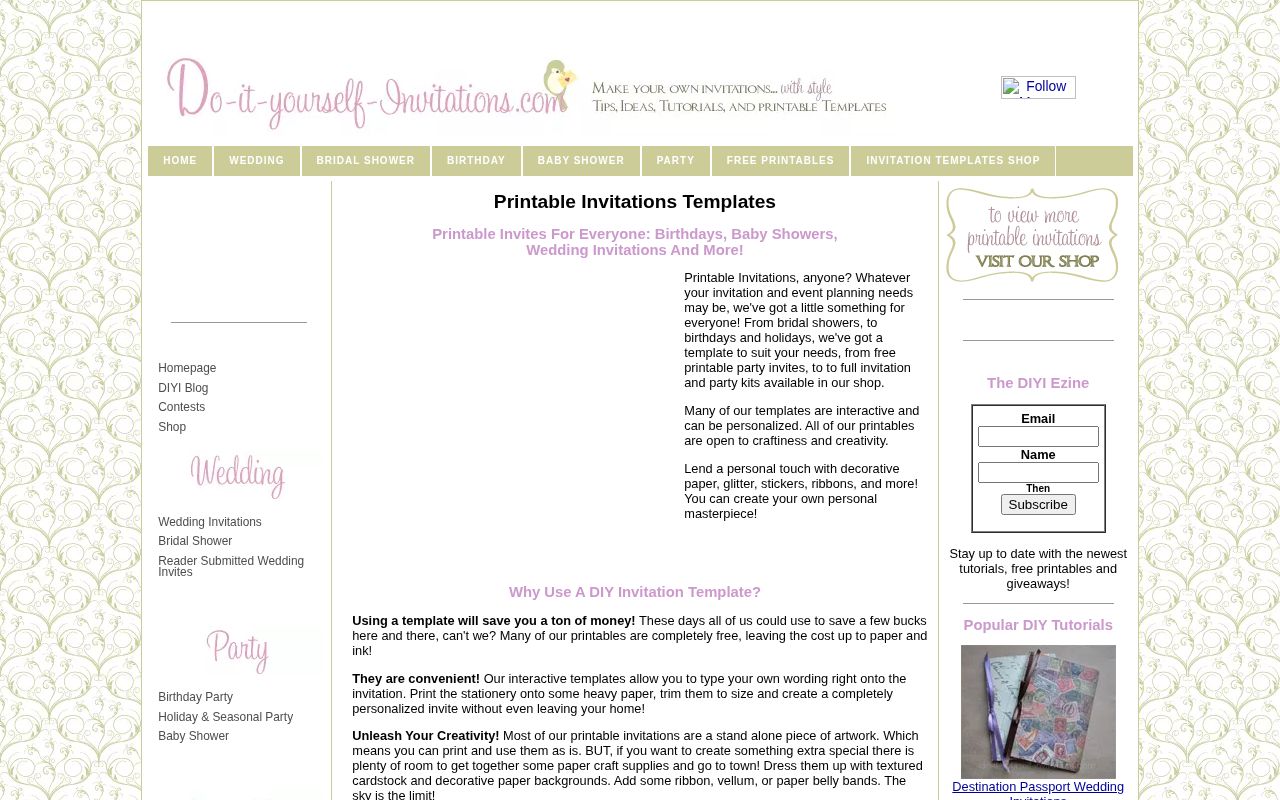
DIY Invitations builds its library around printable invitation templates for weddings, bridal showers, birthdays, baby showers and general parties, with the home page organised by event rather than by design style — a faster route for someone who knows the occasion but not the look.
The free printables are intended to be edited and printed at home, which means checking your printer's border settings before committing a full run, and heavier card stock usually needs a manual feed.
Because the same site sells finished designs, the free set is smaller and more seasonal, so treat it as a working supply for ordinary occasions rather than a catalogue for a wedding suite. Print one test card, cut it, and read it at arm's length before the batch.
- Type
- Printable invitation templates
- Best for
- Printing your own party invitations at home
- License
- Free printables; shop licence for paid designs
- Price
- Free templates; paid designs
Evite
Online invitation maker with RSVP tracking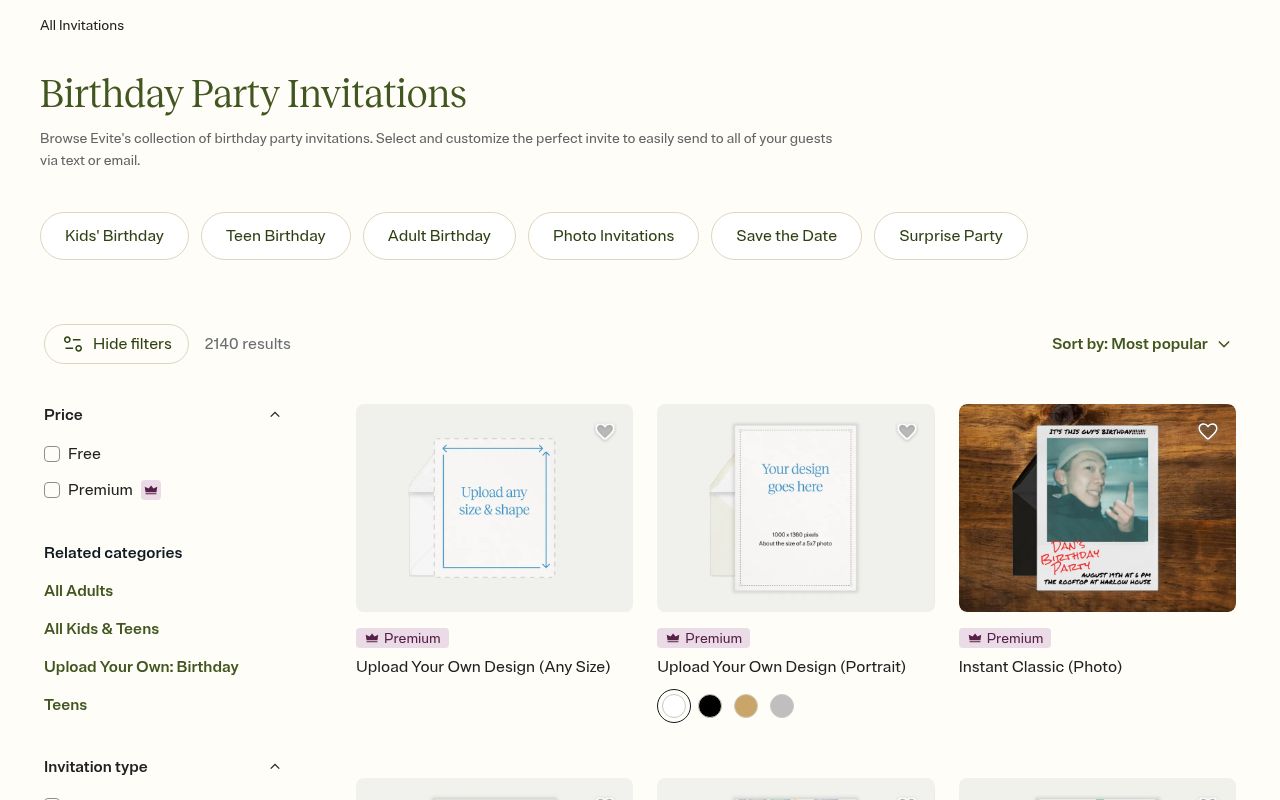
Evite hosts free online invitations with RSVP tracking, shelved by occasion — holiday, Thanksgiving, baby, kids' birthday, adult birthday, wedding, business and parties — plus an option to upload your own artwork and a favourites list for repeat hosts.
The value is not the design but the bookkeeping: responses arrive as a running list, reminders can be sent, and the party can be planned against an actual headcount rather than a guess.
Free designs are more limited than the Evite Pro set, and hosted invites carry the platform's format rather than your own file. For a birthday or a casual gathering where the guest list matters more than the paper, a hosted invite saves the separate spreadsheet you would otherwise build.
- Type
- Online invitation maker with RSVP tracking
- Best for
- Digital invites that need a guest list
- License
- Free hosted invites; Evite Pro unlocks premium designs
- Price
- Free; Pro subscription for extras
Greetings Island
Editable invitation and stationery suite
Greetings Island is a free online invitation maker with a wedding branch deep enough to build a whole suite — elegant, rustic, floral and botanical, modern, simple, Indian, vintage and beach styles, plus save-the-dates, engagement and bridal shower invites, bachelorette and rehearsal dinner cards, and matching RSVP and stationery pieces.
That matching is the reason to use it: a suite drawn from one source keeps the same type and border treatment across every card, which is the detail that makes printed stationery look intentional.
Editing happens in the browser and the finished card downloads as a print-ready file. Filter by style first, then check whether the design needs a free account before you spend time personalising it.
- Type
- Editable invitation and stationery suite
- Best for
- Matching wedding stationery without a designer
- License
- Free online invitation maker; some designs require an account
- Price
- Free; premium designs paid
Microsoft Create
Editable Word invitation templates
Microsoft Create publishes free customizable invitation templates for Word, designed so the date, time, location and wording can be changed by anyone who can type a document — no design tool, no account tier, no export settings to learn.
Because the files are Word documents, they survive being emailed to a co-host who needs to tweak the guest details, which is a practical advantage over a design-tool link that a relative cannot open.
The visual range is conservative and the layouts are shared with millions of other users, so a template from here reads as familiar rather than distinctive. For a school event, a church gathering or an office party where clarity matters more than style, this is the lowest-friction option on the list.
- Type
- Editable Word invitation templates
- Best for
- Invites edited by someone who only uses Word
- License
- Free templates; some features need a Microsoft account
- Price
- Free
Adobe Express
Browser invitation maker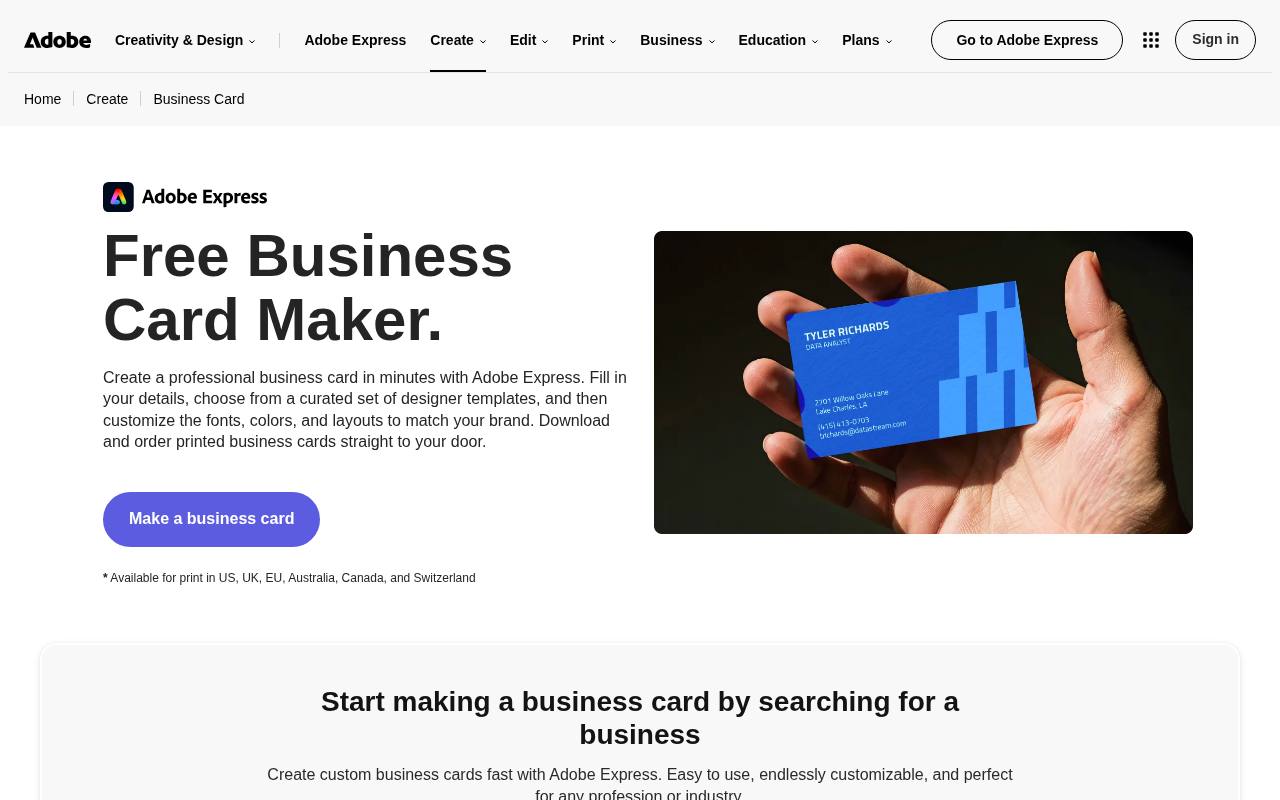
Adobe Express offers free invitation templates you personalise with your own images and colour schemes, including purpose-built makers such as a baby shower invitation maker, so the layout arrives pre-balanced and only the photograph and the palette need touching.
The browser editor handles font pairing and spacing automatically, which suits a parent assembling an invite between other jobs rather than a designer working from a brief.
Exports on the free plan are sufficient for home printing and for messaging an invite as an image, while some templates and brand features sit behind Premium. Because the tool is Adobe's, the type selection is stronger than most free makers, and a photo-driven design usually looks finished within a single editing session.
- Type
- Browser invitation maker
- Best for
- Photo-led invites made in a few minutes
- License
- Free plan with export limits; Premium unlocks more templates
- Price
- Free plan; Premium subscription
Template.net
Editable and printable invitation files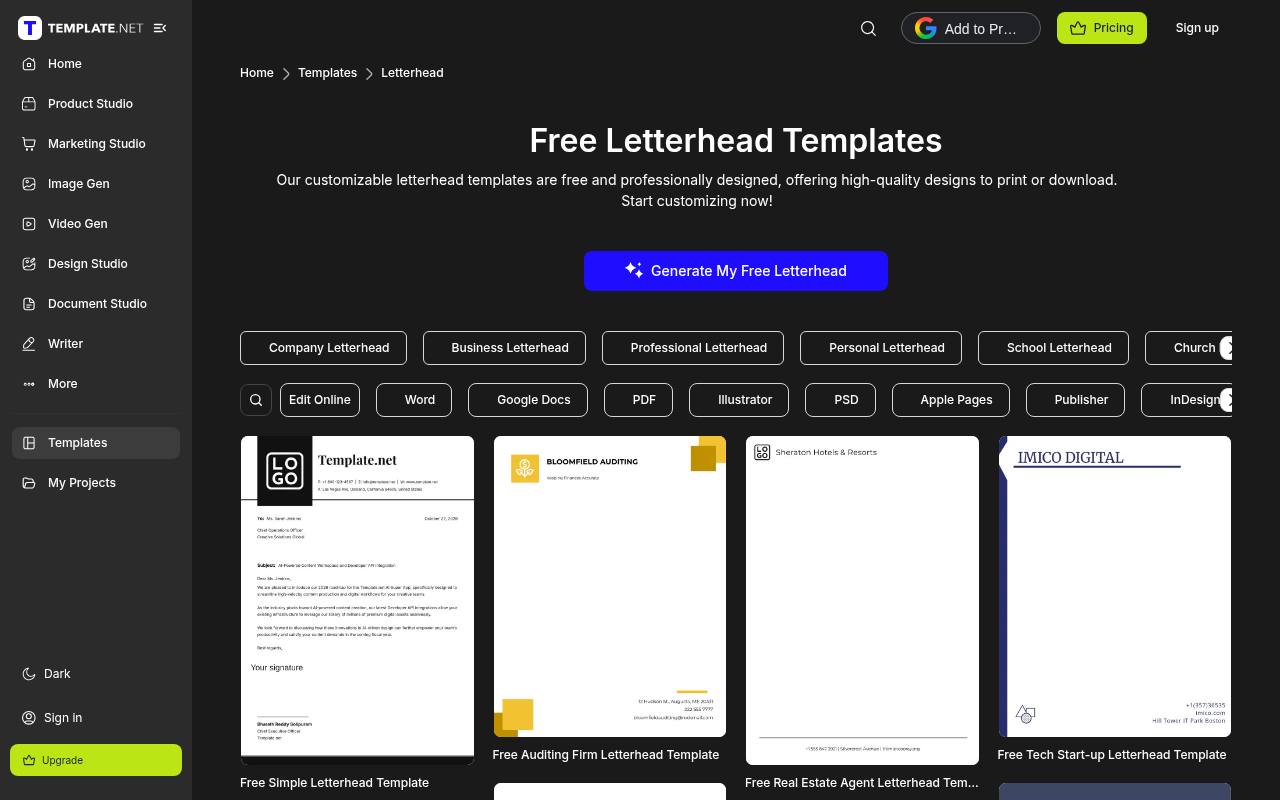
Template.net publishes free editable and printable invitation templates across a wide format list — Word, Excel, PowerPoint, Google Docs, Sheets and Slides, PDF, PSD, Illustrator, Apple Pages and Keynote — which makes it the most flexible source here for anyone with a preferred tool rather than a preferred design platform.
The catalogue is enormous and covers corporate, formal and novelty invites, so a niche request such as a milestone birthday or a business open house usually has several matches.
Free downloads ask for attribution, and the subscription model is what removes that requirement for commercial use. Check the file format beside each result before you commit, because the same design often exists in three versions with different editability.
- Type
- Editable and printable invitation files
- Best for
- Downloading an invite in the format you already use
- License
- Free files with attribution; paid licence removes the credit
- Price
- Free with attribution; subscription for unlimited use
Paperless Post
Digital invitations with hosted event pages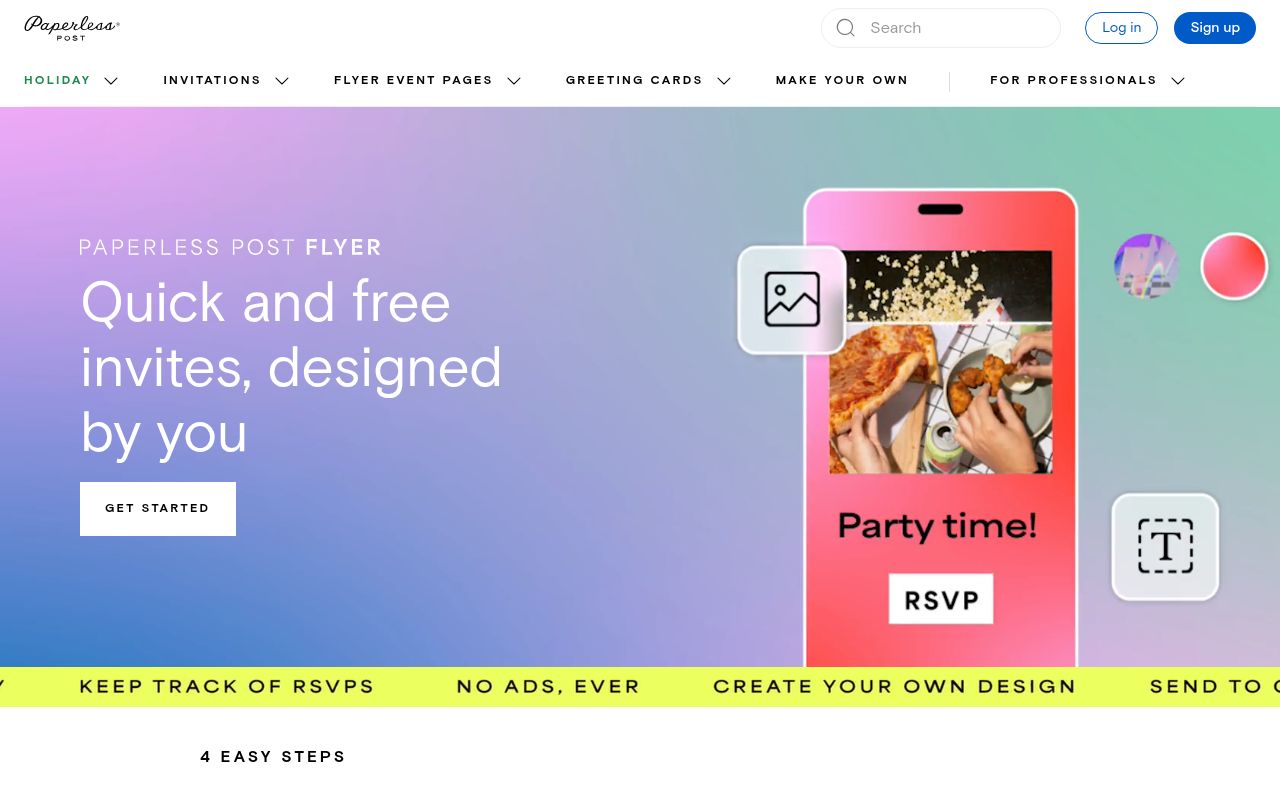
Paperless Post runs on quick and free invites that you design yourself, organised into holiday, invitations, flyer and event pages, greeting cards and a make-your-own path, with a four-step flow that takes an invite from template to sent.
Its event pages double as a small website for the party, carrying details, registry links and replies, which is the practical reason hosts choose a digital card over a printed one for a wedding or a baby shower.
The free selection is smaller than the premium library, and the most distinctive designs carry a charge. Because the invite is hosted rather than printed, wording and times can be corrected after sending — a genuine advantage for an event whose details are still moving.
- Type
- Digital invitations with hosted event pages
- Best for
- Elegant digital invites with replies handled
- License
- Free hosted invites; premium designs and features paid
- Price
- Free selection; premium upgrades
Canva
Browser invitation templates and print service
Canva's invitation library is huge, searchable and editable in the browser, with free templates covering birthdays, weddings, baby showers, dinners and business events, and with the same file exportable as an image for messaging or as a print-ready PDF for a card.
The real advantage is reuse: duplicate a design, change the wording, and the second party keeps the identical layout, which is how a recurring host builds a recognisable style without redesigning each time.
Free templates are plentiful, but some illustrations, fonts and photo sets sit behind Pro, and a design using them cannot be exported without a watermark, so filter to free assets at the start of a session rather than at the end.
- Type
- Browser invitation templates and print service
- Best for
- One design reused across print and messaging
- License
- Free templates; Pro assets need a subscription
- Price
- Free; Pro for premium assets
Design Bundles
Invitation templates, clipart and fonts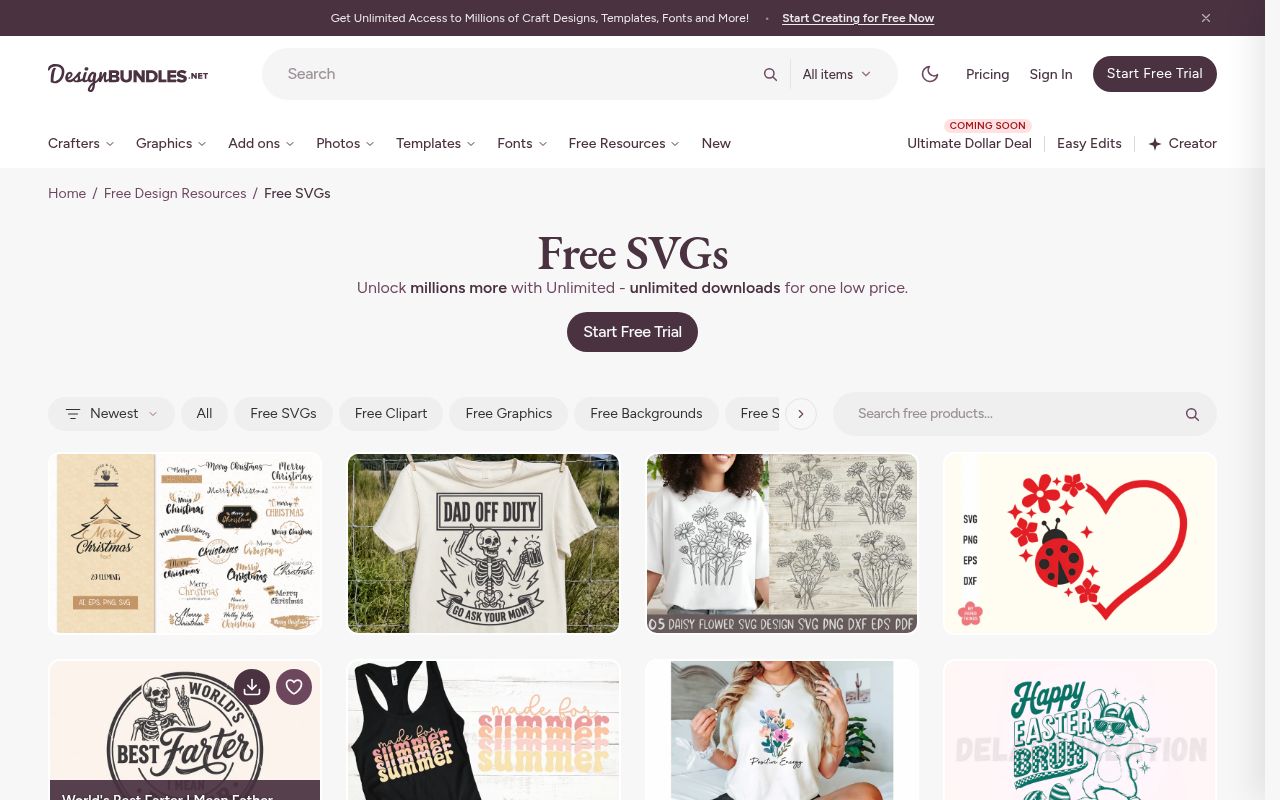
Design Bundles' free section regularly carries invitation templates, and because the same library supplies clipart, fonts and background patterns, an invite can be assembled from matching pieces instead of being accepted as a fixed layout.
That suits someone who wants a specific colour story — a nursery shower in one palette, a retirement dinner in another — and would otherwise have to redraw a template to get it.
The free-file licence permits personal and commercial finished products while barring resale of the files themselves, which covers a small stationery side business. Free stock rotates weekly, so download rather than bookmark, and open the whole bundle so the layers and fonts arrive together rather than as a flattened graphic.
- Type
- Invitation templates, clipart and fonts
- Best for
- Designing an invite from matching parts
- License
- Free-file licence; commercial finished products permitted
- Price
- Free section; memberships unlock the paid library
Creative Fabrica
Invitation templates with fonts and graphics
Creative Fabrica releases new free files daily, and invitation templates appear regularly alongside the fonts and clipart needed to personalise them, which makes the site useful for hosts who throw several events a year and want each one to look different.
Each listing states its format — often a PDF or PNG set rather than an editable document — so read the contents before download, because a template supplied as flat artwork cannot have its wording changed without design software.
Craft Pass extends commercial rights to files downloaded while subscribed, which is the route for anyone selling invitation designs as a side line. Collect files as you need them rather than hoarding bundles, since the free catalogue turns over quickly.
- Type
- Invitation templates with fonts and graphics
- Best for
- A continuous supply of new invitation styles
- License
- Freebie licence; Craft Pass adds commercial rights
- Price
- Free daily downloads; subscription for full library
Print one card before you print twenty
Home printers clip the outer edge of a sheet, and a template that fills the page will lose the border or a line of wording. Print a single test card on plain paper, cut it to size and read it at arm's length before running the whole batch.
Card stock weight and finish change how colours land — a matte sheet absorbs ink that a glossy sheet reflects. Order one sheet of the stock you intend to use and test on it, because a palette that looks warm on printer paper can read dull on cotton card.
Match the invite to how guests will reply
A printed card needs a phone number or a reply card; a hosted invite already counts responses for you. Choose the format by the reply method you will actually check, since an invite that collects replies in an inbox nobody reads is worse than a plain message.
Keep the wording short and the details complete: who, what, when, where, and how to reply. One line of type per fact is what makes an invitation readable at a glance, and it is the detail most DIY layouts lose while chasing a decorative effect.