
An admin interface needs more than a row of attractive charts. People must find records, complete forms, interpret status changes, and recover from mistakes without getting lost.
These free admin dashboard templates provide an interface foundation for that work, covering Bootstrap, Tailwind, React, and Material UI approaches. Their public repositories let you inspect source files and installation requirements before deciding whether a design fits your product and your team’s development habits.
The open-source edition is the resource being recommended here, not every screen advertised by the company behind it. Several projects also have paid editions, additional framework variants, or separate component products.
Compare the actual repository contents with your required pages before committing. A free download can save substantial design time, but adapting an unsuitable framework or replacing missing components can cost more effort than starting with a smaller, better-matched interface foundation.
These templates are front-end starting points, not turnkey business applications. Demonstration charts, login pages, and user tables do not establish secure authentication, working permissions, or reliable data handling.
Use the collection to shortlist a visual and technical approach, then assess dependencies, accessibility, responsive behavior, and ongoing maintenance. The strongest choice is usually the one your team can understand and update confidently, rather than whichever preview happens to contain the largest number of decorative widgets.
Quick picks at a glance
| # | Resource | License | Best for |
|---|---|---|---|
| 1 | AdminLTE | MIT; retain copyright and licence notices | Developers building conventional server-rendered administration interfaces |
| 2 | Tabler | MIT; retain copyright and licence notices | Building restrained dashboards with consistent component styling |
| 3 | CoreUI | MIT; retain copyright and licence notices | Starting business interfaces with documented Bootstrap conventions |
| 4 | AdminKit | MIT; retain copyright and licence notices | Launching compact internal tools with familiar HTML |
| 5 | Modernize | MIT; retain copyright and licence notices | Prototyping polished admin screens with Bootstrap styling |
| 6 | TailAdmin | MIT; retain copyright and licence notices | Developing React dashboards with utility-based visual styling |
| 7 | Flowbite Admin Dashboard | MIT; retain copyright and licence notices | Assembling Tailwind admin pages around reusable components |
| 8 | Windmill Dashboard | MIT; retain copyright and licence notices | Studying lightweight dashboard structure with accessible interactions |
| 9 | Material Tailwind Dashboard React | MIT; retain copyright and licence notices | Combining Material-inspired styling with React application screens |
| 10 | Berry | MIT; retain copyright and licence notices | Starting Material UI admin applications with React |
AdminLTE
Bootstrap HTML dashboard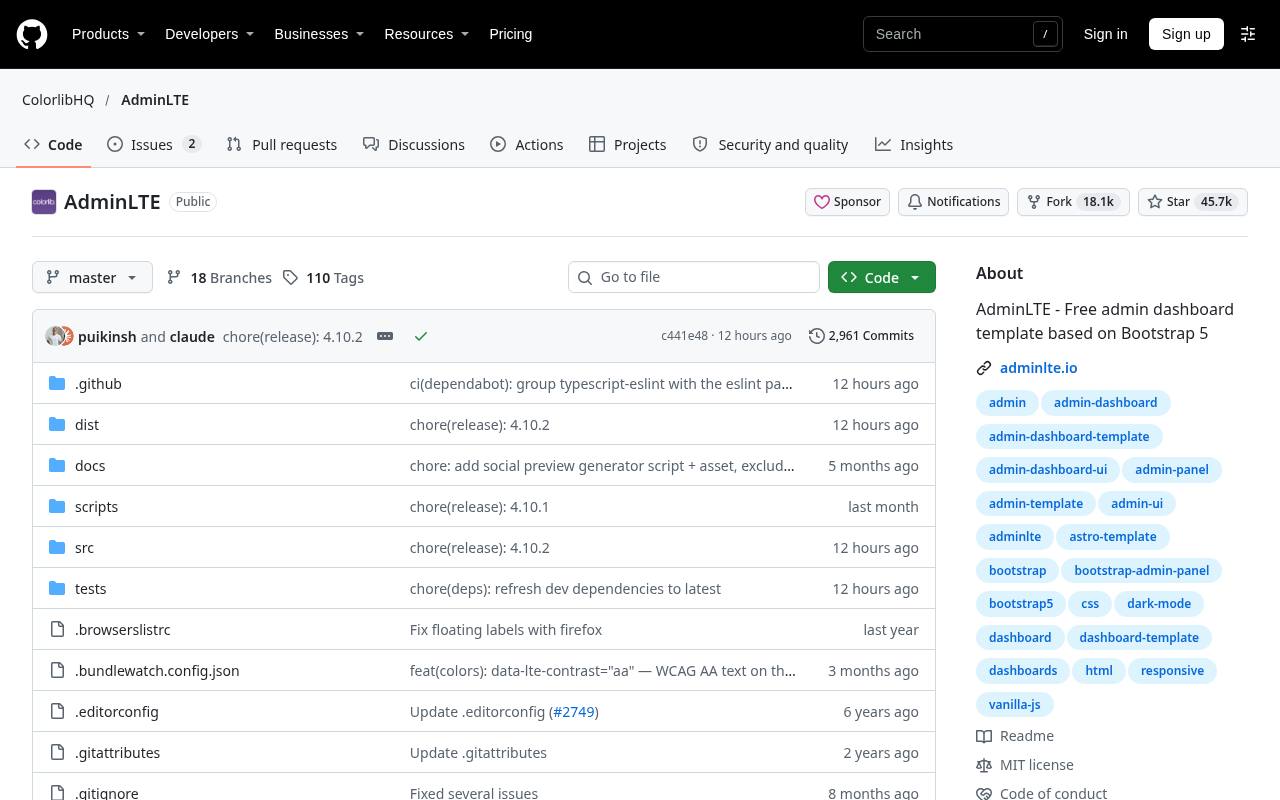
AdminLTE is a long-running Bootstrap admin template distributed through a public repository with documentation and example interface pages. Its dashboard-oriented structure helps you begin with navigation, content areas, and familiar administrative UI patterns rather than an empty stylesheet.
It is a useful choice for server-rendered projects where plain HTML integration is preferable to adopting a separate front-end application framework. Inspect the current repository branch and its installation instructions before copying older tutorials, because markup and dependencies can change between releases. The template supplies presentation; your application still needs authentication, authorization, validation, and real data connections.
- Type
- Bootstrap HTML dashboard
- Best for
- Developers building conventional server-rendered administration interfaces
- License
- MIT; retain copyright and licence notices
- Price
- 100% free source
Tabler
Bootstrap dashboard UI kit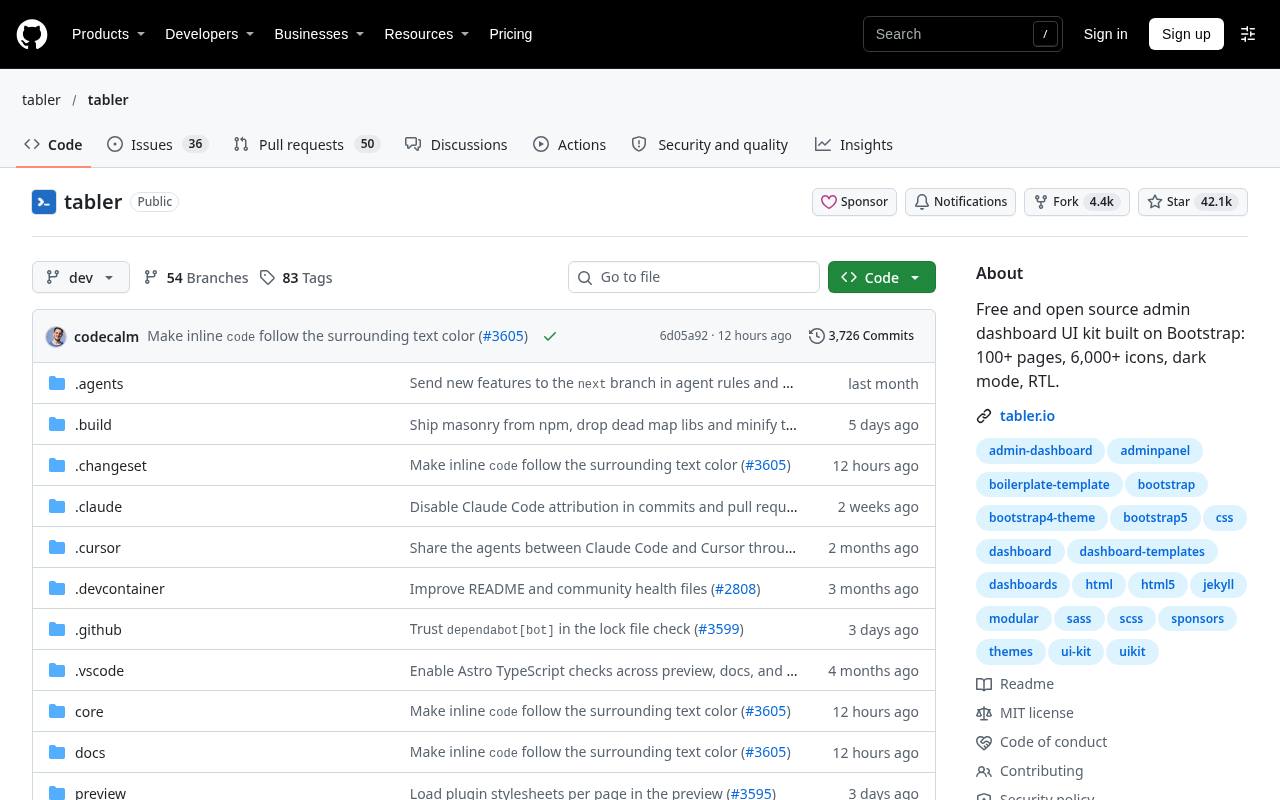
Tabler offers an open-source dashboard interface built around Bootstrap, with a large public codebase and a dedicated product ecosystem. Its appeal is the consistent visual language across common application elements, allowing an internal tool to look deliberate without extensive custom art direction.
Start from the free repository rather than assuming every separately promoted product is included. Review example pages and components against your actual screens, especially dense tables and mobile navigation. Tabler provides a front-end foundation, so application permissions, persistence, and business rules remain responsibilities of your own implementation rather than features supplied by the template.
- Type
- Bootstrap dashboard UI kit
- Best for
- Building restrained dashboards with consistent component styling
- License
- MIT; retain copyright and licence notices
- Price
- 100% free source
CoreUI
Bootstrap admin template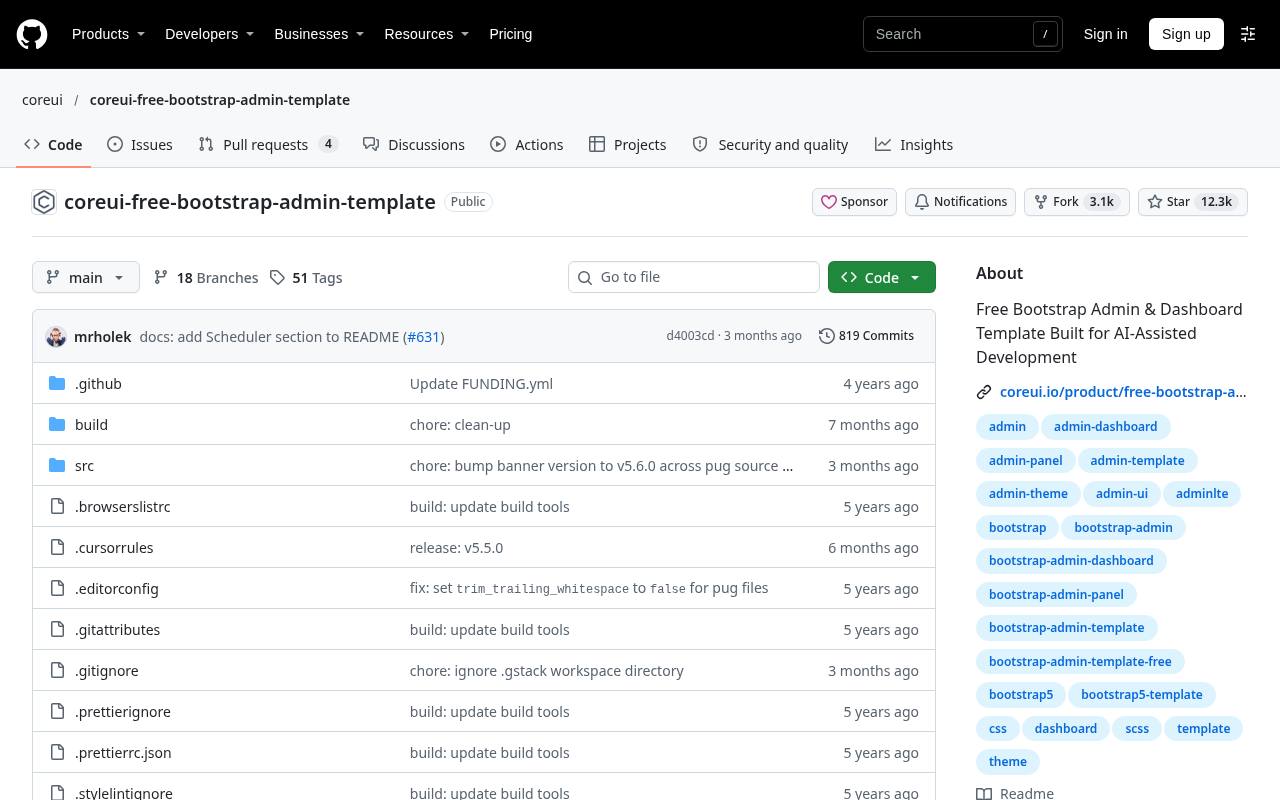
CoreUI’s free Bootstrap admin repository gives developers a structured administration starter within the broader CoreUI ecosystem. It is suitable when you want a recognizable sidebar-and-content application shell and prefer Bootstrap-based implementation over a utility-first styling approach.
The distinction between the free repository and commercial CoreUI products matters: use the checked-in source and its documentation as the scope of this recommendation. Compare free component coverage with your required forms, tables, and navigation before adopting the design. Advanced application behavior, production access controls, and backend integration still need to be implemented and tested in your own project.
- Type
- Bootstrap admin template
- Best for
- Starting business interfaces with documented Bootstrap conventions
- License
- MIT; retain copyright and licence notices
- Price
- 100% free source
AdminKit
Bootstrap admin template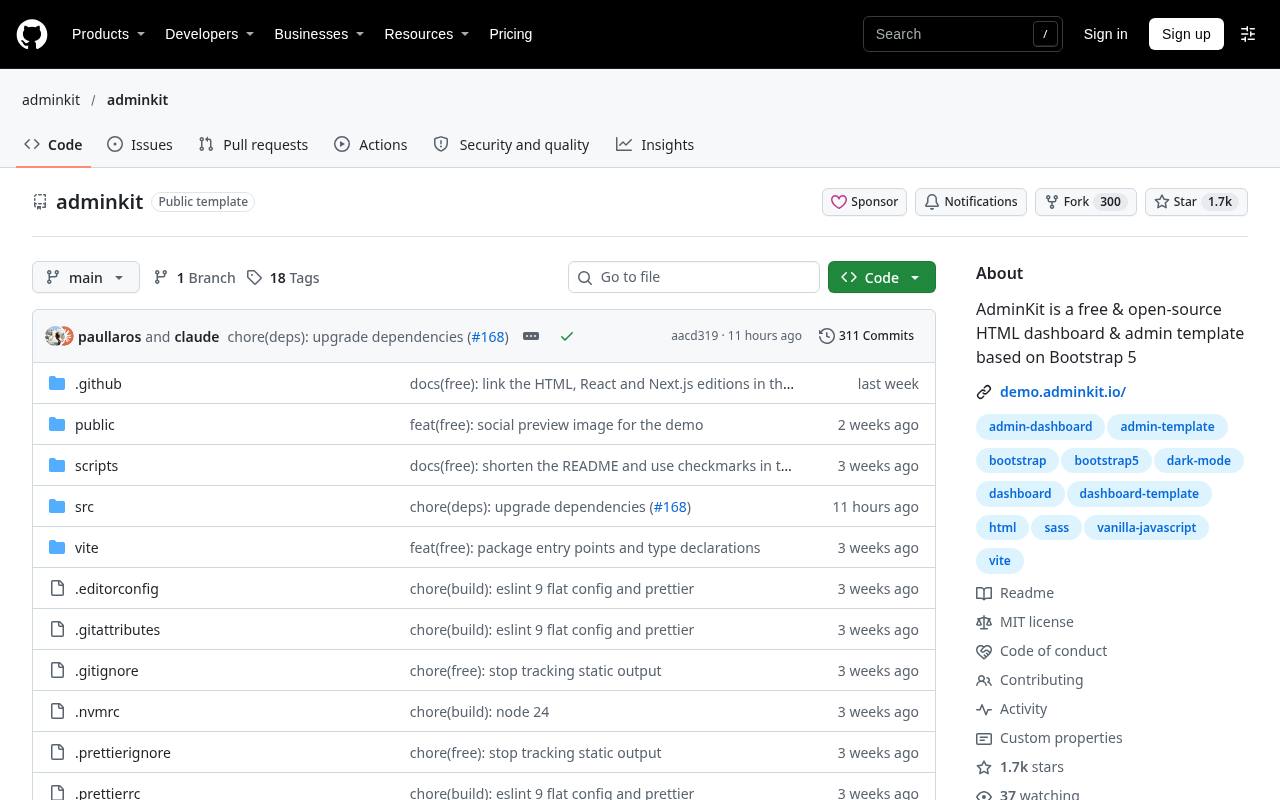
AdminKit’s open-source repository provides a Bootstrap dashboard starter intended to reduce the effort of assembling a conventional admin interface. It is a practical candidate for a small internal tool when the team values familiar HTML and Bootstrap conventions over a framework-specific application architecture.
The free edition exists alongside a Pro offering, so compare the actual repository contents with your feature list instead of assuming every promotional screenshot belongs to the download. Pay particular attention to included example screens and build instructions, then plan separately for data loading, validation, empty states, and role-sensitive navigation.
- Type
- Bootstrap admin template
- Best for
- Launching compact internal tools with familiar HTML
- License
- MIT; retain copyright and licence notices
- Price
- 100% free source
Modernize
Bootstrap admin dashboard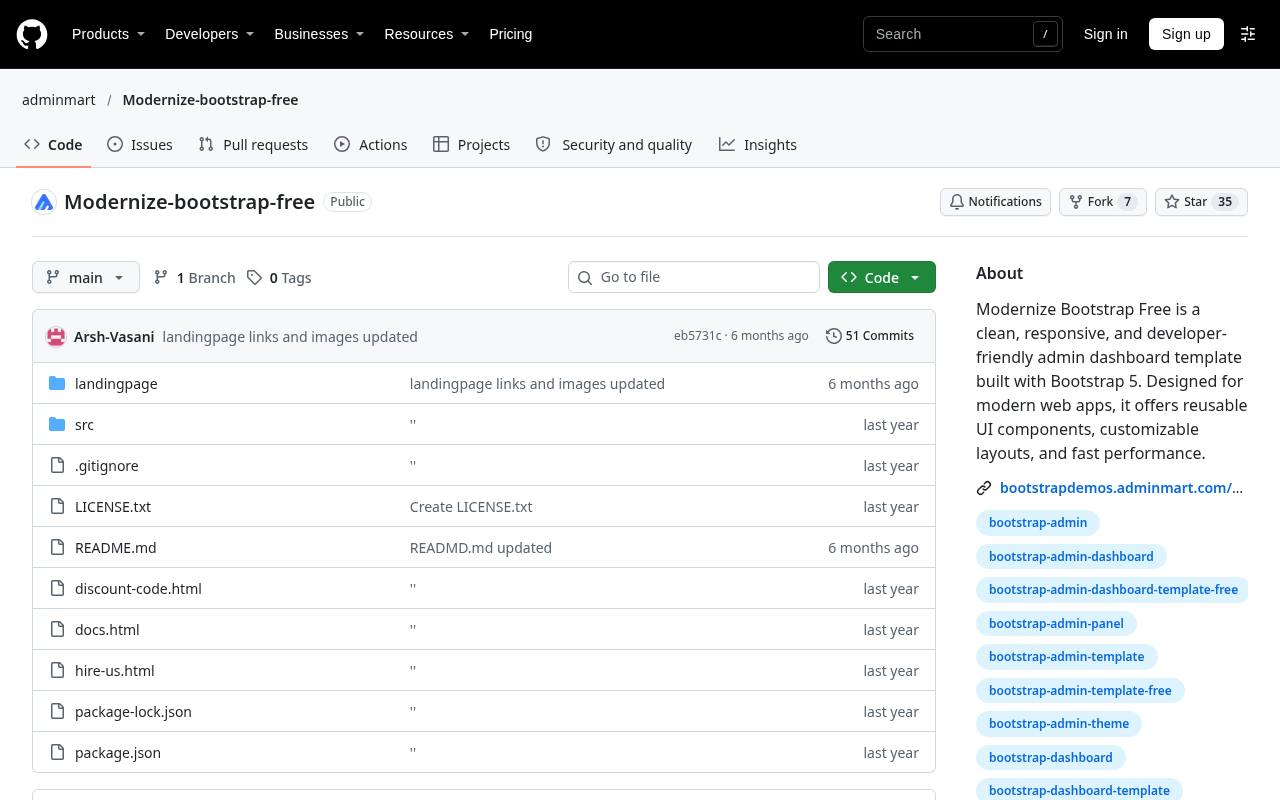
AdminMart maintains a dedicated free Modernize repository for its Bootstrap dashboard template, keeping the downloadable starter separate from the wider commercial product line. This makes it worth considering when you want a contemporary admin presentation without switching to a JavaScript application framework solely for styling.
Explore the included source and demonstration pages to establish what is actually available in the free edition. Treat premium comparison material as a separate offering rather than part of the open-source package. Before integration, review the repository’s dependency setup and replace demonstration navigation, chart values, and placeholder user information with application-specific behavior.
- Type
- Bootstrap admin dashboard
- Best for
- Prototyping polished admin screens with Bootstrap styling
- License
- MIT; retain copyright and licence notices
- Price
- 100% free source
TailAdmin
React and Tailwind dashboard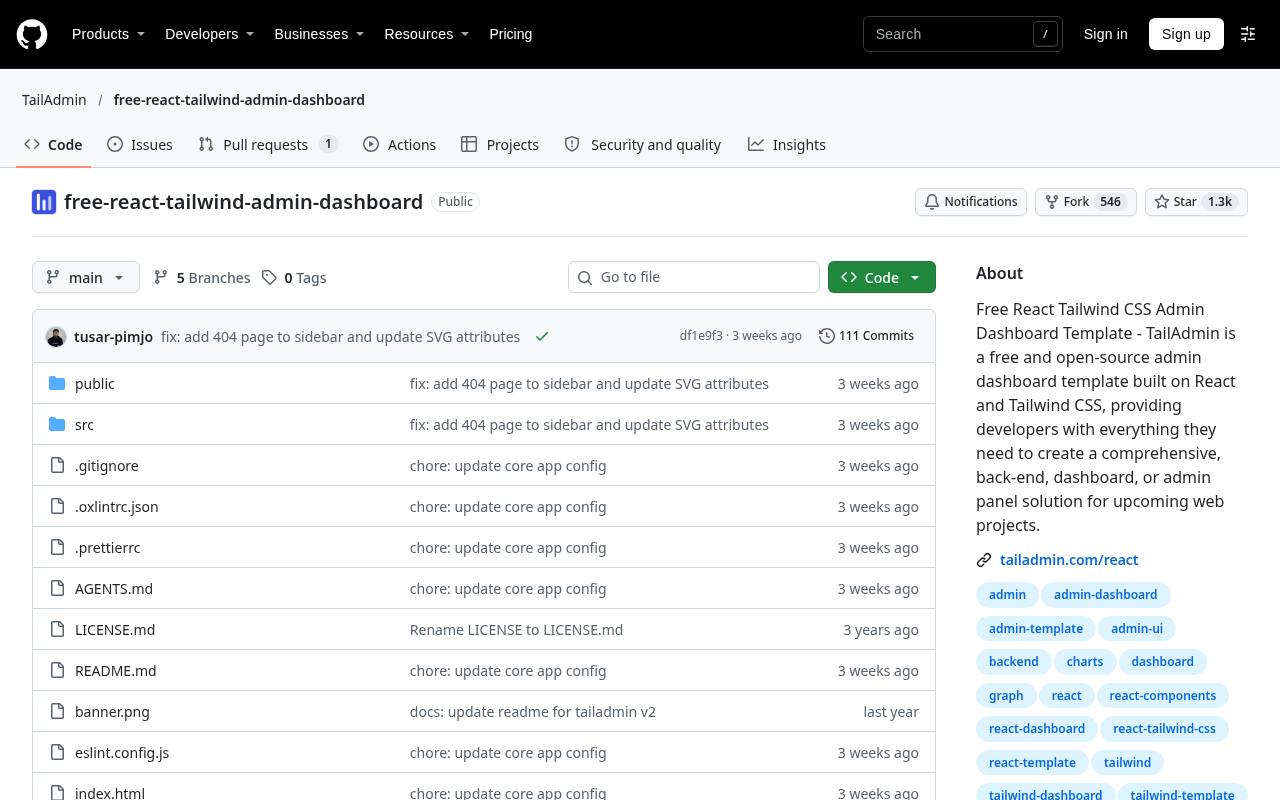
TailAdmin’s free React repository combines React and Tailwind CSS in an administration-focused starter. It suits teams already comfortable with component-driven interfaces and utility classes, especially when building a dashboard that needs to fit into an existing React development workflow.
The project is explicitly a free edition, so evaluate its included screens rather than treating the wider TailAdmin catalog as one unrestricted download. Check package and setup requirements before integrating it with your application, and map the template’s navigation and component structure to real routes. Data fetching, session handling, and permission-aware interactions remain separate engineering tasks.
- Type
- React and Tailwind dashboard
- Best for
- Developing React dashboards with utility-based visual styling
- License
- MIT; retain copyright and licence notices
- Price
- 100% free source
Flowbite Admin Dashboard
Tailwind HTML dashboard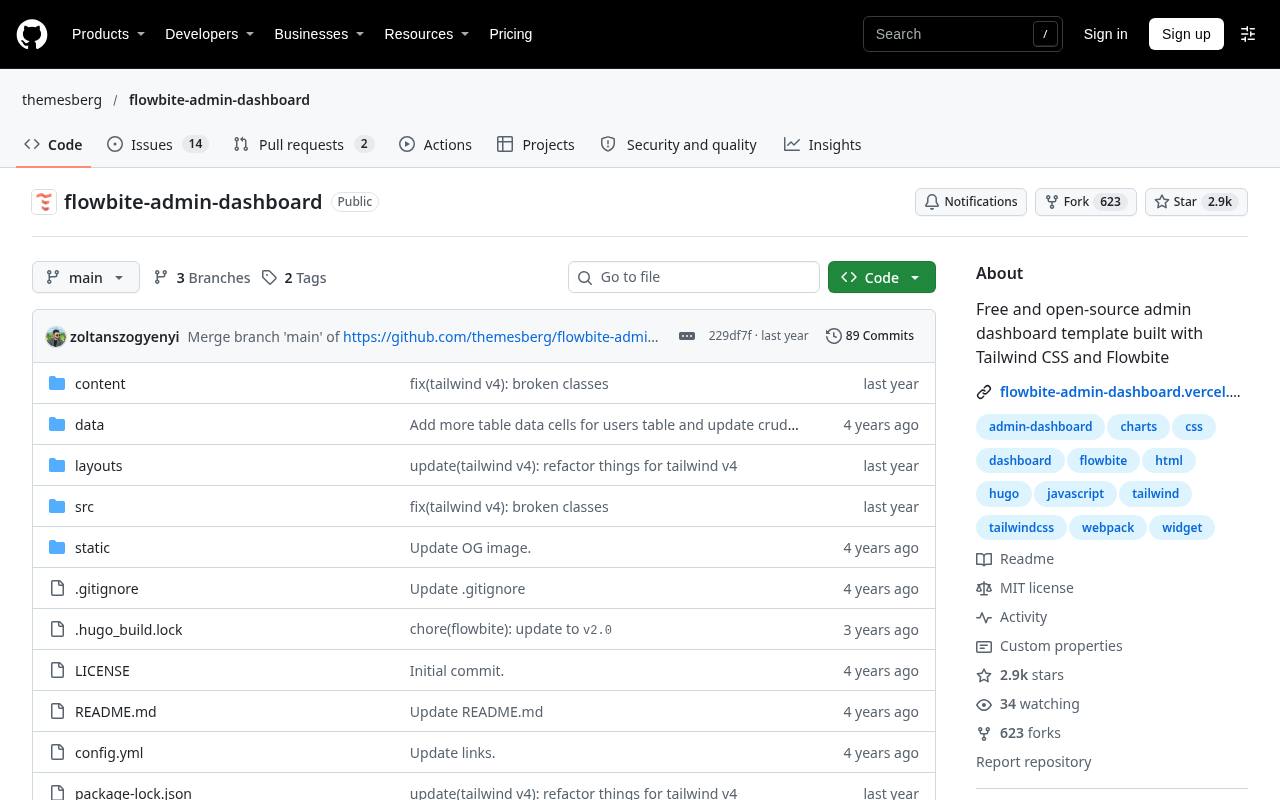
Themesberg’s Flowbite admin repository offers a Tailwind dashboard starter connected to the Flowbite component ecosystem. It is useful when you prefer composing an interface from utility-styled HTML and documented UI patterns rather than beginning with a React-specific template.
Review the repository examples and its build process to understand how styling and interactive components are assembled. Distinguish the open-source dashboard files from separately marketed premium resources in the surrounding ecosystem. When adapting navigation, dropdowns, and forms, verify keyboard behavior and focus handling rather than assuming the visual design alone covers your application’s accessibility requirements.
- Type
- Tailwind HTML dashboard
- Best for
- Assembling Tailwind admin pages around reusable components
- License
- MIT; retain copyright and licence notices
- Price
- 100% free source
Windmill Dashboard
Tailwind HTML dashboard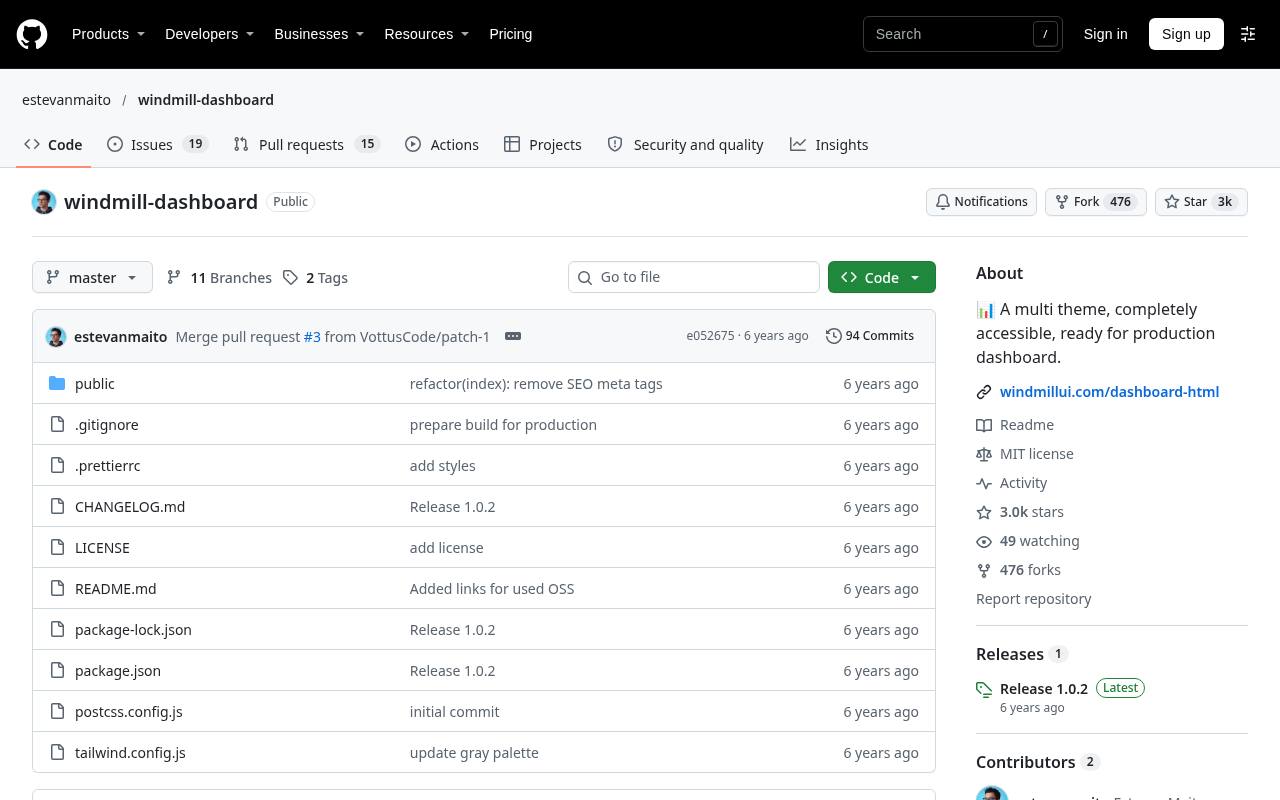
Windmill Dashboard is an open-source Tailwind interface with an emphasis on dashboard structure and accessible UI behavior. Its HTML-oriented approach makes it useful both as a starter and as a reference for developers who want to understand how a compact administration shell is assembled.
The repository is particularly worth examining for the relationship between navigation, theme presentation, and reusable page elements. Check dependency age and maintenance before adopting it for a production system, since a publicly available template is not a promise of ongoing updates. Preserve useful interaction patterns while modernizing packages carefully and retesting the resulting interface.
- Type
- Tailwind HTML dashboard
- Best for
- Studying lightweight dashboard structure with accessible interactions
- License
- MIT; retain copyright and licence notices
- Price
- 100% free source
Material Tailwind Dashboard React
React and Tailwind dashboard
Creative Tim’s public Material Tailwind dashboard repository combines a React dashboard structure with the Material Tailwind component approach. It is a focused option for teams wanting Material-inspired presentation while keeping a Tailwind-based styling workflow. Examine the free repository to identify the actual routes, components, and setup requirements instead of assuming the company’s premium examples are included.
Its component library dependency is an important architectural consideration: check how comfortably it fits alongside your existing UI code. Before shipping, replace sample content, verify responsive navigation, and implement real validation and access restrictions outside the template’s demonstration screens.
- Type
- React and Tailwind dashboard
- Best for
- Combining Material-inspired styling with React application screens
- License
- MIT; retain copyright and licence notices
- Price
- 100% free source
Berry
React Material UI dashboard
CodedThemes maintains Berry’s free React admin template as a public repository, providing a Material UI dashboard foundation rather than a plain HTML theme. It makes sense when your application already uses React and you want a starter aligned with the Material UI component ecosystem.
Compare the free source with your needs before relying on features illustrated in the broader Berry product range. Review routing and dependency choices early, because adapting an existing application to a template’s architecture can take more work than changing colors. Treat the starter as interface scaffolding, not a finished backend or a security-reviewed application.
- Type
- React Material UI dashboard
- Best for
- Starting Material UI admin applications with React
- License
- MIT; retain copyright and licence notices
- Price
- 100% free source
Match the template to your existing stack
Choose framework compatibility first. A Bootstrap HTML template can fit a server-rendered application with relatively little architectural change, while a React starter may make more sense for an existing single-page interface. Tailwind changes how styling is composed but does not automatically solve routing or application state.
Inspect package files and build commands before comparing colors. If a template requires replacing your project’s established toolchain or component system, include that migration work in the decision instead of counting only the time saved on the initial layout.
Understand what the MIT licence requires
The repositories listed here distribute their free source under MIT licence terms, which generally allow modification and commercial use while requiring preservation of copyright and permission notices. Read the actual licence file included with your download rather than relying only on a product-page label.
Dependencies, photographs, fonts, and separately bundled assets can carry their own conditions. Keep the relevant notices in your project and distinguish the open-source repository from paid packages or trademark rights that the project’s surrounding business may offer separately.
Treat login screens as presentation only
A sample login page is not an authentication system. Your application needs secure session handling, server-side authorization, appropriate password or identity-provider flows, and protection for sensitive endpoints. Hiding a navigation link does not stop someone from requesting the underlying data directly.
Define roles and permissions before wiring dashboard components to production records, and enforce those decisions on the server. Avoid reusing demonstration credentials or sample API settings, and verify that development-only pages cannot accidentally expose real customer information when deployed.
Review accessibility beyond the screenshot
Test keyboard navigation and focus through menus, dialogs, filters, and forms. Ensure labels remain associated with inputs and that errors explain how to recover rather than relying on red borders alone. Dense dashboards also need adequate contrast, readable type, and meaningful headings.
Charts should not be the only way to obtain important values, and status colors should be paired with text or another cue. Test with realistic content lengths because truncated names and overflowing tables can undermine an otherwise polished design on smaller screens.
Budget for dependency maintenance and performance
Inspect the dependency update burden before adopting a starter. A template with many preloaded charting, date, table, and animation libraries can increase both bundle size and future maintenance work. Remove demonstrations you do not use, load expensive screens only when needed, and test the interface on modest hardware.
Review repository activity and outstanding issues, but do not mistake popularity for a support contract. Pin versions deliberately, run the project’s relevant tests, and set aside time to address security updates after the initial dashboard launch.
Replace demonstration data with complete interface states
Plan loading and empty states alongside the successful data view. Real dashboards encounter slow requests, permission restrictions, missing values, large result sets, and failed operations that a static preview rarely shows. Establish consistent behavior for retry actions, validation messages, pagination, and destructive changes.
Use realistic labels and data volumes during testing rather than preserving convenient sample values. A chart that looks balanced with six mock records may become unreadable with a year of production activity, so evaluate the actual information density your users will face.
Customize systematically instead of forking every component
Create a small application design layer for colors, spacing, typography, and shared component decisions before editing dozens of pages independently. Keep track of which files are upstream template code and which belong to your application so later fixes remain manageable.
Reuse a limited set of patterns for filters, tables, actions, and detail pages; consistency helps users more than giving every screen a unique arrangement. Finally, document setup and deployment for another developer. A template becomes a sustainable foundation only when the team can maintain it without reverse-engineering your initial customization work.