
Email layouts have to survive conditions that ordinary web pages rarely face: inconsistent CSS support, blocked images, narrow screens, and older desktop clients. These free email templates offer practical starting points for newsletters, promotions, notifications, and transactional messages.
Some are plain HTML downloads; others use visual builders or a compilation framework. Choose according to the file you need to deliver and the amount of technical maintenance your team can realistically support.
A responsive HTML email is not the same thing as a complete email-marketing service. Templates establish presentation, while your sending platform handles delivery, contact management, subscription preferences, and reporting.
Likewise, a free visual editor may limit stored projects or monthly exports even when browsing the template library costs nothing. The entries below distinguish source files from hosted workflows so you can assess the usable free offering before filling a design with campaign content.
Start with the purpose of the message rather than its most eye-catching illustration. A password reset should make one action obvious, while an editorial newsletter may need several carefully ordered stories.
The resources here include both compact developer-friendly patterns and larger categorized libraries. Whichever route you choose, replace sample assets, add meaningful links and accessibility information, and send real test messages. A browser preview alone cannot reveal every issue your subscribers may encounter.
Quick picks at a glance
| # | Resource | License | Best for |
|---|---|---|---|
| 1 | Cerberus | MIT; retain licence notice | Hand-coding readable emails from compact reusable patterns |
| 2 | Lee Munroe | MIT; retain licence notice | Sending simple transactional messages with minimal markup |
| 3 | RGE Studio | Free templates; platform terms apply | Browsing campaign layouts before visual brand customization |
| 4 | Stripo | Free selections; service terms apply | Finding campaign-specific templates through detailed category filters |
| 5 | Unlayer | Free templates; editor terms apply | Comparing newsletter designs by topic and popularity |
| 6 | Tabular | Free tier; platform terms apply | Designing occasional campaigns within clear export allowances |
| 7 | MJML | Open-source framework; check template terms | Building reusable responsive newsletters with semantic components |
| 8 | Foundation for Emails | MIT framework; check bundled assets | Starting conventional newsletters from clearly differentiated layouts |
| 9 | MailBakery | Free template terms; check each download | Selecting ready-made visual email layouts for customization |
| 10 | EmailOctopus | Included on free Starter plan | Downloading newsletter layouts separately from a sending account |
Cerberus
Responsive HTML email patterns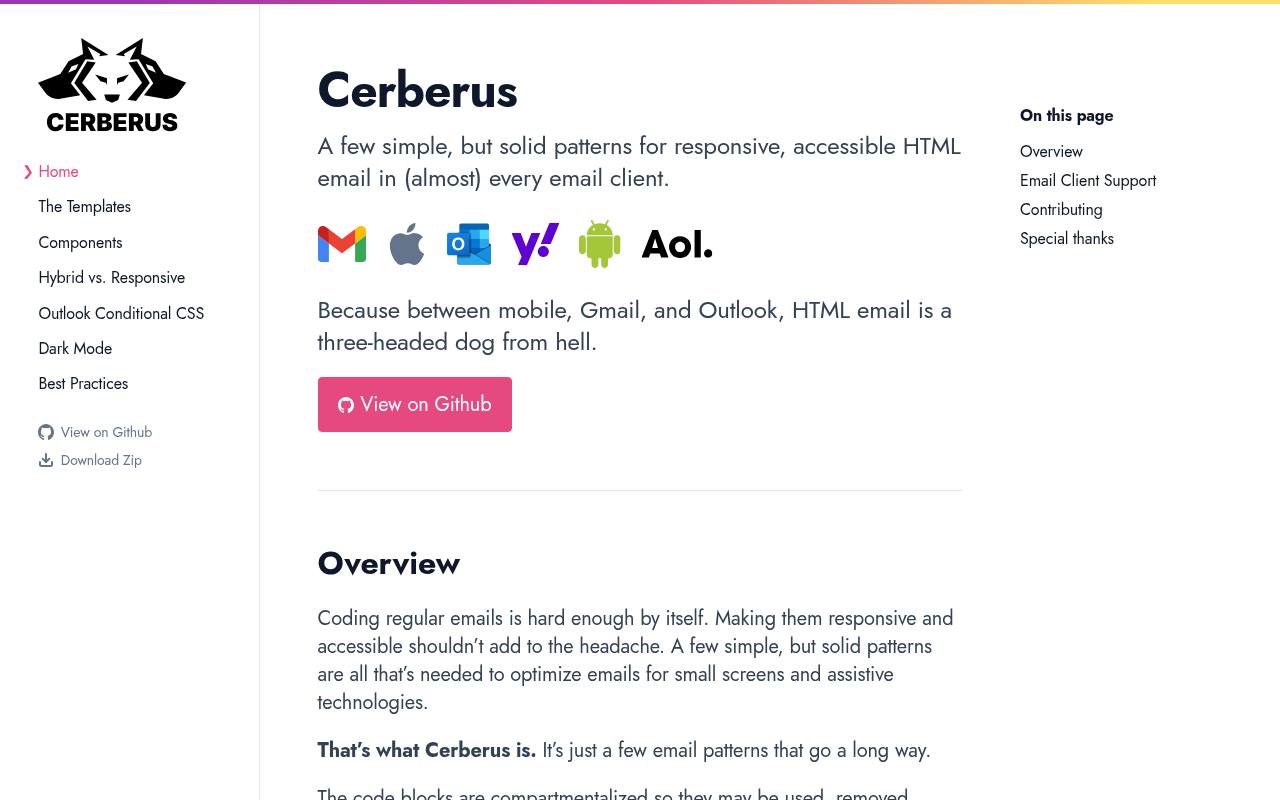
Cerberus is a small collection of responsive email patterns, not a hosted marketing platform. Its plain HTML and CSS examples use compartmentalized blocks that can be removed, combined, or nested to form a message. Code comments explain the structure, which helps when you need to adapt a button or content section without dismantling the entire layout.
The documentation discusses email-client support and accessible construction rather than promising that ordinary website CSS will work everywhere. Choose it for developer-controlled email markup when a compact, understandable foundation matters more than browsing hundreds of decorative campaign previews.
- Type
- Responsive HTML email patterns
- Best for
- Hand-coding readable emails from compact reusable patterns
- License
- MIT; retain licence notice
- Price
- 100% free
Lee Munroe
HTML email template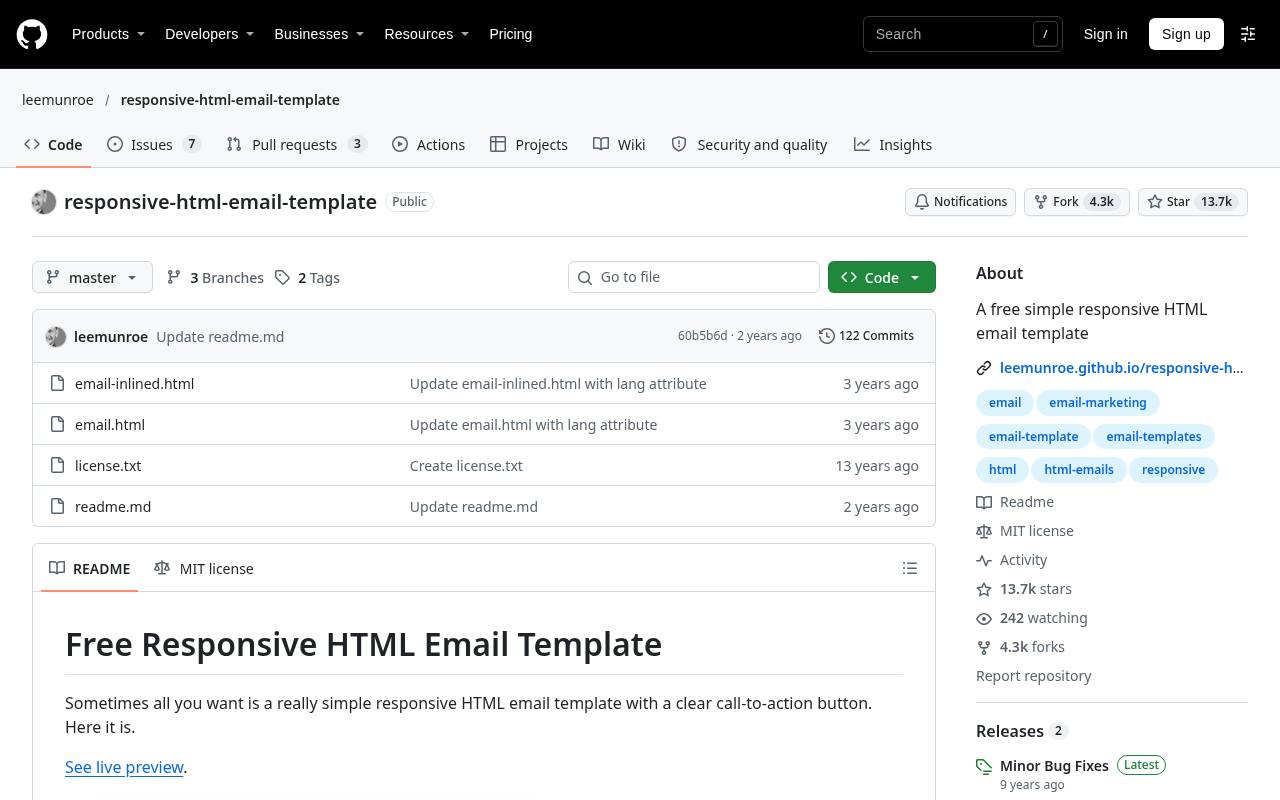
Lee Munroe’s public repository provides a deliberately simple responsive email with a clear call-to-action button. It includes both email.html and an already inlined example, plus instructions explaining when CSS should be inlined before sending through an API service. The documentation also calls attention to image attributes that help prevent inconsistent rendering.
This focused template is a good fit for notifications or short announcements rather than elaborate editorial newsletters. Its MIT-licensed source files are easy to inspect and adapt, but the author still recommends sending test messages before using the result in a real campaign.
- Type
- HTML email template
- Best for
- Sending simple transactional messages with minimal markup
- License
- MIT; retain licence notice
- Price
- 100% free
RGE Studio
Visual HTML email builder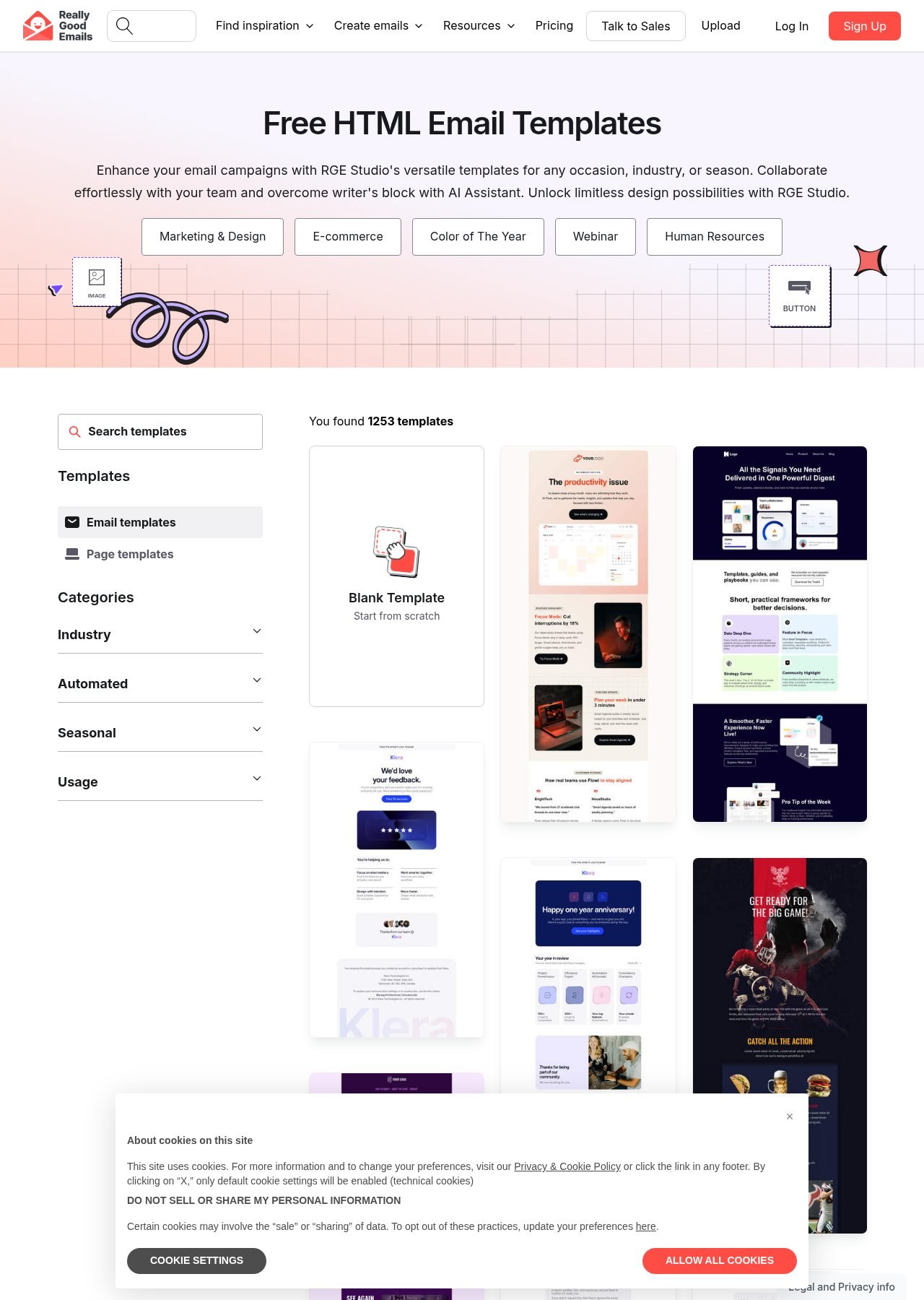
The Beefree template address currently presents its collection under RGE Studio branding, with responsive HTML designs for transactional messages, promotions, and announcements. The page describes visual customization of fonts, colors, images, and layouts, plus mobile design controls for refining the small-screen presentation.
This makes the collection useful when your priority is assembling a recognizable campaign without hand-coding tables. Treat the free template collection separately from account-level collaboration, AI, and export allowances: those surrounding service features may have their own limits. Check the current plan before designing a large recurring campaign workflow around the editor.
- Type
- Visual HTML email builder
- Best for
- Browsing campaign layouts before visual brand customization
- License
- Free templates; platform terms apply
- Price
- Free + paid plans
Stripo
HTML email templates and editor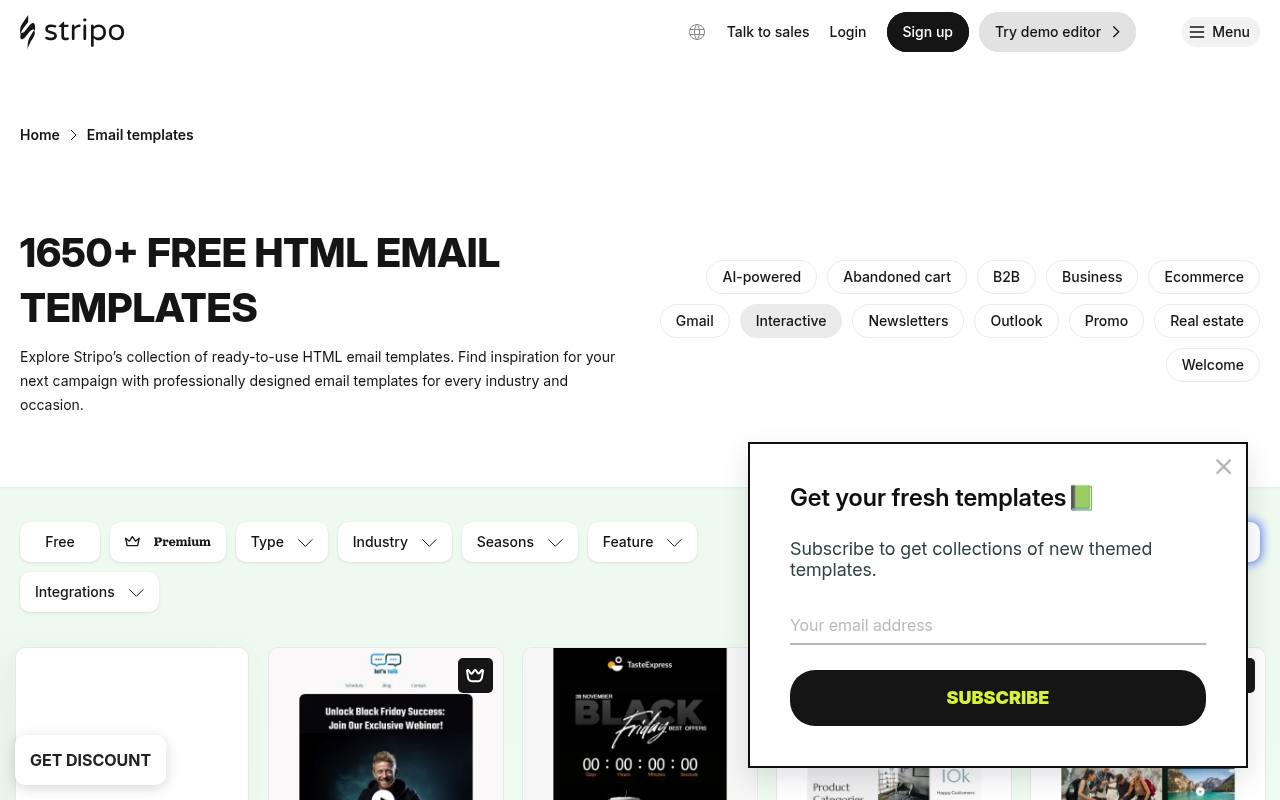
Stripo’s template library gives you campaign and industry filters rather than a single undifferentiated wall of previews. Its categories cover newsletters, confirmations, abandoned carts, promotional offers, welcome messages, and more specialized situations. A visible free filter helps distinguish appropriate starting points within the wider collection.
This is particularly handy when you know the business purpose of an email but have not settled its structure. Use the free template selection to shortlist a layout, then check your account’s current export allowance and any editor restrictions before preparing multiple localized or segmented campaign variants.
- Type
- HTML email templates and editor
- Best for
- Finding campaign-specific templates through detailed category filters
- License
- Free selections; service terms apply
- Price
- Free + paid plans
Unlayer
Email templates and visual editor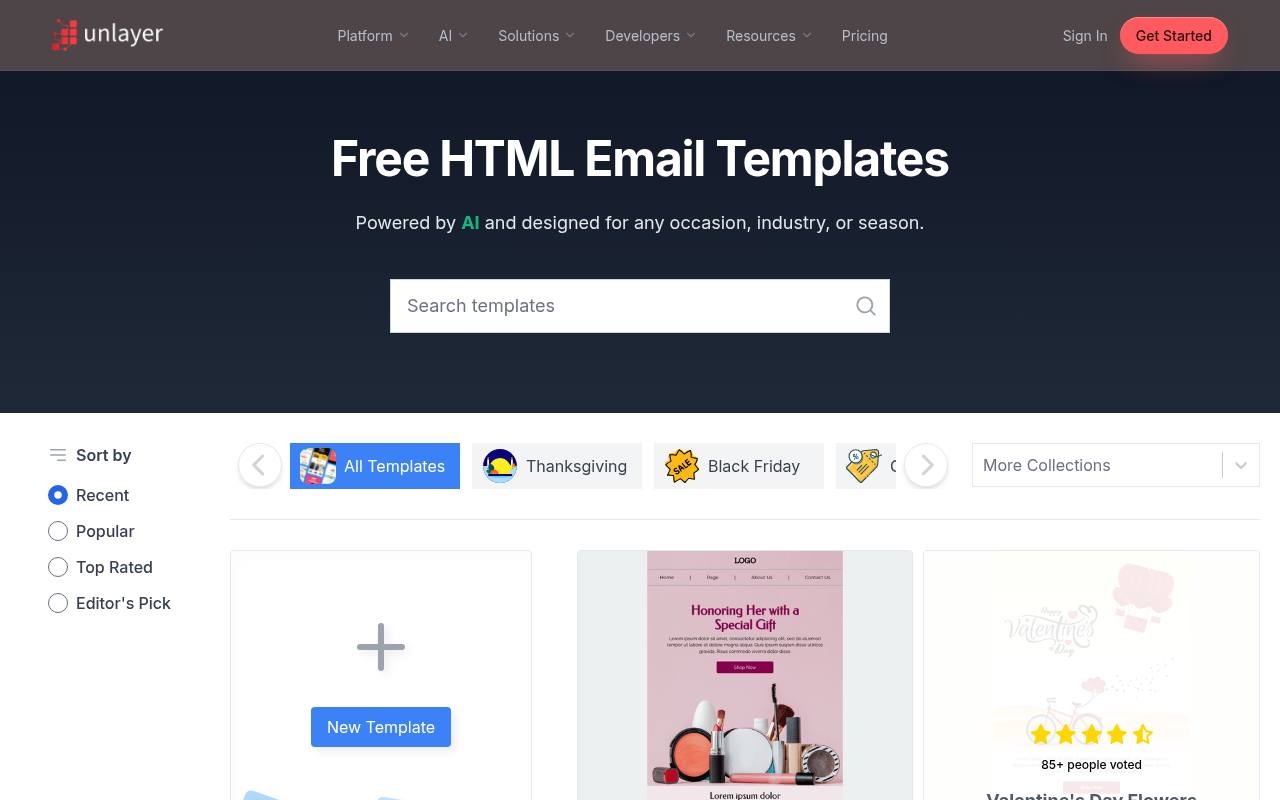
Unlayer’s public library is explicitly presented as free HTML email templates, with popular searches including newsletters, ecommerce, technology, real estate, and nonprofit campaigns. Sorting options such as recent, popular, top rated, and editor’s pick give you different ways to narrow the visual choices.
Seasonal collections are also surfaced, useful when a campaign is tied to a specific retail moment. The template browsing experience is distinct from the company’s broader editing products, so inspect the current editor plan before assuming that every integration, team feature, or export method is included with a free design.
- Type
- Email templates and visual editor
- Best for
- Comparing newsletter designs by topic and popularity
- License
- Free templates; editor terms apply
- Price
- Free + paid plans
Tabular
Responsive email builder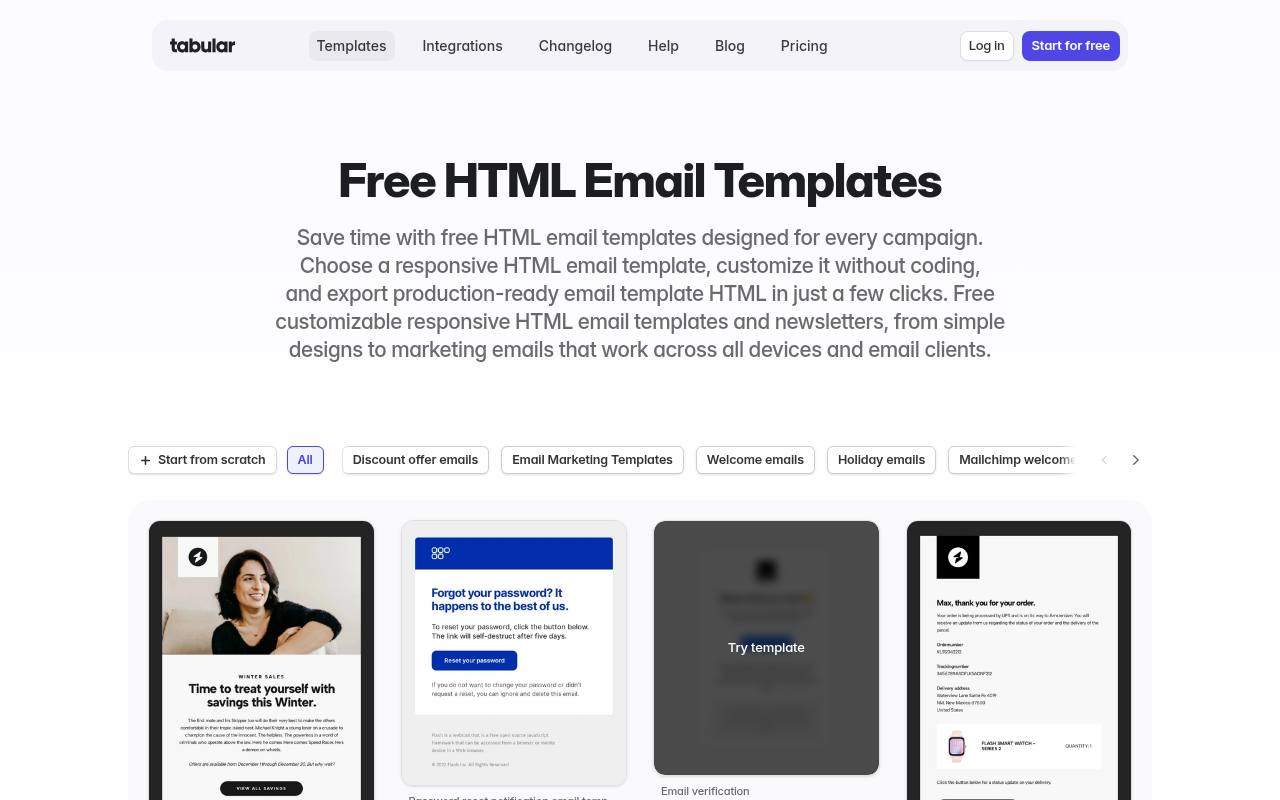
Tabular organizes responsive HTML email templates around specific tasks such as welcome messages, password resets, order confirmations, newsletters, and promotional campaigns. Its template page emphasizes visual editing and downloadable email HTML, making it useful when the deliverable must move into another sending platform.
The free pricing tier currently lists three stored emails and three monthly exports, an important practical boundary for regular senders. That allowance can suit occasional announcements or testing a new layout, but a busy newsletter operation should calculate how revisions and separate campaign files will consume exports before adopting the workflow.
- Type
- Responsive email builder
- Best for
- Designing occasional campaigns within clear export allowances
- License
- Free tier; platform terms apply
- Price
- Free + paid plans
MJML
MJML source and HTML output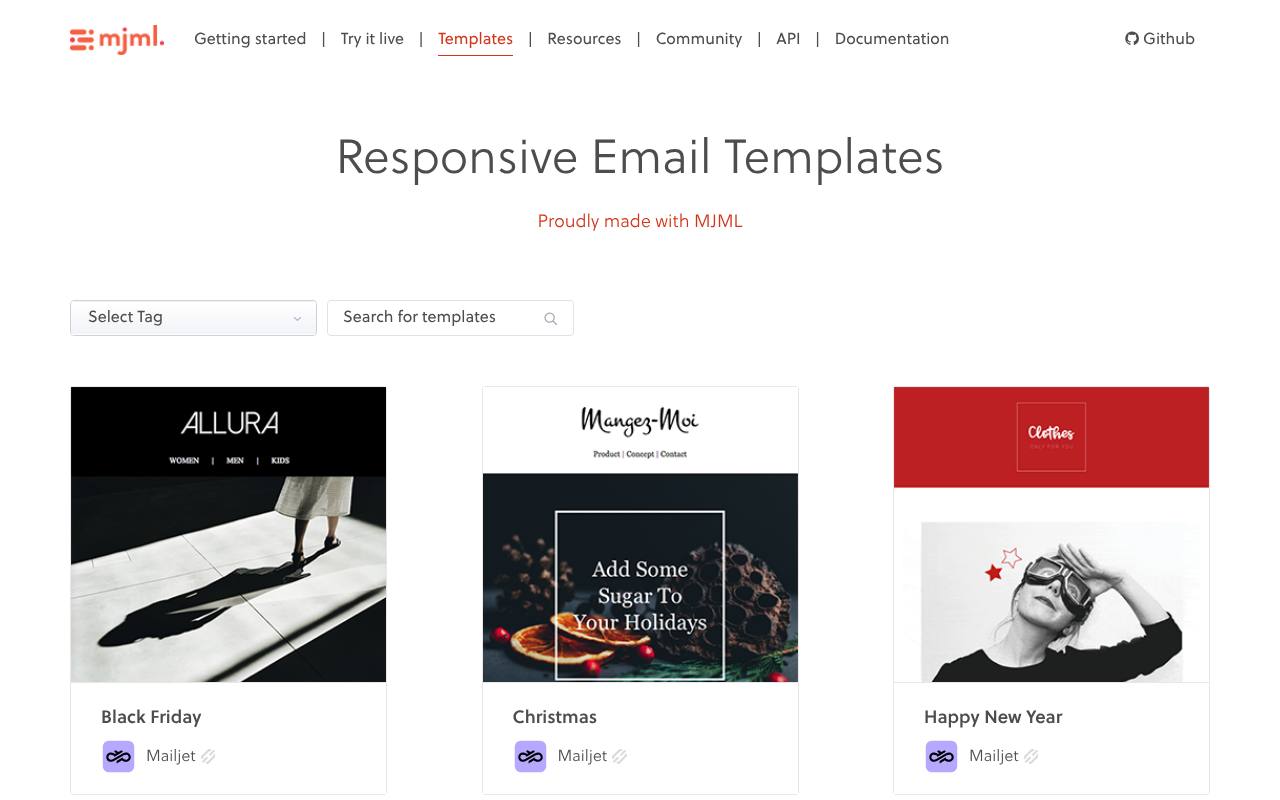
MJML’s template gallery brings together marketing and transactional layouts with filters for newsletters, receipts, ecommerce, events, travel, and other use cases. Examples include product showcases, reactivation messages, and article-based newsletters, with the contributor identified alongside each design.
MJML itself is a component-based email markup language that compiles to HTML, so this option fits a development workflow rather than simple document editing. Preserve the editable MJML source as well as the compiled output, and check any template-specific terms or linked assets instead of assuming every contribution uses identical permissions.
- Type
- MJML source and HTML output
- Best for
- Building reusable responsive newsletters with semantic components
- License
- Open-source framework; check template terms
- Price
- 100% free
Foundation for Emails
Responsive HTML email starter templates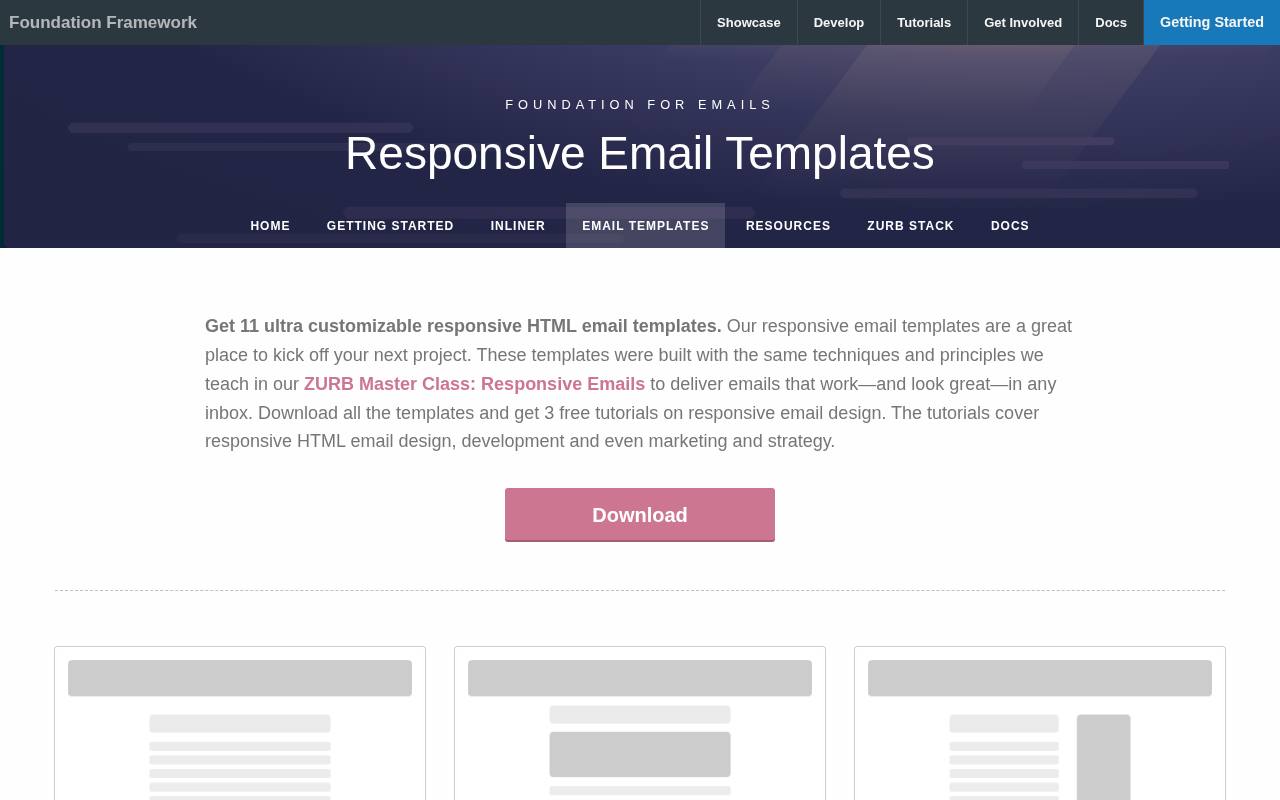
Foundation for Emails offers a downloadable set of responsive HTML starter templates, with individual previews and downloads for layouts such as Basic and Hero. The collection is intentionally practical: choose a structural starting point rather than adapting a heavily branded promotional design.
Its surrounding documentation includes development resources and an inliner, making it useful for teams prepared to work directly with email code. Keep email-specific CSS handling in mind when changing the templates, and review the associated framework documentation so that your modifications preserve the layout techniques on which the original examples rely.
- Type
- Responsive HTML email starter templates
- Best for
- Starting conventional newsletters from clearly differentiated layouts
- License
- MIT framework; check bundled assets
- Price
- 100% free
MailBakery
Downloadable HTML email templates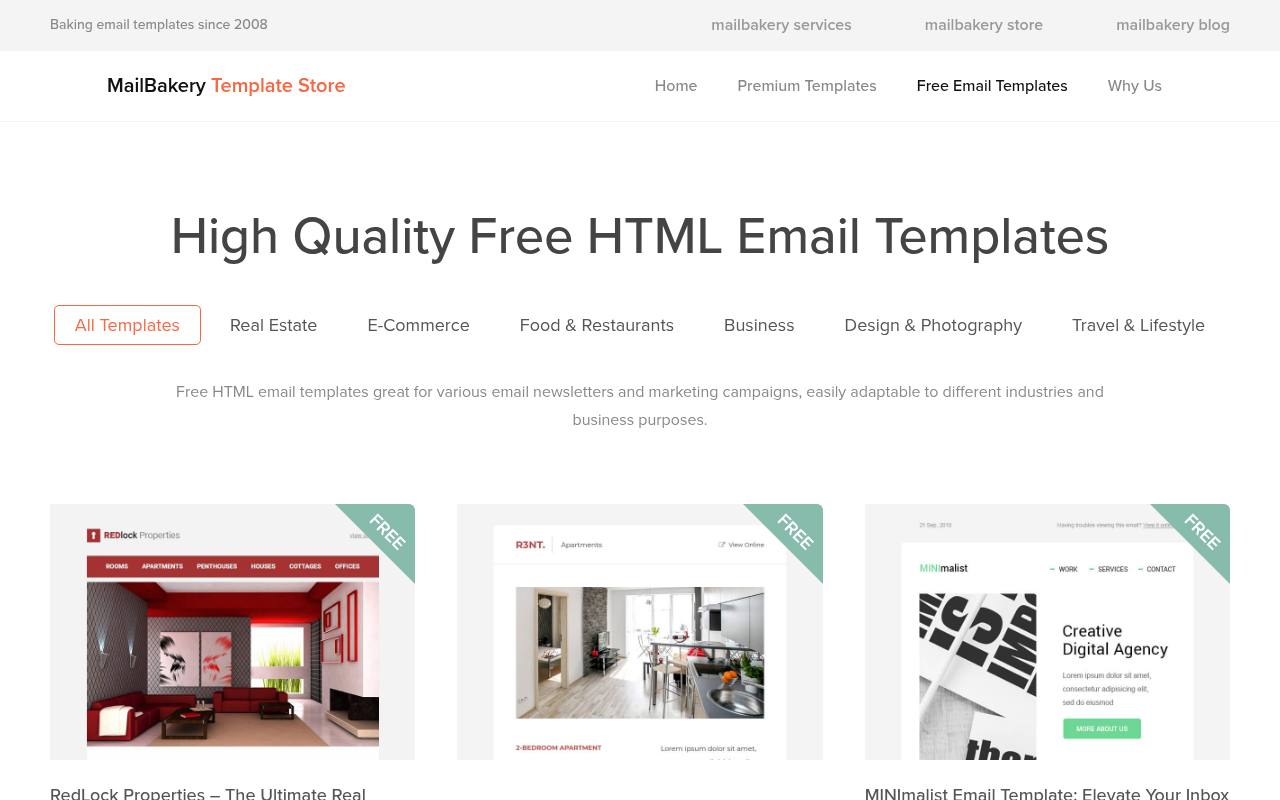
MailBakery maintains a dedicated free HTML email section alongside its commercial template and email-production offerings. This separation makes it easier to look for downloadable starting points without treating a bespoke coding service as the only way to obtain a layout.
Browse the free designs for a structure close to your intended message, then inspect the chosen package before adapting images, links, and copy. Confirm the individual download conditions and included files rather than assuming the paid catalog’s features apply. A visually finished sample still needs your sender information, unsubscribe handling, and testing in the actual delivery platform.
- Type
- Downloadable HTML email templates
- Best for
- Selecting ready-made visual email layouts for customization
- License
- Free template terms; check each download
- Price
- Free templates + paid services
EmailOctopus
Templates inside email platform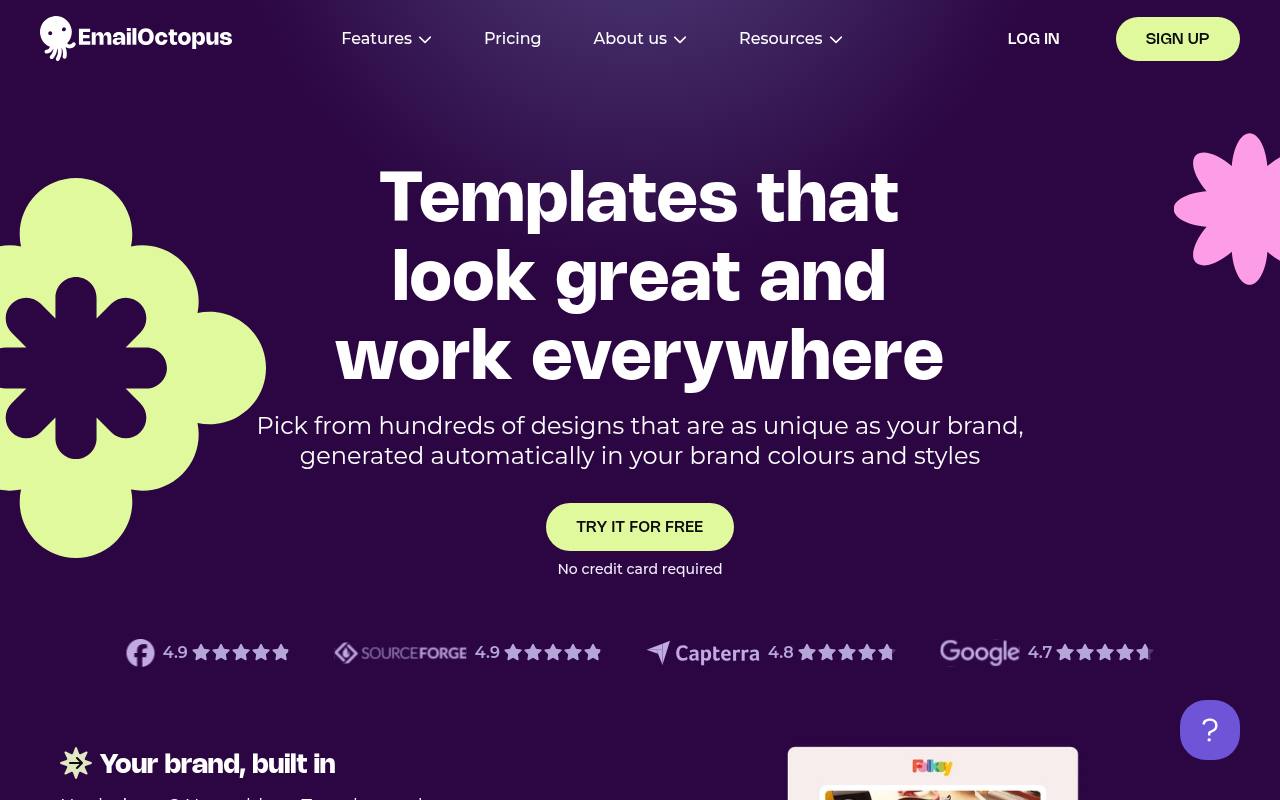
EmailOctopus keeps its templates inside the sending platform rather than as standalone downloads. The library holds over 100 designs covering newsletters, product announcements, sales promotions, launches and event invitations, and each one is restyled automatically in your saved brand colours and fonts.
Editing happens in a drag-and-drop editor, and the company says the layouts are tested across major email clients for phone, tablet and desktop.
The full collection is available on the free Starter plan, while a code editor lets you import an existing HTML template if you already have one. Contact and send limits depend on the plan, so check them before a big campaign.
- Type
- Templates inside email platform
- Best for
- Downloading newsletter layouts separately from a sending account
- License
- Included on free Starter plan
- Price
- Free plan + paid tiers
Choose HTML downloads or a visual builder
Use downloadable HTML templates when you need source control, repeatable deployment, or direct integration with an application. A visual builder can be faster for a marketing team that changes imagery and copy frequently, but confirm that it exports a usable file on the free tier.
Frameworks such as MJML add a compilation step in return for a more manageable authoring format. Decide who will own future edits before choosing: the easiest tool for the first campaign may not suit the person maintaining the tenth.
Check free export limits early
Test the complete export workflow with a disposable draft before building a campaign around a service. Check stored-project limits, monthly download allowances, branding conditions, and whether images remain hosted after export. A free template preview does not necessarily include every surrounding feature.
If you deliver work to clients, confirm whether they can edit the source independently and what happens when an account closes. Keep a local copy of your final HTML and assets rather than relying on a dashboard as the only archive.
Design for narrow screens and blocked images
Keep essential information as text, including the offer, date, and main call to action. Large image-only messages can become meaningless when pictures are blocked, and small text inside graphics is hard to read on phones.
Use descriptive alternative text where it helps, allow generous button targets, and avoid packing too many columns into a compact viewport. Review the order in which content stacks on mobile. The first visible paragraph should explain why the message matters without requiring the reader to scroll past a decorative masthead.
Respect email-specific coding constraints
Do not replace proven email markup with ordinary website layout techniques just because the browser preview looks cleaner. Email clients differ in their treatment of CSS, fonts, backgrounds, and interactive elements. Preserve the original template’s structural approach until you understand why it exists, and inline styles where the workflow requires it.
Avoid relying on scripts or unsupported interactions for essential tasks. A robust fallback is preferable to a clever effect that hides your message or breaks the main button in an important client.
Test the delivered message rather than only a preview
Send a real test campaign through the platform you will use for delivery, because it may rewrite links, insert tracking, or transform styles. Review the result on a phone and in representative inboxes, including dark mode where relevant.
Check long subject lines, preview text, image loading, and every destination link. Test personalization with missing values as well as ideal sample data. If your audience is large or commercially important, consider dedicated rendering tests rather than assuming one successful inbox screenshot proves universal compatibility.
Add compliance and subscription information
A template does not supply permission to email a contact list. Follow the marketing and privacy requirements that apply to your organization and recipients, and configure the sending platform’s unsubscribe and sender-identification features correctly. Replace placeholder footer links with functioning destinations, not decorative text.
Transactional and marketing messages can have different operational requirements, so classify the message before adapting a promotional design. Keep your privacy notice accessible and ensure that any preference-center links still work after the platform adds tracking or personalization parameters.
Keep reusable source and measure useful outcomes
Archive the editable master template, exported HTML, campaign copy, and any asset permissions together. Use a naming convention that separates structural changes from routine content updates, especially if several people prepare sends.
Watch outcomes such as useful clicks and completed actions rather than treating open-rate changes as an exact measure of readership. If a newsletter underperforms, improve relevance, hierarchy, and call-to-action clarity before replacing the entire design. Consistent, readable communication usually matters more than introducing a completely new visual style for every edition.