
Illustrations make products feel human. They explain features, soften empty states and give landing pages personality that stock photos cannot match. Free illustration libraries let any team add custom-looking artwork without commissioning an illustrator.
We picked ten of the best free illustration resources, from open-source SVG collections to character builders. For each one we cover the style, license, best use case and a direct link to download the illustrations free.
Most offer customisable colours, so the free illustrations can match your brand in seconds.
Quick picks at a glance
| # | Resource | License | Best for |
|---|---|---|---|
| 1 | unDraw | unDraw license (free, no attribution) | SaaS landing pages |
| 2 | Open Peeps | CC0 | Friendly, human visuals |
| 3 | Humaaans | CC0 | Diverse people illustrations |
| 4 | Storyset | Free with attribution | Animated web illustrations |
| 5 | DrawKit | DrawKit license | Polished brand illustrations |
| 6 | ManyPixels Gallery | Free for commercial use | Business and tech topics |
| 7 | Open Doodles | CC0 | Playful editorial art |
| 8 | IRA Design | Free for commercial use | Colourful gradient scenes |
| 9 | Blush (Free) | Free plan license | Customisable artist collections |
| 10 | Absurd Design | Free for non-commercial use, with credit | Distinctive, artistic brands |
unDraw
SVG illustrations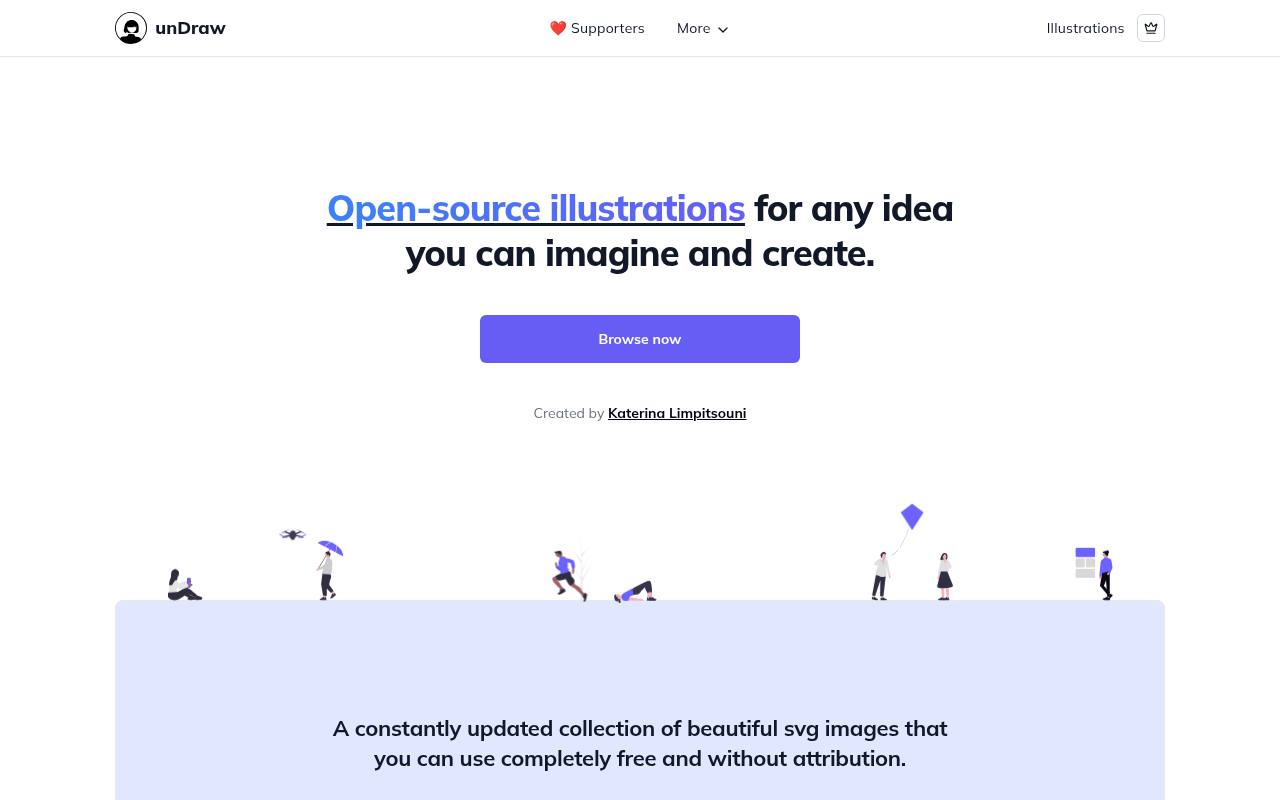
Choose a subject and change its main color directly on unDraw, then download an illustration that matches your interface or brand. The constantly updated collection provides SVG and PNG images, with scalable vectors for flexible layouts and raster versions for straightforward placement.
Its search-led workflow is designed around finding a concept, adjusting the accent color, and downloading rather than assembling characters from separate body parts. Illustrations are free without attribution for commercial and personal projects under the unDraw license. That permission does not extend to copying unDraw itself or recreating its illustration service.
- Type
- SVG illustrations
- Best for
- SaaS landing pages
- License
- unDraw license (free, no attribution)
- Price
- 100% free
Open Peeps
Hand-drawn characters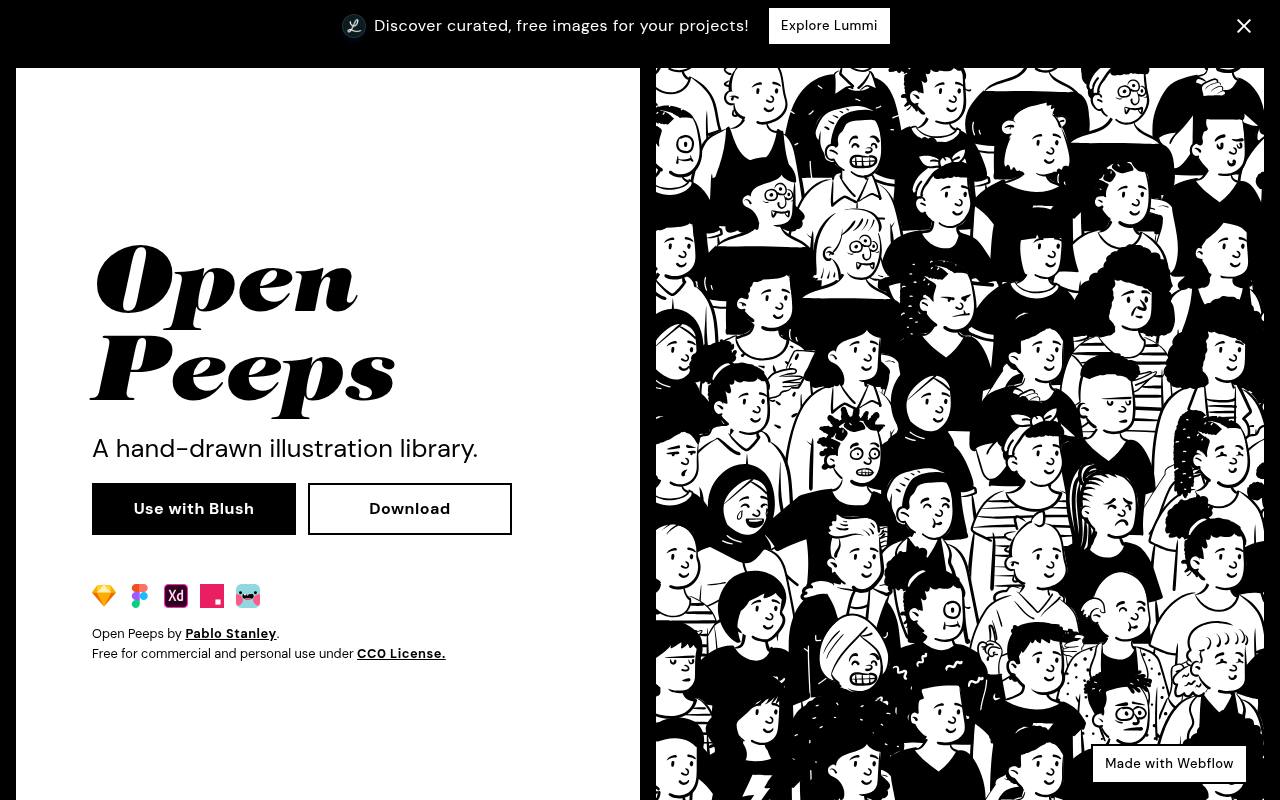
Pablo Stanley’s Open Peeps gives character illustrations a hand-drawn appearance and a mix-and-match structure. Different facial expressions, hairstyles, clothing, and poses can be combined into people for interface illustrations, presentations, and visual storytelling. The site also provides ready-made standing and seated figures with individual PNG and SVG download links, so building a character from components is optional.
Its CC0 license makes the artwork free for personal and commercial use without required attribution. A Blush integration offers another way to customize the collection, while direct image downloads remain available from the Open Peeps site.
- Type
- Hand-drawn characters
- Best for
- Friendly, human visuals
- License
- CC0
- Price
- Free
Humaaans
Character builder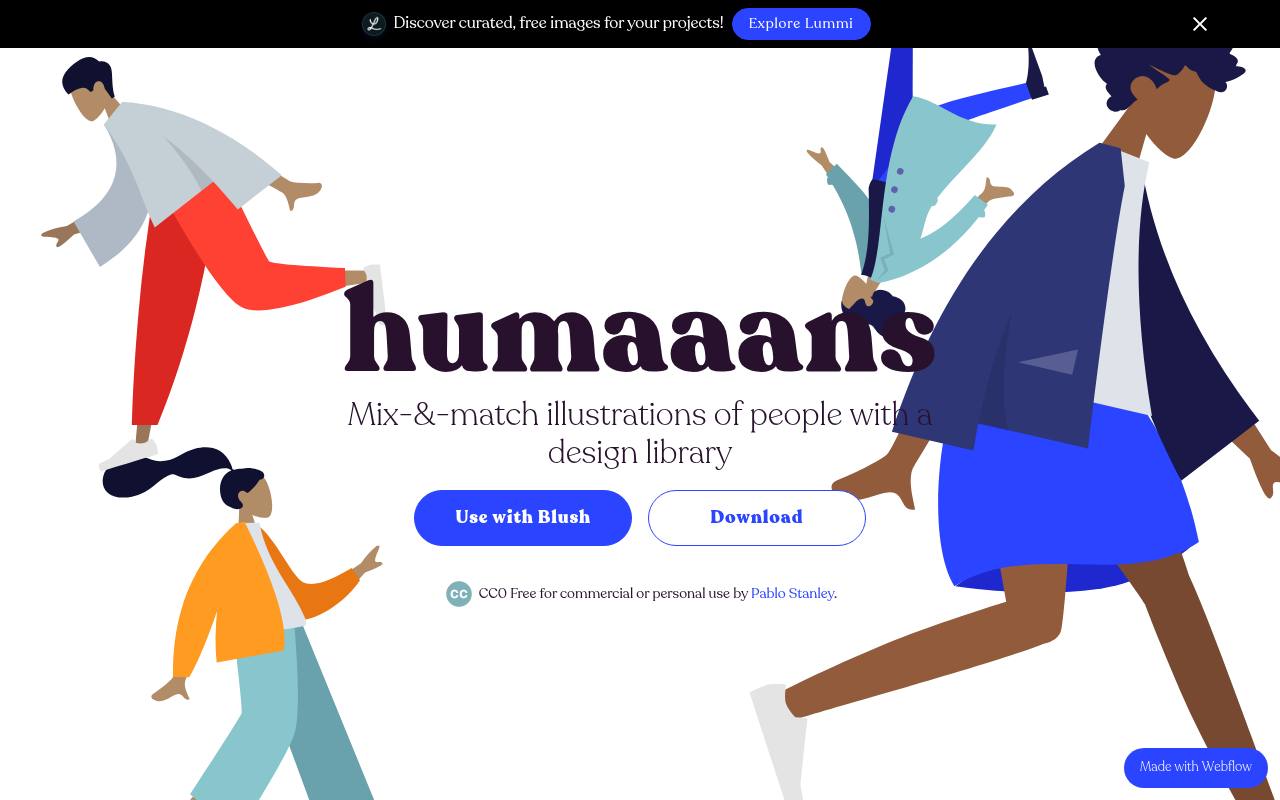
Mix people, poses, and scenes with Humaaans, Pablo Stanley’s modular illustration library. The collection lets you change hairstyles, tops, and pants, rotate or position body elements, and combine figures with backgrounds to build a composition. Its examples show illustrations for landing pages and empty, error, or success states in interfaces.
The site offers a library download and a Use with Blush option, alongside references to Sketch and InVision Studio. Despite older descriptions naming CC BY 4.0, the live site explicitly labels Humaaans CC0, making it free for personal and commercial use without an attribution requirement.
- Type
- Character builder
- Best for
- Diverse people illustrations
- License
- CC0
- Price
- Free
Storyset
Animated illustrations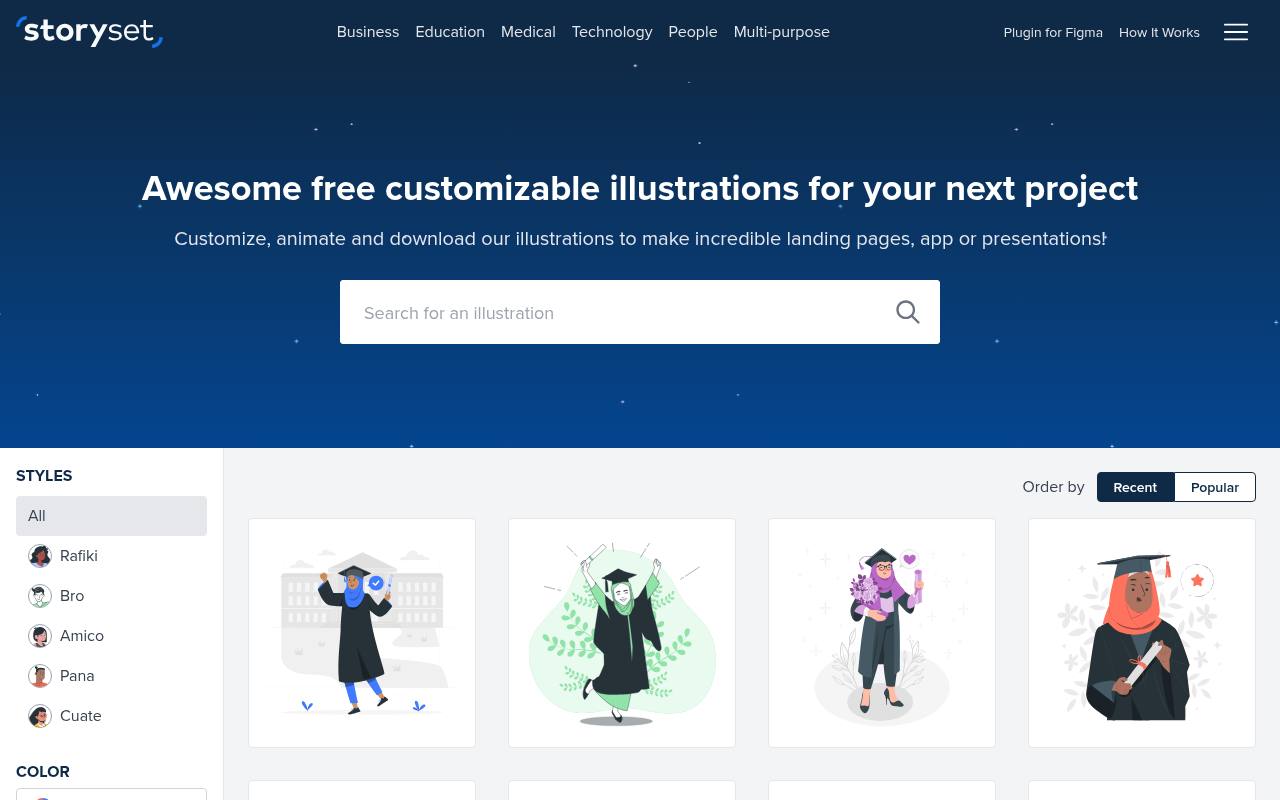
Storyset turns its free illustration catalog into a customization and animation editor: change colors with RGB or Hex values, hide individual layers, and choose available background variants. Illustrations download as SVG or PNG, while animations can export as HTML with inline SVG and CSS, GIF, or MP4.
Entrance effects include fades, slides, and zooms; looping options include floating, spinning, and heartbeat motion, with duration and delay controls. Attribution is required for free illustrations. Its FAQ points to a Flaticon premium license for use without attribution, distinguishing that permission from the standard free download.
- Type
- Animated illustrations
- Best for
- Animated web illustrations
- License
- Free with attribution
- Price
- Free + premium
DrawKit
Illustration packs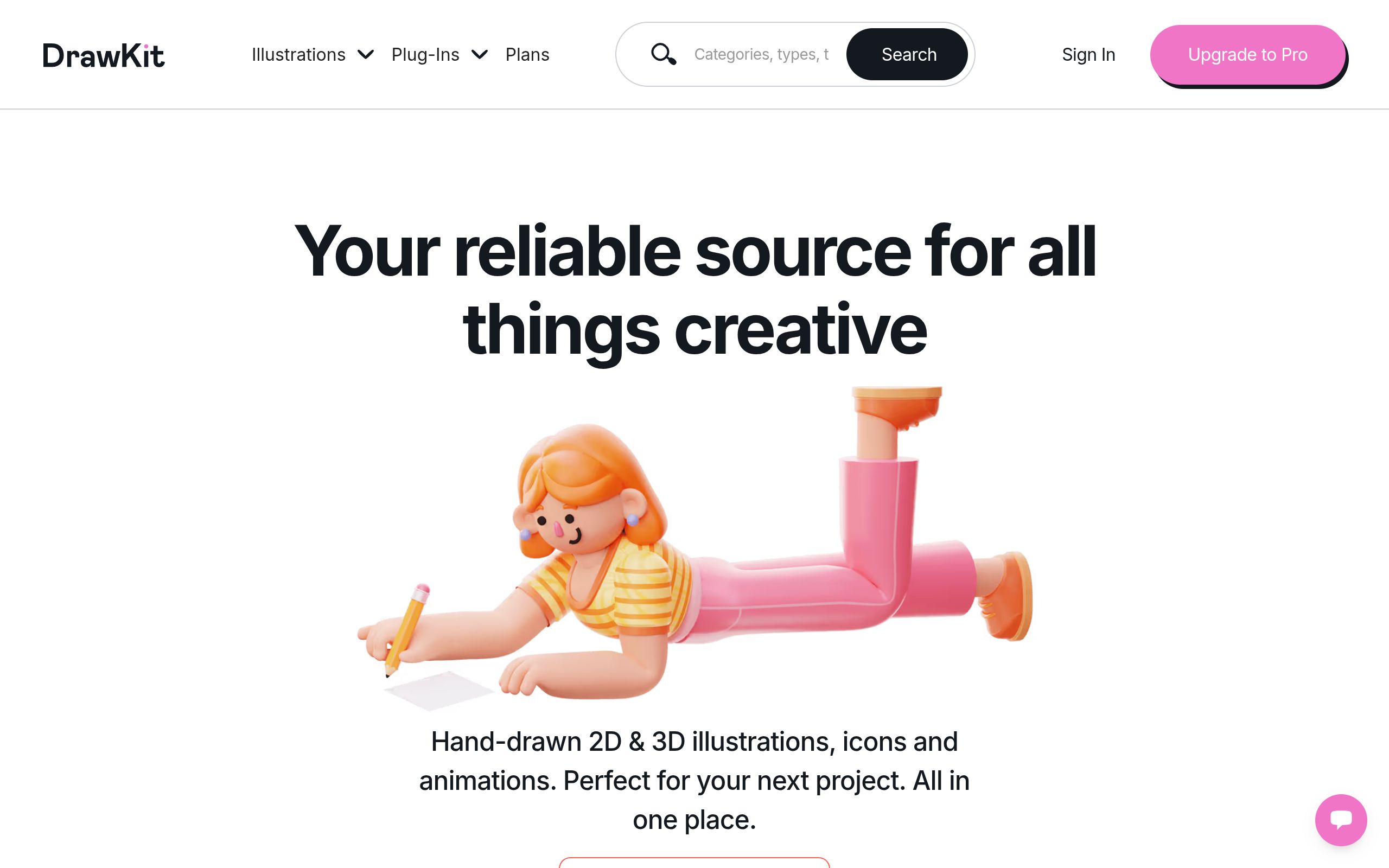
Browse DrawKit for coordinated packs of 2D and 3D illustrations, icons, and animations rather than a single visual style. Collection cards display available formats, including SVG, PNG, Figma, Lottie, and GIF on supported packs, and the site separates free resources from Pro offerings.
Company and teamwork imagery is among the featured subjects. An account can be used to save favorite collections. Under the DrawKit license, downloaded assets may be modified and used in commercial or noncommercial print and digital products with no attribution required. Standalone redistribution and repackaging the illustrations into asset compilations are prohibited.
- Type
- Illustration packs
- Best for
- Polished brand illustrations
- License
- DrawKit license
- Price
- Free + premium
ManyPixels Gallery
SVG illustrations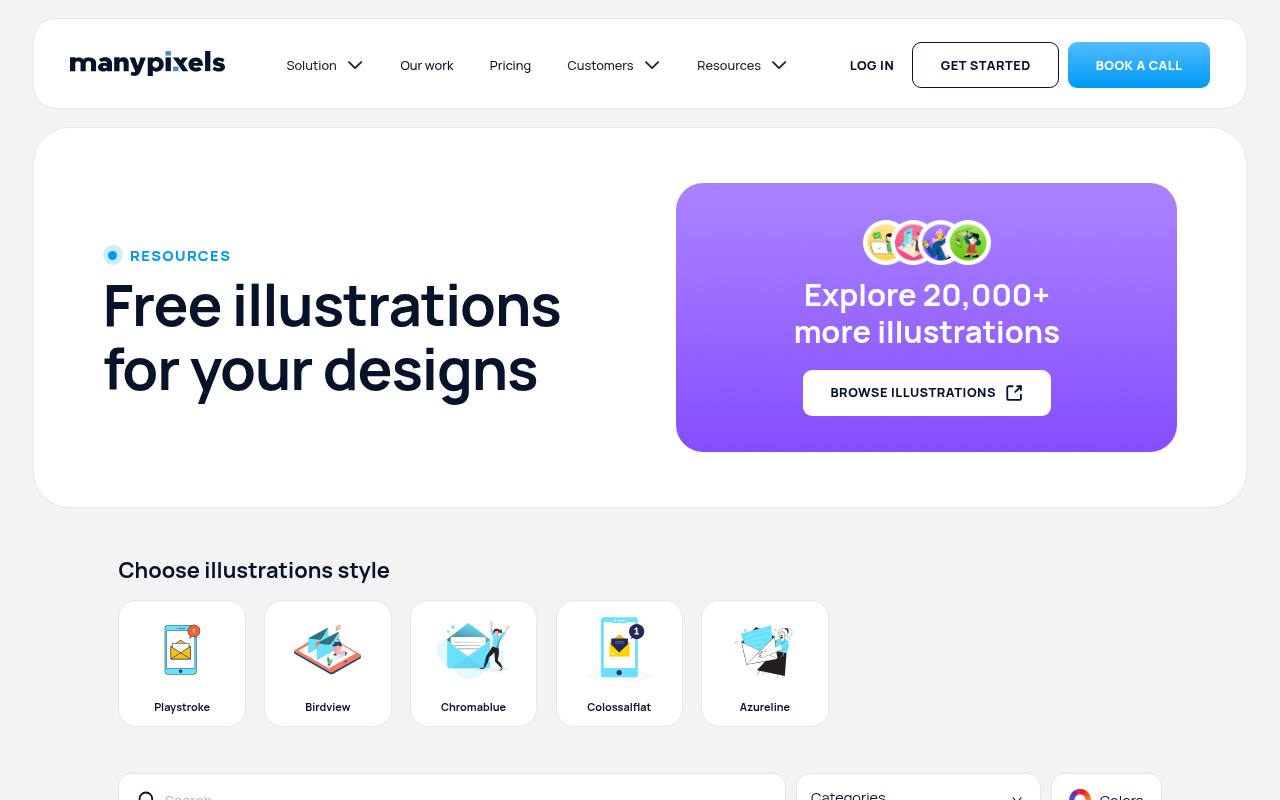
ManyPixels Gallery offers free illustrations through a visual gallery with illustration-style selection and keyword-rich subjects. The examples include message-received artwork in several treatments and scenes tagged around ideas such as celebration, happiness, floating, and balloons. Its no-attribution license permits personal and commercial projects at no cost, and explicitly allows downloading, copying, modifying, and using the provided assets.
Those permissions do not allow recreating a competing illustration service, distributing the artwork in packs, or building integrations around the collection. The gallery also directs visitors toward another source offering more than 20,000 additional free illustrations.
- Type
- SVG illustrations
- Best for
- Business and tech topics
- License
- Free for commercial use
- Price
- 100% free
Open Doodles
Sketchy doodles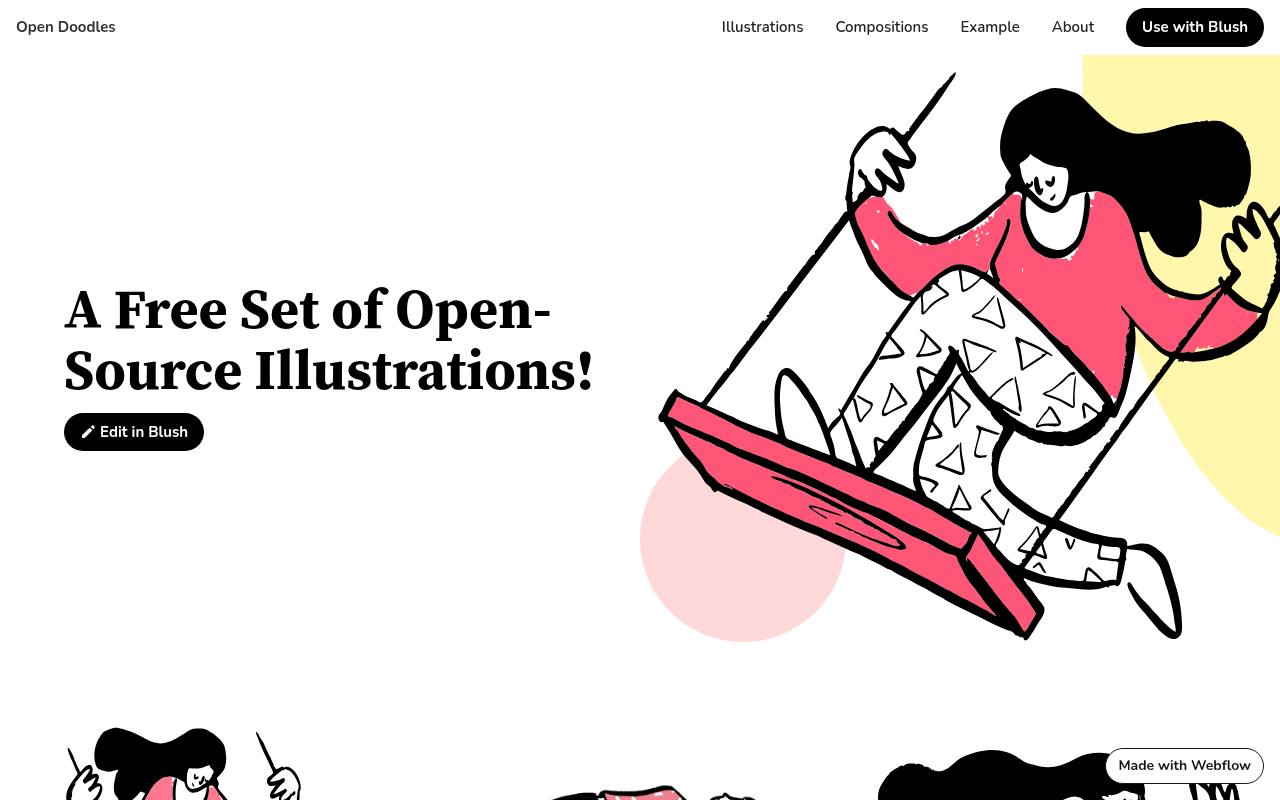
Loose outlines and playful human figures define Open Doodles, a free open-source illustration set with direct downloads for individual scenes. The gallery includes a person on an oversized swing and a levitating figure in a large sweater, with SVG and PNG links and GIF options shown for some entries.
An Edit in Blush route lets you customize the artwork through Blush instead of downloading an untouched scene. The collection’s CC0 license permits copying, editing, remixing, and using the drawings in personal or commercial work without attribution, making its editable vectors available beyond one proprietary design application.
- Type
- Sketchy doodles
- Best for
- Playful editorial art
- License
- CC0
- Price
- Free
IRA Design
Gradient illustrations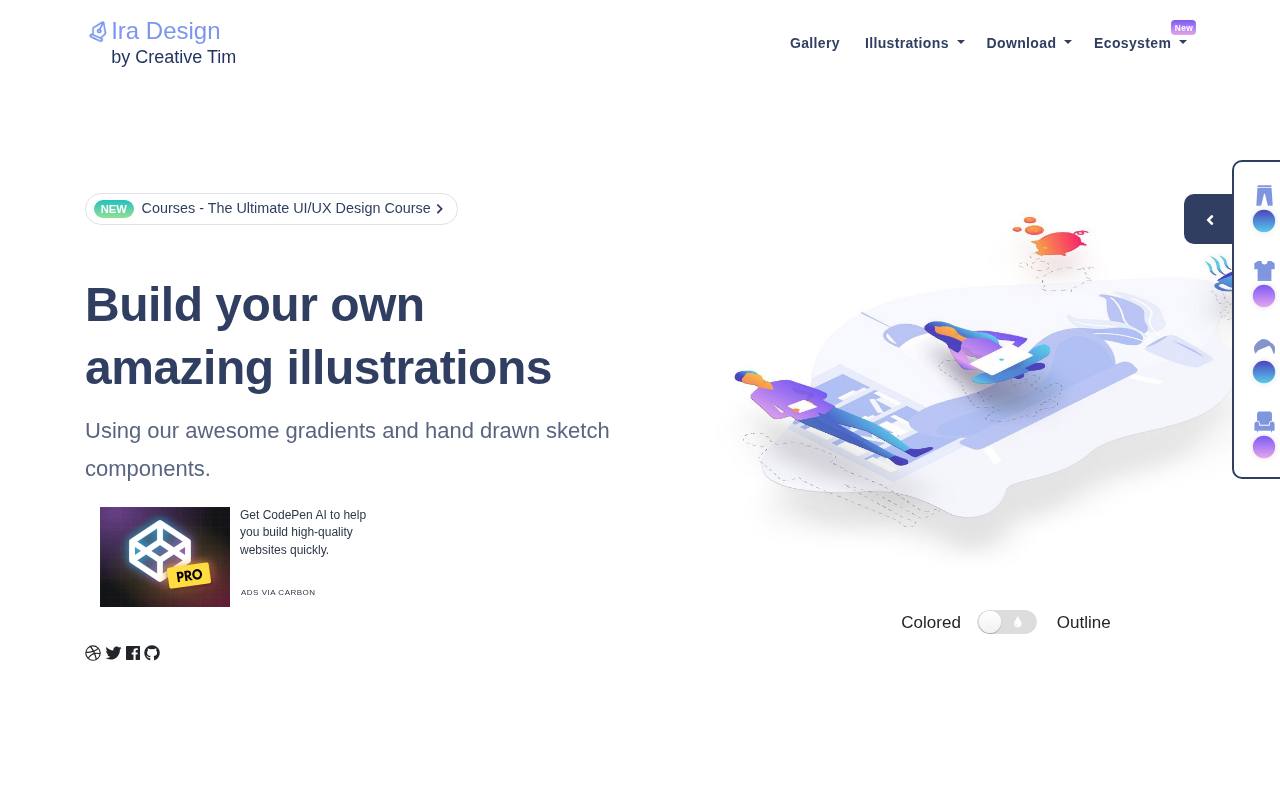
IRA Design combines hand-drawn components with colorful gradients to build illustrations from people, objects, and backgrounds. Its customization interface exposes trousers, T-shirt, hair, and object choices, while examples include bags, a pig with coins, leaves, a calendar, and a cup.
Artwork is available in AI, SVG, and PNG formats, with dedicated SVG and PNG download paths for different workflows. Creative Tim distributes the design components for free under the MIT License, explicitly allowing commercial and personal projects. The emphasis is on assembling and recoloring scalable illustration elements rather than browsing a stock-photo collection.
- Type
- Gradient illustrations
- Best for
- Colourful gradient scenes
- License
- Free for commercial use
- Price
- Free
Blush (Free)
Illustration builder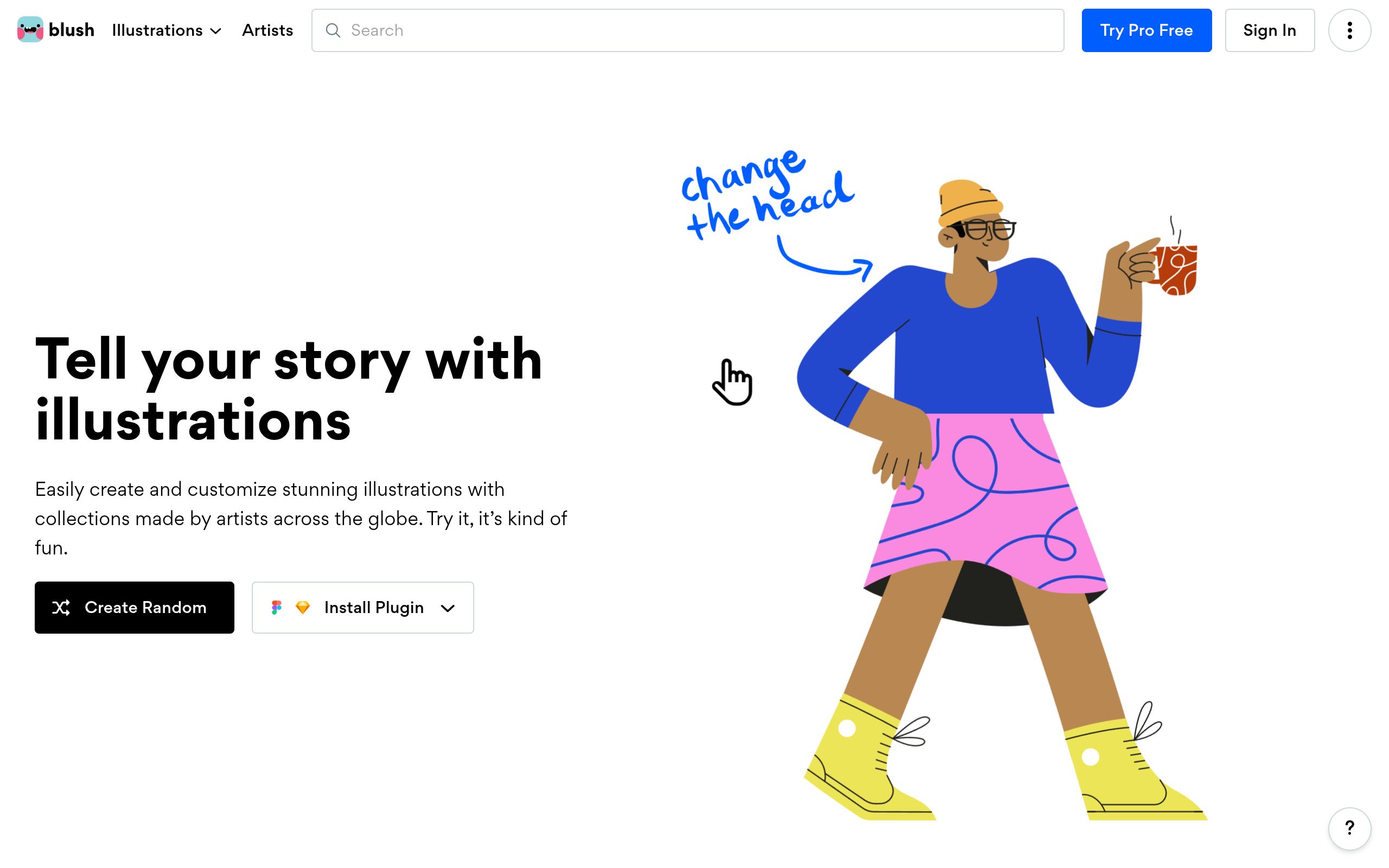
Blush brings collections from different illustrators into a mix-and-match editor, with browser access plus Figma and Sketch plugins. Collections include Open Figures, Humaaans, Open Doodles, and Transhumans, giving the platform several distinct drawing styles rather than one uniform library. Creations can be downloaded as PNG or SVG, with free and Pro access offered by the service.
The Blush license allows commercial and noncommercial end products, modifications, and client work without required attribution. It prohibits reselling or redistributing the illustrations, using them directly as merchandise artwork, or compiling them into a competing illustration service; artists retain ownership.
- Type
- Illustration builder
- Best for
- Customisable artist collections
- License
- Free plan license
- Price
- Free + Pro
Absurd Design
Surreal illustrations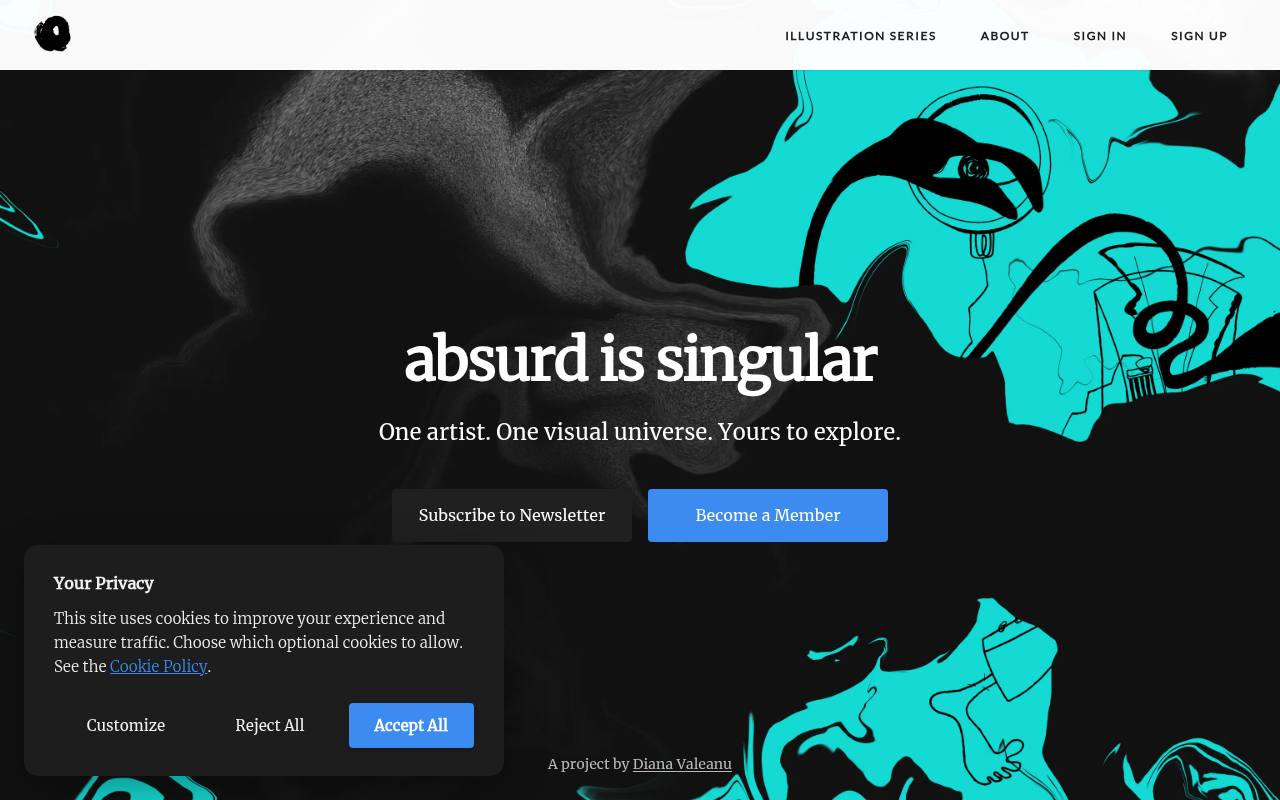
Diana Valeanu organizes Absurd Design’s surreal, hand-drawn illustrations into numbered and lettered chapters, with a membership supporting new artwork. Paid plans provide PNG and SVG files, monthly download credits, and project-based usage allowances; the Core plan lists ten credits and one project, while Scale lists twenty credits and three projects.
Free graphic resources have a separate license requiring an active attribution link and restricting use to noncommercial projects. Client work and commercial end products are excluded from that free permission. Membership illustrations do not require a credit link, and custom commissioned illustrations are also offered.
- Type
- Surreal illustrations
- Best for
- Distinctive, artistic brands
- License
- Free for non-commercial use, with credit
- Price
- Free + paid license
Using free illustrations well
Stick to one illustration library per product so styles stay consistent. Recolour illustrations to your brand palette, and use them where they add meaning: onboarding, empty states, error pages and feature explanations.
Check whether attribution is required — unDraw, ManyPixels and CC0 libraries need none, while others ask for a credit link.
Frequently asked questions
What is the best free illustration library? unDraw for SaaS sites, Open Peeps for characters, Storyset if you need animation.
Can I use free illustrations commercially? Yes for all the libraries above, following each license.
Plan the message before browsing artwork
Before searching for free illustrations, write down what the surrounding interface needs to communicate. A payment confirmation, a quiet reading page and a complicated setup process need different visual treatments.
List the action, emotion and audience for each placement, then sketch a rough space for the artwork. This gives you a practical brief and stops an attractive scene from dictating the whole page layout.
Try removing the illustration from your draft and asking what information disappears. If the answer is nothing, the artwork is probably decorative; that can be useful, but it should not dominate the screen.
If it explains a process, check that the illustration and nearby copy tell the same story. Choose a free scene that supports your message rather than asking visitors to decode an unrelated visual metaphor.
Compare libraries through a sample screen
Build one representative screen before committing to a collection. Put an unDraw scene beside your real headline, then try a character assembled from Open Peeps in the same space.
Compare the visual mood, available whitespace and relationship with your typography. You are not choosing a universal winner: you are checking which approach makes your particular product feel believable and easy to understand.
For an editorial project, compare the loose marks of Open Doodles with the surreal imagery of Absurd Design. Their differences become clearer when you place them next to a real article excerpt rather than viewing thumbnails alone.
Check each source's licence page before approving the sample, especially if a required attribution needs space in a layout that will also appear in print or presentations.
Recolour artwork without losing its structure
When you customise free vector illustrations, start by saving an untouched original and making a working copy. Identify the main accent, background shapes and small supporting details before changing colours.
Replace the main accent first, then adjust the supporting colours around it. This preserves the intended hierarchy and makes it easier to see whether your brand palette actually works across a complete scene.
Do not turn every shape into a brand colour. Neutral areas help faces, objects and gestures remain readable, particularly when the image is reduced for mobile.
Preview the artwork on both light and dark page backgrounds if your product supports them. With gradient components from IRA Design, inspect transitions as well as individual colour stops, because an attractive palette can still produce muddy overlaps or indistinct edges.
Make onboarding scenes earn their space
Useful illustrations for websites can show the outcome of a task rather than reproduce every interface control. For an onboarding step about organising work, you might choose a scene that suggests clarity or collaboration, while keeping the actual instructions in text.
Leave enough room for translated copy and error messages, and avoid placing essential information inside the artwork where it becomes difficult to update.
Test the complete sequence rather than approving each image in isolation. Several highly detailed scenes can make a short setup process feel longer than it is.
Alternate visual emphasis thoughtfully, and consider whether a smaller image would keep attention on the next action. Free artwork is most effective when it reduces uncertainty; it should never make a simple form feel like an illustrated slideshow that users must endure.
Prepare SVG files for a reliable handover
Free SVG illustrations are useful when you need sharp edges at different sizes, but inspect the exported file before adding it to a product. Check its canvas bounds, clipping and appearance in the browser, not just your editing tool.
An oversized canvas can create unexpected spacing, while an aggressive optimisation pass can remove details that the composition relies on. Keep the editable source alongside the delivery file.
If you receive a PNG through the Blush free plan, plan around the intended display size instead of enlarging it indefinitely. Export a suitable raster size where available, and check edges against the actual background colour.
Record the placement, source and any colour changes in your handover notes so another designer can update the image without rebuilding your decisions from an anonymous download folder later.
Describe meaning without narrating every shape
Decide whether each illustration is decorative or informative before writing alternative text. Decorative artwork normally needs an empty alternative description when implemented as an image, so assistive technology can skip it.
Informative artwork needs a concise explanation of the useful meaning, not an inventory of every object. Keep the surrounding text complete enough that visitors can understand the page without seeing the illustration at all.
If you use animated Storyset artwork, make sure movement is not the only way to understand a change or instruction. Provide a calm alternative for people who prefer reduced motion, and check that animation does not compete with forms or reading.
Review any text embedded in an illustration too: image text can become illegible on smaller screens and is harder to translate than ordinary interface copy.
Keep licence evidence with the design files
Treat licence checking as part of asset selection rather than a final administrative task. Collections described as open source illustrations can still have different conditions, so read each source's licence page for the specific artwork you choose.
Save its source address, creator details where available and the relevant licence information with your project. This gives your team a clear reference when the design moves between channels.
Distinguish using a free illustration inside a finished design from distributing the illustration itself as a downloadable resource. Those are different uses, and you should not assume that permission for one covers the other.
If your client plans to offer editable templates or asset bundles, check that scenario explicitly before approval. Ask the source for clarification when the wording does not clearly cover the intended distribution.
Check character choices with your audience
When assembling people with Humaaans or Open Peeps, look beyond whether each individual character looks appealing. Review the group across the whole product: who appears as an expert, who receives help and who takes action?
Thoughtful variation in clothing, posture and appearance can make scenes feel more welcoming, but it works best when you avoid assigning the same role to the same kind of character repeatedly.
Ask colleagues to review the illustrations in context, including the copy and calls to action. A gesture that feels playful in a marketing banner may feel dismissive beside a failed payment message.
Keep a small approved set of character combinations and explain where each belongs. That approach lets your team reuse free artwork efficiently while leaving room to replace a scene when user feedback reveals an unintended message.