
The right background turns a plain section into a designed one. Subtle patterns, soft gradients and organic blob shapes add depth to websites, slides and social posts — and with the right tools you can make them in seconds, for free.
These ten free background generators and pattern libraries export lightweight SVG or CSS, so they look sharp on any screen without slowing your site down.
Each entry explains what the tool creates, its license and the best use, with a direct link to use it free.
Quick picks at a glance
| # | Resource | License | Best for |
|---|---|---|---|
| 1 | Hero Patterns | CC BY 4.0 | Subtle repeating backgrounds |
| 2 | Haikei | Free for commercial use | Waves, blobs and layered shapes |
| 3 | SVG Backgrounds | Free with attribution | Customisable CSS backgrounds |
| 4 | Pattern Monster | MIT | Seamless patterns |
| 5 | BGJar | CC BY 4.0 (credit required) | Quick hero backgrounds |
| 6 | Cool Backgrounds | Free | Wallpapers and social images |
| 7 | Mesh Gradient (Mesher) | Free | Modern mesh gradients |
| 8 | uiGradients | MIT | Ready-made gradients |
| 9 | Blobmaker | Free | Organic shapes |
| 10 | Transparent Textures | Free | Paper and grain textures |
Hero Patterns
SVG patterns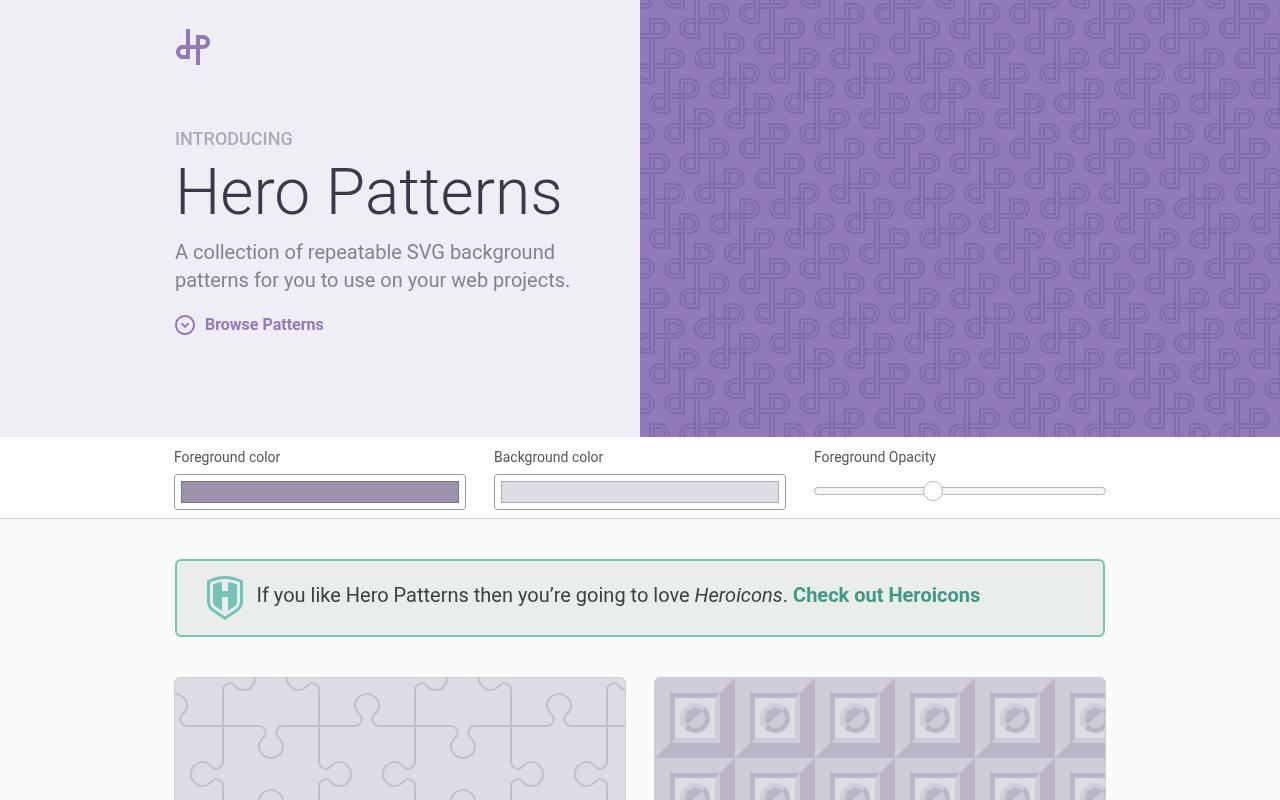
Steve Schoger's Hero Patterns collects free, repeatable SVG backgrounds with names such as Topography, Graph Paper, Jigsaw, and Overlapping Hexagons. The gallery mixes restrained grids and dots with more recognizable motifs, including food, leaves, and architecture-inspired shapes.
Its controls let you change the foreground color, background color, and foreground opacity before choosing Use Pattern on a design. These are repeating vector patterns rather than full-page photographs or one-off illustrations. The collection uses CC BY 4.0, allowing adaptation and commercial use with attribution to the creator.
- Type
- SVG patterns
- Best for
- Subtle repeating backgrounds
- License
- CC BY 4.0
- Price
- Free
Haikei
SVG generator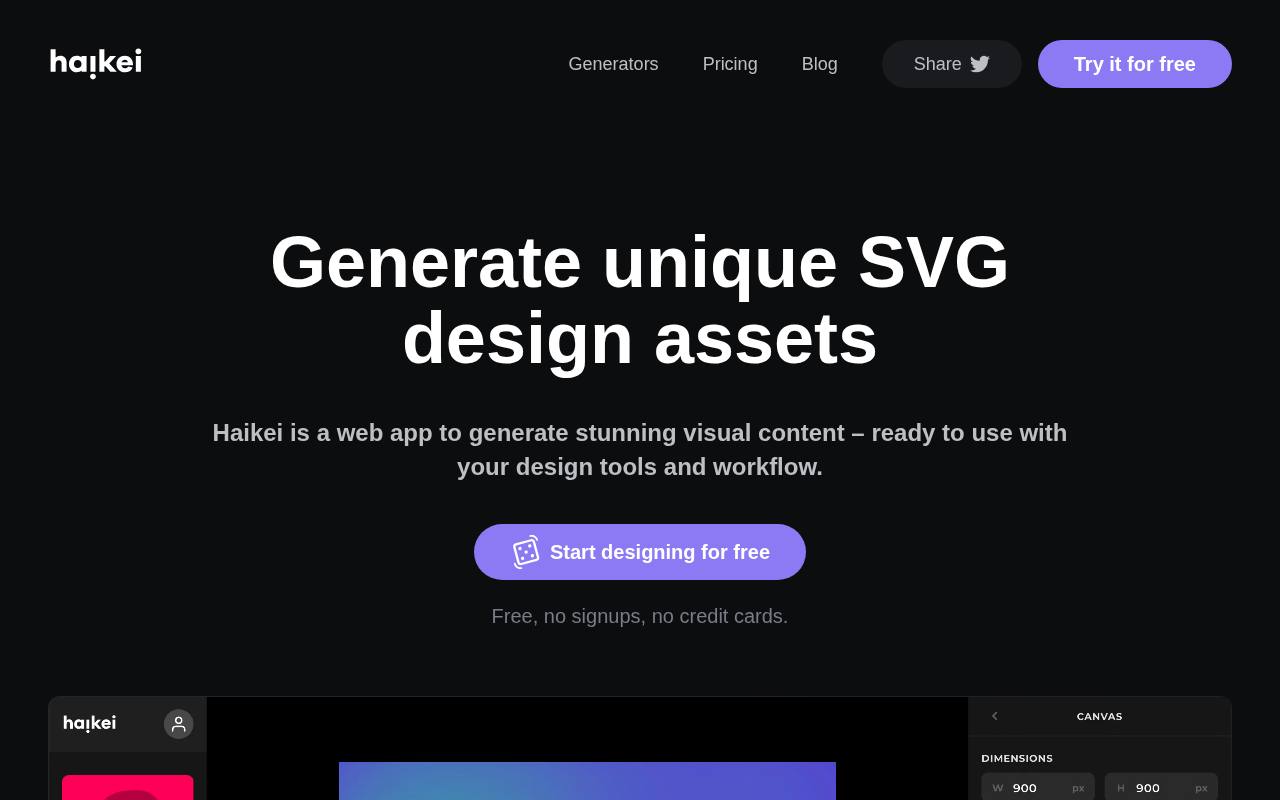
Generate layered waves, steps, peaks, blobs, grids, and gradients in Haikei's browser-based workspace. The free Basic plan includes 15 generators, nine canvas templates, unlimited SVG downloads, and unlimited medium-resolution PNG downloads, with no signup or credit card required.
Canvas dimensions, colors, generator settings, and a dice button help produce variations for slide decks, social graphics, and website sections. Exports come as SVG and PNG. Personal and commercial client work is allowed without attribution, but using the designs to provide a competing generator service is restricted. The advertised Pro plan is currently marked Coming soon.
- Type
- SVG generator
- Best for
- Waves, blobs and layered shapes
- License
- Free for commercial use
- Price
- Free
SVG Backgrounds
SVG backgrounds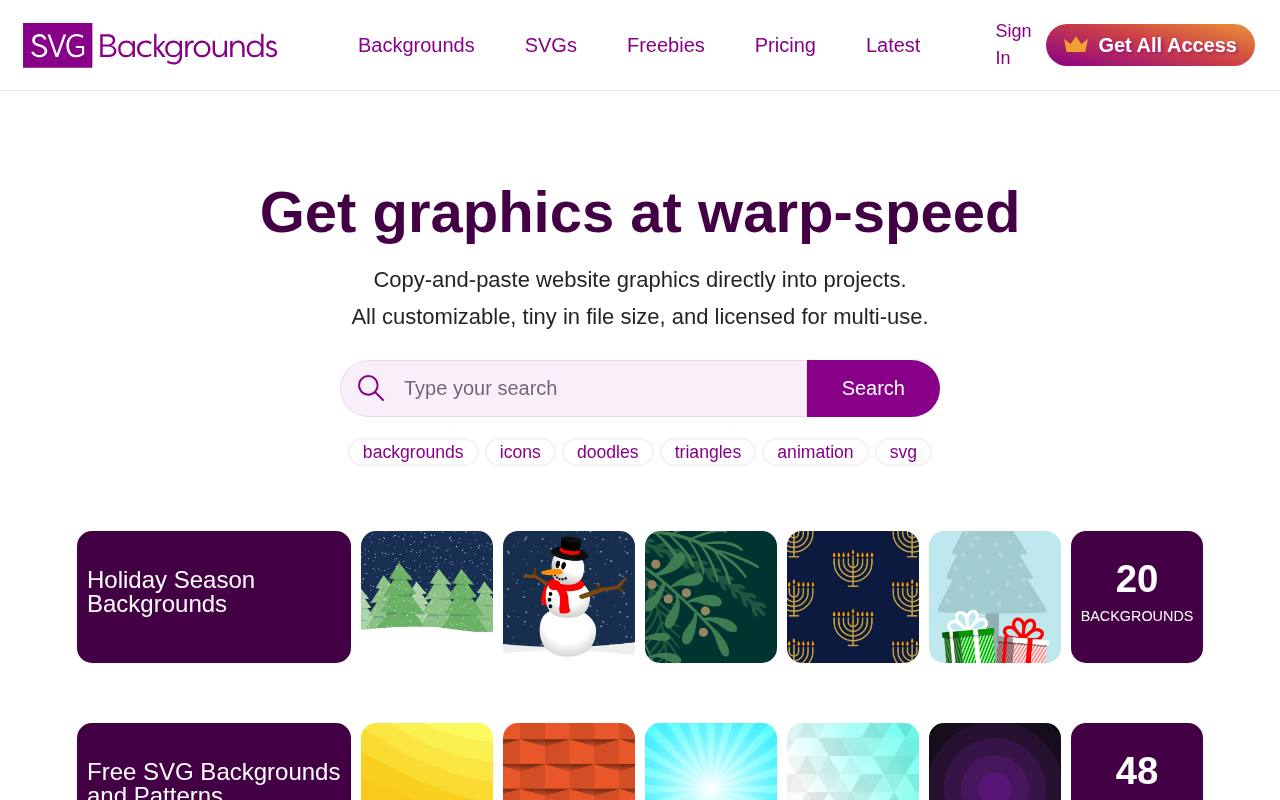
Customizable backgrounds sit alongside SVG elements and freebies at SVG Backgrounds, with collections covering patterns, halftones, fades, and seasonal artwork. Its featured editor offers CSS and inline SVG code, Illustrator-oriented copying, and SVG or PNG downloads.
Free graphics can be used in personal and commercial projects, but attribution is required and use in competing products is prohibited. The site provides credit options and implementation demos rather than just image downloads. A paid All Access offering unlocks premium graphics and removes the attribution requirement for use across unlimited projects by one designer.
- Type
- SVG backgrounds
- Best for
- Customisable CSS backgrounds
- License
- Free with attribution
- Price
- Free + premium
Pattern Monster
SVG pattern generator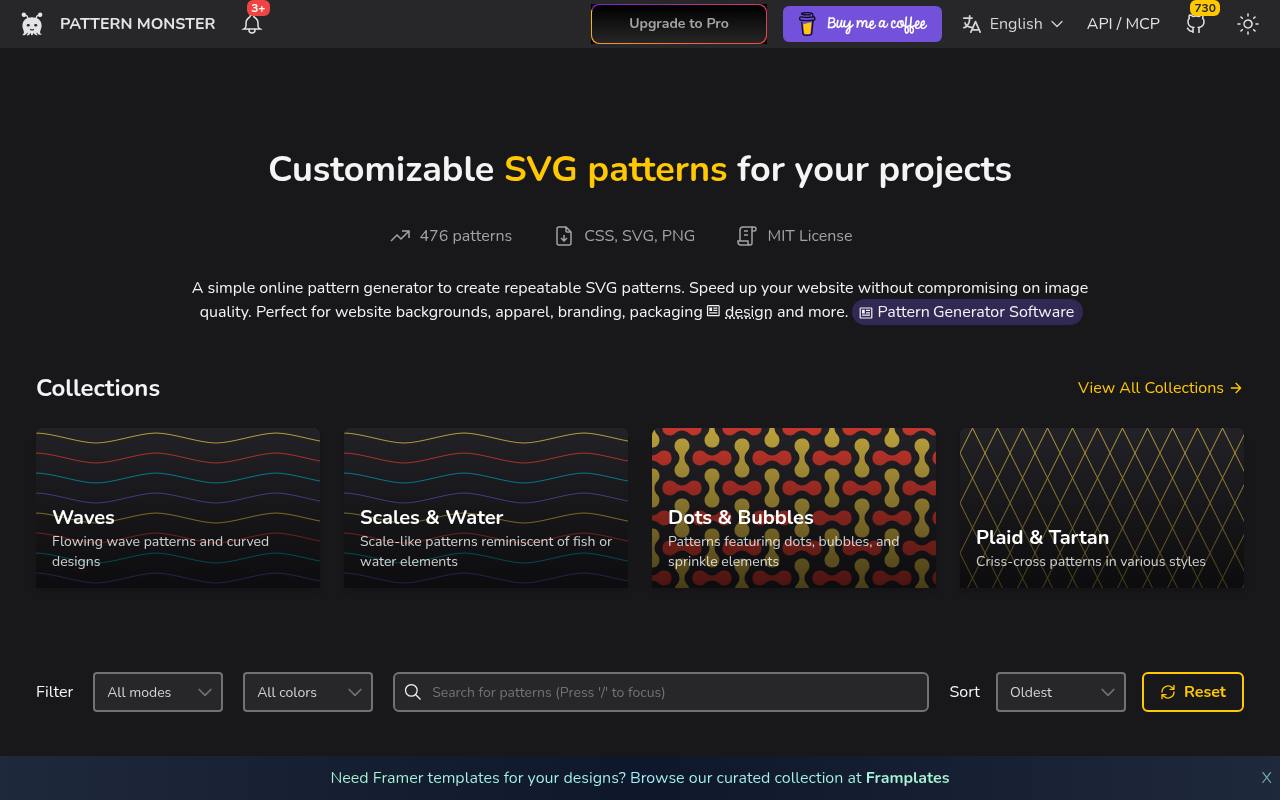
Browse 476 patterns in Pattern Monster's free library of repeatable vector designs, with outputs available as CSS, SVG, and PNG. The catalog includes wave variations and themed collections such as Christmas, African & Tribal, Chinese, and Squares.
Pattern cards show their supported number of colors, while filtering, sorting, pagination, and a reset control help navigate the collection. The site explicitly positions its patterns for website backgrounds as well as apparel, branding, and packaging. Its MIT License permits reuse and modification, including commercial projects, subject to retaining the required copyright and permission notice.
- Type
- SVG pattern generator
- Best for
- Seamless patterns
- License
- MIT
- Price
- Free
BGJar
SVG generator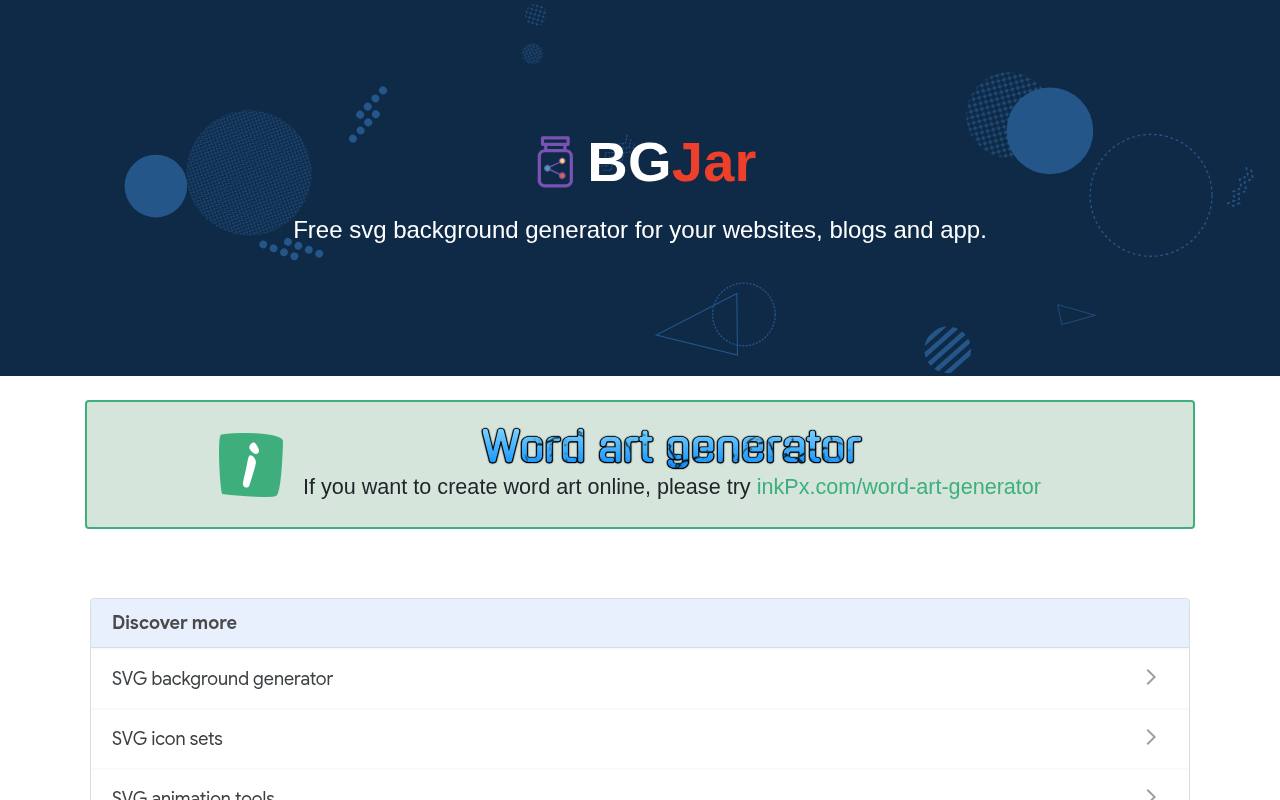
From World Map and Circuit Board to Stacked Wave and Animated Shape, BGJar offers a gallery of customizable SVG background templates. Its Wave editor includes canvas dimensions, background color or transparency, multiple wave layers, individual colors, and curvity controls.
Results can be downloaded or copied as raw SVG, a data URI, or a CSS background image. All templates are available on the free plan for unlimited personal and commercial projects, but CC BY 4.0 attribution is required. Paid Basic and Pro licenses remove attribution; direct redistribution and competing background services are prohibited.
- Type
- SVG generator
- Best for
- Quick hero backgrounds
- License
- CC BY 4.0 (credit required)
- Price
- Free + paid licenses
Cool Backgrounds
Background generator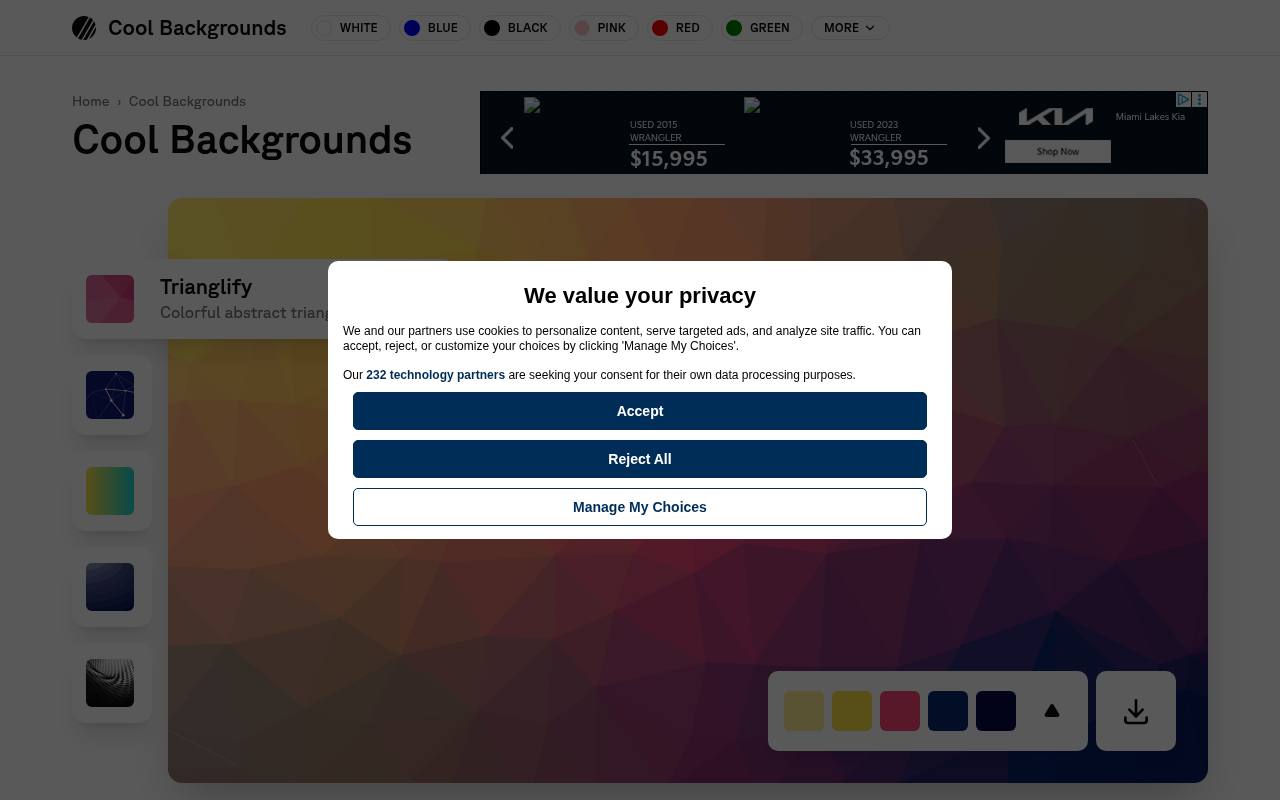
Colorful background creation is the focus at Cool Backgrounds, which brings together image-making tools for blogs, social banners, websites, and wallpapers. The site describes five tools, ranging from dynamic particles to Unsplash imagery, and links to Trianglify for geometric backgrounds.
Named palettes include Clear Lagoon, Persian Lounge, Tropical Salad, Ruby Garden, and Sea Edge. Its use-case sections show blog hero images, social media banners, and desktop or phone wallpapers. A free ready-made gallery provides additional background images that can be downloaded directly using the browser's Save Image As command.
- Type
- Background generator
- Best for
- Wallpapers and social images
- License
- Free
- Price
- Free
Mesh Gradient (Mesher)
CSS mesh gradients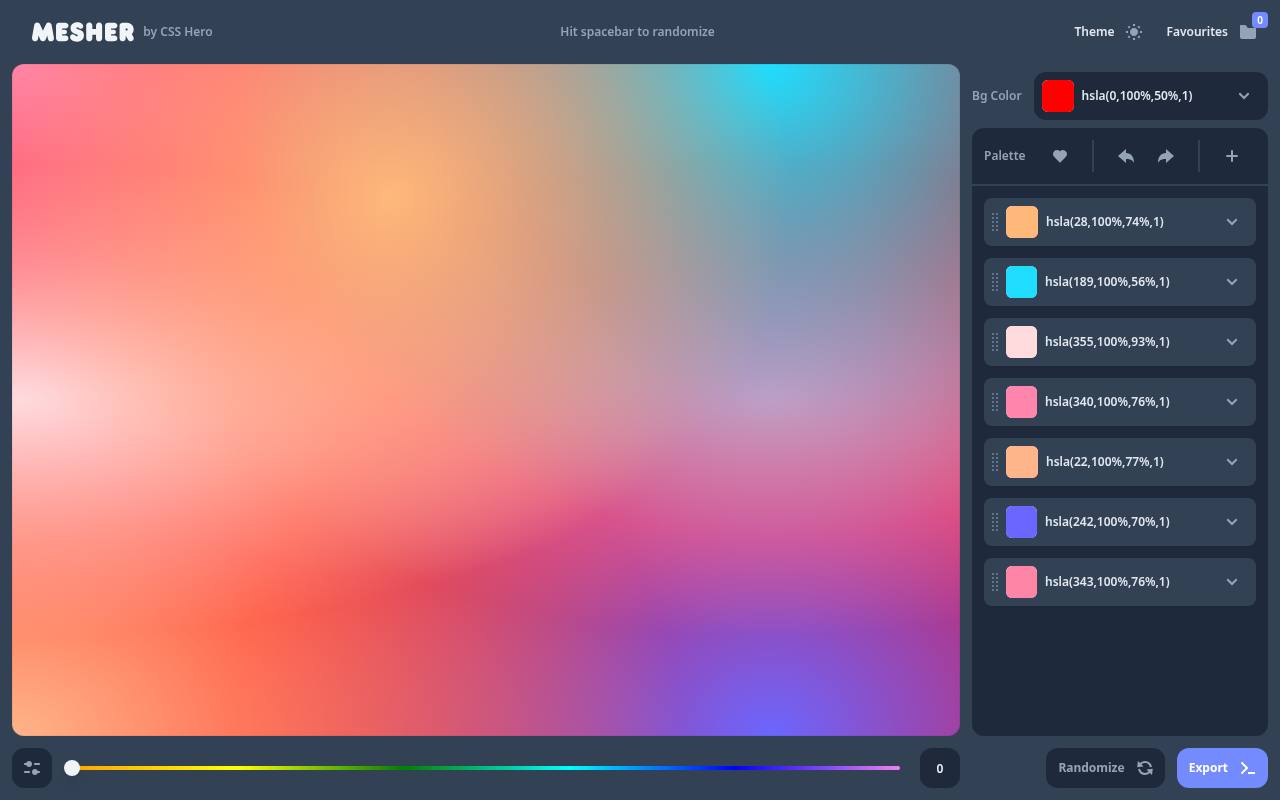
CSS Hero's Mesher creates free CSS mesh gradients through a compact interface built around a background color and a multicolor palette. The palette displays editable HSLA color values, while a Randomize control generates new combinations; pressing the spacebar triggers randomization too.
An Export control provides the route out of the editor, and the Theme option changes the workspace presentation. You can keep promising meshes in Favourites, which includes a saved-item count. Those favorites live in the browser's localStorage rather than a permanent online library, and can be cleared individually or through browser storage settings.
- Type
- CSS mesh gradients
- Best for
- Modern mesh gradients
- License
- Free
- Price
- Free
uiGradients
Gradient collection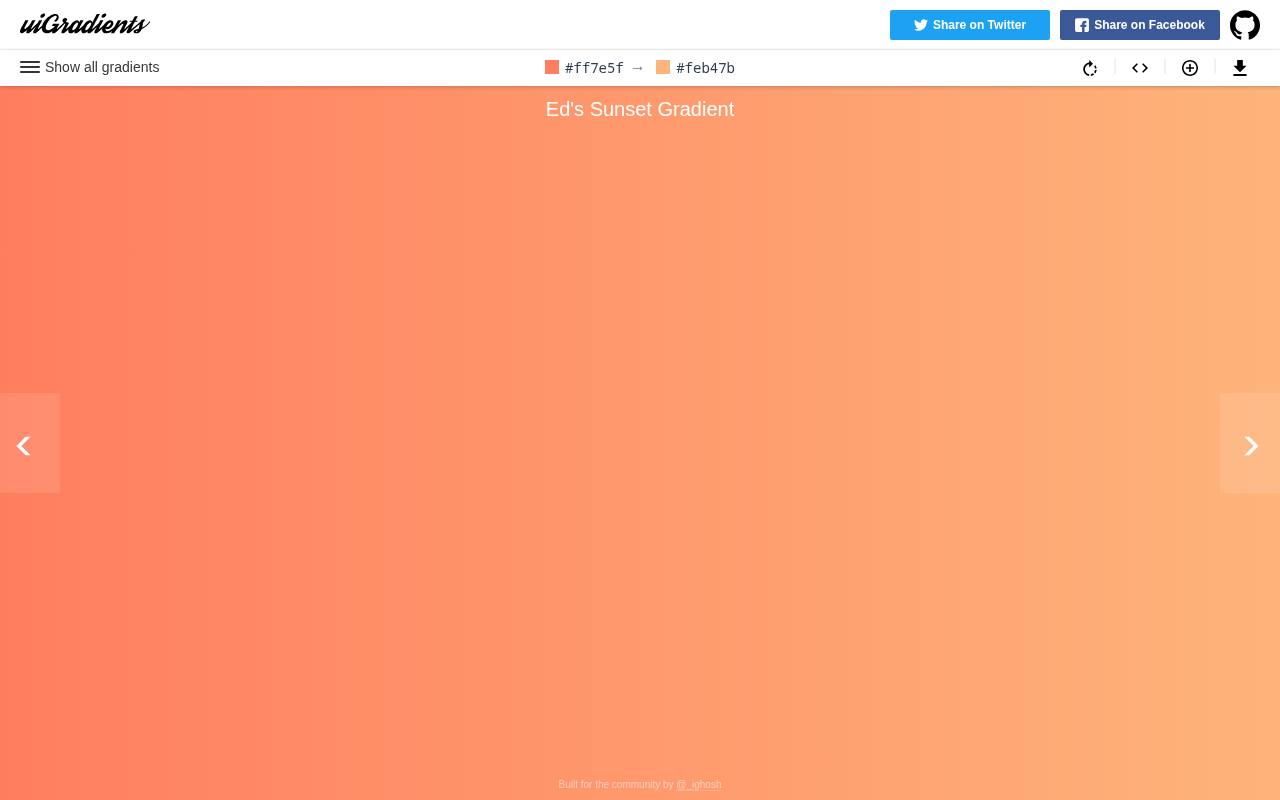
Named color blends fill uiGradients, a free gradient collection with entries such as Visual Blue, Dusty Grass, Neon Green, After the Rain, and Hyper Blue. The main view shows a gradient alongside its hex color values, making the underlying palette visible rather than presenting only a finished image.
Pressing Shift reveals all gradients for quicker browsing across the collection. This resource centers on choosing ready-made color transitions instead of generating textured or illustrated backgrounds. Distributed under the MIT License, the collection can be reused and modified, including for commercial projects, with the required license notice retained.
- Type
- Gradient collection
- Best for
- Ready-made gradients
- License
- MIT
- Price
- Free
Blobmaker
Blob generator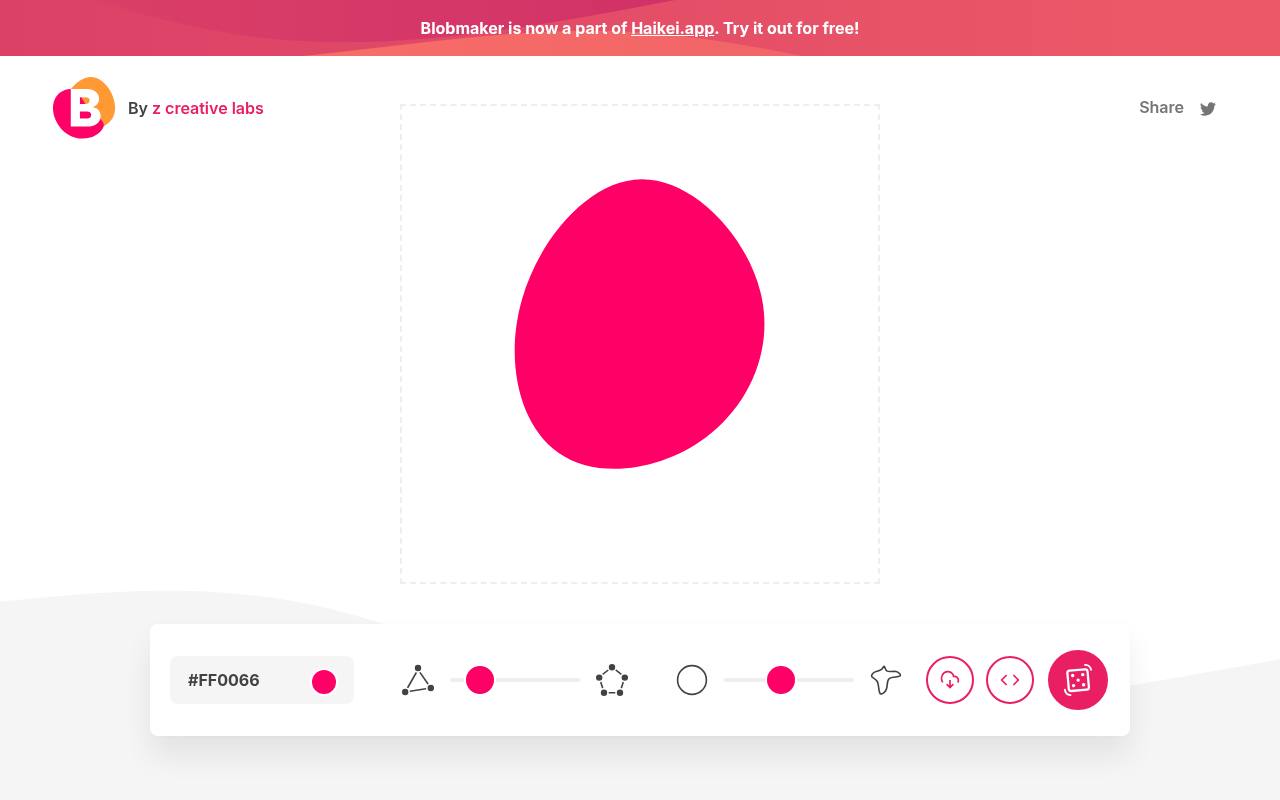
Create organic vector shapes with Blobmaker, a free generative tool from z creative labs that is now also part of Haikei. Two core settings control complexity and contrast: the number of points and the difference between those points.
A dice button generates fresh random variations within those settings, allowing anything from smoother blobs to more irregular outlines. Once a shape works, download an SVG or copy its code directly to the clipboard. The tool is specifically built for standalone organic shapes used in landing-page compositions and illustrations, rather than tiled patterns or photographic backgrounds.
- Type
- Blob generator
- Best for
- Organic shapes
- License
- Free
- Price
- Free
Transparent Textures
Texture patterns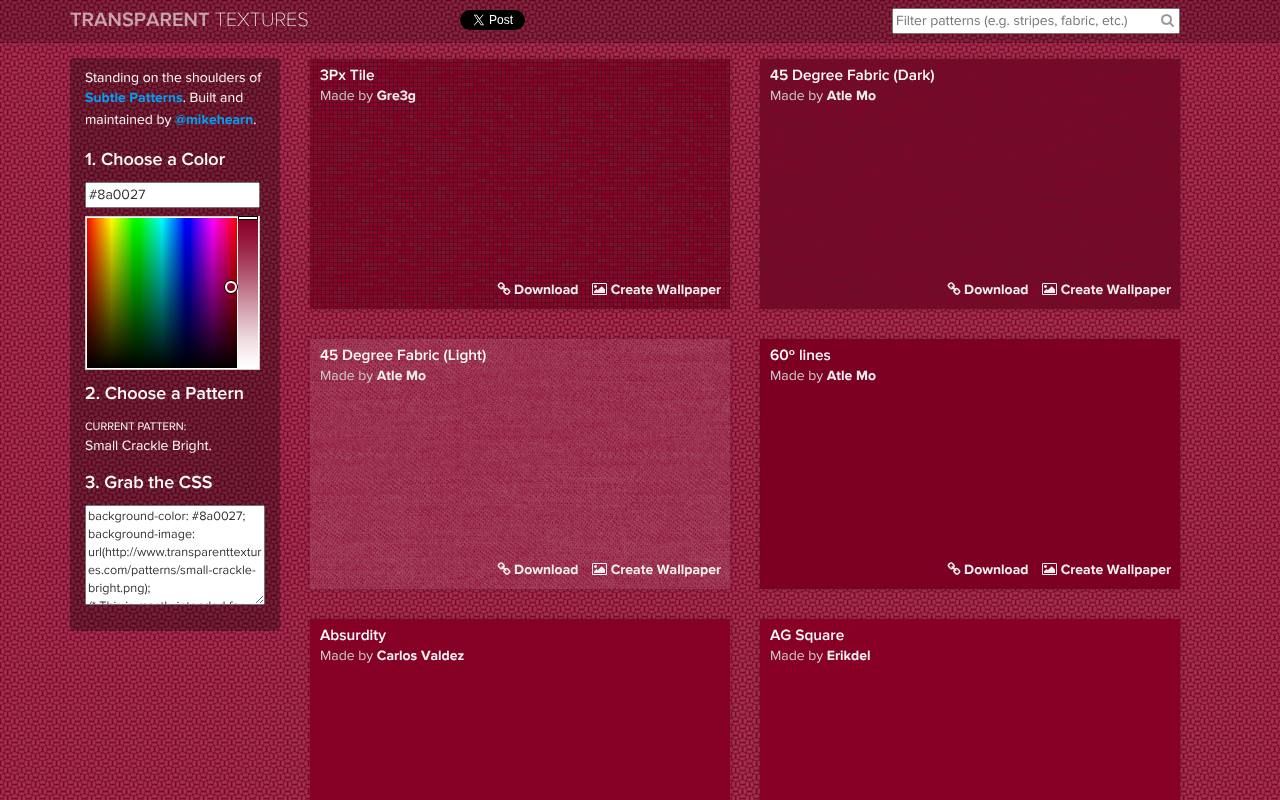
Transparent Textures presents a numbered catalog of 397 texture patterns, each paired with its maker's credit and direct download controls. Designs range from 3Px Tile and dark or light 45 Degree Fabric to Zig Zag, Xv, and Black Lozenge. Descriptive tags identify materials and motifs such as denim, fabric, and leaves.
Each listing offers a free PNG download plus a Create Wallpaper option, distinguishing small texture assets from finished wallpaper output. The transparent pattern files are the site's central offering, providing repeatable surface detail rather than large opaque photographs or full-color vector illustrations.
- Type
- Texture patterns
- Best for
- Paper and grain textures
- License
- Free
- Price
- Free
Backgrounds without hurting readability
Keep patterns low-contrast behind text, and test that body copy still meets contrast guidelines. SVG and CSS backgrounds are tiny compared with images, so prefer them for page speed.
Use bolder backgrounds for hero sections and calls to action, and keep content areas calm.
Frequently asked questions
What is the best free SVG background generator? Haikei is the most versatile; Hero Patterns is best for subtle repeating patterns.
Are generated backgrounds free for commercial use? Yes for the tools above, though some ask for attribution.
Choose a background by its job in the layout
Start by deciding whether the background should separate sections, frame a product image or establish a mood. Those jobs call for different treatments.
A repeating texture can quietly distinguish a testimonial panel, while a larger wave can guide the eye towards a call to action. Sketch the content first, then use a background generator to support the layout instead of designing a page around a random export.
Give every decorative layer a clear boundary. If a shape stretches across several unrelated sections, visitors may struggle to understand where one topic ends and another begins.
Try your free backgrounds with real headings, buttons and body copy before approving them. Empty mockups can flatter an elaborate pattern that becomes distracting as soon as the page contains a realistic amount of information and navigation.
Build a seamless pattern without obvious joins
When working with Pattern Monster, adjust the pattern scale before fine-tuning the stroke and colours. A motif that feels restrained in a small preview can become overpowering when repeated across a wide display.
Place the export in a large test area and inspect the tile edges. Check several repetitions horizontally and vertically so an accidental seam does not hide outside the original preview window.
Compare that result with a Hero Patterns treatment using the same palette and content. Focus on rhythm: do repeated lines create distracting bands, or does the pattern recede naturally?
Free SVG patterns are especially useful when you need crisp repetition, but sharpness alone does not guarantee a pleasant texture. Try a quieter motif before attempting to rescue an overly busy one with increasingly faint colours or extra overlays.
Shape gradients around the content
A free gradient generator is most useful when you treat colour placement as a composition decision. With Mesh Gradient (Mesher), think about where a headline, product screenshot and button will sit before arranging colour points.
Keep the strongest transitions away from small text, and leave a calmer region behind important controls. The aim is a visual setting for your content, not a colour experiment competing with it.
For a simpler approach, try a linear treatment from uiGradients and test its direction against the page flow. A gradient that looks balanced across a desktop hero may concentrate its darkest area behind the mobile headline.
Review different viewport shapes and content lengths rather than relying on one screenshot. Save the chosen colours and direction with your design notes so later sections can reuse the same visual logic.
Adapt generated shapes for narrow screens
Waves from Haikei and compositions from BGJar can give a wide hero section a strong silhouette, but cropping changes their balance. Preview the artwork in a tall mobile container as well as a broad desktop layout.
Check whether an important curve disappears, whether a dark shape moves behind text and whether the decoration creates awkward empty space around the content at intermediate screen widths.
You do not need to preserve every decorative detail at every size. Consider a simpler crop or a separate compact composition if the original becomes confusing on mobile.
With Blobmaker, try fewer visual complications when a shape sits behind a small image or badge. Keep the content order independent of the background so your page still works if the artwork is hidden or fails to load.
Balance export quality with page weight
Compare the actual delivered files rather than assuming every vector background is automatically lightweight. A simple SVG can be efficient, but a highly detailed composition may contain many paths or effects.
A CSS gradient avoids an image download, yet a complicated visual treatment can still cost rendering effort. Test the page with its real content and devices before deciding which free website backgrounds belong in the final build.
For raster exports from Cool Backgrounds, choose dimensions appropriate to the display area rather than uploading the largest available file by default. If you use Transparent Textures, inspect the repeat tile at its intended scale and over your chosen base colour.
Compress where appropriate, then check the result for banding or visible artefacts. Keep an original export so you can revise delivery settings without regenerating the design from scratch.
Create a reusable background recipe
Turn an approved background into a small specification that another team member can follow. Record the source, palette, scale, opacity, crop and intended content placement.
Include a screenshot with realistic copy so people can see the balance you are trying to preserve. A recipe is more useful than a folder of unexplained free downloads because it captures how the decoration supports the rest of the design.
Create related treatments for a hero, a content panel and a social graphic rather than reusing one image unchanged everywhere. You might keep the same colours while varying the density or direction.
Check the results together to make sure they feel connected without looking repetitive. If your campaign expands into presentation slides, test projected readability separately; a texture that looks subtle on your laptop may behave differently on another display.
Review attribution before sharing editable designs
Read each source's licence page before adding generated artwork to a client deliverable. Hero Patterns is listed under CC BY 4.0, while SVG Backgrounds offers its free set with attribution; check the source instructions for the exact credit you need.
Do not assume that another generator's conditions apply simply because both export SVG files or both advertise free access to their tools.
Ask how the finished design will be distributed. A published website, an editable presentation and a downloadable template can raise different licensing questions, especially when the decorative asset can be extracted and reused.
Keep a record of the source and applicable terms with your handover. If a planned use is unclear, seek clarification before building a whole campaign around a free background that may need replacing later.
Test backgrounds in less flattering conditions
Review your page when the browser is zoomed, the headline wraps onto extra lines and images are unavailable. Decorative layers should remain behind the content without hiding focus indicators or overlapping interactive elements.
Check the transition between sections too: a wave that looks elegant in one static view may reveal an abrupt join when content height changes. These tests catch layout weaknesses that a polished design preview can conceal.
Can a background carry essential information? It is better to keep instructions, labels and meaningful data in ordinary page content, where they can be read and adapted independently of the decoration.
Use the background to reinforce hierarchy rather than communicate something visitors must see. For any animated treatment you add later, respect reduced-motion preferences and provide a still alternative so the same free design remains comfortable for more people.