
Emoji can make reactions, onboarding screens, and community tools feel more approachable, but a typed character does not guarantee a consistent picture. Each operating system can draw the same Unicode sequence differently.
Free emoji sets give designers greater visual control, while open-source data and picker libraries help developers handle search and selection. This collection separates actual artwork from supporting software so you can choose the part your application needs rather than downloading an attractive but unsuitable package.
A useful emoji system involves more than a row of smiling faces. Your product may need skin-tone variations, combined sequences, searchable labels, or a dependable fallback when an image is missing.
Open license artwork can solve the visual side, while fonts and structured datasets solve different implementation problems. Some projects here are actively developed systems; others preserve a distinctive older style. Check character coverage against your own content before committing to any collection, especially for user-generated messages.
The word free does not erase copyright obligations. Creative Commons sets often require credit, share-alike terms can affect modified artwork, and font licenses differ from the licenses covering source images or build tools.
Likewise, an open-source picker does not automatically license the proprietary vendor images it can display. Use the source links to confirm commercial use conditions, retain the relevant notices, and document whether your interface renders native characters, bundled font glyphs, or downloaded image assets.
Quick picks at a glance
| # | Resource | License | Best for |
|---|---|---|---|
| 1 | OpenMoji | CC BY-SA 4.0 | Consistent outlined emoji with editable vector artwork |
| 2 | Twemoji | CC BY 4.0 graphics; MIT code | Consistent emoji images in web text content |
| 3 | Noto Emoji | OFL fonts; Apache 2.0 tools and most images | Broad Unicode emoji rendering across supported platforms |
| 4 | Fluent Emoji | MIT | Friendly Microsoft-style emoji in coordinated visual treatments |
| 5 | Blobmoji | OFL fonts; Apache 2.0 most image resources | Playful blob-style emoji inspired by earlier Android artwork |
| 6 | EmojiTwo | CC BY 4.0 artwork | Open flat emoji with transparent editable sources |
| 7 | FxEmoji | CC BY 4.0 design; Apache 2.0 code | Distinctive legacy emoji for curated character selections |
| 8 | Emojibase | MIT; retain upstream data notices | Building searchable emoji systems with structured localized metadata |
| 9 | emojilib | MIT | Adding lightweight keyword matching to emoji search |
| 10 | Emoji Mart | MIT code; image sets separately licensed | Shipping an emoji picker without building every control |
OpenMoji
SVG, PNG & emoji fonts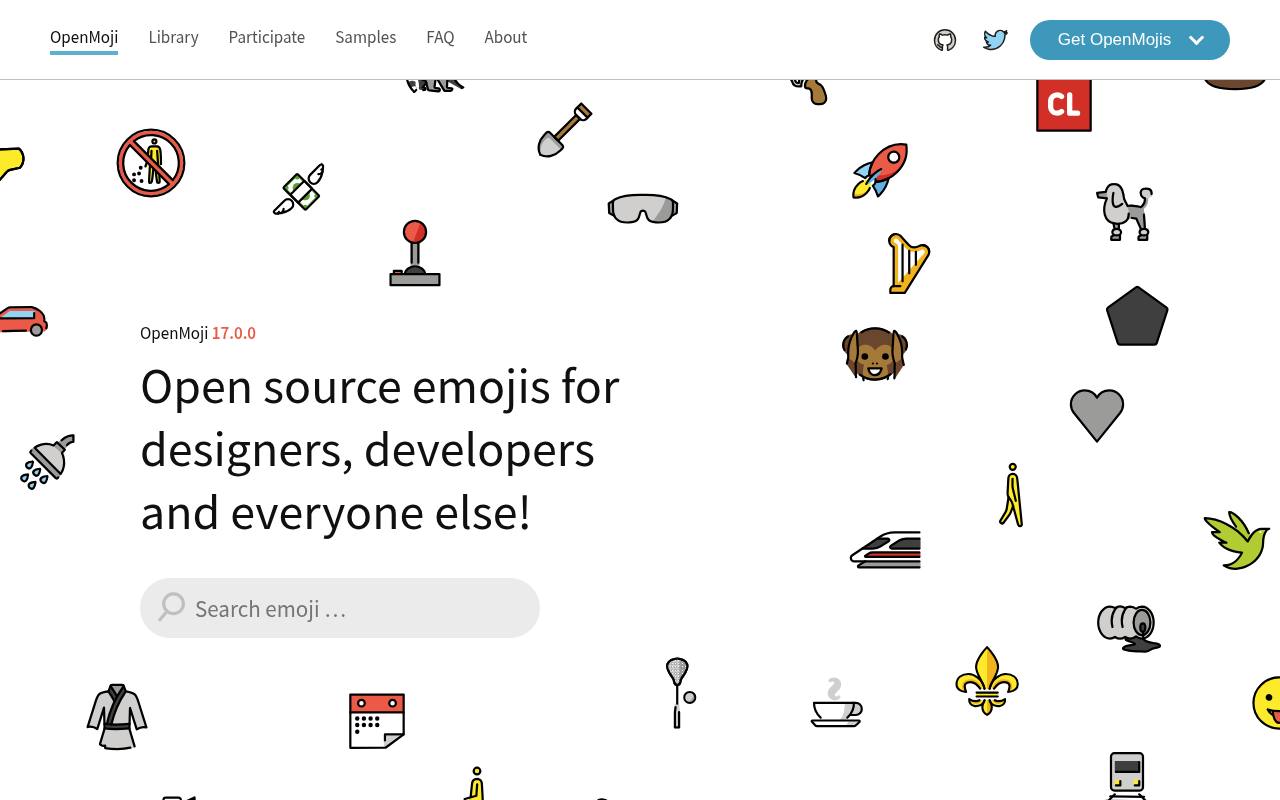
OpenMoji is a collaborative project from HfG Schwäbisch Gmünd with a recognizable outlined visual style. Its source repository includes exported SVG and PNG artwork, and the project documents both color and black emoji fonts. That combination makes it useful for editable vector emoji as well as interfaces needing a coordinated monochrome treatment.
The artwork is licensed CC BY-SA, so attribution matters and adaptations need to follow the applicable share-alike conditions. Use a stable release for production rather than assuming the development catalog is a finished, fixed asset package.
- Type
- SVG, PNG & emoji fonts
- Best for
- Consistent outlined emoji with editable vector artwork
- License
- CC BY-SA 4.0
- Price
- 100% free
Twemoji
SVG, PNG & JavaScript parser
The community-maintained Twemoji repository combines recognizable flat emoji artwork with JavaScript for replacing Unicode emoji in web content. Its asset folders contain SVG and raster images, making it suitable for consistent browser rendering when platform-native appearances are too variable.
The licensing distinction is important: CC BY graphics require appropriate credit, while the parser code uses MIT terms. Read the parsing documentation before integrating it into a messaging interface, and test combined sequences rather than replacing individual code units yourself. This maintained fork is a practical source for both artwork and implementation examples.
- Type
- SVG, PNG & JavaScript parser
- Best for
- Consistent emoji images in web text content
- License
- CC BY 4.0 graphics; MIT code
- Price
- 100% free
Noto Emoji
Emoji fonts, SVG & PNG
Google's Noto Emoji repository contains fonts, artwork, and the tooling used to build emoji fonts. It is an especially useful starting point when your application needs font based emoji rather than only individual reaction images. The documentation distinguishes the OFL licensed fonts from tools and most image resources covered by Apache terms.
It also notes that transformed flag images in the color font do not have matching SVG versions for those exact transformations. Review platform support for the chosen color-font format before distributing a font and expecting identical rendering across every browser.
- Type
- Emoji fonts, SVG & PNG
- Best for
- Broad Unicode emoji rendering across supported platforms
- License
- OFL fonts; Apache 2.0 tools and most images
- Price
- 100% free
Fluent Emoji
SVG & PNG emoji artwork
Microsoft's Fluent Emoji repository publishes its expressive emoji artwork as a browsable source collection. Individual emoji directories include different visual treatments, with flat and high-contrast vector assets and dimensional raster artwork available across the collection. This lets you compare Fluent visual styles without treating a promotional screenshot as a downloadable file format.
The repository uses an MIT license, which is convenient for product teams that maintain license notices alongside bundled assets. Inspect the actual folders for the characters you need, because you should not assume every presentation treatment has identical coverage or file types.
- Type
- SVG & PNG emoji artwork
- Best for
- Friendly Microsoft-style emoji in coordinated visual treatments
- License
- MIT
- Price
- 100% free
Blobmoji
Emoji font & source artwork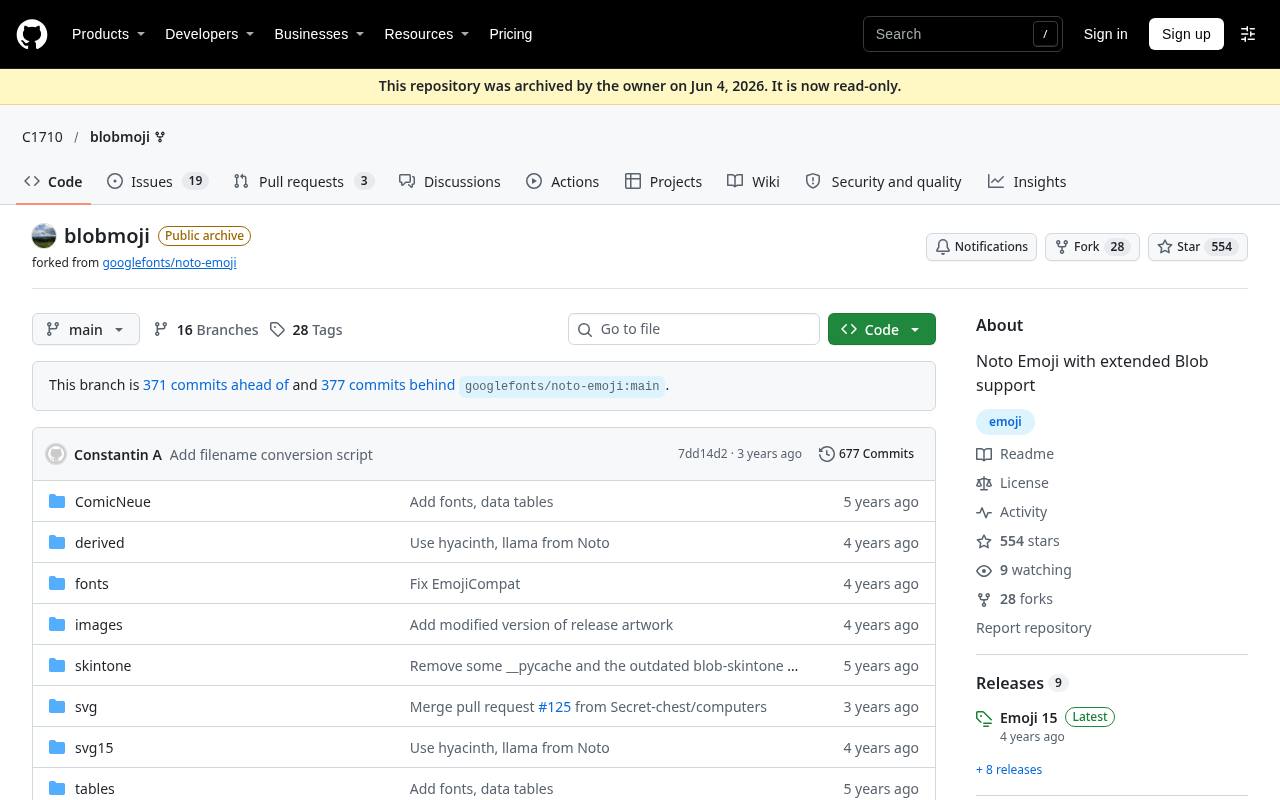
Blobmoji continues the rounded blob designs that disappeared from Google's main emoji style in the past. Its repository explains how this Noto-derived project extends that visual direction and links to installation, usage, and build documentation. The result is particularly appealing for nostalgic emoji interfaces or communities that prefer softer characters over conventional circular faces.
Licensing follows the documented Noto distinction between fonts and artwork, with OFL terms for fonts and Apache terms for most image resources. Check the project's releases and character coverage before choosing it for unrestricted user-generated text.
- Type
- Emoji font & source artwork
- Best for
- Playful blob-style emoji inspired by earlier Android artwork
- License
- OFL fonts; Apache 2.0 most image resources
- Price
- 100% free
EmojiTwo
SVG & PNG emoji artwork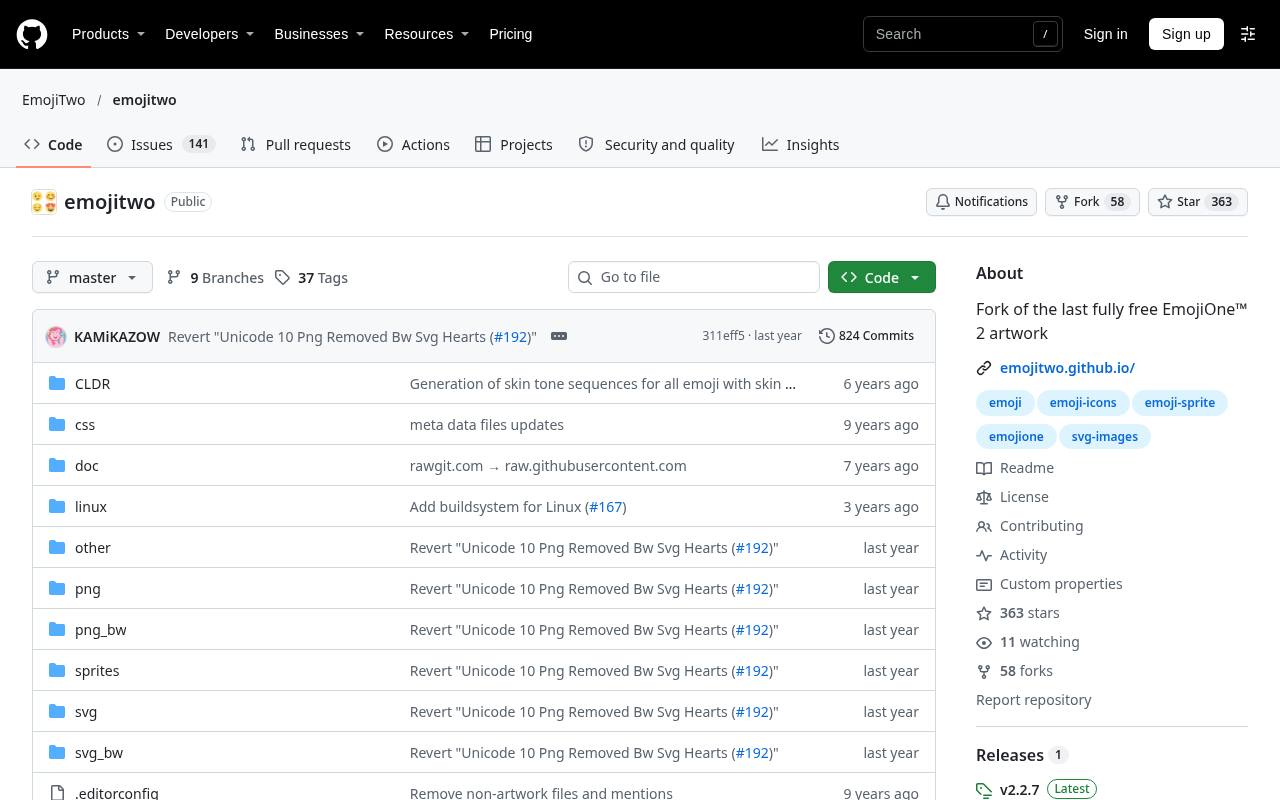
EmojiTwo continues the open artwork lineage of EmojiOne's earlier releases rather than requiring a license for a newer proprietary vendor collection. Its documentation identifies SVG source artwork as the native format and explains that other outputs are derived from those sources.
The repository provides detailed CC BY attribution instructions, including acknowledging the creators, linking the license, and indicating modifications. It is useful when you want a flat emoji aesthetic with inspectable source files. Compare its available characters with your actual needs, since an older artwork lineage should not be mistaken for automatic coverage of every recent Unicode addition.
- Type
- SVG & PNG emoji artwork
- Best for
- Open flat emoji with transparent editable sources
- License
- CC BY 4.0 artwork
- Price
- 100% free
FxEmoji
SVG artwork & font build sources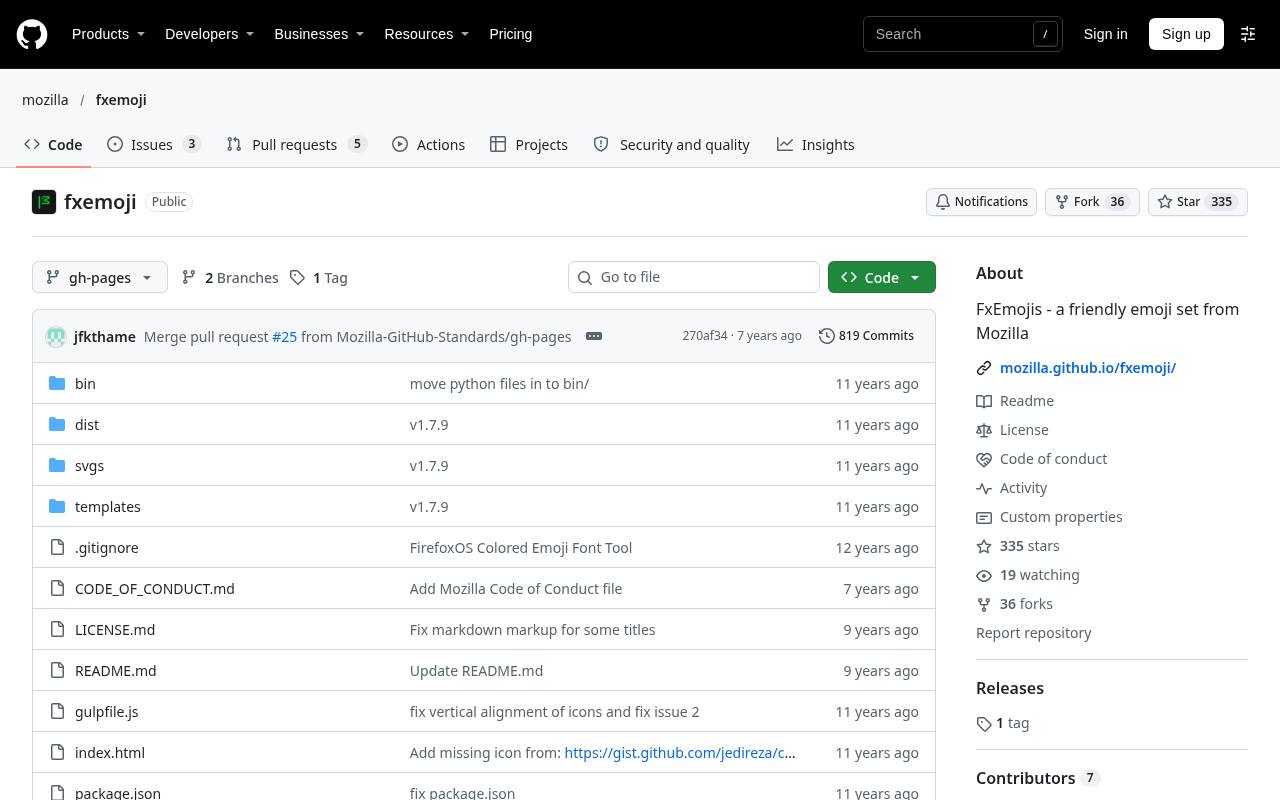
Mozilla's FxEmoji preserves the former Firefox OS emoji project, including vector artwork and font-building material. Its documentation describes complete glyph SVG files alongside separate color-layer files, which is useful when exploring how layered emoji artwork is assembled.
This is a legacy collection, so it suits deliberately curated reactions better than a promise of comprehensive modern emoji coverage. The license separates CC BY design from Apache-licensed code. Keep that distinction when exporting graphics for a website; the code license alone does not remove the attribution requirements attached to the visual designs.
- Type
- SVG artwork & font build sources
- Best for
- Distinctive legacy emoji for curated character selections
- License
- CC BY 4.0 design; Apache 2.0 code
- Price
- 100% free
Emojibase
Localized JSON data & utilities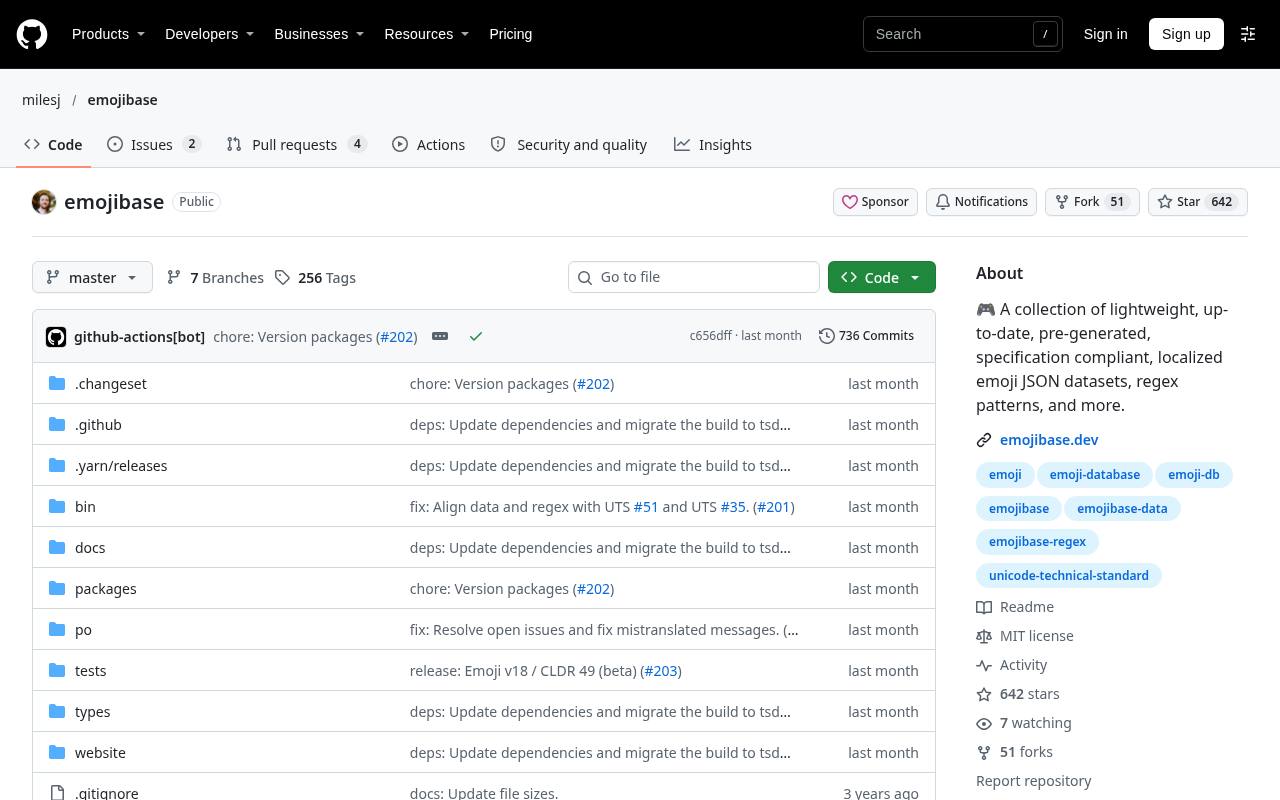
Emojibase provides structured emoji information rather than a new visual drawing style. Its packages include localized JSON datasets, regex patterns, and related utilities built around Unicode and CLDR specifications. That makes it valuable for localized emoji search, organizing categories, and connecting a picker to a rendering system of your choice.
The project is MIT licensed, with upstream data notices also worth retaining in an asset inventory. Pair it with a separately licensed image set or native characters; downloading this database does not supply a universal replacement font or grant rights to proprietary emoji artwork.
- Type
- Localized JSON data & utilities
- Best for
- Building searchable emoji systems with structured localized metadata
- License
- MIT; retain upstream data notices
- Price
- 100% free
emojilib
JavaScript emoji keyword data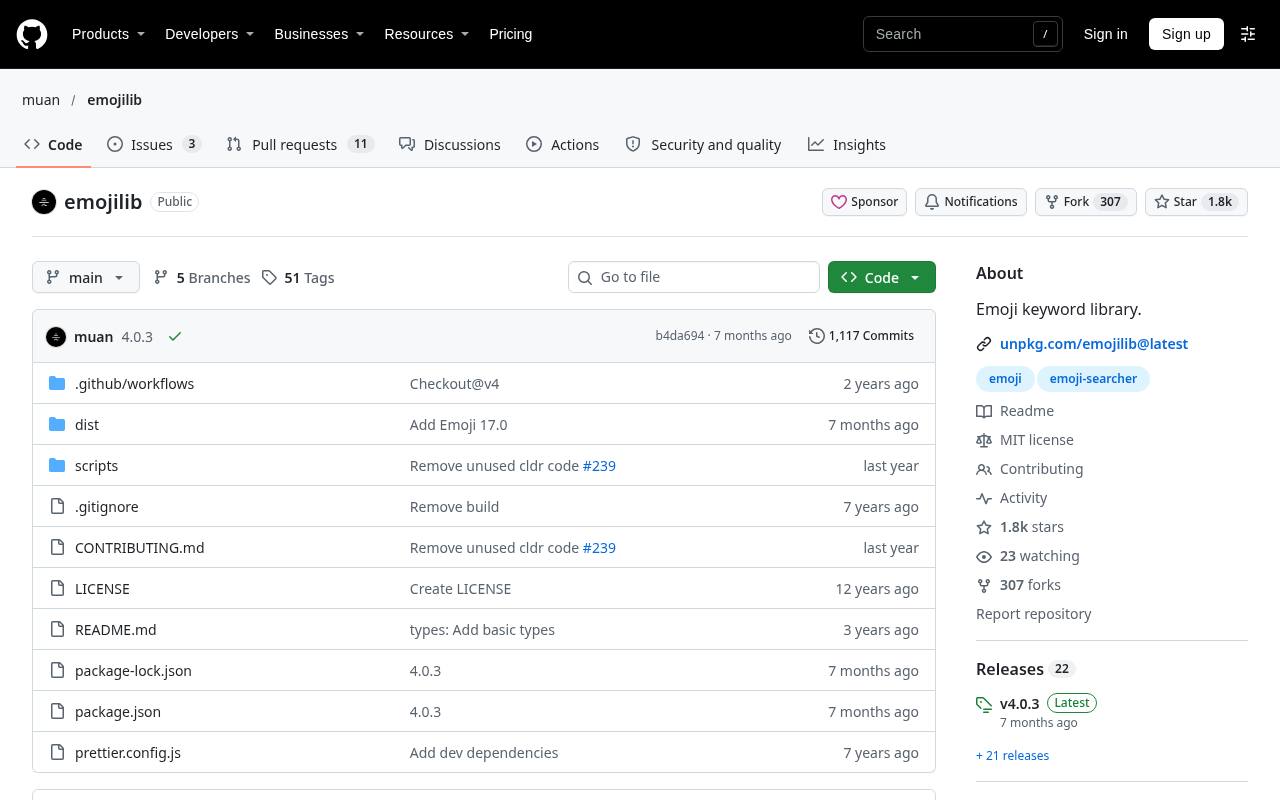
emojilib is a focused keyword library that makes emoji searchable through associated words and aliases. Its documented data maps emoji characters to keyword arrays, and the README shows how to combine those keywords with a separate Unicode metadata package when richer fields are needed.
Choose it for keyword driven search rather than expecting a finished graphical picker or bundled SVG collection. The library uses an MIT license, keeping integration straightforward for custom applications. Search quality still depends on your matching rules and language requirements, so test the vocabulary people actually use in your product.
- Type
- JavaScript emoji keyword data
- Best for
- Adding lightweight keyword matching to emoji search
- License
- MIT
- Price
- 100% free
Emoji Mart
Web emoji picker & search library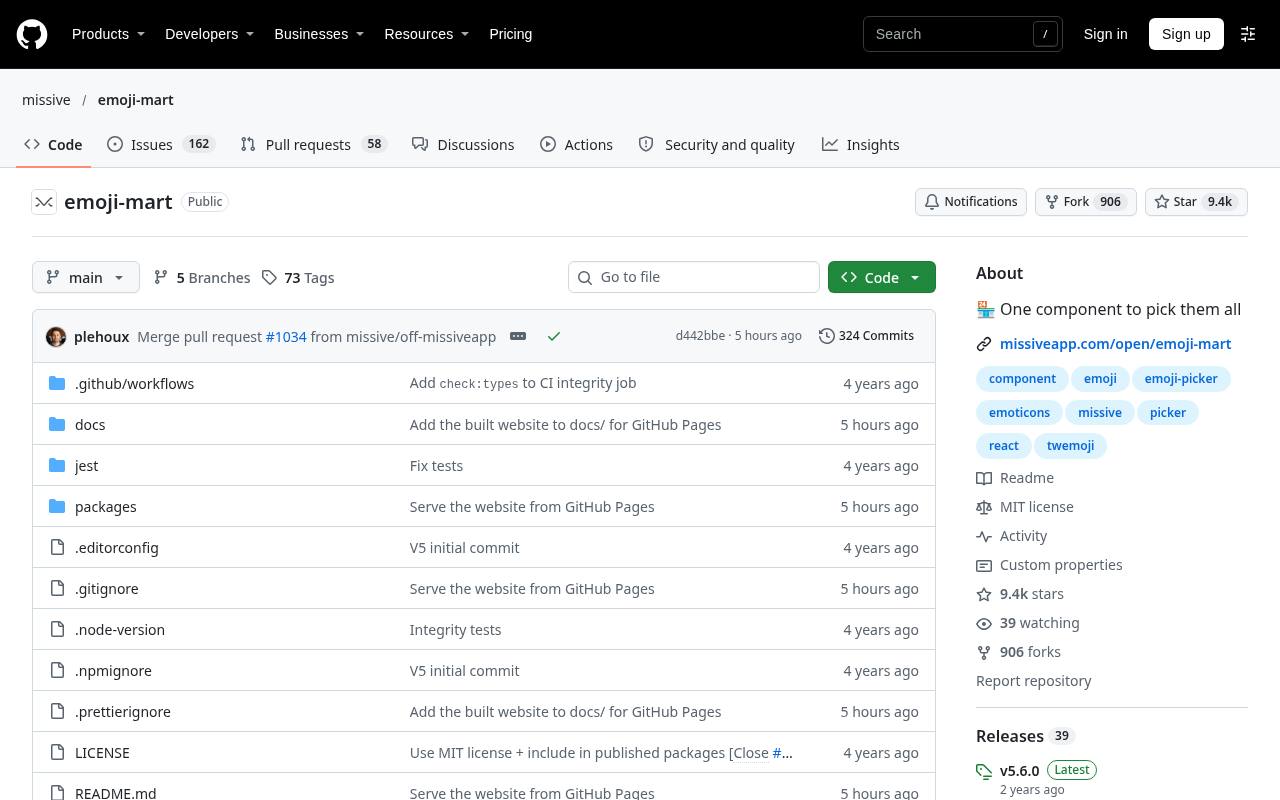
Emoji Mart supplies a customizable web emoji picker, with documented React integration and a data package that can be loaded separately. It also exposes search and emoji lookup functionality, making it useful beyond the visible picker panel.
The default native emoji rendering relies on the visitor's platform; choosing an image-based vendor set introduces separate artwork licensing questions. Its open source code should not be mistaken for permission to redistribute every supported vendor image. Review the picker configuration, available translations, and data-loading approach when integrating it into a chat or commenting interface.
- Type
- Web emoji picker & search library
- Best for
- Shipping an emoji picker without building every control
- License
- MIT code; image sets separately licensed
- Price
- 100% free
Decide whether you need artwork or infrastructure
Begin with the missing layer in your product. If the problem is inconsistent appearance, choose an image collection or a compatible emoji font. If people cannot find the character they want, a picker, keyword index, or localized database is more relevant.
Many applications need both, but buying into one package does not eliminate the other decision. Prototype a short conversation with reactions, flags, and combined characters to see which parts are handled by the artwork and which require application logic.
Understand emoji sequences before replacing text
Emoji are not always single Unicode characters. Skin tones, variation selectors, flags, and joined family or profession sequences can involve multiple code points. A replacement routine that splits text too aggressively can break them into confusing pieces.
Use a maintained parser or tested sequence data, and preserve the original Unicode string in storage. Keeping the underlying text makes copy and paste, search, exports, and future artwork changes more dependable than storing only a filename or a vendor-specific shortcode in every message.
Choose between images and fonts deliberately
Individual SVGs provide predictable visual assets and can be convenient for reactions or static illustrations. A font can fit naturally into text rendering but depends on browser support for its format and interaction with the platform font stack.
PNG remains useful in environments with limited vector or color-font support. Test the actual target surface: a web page, an email, a desktop application, and a generated PDF can have very different rendering capabilities. Do not select a format simply because it looks correct in your development browser.
Keep emoji accessible without adding noise
A meaningful reaction needs an accessible name, including its purpose when context changes the meaning. A thumbs-up button might need a label such as Like rather than merely the character name. Hide decorative emoji where nearby text already communicates the same information.
For reactions with counts, make the selected state and total understandable without relying on color or a tiny graphic. Test screen-reader output in realistic sentences, because a long sequence of literal emoji descriptions can interrupt a message that looks visually brief.
Plan coverage, fallbacks, and performance
Create a coverage test list from the characters your users actually send, including tones, regional flags, and newer sequences. Decide what happens when the selected artwork lacks a match: native text is often preferable to an empty square.
Avoid downloading a whole image catalog just to show a handful of reactions. Serve only necessary assets, use stable package versions, and cache thoughtfully. If you add a font, evaluate its download size and loading behavior so emoji do not delay the more important text and controls on the page.
Keep the visual system consistent over time
Treat your emoji collection as a versioned dependency, not a one-time mood-board choice. New releases can change artwork, coverage, metadata, or parsing behavior. Compare a representative sample before upgrading, especially when screenshots, documentation, or customer expectations depend on familiar images.
Keep user content in Unicode so switching between open sets does not require rewriting old messages. For a small product, one well-documented set plus a reliable fallback is usually easier to maintain than several styles chosen independently by different feature teams.