
Choosing free 3D design software becomes easier when you start with the object you need to make. A printable bracket, a stylized game character, and an interactive website scene require different tools even though all three involve three-dimensional geometry.
The applications below span artistic modeling, parametric CAD, low-poly construction, and browser-based experiments. Some are fully open-source desktop programs; others offer a useful free service with publishing or project restrictions.
The most important comparison is not the length of a feature list but the complete export workflow. You need to create the model, save an editable version, and deliver a file that the next application can actually use.
Browser editors may put advanced exports or watermark removal behind paid plans. Desktop programs avoid those particular service limits, but learning their interfaces and preparing clean geometry can take more time than an introductory demonstration suggests.
This selection includes established tools such as Blender, Spline, and Tinkercad alongside more focused alternatives. Their free tier limits are described separately from their strengths, because a generous learning environment is not always a suitable production license or publishing plan.
Begin with a small representative project, verify its export, and only then build a larger workflow around the application. That short test is far cheaper than rebuilding a complicated scene after discovering a restriction.
Quick picks at a glance
| # | Resource | License | Best for |
|---|---|---|---|
| 1 | Blender | GNU GPL; artwork is not automatically GPL | Complete artistic modeling and rendering without subscriptions |
| 2 | Spline | Proprietary free plan; watermark and usage limits | Interactive web scenes with a visual workflow |
| 3 | Tinkercad | Free proprietary web application; Autodesk terms apply | Learning solid modeling through simple shape combinations |
| 4 | SketchUp Free | Free web edition for noncommercial use | Personal room layouts and early architectural volumes |
| 5 | FreeCAD | Open source; primarily LGPL | Dimension-driven parts and editable engineering design histories |
| 6 | Wings 3D | Open source; BSD-style license | Focused polygon modeling without a full animation suite |
| 7 | Blockbench | GPL open-source editor; asset rights separate | Pixel-textured characters and compact low-poly game models |
| 8 | Bforartists | GNU GPL open-source software | Artists wanting a more visual Blender-derived interface |
| 9 | SculptGL | MIT open-source application | Quick organic sculpting studies without installing software |
| 10 | Dust3D | Open-source software; review repository license | Rapid character forms built from connected shapes |
Blender
Desktop 3D creation suite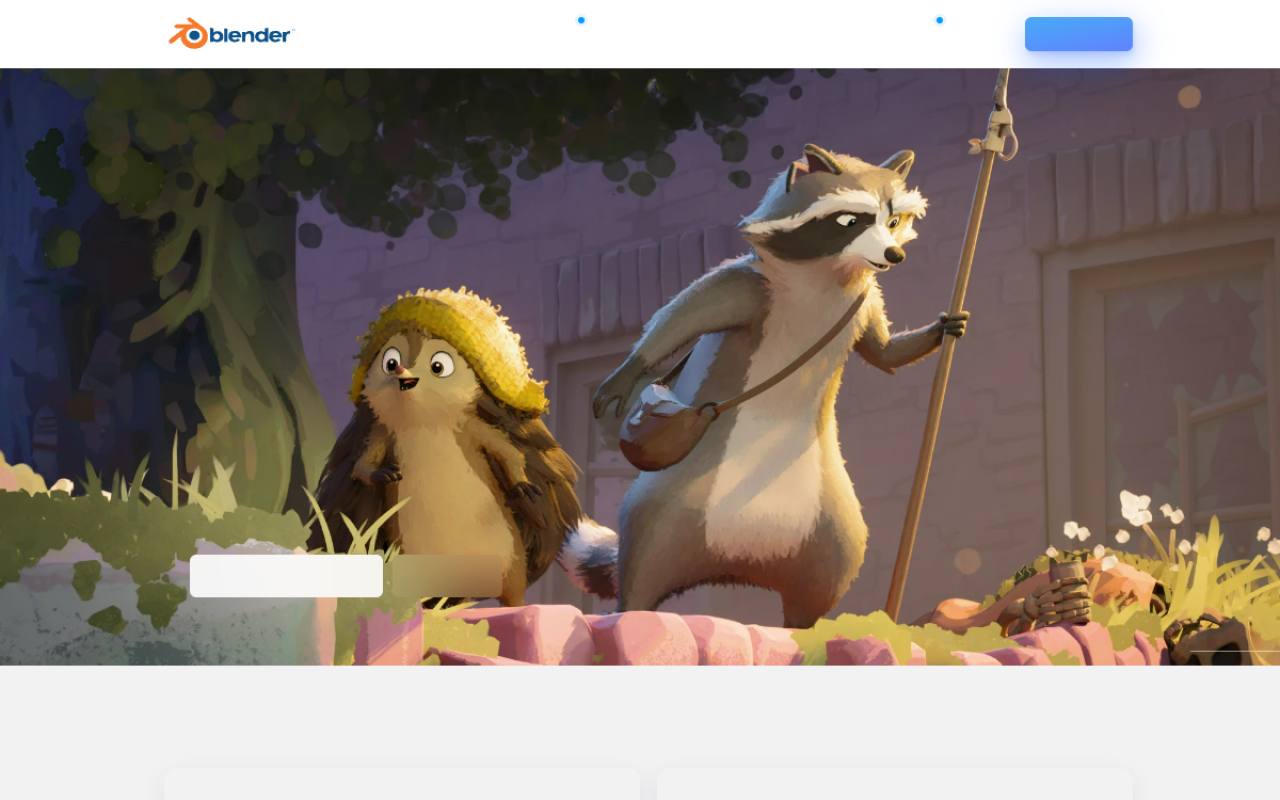
Blender combines mesh modeling and rendering with sculpting, animation, materials, and compositing in one open-source application. It is the broadest option here for artists who want to develop a scene beyond its first model without moving between unrelated tools.
The program is distributed under the GNU GPL license, but that software license does not automatically apply to artwork you create. Commercial production is possible without a subscription. Expect a substantial learning curve, and check the permissions of separately downloaded textures, add-ons, and models rather than assuming Blender’s license covers outside assets.
- Type
- Desktop 3D creation suite
- Best for
- Complete artistic modeling and rendering without subscriptions
- License
- GNU GPL; artwork is not automatically GPL
- Price
- 100% free
Spline
Browser-based interactive 3D editor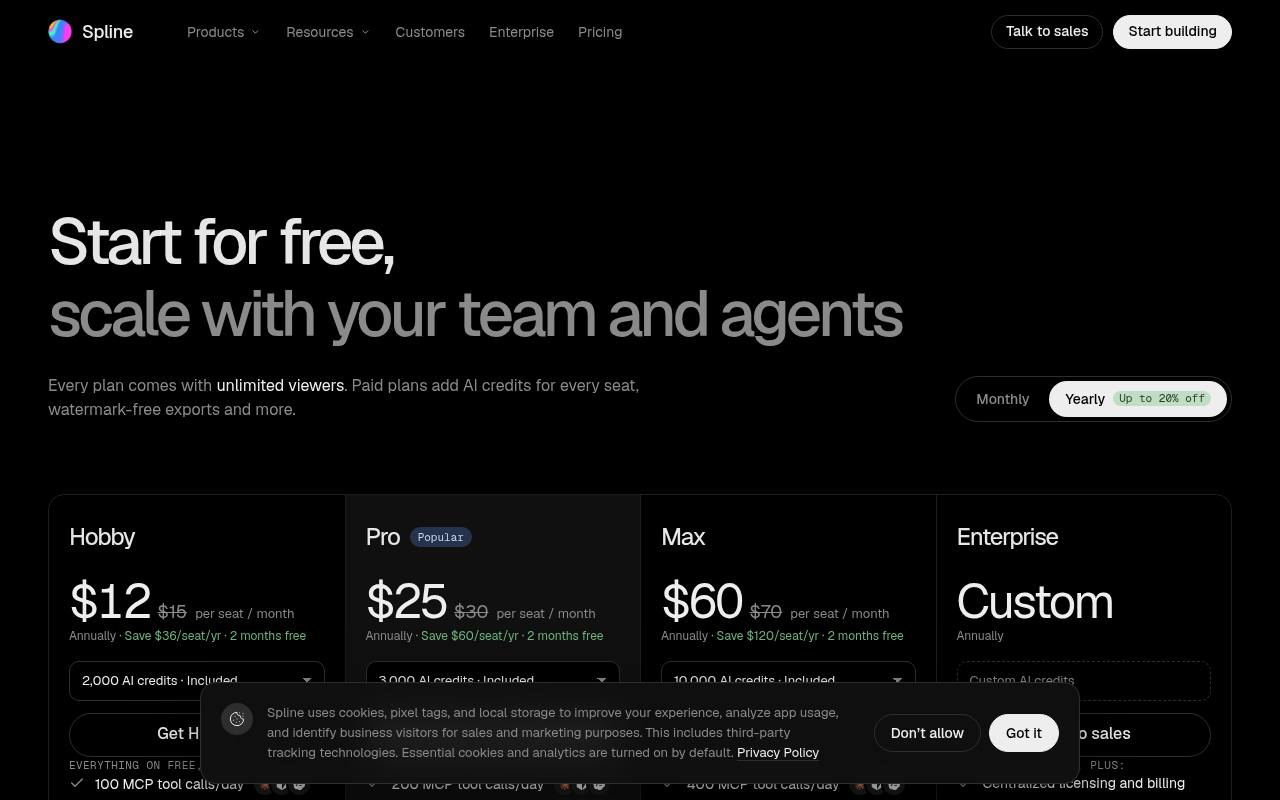
Spline is built around interactive browser scenes, making it particularly relevant to designers exploring three-dimensional web experiences. Its pricing page confirms a free plan with limited personal files, unlimited file viewers, access to the Spline library, and web exports carrying a watermark.
The current free offer does not include AI credits. Treat watermarked web publishing as part of the starting workflow rather than assuming every polished example can be shipped without branding. More advanced exports and expanded capabilities appear on paid plans, so verify the delivery method your actual website will require.
- Type
- Browser-based interactive 3D editor
- Best for
- Interactive web scenes with a visual workflow
- License
- Proprietary free plan; watermark and usage limits
- Price
- Free + paid plans
Tinkercad
Beginner browser CAD editor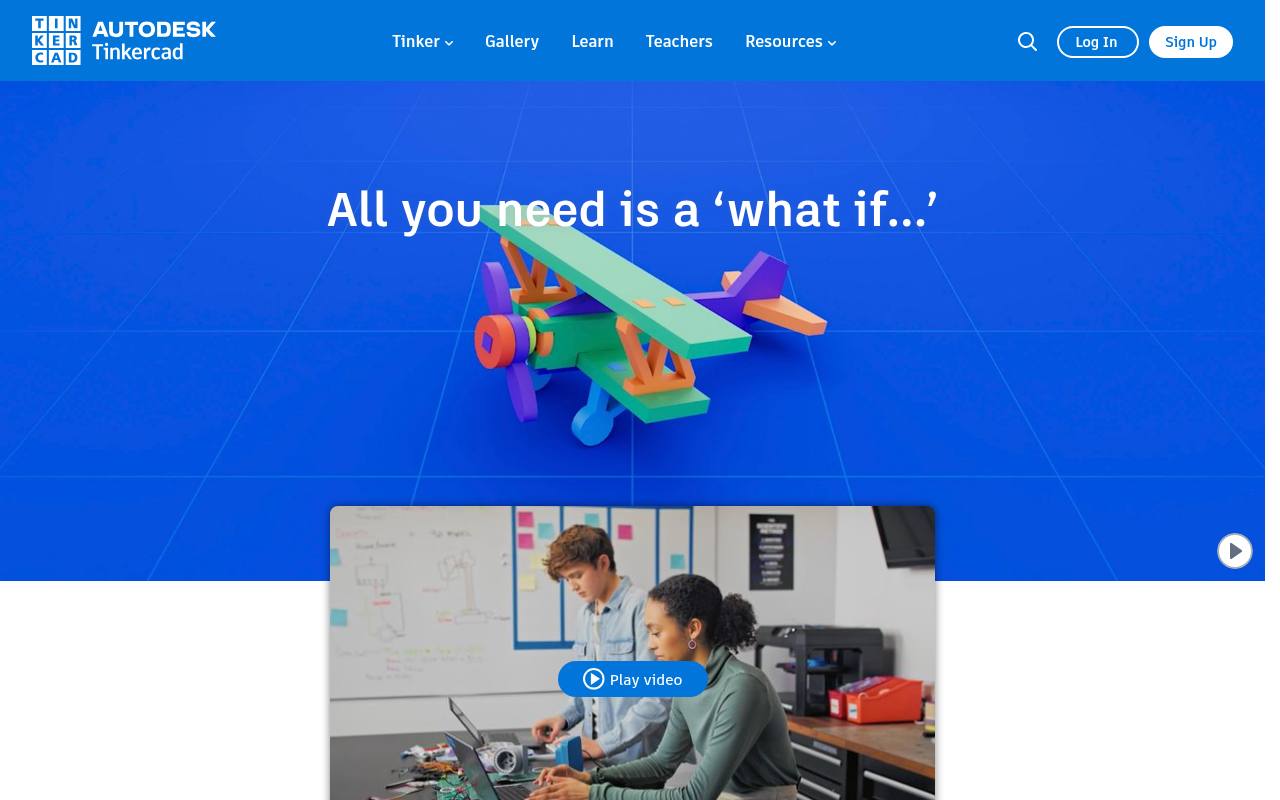
Autodesk Tinkercad introduces browser-based solid modeling through approachable shapes and direct manipulation rather than a dense professional modeling interface. Its broader learning environment also includes circuits and code-based activities, which makes it a useful starting point for classroom or hobby projects.
The service is free, but account use and shared content remain subject to Autodesk’s terms. For simple printable objects, combining solid forms and holes can be faster than learning mesh topology. Test the exported object in your intended slicer or downstream software, especially when dimensions and small wall thicknesses matter.
- Type
- Beginner browser CAD editor
- Best for
- Learning solid modeling through simple shape combinations
- License
- Free proprietary web application; Autodesk terms apply
- Price
- 100% free
SketchUp Free
Browser-based spatial modeling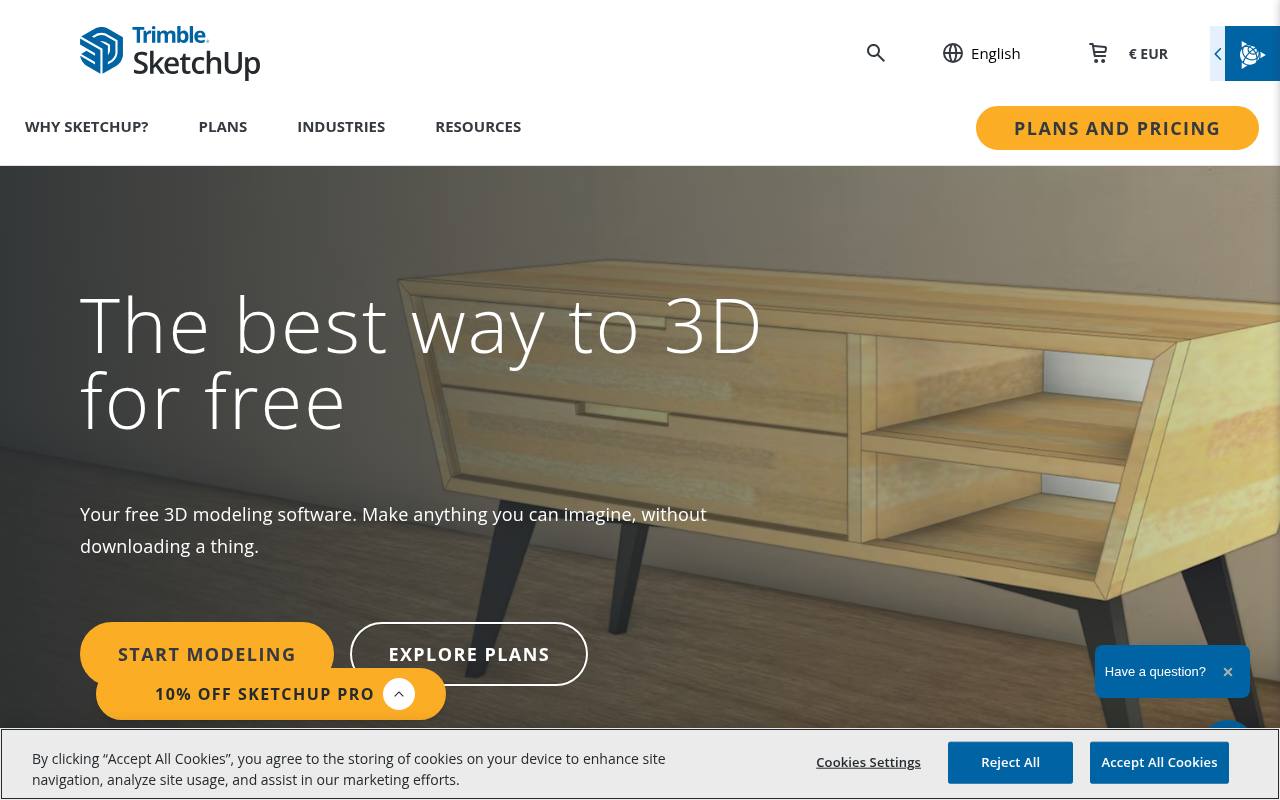
SketchUp Free provides an accessible route into browser-based spatial modeling, especially for people who think in rooms, buildings, and furniture rather than character meshes. Its web edition offers a lighter starting environment than a full professional CAD package.
The key restriction is noncommercial free use: do not assume the free edition is suitable for paid architectural or client production. Review its current import and export allowances before committing to a delivery format. For personal concept layouts, its direct modeling approach helps you explore proportions and relationships without first constructing a complex parametric feature tree.
- Type
- Browser-based spatial modeling
- Best for
- Personal room layouts and early architectural volumes
- License
- Free web edition for noncommercial use
- Price
- Free noncommercial tier + paid plans
FreeCAD
Parametric CAD modeler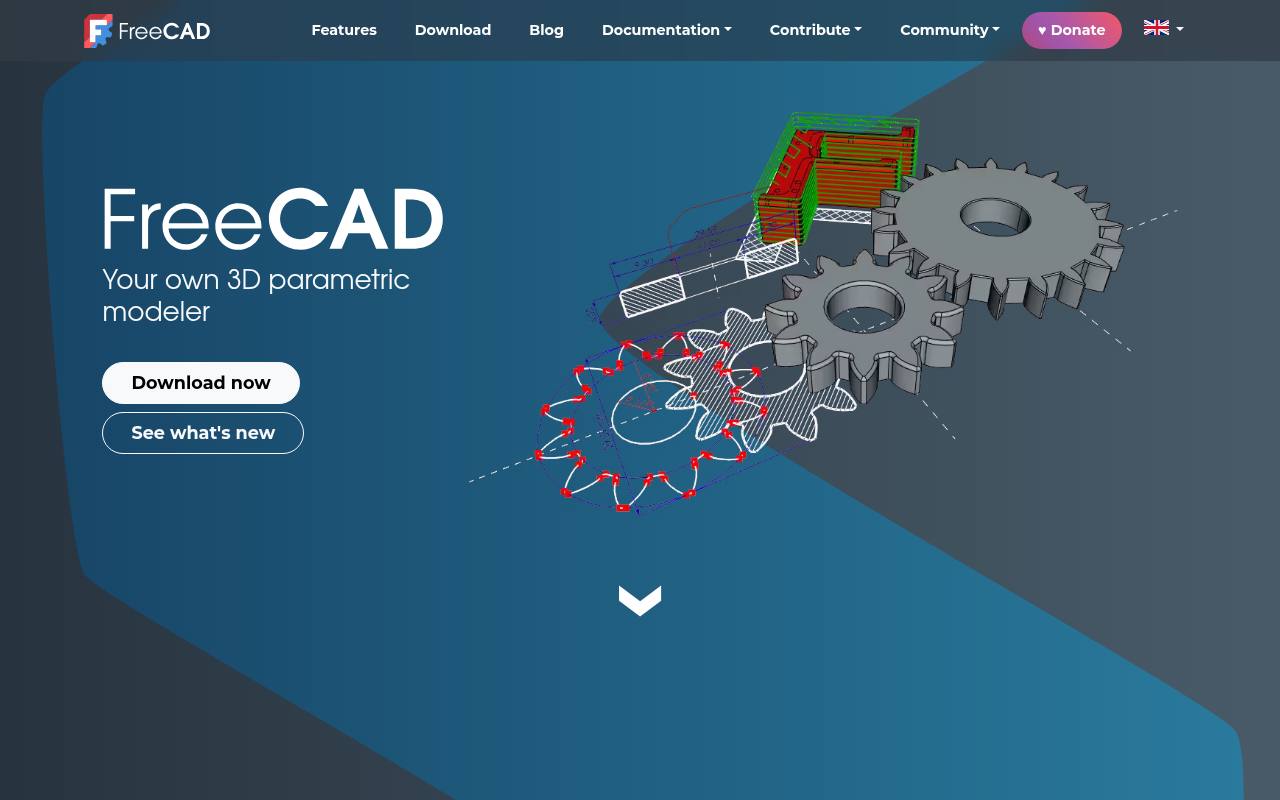
FreeCAD focuses on parametric solid modeling, where dimensions and operations define an object that can be revised later. This makes it a better match for mechanical parts and precise assemblies than a tool designed mainly for organic sculpting.
Its workbench structure groups different kinds of tasks, so learning which workbench fits the job is part of the initial setup. The project is free and open source, without a subscription requirement for basic modeling. Keep the editable project alongside exchanged geometry so future changes can follow the original design intent instead of starting from a flattened export.
- Type
- Parametric CAD modeler
- Best for
- Dimension-driven parts and editable engineering design histories
- License
- Open source; primarily LGPL
- Price
- 100% free
Wings 3D
Subdivision mesh modeler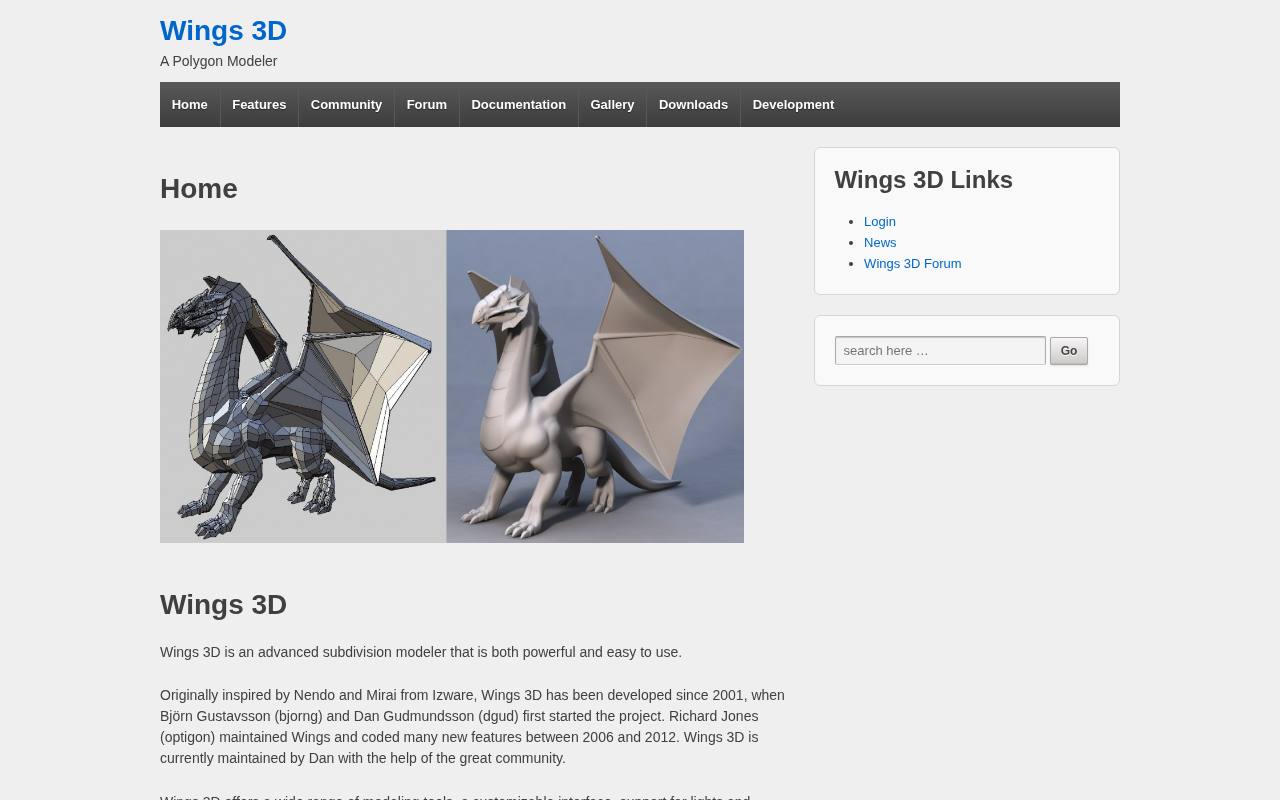
Wings 3D is a subdivision modeling tool with a deliberately narrower scope than an all-in-one production suite. Its context-sensitive approach centers on selecting vertices, edges, and faces, then applying appropriate modeling operations. That focus can suit artists who want to understand polygon structure without also managing a rendering or animation pipeline.
The project is distributed under an open-source BSD-style license. Use it to build and refine mesh forms, then test exchange with a separate application when your project needs advanced animation, final rendering, or other capabilities outside its modeling-centered remit.
- Type
- Subdivision mesh modeler
- Best for
- Focused polygon modeling without a full animation suite
- License
- Open source; BSD-style license
- Price
- 100% free
Blockbench
Low-poly model and animation editor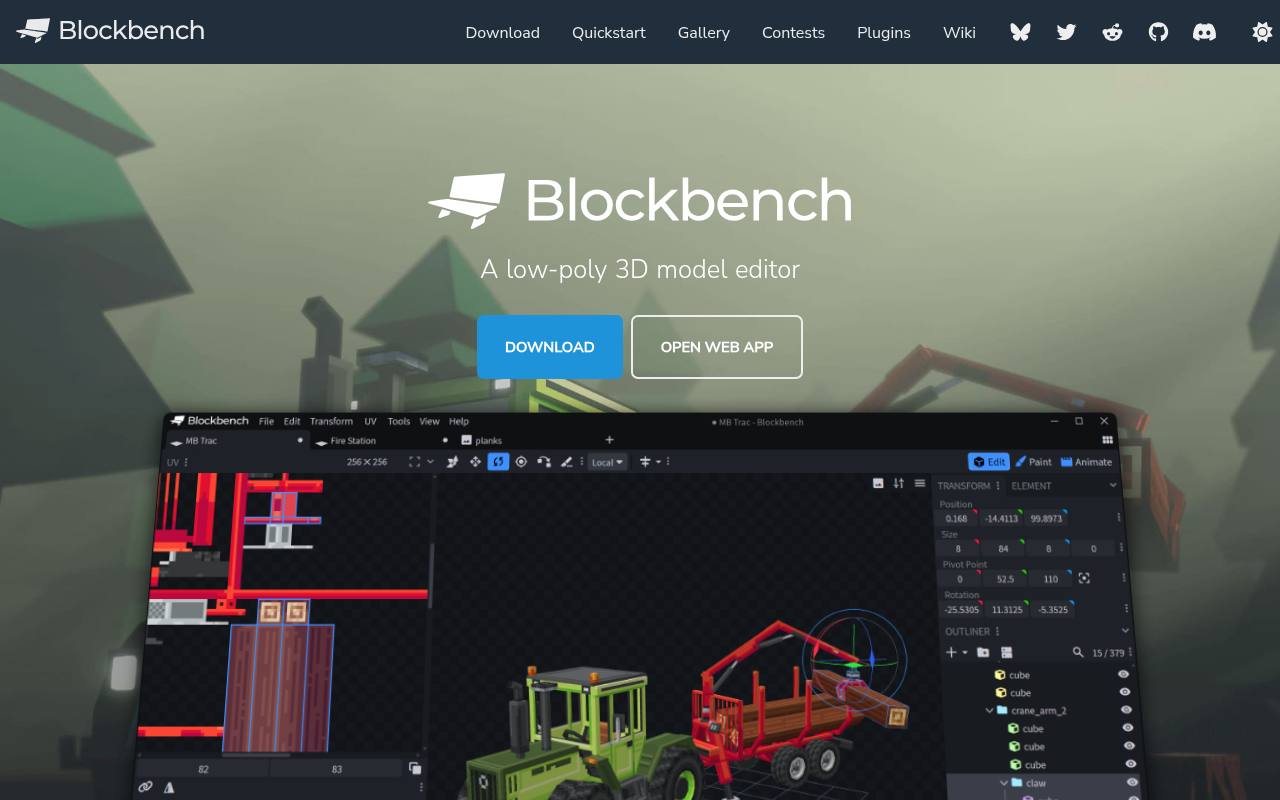
Blockbench specializes in low-poly model creation, with a workflow that makes particular sense for boxy characters, pixel textures, and game-oriented assets. Its official site highlights modeling, texture painting, animation, and a plugin ecosystem, with both browser and desktop access.
The editor is free and open source, although external plugins and imported resources should still be reviewed on their own terms. Choose a project format that matches the intended destination before building complex geometry. A model that looks correct in the editor may still need format-specific settings or export preparation for a particular game pipeline.
- Type
- Low-poly model and animation editor
- Best for
- Pixel-textured characters and compact low-poly game models
- License
- GPL open-source editor; asset rights separate
- Price
- 100% free
Bforartists
Artist-focused 3D creation suite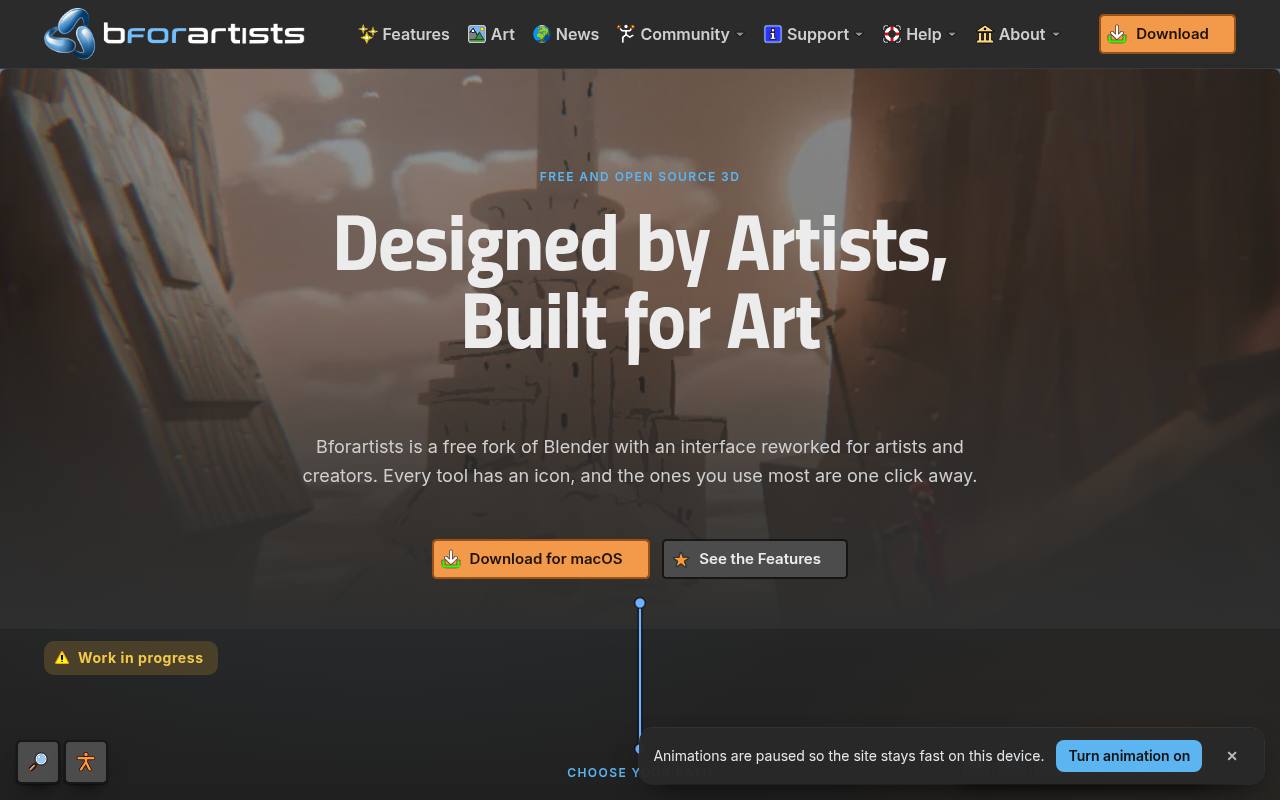
Bforartists develops a Blender-derived suite with an emphasis on artist-friendly interface design. Its project description prioritizes usability, visible tools, and a reorganized experience rather than presenting itself as an unrelated modeling engine. That makes it worth testing when Blender’s breadth is appealing but its interaction conventions feel like an obstacle.
The application is free open-source software, so there is no subscription gate on its core toolset. Because tutorials and add-ons may assume Blender’s original interface or a particular compatible release, check the relevant documentation before following an intricate production workflow step by step.
- Type
- Artist-focused 3D creation suite
- Best for
- Artists wanting a more visual Blender-derived interface
- License
- GNU GPL open-source software
- Price
- 100% free
SculptGL
Browser-based digital sculpting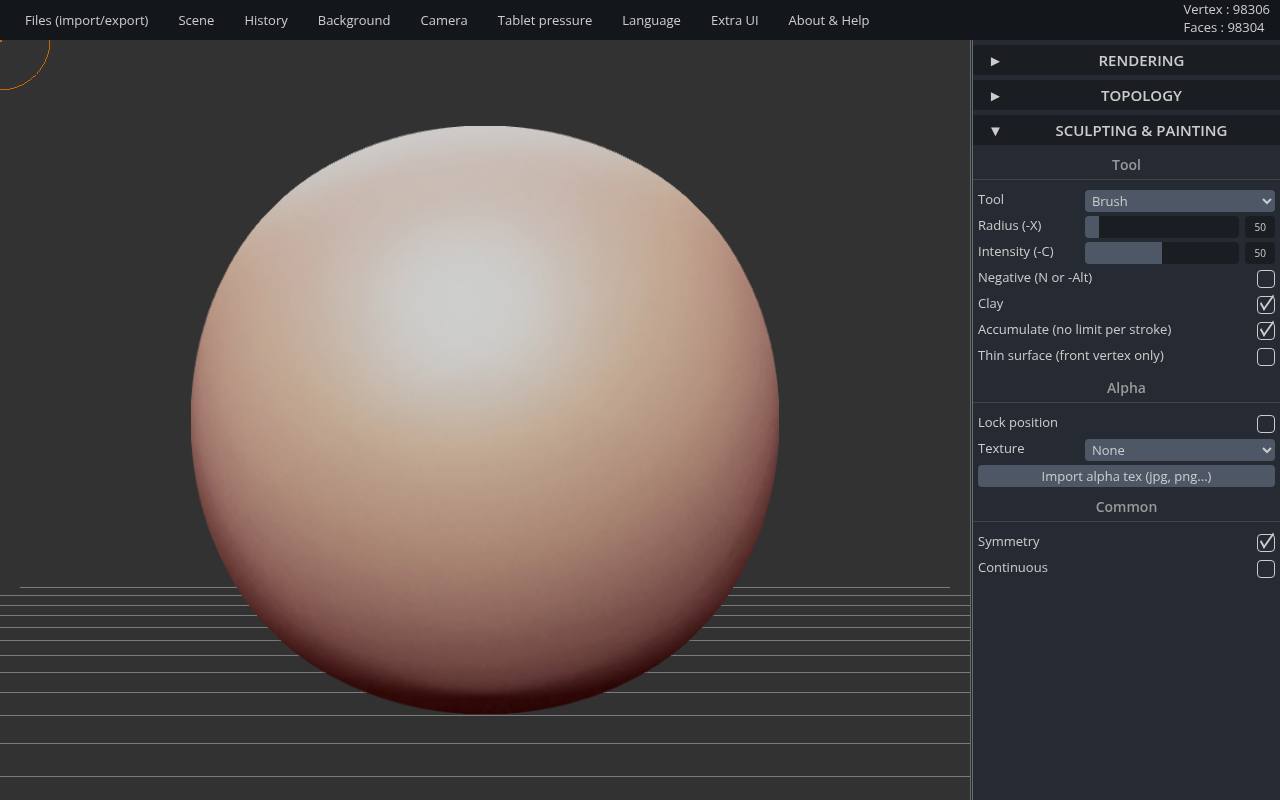
Stéphane Ginier’s SculptGL offers digital sculpting in-browser, giving you a direct way to push and refine organic forms without first setting up a large desktop suite. Its interface includes sculpting operations and topology-related controls, making it useful for studies of silhouettes and volumes.
The project is published under the MIT software license. Treat a browser session as a working environment, not a backup strategy: export important progress and test saved files before closing the tab. It is a focused sculpting tool rather than a complete replacement for animation, scene assembly, and production rendering software.
- Type
- Browser-based digital sculpting
- Best for
- Quick organic sculpting studies without installing software
- License
- MIT open-source application
- Price
- 100% free
Dust3D
Node-based 3D modeler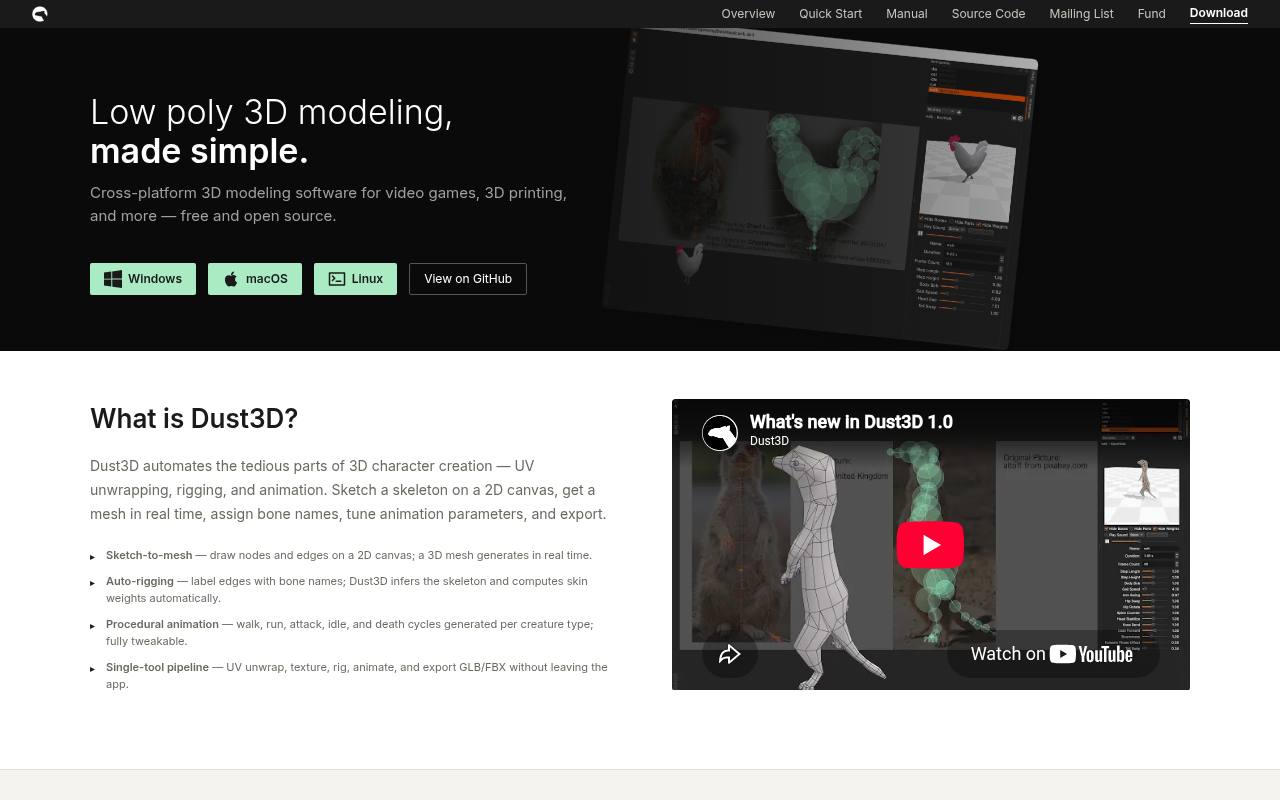
Dust3D approaches rapid model construction through nodes and connected forms rather than asking you to place every polygon manually. Its project materials describe an open-source modeler intended to simplify creating three-dimensional assets from an initial shape structure. This different starting point can be useful for exploring creatures or stylized objects when traditional box modeling feels slow.
Evaluate the generated mesh output with a small example before adopting it for a game or animation project. Even when a tool accelerates the initial silhouette, production assets still need checks for deformation, material setup, scale, and compatibility with the destination application.
- Type
- Node-based 3D modeler
- Best for
- Rapid character forms built from connected shapes
- License
- Open-source software; review repository license
- Price
- 100% free
Match the modeling method to the job
For precise manufactured parts, begin with parametric CAD software and a clear set of dimensions. For characters, props, and expressive shapes, mesh modeling or sculpting usually offers more appropriate control. Interactive website scenes introduce a different priority: materials, events, and browser delivery may matter more than mechanical accuracy.
Write down the final output before comparing applications, including whether the model will be printed, animated, viewed online, or edited by someone else. A specialized free application can outperform a much broader suite when its modeling method closely matches the problem you actually need to solve.
Check the full free-plan boundary
A service can offer free 3D editing while charging for a particular export, private project capacity, or removal of visible branding. Test those boundaries with a simple scene before investing in a complex composition. Review noncommercial restrictions separately from technical feature limits, especially when an application is being considered for freelance or studio work.
Do not assume a tool advertised for students or personal experimentation automatically authorizes every professional use. Keep a short record of the plan and permissions you selected so a later handoff does not depend on someone remembering what the pricing page originally said.
Test file exchange early
Create one small representative object and check the complete export path to your renderer, game engine, slicer, or collaboration tool. Different formats preserve different information: a mesh exchange does not necessarily retain procedural materials, rig controls, or a CAD construction history. Inspect dimensions, orientation, normals, texture paths, and transparency after import.
If your workflow relies on editable parameters, keep the native project file as well as the delivery export. This test should happen before detailed modeling, not at the deadline, because replacing an incompatible delivery format can otherwise mean rebuilding important parts of the asset.
Separate software licensing from asset permissions
An open-source application and a downloaded character are governed by different permission layers. Being allowed to use a program commercially does not give you rights to every model, texture, font, or add-on loaded into it. Likewise, a software license does not automatically require your rendered image to use the same license.
Track third-party materials in a small asset register with source links and obligations. When distributing an editable scene, check whether included resources may be passed to a client or teammate. That question is distinct from whether you are allowed to publish the final rendered image.
Build good project habits from the beginning
Use versioned project saves before major changes to topology, modifiers, or scene structure. Name objects clearly and keep external textures in predictable locations so another application or collaborator can resolve them. Browser-based tools also deserve local backups where export options permit them; a share link is not always a substitute for an editable archive.
Start with a modest model and complete the entire process, including delivery and revision. Finishing that small cycle teaches more about a tool’s practical strengths than accumulating half-finished tutorial scenes that never leave the original editor.
Optimize for the destination rather than the preview
A beautiful viewport does not guarantee a suitable production asset. Consider destination-specific geometry budgets, texture sizes, real-world dimensions, and the conditions under which the model will be displayed. A browser hero needs fast loading and a clear mobile presentation, while a printed part needs a valid solid with usable wall thicknesses.
Animated characters require deformation tests that a static prop does not. Judge the finished result in its actual environment and on realistic hardware. Choose the free application that supports those checks comfortably, rather than the one whose demonstration renders look most impressive in isolation.