
A useful WordPress toolkit solves real problems without turning the dashboard into a collection of overlapping controls. These free WordPress plugins cover search visibility, performance, account protection, contact forms, backups, and maintenance.
They are a selection to choose from, not a checklist to activate in full. A small brochure site, a busy publication, and a membership project have different requirements, and your hosting provider may already supply some of the capabilities listed here.
Before adding anything, identify the missing site function and decide who will maintain it. An SEO plugin cannot replace useful content, a backup plugin needs somewhere safe to store files, and a form builder still depends on reliable email delivery.
Read each repository page for compatibility information and free-versus-paid boundaries. The links below lead directly to WordPress.org plugin listings, so you can inspect documentation and support discussions before installing the package from your dashboard.
Performance tools deserve particular care because their features often intersect. Running several systems that rewrite the same scripts or cache the same pages can make problems harder to diagnose.
Likewise, layered security choices should be deliberate: a standalone two-factor plugin is an alternative when your existing security setup lacks that feature, not necessarily an extra requirement. Back up first, change one thing at a time, and test the visitor experience after every meaningful configuration change.
Quick picks at a glance
| # | Resource | License | Best for |
|---|---|---|---|
| 1 | Rank Math SEO | GPL-compatible open-source plugin | Managing search metadata and basic technical SEO |
| 2 | LiteSpeed Cache | GPL-compatible open-source plugin | Accelerating sites on compatible caching infrastructure |
| 3 | Wordfence Security | GPL-compatible open-source plugin | Adding firewall protection and malware visibility |
| 4 | WPForms | GPL-compatible open-source plugin | Creating straightforward contact and feedback forms |
| 5 | UpdraftPlus | GPL-compatible open-source plugin | Scheduling recoverable backups outside the web server |
| 6 | Redirection | GPL-compatible open-source plugin | Repairing changed URLs and tracking missing pages |
| 7 | Autoptimize | GPL-compatible open-source plugin | Reducing avoidable script and stylesheet overhead |
| 8 | Two-Factor | GPL-compatible open-source plugin | Protecting dashboard logins with an additional factor |
| 9 | Regenerate Thumbnails | GPL-compatible open-source plugin | Rebuilding image sizes after layout changes |
| 10 | Health Check & Troubleshooting | GPL-compatible open-source plugin | Investigating plugin conflicts without disrupting visitors |
Rank Math SEO
SEO and structured data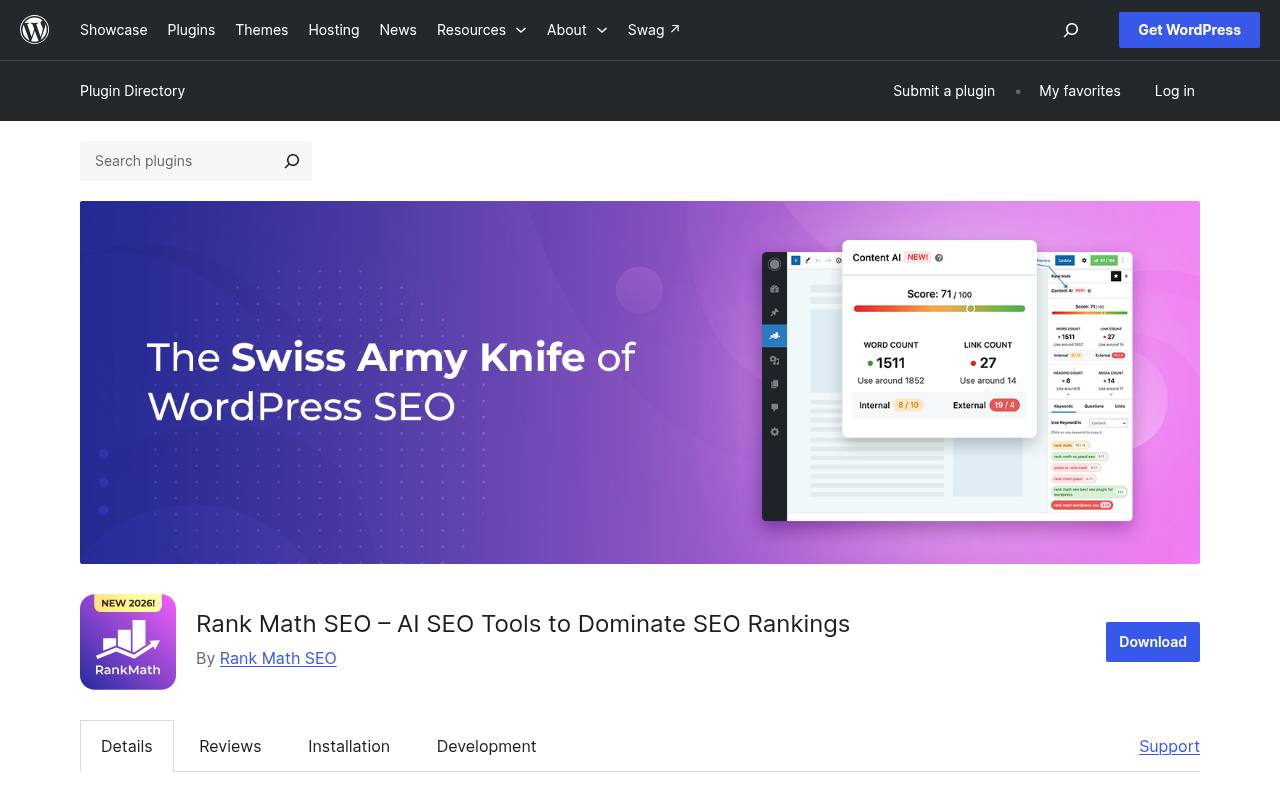
Rank Math SEO brings search-oriented settings into the WordPress editing workflow, including metadata controls and XML sitemap functionality. Its repository listing also covers structured data and content analysis, helping editors review how pages are described rather than leaving everything to default output.
The core plugin is free, while premium features and some connected services have separate limits or subscriptions. Treat its content analysis suggestions as prompts, not ranking guarantees. Configure a single SEO plugin, review your public sitemap, and ensure imported settings have not accidentally marked important pages as unavailable to search engines.
- Type
- SEO and structured data
- Best for
- Managing search metadata and basic technical SEO
- License
- GPL-compatible open-source plugin
- Price
- Free + paid upgrades
LiteSpeed Cache
Caching and optimization
LiteSpeed Cache combines a server-level page cache with frontend optimization tools, but those two parts have different requirements. Its directory description explains that the exclusive caching features need compatible LiteSpeed infrastructure or the relevant QUIC.cloud service, while general optimization features can run on other servers.
The plugin lists CSS and JavaScript minification, object-cache support, and image optimization among its capabilities. Check hosting compatibility first rather than assuming activation enables every feature. Connected CDN and optimization services have their own allowances, so the free plugin download should not be mistaken for unlimited external processing.
- Type
- Caching and optimization
- Best for
- Accelerating sites on compatible caching infrastructure
- License
- GPL-compatible open-source plugin
- Price
- Free plugin; service limits apply
Wordfence Security
Firewall and malware scanner
Wordfence Security provides an endpoint firewall, a malware scanner, and login-protection features within WordPress. Its free security edition offers a practical baseline, while premium subscriptions provide additional services and faster access to threat intelligence; do not assume the free feed has the same update timing.
The repository also describes two-factor authentication among its login tools. Use scan results carefully, investigating unexpected files before deleting anything that might belong to a legitimate customization. Wordfence complements secure hosting, updates, and backups, but it does not remove the need for those separate safeguards.
- Type
- Firewall and malware scanner
- Best for
- Adding firewall protection and malware visibility
- License
- GPL-compatible open-source plugin
- Price
- Free + paid plans
WPForms
Visual contact form builder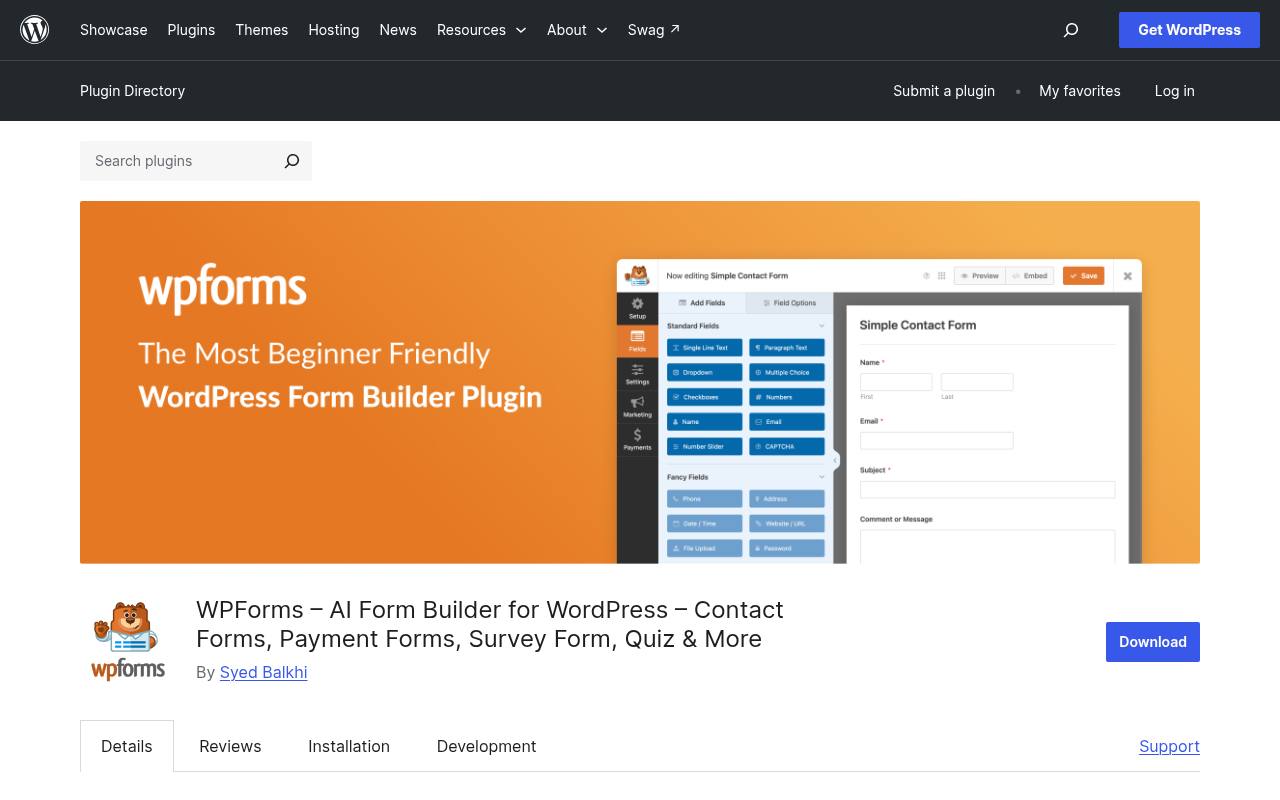
WPForms offers a drag-and-drop form builder for creating contact and feedback forms without hand-coding the markup. The linked WordPress.org package is its Lite edition, and its description clearly distinguishes premium functionality such as file uploads, multi-page forms, and conditional logic from the basic free experience.
Start with the fields needed to answer an enquiry rather than building a lengthy questionnaire. Verify notification email delivery with a real submission before publishing the page. Do not assume advanced entry-management tools, every advertised template, or all payment integrations belong to the free package.
- Type
- Visual contact form builder
- Best for
- Creating straightforward contact and feedback forms
- License
- GPL-compatible open-source plugin
- Price
- Free + paid upgrades
UpdraftPlus
Backup and restoration
UpdraftPlus supports scheduled WordPress backups and restoration, with the free edition offering destinations including Google Drive, Dropbox, Amazon S3, FTP, and email. Its repository page separates those options from additional storage integrations reserved for the paid version. That distinction matters when your organization already uses a particular cloud account: choose a supported destination before designing the workflow.
Keep off-server backup copies and test a restoration on a nonproduction installation. Remote storage providers may impose their own quotas or charges, and a successful backup notification alone does not prove that every required component can be restored.
- Type
- Backup and restoration
- Best for
- Scheduling recoverable backups outside the web server
- License
- GPL-compatible open-source plugin
- Price
- Free + paid upgrades
Redirection
Redirect manager and error logs
Redirection manages permanent URL redirects and tracks 404 errors from the WordPress dashboard. Its repository description includes automatic monitoring of permalink changes, regular-expression matching, and conditional redirects, making it useful for anything from a small cleanup to a more involved site restructure.
The plugin is free rather than a limited introduction to a premium redirect manager. Use error logs selectively to discover broken internal links and genuinely useful old URLs. Redirect removed content to a relevant replacement when one exists, and avoid sending every missing address to the homepage simply to hide errors.
- Type
- Redirect manager and error logs
- Best for
- Repairing changed URLs and tracking missing pages
- License
- GPL-compatible open-source plugin
- Price
- 100% free
Autoptimize
Frontend asset optimization
Autoptimize focuses on frontend asset optimization, including aggregation and minification of scripts and styles, HTML minification, and options affecting script delivery. Its description explicitly suggests pairing the free plugin with a separate page-cache solution when needed; it should not be confused with a complete server caching layer.
Premium services add capabilities such as automated critical CSS and other performance tooling. Enable asset changes gradually, checking menus, forms, and interactive components after each adjustment. If your host or another plugin already handles these transformations, choose one responsible system instead of optimizing the same files twice.
- Type
- Frontend asset optimization
- Best for
- Reducing avoidable script and stylesheet overhead
- License
- GPL-compatible open-source plugin
- Price
- Free + paid services
Two-Factor
Two-factor authentication
Two-Factor adds second-factor login verification to WordPress accounts, with methods including authenticator-app codes and backup codes. It is a focused option for sites that do not want a larger security suite merely to strengthen administrator access.
The plugin’s repository documentation describes configuration through user profiles, so plan how each privileged user will complete setup. Save recovery codes securely before relying on a phone as the only additional login method. If your existing firewall plugin already provides two-factor authentication, compare the implementations and select one rather than stacking competing login prompts.
- Type
- Two-factor authentication
- Best for
- Protecting dashboard logins with an additional factor
- License
- GPL-compatible open-source plugin
- Price
- 100% free
Regenerate Thumbnails
Media maintenance utility
Regenerate Thumbnails rebuilds registered thumbnail sizes for images already in the Media Library. Its repository description identifies practical triggers: changing image dimensions, adding a new size, or switching to a theme that expects different featured-image crops.
It also offers removal of old unused thumbnails, which should be approached with a backup and awareness of any hard-coded image URLs. This is an occasional maintenance tool, not a substitute for compressing oversized originals. Test a few representative images before running a large batch, especially on shared hosting with limited processing time or disk capacity.
- Type
- Media maintenance utility
- Best for
- Rebuilding image sizes after layout changes
- License
- GPL-compatible open-source plugin
- Price
- 100% free
Health Check & Troubleshooting
Diagnostics and conflict isolation
Health Check & Troubleshooting performs configuration checks and collects diagnostic information about WordPress and its server environment. Its distinctive user-specific troubleshooting mode creates a clean session with plugins disabled and a default theme for the current user, while ordinary visitors continue seeing the normal site.
This makes it valuable when investigating conflicts without immediately changing the public experience. The Tools area also includes checks related to WordPress files and email. Review shared diagnostic details before posting them in a support discussion, and remember that account-specific troubleshooting does not replace a full staging environment for risky code changes.
- Type
- Diagnostics and conflict isolation
- Best for
- Investigating plugin conflicts without disrupting visitors
- License
- GPL-compatible open-source plugin
- Price
- 100% free
Build the smallest useful plugin stack
Map each proposed installation to a specific operational need. A publication may need redirects and metadata controls immediately, while thumbnail regeneration might only be necessary after a redesign.
Keep a short record of what every active plugin does and who owns its configuration. Remove tools that no longer serve a purpose rather than leaving several generations of abandoned experiments active on the production site.
Check the host before choosing caching
Ask your provider about existing cache layers, supported server software, and excluded pages. A host-managed cache may already cover much of the work you planned to add through a plugin.
Dynamic areas such as carts and account pages require appropriate exclusions. Measure a few representative pages before and after configuration, using the same conditions, rather than treating a dashboard score as the whole performance story.
Understand free software and paid services
A free plugin license does not promise unlimited cloud storage, email delivery, CDN traffic, AI usage, or technical support. Those services can have separate accounts and allowances even when the installed code is open source.
Read the free feature list carefully, particularly when a repository description also promotes a premium edition. Choose the tool that solves your present requirement without depending on an unbudgeted external service.
Make backups a recovery process
Define a restoration procedure alongside the backup schedule. Decide where copies live, how long they are retained, and which credentials are required to retrieve them if the main server becomes unavailable.
Test restoration after major structural changes, not just on launch day. A backup system is useful only if someone can locate a sufficiently recent copy and restore both the database and the files needed by the site.
Keep security controls understandable
Use unique administrator accounts, strong passwords, and a tested second factor rather than sharing one privileged login across a team. Document recovery arrangements before enforcing tighter access.
Security scanners and firewalls are valuable monitoring layers, but false positives and configuration mistakes still need human judgment. Keep WordPress, themes, and plugins updated, and remove unused accounts instead of expecting a single security product to compensate for neglected access management.
Check forms from the visitor’s perspective
Submit each public form using a realistic test enquiry, then confirm the message arrives at the intended address and can receive a reply. Check validation errors, labels, keyboard access, and the success message on mobile.
Explain why you collect personal information and retain only what you need. A beautifully arranged form that silently loses email is less useful than a modest one with reliable delivery and clear expectations.
Change optimization settings in small steps
Create a repeatable testing routine for menus, search, forms, and any checkout or login flow. Record the original settings, enable one optimization, clear relevant caches, and retest.
If something breaks, you can then reverse the responsible change without guessing among several simultaneous adjustments. Revisit those tests after major theme updates because script dependencies and styles can change even when the plugin configuration stays exactly the same.
Do all ten plugins need to stay active?
No: distinguish continuous site functions from occasional maintenance tasks. SEO settings, redirects, scheduled backups, and security controls normally need their responsible software available. Thumbnail rebuilding and some diagnostics may only be needed during specific work.
Remove unused plugins when the task is complete, while preserving any required records or configuration exports. The aim is a maintainable system with clear responsibilities, not the largest possible collection of dashboard menus.