
Mesh gradients turn several pools of color into an organic background rather than a predictable fade. Aurora treatments push that effect toward luminous ribbons, while blur and grain can make the result feel softer or more tactile.
These free mesh gradient tools focus on that expressive end of background design: flowing color, atmospheric light, and downloadable artwork. They are useful for presentation covers, product announcements, app screens, and website headers that need more character than a flat fill.
The right choice depends on what you need to keep editable. Some aurora background generators create raster images with a distinctive rendered appearance; others provide layered CSS or SVG that fits more naturally into a website.
A live animated preview does not automatically mean an animated export, and an SVG button does not guarantee that every effect remains vector-based. The selections below highlight those practical differences so you can choose an appropriate starting point before spending time refining a composition.
You can also begin with ready-made mesh presets instead of designing every blend from scratch. That approach is especially helpful when producing a coordinated set of banners or social graphics on a deadline.
Each resource here has a free way to create or obtain backgrounds, although account requirements and export ceilings differ. Keep a record of the source and its current terms, then test your chosen image behind real content rather than judging the empty canvas alone.
Quick picks at a glance
| # | Resource | License | Best for |
|---|---|---|---|
| 1 | Meshy | Free tool; check terms for intended use | Custom-size flowing backgrounds from four chosen colors |
| 2 | MeshSVG | Free personal and commercial use; no attribution | Grainy web backgrounds with reusable implementation code |
| 3 | Krumzi | Free tool; check applicable usage terms | Preset-led mesh backgrounds for social graphics |
| 4 | MeshGradient | Free; no signup or watermarks advertised | Textured mesh compositions with several noise treatments |
| 5 | Random Image Generator | Free tool; check terms for intended use | Reproducible aurora images with shareable seeded settings |
| 6 | K4O5 | Free tool; check applicable usage terms | Choosing still frames from gently moving auroras |
| 7 | gradients.sh | Free account for exports; Pro upgrades optional | Grainy stills and short animated background loops |
| 8 | Wensity UI | Free tool; no account required | Comparing CSS point meshes with richer shader looks |
| 9 | RandomGen | Free library; check terms before redistribution | Ready-made mesh starting points with optional overlays |
| 10 | Mesh Gradient (Mesher) | Free generator; check applicable usage terms | Layered mesh effects intended for website backgrounds |
Meshy
Web app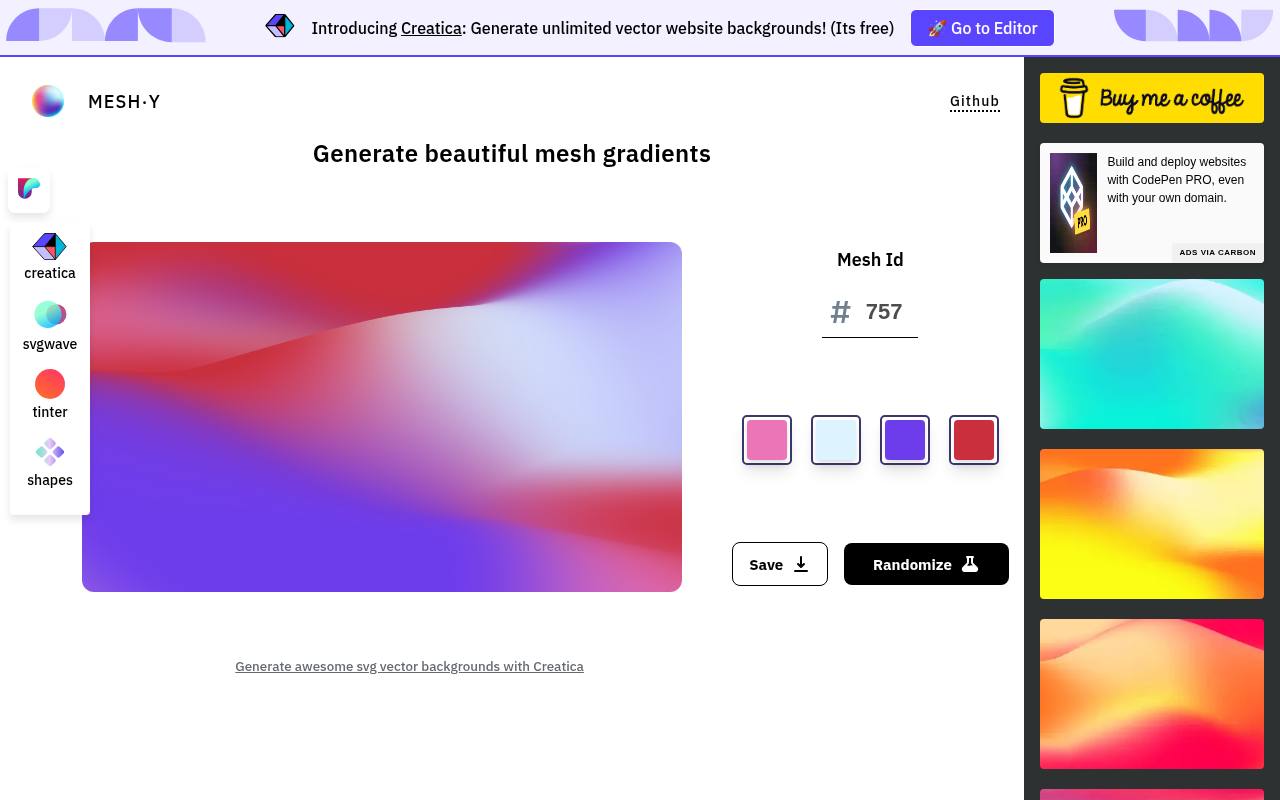
Meshy takes a compact approach to flowing mesh backgrounds: choose four colors, then randomize the composition until the arrangement works. Its explanation notes that colors occupy different amounts of the image, so replacing a swatch can change the visual balance substantially.
Curated examples sit alongside the editor as starting points. When you save, you can adjust the width and height for a custom-resolution PNG. Choose this free tool when you want a rendered background without managing individual control points or writing code.
- Type
- Web app
- Best for
- Custom-size flowing backgrounds from four chosen colors
- License
- Free tool; check terms for intended use
- Price
- 100% free
MeshSVG
Web app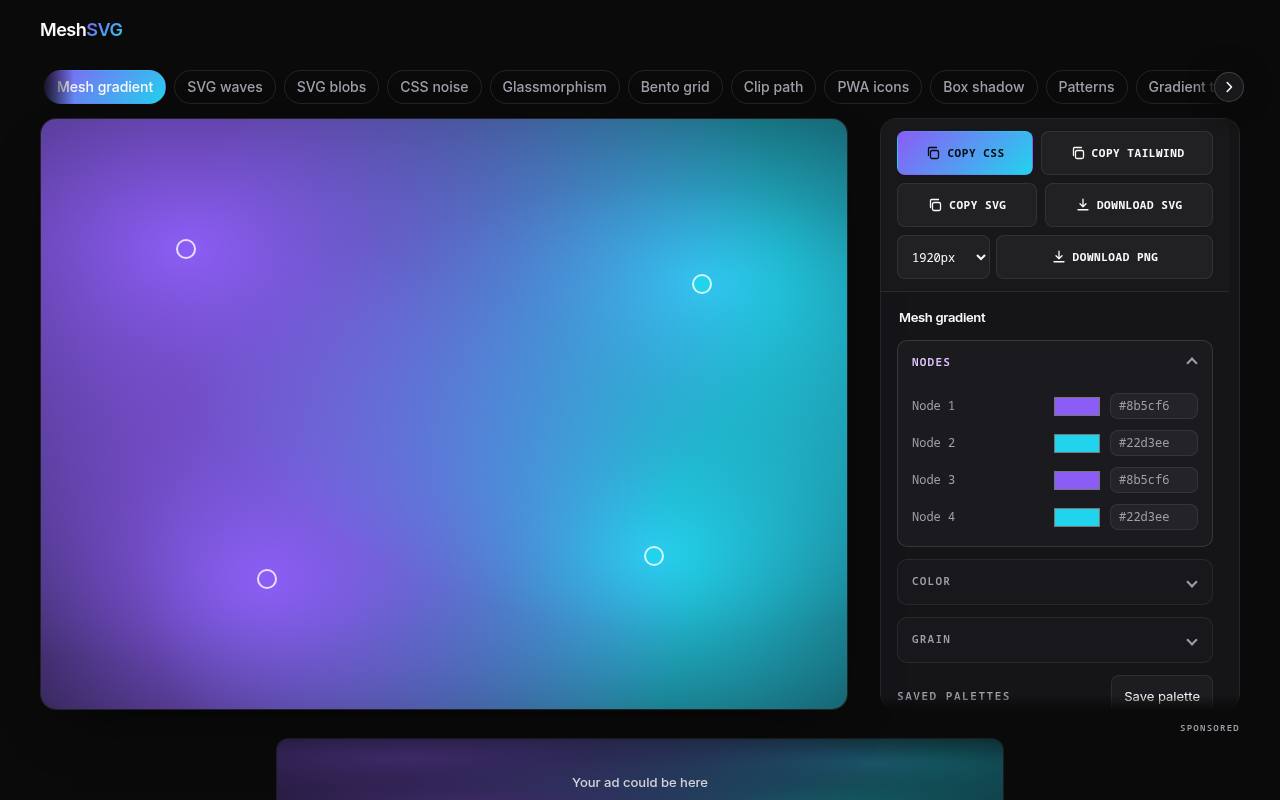
MeshSVG combines draggable color nodes with separate controls for grain amount and frequency, making texture part of the design rather than an afterthought. You can change the background behind the nodes and try analogous, complementary, or triadic color relationships.
Export choices include CSS, Tailwind, SVG, and PNG, with PNG output available up to 4K. Its FAQ explicitly permits personal and commercial use without attribution. It is a practical free option when you want to compare a downloadable background with a code-based implementation before deciding how to ship it.
- Type
- Web app
- Best for
- Grainy web backgrounds with reusable implementation code
- License
- Free personal and commercial use; no attribution
- Price
- 100% free
Krumzi
Web app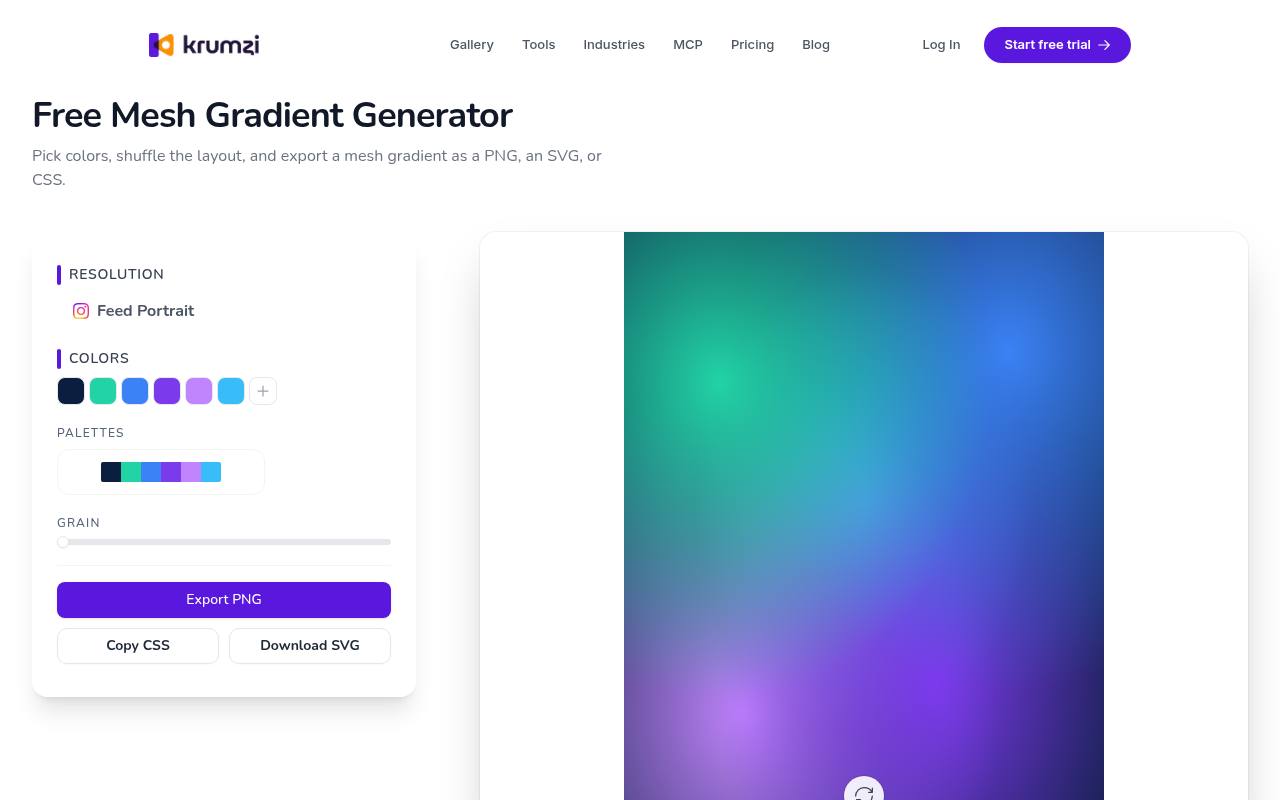
Krumzi starts with recognizable moods rather than an empty workspace. Its twelve preset palettes include Aurora, Lavender Haze, Cotton Candy, and Neon Punch, giving you clear alternatives for dark glows or softer pink compositions. Load a preset, recolor it, and shuffle the layout to make the arrangement your own.
The free mesh tool offers PNG, SVG, and CSS exports and includes a grain control. Krumzi also promotes a broader design product, but this dedicated page is the relevant destination for making a standalone gradient background.
- Type
- Web app
- Best for
- Preset-led mesh backgrounds for social graphics
- License
- Free tool; check applicable usage terms
- Price
- 100% free
MeshGradient
Web app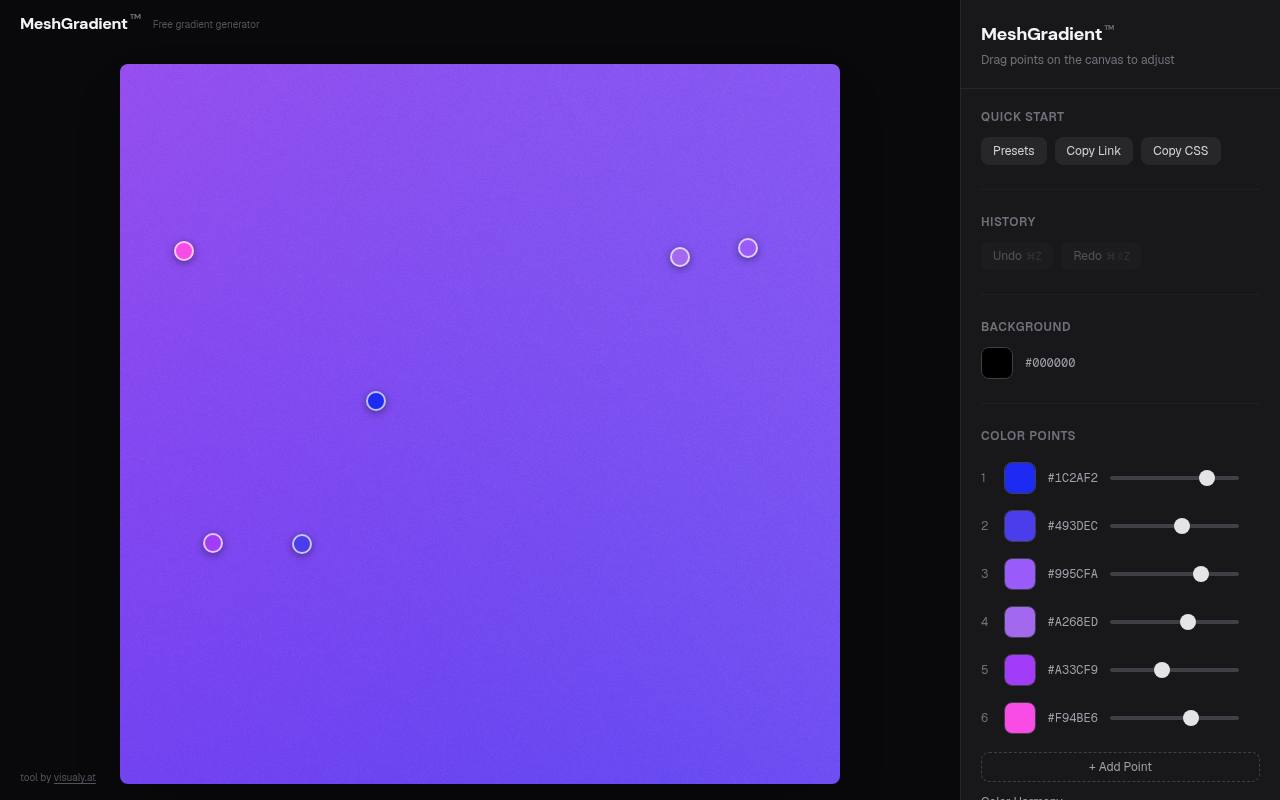
MeshGradient from visualy.at is especially useful when ordinary blur feels too clean. Alongside movable color points, it offers four noise treatments: Grain, Simplex, Scanlines, and Dots. Intensity, scale, and blend settings let you explore different surface qualities instead of applying one fixed texture.
The site advertises free use without signup or watermarks, with exports up to 4K in PNG, JPG, WebP, or SVG, plus CSS copying. Start with a preset such as Sakura or Aurora, then simplify the colors before increasing the texture strength.
- Type
- Web app
- Best for
- Textured mesh compositions with several noise treatments
- License
- Free; no signup or watermarks advertised
- Price
- 100% free
Random Image Generator
Web app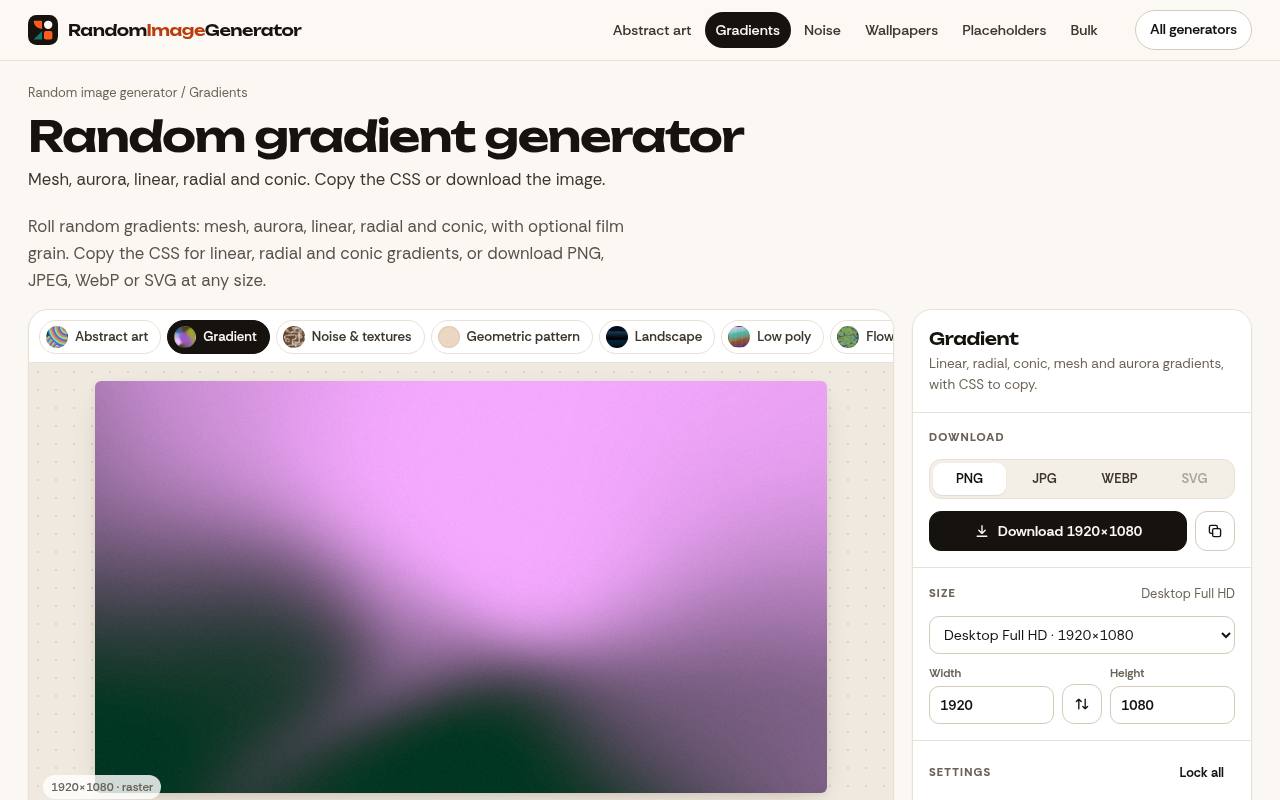
Random Image Generator distinguishes its mesh and aurora modes rather than treating them as interchangeable labels. Mesh blends several control points with a subtle warp; Aurora places soft color clouds over a dark base for luminous overlaps.
Seeded settings in the address let you return to a composition and render it at another size. For these modes, expect PNG, JPEG, or WebP rather than editable mesh CSS or SVG. The page reserves exact CSS output for simpler gradient types, an important distinction when planning a developer handoff.
- Type
- Web app
- Best for
- Reproducible aurora images with shareable seeded settings
- License
- Free tool; check terms for intended use
- Price
- 100% free
K4O5
Web app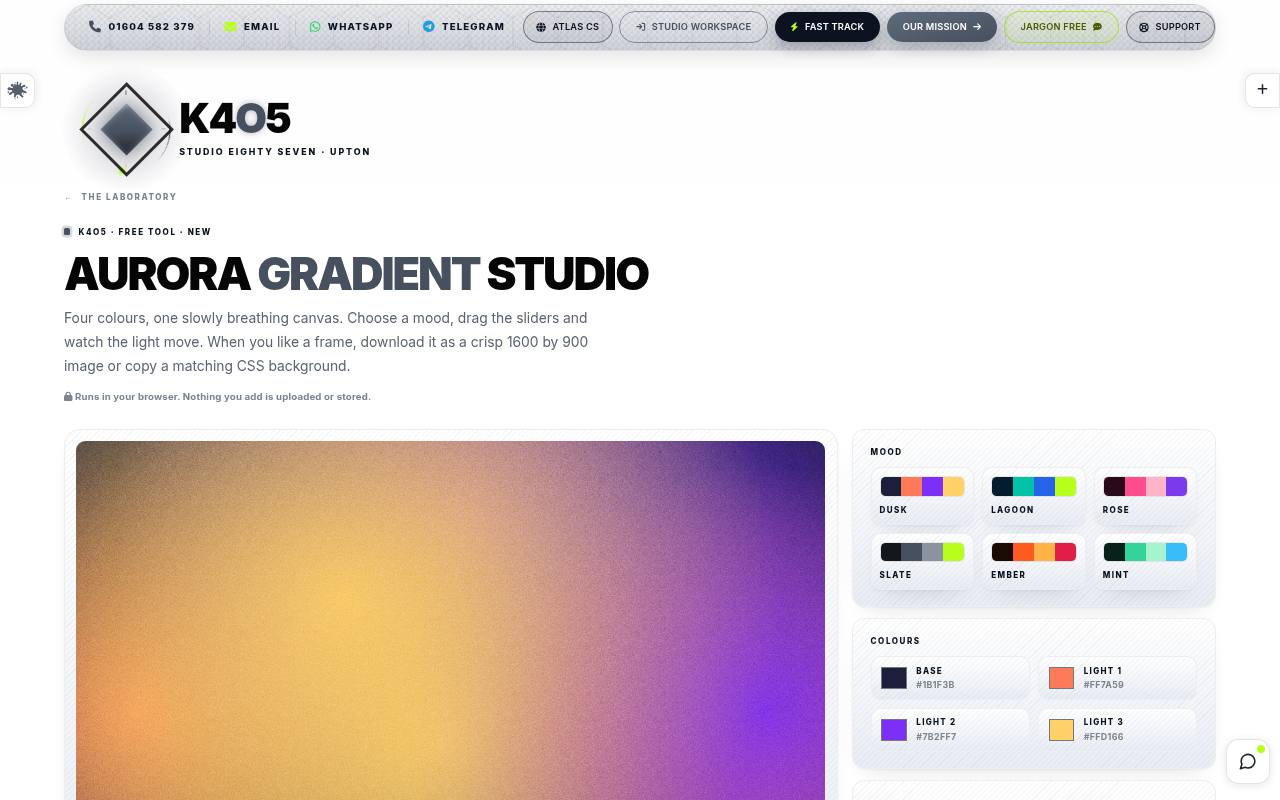
K4O5’s Aurora Gradient Studio presents a slowly moving canvas built from a base color and three lights. Mood choices such as Dusk, Rose, and Ember provide starting points, while drift speed, softness, and fine film grain shape the atmosphere.
Pause when the arrangement feels balanced, then download a 1600 by 900 image or request matching CSS for that frame. The page says the tool runs in your browser without uploading or storing your additions. Treat it as a focused still-background workflow, not a promised video-export service.
- Type
- Web app
- Best for
- Choosing still frames from gently moving auroras
- License
- Free tool; check applicable usage terms
- Price
- 100% free
gradients.sh
Web app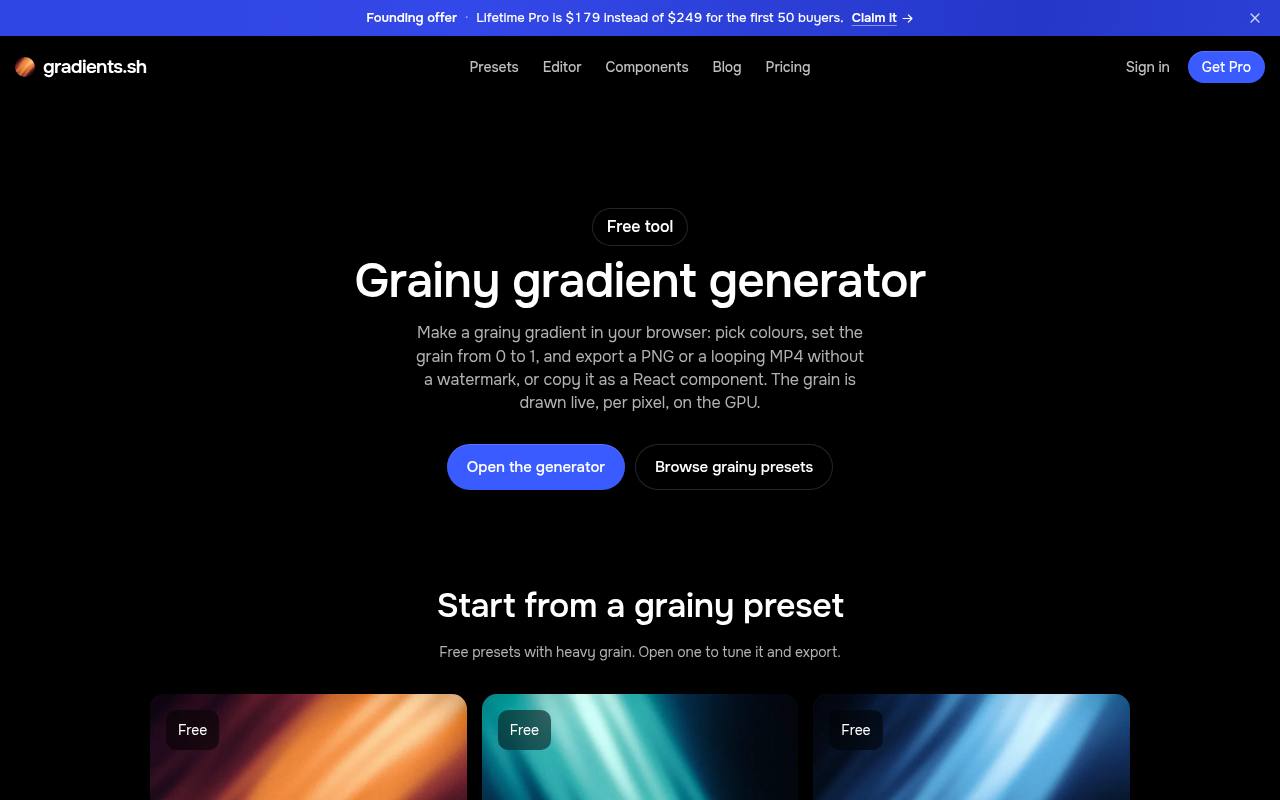
For motion as well as still artwork, gradients.sh provides a free route with clearly stated ceilings. You can explore grainy background presets, adjust colors, warp, blur, and speed, and share a link without an account. Exporting or copying code requires a free account.
The free allowance includes PNG output up to 1920px and MP4 loops up to ten seconds at 1080p and 60 fps, without a watermark. Video export depends on WebCodecs support; the page names Chrome and Edge. Pro increases resolution limits rather than being required for basic exports.
- Type
- Web app
- Best for
- Grainy stills and short animated background loops
- License
- Free account for exports; Pro upgrades optional
- Price
- Free + Pro
Wensity UI
Web app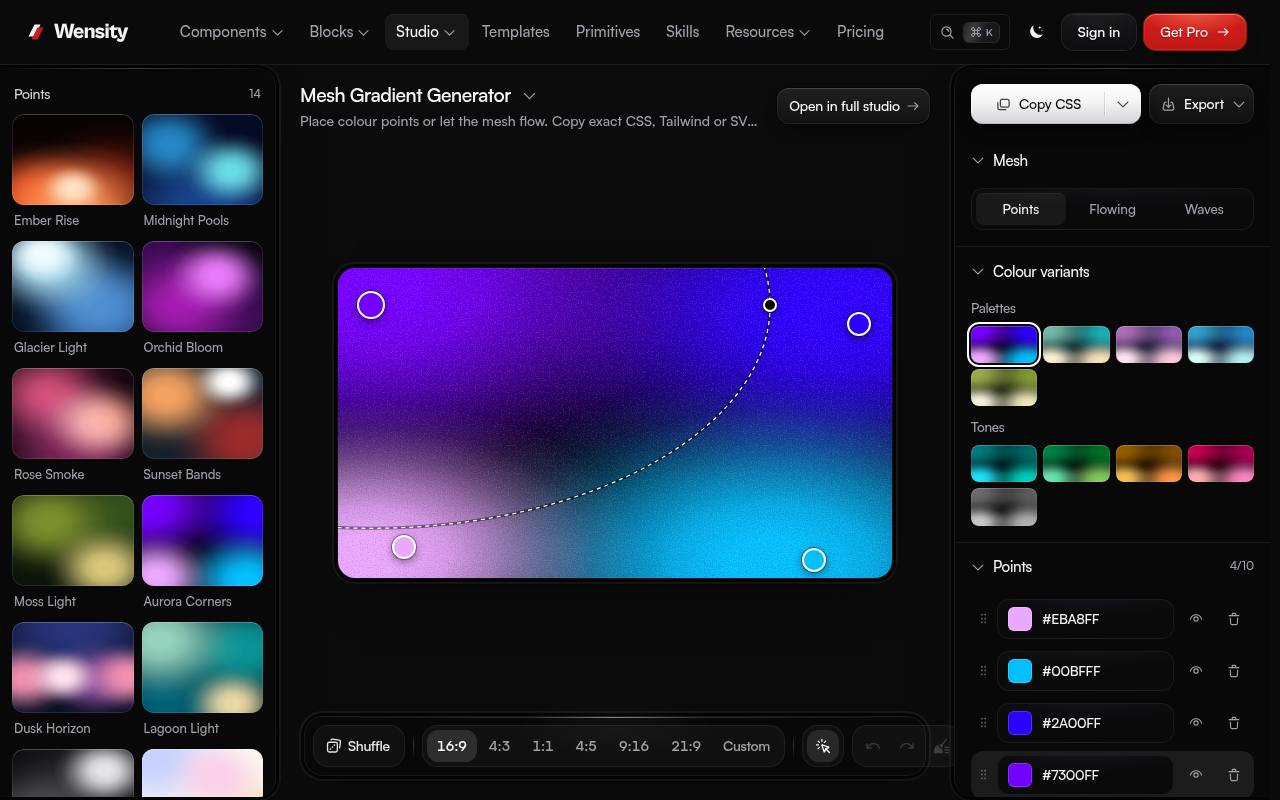
Wensity UI separates its editor into Points, Flowing, and Waves, which makes choosing a rendering approach unusually straightforward. Points uses plain CSS with movable colors, while Flowing offers a moving shader treatment and Waves creates soft folded forms.
You can start from presets, add grain, and adjust each point’s color, size, and softness. The page lists CSS, Tailwind, and SVG copying alongside PNG, JPG, and WebP downloads. Use Points mode for CSS when implementation fidelity matters; the richer modes suit rendered covers and atmospheric artwork more naturally.
- Type
- Web app
- Best for
- Comparing CSS point meshes with richer shader looks
- License
- Free tool; no account required
- Price
- 100% free
RandomGen
Preset library and editor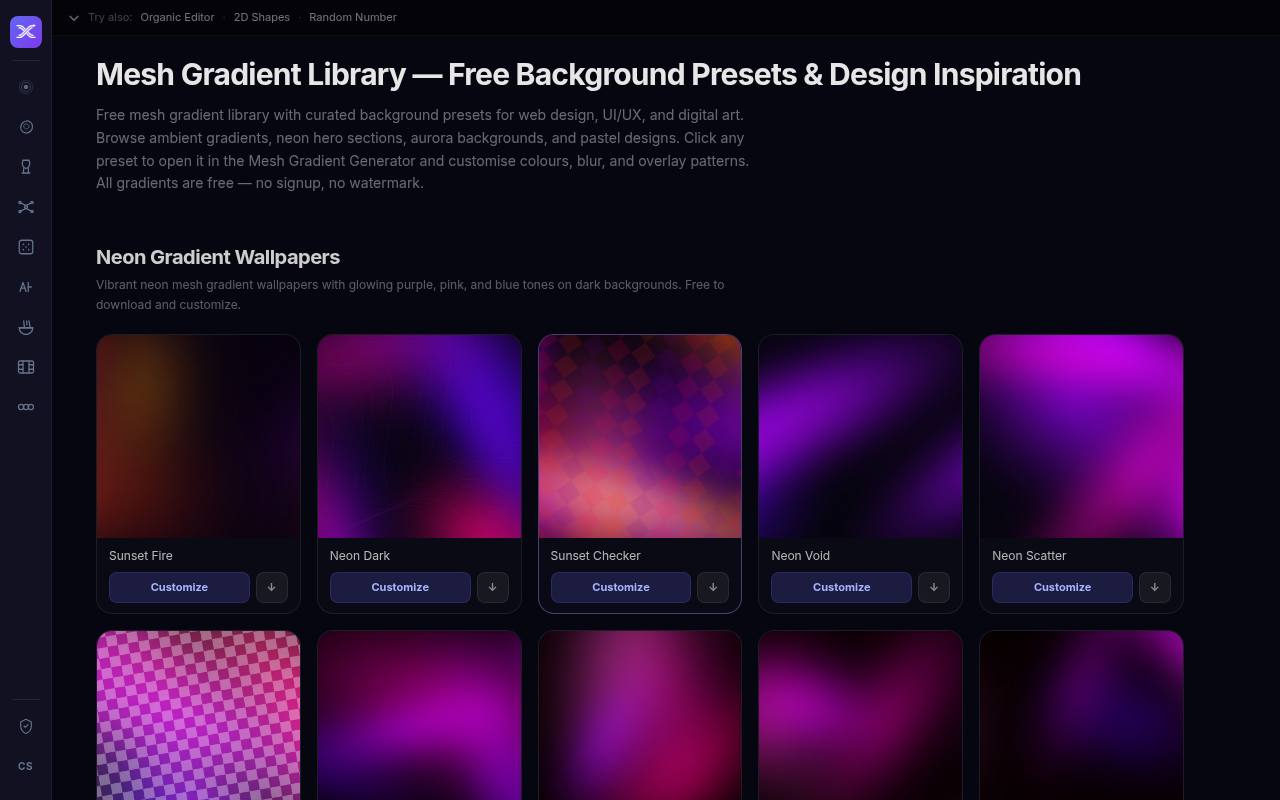
RandomGen’s mesh library is useful when you want downloadable background starting points instead of a blank editor. Browse named compositions across pastel, neon, dark, and aurora looks, then open a preset in the generator to adjust colors, blur, and overlay patterns.
Those overlays include options such as wavy lines, rings, and dots, which can move a design beyond a plain color cloud. The library advertises SVG, PNG, JPG, and WebP exports without registration or watermarks. It is a preset-to-editor workflow rather than a single bundled archive.
- Type
- Preset library and editor
- Best for
- Ready-made mesh starting points with optional overlays
- License
- Free library; check terms before redistribution
- Price
- 100% free
Mesh Gradient (Mesher)
Web app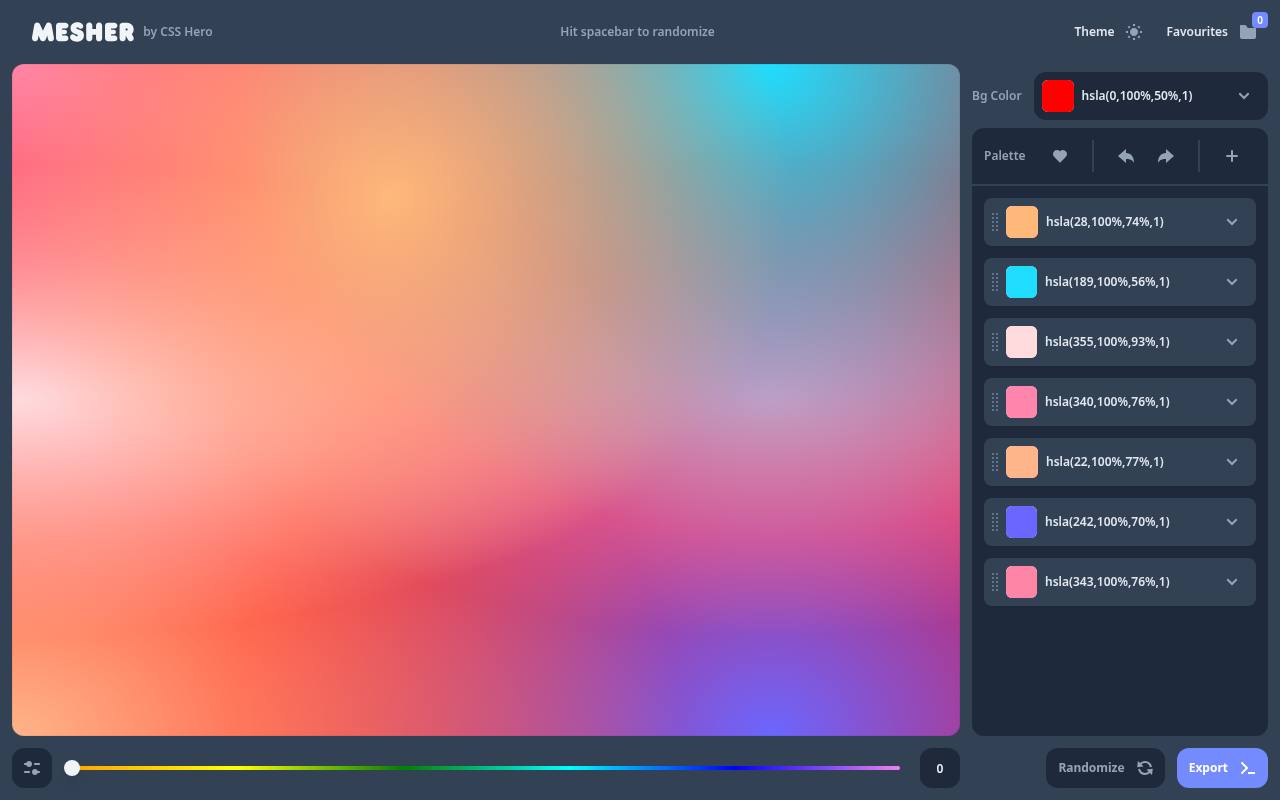
Mesher, from CSS Hero, keeps the emphasis on CSS mesh backgrounds rather than a library of finished image packs. Adjust the color points and their arrangement to build a soft multi-color backdrop, then take the generated CSS into your project.
That makes it a useful counterpart to the raster-first tools here: developers can continue editing the background in a stylesheet instead of reopening an image file. Choose it for website background experiments where responsive coverage matters, and inspect the result at narrow widths before placing important text over the brightest areas.
- Type
- Web app
- Best for
- Layered mesh effects intended for website backgrounds
- License
- Free generator; check applicable usage terms
- Price
- 100% free
Choose by the shape of the light
For soft overlapping color pools, start with a point-based mesh editor. For a more atmospheric result, try an aurora mode with a dark base and brighter accents.
Folded or warped treatments work well on covers, but can compete with interface content. Decide where the quiet area should sit before adding more colors; empty space is useful when the background must support a headline.
Use presets without making every project identical
A free mesh preset is a starting composition, not a finished identity. Change the dominant hue, relocate the brightest area, and adjust the crop to suit your layout.
For a small campaign, retain the same color family while varying the arrangement. That creates continuity across a slide cover, a banner, and a social post without repeating an identical background at incompatible proportions.
Pick the export your project actually needs
Choose raster image exports when the precise rendered look matters most or the destination cannot accept code. PNG is useful during editing; compare WebP or JPEG for final website delivery.
SVG can be convenient, but filters and embedded images affect how portable it really is. Test an exported file in the application that will receive it instead of assuming every SVG contains independently editable mesh points.
Keep grain subtle and purposeful
A little grainy gradient texture can reduce the sterile appearance of an otherwise smooth blend and help disguise visible banding. Too much makes a background look dirty, increases visual competition, and may produce a heavier compressed image.
Judge texture at the final display size, not just in a zoomed editor preview. Export a clean alternative so you can compare both versions behind actual typography.
Separate free access from usage permission
A tool being free does not automatically grant unrestricted resale of its presets or exported files. Check commercial usage terms, attribution requirements, and restrictions on redistribution before delivering client assets or assembling a downloadable pack.
MeshSVG explicitly describes commercial use without attribution; other entries may require closer review of their general terms. Save a dated copy of the relevant permission alongside your project files.
Protect readability over changing colors
Treat an aurora as decoration, not as the only surface supporting essential information. A stable text backdrop, such as a solid card or controlled overlay, is often safer than hoping every part of a bright mesh will work.
Check contrast where the text actually appears, including mobile crops. If the background moves, assess its brightest and darkest states rather than testing only one attractive paused frame.
Keep animated backgrounds lightweight
Use short background loops sparingly, especially on pages that already contain video, large photography, or interactive graphics. Offer a still fallback and respect reduced-motion preferences in your implementation.
A CSS-looking preview may involve expensive blur filters or continuous shader rendering, so test on a modest phone as well as a desktop. Static artwork is often the better choice when motion adds little to the message.
Can these replace a downloadable gradient pack?
Yes, if you mainly need a coordinated set of finished backgrounds. Generate several matching mesh gradient images, export them at the required aspect ratios, and keep a small record of the colors and settings.
RandomGen offers ready-made compositions to customize, while Meshy and seeded generators help produce variations. Keep those working files organized internally; permission to use a background in a design is not necessarily permission to redistribute a resource pack.