
Laser cutting rewards files that respect the machine. Free laser cut files range from community projects with documented material settings to parametric generators that draw a box to your exact plywood thickness, and the difference decides whether a first attempt fits together or needs sanding.
This list covers ten sources that publish downloadable files without a subscription, including xTool's community library, a public-domain clipart archive, box generators and the project pages maintained by laser manufacturers.
Formats come first: SVG and DXF cover almost every workflow, with LightBurn, xTool Creative Space and Inkscape accepting SVG, and CAD-driven shops preferring DXF for its exact dimensions. Some sites also export CDR, AI, PDF or STL, and a generator that outputs to your measured material thickness beats any ready-made file when the project has to hold something specific.
Kerf — the width the beam actually removes — is the other variable that turns a nominal fit into a loose joint, so files with documented kerf allowance or a stated thickness are worth more than a bigger gallery.
Treat every download as a first draft until it has been cut. Start with a small test piece in the same sheet, check that paths connect without overlaps, and confirm the license before selling finished items, because some community designs are shared for personal use only and machine-maker sample files may carry no project license at all.
A short test run on scrap plywood answers more questions than any preview image.
Quick picks at a glance
| # | Resource | License | Best for |
|---|---|---|---|
| 1 | Atomm | Set per design; the library mixes free and paid files | Files that ship with build steps and settings |
| 2 | Ponoko | Free template files; the site's service terms apply to orders | Enclosures and faceplates sized for real parts |
| 3 | Boxes.py | Open source project; generated files are yours to use | Boxes built to your exact material thickness |
| 4 | MakerCase | Free to generate; MakerCase Pro is a paid yearly plan | Seeing the box while you change its size |
| 5 | Make A Box | Free generator; the project is published openly on GitHub | Snap-together enclosures cut straight from one sheet |
| 6 | Obrary | Open designs shared under Creative Commons terms | Furniture and mechanisms with published source files |
| 7 | Cutting Paths | Free downloads with a mix of paid designs; site terms apply | One design in every format your software wants |
| 8 | FreeLaserFile | Free for personal and commercial use, as stated by the site | Instant downloads with no registration |
| 9 | Fixitorium | Per-file licenses such as GPL-3.0-or-later and CC-BY-SA 4.0 | Knowing the license and material before downloading |
| 10 | GrainBench | Originals published free by the studio | Simple single-piece cuts with sizes stated |
Atomm
Community project library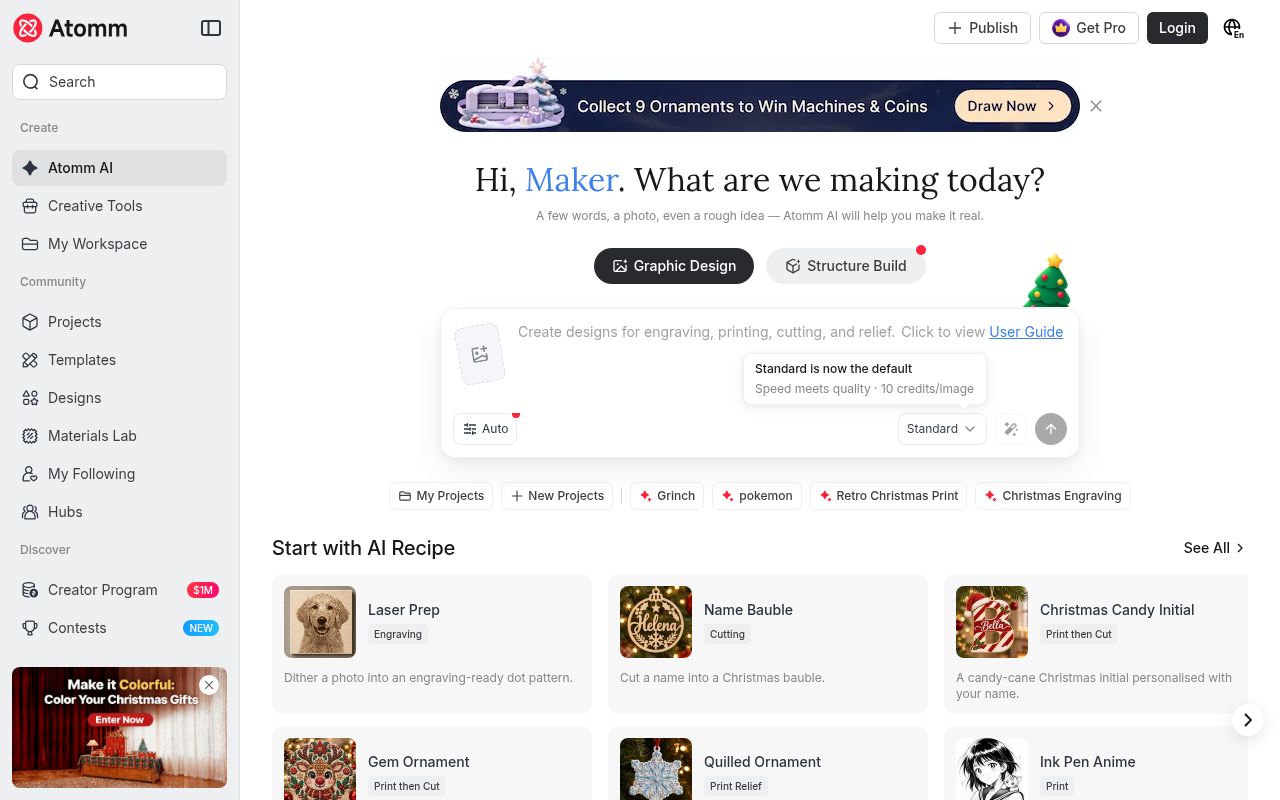
Atomm is the community library built around xTool machines, and its laser pages describe tens of thousands of free cutting and engraving projects uploaded by makers. Each entry can be filtered by material — wood, metal, acrylic, glass, leather, paper, vinyl, fabric and felt — and the included files often cover several formats, from XCS and SVG to PNG, JPG, DXF and STL.
Many projects also publish material settings and production notes, so you can see the power and speed another maker used before guessing on your own machine, and the library includes an AI prompt tool for generating a custom design.
- Type
- Community project library
- Best for
- Files that ship with build steps and settings
- License
- Set per design; the library mixes free and paid files
- Price
- Free downloads; account required
Ponoko
Template library and cutting service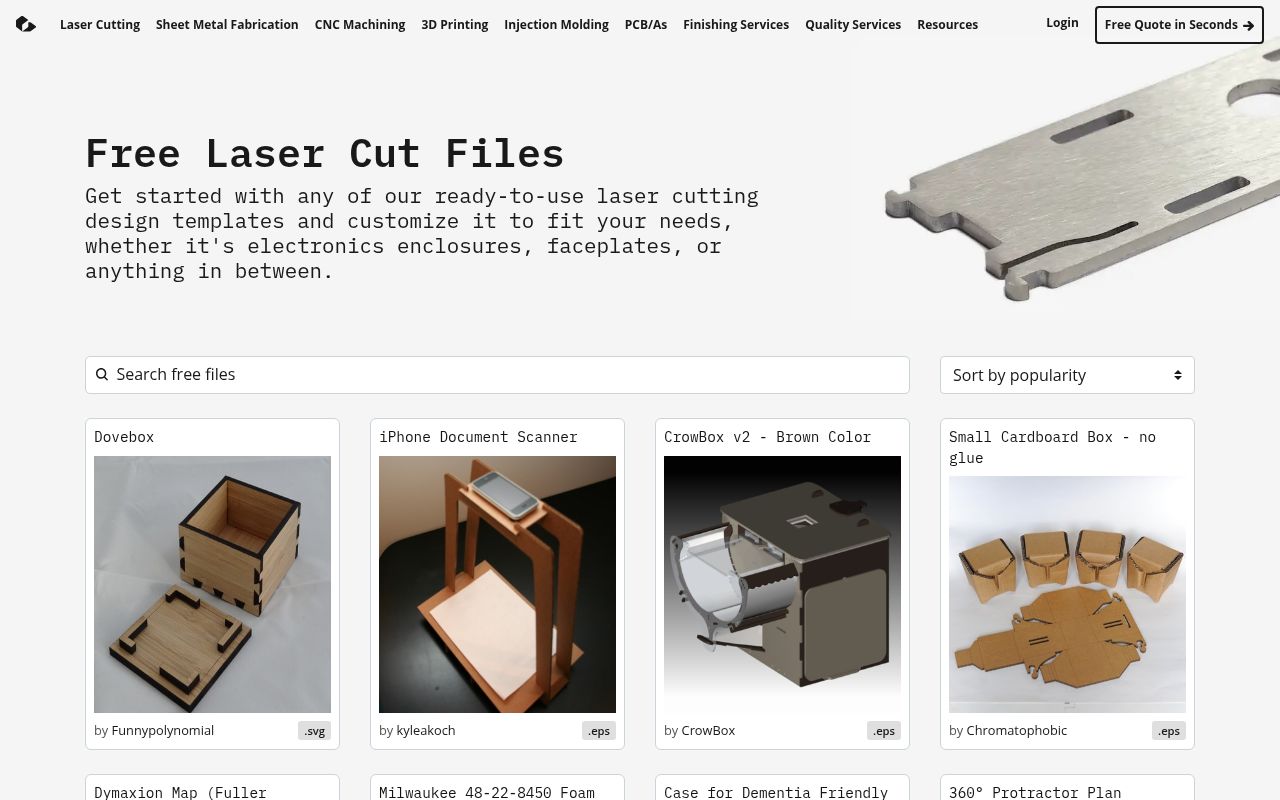
Ponoko's free laser cutting files are organised around practical parts rather than decoration: electronics enclosures, faceplates, boxes, stands, maps and coasters, with many files delivered as SVG or EPS that you can resize to fit a specific board or module.
The library is sorted by popularity, and the same site operates a laser-cutting and fabrication service, so a design can be downloaded and cut at home or ordered as a finished part in sheet metal, acrylic or wood. Files are ready to customise, and the pages describe each template's intended use before you commit to a build.
- Type
- Template library and cutting service
- Best for
- Enclosures and faceplates sized for real parts
- License
- Free template files; the site's service terms apply to orders
- Price
- 100% free
Boxes.py
Parametric box generator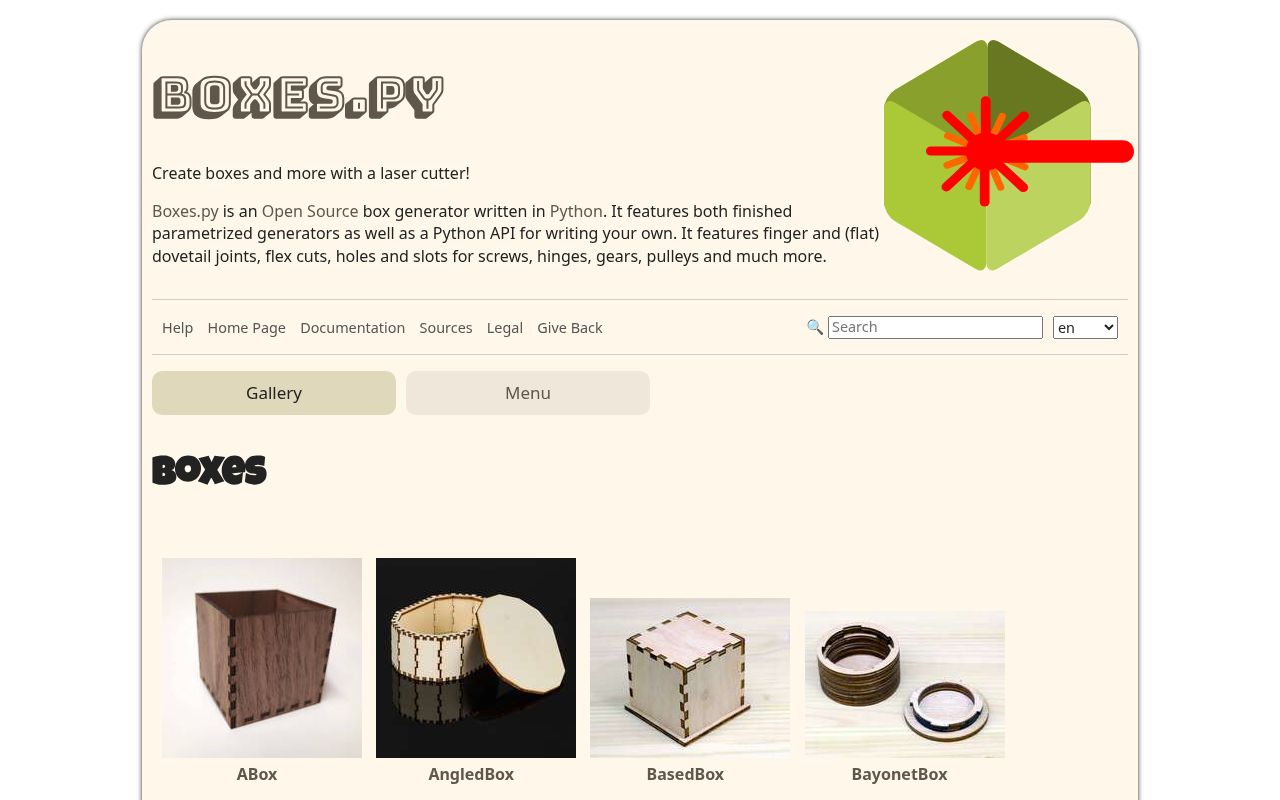
Boxes.py is an open-source generator that draws boxes, trays, shelves and holders to the dimensions you type, including finger joints, flat dovetails, flex cuts, hinge holes, screw slots, gears and pulleys. Because the file is generated rather than downloaded, you set the material thickness once and every joint recalculates, which is what makes laser-cut boxes actually fit instead of needing glue and clamps.
The project publishes documentation for each generator, a gallery of finished examples, and source code in several languages, so a workshop can run its own copy and keep the same settings for every sheet.
- Type
- Parametric box generator
- Best for
- Boxes built to your exact material thickness
- License
- Open source project; generated files are yours to use
- Price
- 100% free
MakerCase
Box generator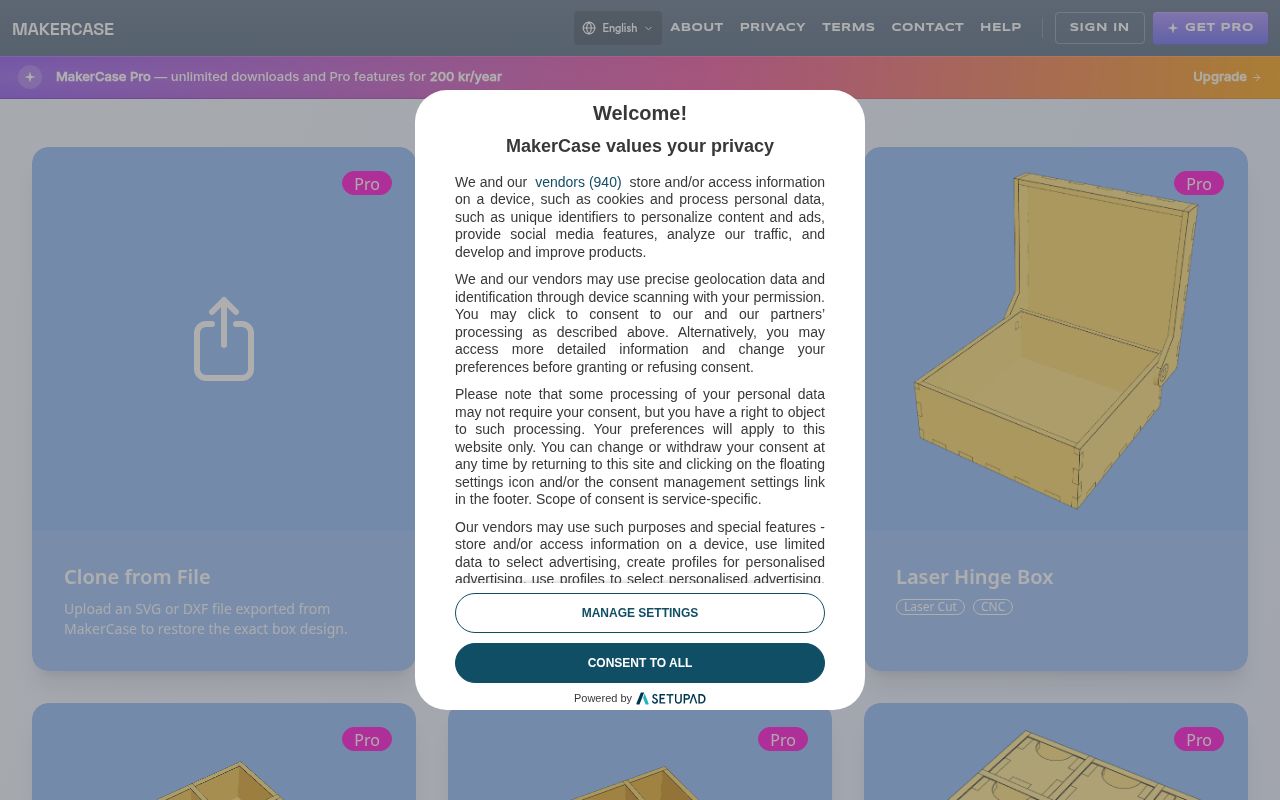
MakerCase generates laser-ready box files in the browser and shows a live three-dimensional preview as you adjust width, depth, height and material thickness, which helps you catch a bad proportion before the sheet is cut.
The generator is free to use, while a Pro plan adds unlimited downloads and extra features for people who build boxes constantly. Files export as SVG for cutting software, and the interface includes a clone-from-file option so an existing design can be reopened and resized instead of redrawn from scratch.
- Type
- Box generator
- Best for
- Seeing the box while you change its size
- License
- Free to generate; MakerCase Pro is a paid yearly plan
- Price
- Free to use; Pro subscription optional
Make A Box
Enclosure generator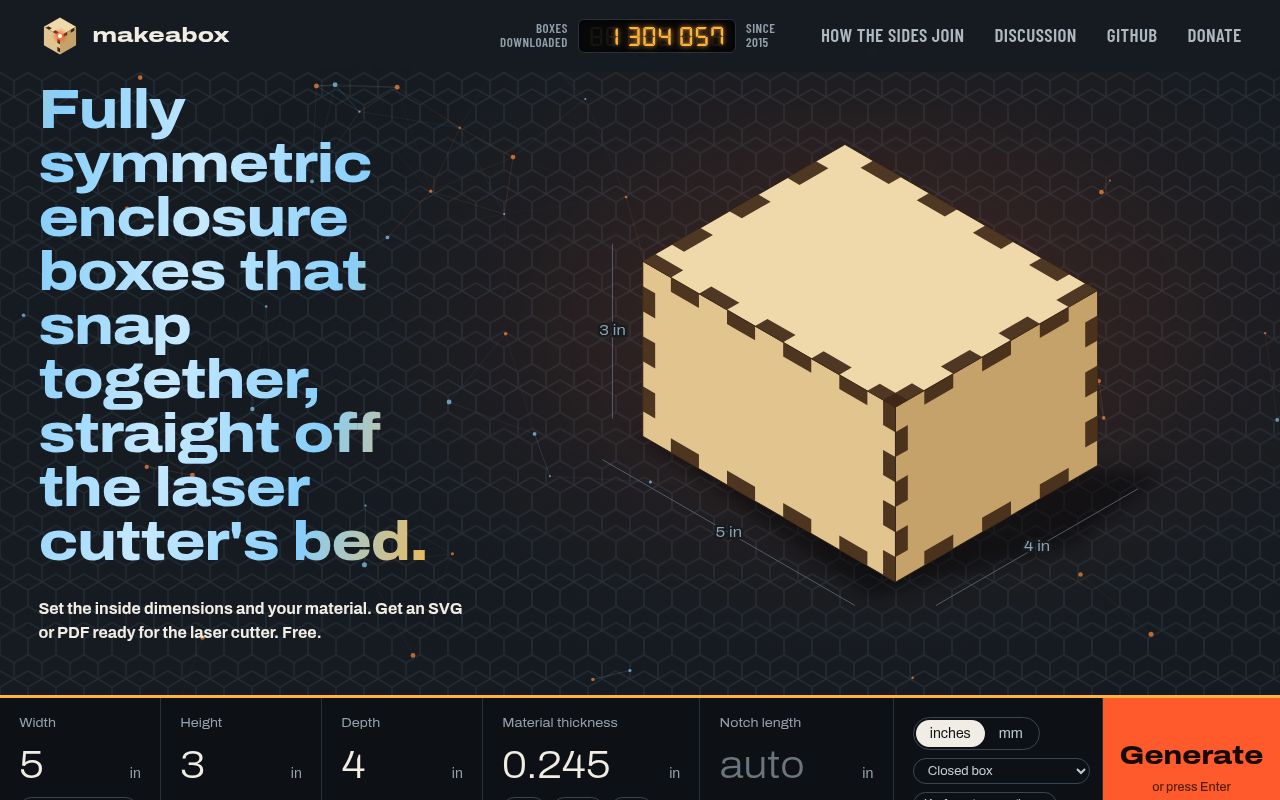
Make A Box produces fully symmetric enclosure boxes that snap together without glue, generated straight from your internal dimensions and material thickness. The form asks for the parameters a laser operator actually needs — inside size, thickness and joinery style — and outputs a flat layout that fits on one sheet, with a running counter of files downloaded since the project launched in 2015.
Discussion of the join methods and the source code on GitHub are both public, so a shop can inspect how the tabs are calculated before trusting a critical part to the file.
- Type
- Enclosure generator
- Best for
- Snap-together enclosures cut straight from one sheet
- License
- Free generator; the project is published openly on GitHub
- Price
- 100% free
Obrary
Open design collection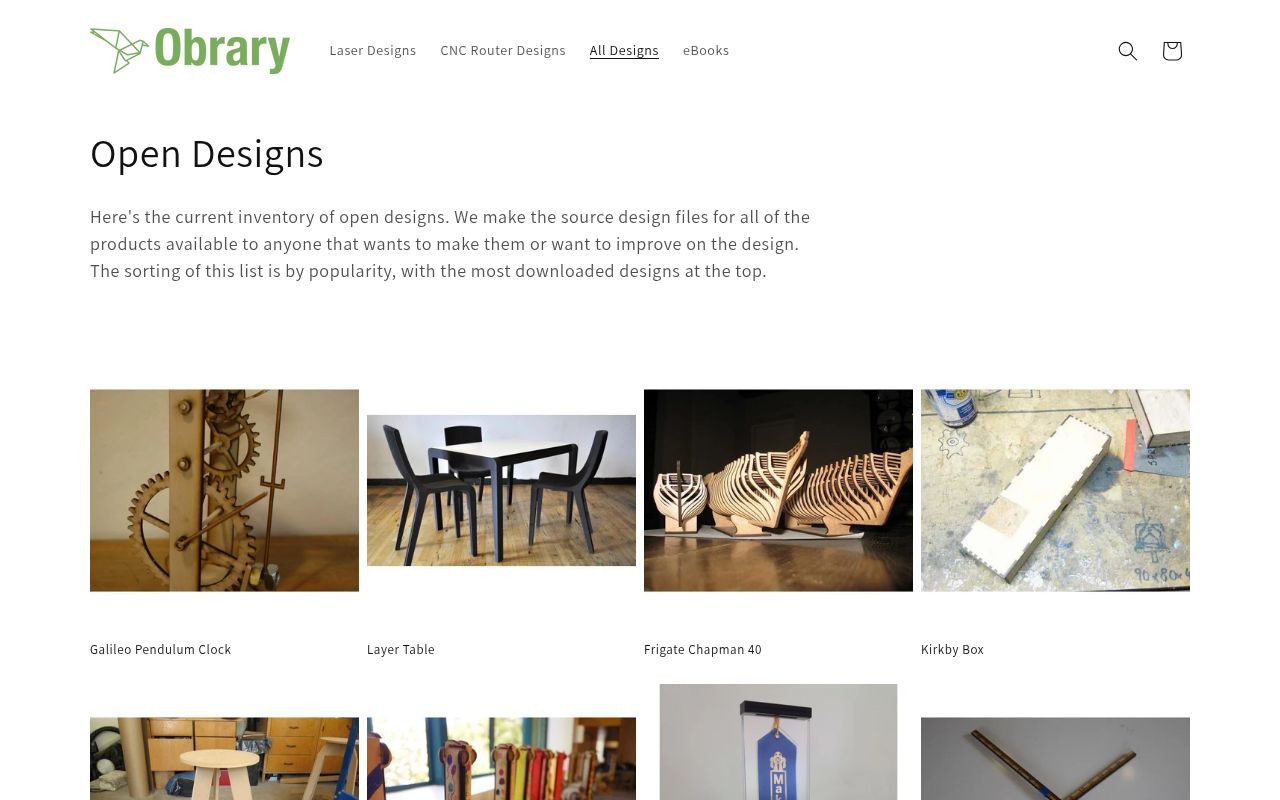
Obrary publishes an open designs collection whose source files are made available to anyone who wants to build or improve them, sorted by popularity so the most-built projects rise to the top.
The catalogue spans laser-cut and CNC-router work — a Galileo pendulum clock, a layer table, a model frigate, a Kirkby tool box and a workshop stool — and the listings state which material and thickness each design expects. Many files are shared under Creative Commons attribution terms, and mirrored copies also arrive as DXF, ZIP and PDF.
- Type
- Open design collection
- Best for
- Furniture and mechanisms with published source files
- License
- Open designs shared under Creative Commons terms
- Price
- 100% free
Cutting Paths
Multi-format file library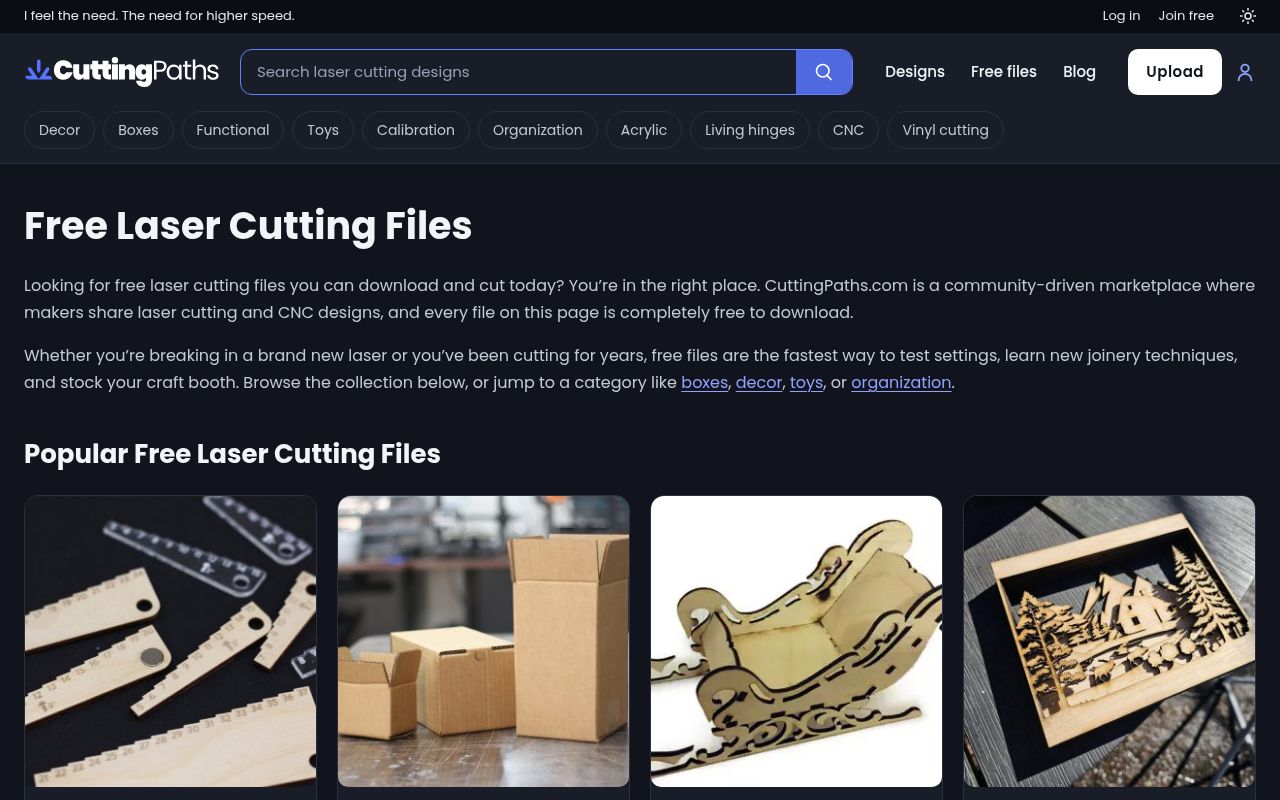
LibraryLaser assembles thousands of free laser cut files, each offered in several formats — DXF for AutoCAD and CNC routers, CDR for CorelDRAW, SVG for Inkscape and LightBurn, AI for Illustrator and PDF for printing a template.
The library states that its designs have been tested on real machines across diode, CO2, fiber, CNC and plasma tools, and lists materials from plywood and MDF to acrylic, cardboard, leather and metal. Categories cover 3D puzzles, wall art, keychains, boxes, lamps, furniture and decor, with new designs published regularly alongside a smaller paid catalogue.
- Type
- Multi-format file library
- Best for
- One design in every format your software wants
- License
- Free downloads with a mix of paid designs; site terms apply
- Price
- Free downloads; some paid files
FreeLaserFile
Free file library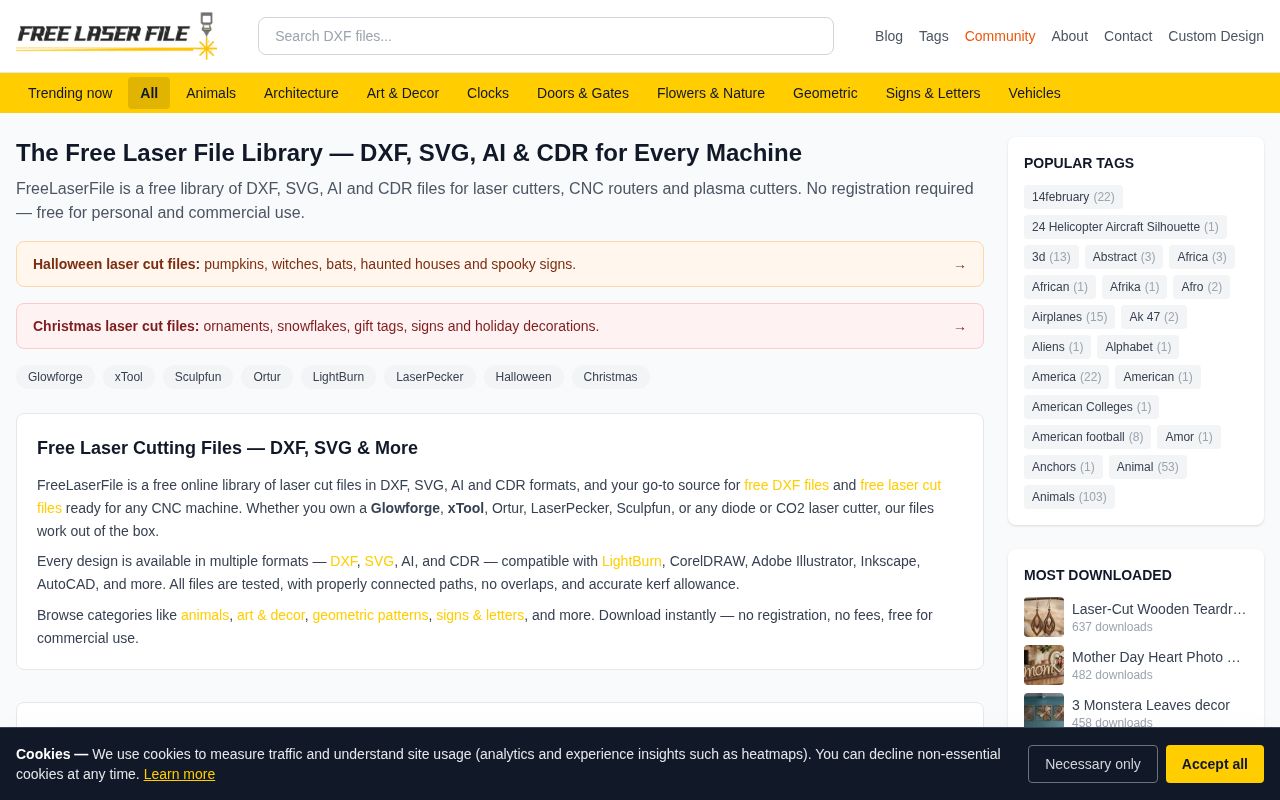
FreeLaserFile publishes its library in DXF, SVG, AI and CDR with no registration and no download credits, and states that the files are free for personal and commercial use.
The project pages explain how the designs were prepared for cutting: paths are checked so they connect properly, with no overlaps and with kerf allowance considered. Categories run from animals, art and decor to geometric patterns and signs, and the site also keeps seasonal collections plus a short project quiz for choosing a first build.
- Type
- Free file library
- Best for
- Instant downloads with no registration
- License
- Free for personal and commercial use, as stated by the site
- Price
- 100% free
Fixitorium
Curated project library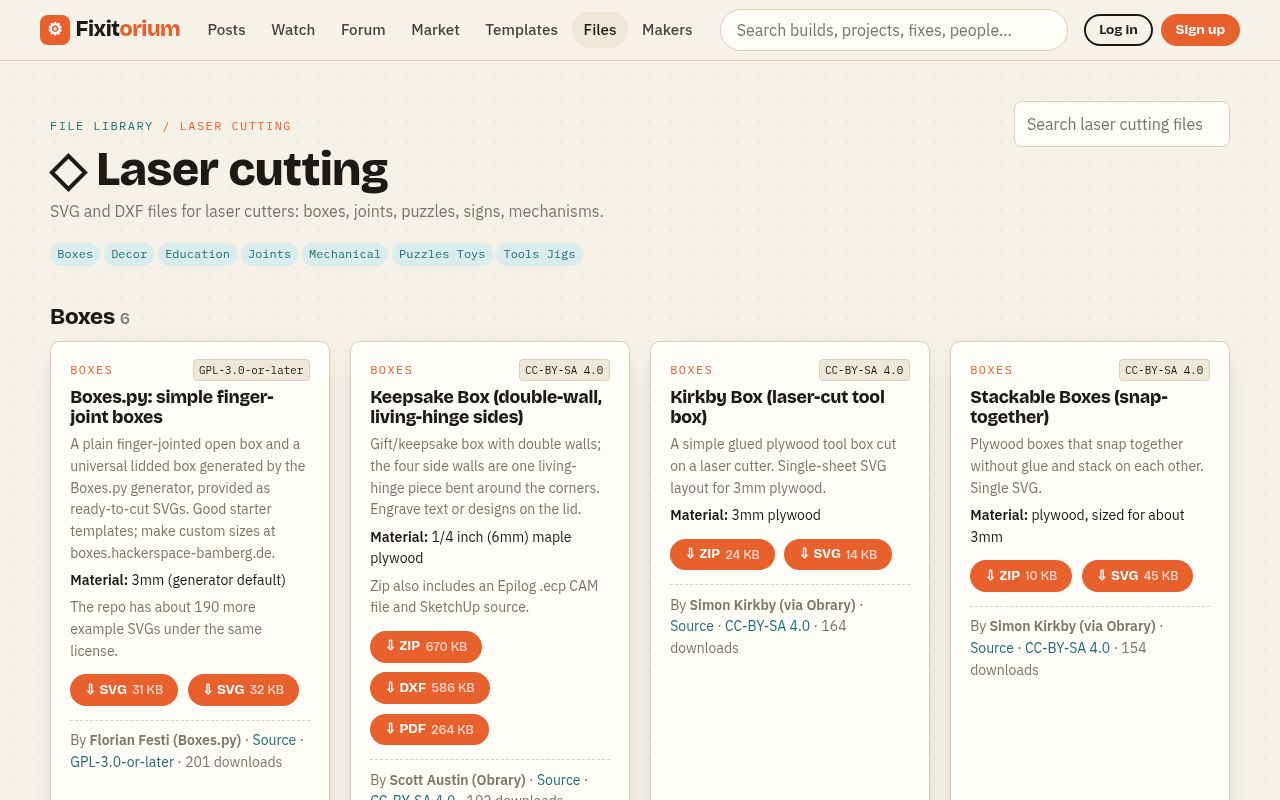
Fixitorium is a curated laser library where every entry lists its license, author, source and material thickness, from GPL-3.0-or-later boxes generated by Boxes.py to CC-BY-SA keepsake boxes with living-hinge walls.
The collection groups designs by type — boxes, joints, puzzles, signs and mechanisms — and many listings offer the same project as ZIP, DXF and PDF, with some including a CAM file for a specific machine. Because each page names the plywood thickness the design was cut at, the file arrives with its assumptions attached rather than leaving you to guess at a tab width.
- Type
- Curated project library
- Best for
- Knowing the license and material before downloading
- License
- Per-file licenses such as GPL-3.0-or-later and CC-BY-SA 4.0
- Price
- 100% free
GrainBench
Original design library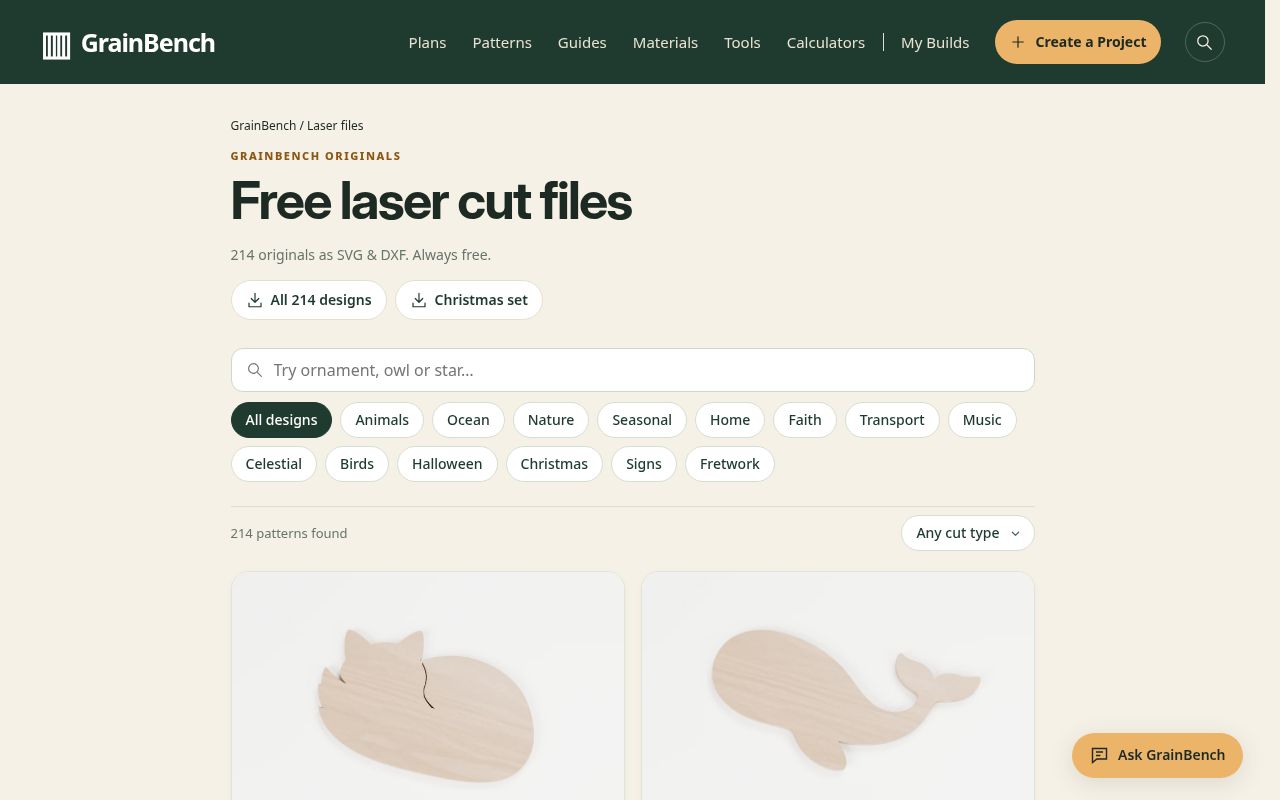
GrainBench publishes a catalogue of original laser cut files as SVG and DXF, each one a compact single-piece design: curled foxes, whales, mushrooms, leaves, owls, bears, rabbits, hedgehogs, acorns, pine trees, turtles, dolphins, sailboats, pumpkins, fir trees, mittens, snowmen and baubles.
Every listing shows the finished size in millimetres and states whether the design has inside cuts or none at all, so a beginner can pick a zero-inside-cut shape for a first sheet and know exactly how much material it will consume. The collection is described as always free, and the small format suits keychains, tags and toppers.
- Type
- Original design library
- Best for
- Simple single-piece cuts with sizes stated
- License
- Originals published free by the studio
- Price
- 100% free
Match the file format to your software
SVG is the practical default for laser work because LightBurn, xTool Creative Space, Glowforge and Inkscape all import it, while DXF remains the safer choice when a part must carry exact dimensions into CAD or a CNC router.
A library that offers both formats, plus PDF for a printed template, removes most of the conversion friction that otherwise leads people to redraw a good design from scratch.
Before cutting, open the file and check three things: paths connect without overlaps, the drawing sits at real scale, and there is a clear difference between cut and engrave operations.
A generator that lets you set material thickness solves the fit question in advance, and files that state their kerf allowance need only a small test to confirm they suit your machine.
Check the license before selling what you cut
Free downloads come with different permissions. Community libraries often set terms design by design, machine-maker sample files may state no project license at all, and forum attachments are sometimes shared for non-commercial use only.
Generators and public-domain collections are usually the simplest to sell from, but the safe rule is to keep the license text beside the file rather than assuming the download button implied permission.
Record the source URL, the download date and the material settings that worked. A short project log turns a free file into a repeatable product, and it protects you when a design is later removed from the site that published it.