
A business card has a small job with real consequences: make your name easy to remember and your next contact easy to find. Free business card templates remove the blank-page problem, but the best choice depends on what happens after editing.
A browser-based maker suits a quick update, while a downloadable document can be more practical when you already have office software and a pack of perforated card stock.
This selection focuses on printable business cards, not logo creation or broader branding packages. You will find visual editors, Word documents, product-matched sheet layouts, and production templates for an existing design.
Some services sell printing or premium assets alongside their free tools. Treat the free design file and the physical print order as separate decisions, and check the export options before spending time personalizing a layout that may not fit your needs.
Before choosing a free business card maker, collect your approved logo, exact contact details, preferred colors, and intended card dimensions. Ask your printer about bleed and accepted file types, or check the product number on your home-printing stock.
That short preparation makes these resources easier to compare. It also helps you avoid the most expensive mistake in a free design workflow: discovering that a finished card needs rebuilding before it can be printed.
Quick picks at a glance
| # | Resource | License | Best for |
|---|---|---|---|
| 1 | Brother Creative Center | Free templates; Brother terms apply | Industry-specific cards for straightforward local business printing |
| 2 | Avery | Free templates and design tool; printing sold separately | Matching layouts to precut business card stock |
| 3 | Vertex42 | Free under Vertex42 Limited Use license | Editing standard cards in familiar office software |
| 4 | Adobe Express | Free plan available; premium assets and printing cost extra | Customizing visual layouts with multiple export choices |
| 5 | Shopify | Free tool; Shopify terms apply | Generating a simple card from business details |
| 6 | Jukebox | Free design and PDF export; printing sold separately | Downloading print-oriented cards without creating an account |
| 7 | VistaCreate | Free Starter plan; Pro content and features cost extra | Personalizing ready-made cards with a visual editor |
| 8 | Canva | Free templates available; Pro content and printing cost extra | Exploring varied card styles before personalizing a layout |
| 9 | PsPrint | Free layout downloads; printing sold separately | Starting custom artwork with printer-specific dimensions |
| 10 | DesignCap | Free tier has limited templates and low-resolution JPG export | Testing a card concept before production artwork |
Brother Creative Center
Online templates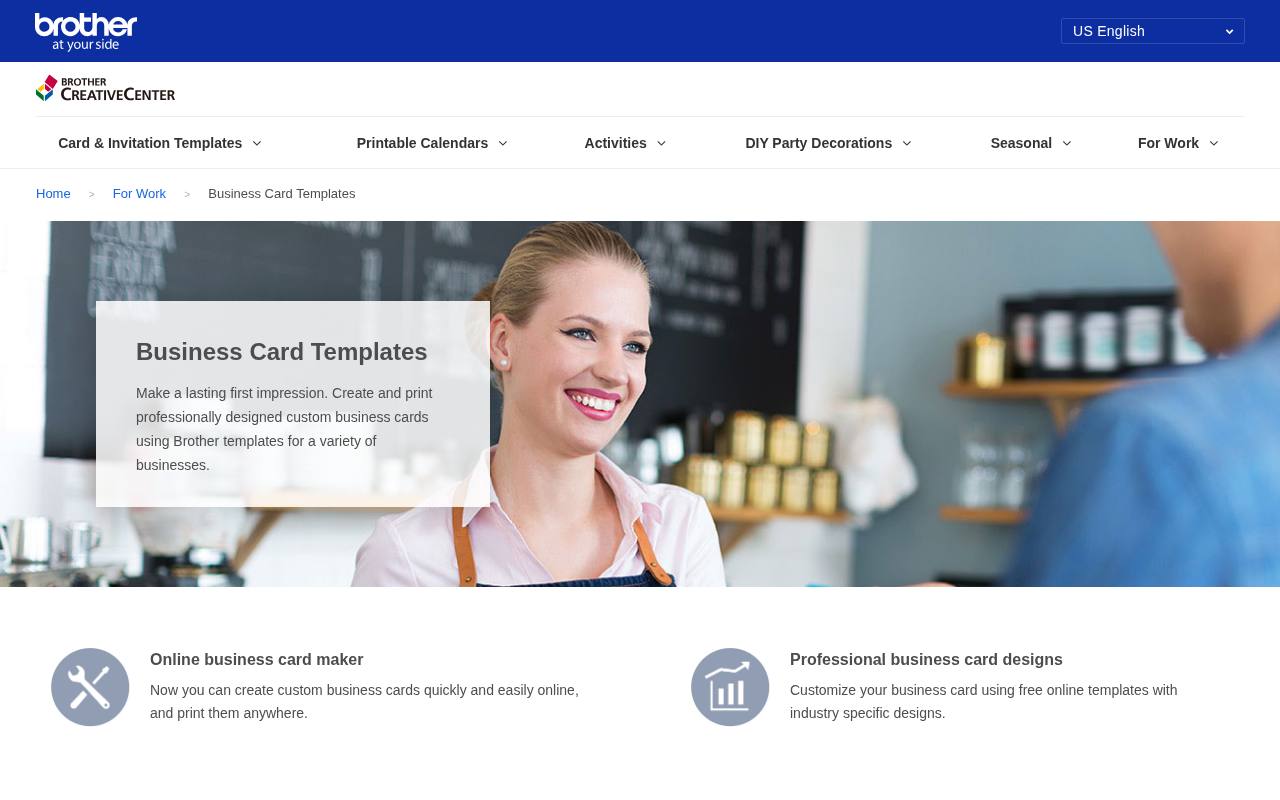
Brother Creative Center organizes business card templates around practical business needs rather than an empty canvas. Its business-card page leads into industry-specific designs that you can customize online and print yourself. That makes it approachable for a service business that needs a recognizable, conventional layout without assembling every element individually.
Start with the closest industry match, then replace the sample details and assess the result at actual size. The free online templates are the resource here; paper, ink, and any outside printing remain separate expenses.
- Type
- Online templates
- Best for
- Industry-specific cards for straightforward local business printing
- License
- Free templates; Brother terms apply
- Price
- Free
Avery
Sheet templates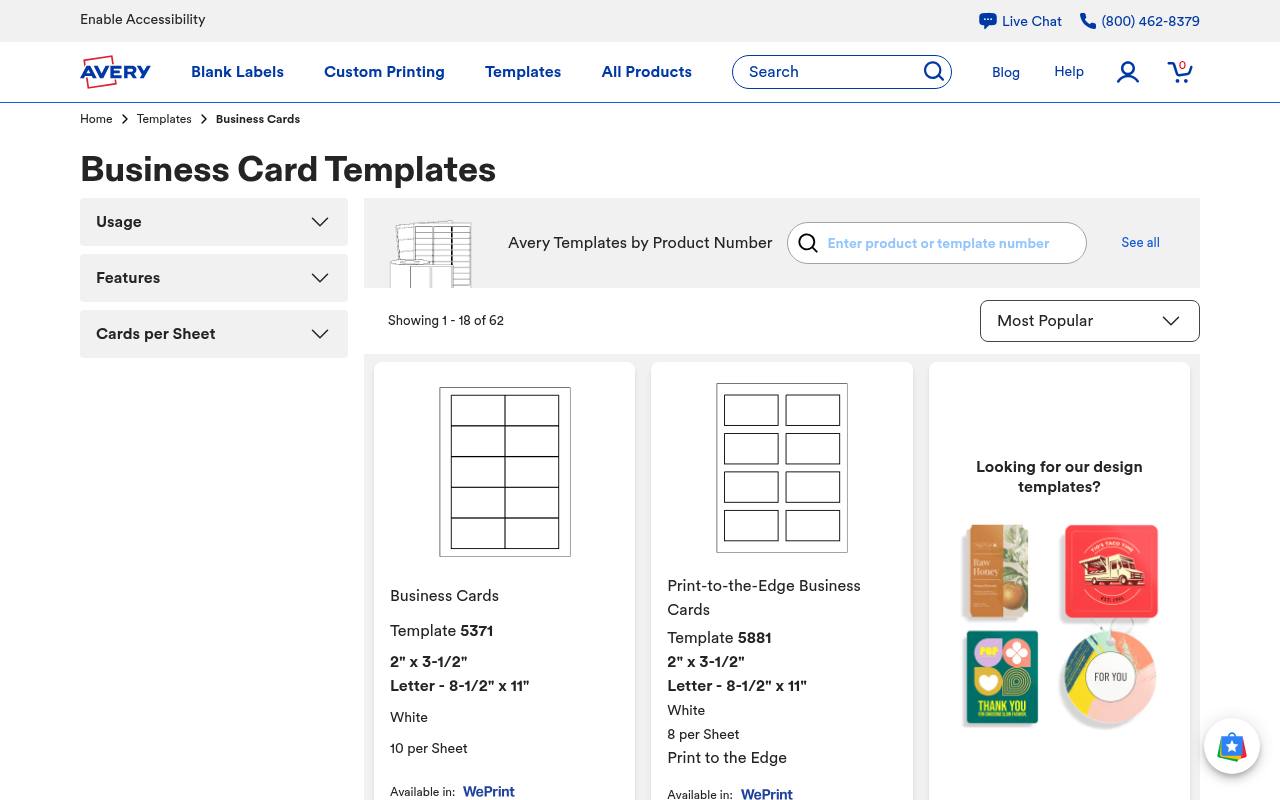
Avery is especially useful when the package of card stock is already sitting on your desk. Its product-number templates identify sheet dimensions, card size, and the number of cards per sheet, including familiar eight- and ten-card arrangements. Choose the template that matches your stock rather than guessing from a thumbnail.
Avery also offers its free Design and Print editor for personalization. The key benefit is sheet layout accuracy, not simply decoration: the correct starting file reduces alignment work when printing several cards on one home or office printer sheet.
- Type
- Sheet templates
- Best for
- Matching layouts to precut business card stock
- License
- Free templates and design tool; printing sold separately
- Price
- Free
Vertex42
Word templates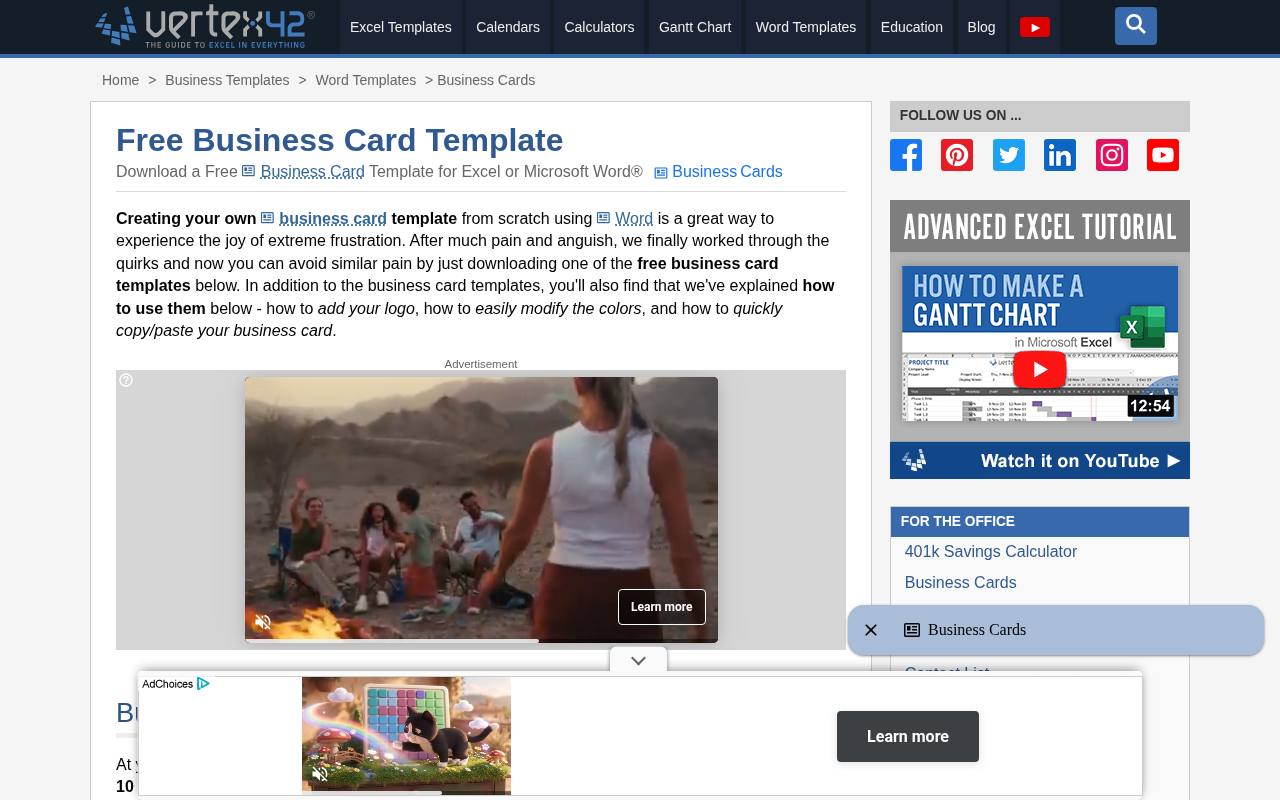
Vertex42 provides Microsoft Word templates for standard 3.5-by-2-inch business cards, with blank eight-per-page and ten-per-page DOCX options alongside designed examples. Its page explains margins, spacing, compatible Avery products, and how to change colors or add a logo.
This is a useful alternative to a browser editor if you prefer working with local documents. Downloads carry a Limited Use license, so free access does not mean permission to redistribute the template collection. Word itself is separate software, and other word processors may shift the layout.
- Type
- Word templates
- Best for
- Editing standard cards in familiar office software
- License
- Free under Vertex42 Limited Use license
- Price
- Free
Adobe Express
Web app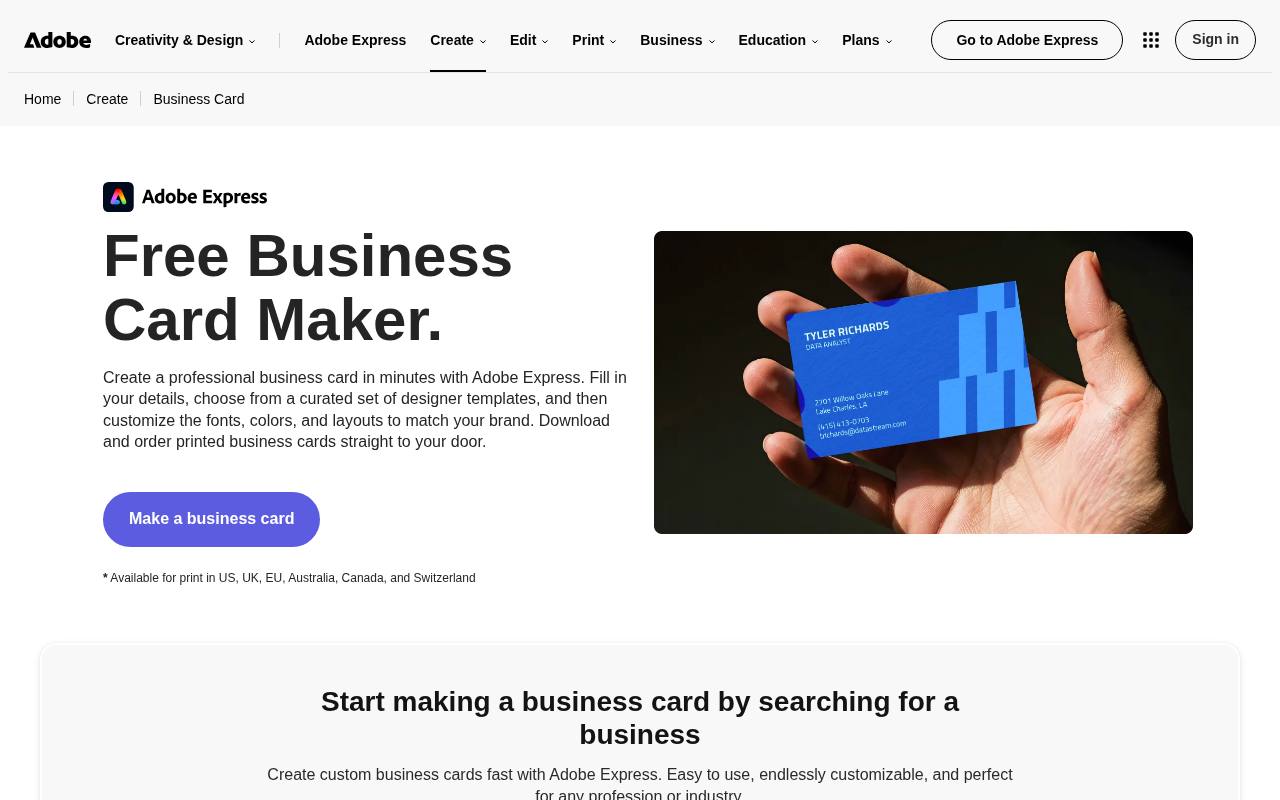
Adobe Express starts its business-card workflow with contact details and a live preview, then lets you customize the template in its editor. The page lists PDF, JPG, and PNG downloads, giving you options for a printer handoff or a digital preview.
It also offers paid printed cards in supported markets, which is separate from using the free design tools. Stay with free plan assets when building your card and check any premium prompts before exporting. A downloaded PDF still needs checking against your chosen printer’s specific size and bleed requirements.
- Type
- Web app
- Best for
- Customizing visual layouts with multiple export choices
- License
- Free plan available; premium assets and printing cost extra
- Price
- Free + Pro
Shopify
Web generator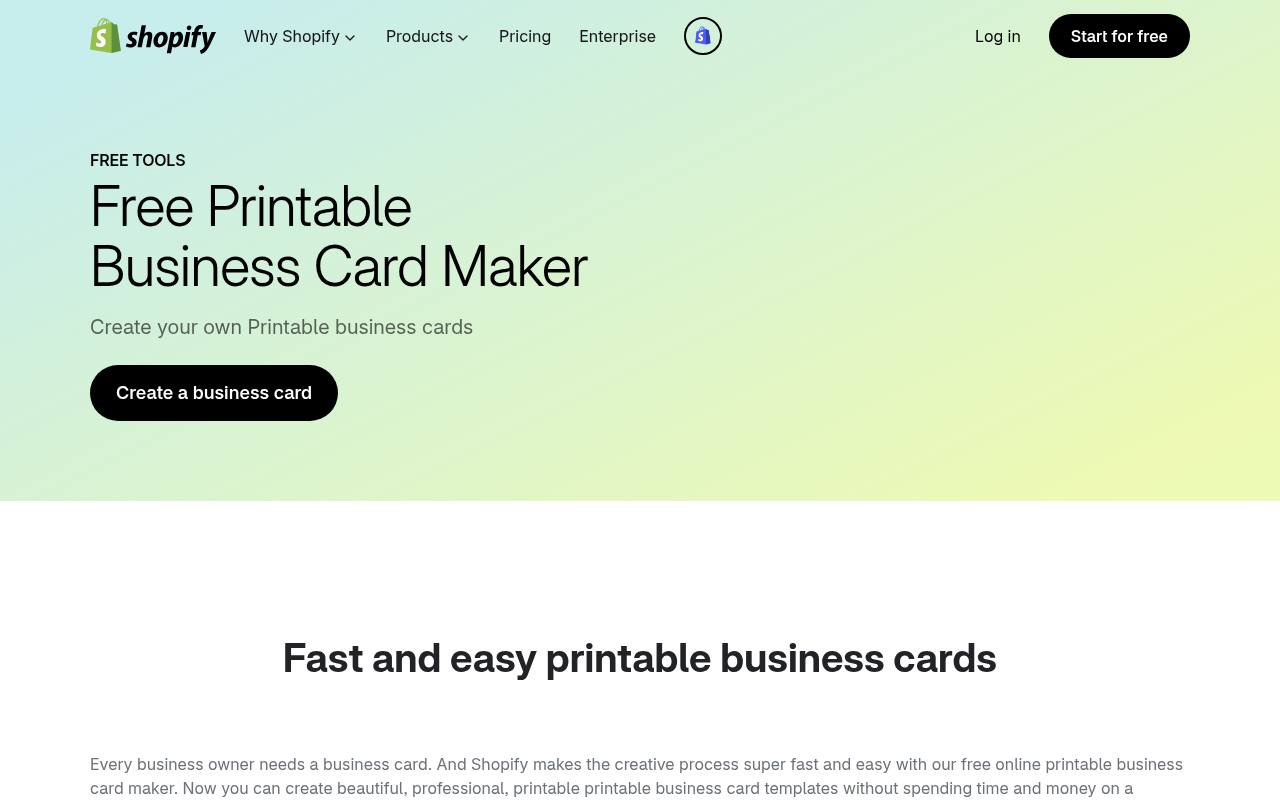
Shopify’s printable business card maker favors a form-based workflow over a large design workspace. Enter the requested business information, upload your logo, and create a card; the page explains that the ready-to-print result arrives by email.
This makes it a practical starting point when speed matters more than detailed typography or layout experimentation. Have a suitable logo file ready and use an email address you can access. The free printable maker is distinct from a Shopify storefront subscription, and any printing you arrange afterward has its own cost.
- Type
- Web generator
- Best for
- Generating a simple card from business details
- License
- Free tool; Shopify terms apply
- Price
- Free
Jukebox
Web app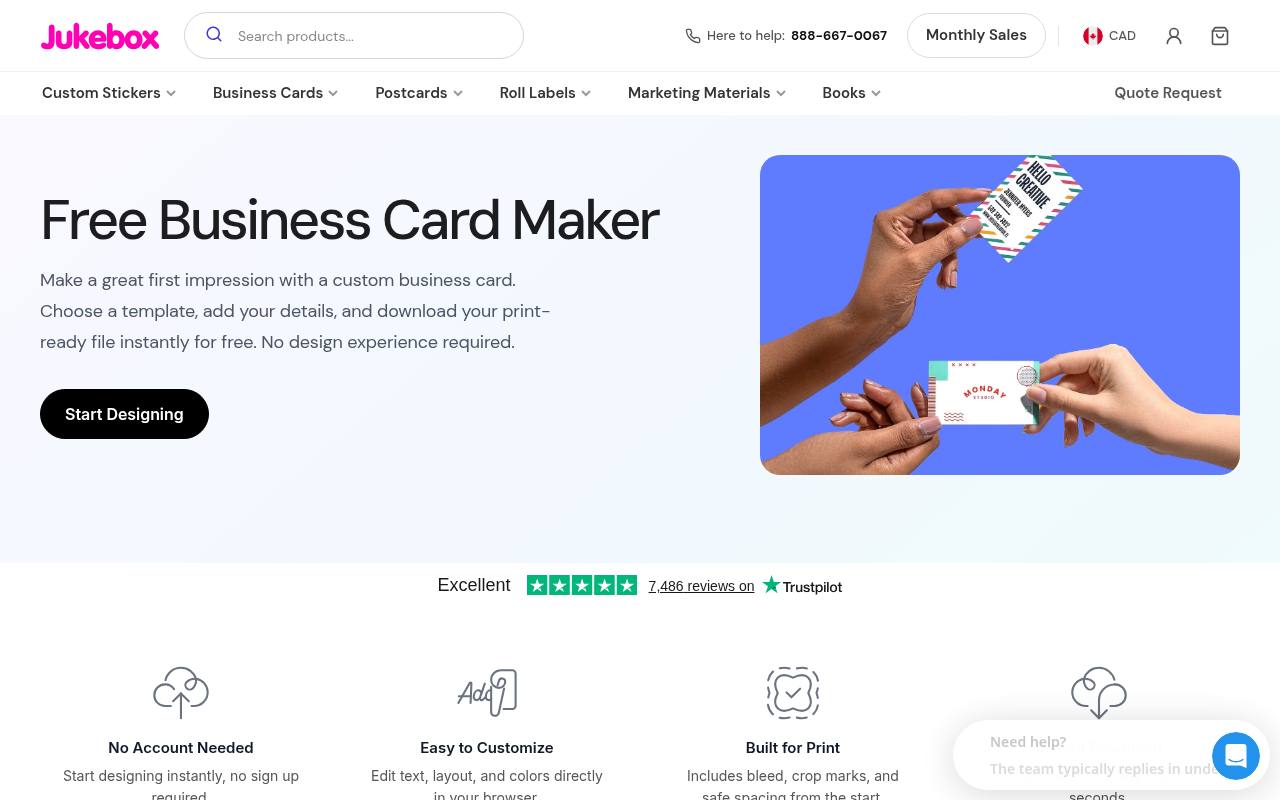
Jukebox puts production details near the beginning of its free business card maker: the tool advertises bleed, crop marks, safe spacing, and instant print-ready PDF export. Its page also states that no account is needed.
Browse the named designs, such as consulting, photographer, and florist layouts, or begin with a blank template and edit text, colors, and placement in the browser. The print-ready PDF option makes this a strong candidate for readers who want an export rather than only an order screen. Paid printing remains an optional, separate purchase.
- Type
- Web app
- Best for
- Downloading print-oriented cards without creating an account
- License
- Free design and PDF export; printing sold separately
- Price
- Free
VistaCreate
Web app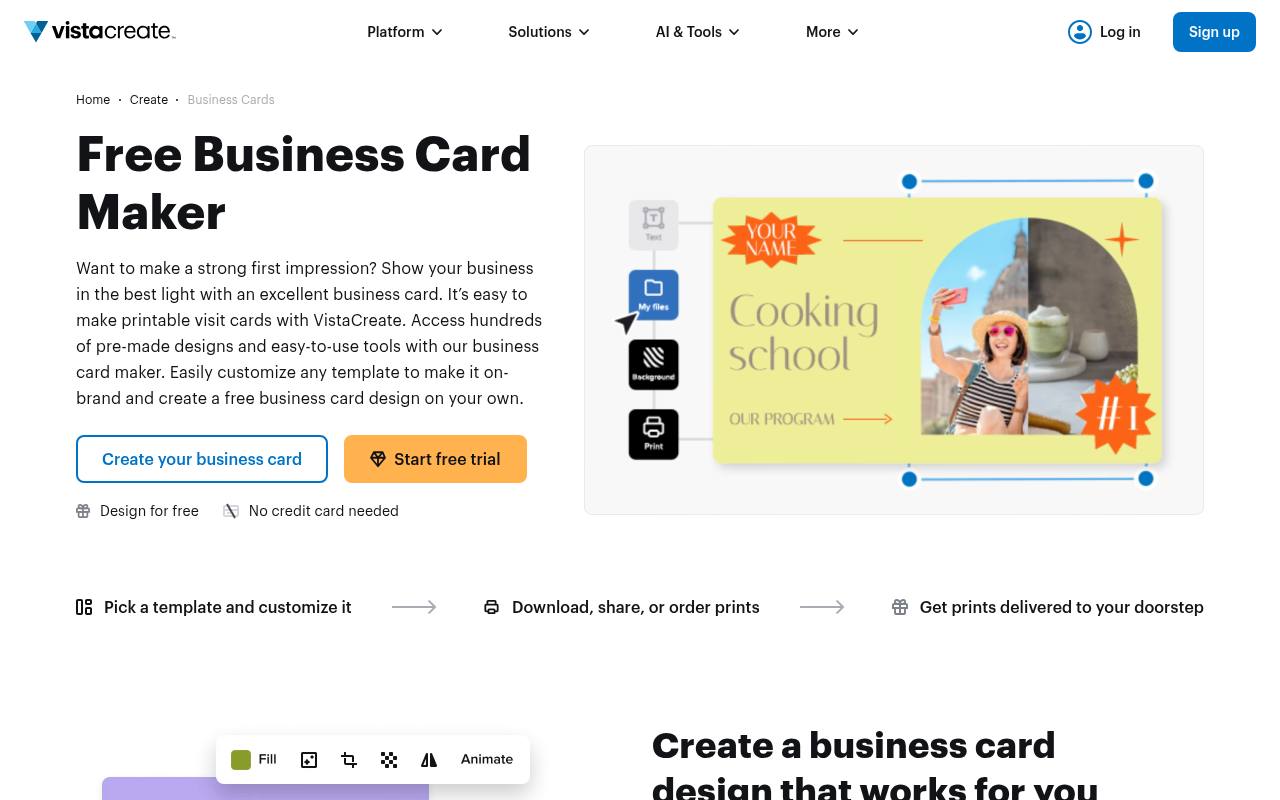
VistaCreate offers ready-made business cards with editable text and graphic elements, plus the ability to upload your own imagery. Its business-card page describes changing objects and layouts before downloading, sharing, or ordering prints. It suits readers who want more visual control than a contact-details generator without moving into desktop publishing software.
However, the service combines free access with paid features and content, so inspect what your selected design uses. Keep the project within the free Starter plan and confirm that your intended export is available before completing every detail.
- Type
- Web app
- Best for
- Personalizing ready-made cards with a visual editor
- License
- Free Starter plan; Pro content and features cost extra
- Price
- Free + Pro
Canva
Web app
Canva’s business-card template collection is a useful place to compare layout and typography before committing to a design. Open a suitable free template, replace the sample information, and adjust the colors and spacing around your own logo.
The collection includes paid content as well as free choices, so an attractive preview is not by itself a promise of a free export. Use free design elements throughout and review the download screen for any charges. Ordering physical cards is a separate paid service, not a requirement for exploring the templates.
- Type
- Web app
- Best for
- Exploring varied card styles before personalizing a layout
- License
- Free templates available; Pro content and printing cost extra
- Price
- Free + Pro
PsPrint
Production templates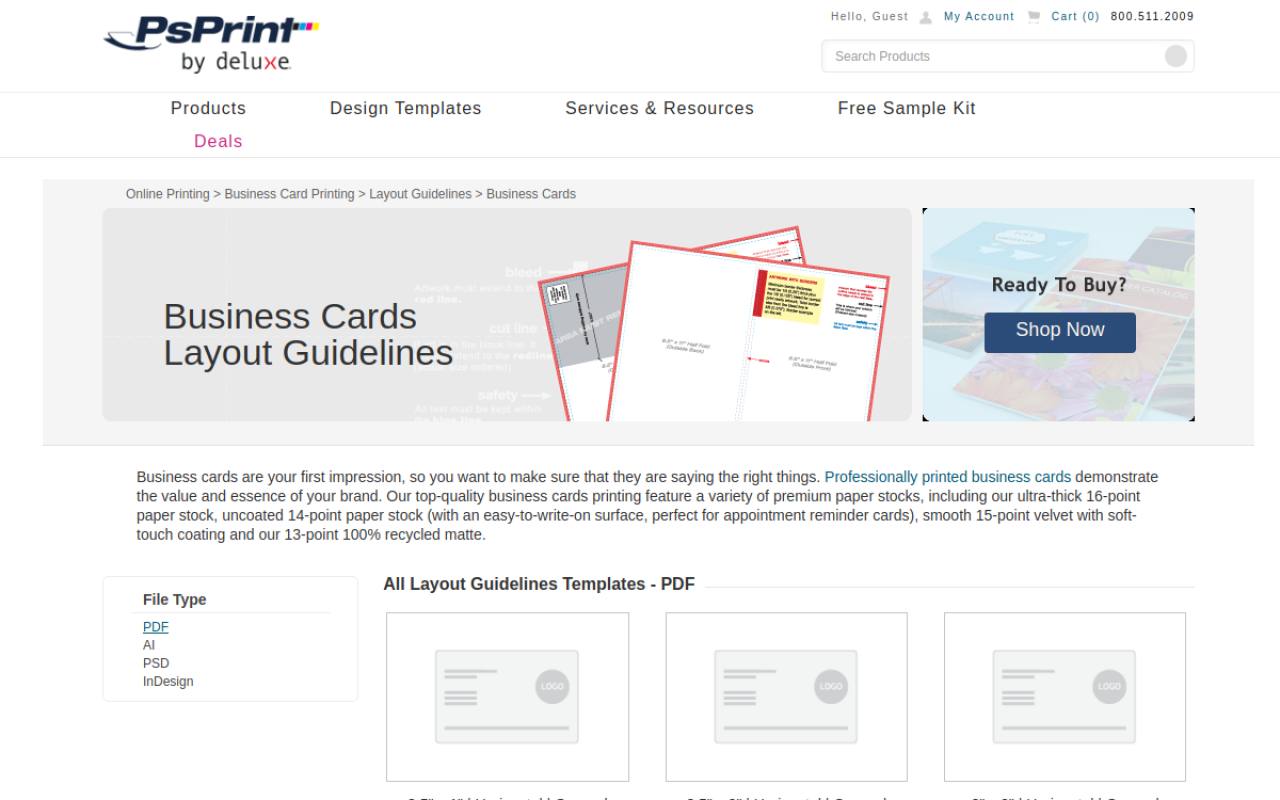
PsPrint’s layout-template page serves a different need from a gallery of finished card designs. It supplies downloadable layout templates for formats such as standard horizontal cards, vertical cards, square cards, and folded cards. The page lists PDF templates and links to application-specific setup information.
Choose this resource when you already have artwork or want to construct a design around a printer’s production specifications. These are production starting points, not a promise of free printed cards. If you use another print shop, compare its specifications before relying on a PsPrint layout.
- Type
- Production templates
- Best for
- Starting custom artwork with printer-specific dimensions
- License
- Free layout downloads; printing sold separately
- Price
- Free
DesignCap
Web app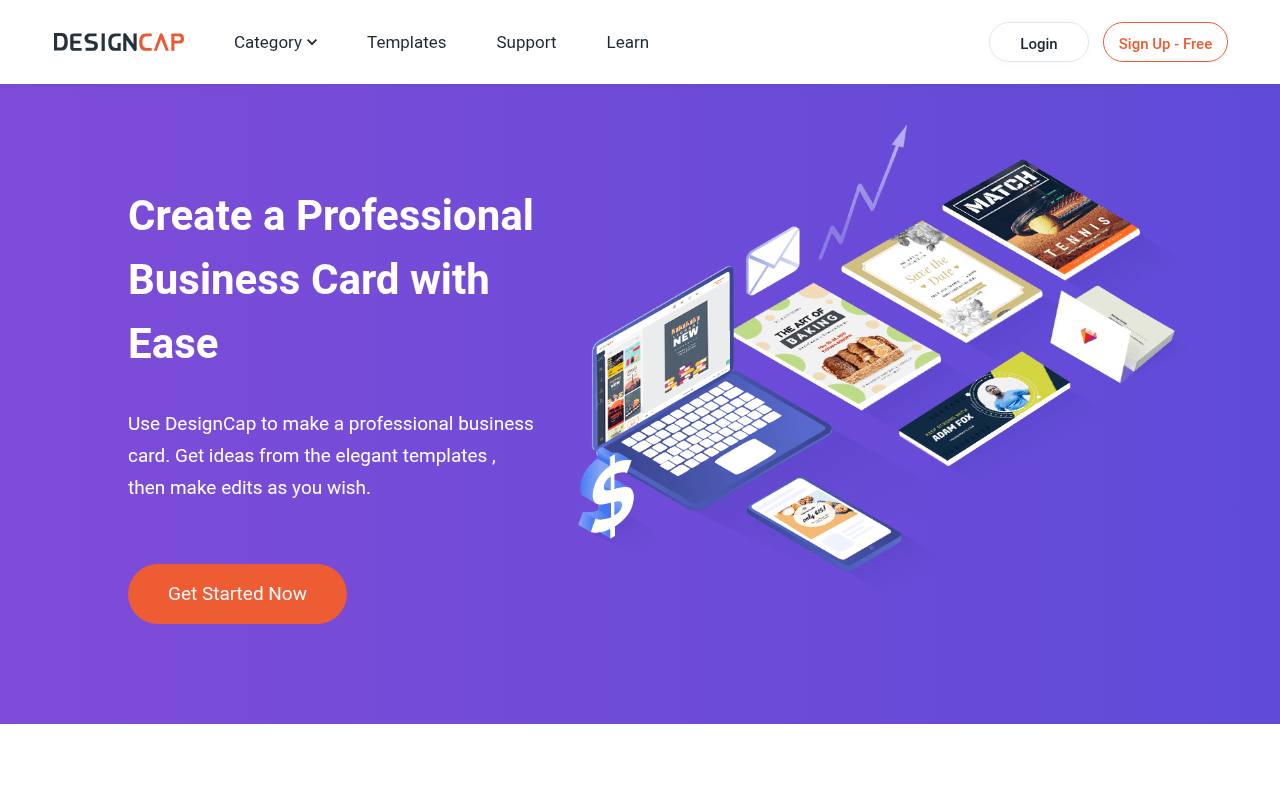
DesignCap introduces its card editor through a simple choose, customize, and export sequence. Its business card layouts can be adjusted with text, fonts, shapes, and icons, making it useful for testing the balance between your name, logo, and contact information.
The important distinction is export quality: its free tier is restricted, including low-resolution JPG downloads rather than unrestricted production files. Treat this as a free concept tool unless the available output meets your actual printing requirements. Check the current plan limits before investing time in a design intended for professional printing.
- Type
- Web app
- Best for
- Testing a card concept before production artwork
- License
- Free tier has limited templates and low-resolution JPG export
- Price
- Free + Pro
Choose the workflow before the design
Match the tool to your last step. For home printing, Avery and Vertex42 address sheet-based layouts directly. For a downloadable card built in the browser, compare Jukebox and Adobe Express.
If you already have artwork, PsPrint’s production templates are more relevant than another decorative gallery. A concept editor is enough for discussing direction, but not necessarily for supplying final artwork.
Separate free design from paid production
A free business card template usually covers access to a layout or editor, not paper, delivery, specialty finishes, or a professional print run.
Premium stock graphics can also introduce a charge inside an otherwise free tool. Test the complete download process early with a rough draft so you understand the actual cost before polishing every line of text.
Check the permissions attached to each asset
Read the template license terms and distinguish using a design for your business from reselling or redistributing its editable source. Uploaded photographs, logos, and fonts have their own permissions, regardless of where the card is assembled.
When preparing client work, keep the source link and a record of the applicable terms with the project rather than assuming that free means unrestricted.
Confirm trim size, bleed, and safe spacing
Ask your printer for the required finished card dimensions, bleed allowance, and safe text area. Bleed extends backgrounds beyond the cut edge; safe spacing keeps names and contact details away from it.
Do not add crop marks unless the printer requests or accepts them. A template sized for one printer, region, or sheet product is not automatically correct for another.
Choose an export that preserves readability
A suitable print quality PDF often preserves text and linework better than a screenshot, but the printer’s requirements come first.
If you must supply a raster image, check its pixel dimensions at final print size instead of trusting how sharp it looks on screen. Keep an editable original as well as the delivery file so a changed phone number does not require starting over.
Keep contact details easy to scan
Prioritize your name, role or service, and the primary contact method you want people to use. A small card rarely benefits from every social account or a lengthy service list.
Check contrast and avoid thin, tiny type over patterned backgrounds. Print one actual-size sample and ask someone else to read it comfortably, particularly the email address and website.
Proof a sheet before committing to a run
For printable business cards on precut stock, compare a plain-paper test against the sheet before using expensive materials. Print at the intended scale rather than automatically shrinking to fit.
Check front-to-back orientation if the card is double-sided, and inspect every contact detail independently. For commercial printing, review the supplied proof and confirm quantity, stock, finish, and delivery cost before approving production.
Can a free template look distinctive?
Yes, if you customize the business card hierarchy rather than simply replacing the name. Use your own approved logo, simplify unnecessary decoration, and adjust spacing to suit your actual text.
Consistent typography and careful alignment matter more than adding effects. Keep the final result focused on an easy introduction and a clear next step, not on demonstrating every feature in the editor.